-
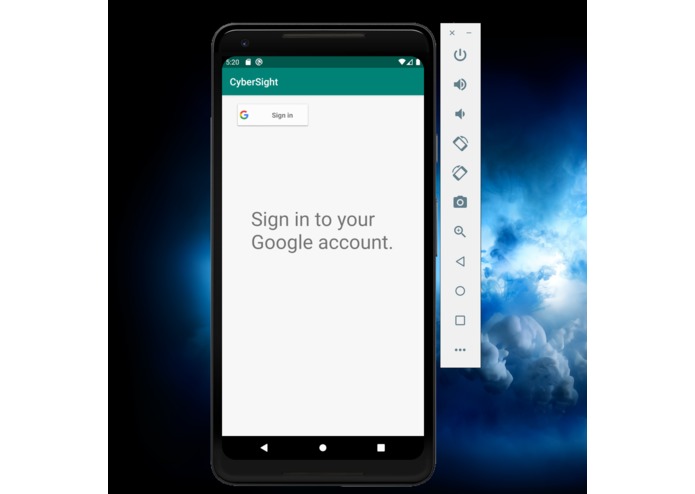
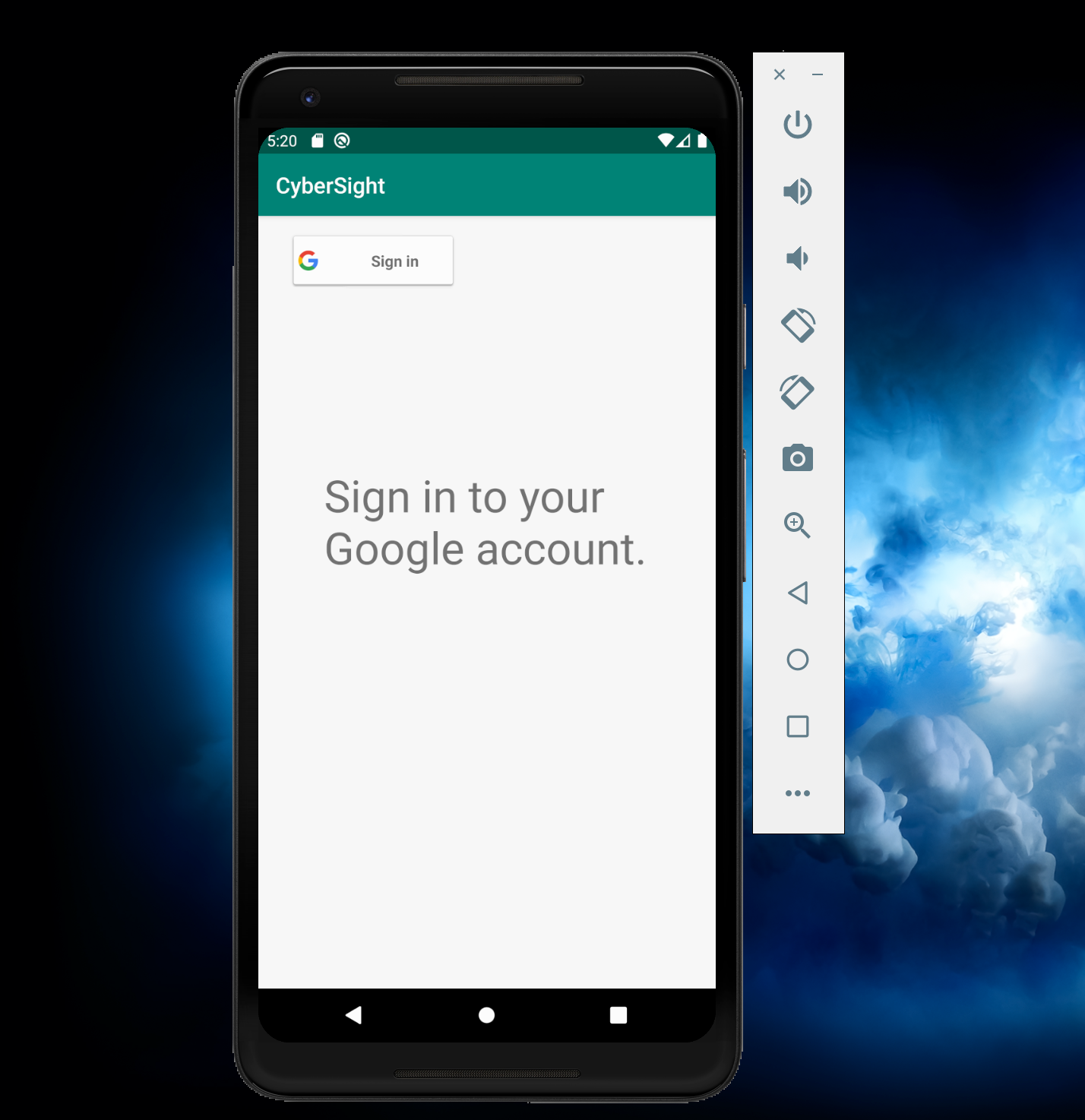
Home page.
-
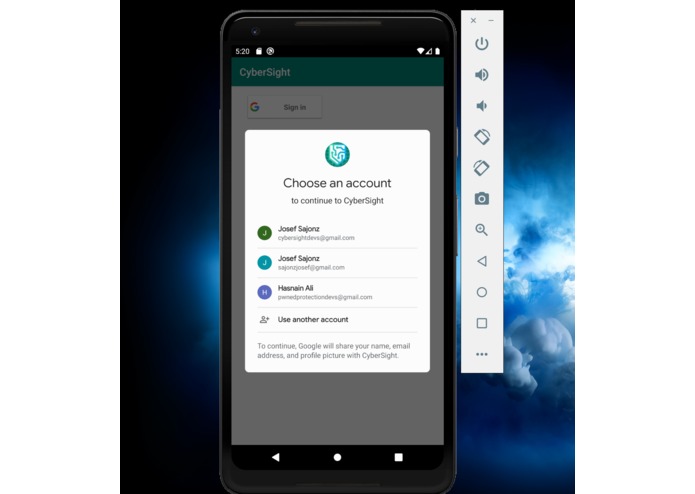
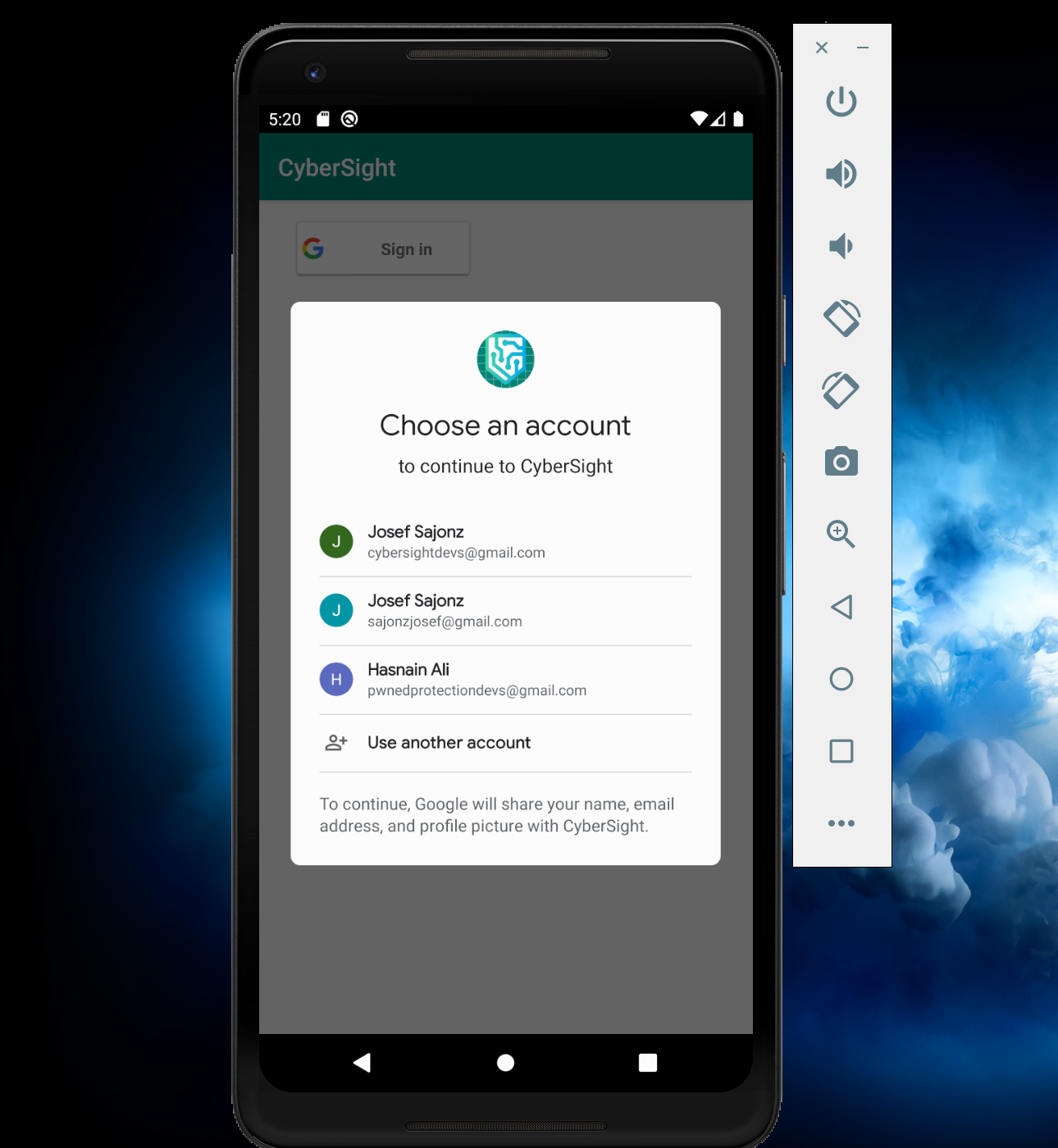
Signing into a Google Account.
-
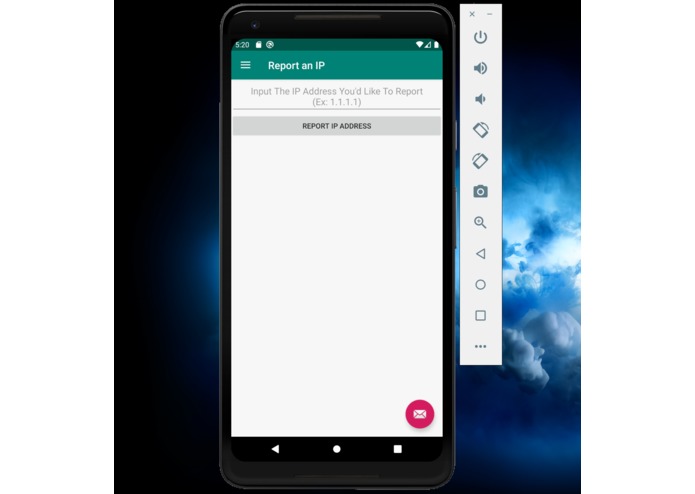
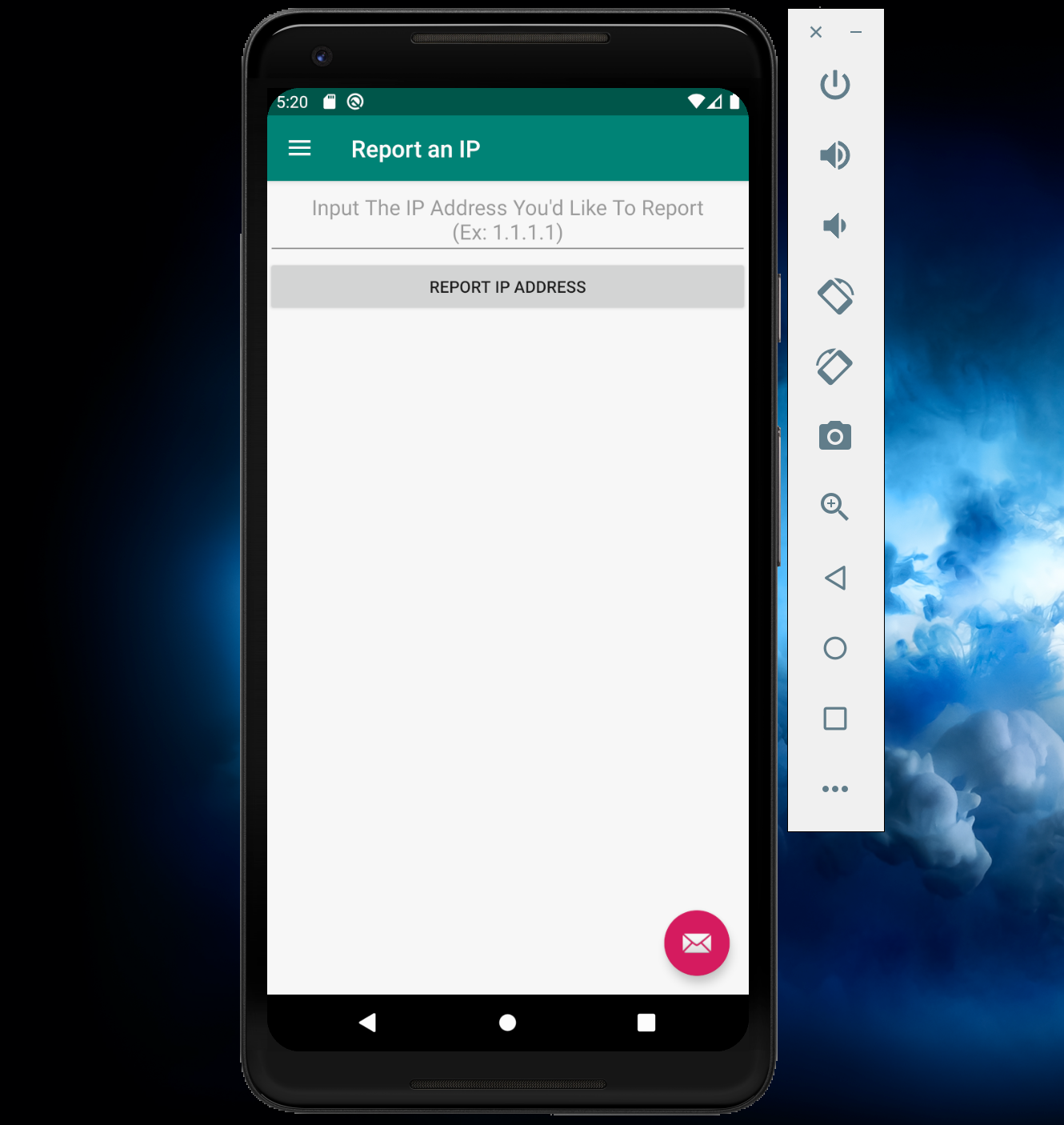
Typing in an IP address to report.
-
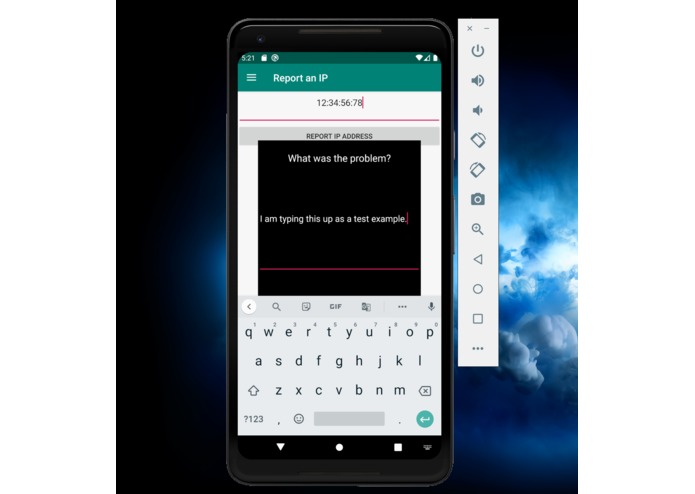
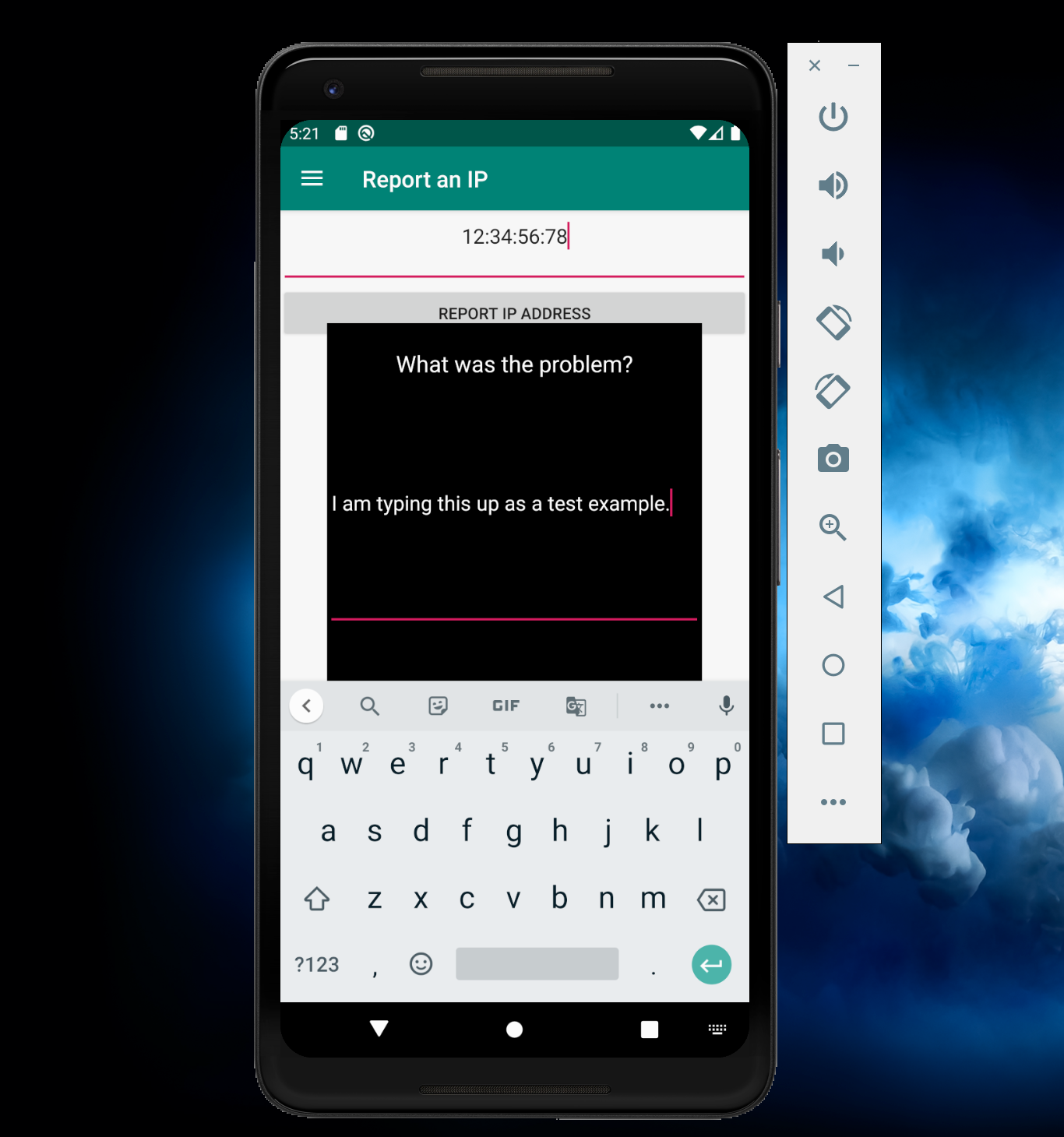
Reporting the IP address. Submitting the complaint will draft an email to the abuse email address linked with the reported IP address.
Inspiration
My teammate came up with this idea. This all started when Hasnain's Facebook account was hacked. He was in the car a few weeks ago when he got an alert on his phone that someone had attempted to sign into his Facebook account. When this happens, your head begins to spin and you begin to check everywhere you can to see if any personal data was compromised. Hasnain soon learned that the hacker did not gain any data, but he was curious as to how the hacker got his password. He did not have any known vulnerabilities, so he decided to research the IP address that was used. After searching for the IP address on www.ipfingerprints.com, Hasnain concluded based on the information that the attacker did not use a VPN and that his password was somehow leaked. According to haveIbeenpwned.com, his data had not been leaked. However, since the attacker did not use a VPN, he decided to run a WHOIS search on the IP address and found the ISP of the attacker, plus an abuse email to contact. Hasnain reported the IP to the abuseipdb database and sent an email to the abuse email listed under the IP address. This is what sparked Hasnain's idea for this hackathon: hundreds of thousands of people get hacked each day, each with a different IP address. This sparked the idea that what if we made an application for these people getting hacked in which the IP address they report will be added to the AbuseIPDP database and the user can automatically email the abuse email for that IP address detailing the events that transpired.
What it does
This application lets the user sign in to the application (currently not able to create a new account). After they link their Google Account, they will be able to report an IP address. Upon reporting an IP Address, they will be able to submit a complaint against that IP address. This will be reported to the AbuseIPDB database and an email will be sent to the abuse email listed under that IP.
How we built it
We built this application using three APIs. We used the default Google Sign-In API to get the user profile and have them sign-in to their Google Account. We used the AbuseIPDB to report the IP on to their database, and we used the WHOIS API to return the abuse email address we could contact. We returned read this data through an HTTP URL request to the JSON file. This was done Natively in Java. We stored the entire JSON as a string and searched and stored for the data we needed. We used the IP address provided by the user to report it to the AbuseIPDB database.
Challenges we ran into
We ran into many problems along the way that really took away from the amount of time we had to work. To start with, the version of Android Studio I had installed had a corrupt JDK and we did not realize until we could not find the Google Repository we required. Since everyone was on the Wi-Fi at this time, the re-download process was very slow and it took us a long time to realize this was a problem. We also ran into Grade Issues in Android since this SDK was corrupted and it failed to sync our project with the Google Sign-In. At hour 19, we decided to delete everything and begin from scratch. We had some issues linking our Google Console Project to the project we had configured in Android Studio since the SHA1 Hash and package name had been set to the previous project. After that, we got the Google Sign-In to work and we wanted to use the Google RISC API to determine if a security breach had occurred. However, since there are a lot of restrictions and legal terms to abide by using such an API, it became very complicated and time-consuming to access, we decided not to use it. At this point, it was very late, so we decided to start working with the IP Address that would be submitted. Working on the front-end of the application proved to be a little difficult, but against all odds, we got it to work.
We had got the WHOIS API to work and we got the abuse email address stored in our application as a String. We had also got the AbuseIPDP API to work, however, we had used our free trial and could not access it anymore. There is no matched database we could use, so we decided not to incorporate it since the API could not be used. However, we do have the code we would have used in a sample Java project file to show how we would have got it to work. Since we ran out of the free trial in the AbuseIPDP IP, it was out of our control. We could not use it anymore to report IP addresses.
Accomplishments that we're proud of
We are proud of syncing our projects with the Google API console. Though Hasnain has used the Google API developers console, he was really happy to see the project we made in Android Studio sync with the project we made in the Google API Console. We are proud of how hard we worked on the front-end and how we tried to make it look professional (though a lot more work is needed).
We are also proud of how the back-end syncs with the front-end. Whatever buttons we clicked to sync with Google Sign-In, or the IP APIs we used, it took a lot of tweaking, but we ultimately got all the APIs we are currently using to work and that is something we are really proud of.
What we learned
- Android Studio Front-End Development
- Android Studio Back-End Development
- Connecting APIs Google and third-party APIs to our project. We got to use data from various different companies in our project.
- HTTPS POST Requests
- Reading JSON files in Java.
- Intricacies of OOP Programming in Java
- Syncing Google API Console
- So much more.
What's next for CyberSight
We mainly want to expand the functionality of this app. We want to clean up and polish the front-end, allowing users to link their sensitives accounts to the sign-in activities of those apps. If this application can grow enough, we want to have it be the one-stop-shop for any person or company who wants an additional layer of security on their personal data. We want to use this application to help create all the tools required to protect user data. I believe that black-listing malicious IP addresses is one of the first steps we could have taken, but we want to go so much further, should we have the opportunity to do so with this application.
Built With
- abuseipdb-api
- android-gms
- android-studio
- google-openid
- google-signin
- java
- whois


Log in or sign up for Devpost to join the conversation.