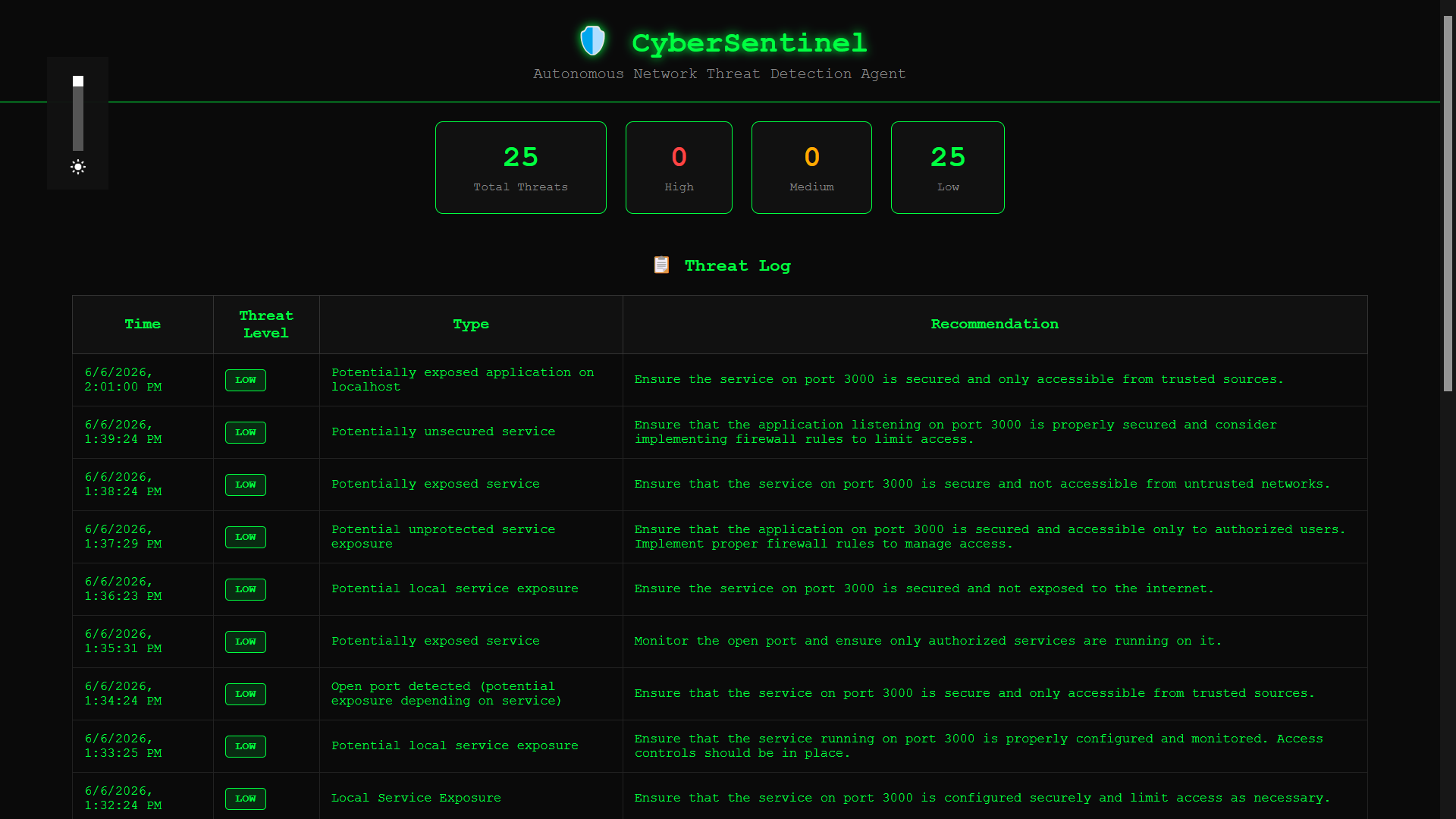
🛡️ CyberSentinel — Autonomous Network Threat Detection Agent
Inspiration
Cybersecurity threats are growing every day, yet most small organizations and individuals have no affordable way to monitor their own networks. Enterprise-grade tools cost thousands of dollars monthly, and manual monitoring is simply not realistic — attackers don't sleep, but humans do.
I was inspired to build something that could watch, think, and respond autonomously — a digital security guard that never takes a break.
What I Learned
- How autonomous AI agents work in a real-world context
- How to integrate GitHub Models API (GPT-4o-mini) into a Node.js backend
- How TCP port scanning works at a low level using Node's
netmodule - How to build a real-time dashboard that auto-refreshes threat data
- The importance of ethical hacking boundaries — only scanning systems you own or have permission to test
How I Built It
CyberSentinel is built around an autonomous agent loop:
$$\text{Scan} \rightarrow \text{Analyze} \rightarrow \text{Classify} \rightarrow \text{Log} \rightarrow \text{Repeat}$$
- Scanner — A pure Node.js TCP port scanner checks 12 critical ports every 60 seconds on the target host
- Analyzer — Scan results are sent to GPT-4o-mini via the GitHub Models API, which reasons about open ports and returns a structured threat assessment
- Responder — Threats are classified as
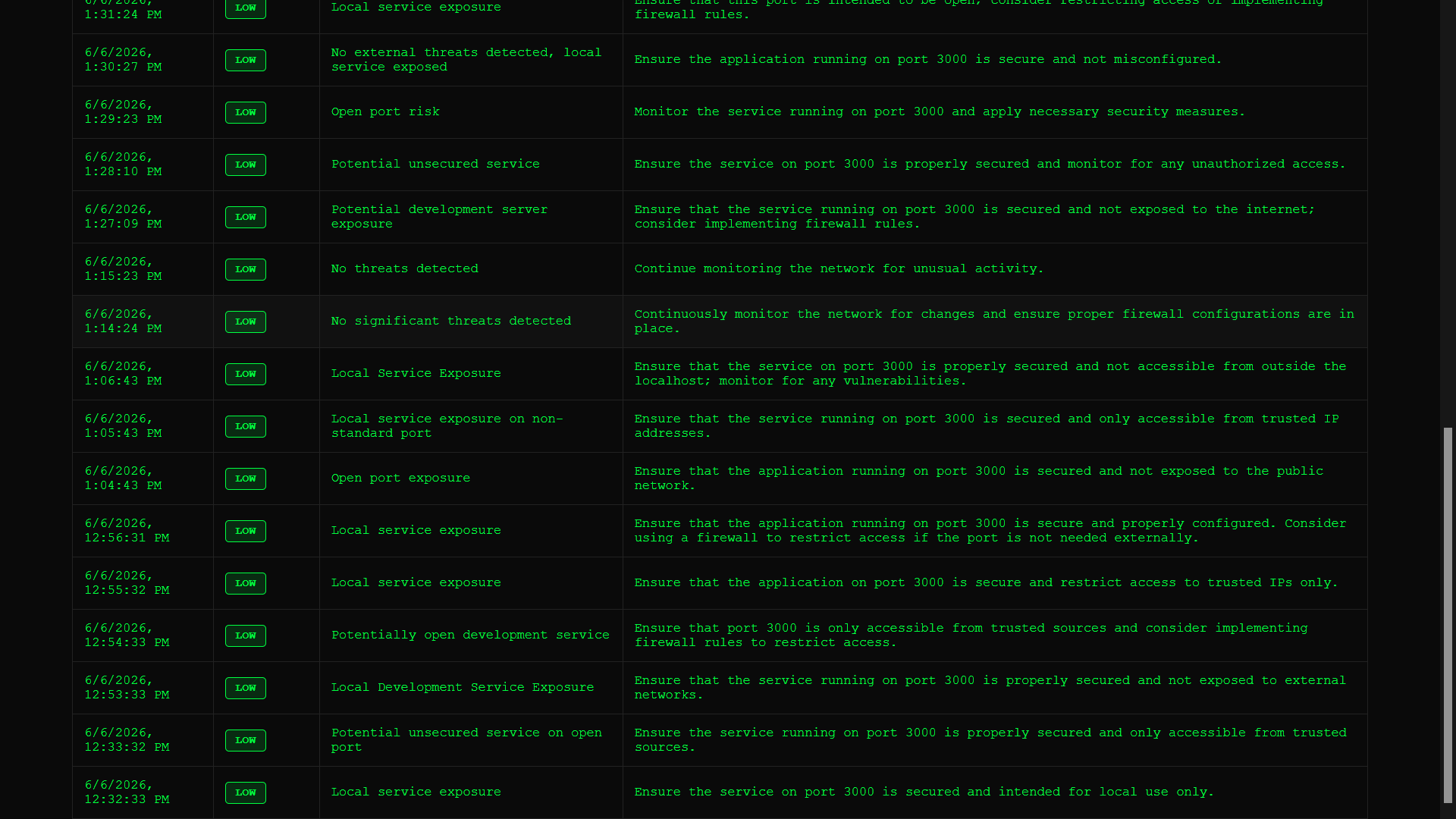
LOW,MEDIUM, orHIGHand stored in a JSON log with timestamps - Dashboard — A live HTML/CSS/JS dashboard displays all threats in real-time, auto-refreshing every 10 seconds
The entire system runs with a single command:
node server.js
Challenges I Faced
- nmap not available on Windows — I replaced it with a pure Node.js TCP socket scanner that works cross-platform
- GitHub Models API authentication — Fine-grained tokens don't support the Models API; classic PATs are required
- Getting structured AI responses — Prompting GPT-4o-mini to return consistent JSON required careful system prompt engineering
- Building fast under time pressure — The entire project was built in under 30 minutes during a live hackathon session
Built With
- css
- dotenv
- express.js
- github-models-api
- gpt-4o-mini
- html
- javascript
- node.js


Log in or sign up for Devpost to join the conversation.