Inspiration
Most people have no idea how weak their passwords actually are. They see a green bar and assume they're safe. I wanted to build a tool that showed the actual math — real entropy calculation, crack-time estimation, breach pattern detection — in a way that was visual, immediate, and genuinely educational. CyberGuard remains one of my most-used personal tools.
What It Does
CyberGuard is a fully client-side password security web application with zero data transmission:
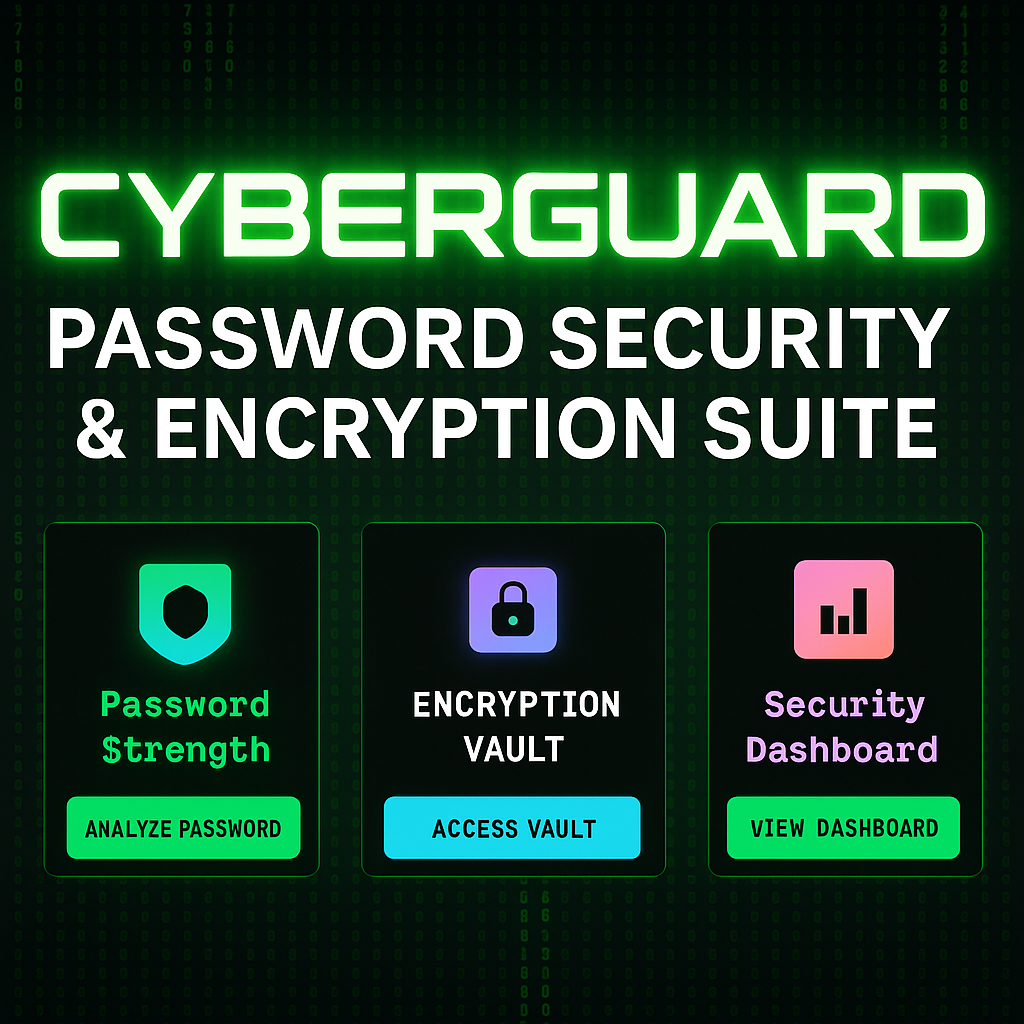
- Real-Time Strength Analyzer — Live entropy calculation (bits), visual strength meters, and crack-time estimation (seconds to centuries). Shows why a password is weak, not just that it is.
- 5,000+ Weak Pattern Blacklist — Detects leaked password patterns, keyboard walks (qwerty, 123456), common substitutions (p@ssw0rd), and dictionary variants.
- Smart Password Suggestions — Automatically suggests stronger variants of weak passwords, preserving memorability while adding entropy through system-safe symbols and structure changes.
- Interactive Radar Chart — Multi-axis strength visualization showing Length, Complexity, Uniqueness, Entropy, and Breach Risk as a radar chart — making security posture visual at a glance.
- AES-256 Encrypted Local Vault — Military-grade AES-256 + Base64 + custom XOR logic encrypts and stores password history locally in the browser. Zero server transmission, ever.
- Security Dashboard — Matrix-themed cyberpunk interface tracking security posture over time with timeline visualization and data export.
How I Built It
Built entirely in vanilla JavaScript with the Web Crypto API for AES-256 encryption. No frameworks — pure JS, HTML, and CSS for maximum performance and zero dependency risk. The entropy calculator implements Shannon entropy formula against the actual character set used. The radar chart is built with Canvas API for smooth, animated rendering. The vault encryption uses a user-supplied master key with PBKDF2 key derivation before AES-GCM encryption, so even if the stored data is extracted, it's useless without the key.
Challenges I Ran Into
- Implementing AES-256 correctly using the Web Crypto API (an async, promise-based API) while keeping the UI responsive required careful async/await architecture throughout the vault module.
- The password suggestion engine needed to be smart enough to meaningfully improve weak passwords (not just append "!1") while keeping the result memorable — balancing security improvement with usability.
- Getting the radar chart to animate smoothly on password input without jank required debouncing the entropy calculation and separating the rendering loop from the input handler.
What I Learned
How to implement real cryptography correctly in a browser environment (not just use a crypto library blindly), and how to make security concepts visual and intuitive for non-technical users without dumbing them down.
What's Next
- Firefox and Chrome extension for inline password strength checking on any login form
- Have I Been Pwned API integration for real-time breach check
- Password generator with customizable entropy targets
- Import/export vault to encrypted file for backup
Built With
- base64
- canvas-api
- css
- html
- javascript
- pbkdf2
- sha-256
- web-crypto-api-(aes-256)


Log in or sign up for Devpost to join the conversation.