-
-
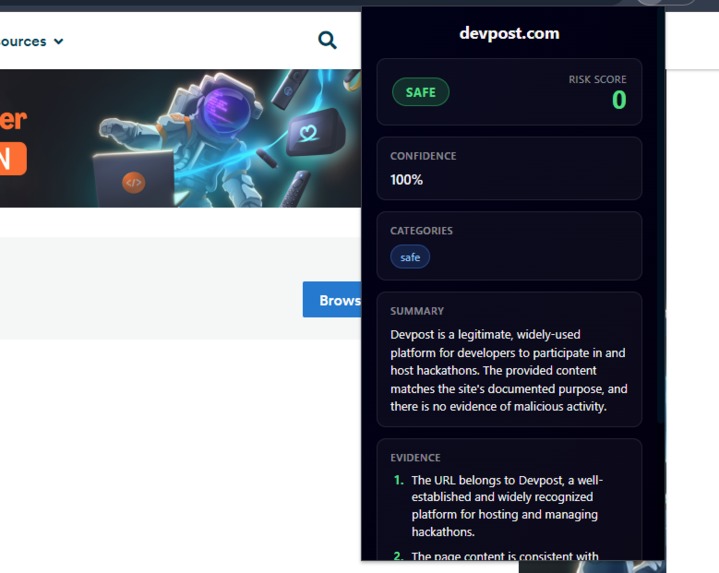
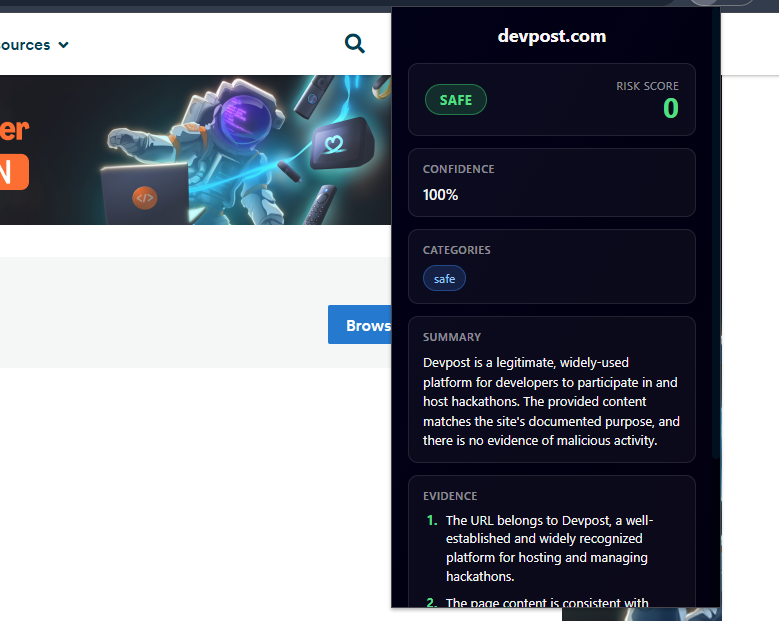
CyberSentinel classifying Devpost.com as a safe website
-
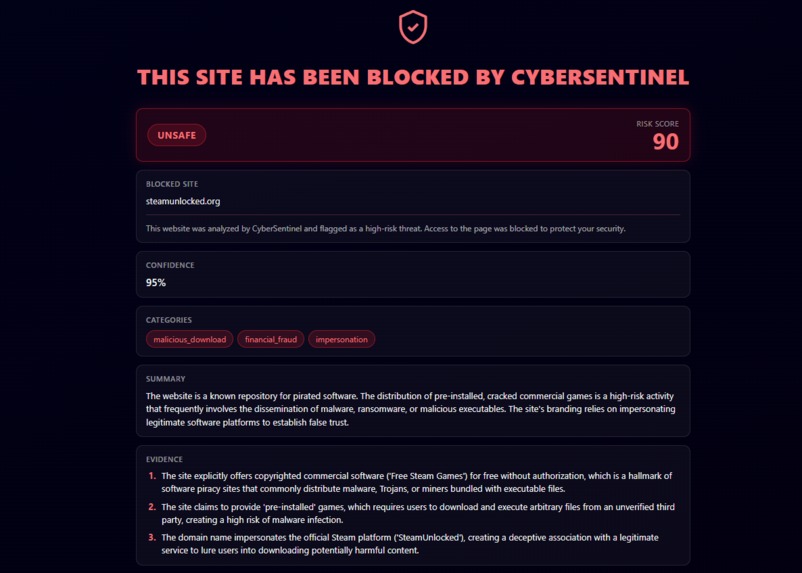
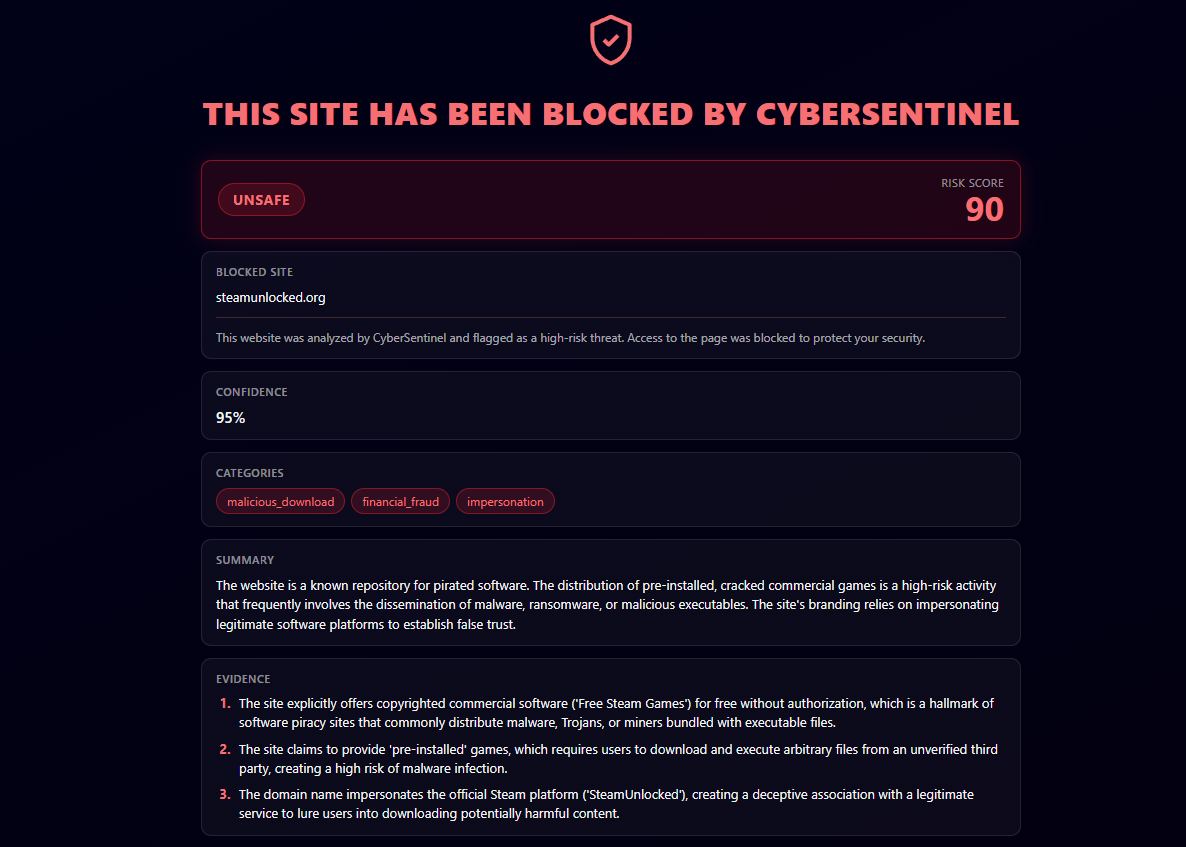
CyberSentinel is blocking steamunlocked.org, a known distributor of pirated games
-
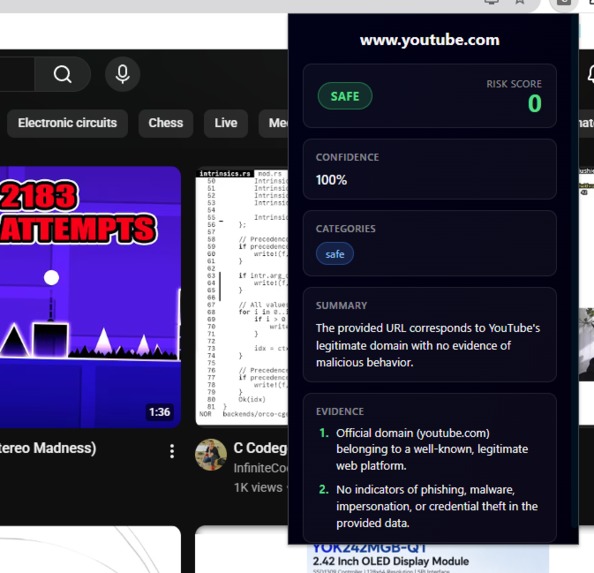
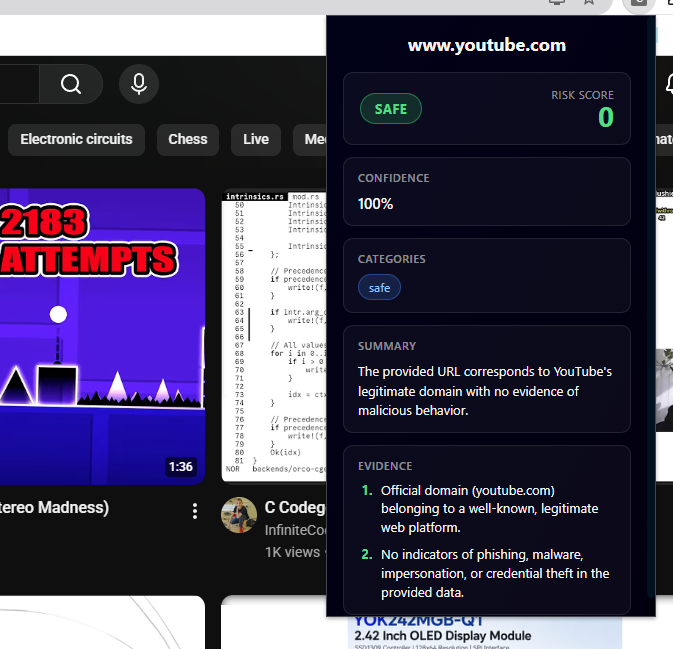
CyberSentinel classifying YouTube.com as a safe website
-
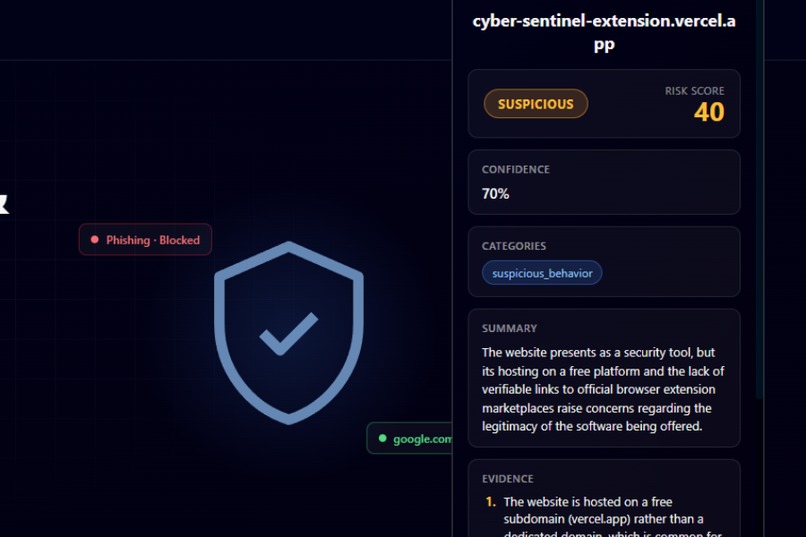
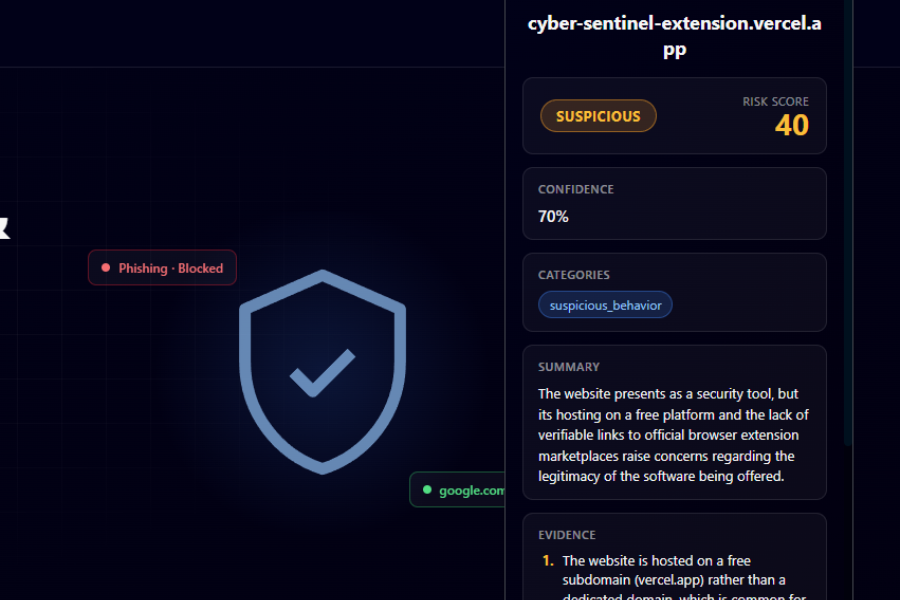
CyberSentinel classifying it's own website as suspicous (fair enough, it has good points lol)
Inspiration
Millions of kids around the world fall for scams promising “free Robux,” “free Discord Nitro,” or other rewards that seem too good to be true. At the same time, millions of elderly people are targeted by convincing scams and social engineering attacks, tricking them into sharing passwords, credit card information, or other sensitive data on seemingly official sites.
The problem is that these scams are becoming increasingly convincing, while many people have no easy way to tell whether a website is trustworthy.
What it does
CyberSentinel's goal is to make the web safer and easier to navigate for everyone. By analyzing websites in real time, the extension can identify potential threats and explain the warning signs in a way that anyone can understand. Rather than expecting users to recognize every scam on their own, it provides an extra layer of protection: helping people identify threats before they become victims.
Every time you open a webpage, its URL, title, and text content are sent to a Supabase Edge Function. The function first checks whether the website has already been analyzed recently. If a recent analysis exists, it can be reused instead of running another AI request.
If the website has not been analyzed recently, the information is sent to a Gemini model. The model analyzes the page for potential scams, phishing attempts, social engineering, and other suspicious characteristics, then classifies it as Safe, Suspicious, or Unsafe.
If the website is considered especially unsafe, CyberSentinel will redirect you to a BLOCKED page, helping make sure you don't fall victim to advanced scams or phishing attempts.
Along with the classification, the model provides additional context such as a risk score, supporting evidence, and a short summary explaining its decision. This information is then returned to the extension and presented to the user, giving them a clear warning and an understandable explanation of what makes the website potentially dangerous.
How I built it
CyberSentinel's extension was built using HTML, CSS and JavaScript. For the backend, I used Supabase to speed up development. I coded a Supabase Edge Function to make AI calls and give the extension its functionality. Its website was also built from scratch using HTML, CSS, and JavaScript, providing a simple way to download the project, explain how it works, and showcase its purpose.
AI Tools I used during the project: I used OpenCode for debugging and sketching out UI. I also used Gemini while trying to refine and test the analysis prompt, experimenting with different instructions and structures to make the model’s classifications more consistent and its explanations more useful.
Challenges I ran into
One of the biggest challenges and time-sinks I ran into was configuring Google sign-in and sign-up for the extension. To make the user experience better, I decided to add an option to sign in with Google, not knowing I would spend 2 hours banging my head against the wall because of stupid errors.
Accomplishments that I'm proud of
Seeing real information about the webpage I'm accessing, and getting redirected from, for example, "steamunlocked.org", a pirated-game hosting site, was surprisingly cool. Seeing my idea actually work, and be functionally usable, was actually crazy.
What I learned
I learned a lot about just how hard it is to actually ship something that actually works. From how to make a backend and not put my API keys in the frontend, to perfecting the prompt so the AI model gives the highest accuracy possible answers, to even using Git! (Yeah, I never used Git before, lol :p)
What's next for Cyber Sentinel
This was a really fun project to make, and I think there might be a real future to this small Chrome extension. Of course, this was my first hackathon submission, so it's not a great project. But, if, by some miracle, it gets a positive response, I'd really like to expand on this idea sometime!
Built With
- css3
- html5
- javascript
- supabase
- typescript
- vite

Log in or sign up for Devpost to join the conversation.