-
-
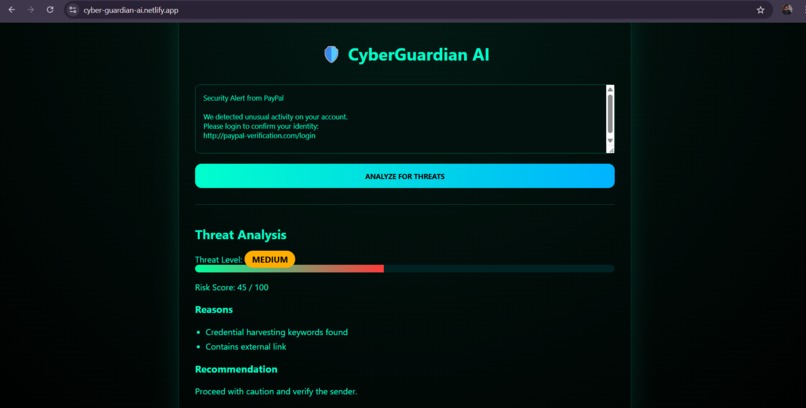
results
-
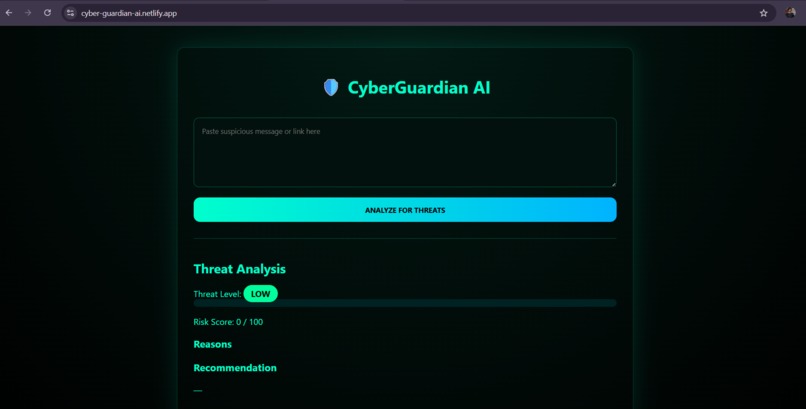
page
Inspiration
The idea for CyberGuardian AI wasn’t born in a lab, but at a dinner table. I watched a family member hesitate to open a legitimate government email out of fear, while almost clicking a “Package Delivery” scam link minutes later. This contrast highlighted a core problem: users don’t just need warnings — they need clear explanations. CyberGuardian AI was built as a human-centric security layer that educates users while protecting them.
How We Built It
CyberGuardian AI is architected as an explainable AI–driven security system, designed around Gemini 3 Flash, chosen for its fast inference and support for multimodal reasoning in production environments.
Presentation (Input) Layer:
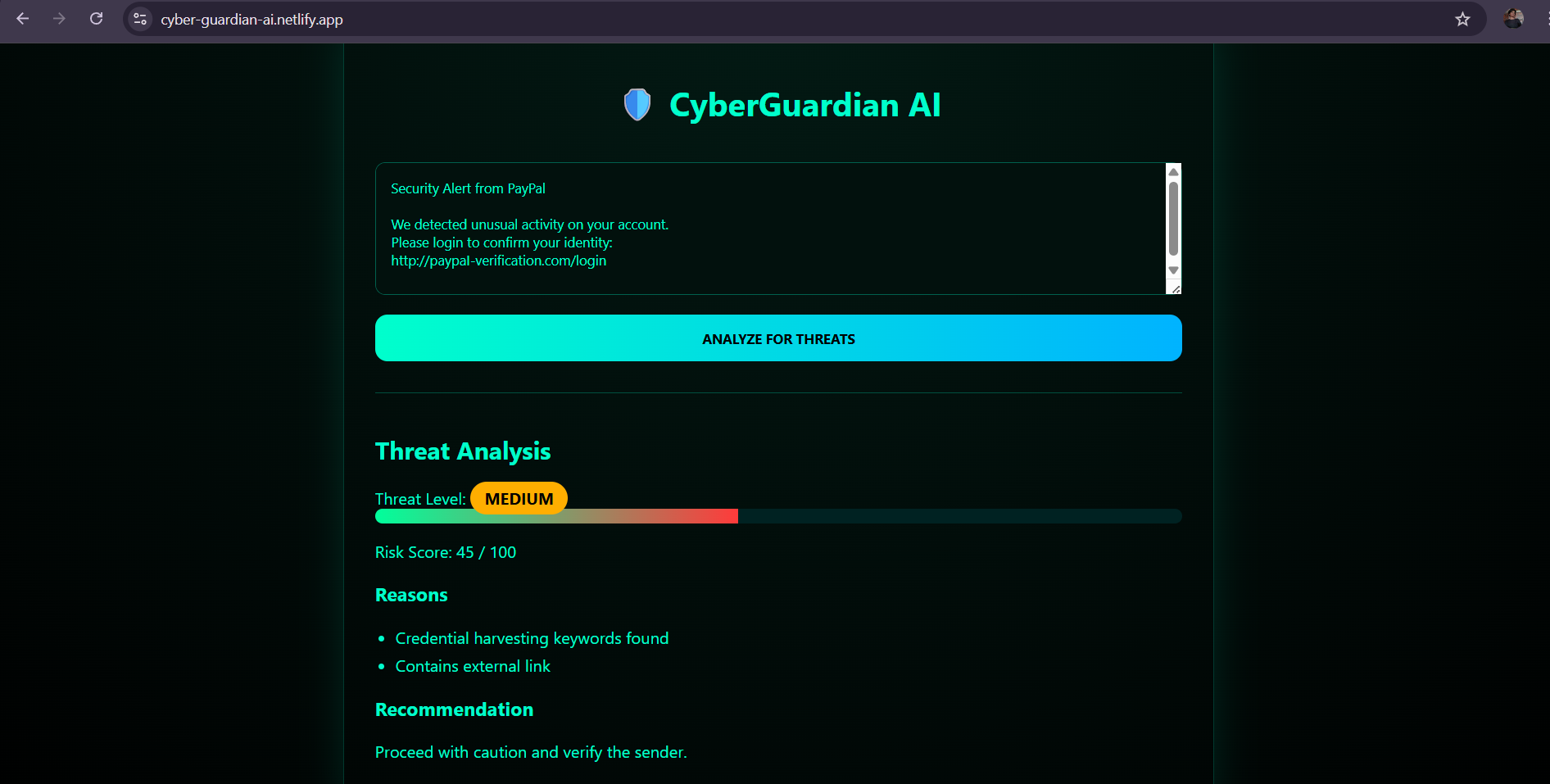
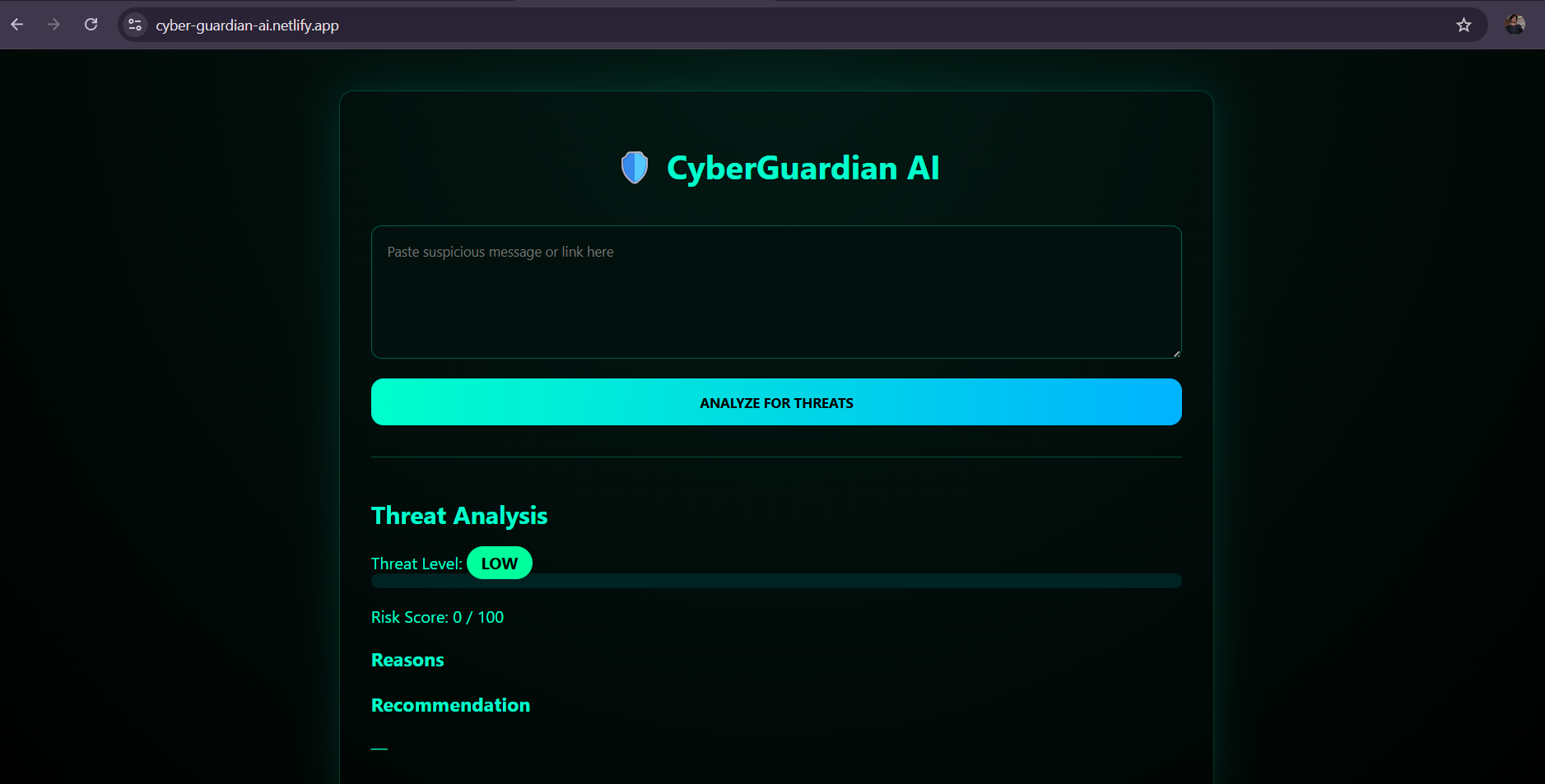
I built a lightweight web interface that allows users to paste suspicious messages for analysis. While the overall system design supports screenshot uploads, URLs, and forwarded emails, the public demo focuses on text input to ensure stability during live judging.
API Layer:
A FastAPI backend acts as a secure gateway between the frontend and the AI reasoning engine. This layer handles request validation, orchestration, and response formatting.
AI Reasoning Layer (Gemini 3 Flash):
In the intended production workflow, Gemini 3 Flash analyzes linguistic and visual phishing cues to identify manipulation tactics and generate explainable risk assessments. Its speed and large context window make it well-suited for near-real-time security analysis.
Explainability Logic:
I designed a structured reasoning prompt that prioritizes explainability over simple classification. Instead of only flagging a threat, the system generates a risk score and a human-readable narrative explaining the attacker’s strategy.
Demo Note
Due to Gemini API quota limits during live judging, the public demo runs in a simulation mode that mirrors the intended AI output. The full Gemini integration is implemented and tested locally.
What I Learned:
This project pushed me deep into Explainable AI (XAI) in a security context. I learned that in cybersecurity, a binary “safe/unsafe” signal is insufficient — users need context and reasoning to build long-term awareness. I also learned how prompt structure and constrained outputs can significantly reduce hallucinations, which is critical when dealing with security-sensitive decisions.
Challenges I Faced:
Balancing Demo Stability vs. Real AI Integration While Gemini 3 Flash is central to the architecture, API quota limitations required me to design a simulation mode that preserves the reasoning flow without live inference. This taught me how to separate architecture design from runtime constraints.
Explainability Without Over-Alarmism Security tools often induce panic. I had to carefully tune the AI’s tone so explanations were informative and calm, avoiding fear-based responses while still conveying risk.
Designing for Multimodality Before Full Deployment Even though the demo focuses on text input, the backend and prompt logic were designed with screenshots and visual spoofing in mind, including homoglyph detection and layout-based cues. This required forward-thinking prompt design rather than demo-only logic.
What’s Next:
CyberGuardian AI is just the beginning. Future work includes: A browser extension for real-time phishing detection Screenshot-based visual spoofing analysis using Gemini’s vision capabilities Integration with external threat intelligence APIs A mobile overlay that provides on-screen safety ratings
Built With
- css
- fastapi
- gemini-3-flash
- html
- javascript
- netlify
- python
- restapi


Log in or sign up for Devpost to join the conversation.