-
-
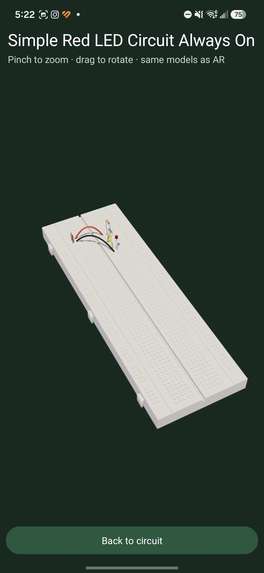
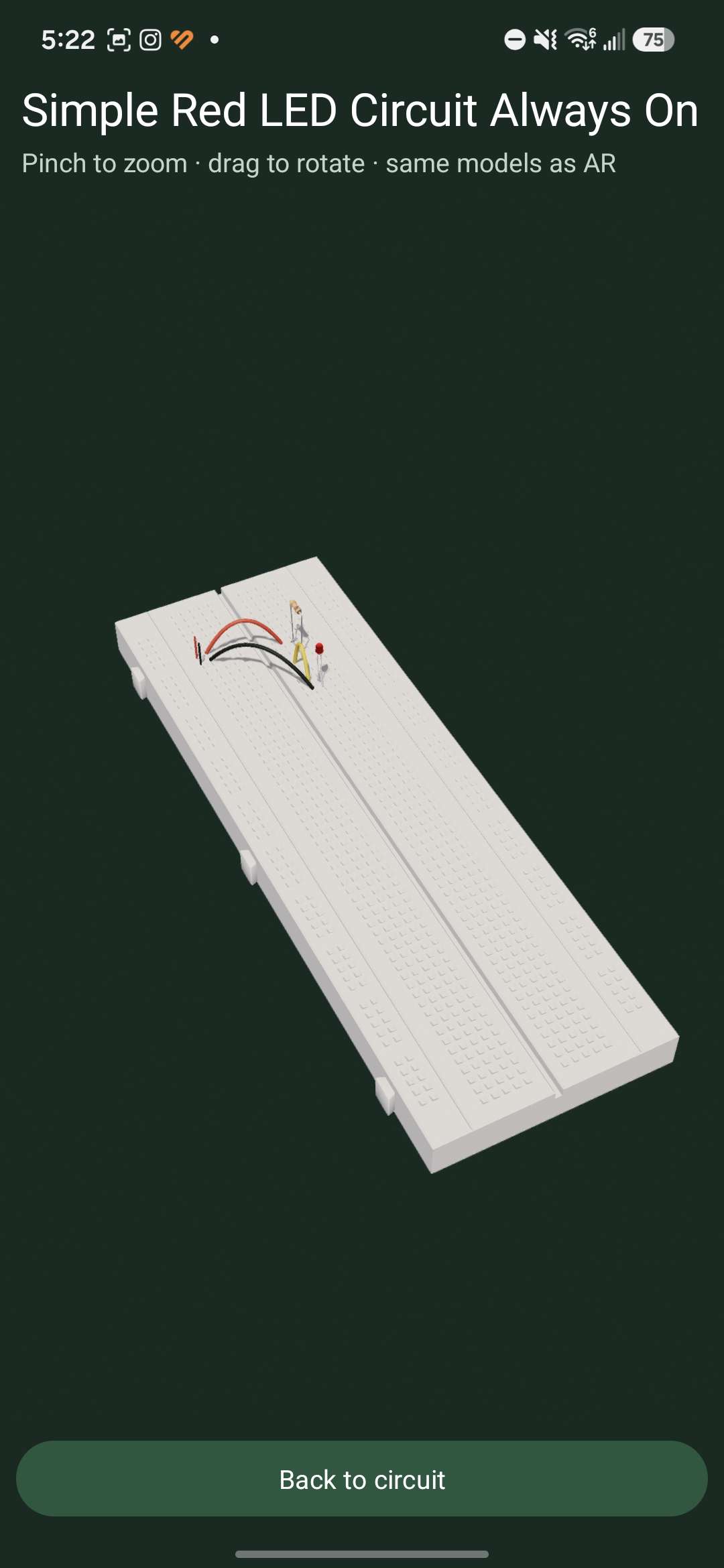
3D rendered from 2D schematic
-
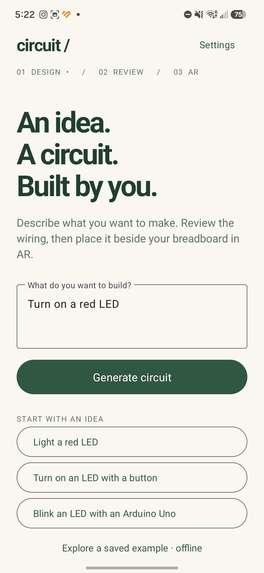
Circuit Builder Page
-
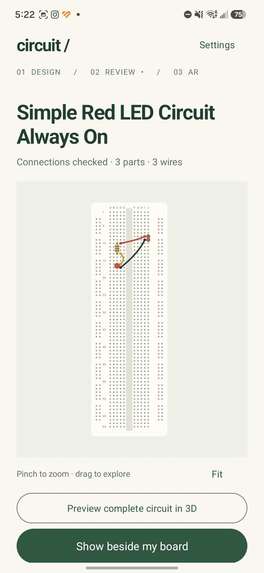
2D Schematic
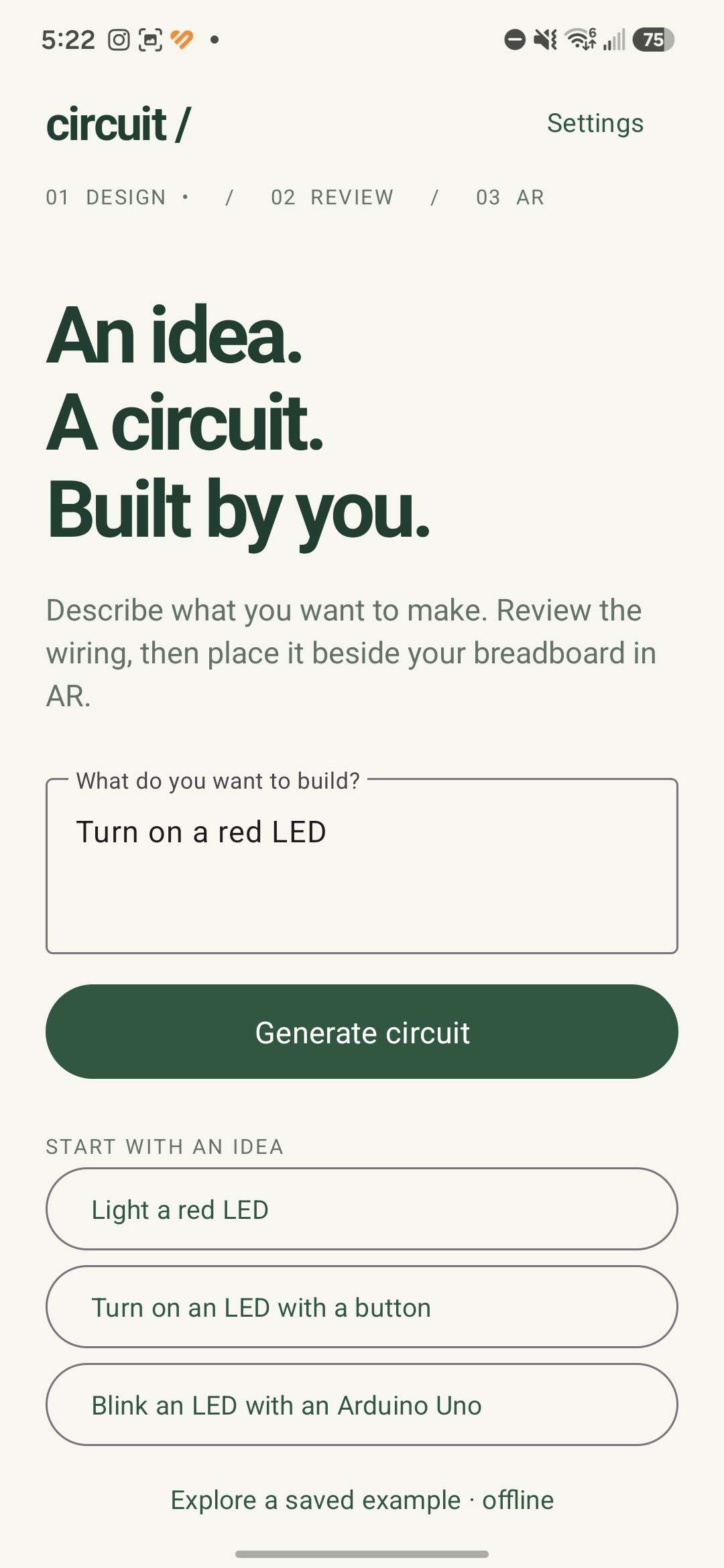
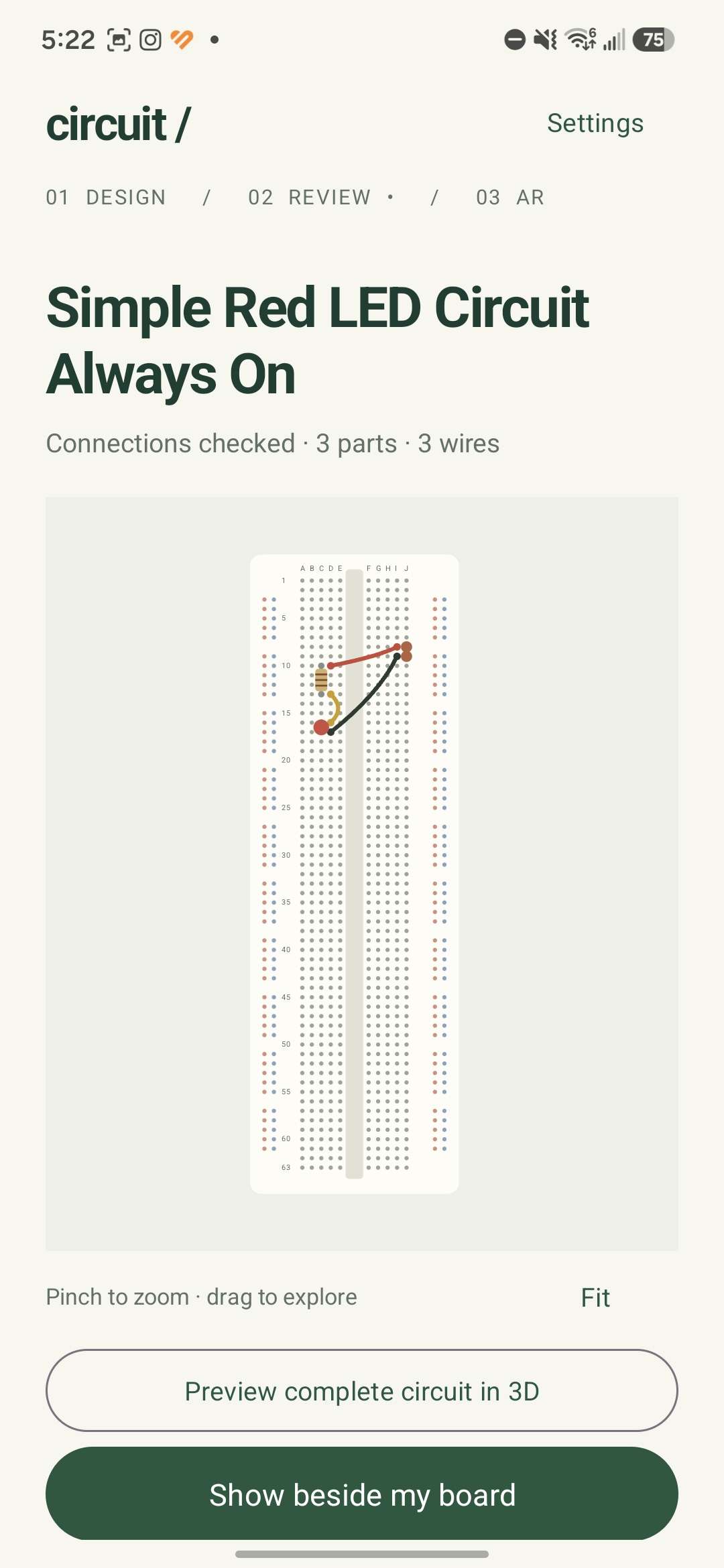
Out Hack the North project is an Android application that helps the user wire up a breadboard given their prompt and their scanned breadboard. This app is especially useful for young students who want to explore electronics as a potential career path, as well as for those who want more hands-on experience with breadboard wiring.
What it does
The app allows users to prompt a circuit of any sort and allows them to scan their own breadboard. This way, the application creates a personalized and custom wiring of the prompted circuit onto the user's scanned breadboard. Additionally, the app attempts to minimize components and wire-crossing as much as possible; it simplifies circuits to help people visualize and further understand circuitry.
How we built it
We first coded 3D images of breadboards and electronic components on Unity, mapping holes and position coordinates for each component to ensure that no component seems misplaced within the circuit. We simultaneously created an Android app that gathered input information about the user's breadboard and prompt. We then combined photos taken of a real breadboard with its rendered 3D Unity images on the Android application to allow the application to be at its full functionality.
Challenges we ran into
We ran into multiple challenges: we had issues rendering 3D files of electronic components onto Unity. Additionally, we also had issues when rendering a scanned copy of the breadboard right after the user had scanned their breadboard; the rendered photo lacked the required 3D components as per the user prompt. After several hours of debugging, we finally got that issue resolved.
Accomplishments that we're proud of
We are proud of being able to scan the breadboard and eventually fix components upon the CAD models of each electronic component within their proper positions. We are also extremely proud of using debugging and critical thinking skills to help recorrect the scanning sequence for the breadboard.
What we learned
We learned a lot about building with Unity and AR, especially how to take circuit data and turn it into accurately positioned 3D components in the real world. We worked through challenges like anchoring virtual components to a physical breadboard, aligning pins and models correctly, and passing structured circuit data into Unity so the AR experience could render and guide the build reliably. It gave us a much better understanding of spatial computing, 3D coordinate systems, and how AR can make hands-on electronics more intuitive.
What's next for CXR
We want to implement more complex circuits within the application. This way, we can have customers further explore electronics to a a greater extent. We also want to implement descriptions that highlight the purpose of each component within the circuit, as well as what each circuit is supposed to do according to the user's prompt.


Log in or sign up for Devpost to join the conversation.