Cutline
A local-first, agent-native video editor where people and WebMCP agents collaborate on the same versioned timeline.
Inspiration
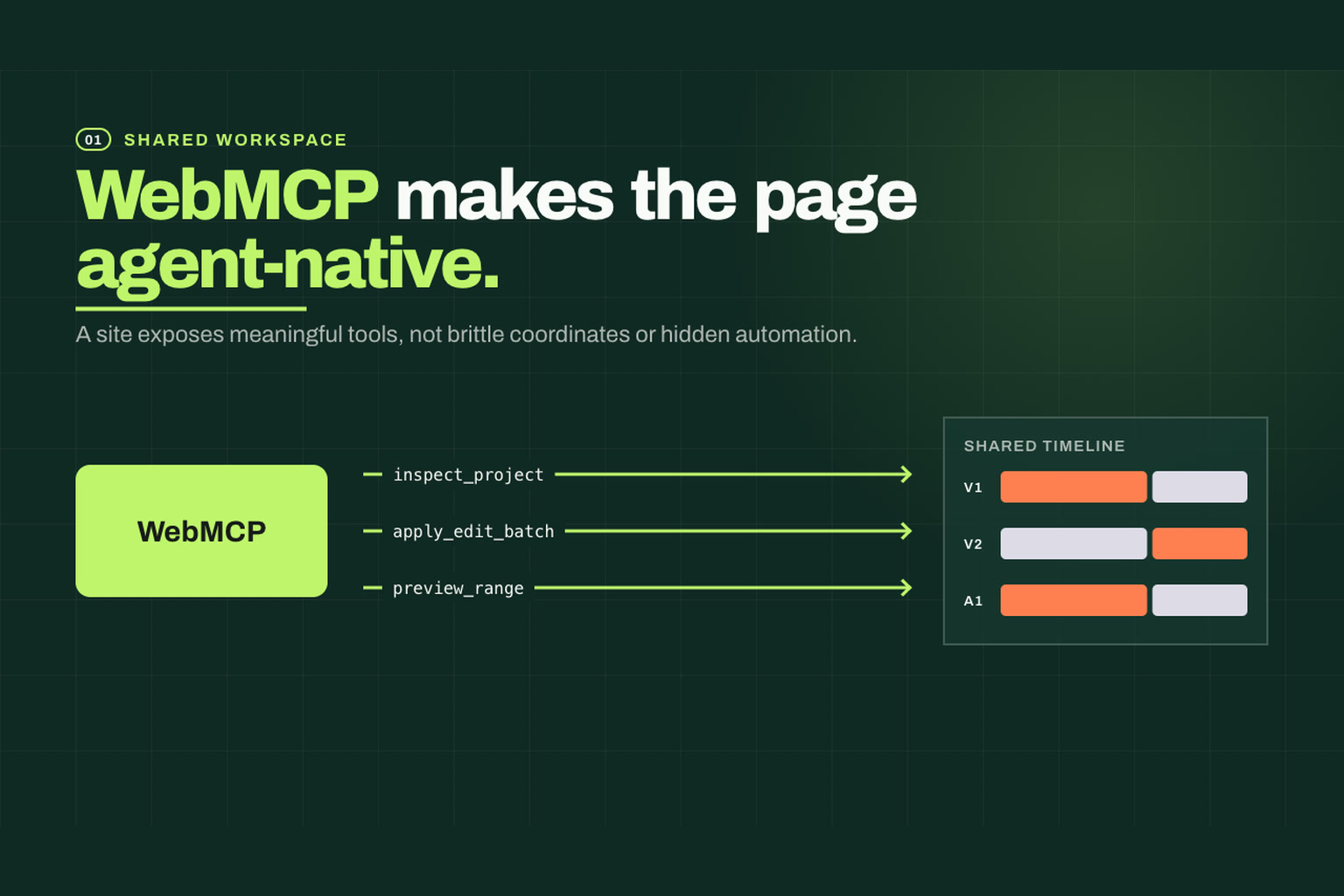
Most AI-assisted creative tools place an agent beside the application, but the agent often interacts through fragile screen coordinates or hidden automation. I wanted to explore a different approach. What if the editor itself exposed meaningful, safe editing actions that both people and agents could use?
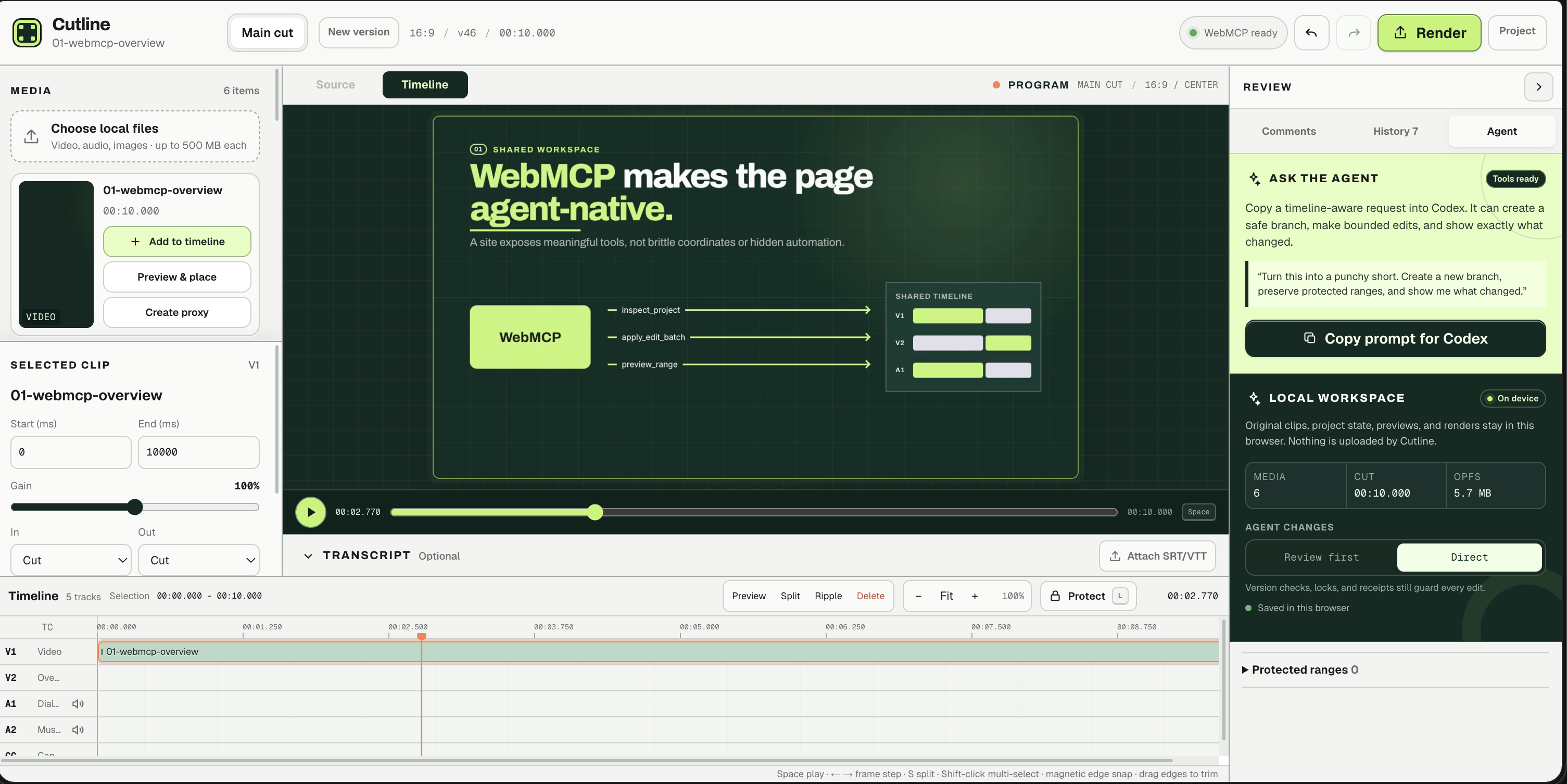
So I have built Cutline, a local-first video editor built around WebMCP. A person can edit clips directly while an agent can inspect the same project, propose changes, create alternate cuts, and preview the result. Both work against one shared, versioned timeline.
What it does
Cutline is an in-browser video editor with:
- 36 semantic WebMCP tools for inspecting and editing the project
- Local video, audio, image, SVG, and subtitle imports
- A multi-track timeline with trimming, splitting, moving, linking, transitions, fades, and gain controls
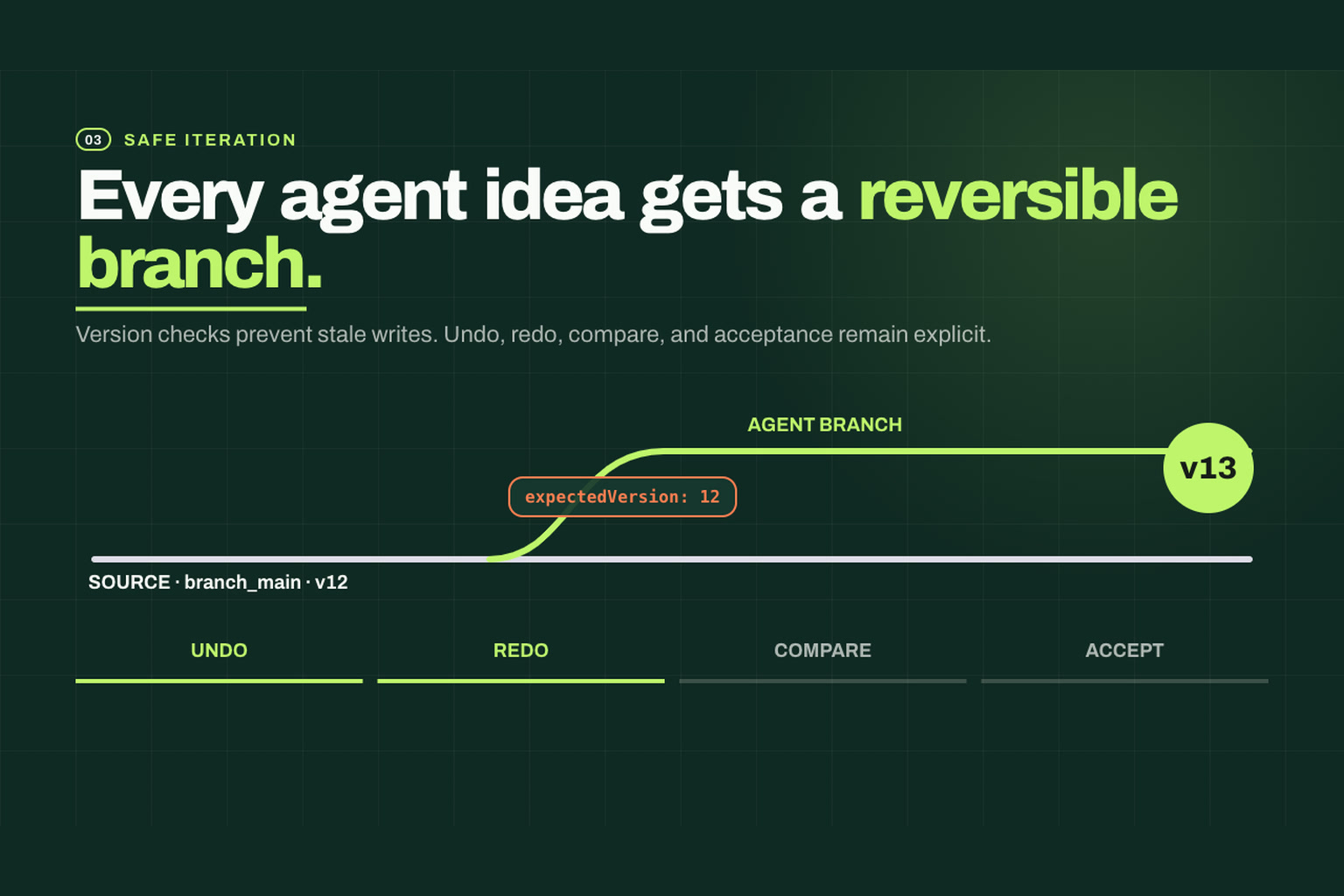
- Reversible editing branches for exploring alternate cuts
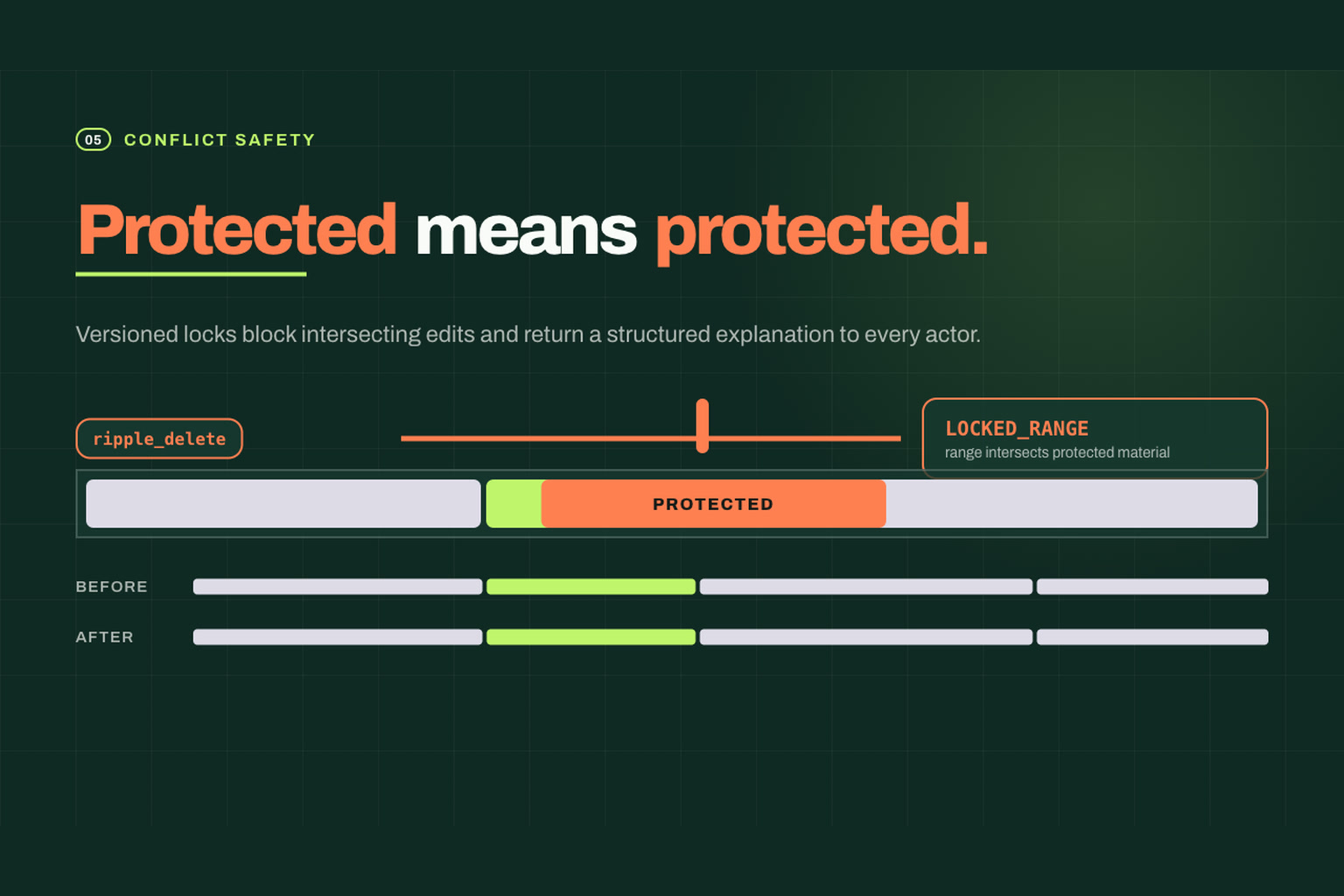
- Protected timeline ranges that prevent accidental changes
- Comments, edit history, undo, redo, and visual verification
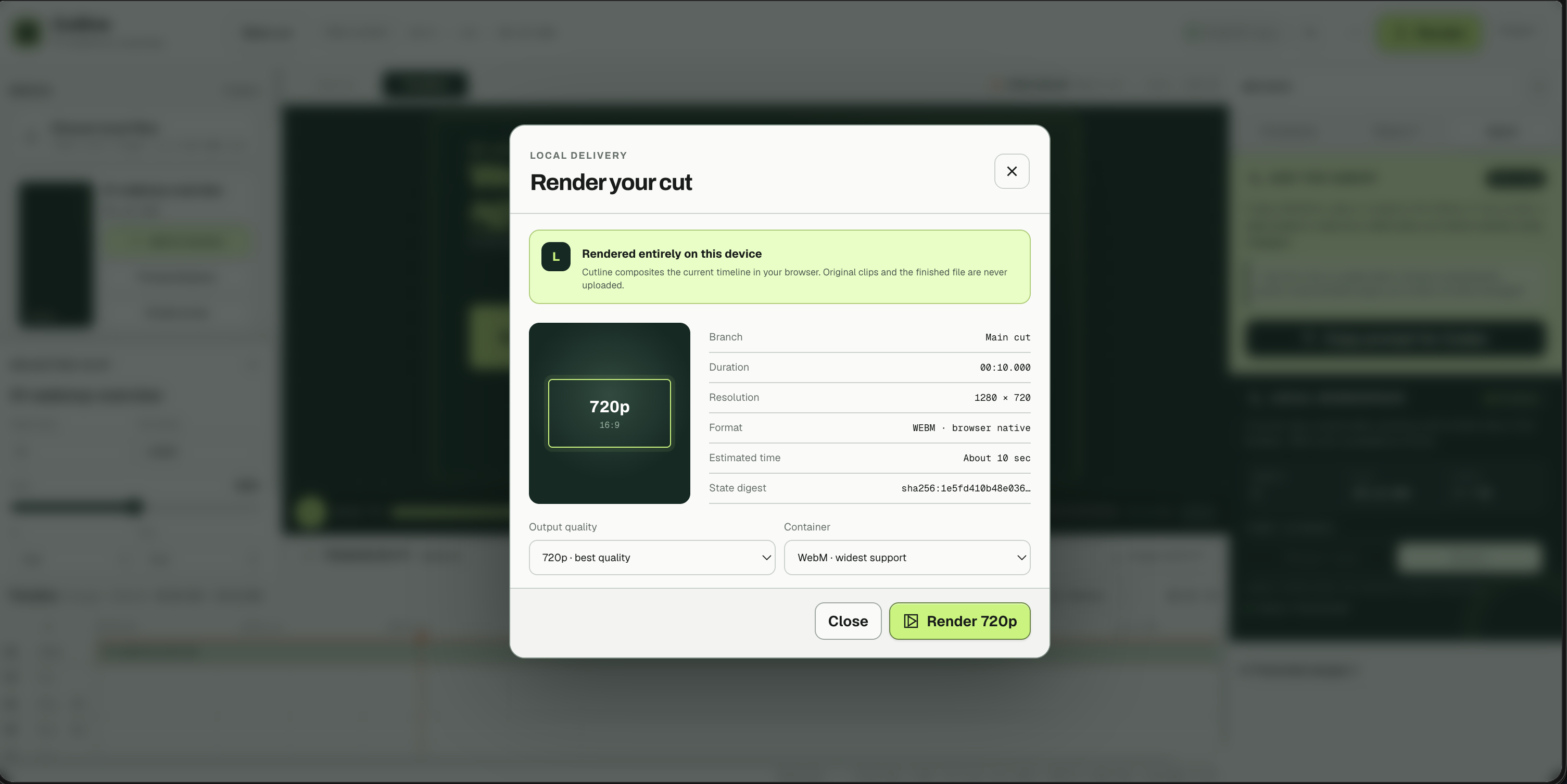
- Local WebM and capability-gated MP4 rendering
- Project persistence through IndexedDB and OPFS
- Portable
.cutlineproject bundles
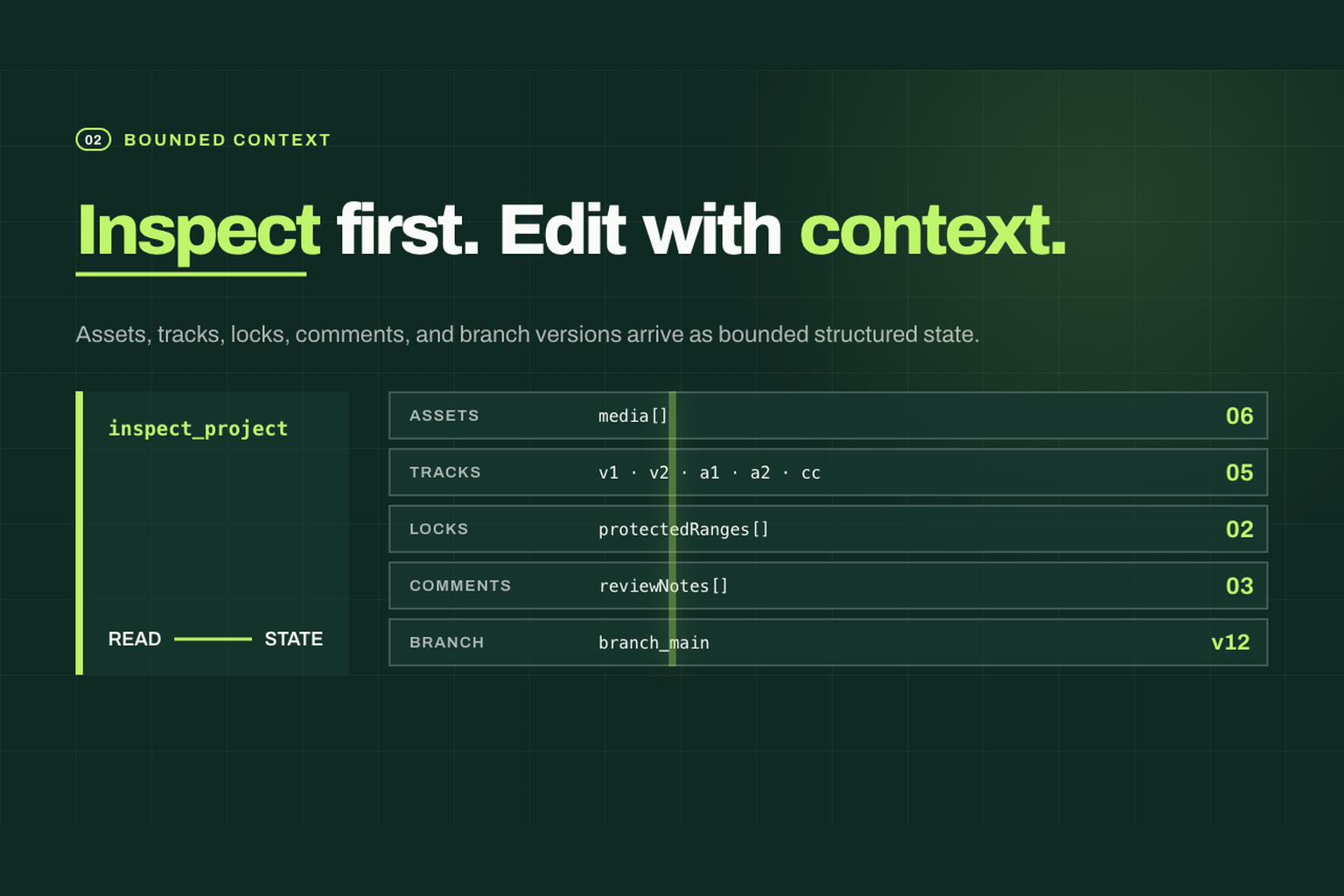
Media remains on the user's device during the normal workflow. The agent operates on structured editing concepts such as clips, tracks, ranges, branches, and transitions instead of trying to click arbitrary coordinates.
How it's built
Cutline uses Next.js 16, React 19, and TypeScript. A Zustand store holds the current editor state, while an Immer-based reducer acts as the single editing engine.
Both UI interactions and WebMCP tools create typed commands and send them through the same reducer:
Timeline UI ─────┐
                 ├──> Typed command ──> Shared reducer ──> Versioned project
WebMCP tools ────┘
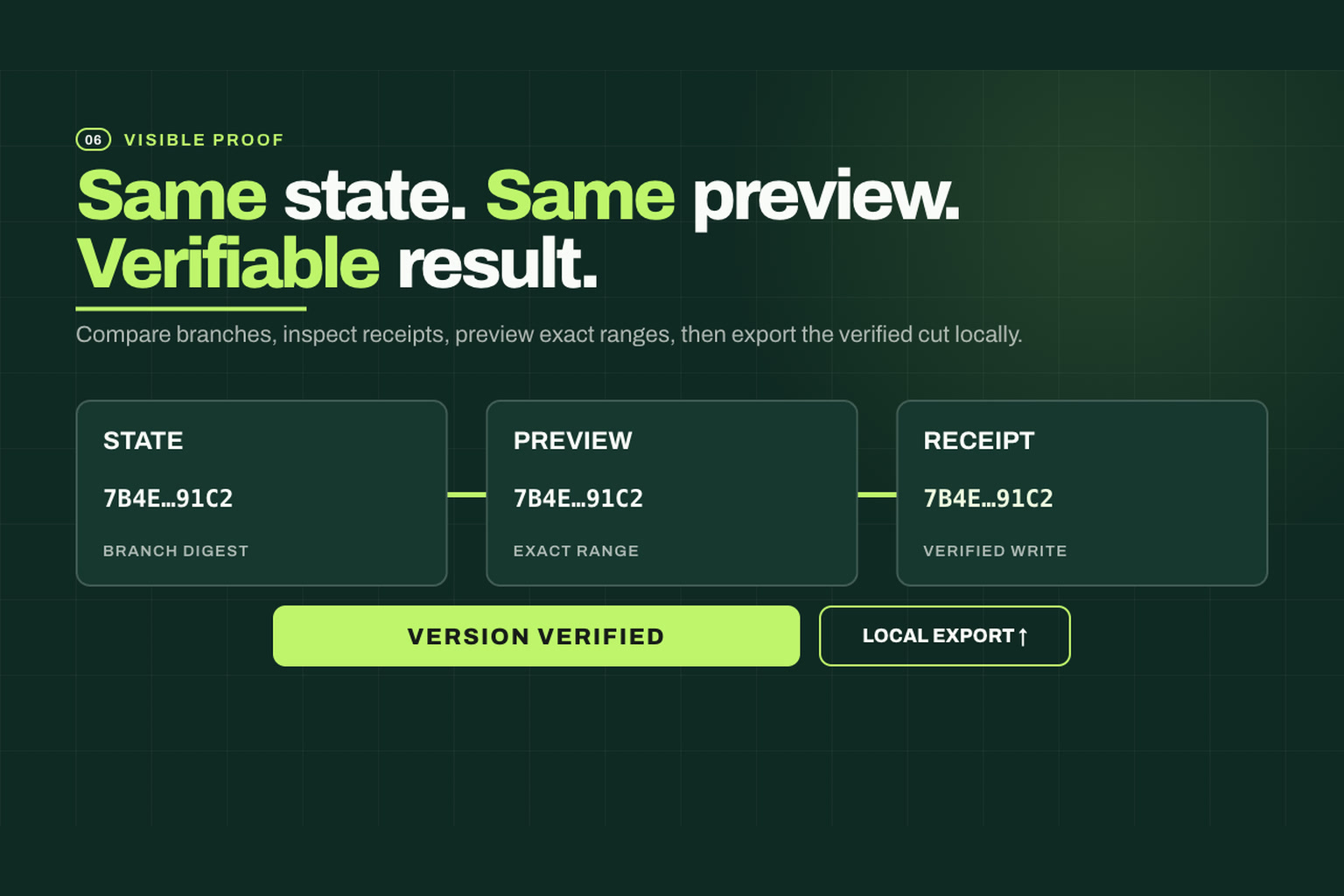
This shared command path keeps human and agent edits consistent. It also gives every successful operation a receipt containing the affected ranges, resulting version, warnings, and a semantic digest.
Zod validates WebMCP inputs and generates the corresponding JSON schemas. Branch versions and SHA-256 digests protect the project from stale or conflicting operations.
Media inspection and rendering happen in the browser. Cutline uses Canvas for visual compositing, Web Audio for mixing, MediaRecorder or WebCodecs for encoding, and Mediabunny for media processing and muxing. Project snapshots are stored in IndexedDB, with OPFS used for local media when available.
Challenges we faced
Keeping human and agent edits consistent
The UI and the agent could easily have developed separate editing behavior. That would make the project unpredictable and difficult to maintain. We solved this by routing every durable edit through the same typed command reducer.
Making agent actions safe and reversible
Video edits can affect linked clips, downstream timing, transitions, and protected material. We added optimistic branch versions, semantic digests, atomic edit batches, range locks, undo history, and reversible branches so an agent cannot silently leave the project in a partially edited state.
Working with media entirely in the browser
Browser media APIs vary by codec, platform, and available capabilities. Previewing multiple tracks, mixing audio, generating proxies, preserving local files, and producing downloadable renders required careful coordination between media elements, Canvas, Web Audio, workers, IndexedDB, and OPFS.
Matching preview and export
An effect that looks correct in the viewer must also appear correctly in the final render. We reused the same transition, crop, caption, gain, and timing rules across both paths to keep them visually aligned.
Designing a dense editor interface
A video editor needs a viewer, timeline, media bin, transcript, comments, history, and agent feedback without overwhelming the screen. We iterated heavily on panel sizing, responsive layouts, 16:9 presentation, safe spacing, and direct timeline manipulation.
Learnings
- Semantic tools instead of coordinate-based automation
- Shared application state instead of a parallel agent model
- Explicit versions and conflict handling
- Reversible operations
- Visible receipts and previews
- Clear boundaries around protected user work
We also learned that local-first media editing is possible in modern browsers, but reliable codec support, persistence, cleanup, and rendering require more engineering than the interface initially suggests.
Accomplishments
- Built a functional browser-based multi-track editor
- Exposed 36 WebMCP tools over the same engine used by the UI
- Added atomic, version-checked agent edits
- Implemented reversible branches and protected ranges
- Kept imported media and rendered output local
- Added browser-based video and audio rendering
What's next for Cutline
The next stage for Cutline would focus on broader codec support, background and resumable rendering, cloud backup, real-time collaboration, stronger accessibility testing, and integrations for publishing completed videos.
Cutline demonstrates a future where creative software does not merely tolerate agents. It gives them a structured, observable, and reversible way to collaborate with people.
Project links
- Live demo: https://cutline-delta.vercel.app
- Source code: https://github.com/skundu42/cutline
- Demo video: https://youtu.be/NTrmM0QP58c
Built With
- codex
- nextjs
- playwright
- typescript
- vercel
- webmcp


Log in or sign up for Devpost to join the conversation.