Inspiration
The art of building is disappearing.
Kids spend more time consuming on screens and less time making things with their hands. A Fortnite win is immediate. Building a treehouse might take hours before it feels rewarding.
Kit brings that same sense of progress to the physical world.
Kit turns real life into interactive projects, step-by-step experience: visualizing what to build, showing you what to do next, rewarding progress along the way, and staying beside you like a friend and copilot throughout the entire process.
We’re making building feel as engaging as playing a game, so more kids want to create, experiment, and build things in the real world.
What it does
Put on a Meta Quest 3, look at whatever is on the table, and ask out loud: "What can I build?"
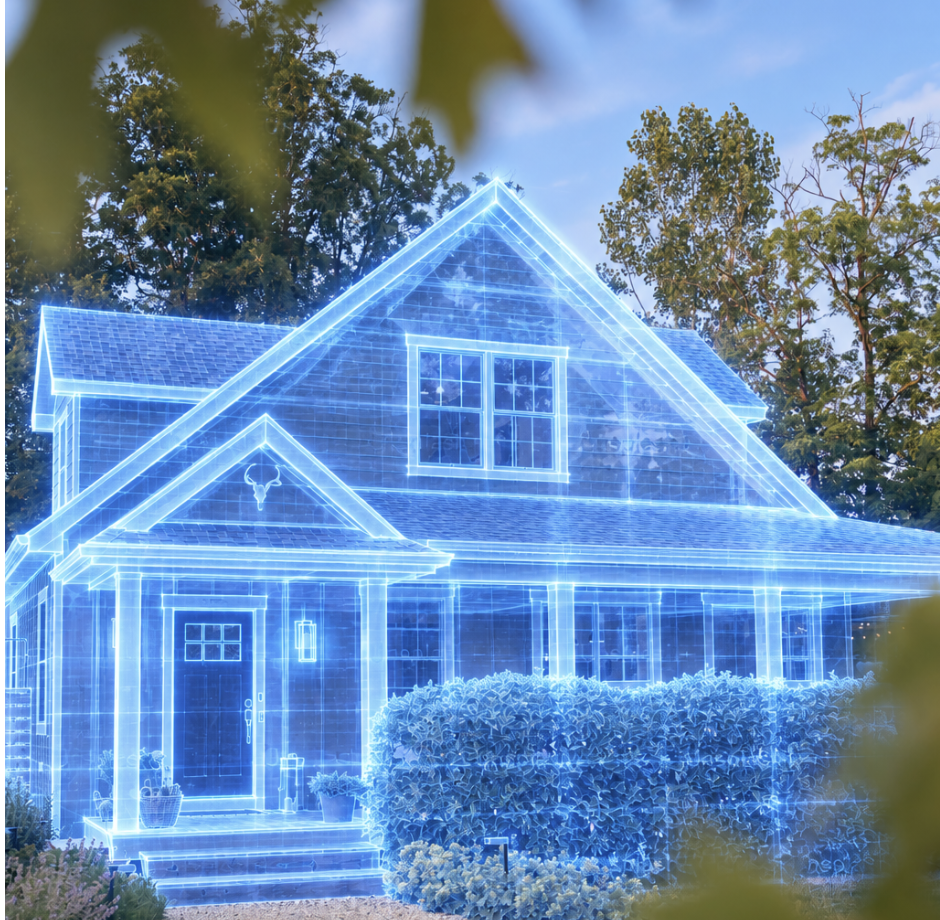
Kit scans the table. Outlines appear around every object, then each one gets a name and its real size. Kit says what it found, and three designs float above the table as holograms.
Point at one and pull the trigger. The holograms fly off the real objects and assemble into the design. The first piece glows, Kit reads the step aloud, and you stand the real can inside its hologram and say "done". The next step lights up.
Ask for "something crazier" and Kit invents new designs from the same objects, live. Ask a question mid-build, like which can holds the roof, and the object you're asking about glows while Kit answers.
How we built it
- Scanning. The headset takes one photo and casts a 128×96 grid of depth rays through it. The server finds the table, groups the points above it into objects, and fits each as a box or an upright cylinder.
- Naming. A vision model names each object from a 13-item vocabulary (cans, pizza boxes, bottles, tape, books, mugs). A known object snaps to its exact real size, because depth is 1 to 3 cm out at 1.5 m.
- Designing. An OpenAI model writes a design in a small placement language: what goes on what, which way up, taped or loose. Our solver turns that into exact positions, then checks it: will it tip, does each support actually span what rests on it, and tape holds at most 1.5 kg.
- Recognising. YOLOv9 runs on the headset itself through Unity Sentis, so objects light up as you look at them.
- Speaking. ElevenLabs streams Kit's voice, so you hear the answer while it's still being generated.
- Remembering. Every scan, design and step goes into an event log and into Elasticsearch, with Agent Builder tools over MCP for searching it.
- Testing without a headset. Three of us shared one Quest, so we built a pretend headset in the browser and a photoreal virtual kitchen that gets scanned exactly like a real room.
- OpenAI: for the parts that need reasoning rather than raw perception: turning the objects in front of you into build ideas, generating the placement-language design, answering questions about the current project, and deciding how to explain each construction step. We keep geometry and safety deterministic, so the model proposes what to build, while our own solver decides whether it can actually stand up.
Challenges we ran into
- A design that falls over is worse than no design. The model happily balanced boxes on single cans, so every design is now checked for tipping and support, repaired once, and dropped if it still fails.
- Alignment. A hologram 2 cm off is useless, and we refused to put QR codes on a kid's table, so we use surfaces, touch points and saved anchors.
- The camera isn't where your eyes are. Highlights landed on the wrong objects until we used the passthrough camera's true position.
- Speed. Everything must answer within nine seconds. Reasoning models blew that budget, and one refused our tools outright until we turned reasoning off.
- The simulator has no camera pixels, so object detection can only be proven on the headset.
Accomplishments that we're proud of
- The whole loop runs live: real objects in, a design that stands up, step by step, out loud.
- Kit can't invent an object that isn't on the table, or a piece that isn't in the design.
- It survives a bad network and a dead API key: designs fall back to a rehearsal cache and then to stored rules, and names fall back to sizes.
- Over 550 automated tests, plus a screenshot test that photographs the whole demo without a headset, keys or a microphone.
What we learned
- Constraining the model to what exists beats asking it to be careful.
- The hard part of AR isn't drawing the hologram, it's the millimetres.
- Physics is a feature. Kids trust a thing that stands up.
- The simulator isn't the headset: permissions, cameras and frame rate have to be proven on the device.
What's next for Kit
- Lightweight AR glasses, so it's as easy as putting on sunglasses.
- A bigger vocabulary, and teaching Kit your own objects.
- Saving and sharing a build, so a kid can challenge a friend to make the same thing from their own junk.
- A classroom mode, where thirty kids build from whatever their room already has.


Log in or sign up for Devpost to join the conversation.