-
-
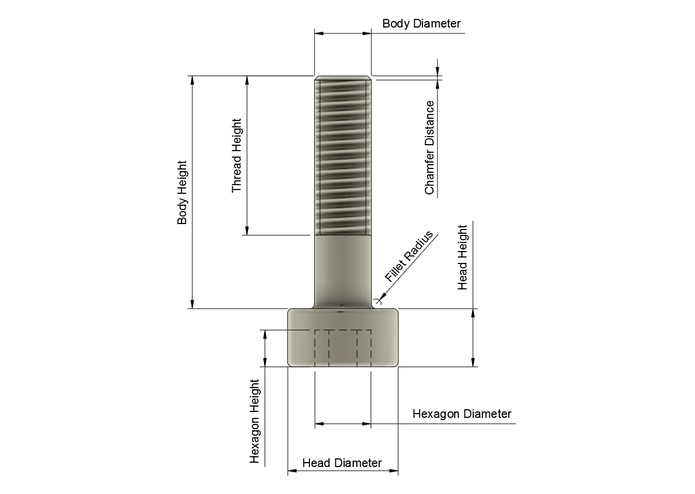
Technical Drawing
-
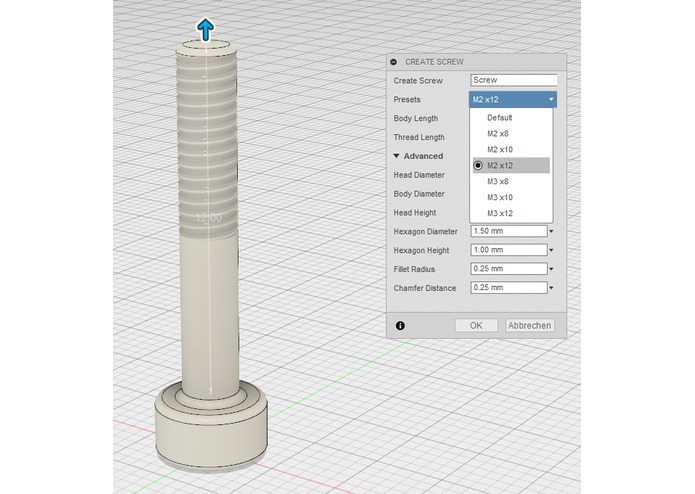
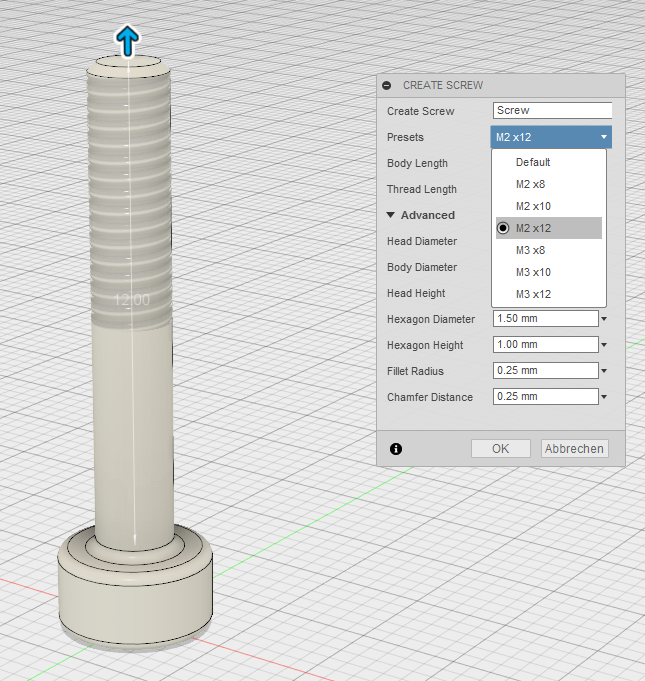
Selectable Presets
-
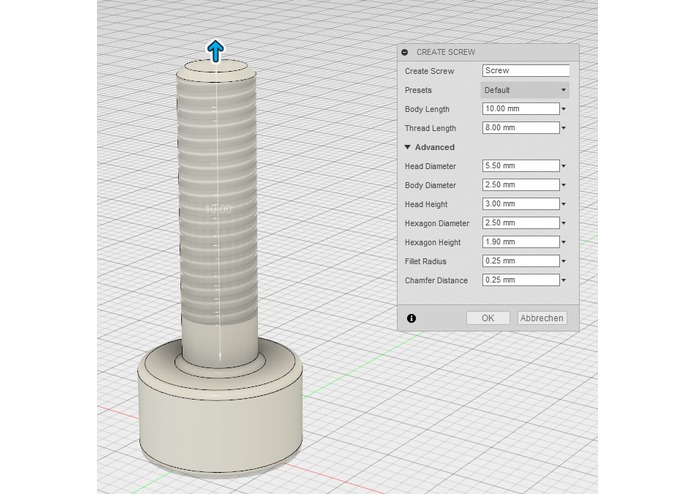
Changeable Parameters

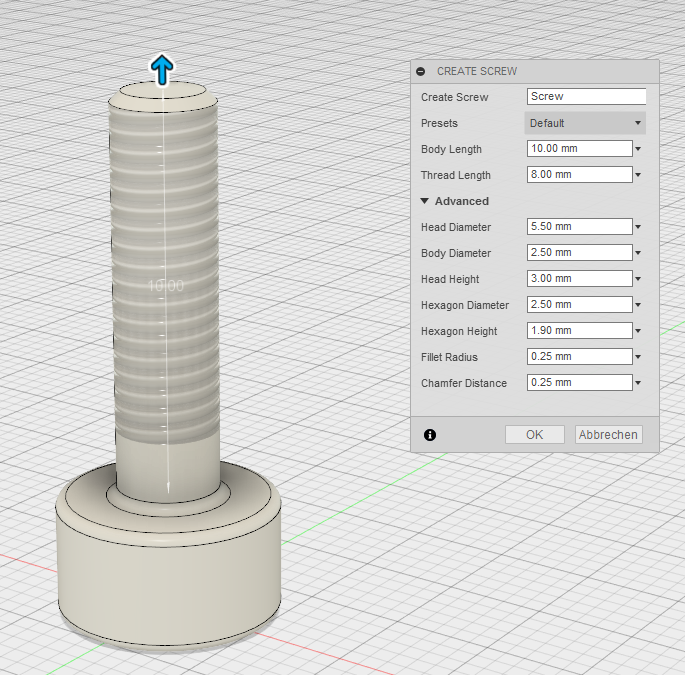
CustomScrews
Fusion 360 App which creates custom screws by different parameters.
Installation
- Download the project as zip file and extract it to
C:\Users\YOURNAME\AppData\Roaming\Autodesk\Autodesk Fusion 360\API\AddIns - (Instead of downloading the zip, you could also fork this project directly into the given folder)
- Open Fusion 360 and then click on 'Scripts and Add-Ins'
- Create new Add-In from existing file and select
CustomScrews.py - Start your new script and I hope you are happy with it.
Deinstallation
- Stop the Add-In in Fusion 360
- Delete the extracted files in the previous given folder
Parameters
The following technical drawing is showing the changeable parameters of the screw.

Screw Name: Name of the Body
Head Diameter: Diameter of the cylinder head
Body Diameter: Diameter of the body shaft
Head Height: Height of the cylinder head
Body Length: length of the body shaft
Hexagon Diameter: Diameter of the inner Circle of the hexagonal polygon
Hexagon Height: Height to cut the hexagon from the cylinder head
Fillet Radius: Radius of all fillets
Thread Length: length of the thread
Chamfer Distance: distance of the 45degree chamfer on the body shaft
Screenshots

Future Features
- auto-placement of a kind of screws to selectable joint origins
- verification of depending parameters
- add more presets
- support different languages

Log in or sign up for Devpost to join the conversation.