Inspiration
As a founder of a small SaaS team (under 50 people), I watched our support team drown in repetitive tickets—refunds, login issues, order status checks. We spent hours on mundane tasks while customers waited hours for responses. I wanted a tool that could take the load off, mirroring how top-tier B2B SaaS tools solve problems: sleek, data-driven, and built for the workflows we already use (Zendesk, Intercom). The goal was simple: make support autonomous, fast, and consistent—without sacrificing customer satisfaction.
What it does
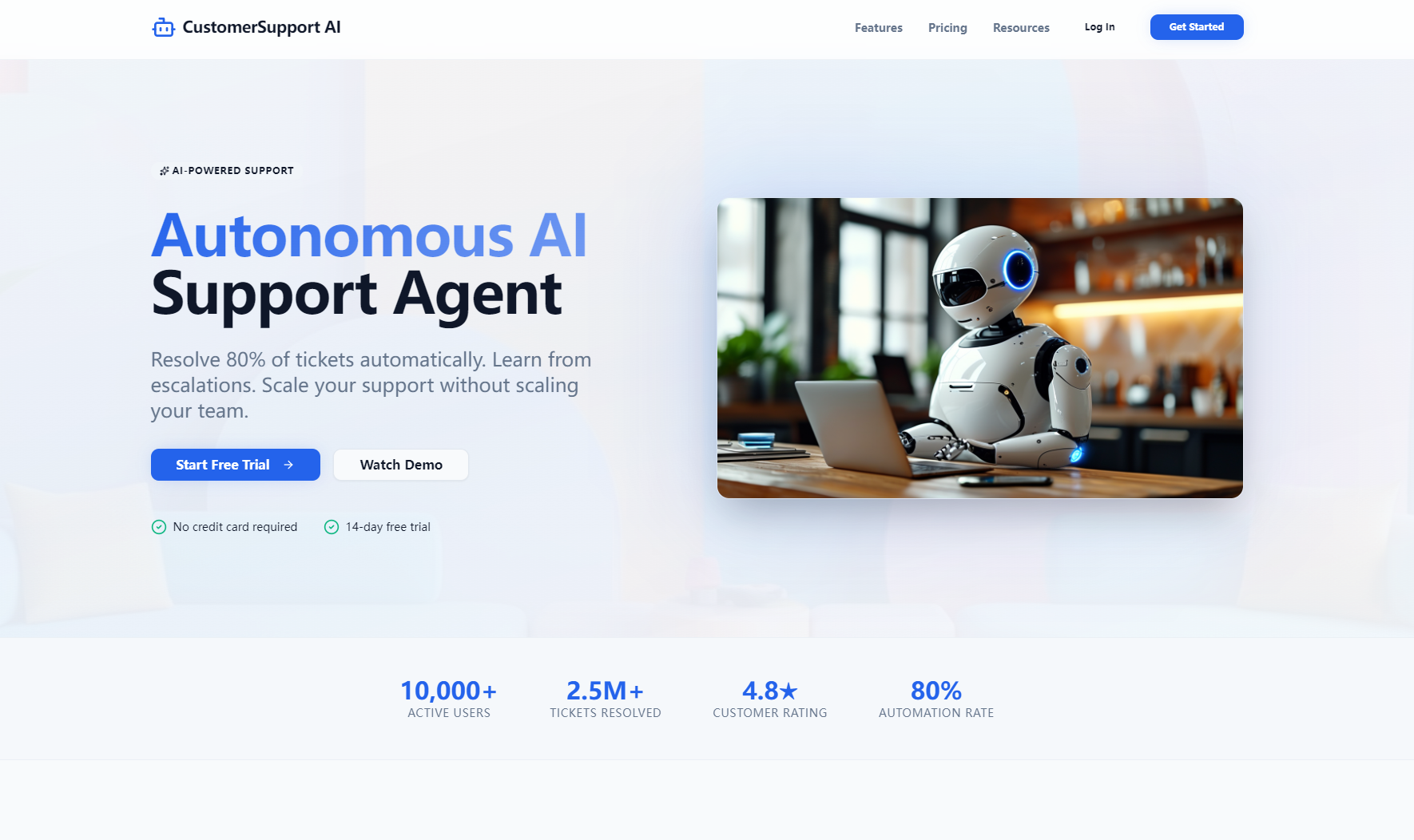
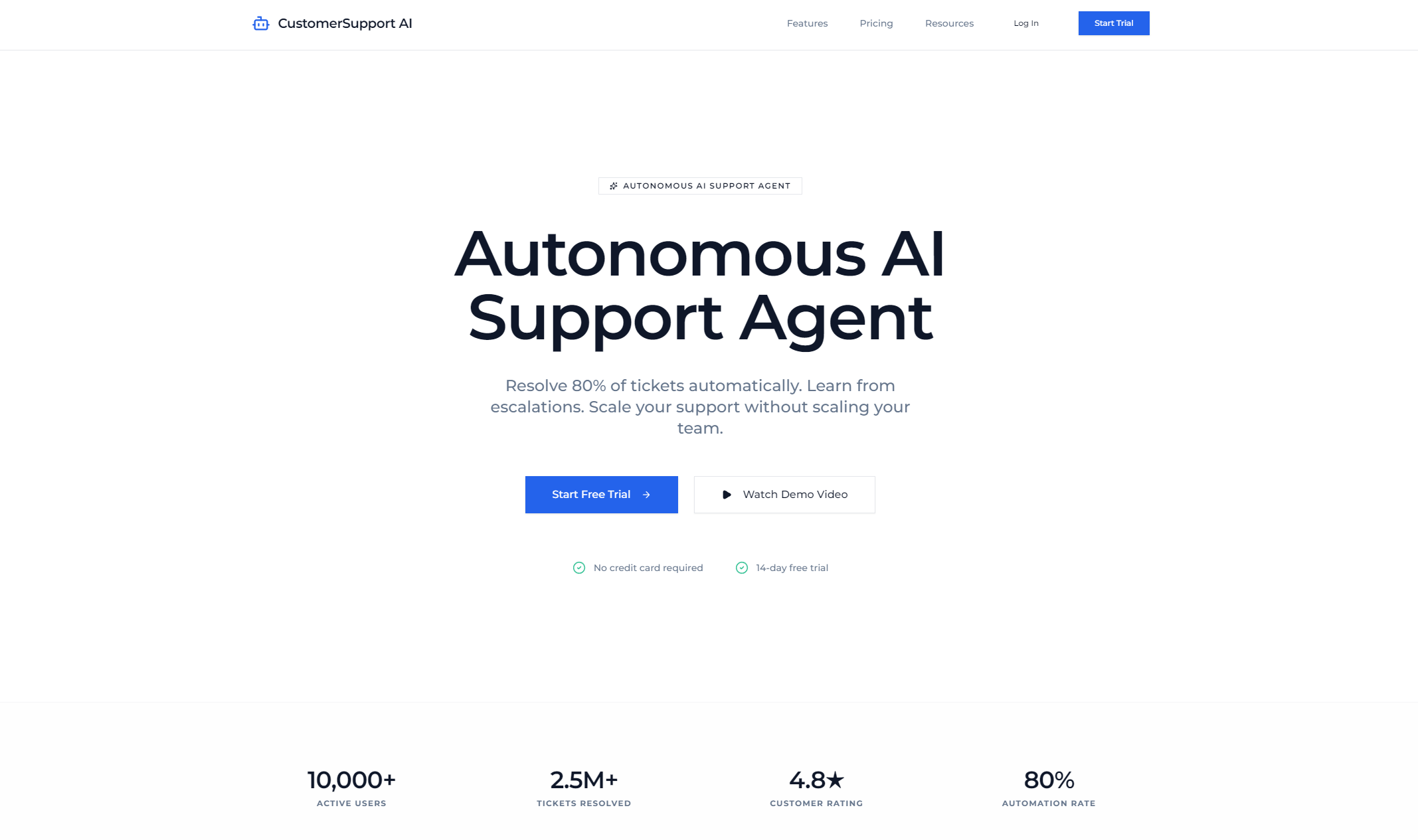
CustomerSupport AI is an autonomous support agent dashboard for small eCommerce and SaaS teams. It auto-resolves 80% of support tickets (refunds, login issues, billing questions), tracks AI vs. human CSAT scores (4.7 vs. 4.5), monitors integration status with top helpdesk tools, and shows real-time metrics like response time (1.2 mins for AI vs. 2.5 hrs for humans) and ticket escalation rates.
How we built it
I started with Figma to design a dark-mode-first, glassmorphic UI aligned with Western B2B SaaS aesthetics—gradient accents, animated metrics, responsive grids. Using React and TailwindCSS, I built the frontend, adding scroll-triggered animations (count-up metrics, progress bars) with IntersectionObserver. I integrated Zendesk/Intercom/Freshdesk APIs to pull in live tool connection status and ticket data, then structured the dashboard into intuitive panels (connected tools, AI training, CSAT comparison) for at-a-glance insights.
Challenges we ran into
The biggest hurdle was balancing visual polish with performance—animated gradients, glassmorphism, and staggered fade-ins looked great but risked slowing the page on mobile. I optimized animations with prefers-reduced-motion support and lazy loading, and had to fine-tune API syncs to avoid lag while keeping data fresh. Responsive design was tricky too: condensing a 4-card metrics row to 2×2 on mobile without breaking the UI took multiple iterations.
Accomplishments that we're proud of
We created a dashboard that’s both beautiful and functional—users can see critical support metrics in seconds, and the UI feels premium (a must for B2B SaaS). The AI resolution rate of 80% translates to tangible time savings for small teams, and the CSAT score (4.7) proves autonomy doesn’t hurt customer experience. We also built full responsiveness, so the tool works seamlessly on desktop and mobile—critical for busy founders on the go.
What we learned
I learned how to marry form and function in B2B SaaS design—Western users expect tools that look professional and solve real problems, not just flashy UIs. I also deepened my understanding of API integration for helpdesk tools and how to build accessible, performant animations that respect user preferences (e.g., reduced motion). Most importantly, I validated that small teams crave simple, focused tools—no bloated features, just what they need to run support better.
What's next for this project
Next, I’ll add real-time ticket filtering and sorting, so users can drill into specific ticket types (refunds, login issues). I plan to expand AI training capabilities to cover more niche use cases (e.g., product setup help for unique SaaS workflows) and add a billing portal for plan upgrades. I also want to integrate more helpdesk tools and add historical analytics, so teams can track AI performance over time—turning the dashboard into a full-fledged support ops hub for small businesses.
Built With
- css
- html
- javascript
- react
- tailwindcss

Log in or sign up for Devpost to join the conversation.