-
-
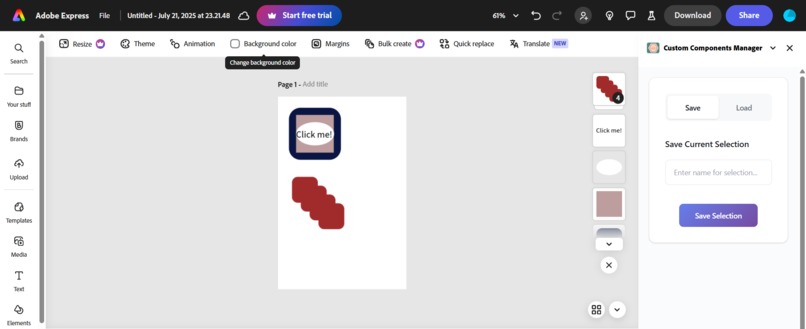
add on in adobe environment
-

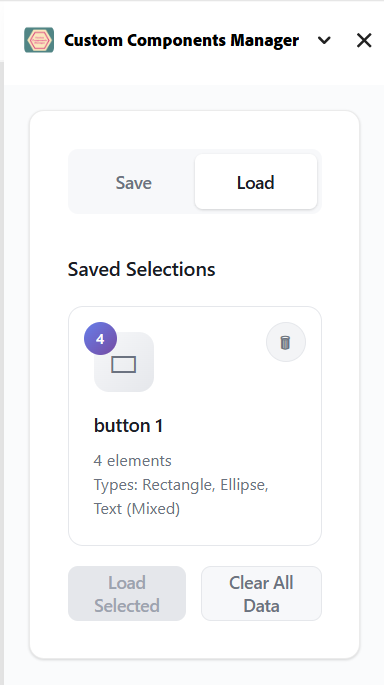
button loaded
-
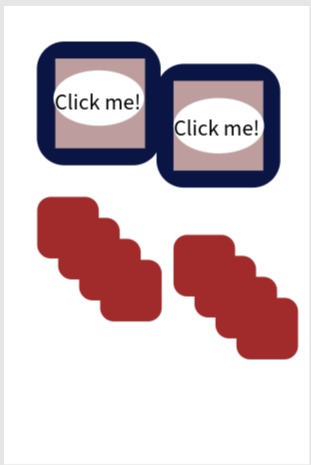
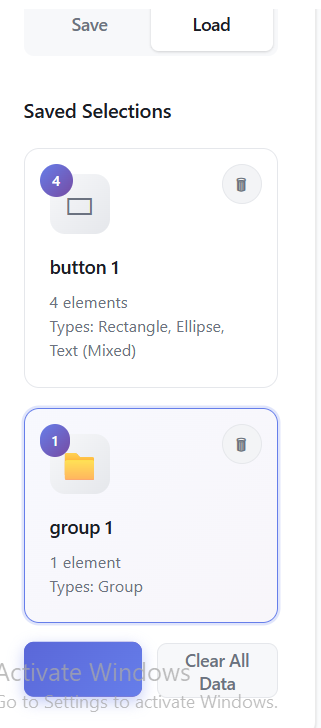
group loaded
-
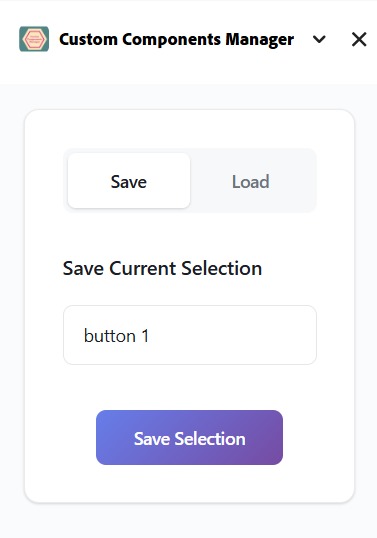
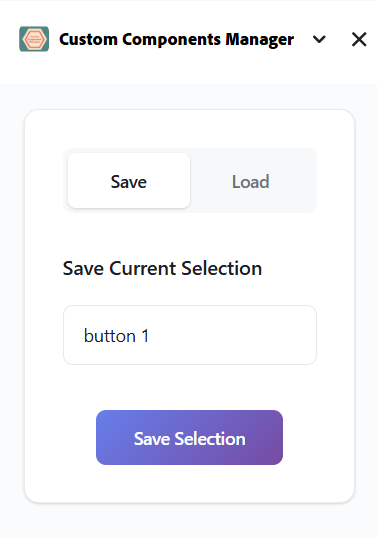
adding a button
-
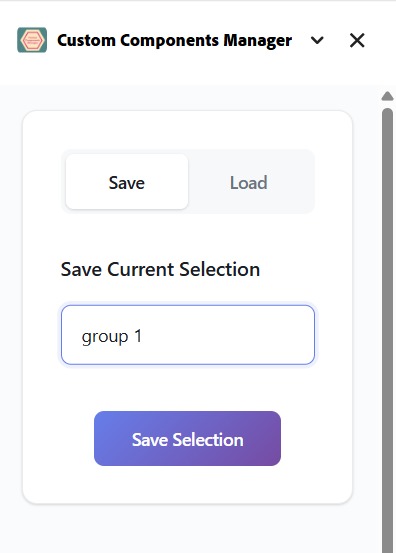
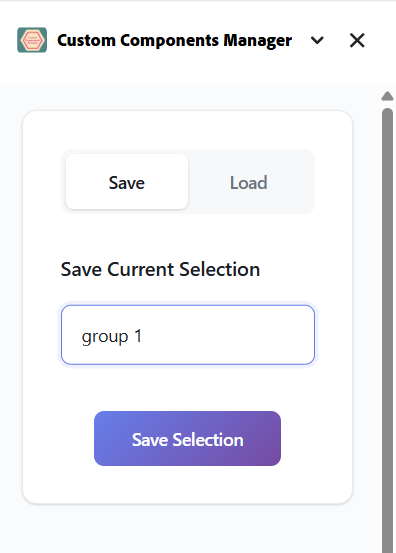
adding a group
-
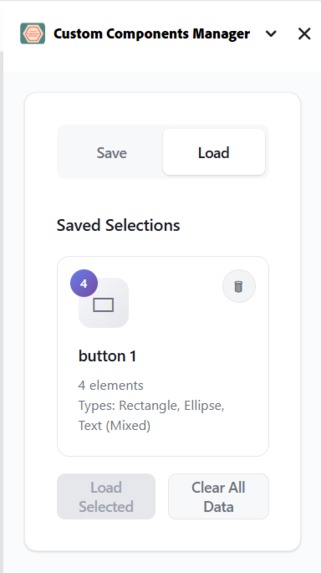
button saved
-
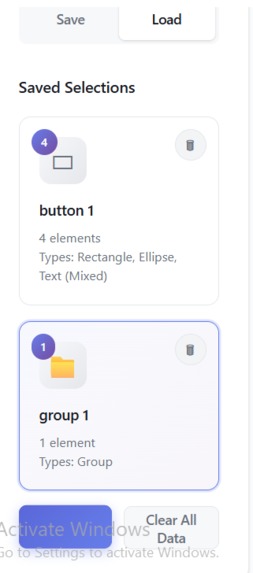
group saved

Inspiration
While working on collaborative designs in Adobe Express, we noticed a missing feature that most design tools offer—a way to save and reuse custom components. Designers often create specific elements they want to store for later use, but Adobe Express doesn’t natively support this.
We wanted to bridge that gap by building a Custom Components Manager, empowering users to create a personal design library directly inside Adobe Express.
What it does
Custom Components Manager lets users:
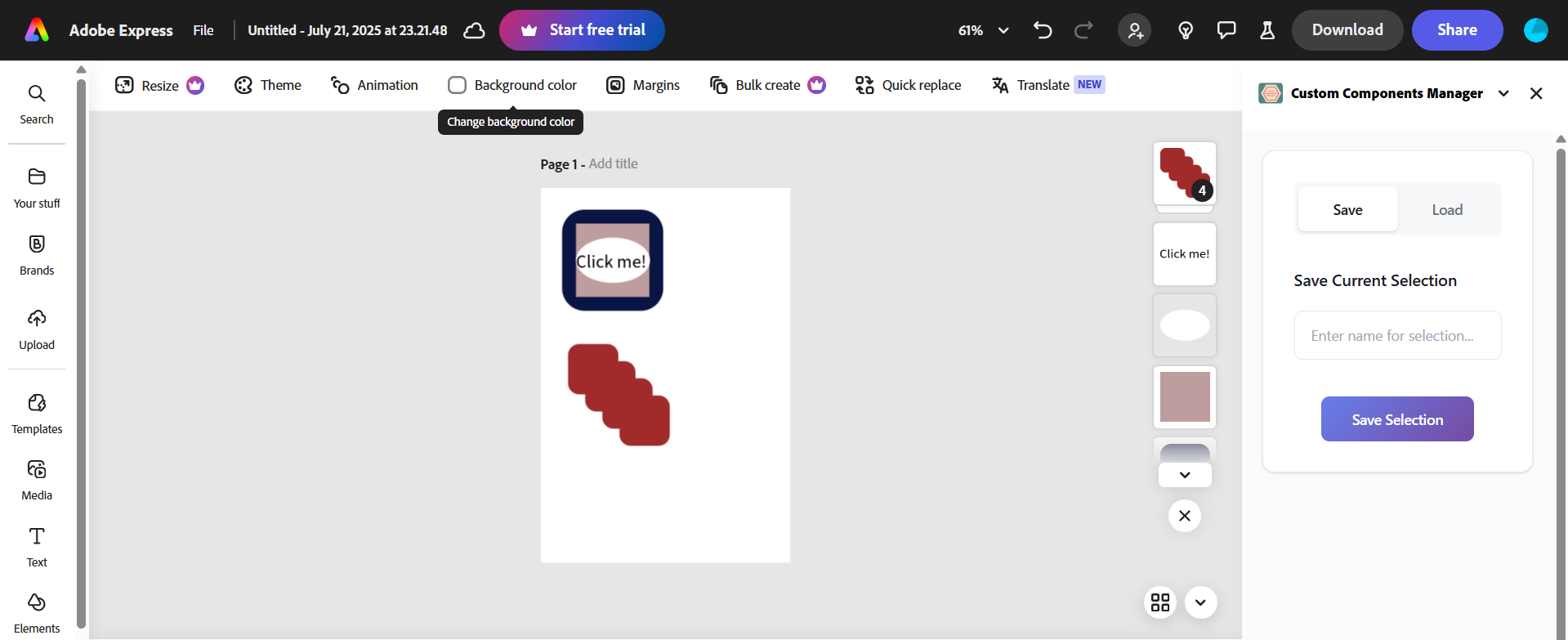
- Select any element or group of elements in their design
- Save the selected elements as reusable components, storing all relevant design parameters
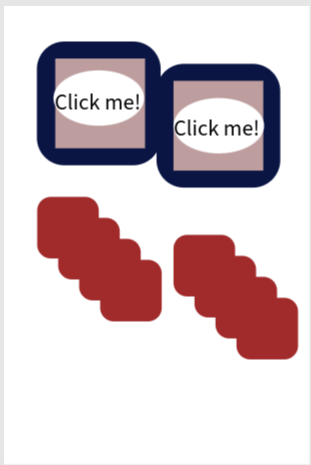
- Load saved components back into the canvas later, recreating them exactly as they were
This allows designers to store brand assets, reusable banners, icons, or styled text blocks—dramatically improving workflow efficiency and collaboration.
How we built it
We used the Adobe Express Add-on SDK to interact with the design canvas. The process involved:
- Accessing selected elements via the editor’s APIs
- Extracting available parameters (like size, color, text, position, etc.)
- Storing this metadata locally in the add-on
- When the user chooses to load a saved component, we reconstruct the elements programmatically to recreate the design
Since the SDK doesn’t provide an out-of-the-box solution for storing components, we built this feature from scratch.
Challenges we ran into
Limited Documentation: Many SDK features and parameters lack official documentation, making it difficult to understand the complete set of attributes needed to recreate components accurately.
Editor Limitations: Adobe Express currently doesn’t support creating complex shapes or all component types via the add-on APIs. This restricted us from fully mimicking certain elements.
Reverse Engineering Components: To store the elements properly, we had to console log selected components and manually figure out how to capture the right parameters.
Dynamic Recreation: Since Adobe Express does not allow saving "objects," we had to store the design parameters as JSON and dynamically create new design elements each time the user loads the component.
Accomplishments that we're proud of
- Successfully created a feature that Adobe Express currently lacks, making design workflows more efficient.
- Managed to store and reconstruct user-defined elements using the available APIs despite technical limitations.
- Built an intuitive UI that allows non-technical users to easily save and reuse components without any learning curve.
What we learned
- Working with under-documented SDKs teaches you to experiment, debug, and reverse-engineer solutions.
- Gained insight into how design data is structured internally in Adobe Express.
- Learned how to prioritize core features while dealing with platform constraints, focusing on what brings the most value to the user.
What's next for Custom Components Manager
Cloud Storage Integration: Currently, components are stored locally. We plan to integrate cloud storage or Creative Cloud Libraries for cross-device access.
Component Sharing: Allow users to share saved components with their team, supporting collaborative workflows.
Advanced Component Types: As Adobe Express expands its APIs, we’ll add support for complex shapes, masks, and custom effects.
Tagging and Organization: Provide an option to tag components and categorize them for better organization.
Our goal is to make Custom Components Manager an essential add-on for any designer using Adobe Express.
Built With
- clientstorageapi
- css
- documentapi
- html
- javascript
- sandboxtemplate

Log in or sign up for Devpost to join the conversation.