-
-
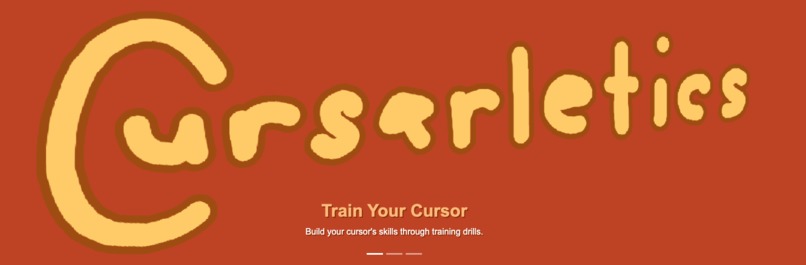
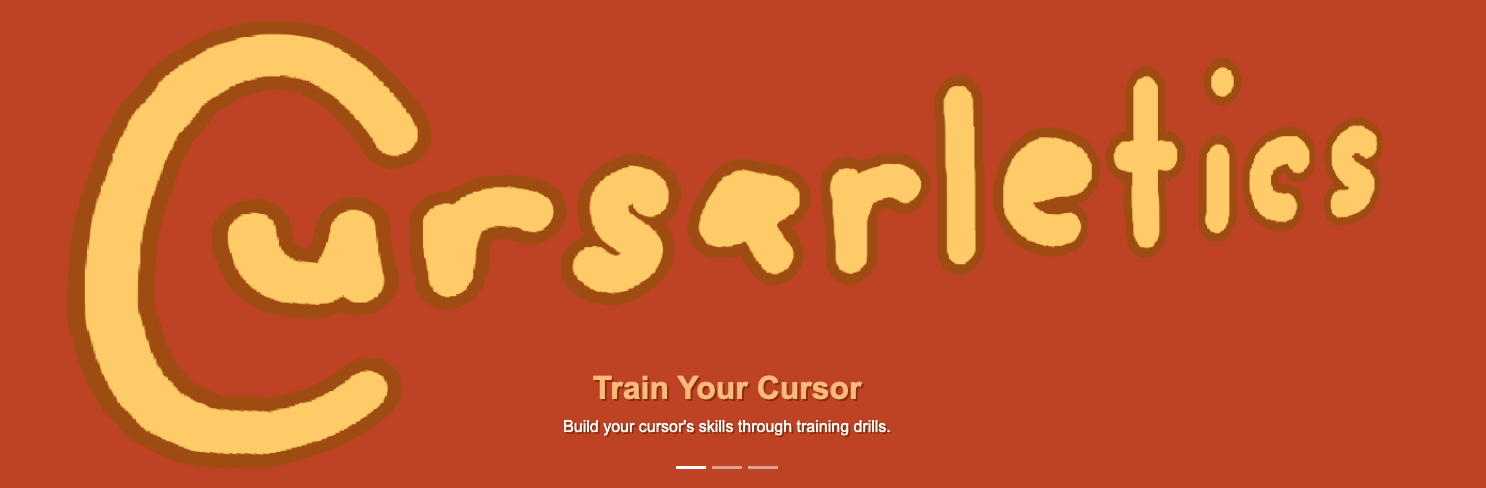
Cursorletics | Train Your Cursor
-
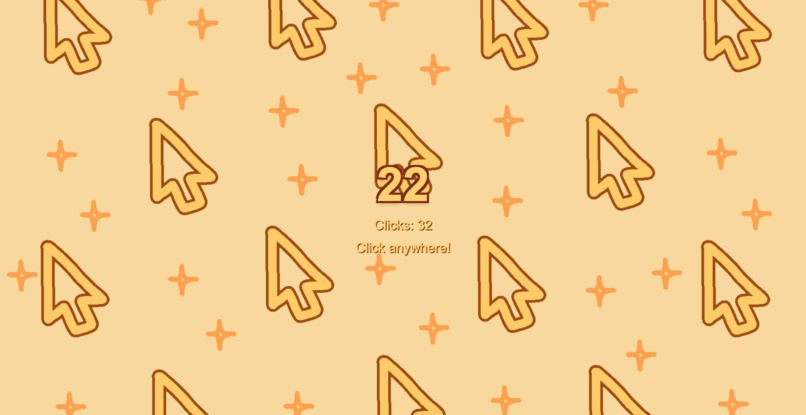
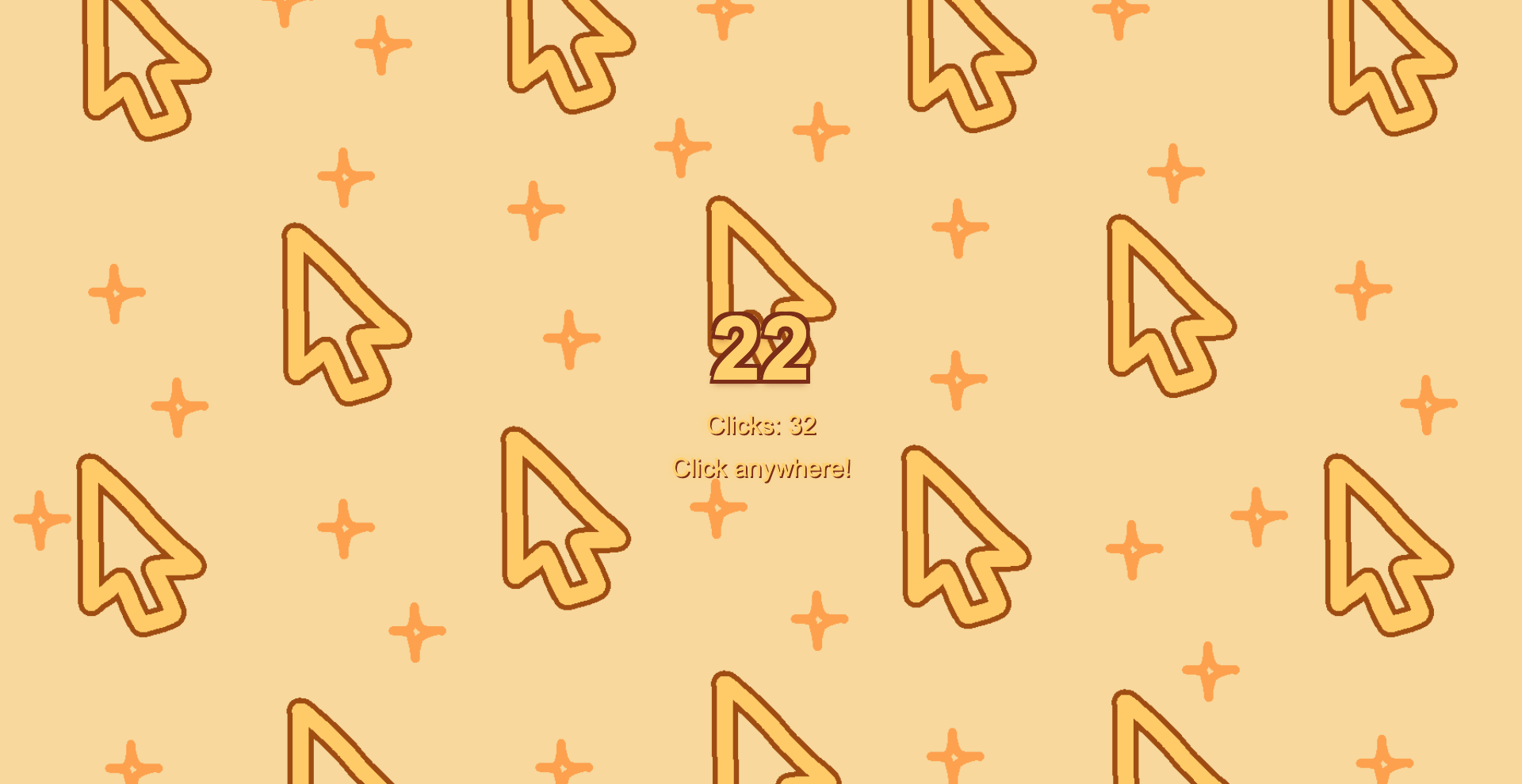
Speed Drill Preview!
-

Reaction Drill Preview!

What is my inspiration?
Inspired by the theme of "sports", I wanted to create a long-term project that helps people improve a skill they use every day. Whether someone is gaming, designing, programming, or using a computer in general, having good mouse control is very important. I thought it would be fun to create a cursor training website that anyone could enjoy.
What does Cursorletics do?
Cursorletics is a website that helps users improve their mouse skills through interactive drills. The current version I created throughout the hackathon has a Speed Drill (that measures clicking speed) and a Reaction Drill (that tests reaction time). At the end of each drill, users receive their results and a performance rating.
How did I built Cursorletics?
I built Cursorletics using HTML, CSS, JavaScript, and Bootstrap 5. I also created my own artwork through Medibang Paint Pro and added it into Cursorletics as well.
What challenges did I ran into?
One of the biggest challenges was making everything feel polished and consistent (more specifically, making the skill tests work). I took most of my coding time in making sure that both of the drill tests work, especially since I am more used to web designing than making the website function through Javascript.
What accomplishments am I proud of?
I'm proud that I created a project that feels fun and interactive while also potentially helping many users practice their cursor skills. I'm also happy with the overall design I made, especially since I was able to showcase my own artwork. Most of all, I am proud that I have participated in my first ever hackathon! :)
What did I learned?
This project helped me become more comfortable and experienced with general coding (e.g. web design, functionality) within a timely manner. Also, even though I already know this, small details (e.g. animations, visuals, color theme) can also make a big difference in the overall user experience. To me, these small details can make the user experience more lively while at the same time reflect my own work.
What's next for Cursorletics?!
I plan to add more cursor training drills, save personal best scores, introduce achievements, and possibly include sound effects and additional animations to make Cursorletics more fun! I also want to continue improving the interface and add more customization options for users (e.g. new color theme other than the default orange theme).
:D

Log in or sign up for Devpost to join the conversation.