Inspiration
Keyboards and mice were designed for a world before AI. We live in a different one. CursorGPT started with a single question: what if your hands and your voice were the only interface you needed?
What It Does
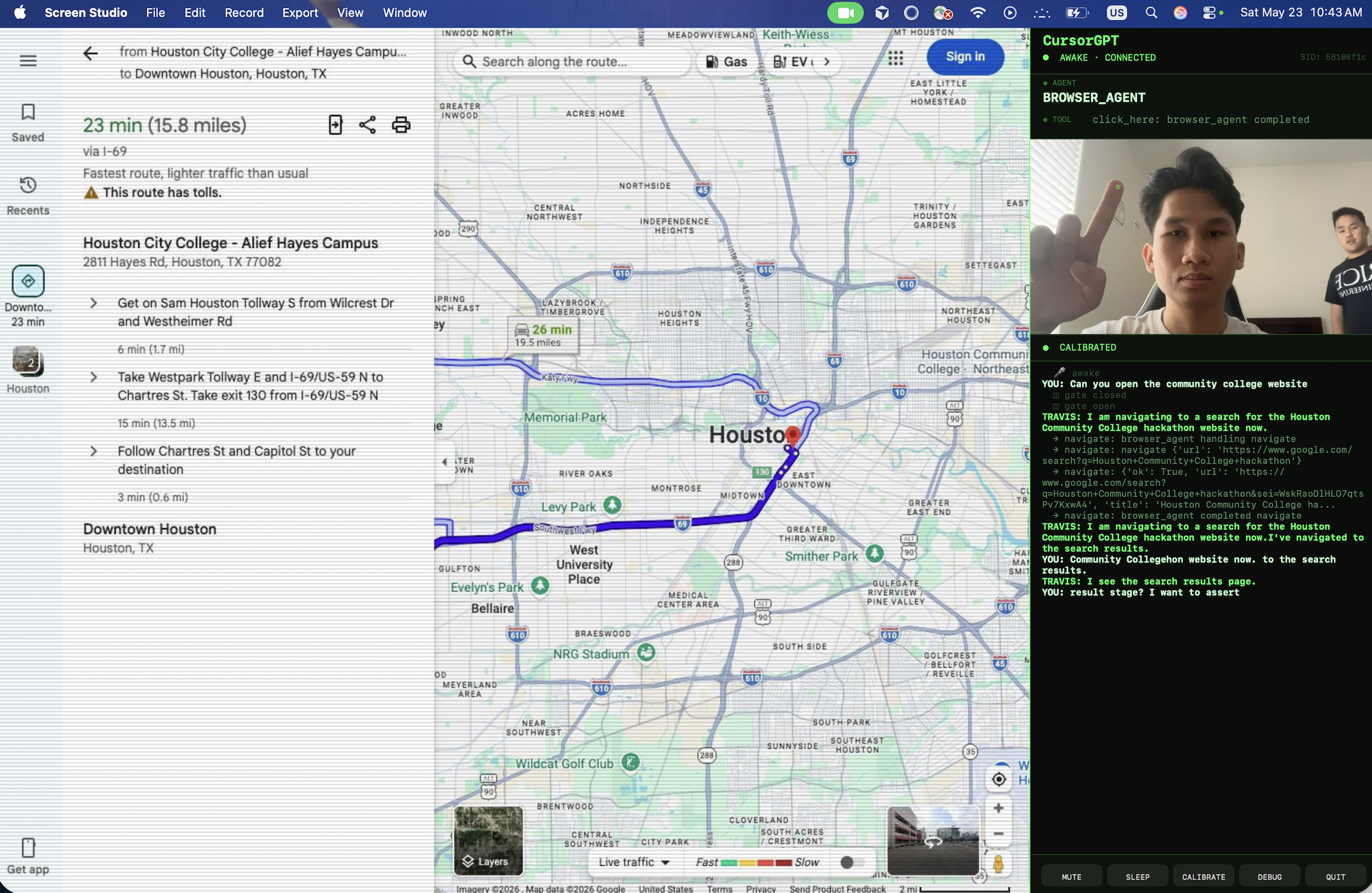
CursorGPT is a voice-first, pointer-aware browser agent. Speak naturally. Point at anything on screen. It handles the rest.
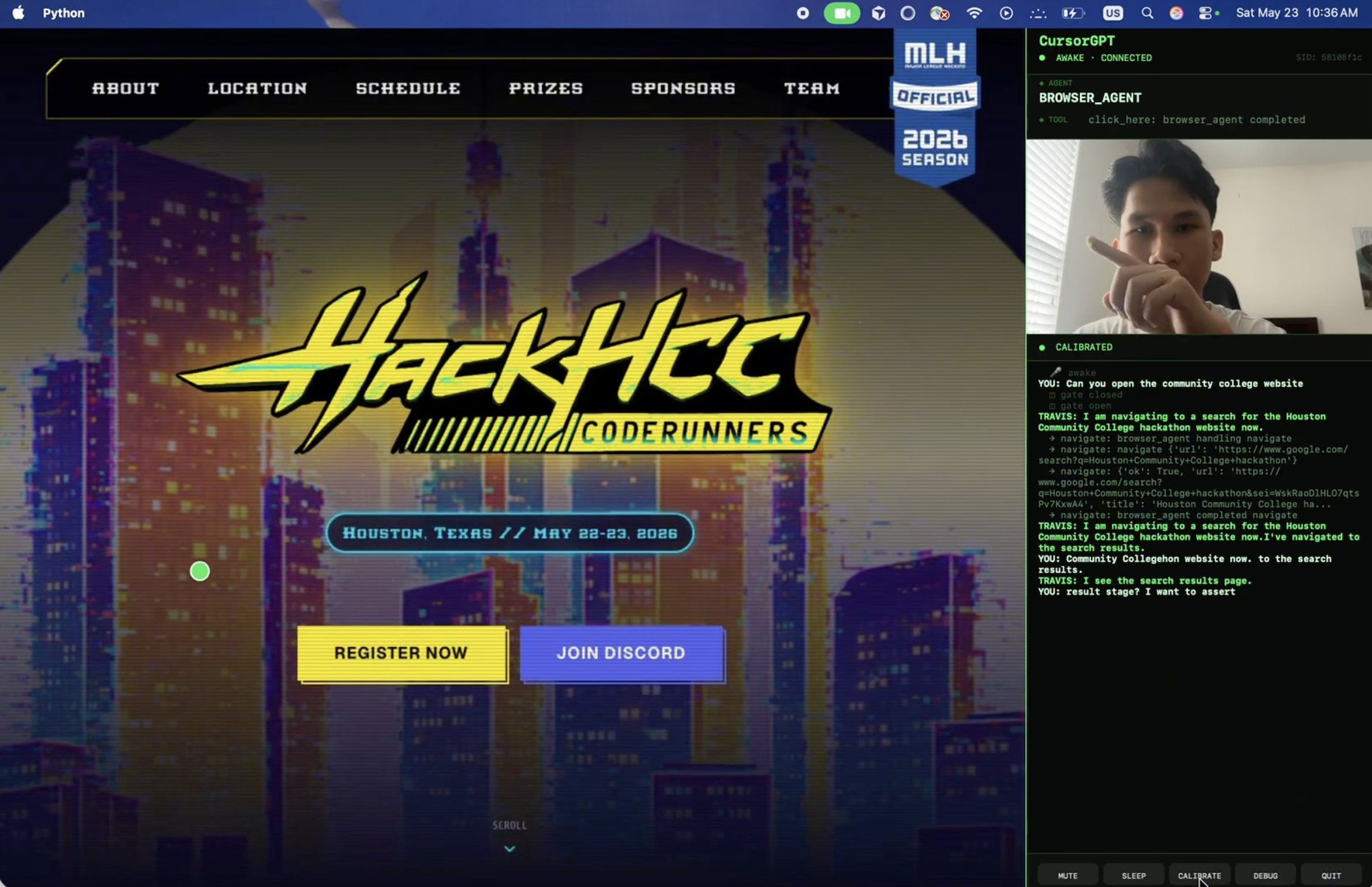
- "Search for nearby restaurants" → navigates directly to the right results
- Point at a YouTube thumbnail + "play this" → clicks exactly where your finger is
- Point at a map + "zoom in here" → scrolls at your cursor position
- Point at anything + "what is this?" → screenshots it, marks your cursor, tells you what's there
- "Who invented this?" → answers via Google Search, no browser tab needed
No clicking menus. No typing queries. Just point and talk.
How We Built It
CursorGPT runs on two runtimes bridged by a persistent WebSocket.
Cloud (Google Cloud Run + FastAPI) runs a multi-agent pipeline on Google ADK:
- concierge — root agent (Gemini 2.5 Flash Native Audio) that receives the voice stream and routes intent
- browser_agent — decides which browser action to take and fires remote tool calls
- search_agent — answers factual questions via Google Search without ever touching the browser
Local client owns everything physical: microphone, speaker, webcam, and a Playwright-controlled Chromium instance. It streams PCM16 audio to the server, sends live cursor, and executes browser actions on command.
Pointer actions resolve at execution time on the client — so they always hit the freshest cursor position, never a stale one.
Visual queries work by capturing a cursor-annotated screenshot and injecting it inline into the model's audio context. The agent literally sees what you're pointing at.
Session stability is managed by a transfer guard — an audio gate that pauses mic input during agent handoffs, flushing stale audio before the next agent takes over. On any crash or disconnect, the client auto-reconnects in under 2 seconds with a fresh session ID. No user intervention needed.
Challenges
Cloud-server + local client split. Gemini Live's built-in barge-in assumes audio input and output share the same session — they don't in our architecture. We built a custom playback guard to coordinate interruption across the cloud/local boundary.
Acoustic echo. The agent's voice leaks back into the mic and gets re-transcribed as new input. We tried AEC (speexdsp) and RMS-based amplitude gating. Neither worked without killing barge-in responsiveness. The real fix: headphones — eliminate the problem at the physical layer.
Accomplishments
We shipped a general-purpose browser assistant that works across any webpage — not a constrained demo. Real-time voice + hand pointer. Clean multi-agent architecture with transparent transfers. A screenshot-to-model pipeline that gives the agent eyes. Auto-recovery that keeps the session alive without the user ever noticing a crash.
The audio gate is the piece we're most proud of. It's non-obvious, it's reusable, and it's what made everything stable.
What's Next
Eye tracking — replacing hand gestures with gaze as the pointing modality for a more natural feel.
MCP integration — replacing our custom WebSocket bridge with the Model Context Protocol, making CursorGPT local capabilities (browser, screenshot, cursor) usable by any MCP-compatible agent.
Multi-screen support — pointer actions currently only work on the calibrated display. Multi-monitor support is the obvious next step.
Built With
- fastapi
- gemini-2.5
- gemini-live-api
- google-adk
- python


Log in or sign up for Devpost to join the conversation.