Inspiration
What it does
How we built it
Challenges we ran into
Accomplishments that we're proud of
What we learned
What's next for CursorFlow
Inspiration
We believe that technology should adapt to people, not the other way around.
Millions of people face barriers when interacting with digital information because of visual, hearing, cognitive, language or motor-related difficulties. Even simple tasks like understanding a medical document, reading a government notice, communicating through speech or accessing visual information can become challenging.
We were inspired to build a platform that brings different accessibility tools together into one unified experience, helping people interact with technology in the way that works best for them.
This vision led to CURSORFLOW — making the digital world reachable.
What it does
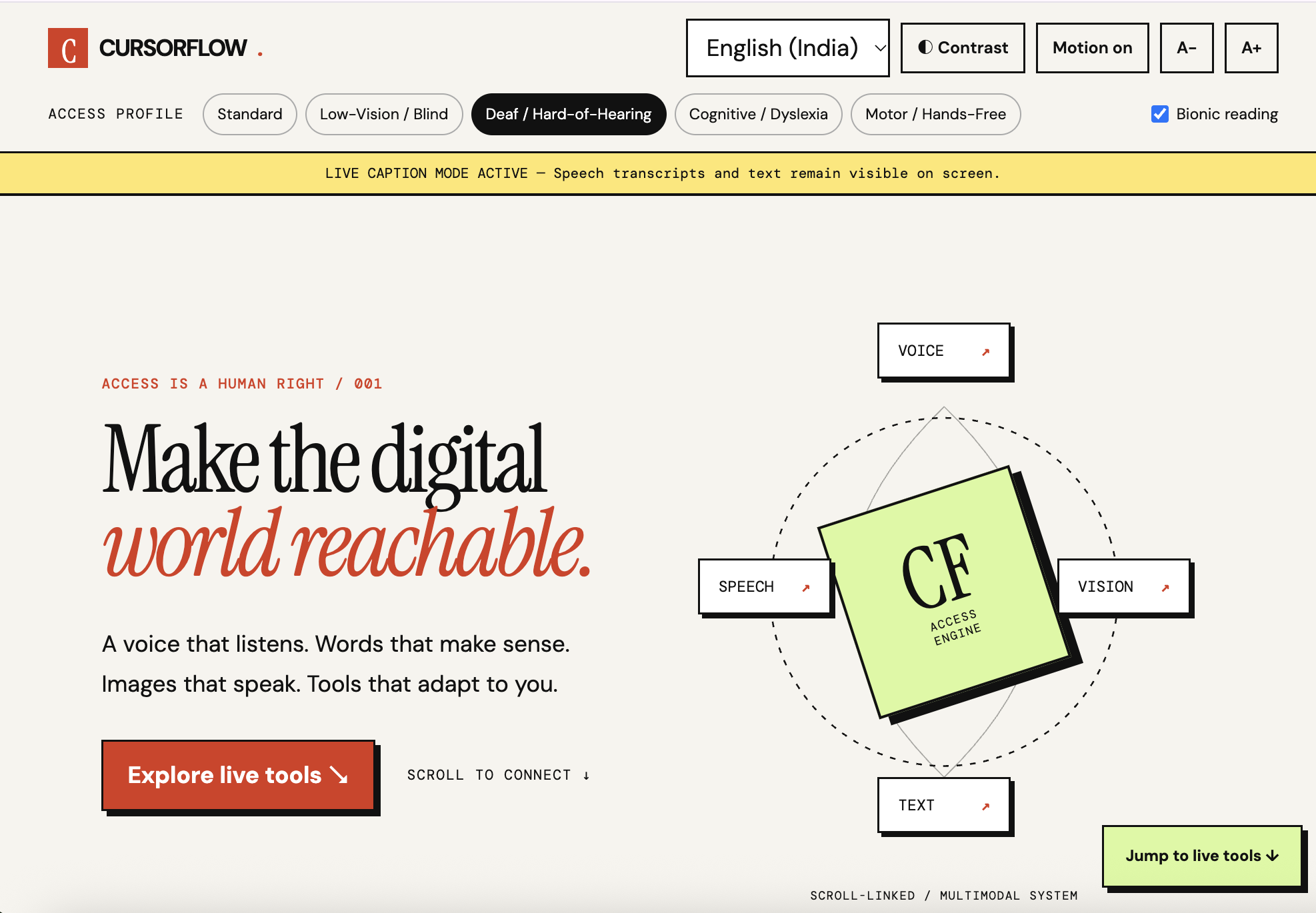
CURSORFLOW is an AI-powered, multilingual and multimodal accessibility platform designed to make digital information easier to access, understand and communicate.
It offers four core experiences:
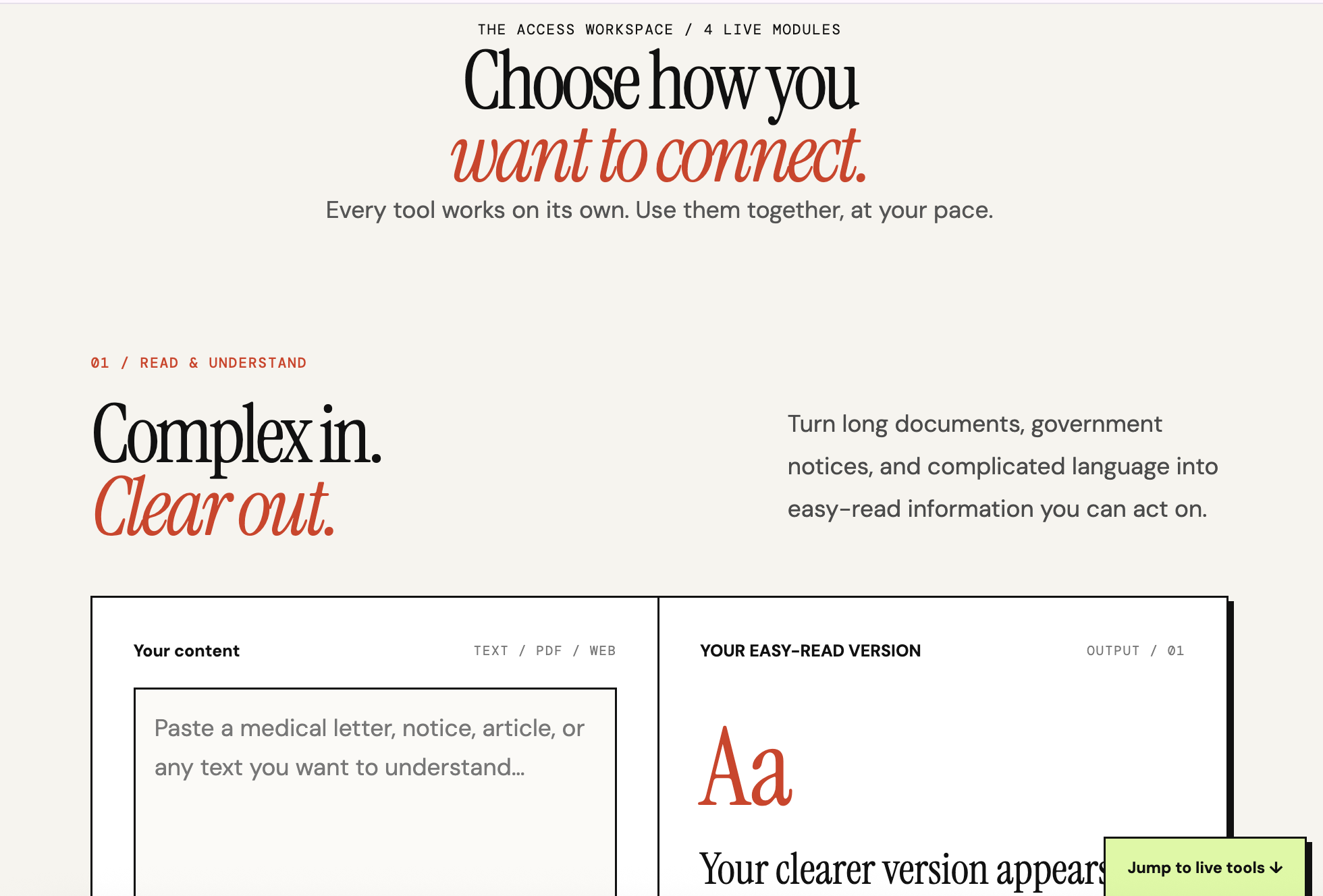
- Read & Understand: Simplifies complex text, PDFs and webpages using AI, provides readability insights, supports translation into Indian languages and converts text into speech.
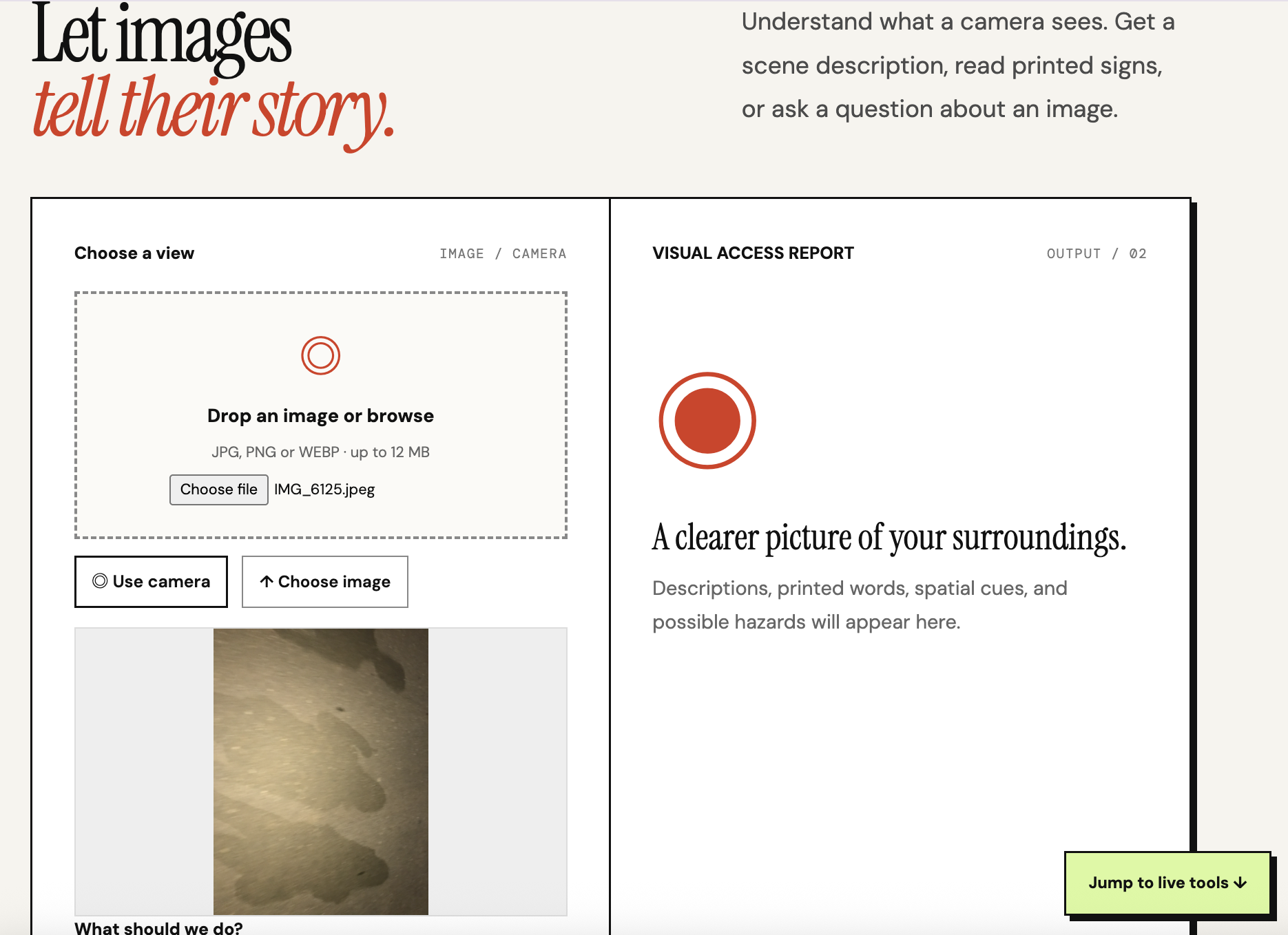
- See & Orient: Uses AI-powered image understanding to generate image descriptions, extract visible text through OCR and answer questions about uploaded images.
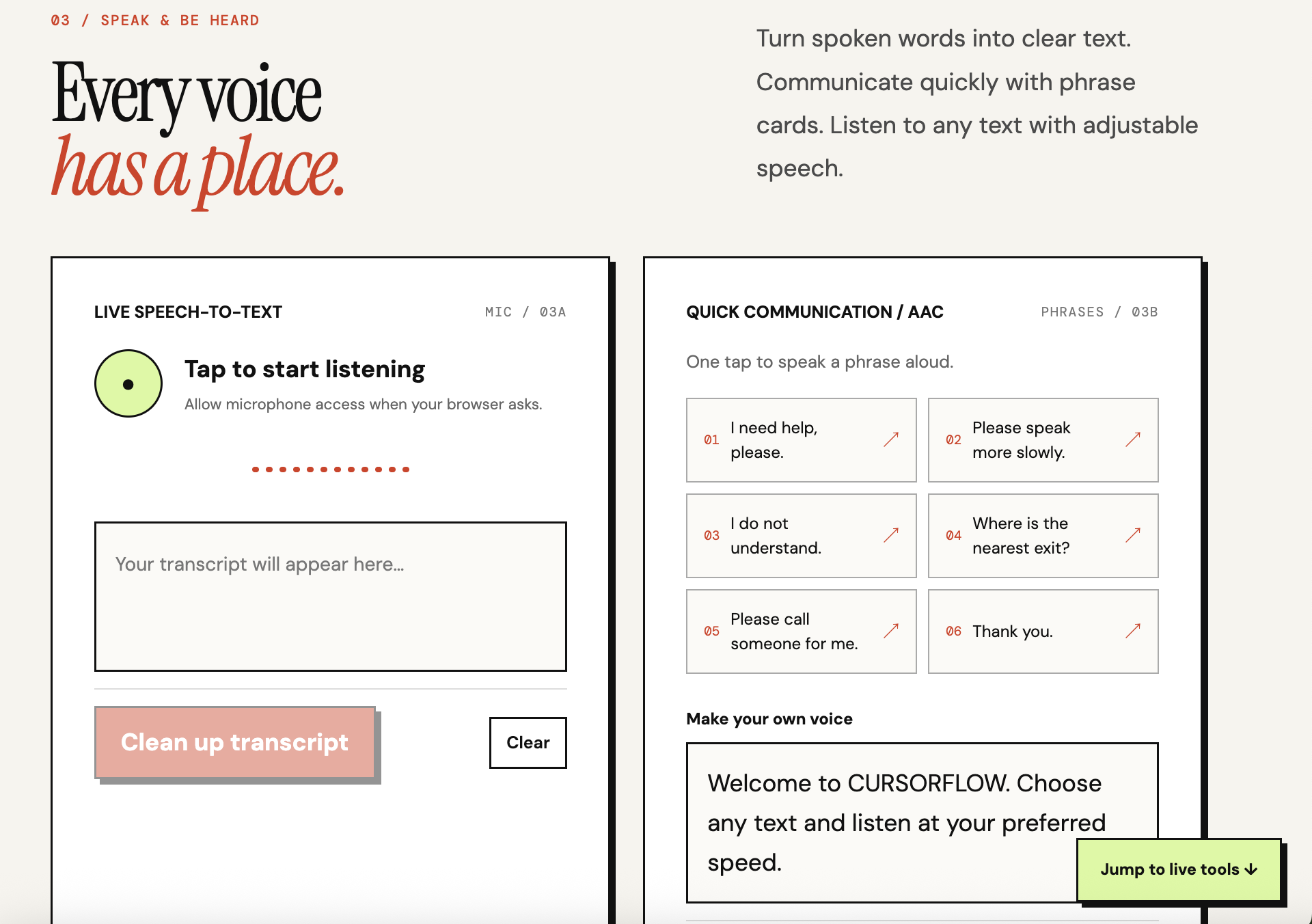
- Speak & Be Heard: Provides speech-to-text, transcript cleanup, text-to-speech and AAC (Augmentative and Alternative Communication) phrase cards.
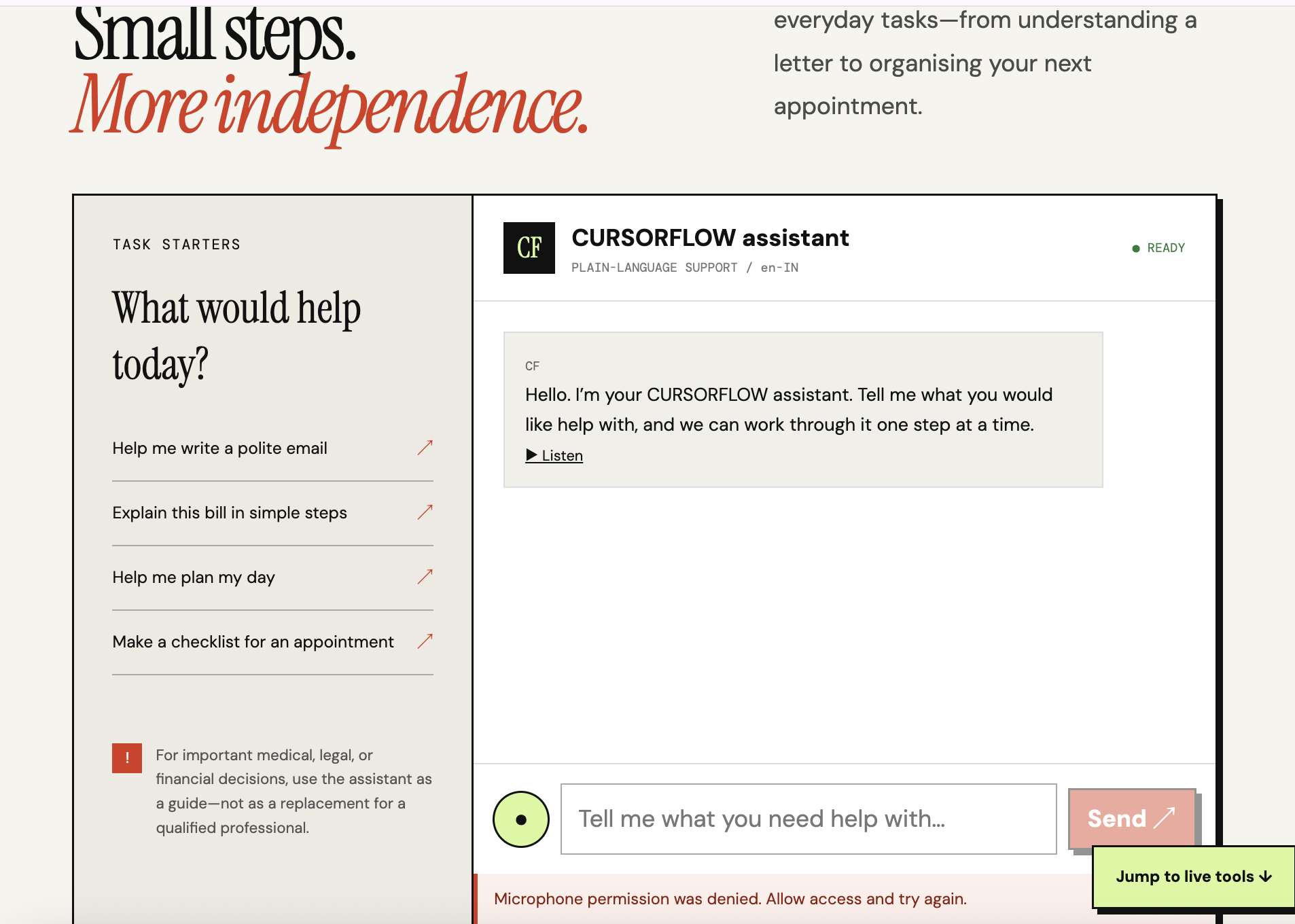
- Do the Everyday: Offers a conversational assistant for everyday tasks such as writing emails, understanding bills, planning activities and preparing appointment checklists.
The platform also includes adaptive accessibility profiles, high-contrast mode, adjustable font sizes, dyslexia-friendly reading assistance, reduced-motion settings and multilingual interface options.
How we built it
We developed CURSORFLOW using a modular frontend-backend architecture.
Frontend:
- React 18 and TypeScript for the interactive user interface.
- Vite for development and production builds.
- Tailwind CSS and custom CSS for responsive, accessibility-oriented design.
- Motion for interface animations.
Backend:
- Python and FastAPI for API development and request handling.
- Google Gemini for AI-powered text simplification, conversational assistance, translation and image understanding.
- Pillow for image validation and preprocessing.
- PyPDF for PDF text extraction.
- BeautifulSoup for webpage content extraction.
- Textstat for readability evaluation.
- Edge TTS for speech generation.
- Browser Speech Recognition API for speech-to-text.
We created separate API workflows for document simplification, image analysis, speech processing and conversational assistance.
The frontend communicates with the backend through REST APIs. We deployed the frontend using Vercel and prepared the backend for deployment using Render.
Challenges we ran into
Building an integrated accessibility platform involved several technical and design challenges:
- AI reliability: Handling Gemini model availability, API quotas, temporary service failures and fallback behaviour without misleading users.
- Speech recognition: Managing microphone permissions, interim transcripts, recognition errors and reliable automatic stopping after periods without new speech results.
- Audio playback: Handling asynchronous audio generation, loading indicators, playback states and error handling.
- Document processing: Extracting meaningful content from uploaded PDFs and webpages while preserving the original information.
- Multimodal integration: Bringing text, voice, image and document workflows together without making the application complicated to navigate.
- Accessibility design: Balancing a visually engaging interface with readable typography, contrast, reduced motion and different interaction requirements.
- Deployment: Resolving TypeScript build errors, dependency compatibility, environment variables and frontend-backend communication.
These challenges helped us understand that accessibility applications require more than adding AI features: reliability, clarity and usability are equally important.
Accomplishments that we're proud of
- Built a unified accessibility platform covering all five major capabilities identified in our problem statement.
- Integrated AI-powered document simplification, translation and readability evaluation.
- Implemented image descriptions, OCR and visual question answering.
- Developed speech-to-text, text-to-speech and AAC communication workflows.
- Created a conversational assistant for everyday accessibility needs.
- Added five adaptive accessibility profiles for different interaction requirements.
- Implemented high-contrast mode, font scaling, dyslexia-friendly reading and reduced-motion settings.
- Successfully deployed the frontend on Vercel and prepared the backend deployment architecture on Render.
Most importantly, we are proud of bringing multiple accessibility experiences into one platform instead of making users switch between disconnected tools.
What we learned
Through CURSORFLOW, we learned how to integrate large language models into practical applications and build multimodal workflows involving text, images and speech.
We gained hands-on experience with:
- Designing REST APIs and connecting React with FastAPI.
- Integrating Gemini for text and image understanding.
- Processing documents, images and speech inputs.
- Managing asynchronous frontend operations and real-time interaction states.
- Building accessible interfaces for different user requirements.
- Handling AI failures, API quotas, deployment configurations and environment variables.
We also learned an important lesson: accessibility is not simply a collection of features. It requires designing technology around the different ways people understand, communicate and interact.
What's next for CURSORFLOW
Our next goal is to evolve CURSORFLOW from a feature-rich accessibility platform into a more intelligent, reliable and user-centred accessibility companion.
Planned improvements include:
- Smarter adaptive assistance: Make accessibility experiences more consistent across modules based on user-selected preferences.
- Expanded Indian language support: Improve multilingual speech recognition, translation and natural-sounding speech generation.
- Advanced AAC: Introduce customizable communication boards and personalized phrase collections.
- Stronger visual assistance: Improve image understanding, OCR accuracy and contextual descriptions.
- **Better
