-
-
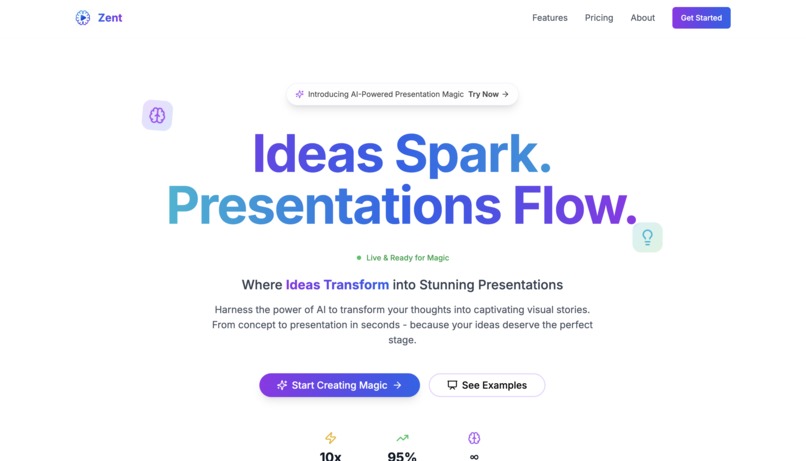
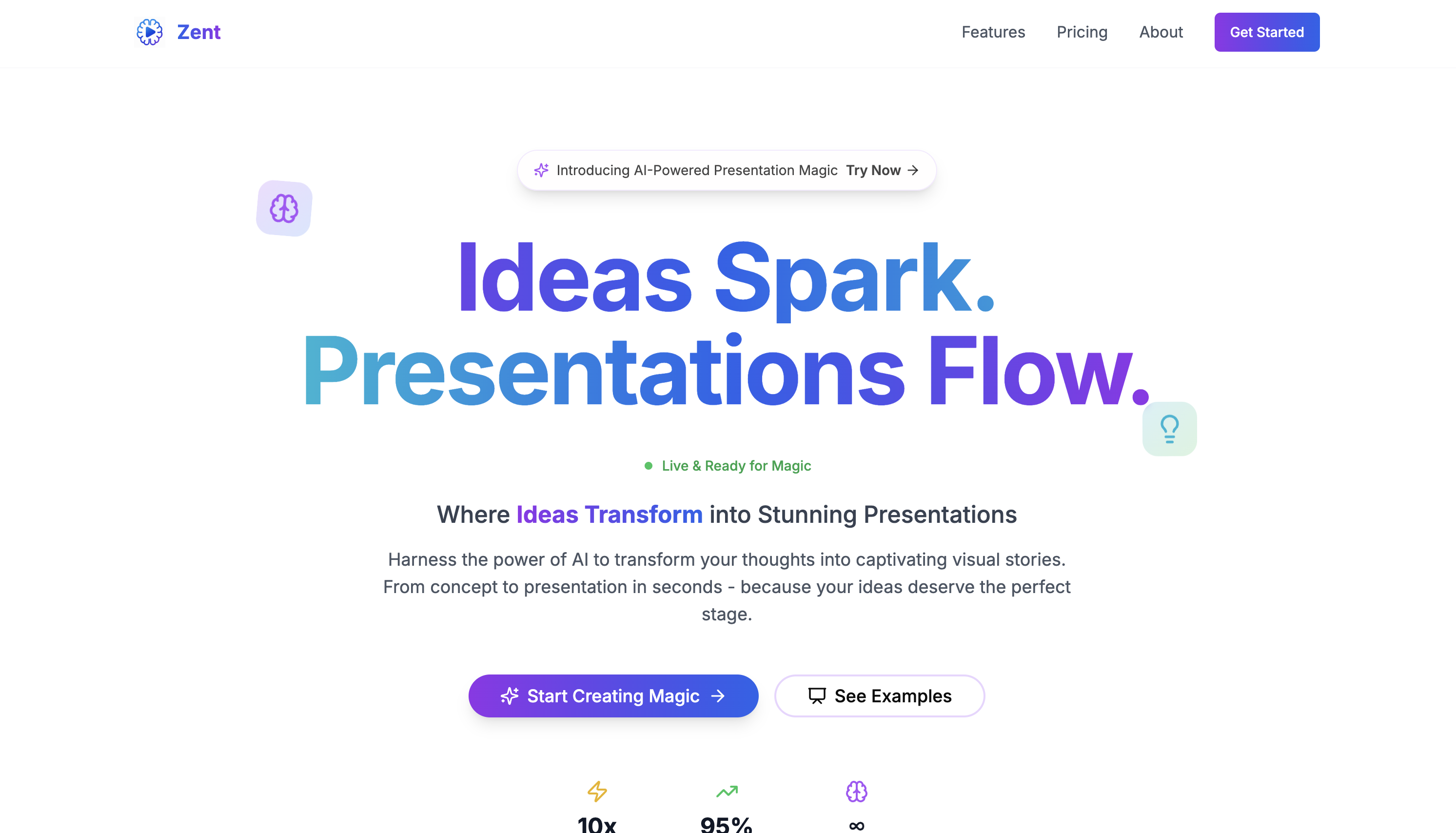
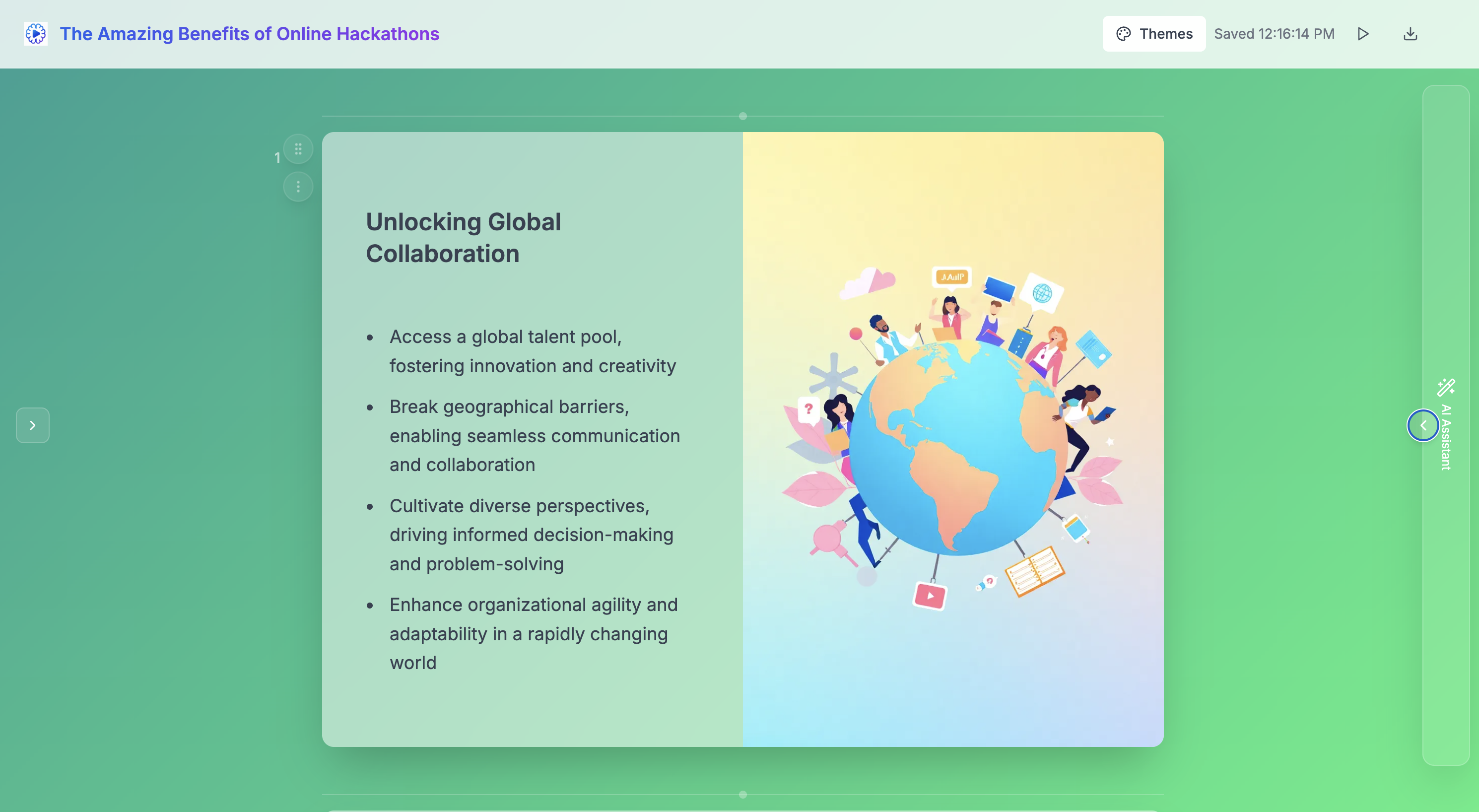
Landing Page
-
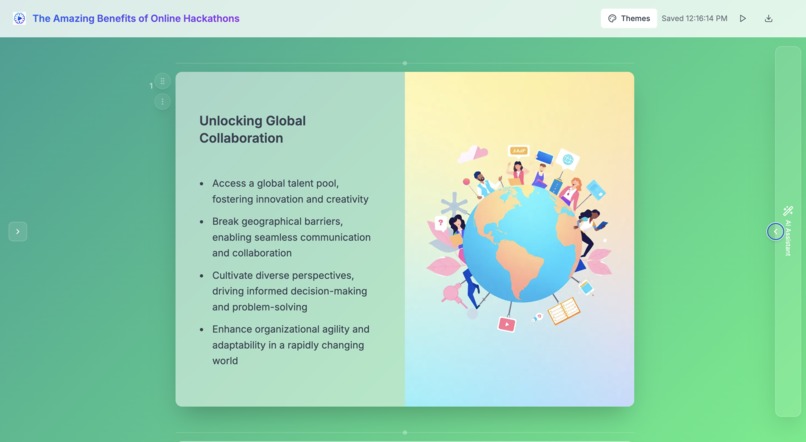
Slide Maker
-
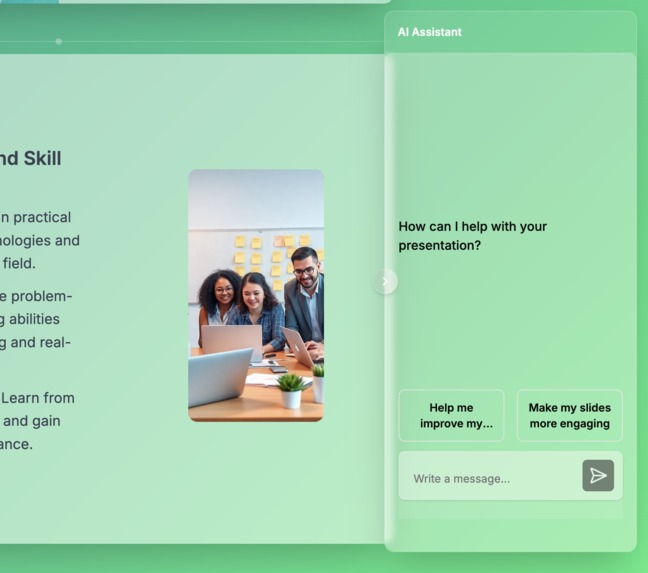
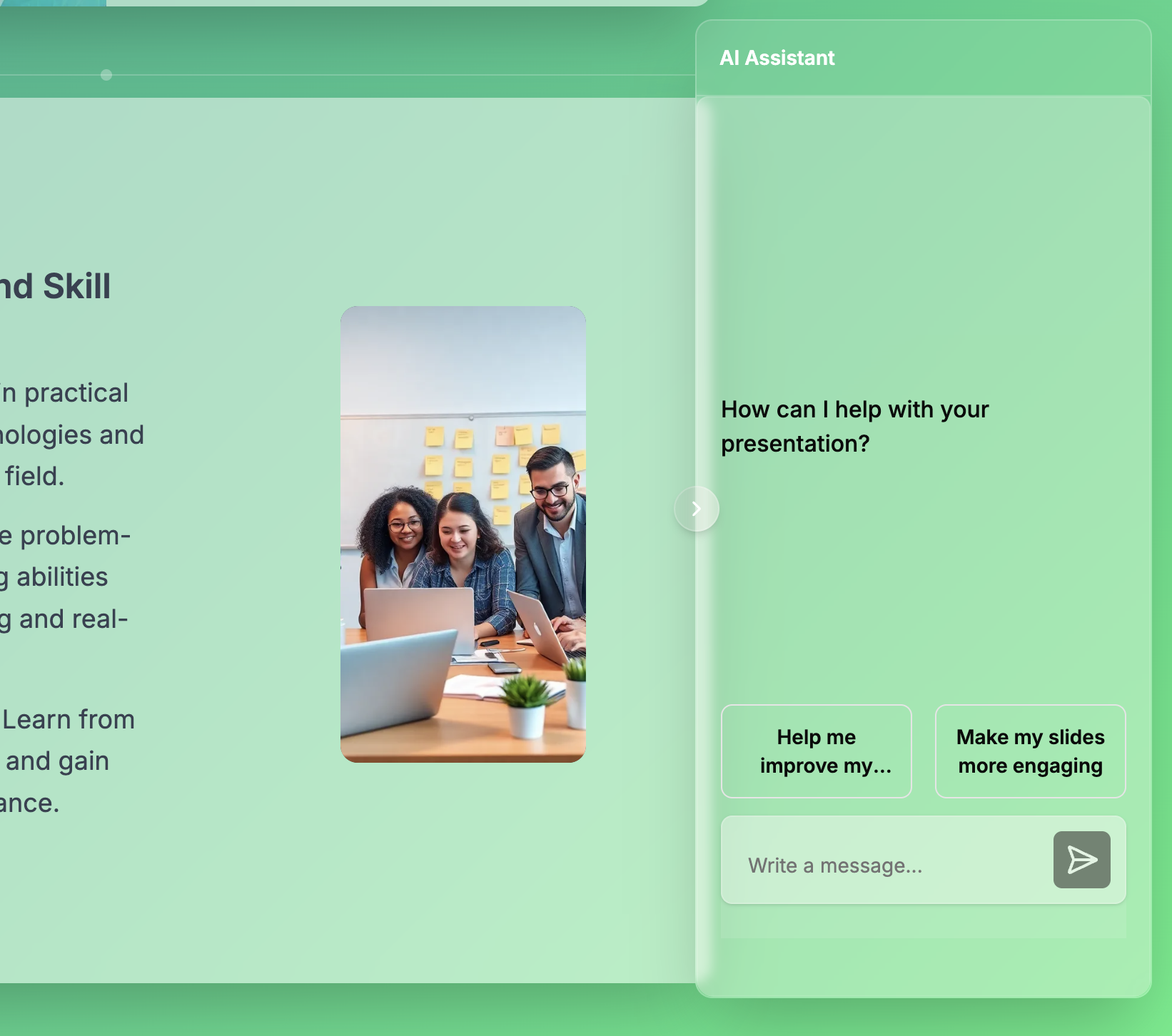
AI Assistant
Inspiration
Presentations are everywhere—pitch decks, team updates, reports—but making them still feels like a chore. During the hackathon, we saw an opportunity to change that. We imagined a tool where ideas flowed freely, and the AI took care of the busywork—turning raw thoughts, notes, or even spoken ideas into beautiful, well-organized slides. Inspired by tools like Gamma for slide aesthetics and Cursor for intuitive, AI-assisted editing, we set out to build Zent AI: a fast, intelligent, and collaborative way to create presentations that actually keeps up with your thinking.
What it does
- Instant slide generation: Give it a prompt or paste in notes/outlines, and Zent AI generates a full slide deck in seconds, complete with images and text.
- Interactive AI assistant: Ask the assistant to rewrite content, adjust themes, add or remove slides, or polish grammar—all from a simple chat interface.
- Template and theme management: Choose from built-in templates or let AI pick and refine a visual theme on the fly.
- Data and tool integrations: Connect to external MCP clients (e.g., Claude, Cursor, Windsurf) and fetch live data or organizational assets to enrich slides.
How we built it
- Frontend: A Notion-style slide editor built with Next JS, deployed on Netlify.
- AI APIs: OpenAI and Groq APIs for text and image generation.
- Authentication & storage: Supabase handles user auth and slide data persistence.
- MCP Server: Built on top of MCP SDK, allowing Zent AI to be connected to external MCP clients for slide generation.
- Timeline: Core MVP designed and shipped within two weeks of the hackathon kickoff.
Challenges we ran into
- Syncing local vs. persistent data: We struggled with deciding what should be saved in real-time and what should persist long term. Saving everything directly to the database introduced latency and conflicts, so we settled on keeping real-time edits in local storage and syncing to the database only at key checkpoints.
- AI assistant integration: Connecting the AI assistant's outputs directly into the live editor proved more complex than expected. Ensuring that AI-generated suggestions didn’t break the editor’s formatting or overwrite user changes required us to carefully bridge two systems that weren’t initially designed to work together.
- MCP server complexities: Building and integrating our MCP server was a challenge, especially in ensuring compatibility with third-party tools.
- Theme persistence issues: We ran into problems saving and reapplying themes consistently across sessions. Sometimes theme changes wouldn’t stick, or they'd apply incorrectly due to conflicts between styling logic and saved state.
Accomplishments that we’re proud of
- Sub-5-second deck creation: From prompt to full slide deck in under five seconds on average.
- Seamless AI chat-driven edits: Every UI action—from text tweaks to theme swaps—can be driven by natural-language commands.
- Modular MCP toolkit: A flexible plugin system that lets teams plug in their favorite MCP client without extra engineering.
- Hackathon MVP in two weeks: Core feature set live and usable well before the hackathon deadline.
What we learned
- UX trumps features: A smooth, responsive editor makes more impact than a dozen half-baked AI tricks.
- Plugin architecture scales: A well-designed MCP integration layer lets us onboard new data sources easily.
What’s next for Cursor for Slides
- Voice-based slide creation: Talk through your deck and watch AI transform your speech into polished slides.
- AI brainstorming mode: A dedicated canvas for collecting and organizing ideas before formalizing them into slides.
- Enterprise connectors: Deeper integrations with corporate knowledge bases, CRMs, and BI tools for truly data-driven presentations.
Built With
- groq
- javascript
- netlify
- nextjs
- openai
- replicate
- supabase

Log in or sign up for Devpost to join the conversation.