Cursivis
About the Project
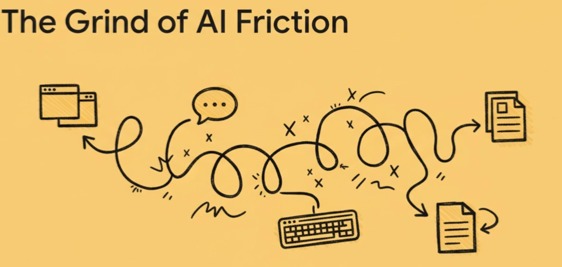
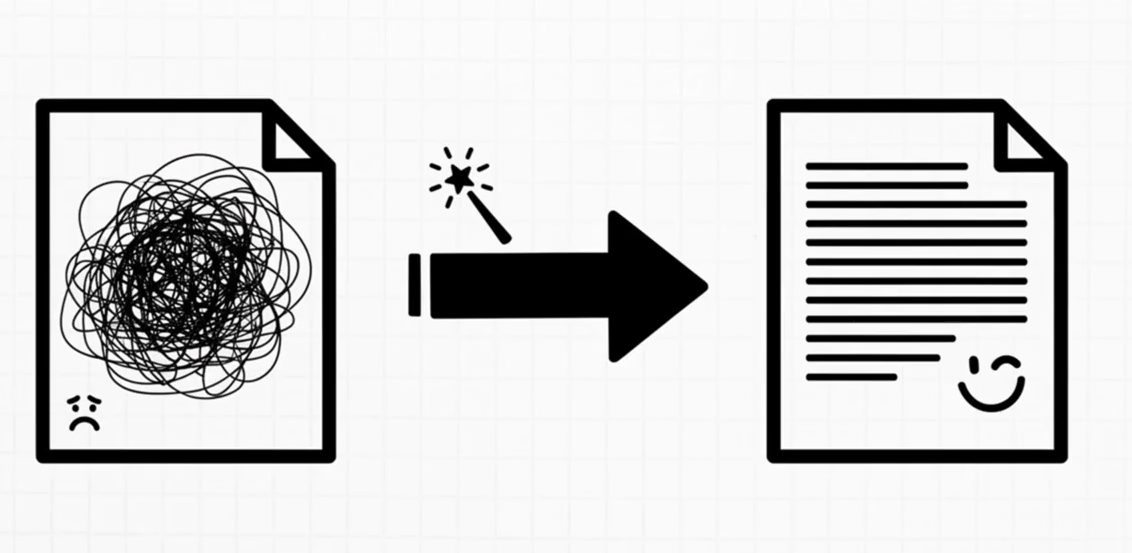
Artificial intelligence is everywhere, yet the way we interact with it remains fundamentally inefficient. Most workflows still force users to step out of their work — switching applications, writing prompts, explaining context, waiting for responses, and manually reintegrating results. Instead of enabling flow, this creates friction.
Cursivis reimagines this interaction model.
Cursivis is a context-aware, cursor-native interaction system designed for the Logitech MX ecosystem. It brings intelligence directly into the flow of work by transforming the cursor from a passive pointer into an active interface.
At its core, Cursivis is built on a simple principle:
$$ \text{Selection} + \text{Trigger} + \text{Context} = \text{Action} $$
In practice, this means:
Selection becomes the prompt, and physical intent replaces commands.
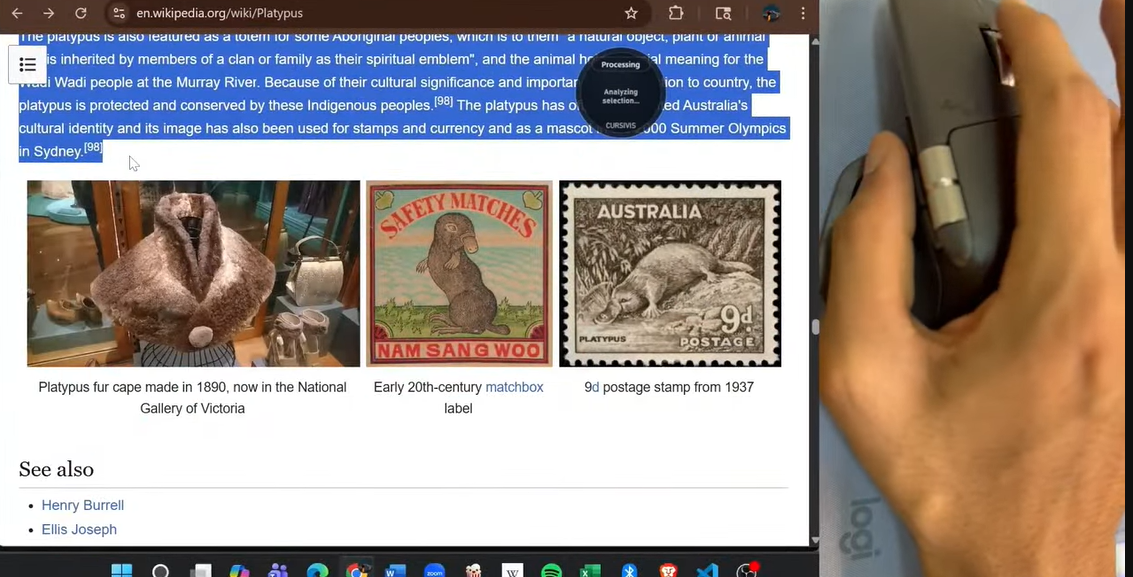
Instead of asking users to describe what they want, Cursivis understands intent directly from what is selected on screen and confirms that intent through deliberate Logitech MX hardware actions.
This eliminates prompt friction, removes context switching, and allows action to begin exactly where the user is already working.
What Inspired Us
The inspiration came from a very obvious problem that still feels strangely unsolved. AI tools are getting better every month, but the interaction model is still built around blank prompt boxes. Real work does not begin in a blank box. It begins inside a browser tab, a code editor, a document, an email thread, a form, or an image already open on screen. We wanted to build a system where the user does not have to stop and explain everything to AI. Instead, they should be able to point at something, press a trigger on Logitech MX hardware, and have the system understand what they mean. That shift, from typing context to selecting context, is what led to Cursivis.
How Cursivis Works
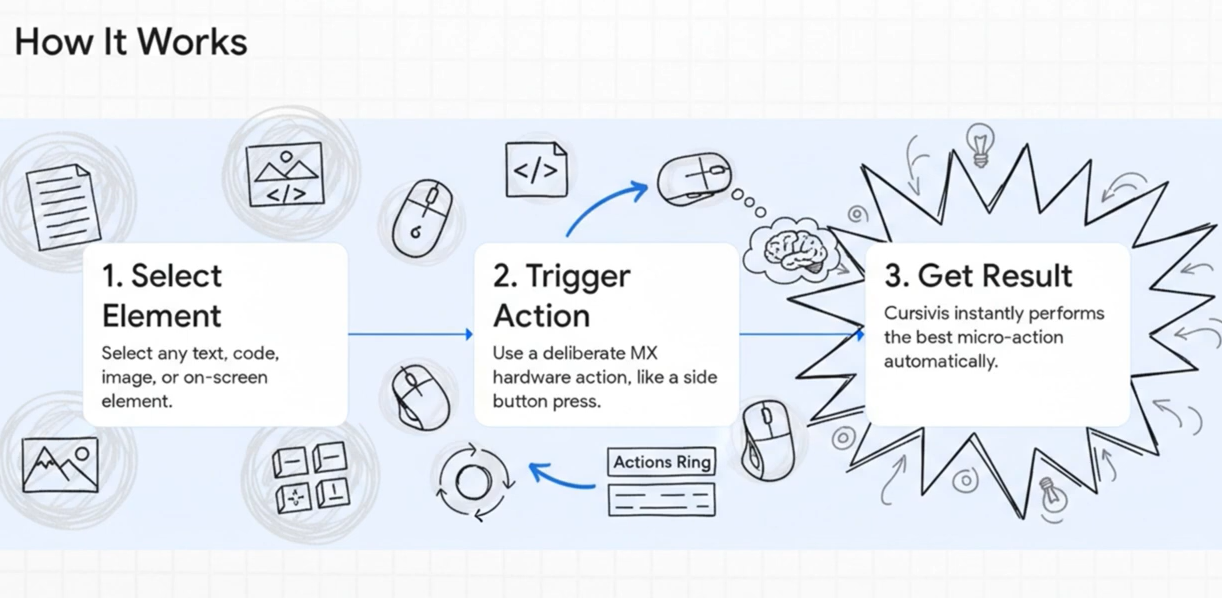
The interaction loop is intentionally simple:
Select → Trigger → Understand → Generate → Execute
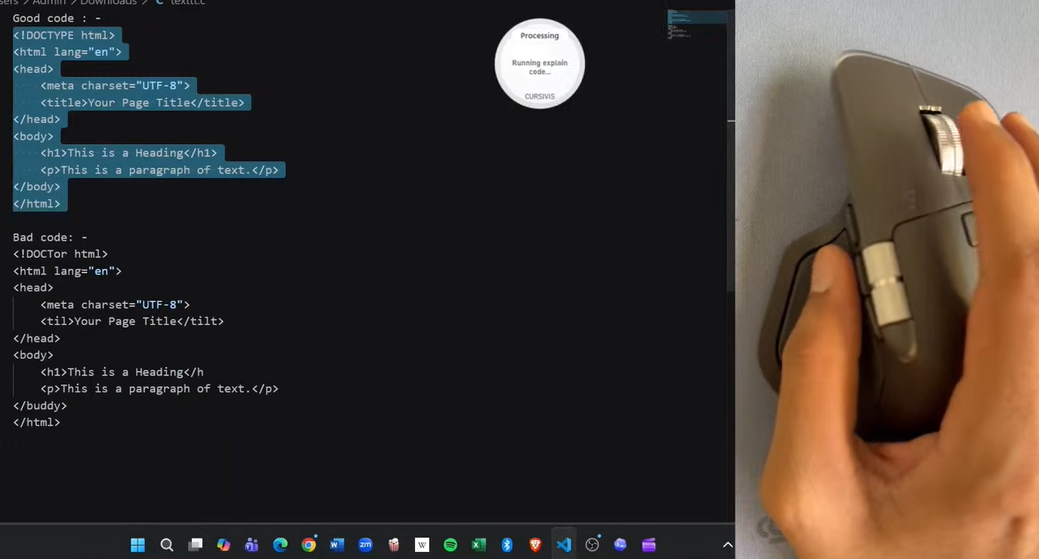
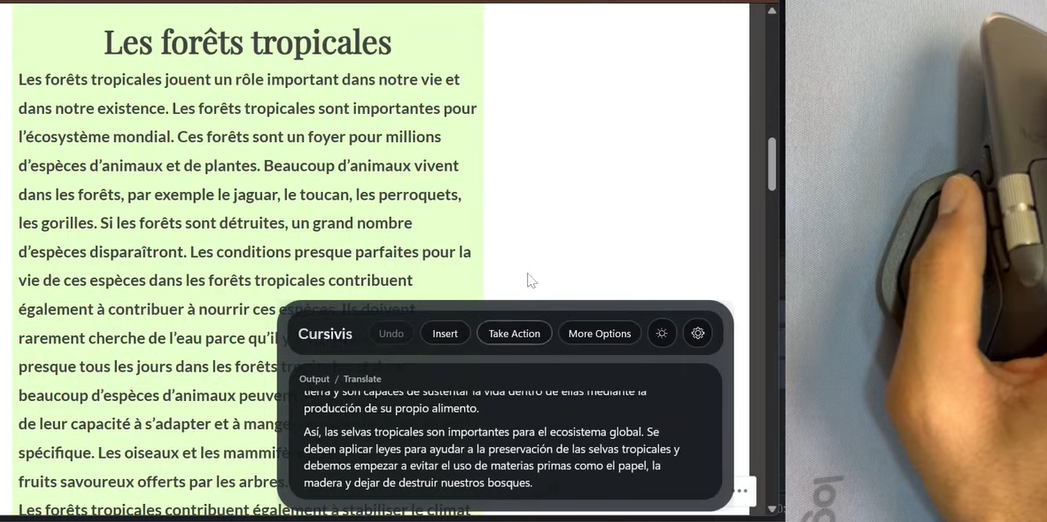
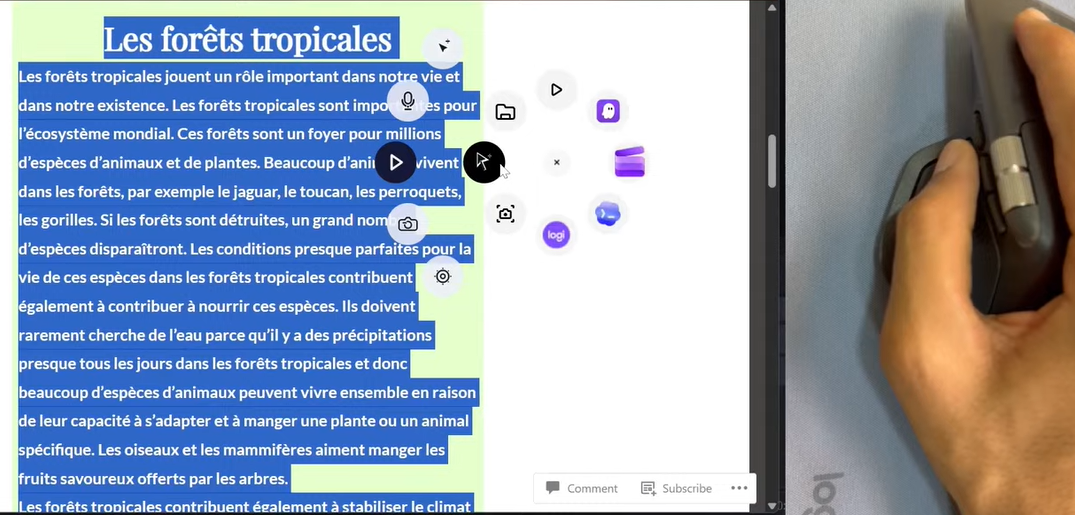
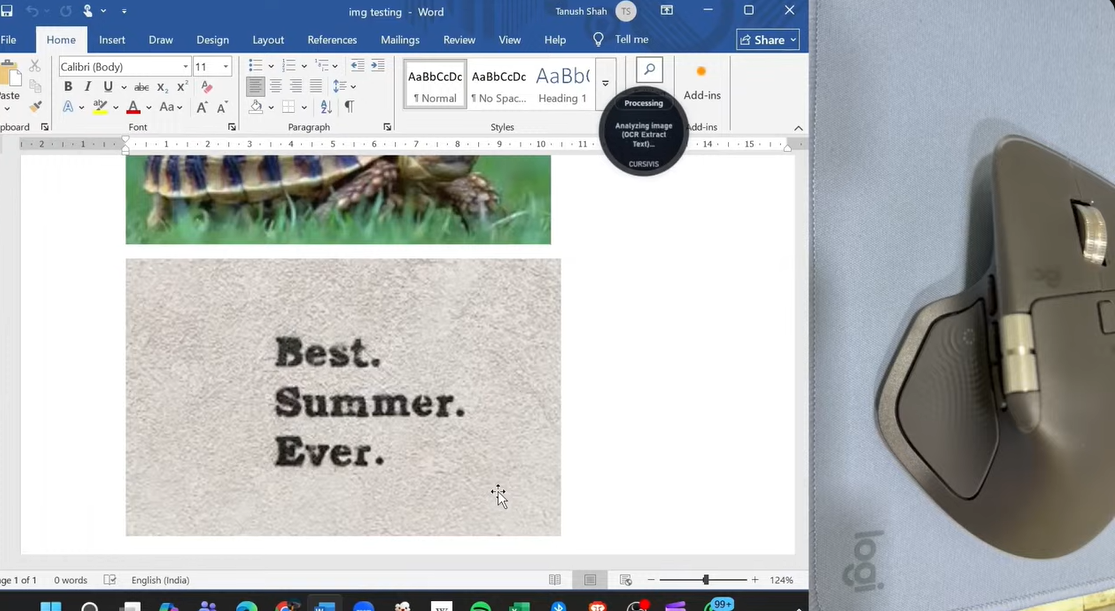
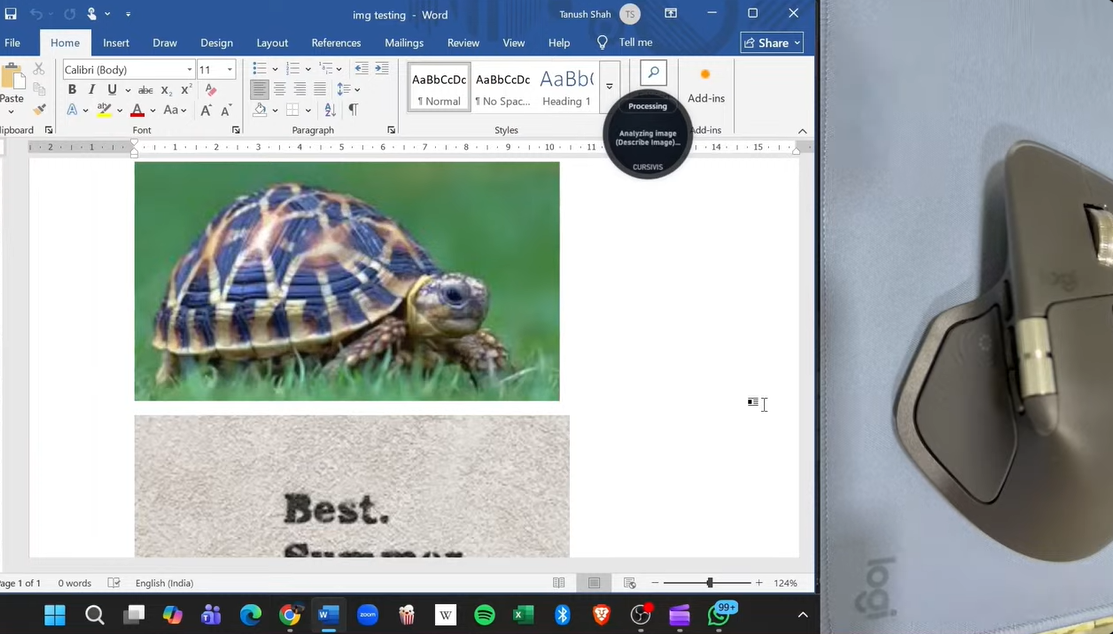
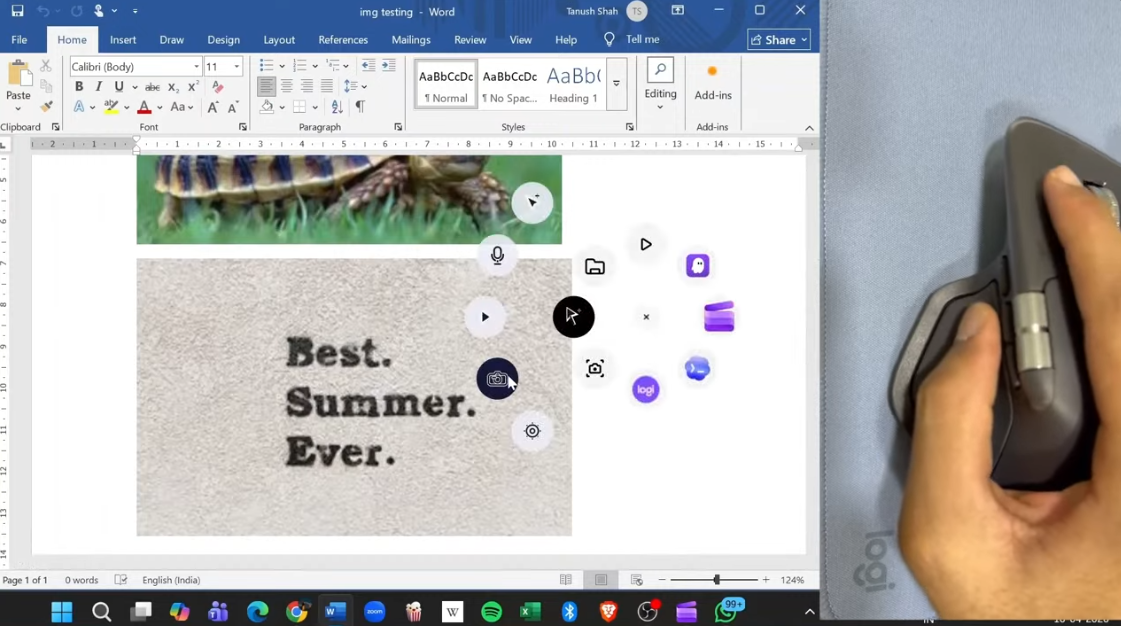
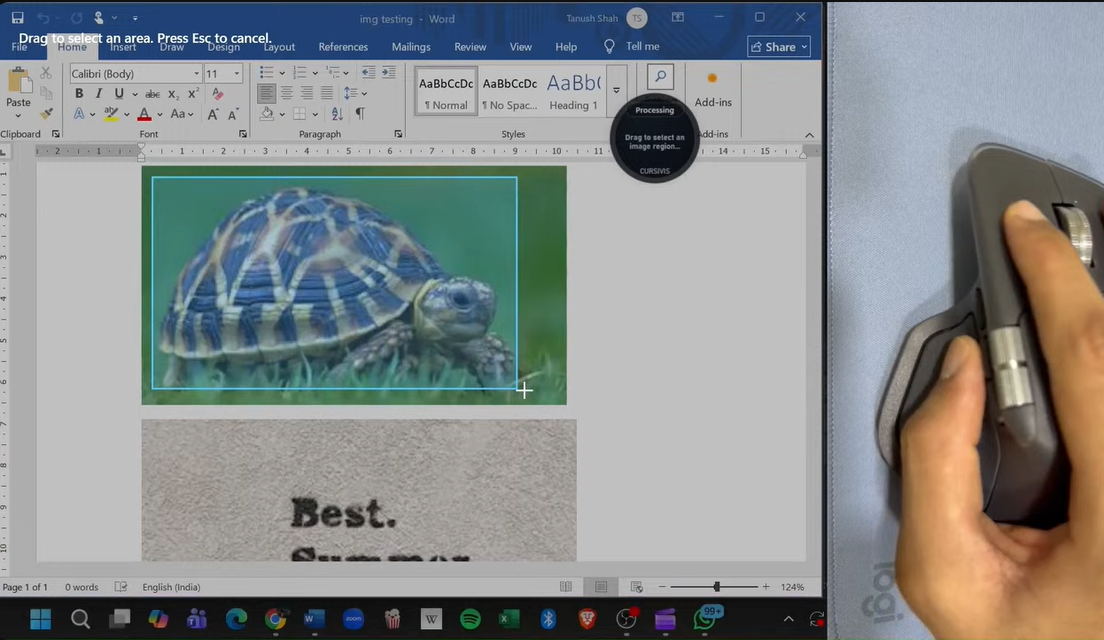
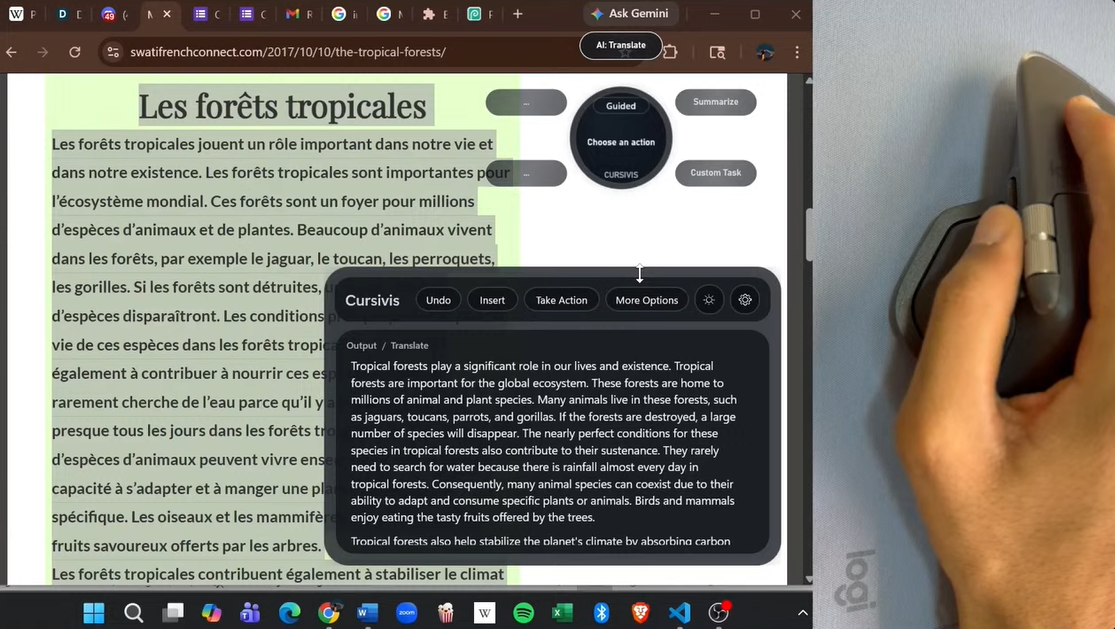
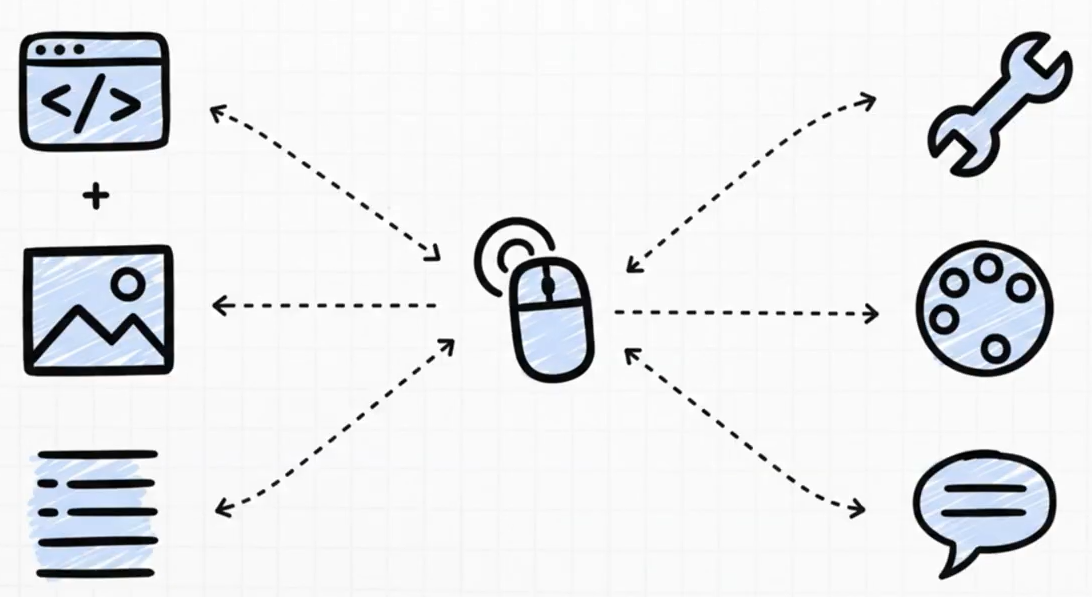
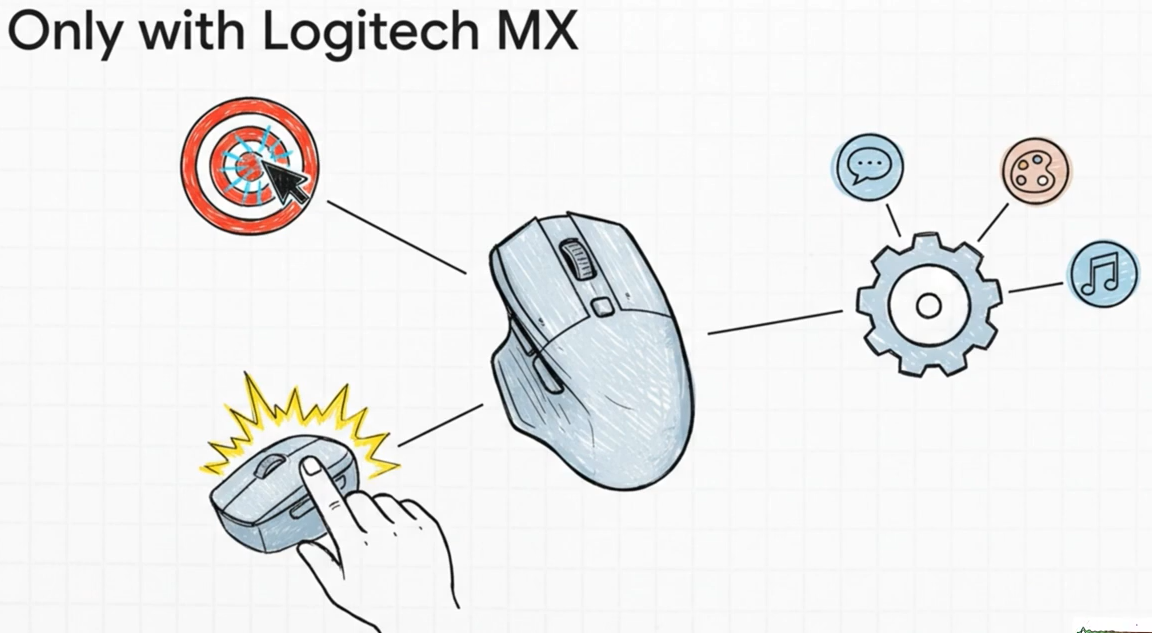
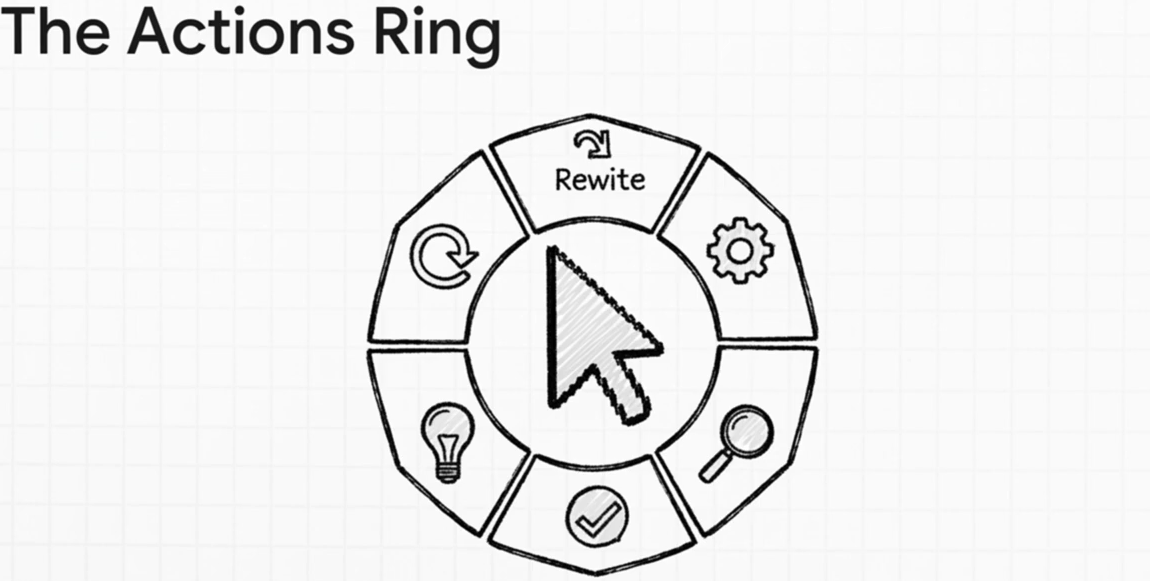
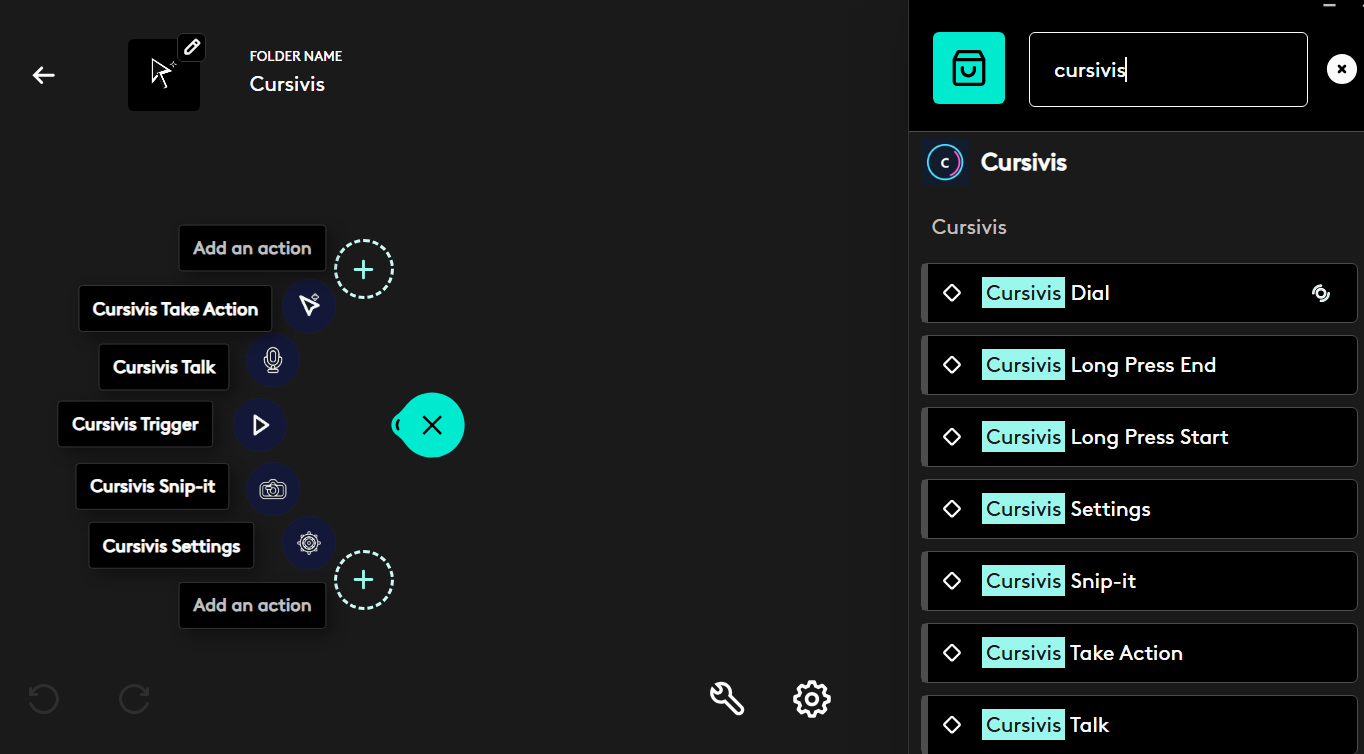
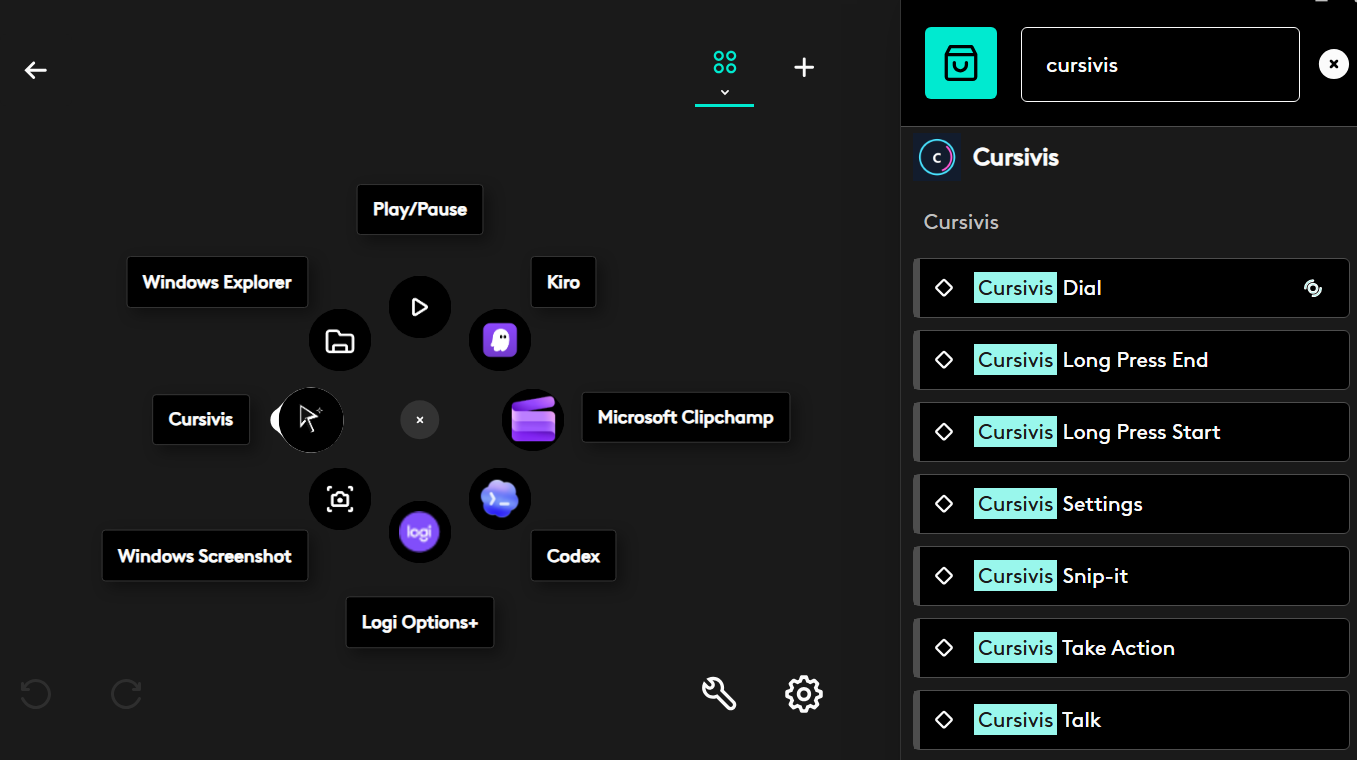
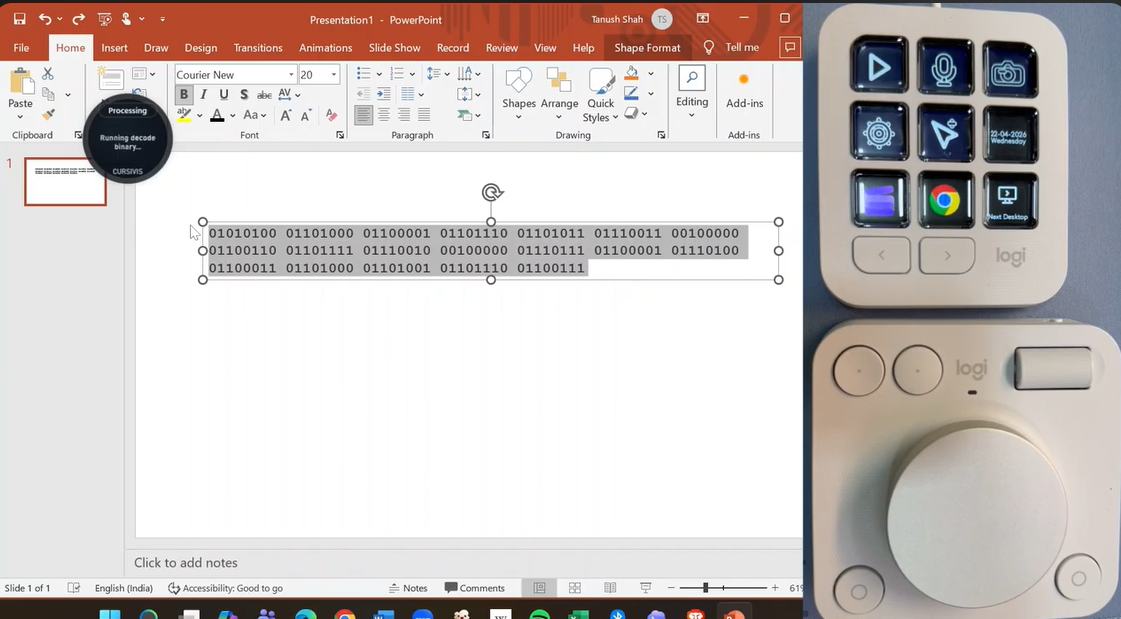
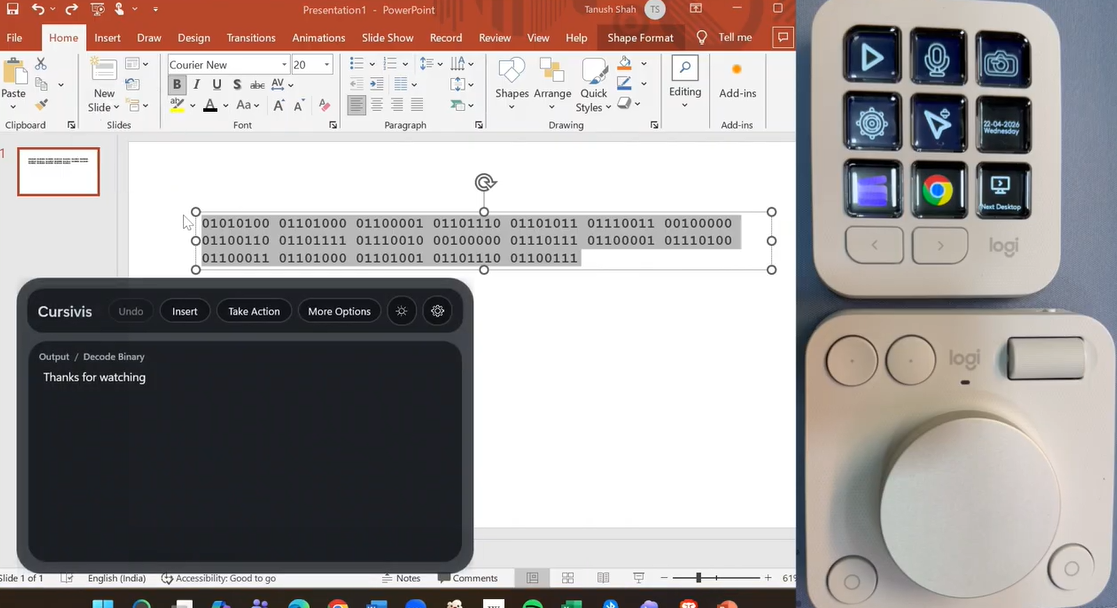
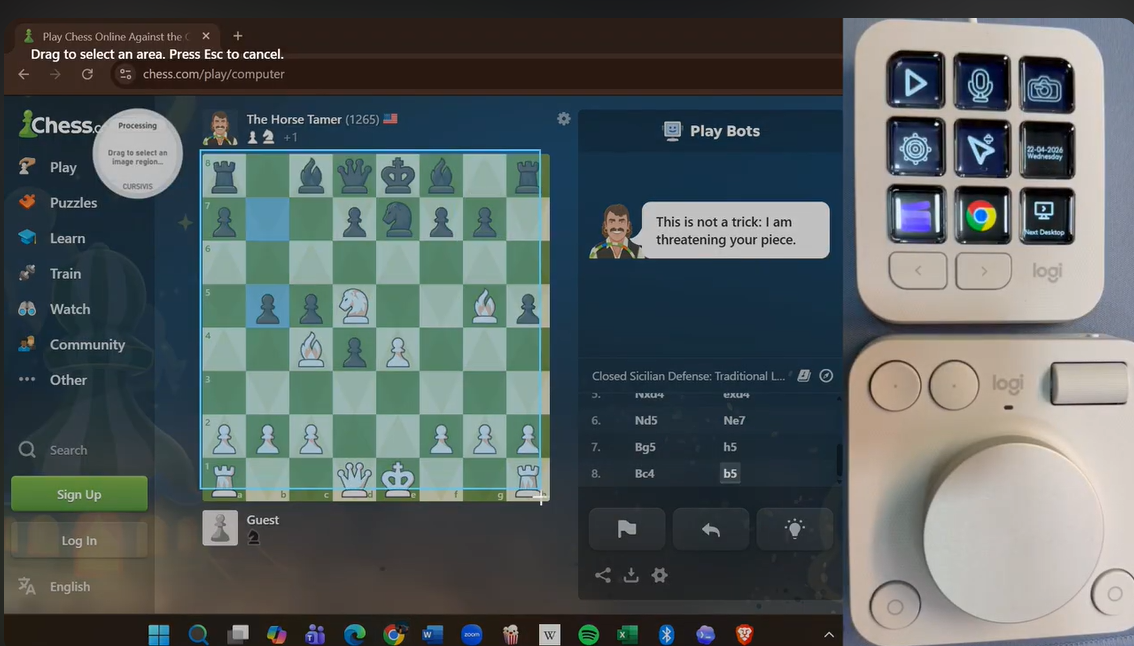
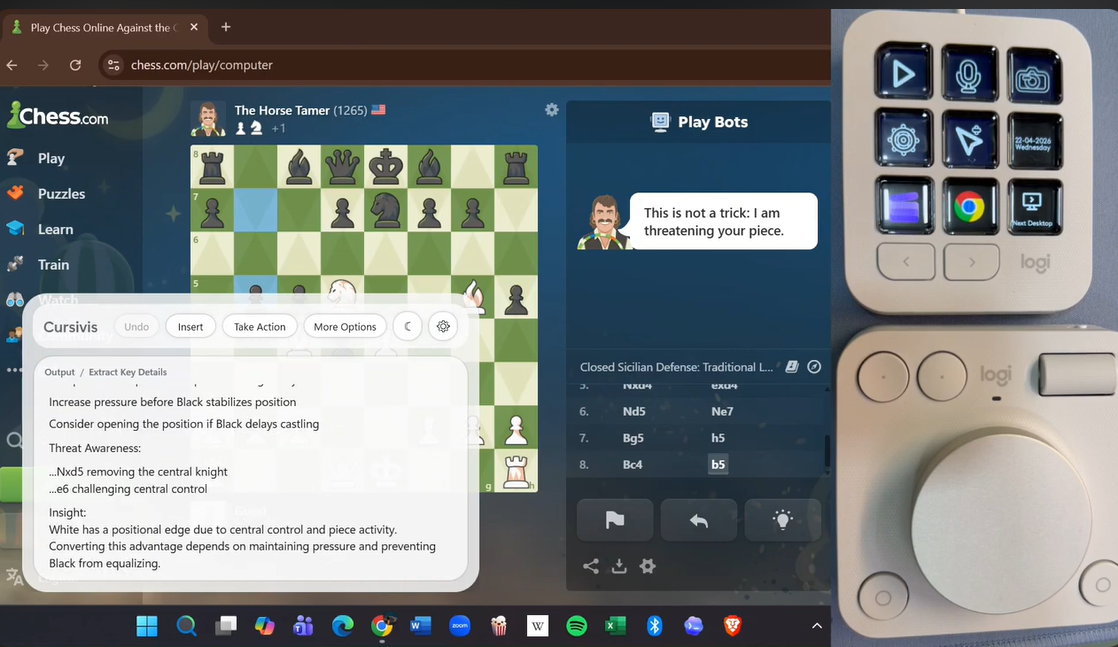
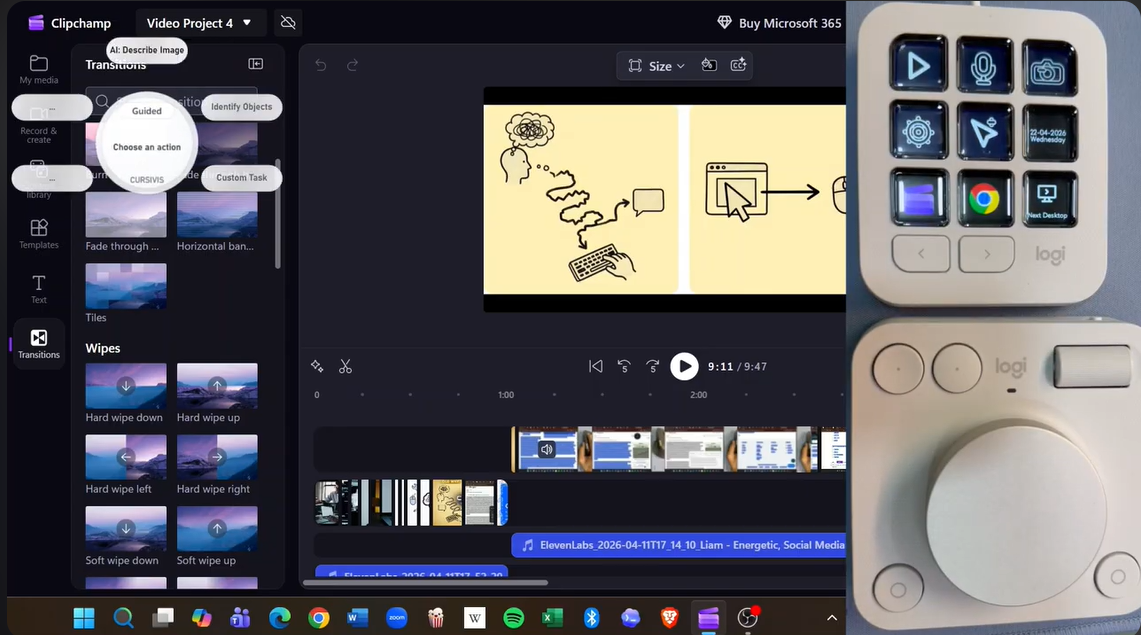
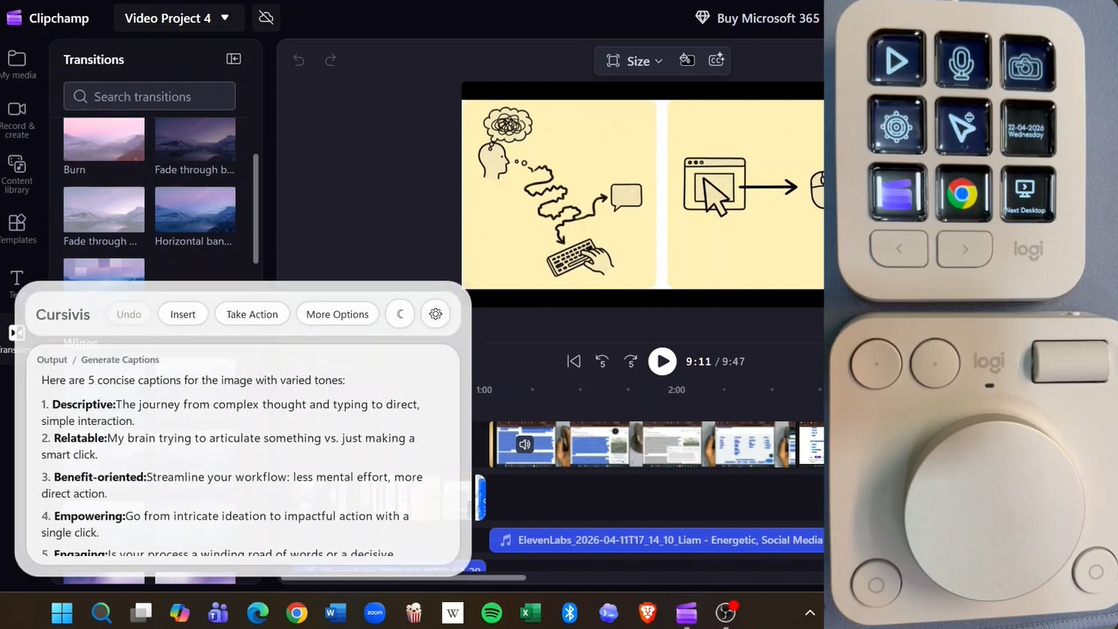
The user selects any on-screen element — text, code, images, email threads, forms, or even colors — and triggers Cursivis using Logitech MX hardware (MX Master button, Actions Ring, or Creative Console). Cursivis captures live context, identifies the input type (text, code, image, OCR, or mixed), and determines the most useful next step.
- Smart Mode → Acts instantly
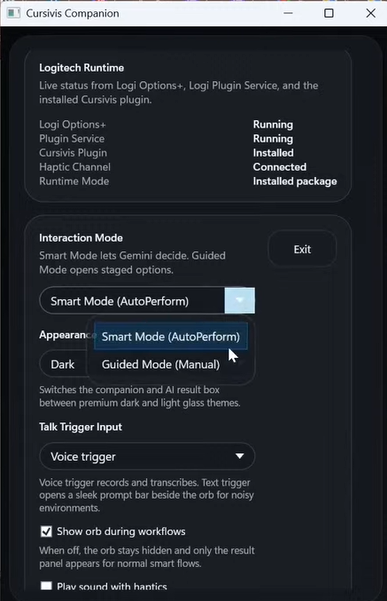
- Guided Mode → Shows context-aware options
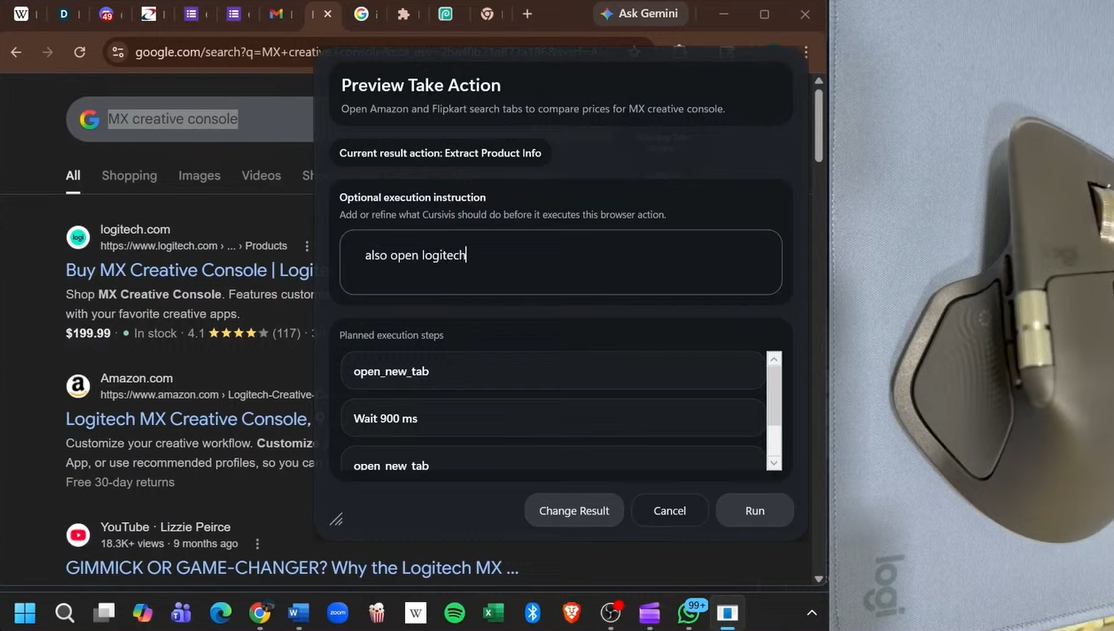
- Refinement → Voice or text input if needed
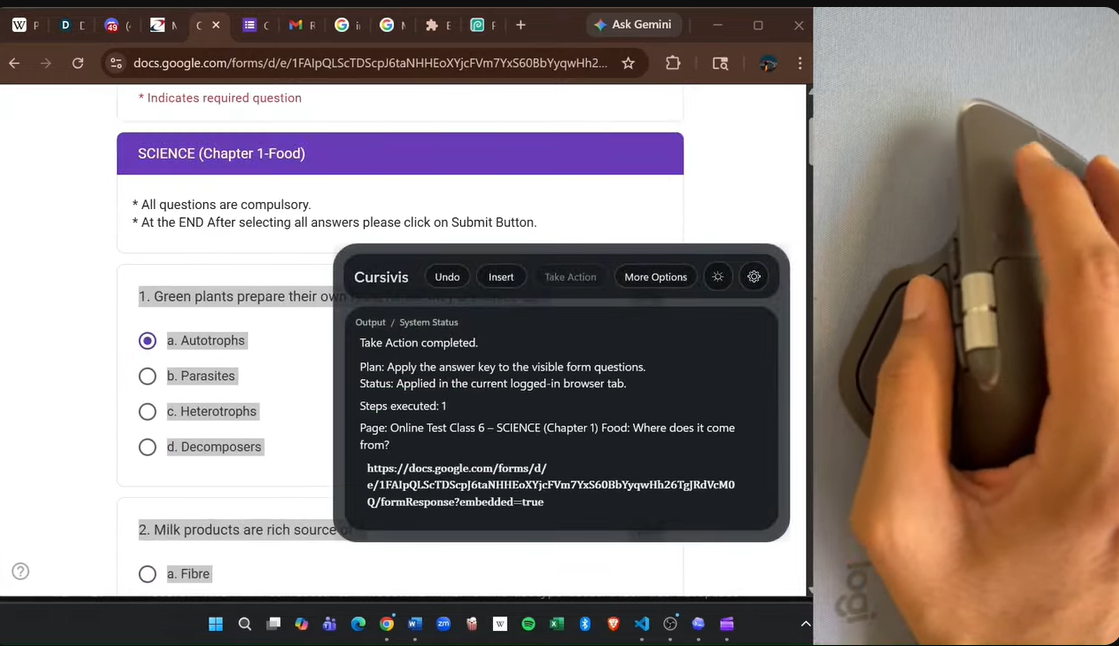
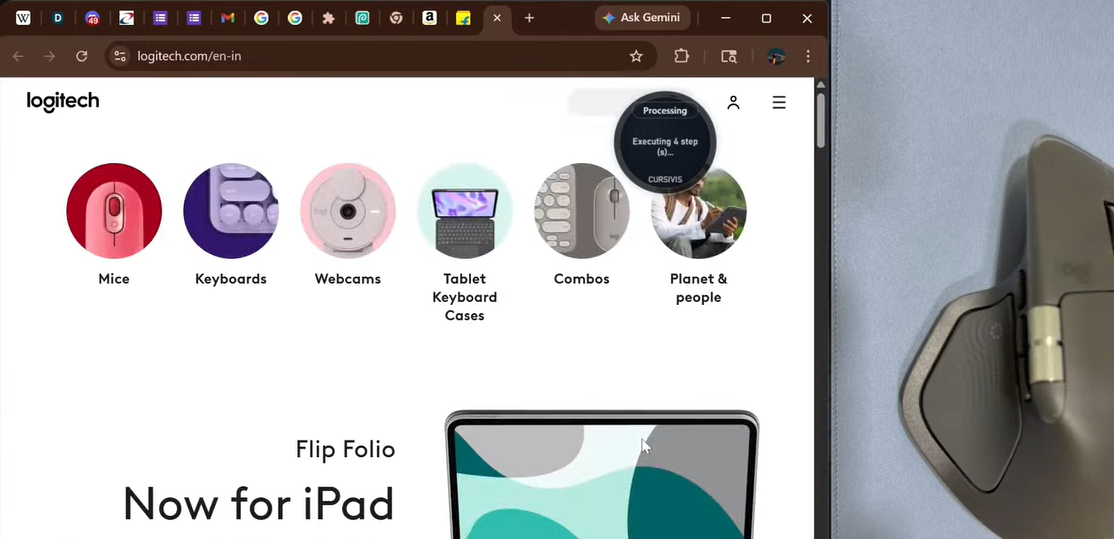
- Take Action → Converts output into structured browser workflows and executes it
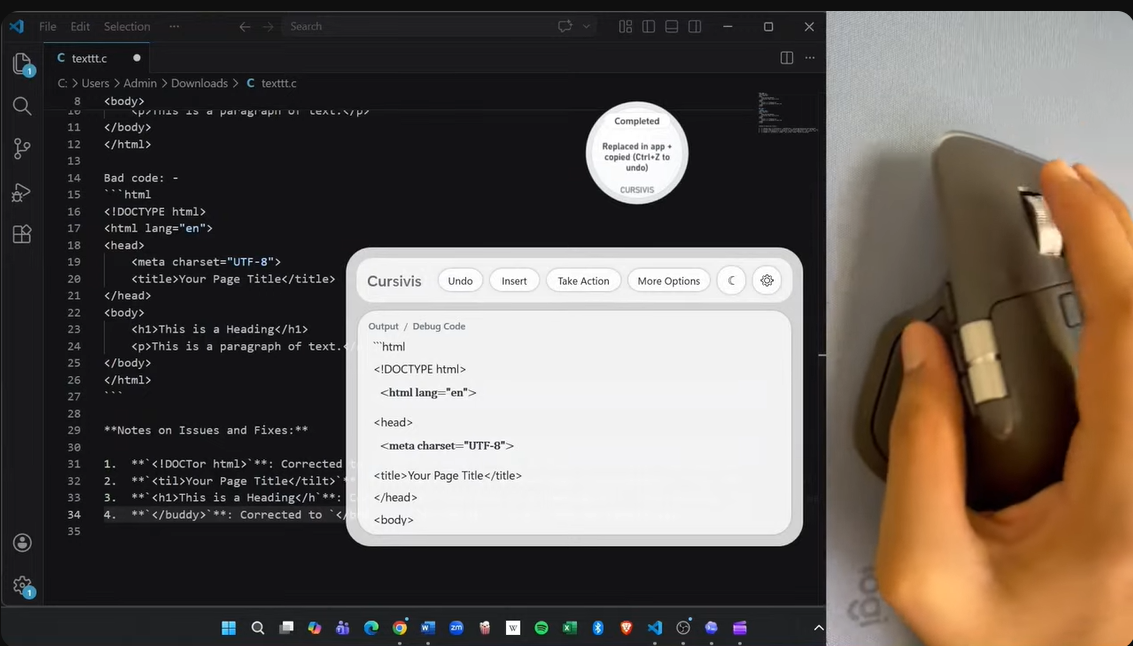
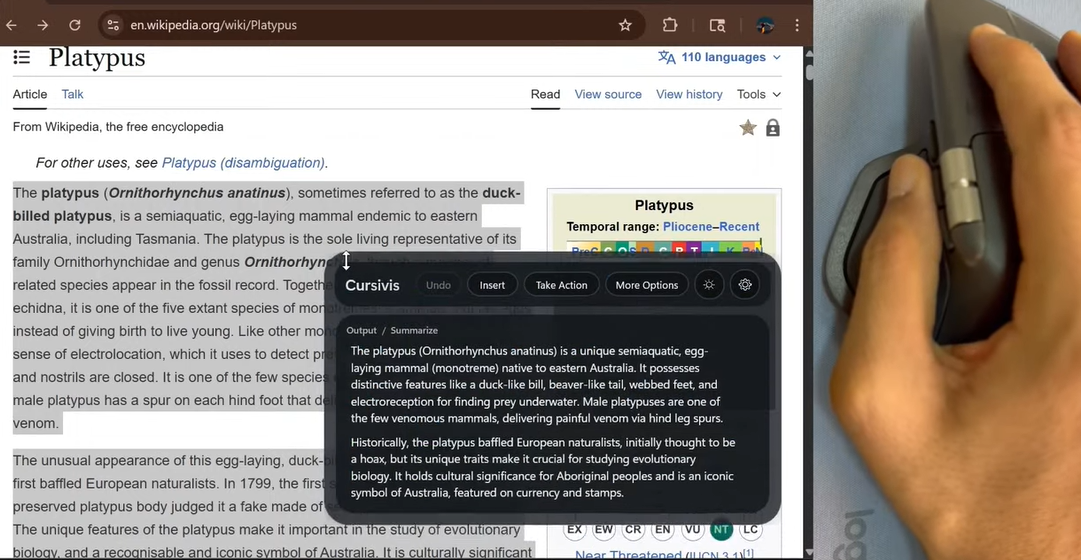
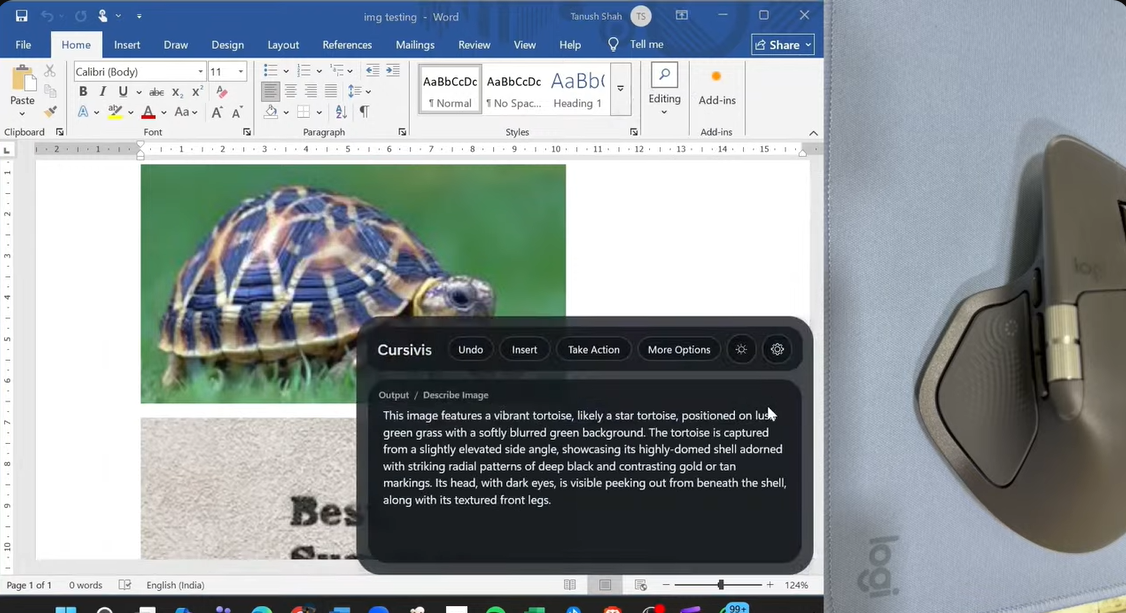
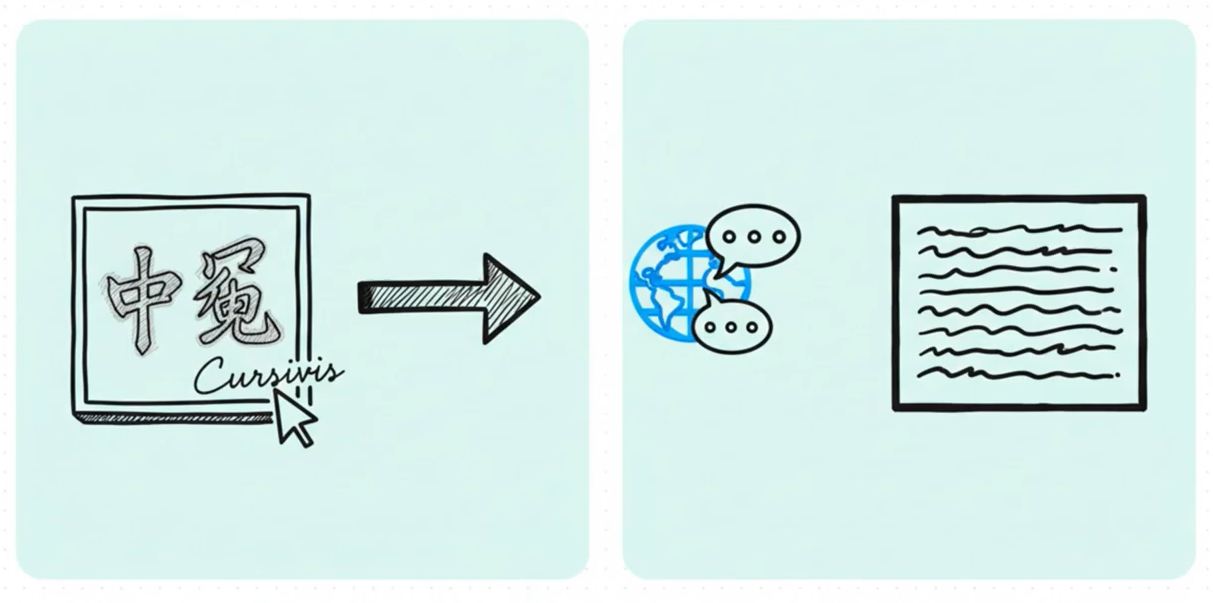
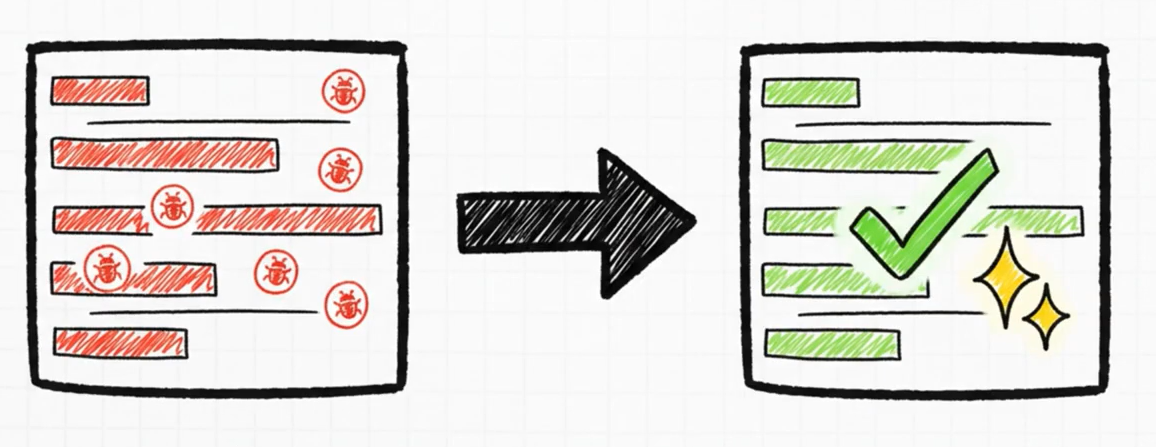
The same trigger produces different outcomes depending on context — article → summary, foreign text → translation, code → explanation/debugging, MCQs → answered forms, image → OCR/description/object understanding.
The interaction stays constant; the intelligence adapts. Users don’t learn commands — the system learns how to respond to what is already selected.
Where Hardware Becomes Intent
Cursivis is designed specifically for Logitech MX workflows, and that hardware relationship is central to the project. With Logitech MX devices, input feels intentional. A trigger button, an Actions Ring selection, a thumb-wheel navigation gesture, or haptic feedback all communicate meaning in a way that shortcuts alone do not. The hardware is not just launching commands. It is expressing user intent. That is why Cursivis feels less like “AI added on top” and more like a native workflow layer. The cursor becomes the place where context is captured, and Logitech hardware becomes the place where intent is confirmed.
How We Built It
Cursivis is built as a multi-layer system:
Logitech MX Hardware
    -> Logitech Plugin Layer
    -> Windows Companion App
    -> Reasoning Backend
    -> Browser Action Layer
    -> Live Workflow Execution
The Logitech integration layer was built in C# with the Logi Actions SDK. The companion application was built in C# / .NET 8 / WPF and handles selection capture, overlays, orb interactions, and the main user experience. The reasoning backend was built in Node.js to support text, image, voice, and browser action planning. The execution layer combines a Chromium extension, native host, and browser action agent so that Cursivis can move from explanation to real browser-side follow-through. That architecture let us keep the system modular while still making the user experience feel fast and seamless.
Challenges Faced
The hardest part was not generating intelligent output. The hardest part was making the interaction feel natural. We had to solve reliable cross-application selection capture, maintain context without forcing the user to restate it, design Smart Mode so it feels useful instead of unpredictable, make Guided Mode compact and hardware-friendly, and ensure that browser execution stays reliable inside real live workflows. Another major challenge was polish. For Cursivis to feel convincing, the orb, overlays, prompt surfaces, actions, and feedback all had to feel like parts of the same product rather than separate utilities stitched together. That meant spending real effort on UI consistency, trigger behavior, execution confirmation, and hardware-native flow.
The Learnings
The biggest lesson we learned is that the future of AI interaction is not just better chat. It is better context capture, better intent expression, and better execution. We learned that selection is often a better prompt than text entry. We learned that hardware can become an intent surface instead of just an input surface. And we learned that the most impressive AI experience is often the one that disappears into the workflow instead of asking the user to stop and talk to it. In other words, the best AI does not demand attention as a separate product. It becomes a capability embedded directly into the tools people are already using.
The Cursor, Reimagined!
Cursivis transforms the cursor from a passive pointer into an active workflow interface. Instead of: $$ \text{Select} \rightarrow \text{Switch Tabs} \rightarrow \text{Prompt} \rightarrow \text{Copy Back} $$ the interaction becomes: $$ \text{Select} \rightarrow \text{Trigger} \rightarrow \text{Understand} \rightarrow \text{Act} $$ That shift reduces cognitive load, preserves flow, and makes AI feel immediate rather than interruptive. Cursivis is not just an assistant layered on top of existing software. It is a new interaction primitive for Logitech MX workflows, one where the cursor no longer just points at work. It becomes the beginning of action.
Built With
- .net-8
- actions-ring
- adaptive-ui
- browser-automation
- c#
- chromium-extension-apis
- contextual-browser-actions
- express.js
- haptic-feedback-integration
- javascript
- logi-options+
- logitech-actions-sdk
- multimodal-llm-apis
- mx-creative-console
- mx-master-4
- node.js
- ocr
- on-screen-intelligence
- playwright
- powershell
- real-time-context-capture
- websocket-ipc
- windows-desktop
- wpf

Log in or sign up for Devpost to join the conversation.