The Idea
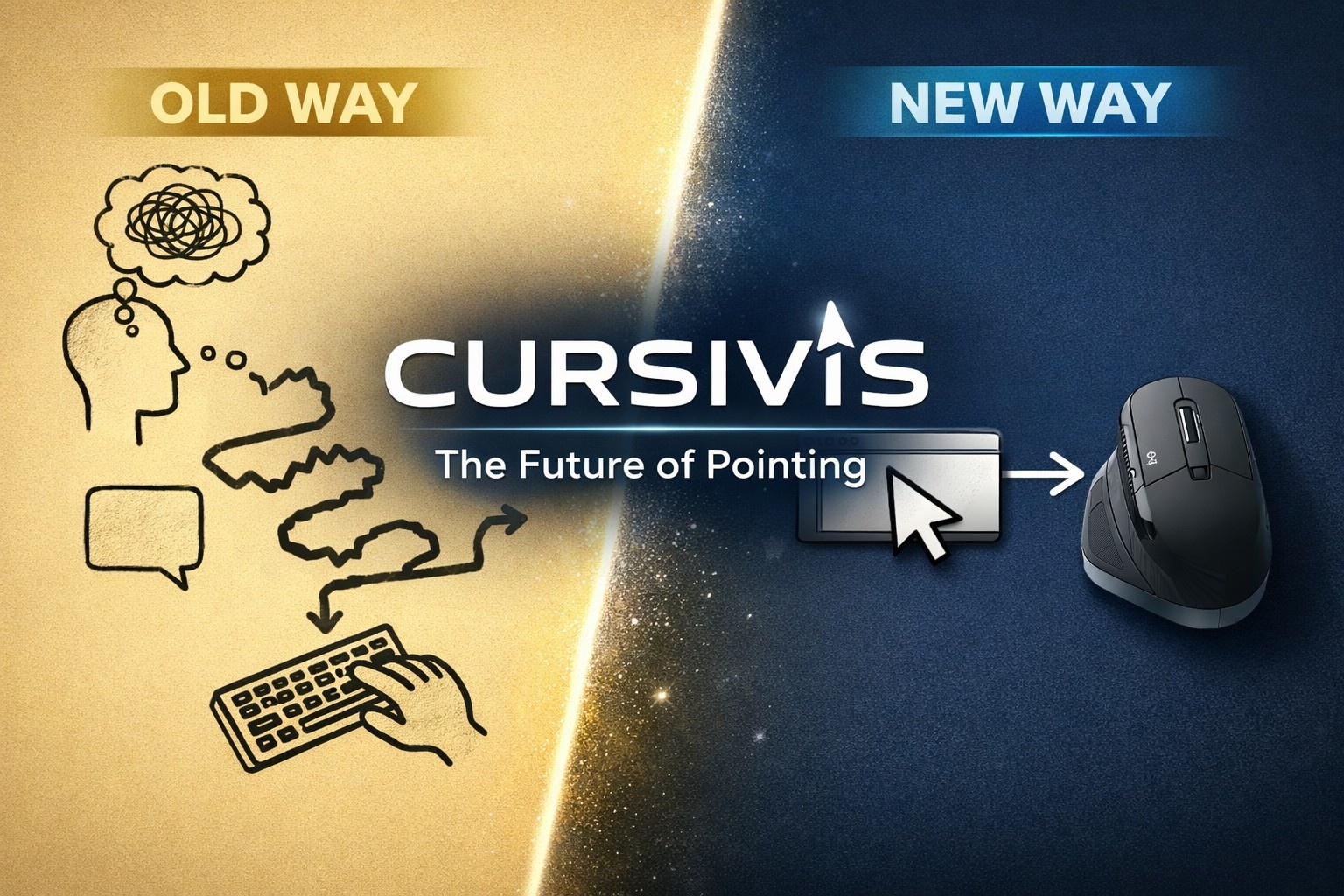
I kept running into the same friction every day. You're reading a report, you hit a paragraph you don't understand. You open ChatGPT, switch windows, re-explain the context, paste the text, wait, get an answer, switch back, manually apply it. That's six steps for something that should take one.
The question I couldn't stop thinking about was:
What if the AI lived where the work already is?
Not in a chat window. Not in a sidebar. Right on top of whatever you're looking at — triggered by the most natural thing a computer user already does: selecting something.
That became Cursivis.
Selection = Context · Trigger = Intent · Gradient AI = Intelligence
What It Does
Cursivis turns your cursor into a multimodal AI agent. The entire interaction is:
- Select — highlight text, lasso a screen region, or hold to talk
- Trigger — press a button (Logitech MX Creative Console or keyboard shortcut)
- Review — result appears instantly, copied to clipboard
- Act — optionally press Take Action to execute it directly in the browser
The same trigger behaves differently depending on what's selected. That's the core insight:
- a broken function → debugged
- a rough email draft → polished
- an incoming email → replied to
- a foreign-language paragraph → translated
- a question → answered directly
- a screenshot region → described or OCR'd
AI Decision Output
{
  "detectedType": "code",
  "selectedAction": "debug_code",
  "routingConfidence": "high",
  "routingReasoning": "Content classified as broken code → routed to debug_code."
}
How I Built It
The system has five layers:
1. Windows Companion App (WPF / .NET 8)
Captures text selections via clipboard, lasso screenshots via a transparent overlay, and voice via hold-to-talk. Renders the orb UI, result panel, and guided action menu. Sends multimodal payloads to the backend.
2. Gradient Agent Backend (Node.js)
The core of the project. Built on the DigitalOcean Gradient AI serverless inference API using the standard openai npm package — no proprietary SDK:
const client = new OpenAI({
  apiKey: process.env.MODEL_ACCESS_KEY,
  baseURL: "https://inference.do-ai.run/v1/"
});
Models in Use
anthropic-claude-4.5-haiku— text reasoning, intent routing, action planningopenai-gpt-4o— multimodal image + text understandinggte-large-v1.5— semantic embeddings for context ranking
3. Specialist Action Router (actionRouter.js)
This is what makes Smart Mode feel intelligent. Instead of always summarizing, the router classifies the content type and routes to the most useful specialist action.
It uses:
- heuristic classification (
contentClassifier.js, 985 lines) - live Gradient AI call for ambiguous cases
The routing decision is returned in every response so the UI can show exactly what happened and why.
4. Browser Execution Layer
A Chromium extension + native messaging bridge that runs inside the user's real logged-in browser tab.
Supports:
- fill
- click
- select
- reply
- answer-key actions
Backed by a Playwright-driven managed browser for fallback.
browserActionPlanner.js generates step-by-step DOM action plans for:
- Gmail
- Google Forms
- Discord
- Notion
- Shopping flows
5. DigitalOcean App Platform
The backend is containerized and deployed via app.yaml.
- One YAML file
- One secret (
MODEL_ACCESS_KEY) - Fully deployed
Why DigitalOcean Gradient AI
The always-on, trigger-driven nature of Cursivis means inference has to be fast and cheap per call.
Gradient AI's serverless model is a perfect fit:
- no GPU droplets to manage
- no cold start provisioning
- pay per token
The OpenAI-compatible API meant I could use the standard openai package and swap models by changing a single environment variable.
Having Claude, GPT-4o, and embedding models all behind:
- one endpoint
- one credential
removed an entire category of infrastructure complexity.
Cost Insight
Every trigger fires:
- one intent classification call
- one generation call
With Claude 4.5 Haiku pricing:
cost per interaction = fractions of a cent
Challenges
Making Smart Mode Actually Smart
The hardest problem wasn't generating text — it was routing correctly.
- A paragraph with a question mark ≠ a question
- A polished email ≠ draft
Built:
- 15+ pattern classifier
- broken code detection (unbalanced delimiters)
- email state inference
- MCQ detection
Then layered AI routing for ambiguity.
Browser Execution in Real Tabs
Playwright (managed) is easy.
Real user tabs are not.
Solved using:
- native messaging bridge
- Chromium extension
- DOM-aware planner (not hardcoded selectors)
Response Quality Control
Detected weak outputs:
- generic answers
- near-duplicate outputs
- metadata leakage
Implemented:
- retry with improved prompts
- tuned similarity thresholds
UX of Trust
- show routing decision
- confirm risky actions (send, submit, purchase)
- orb state = thinking vs done
Trust is not a feature — it's core functionality.
What I Learned
The interaction model matters more than the model.
GPT-4 in chat vs GPT-4 via cursor selection = completely different product.
Cursivis proves:
The next frontier of AI is not smarter models — it's smarter interfaces.
DigitalOcean Gradient AI insight:
- Claude → reasoning
- GPT-4o → vision
- embeddings → context
All through:
- one endpoint
- one key
- one SDK
What's Next
The core loop works.
Next step:
Make it invisible.
Future direction:
- learn user patterns
- pre-classify selections
- reduce latency
- feel native to OS
The infrastructure is already there.
The interaction model is proven.
The only thing left is making it feel like it was always part of the OS.
Built With
- .net-8
- ajv
- c#
- chromium-extension
- claude-4.5-haiku
- digitalocean-app-platform
- digitalocean-gradient-ai
- docker
- dotenv
- express.js
- gpt-4o
- gte-large-v1.5
- javascript
- logitech-actions-sdk
- native-messaging-api
- node.js
- openai-sdk
- playwright
- serverless-inference
- websocket
- wpf

Log in or sign up for Devpost to join the conversation.