-
-
-
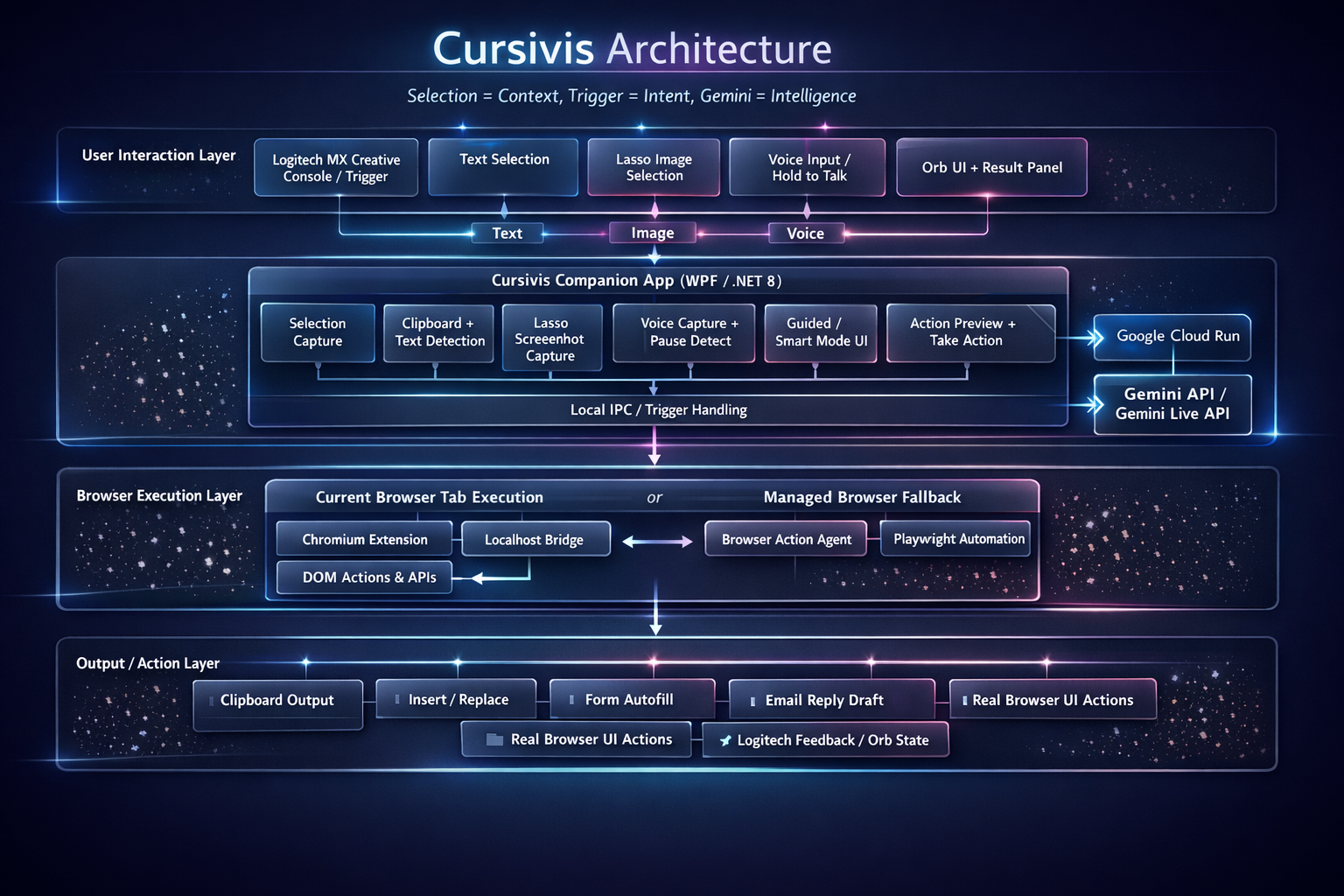
ARCHITECTURE
-
About Cursivis
Inspiration
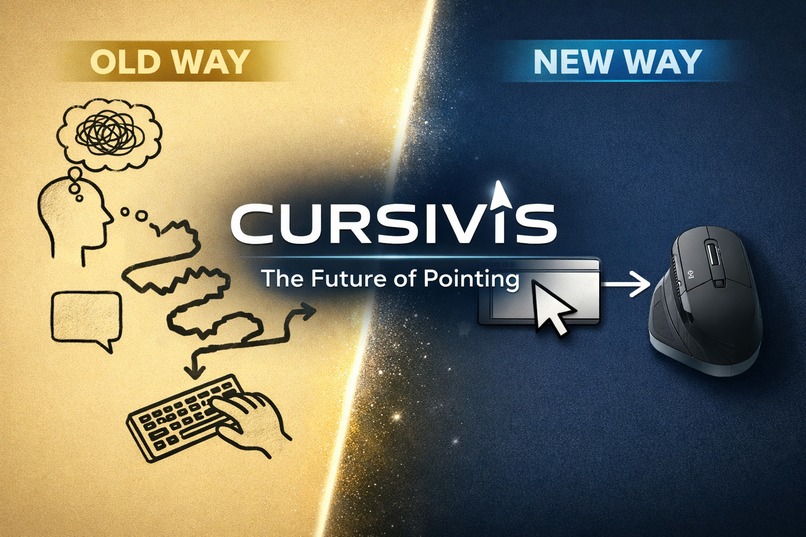
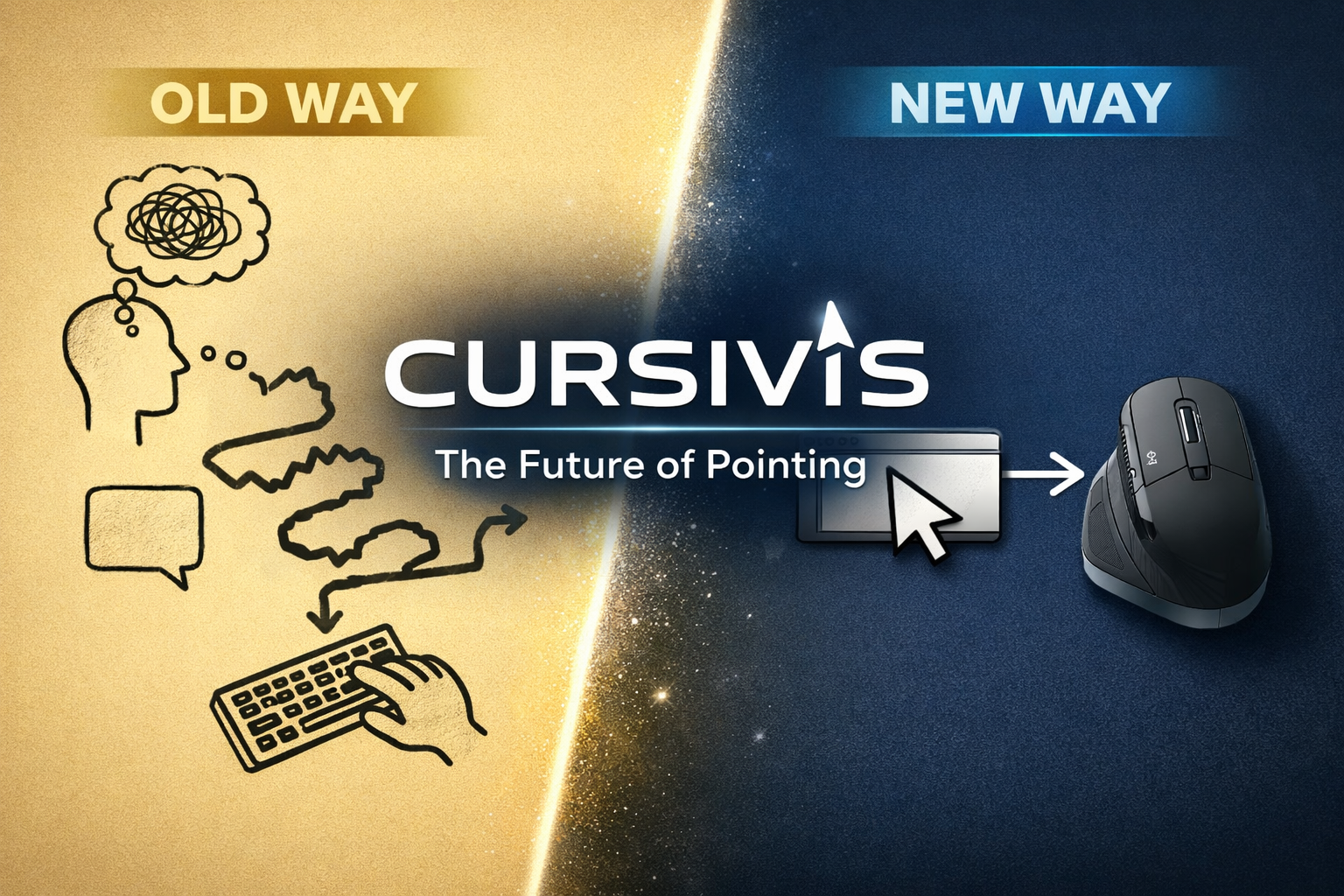
Most AI products still begin with the same ritual: open a chat box, explain the context, paste the content, wait for an answer, then manually apply it somewhere else. That flow breaks focus and makes AI feel separate from the work itself.
We built Cursivis to explore a different idea:
[ \text{Selection} = \text{Context}, \quad \text{Trigger} = \text{Intent}, \quad \text{Gemini} = \text{Intelligence} ]
Instead of asking users to “go to AI,” we wanted AI to come to the exact thing they are already looking at. If a user highlights an email, a report, a block of code, an image, or a browser form, Cursivis should understand that context, infer the most useful next step, and either return the result or take action directly in the UI.
That idea became even more exciting when paired with the Logitech MX Creative Console. A physical trigger, dial, and haptic feedback made the interaction feel immediate and spatial, not like another software popup. We were inspired by the belief that the future of AI is not just conversational, but embedded, multimodal, and executable.
What We Built
Cursivis is a cursor-native multimodal AI agent for desktop workflows.
It lets a user:
- select text, images, or both
- press a trigger instead of opening a prompt box
- let Gemini decide the most useful action based on context
- receive a useful output instantly
- optionally press Take Action to let the agent act in the UI
Examples include:
- summarizing a long report
- translating foreign-language text
- debugging broken code
- explaining correct code
- rewriting rough email drafts
- drafting replies to polished emails
- answering quizzes and forms
- autofilling browser forms
- replying inside a live browser tab
This makes Cursivis a strong fit for UI Navigator, because it does not stop at text generation. It can observe the current screen context, reason over it, and produce executable actions in the user’s browser.
How We Built It
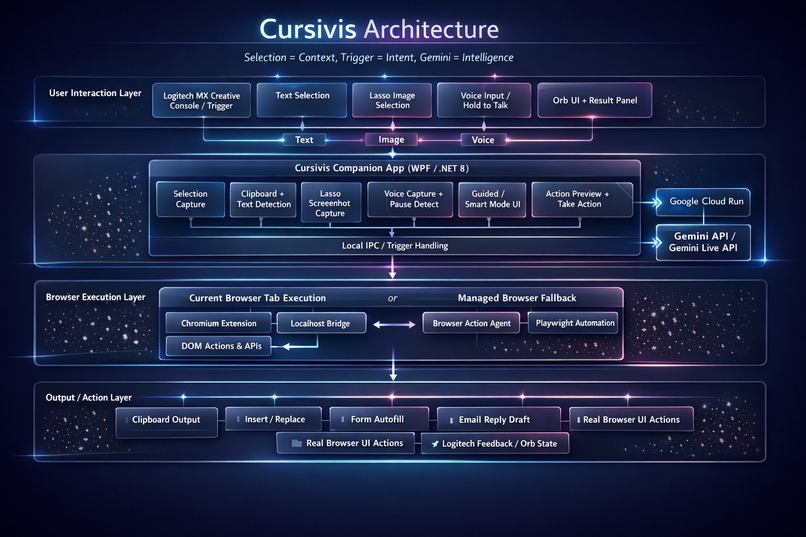
We designed Cursivis as a multi-part system:
- A Windows companion app in WPF handles selection capture, orb UI, result panels, guided actions, voice flow, and trigger orchestration.
- A Gemini backend built with the Google GenAI SDK handles multimodal reasoning, contextual routing, voice transcription, and browser action planning.
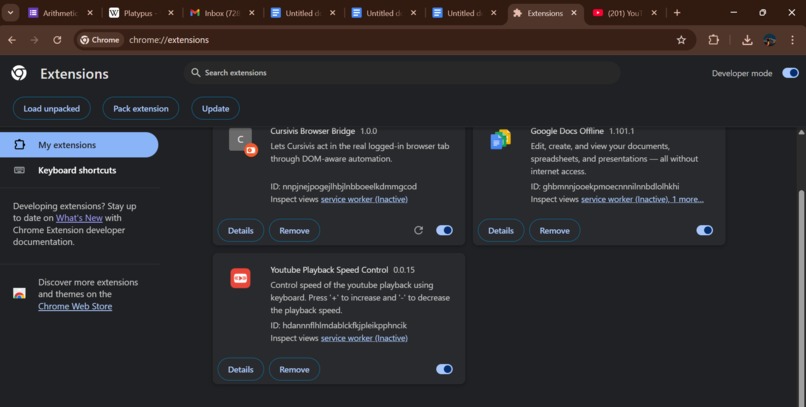
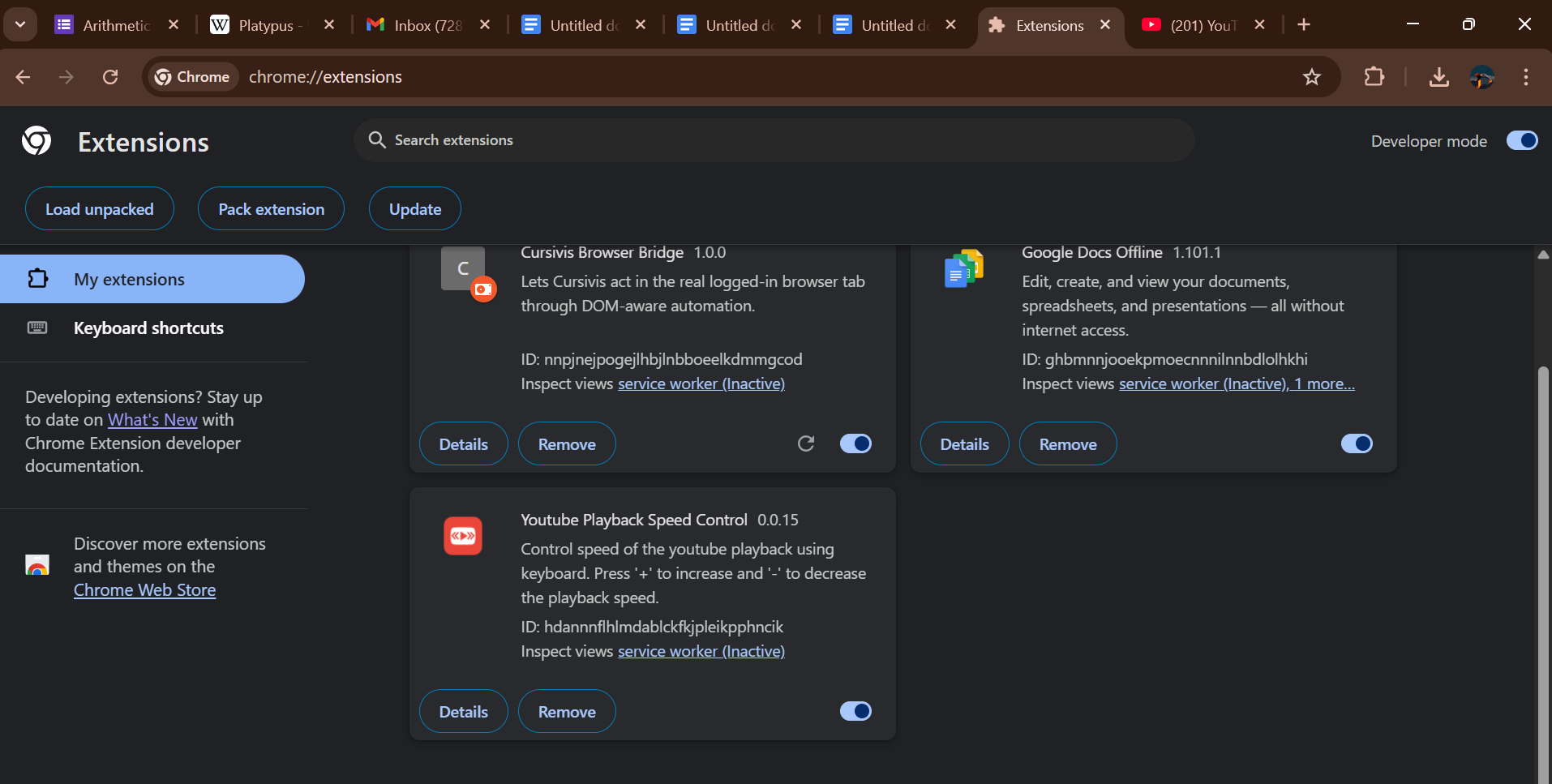
- A Chromium browser extension + local bridge lets Cursivis act inside the user’s real logged-in browser tabs, rather than only in a controlled automation window.
- A Logitech integration layer connects hardware triggers, dial input, and feedback to the companion app.
- The backend is designed for Google Cloud deployment, making the architecture reproducible and demo-ready.
We used Gemini for:
- contextual intent inference
- multimodal text + image understanding
- voice command interpretation
- dynamic guided options
- executable browser action planning
A key design principle throughout the project was to keep the interaction minimal. The user should not need to choose from a rigid menu first. In Smart Mode, Gemini should look at the selection and decide what would actually be most useful.
Challenges We Faced
The hardest part was not generating text. The hard part was making the system feel like a real agent.
1. Turning “good answers” into “real actions”
It is easy to build something that summarizes text. It is much harder to build something that can:
- understand a page
- plan UI steps
- execute them safely
- recover when the page changes
- work inside real logged-in browser sessions
This forced us to build a browser execution layer instead of treating Gemini as magic.
2. Preserving intelligence without over-hardcoding
A major challenge was balancing:
- freedom for Gemini to choose the best action
- enough guardrails to keep outputs useful and consistent
If we hardcoded too much, Cursivis stopped feeling intelligent. If we hardcoded too little, it sometimes picked weak actions. We learned that prompt design, routing discipline, and narrow safety rails matter more than giant decision trees.
3. Making voice interaction feel natural
Voice sounds easy in demos, but real usage is messy. Microphone capture, silence detection, fallback behavior, and visible state feedback all matter. We had to improve the experience so the user always understands whether Cursivis is listening, processing, or done.
4. Working with real-world UI instead of idealized interfaces
Forms, email clients, and web apps are inconsistent. Labels vary, layouts shift, and some elements are easy to detect while others are not. This taught us that strong UI agents need both:
- multimodal reasoning
- resilient execution strategies
5. Reducing friction
One of the biggest product challenges was keeping the experience fast and smooth. The whole point of Cursivis is to avoid context switching. If the system feels slow, intrusive, or confusing, the magic disappears.
What We Learned
This project taught us several important lessons:
Multimodal AI becomes much more powerful when tied to a real interface. Text generation is useful, but agents become truly compelling when they can see context and act on it.
Good agent UX is mostly about trust. Users need to understand what the system saw, what it decided, and what it is about to do.
Hardware changes the feel of AI. A trigger, dial, and haptic response made the interaction feel immediate and embodied in a way software-only AI rarely does.
The best AI workflow often removes prompts entirely. In many cases, the most useful interface is not “ask a question,” but simply “select and trigger.”
Execution matters more than novelty. A wow moment in a demo is not enough. For an agent to be convincing, it must work repeatedly in realistic conditions.
Why This Project Matters
Cursivis is our attempt to move beyond the chatbot model and toward a more natural computing paradigm.
Instead of:
- copying context into AI
- asking manually
- copying the answer back
- performing the action yourself
Cursivis compresses that into a single interaction:
- select
- trigger
- review or act
That shift may sound small, but in practice it changes AI from a separate destination into a real-time layer on top of everyday work. That is the future we wanted to prototype: an AI agent that is present, contextual, multimodal, and actionable.
Final Reflection
Cursivis began as a simple question:
What if the cursor itself became an AI agent?
By the end of the project, we had built not just a concept, but a working system that combines Gemini, browser understanding, voice, visual input, and device interaction into one coherent workflow.
More than anything, this project convinced us that the next generation of AI products will not be defined by bigger chat windows. They will be defined by systems that understand what the user is already doing and help complete that work directly, intelligently, and in real time.
Built With
- .net-8
- actions
- ajv
- c#
- chrome/edge/brave-browser-automation
- chromium-extension-apis
- express.js
- gemini-api
- gemini-live-api
- google-cloud-run
- google-genai-sdk
- javascript
- json-schema
- logitech
- logitech-mx-creative-console
- naudio
- node.js
- playwright
- powershell
- sdk
- websocket-ipc
- wpf

Log in or sign up for Devpost to join the conversation.