-
-
Currotter
-
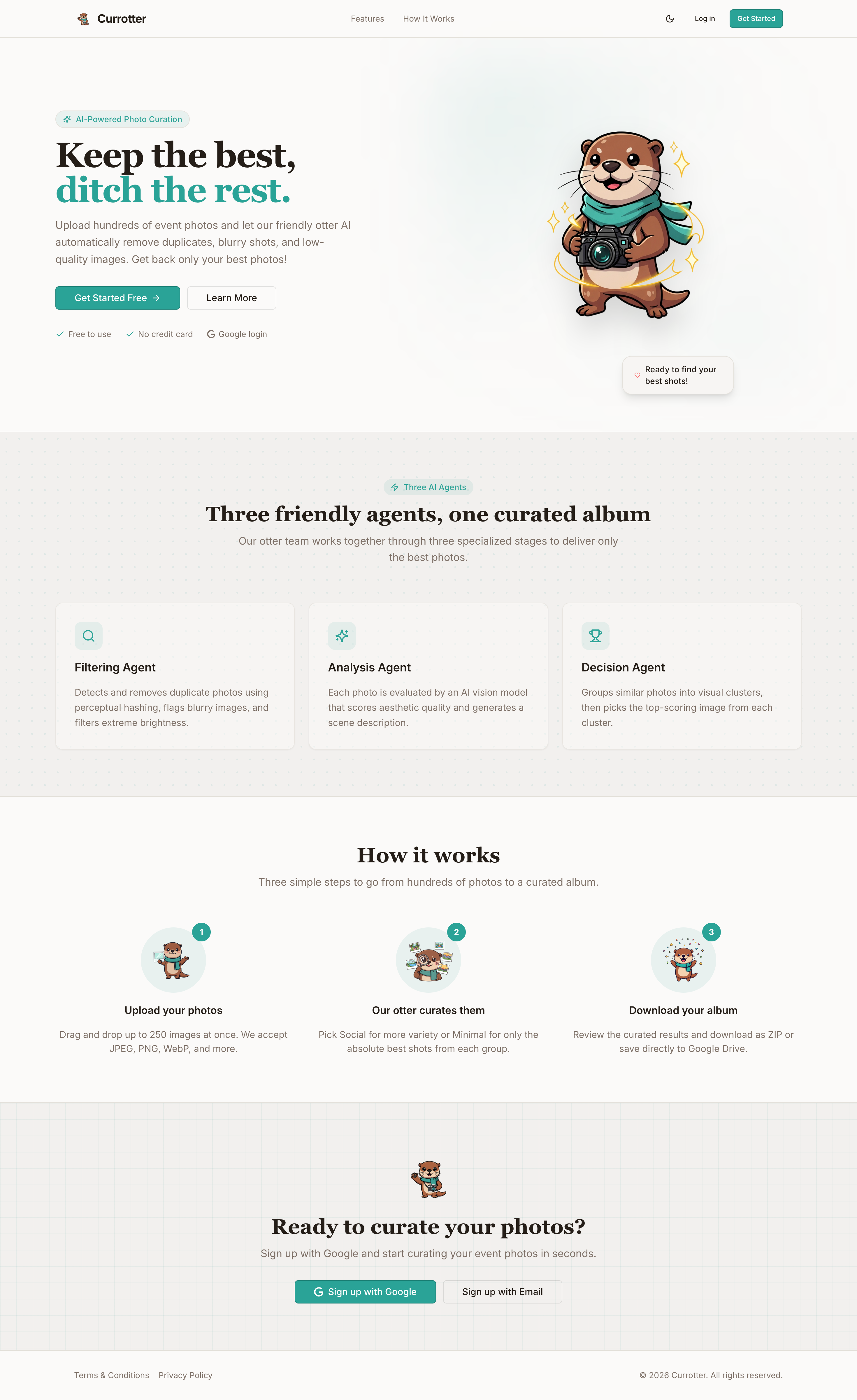
Currotter Light Mode
-
Home
-
Architecture
-
README Currotter
-
Our Otter AI Agent
Currotter — AI Photo Curator

Got too many event photos? Let the otter pick the best ones.
Inspiration
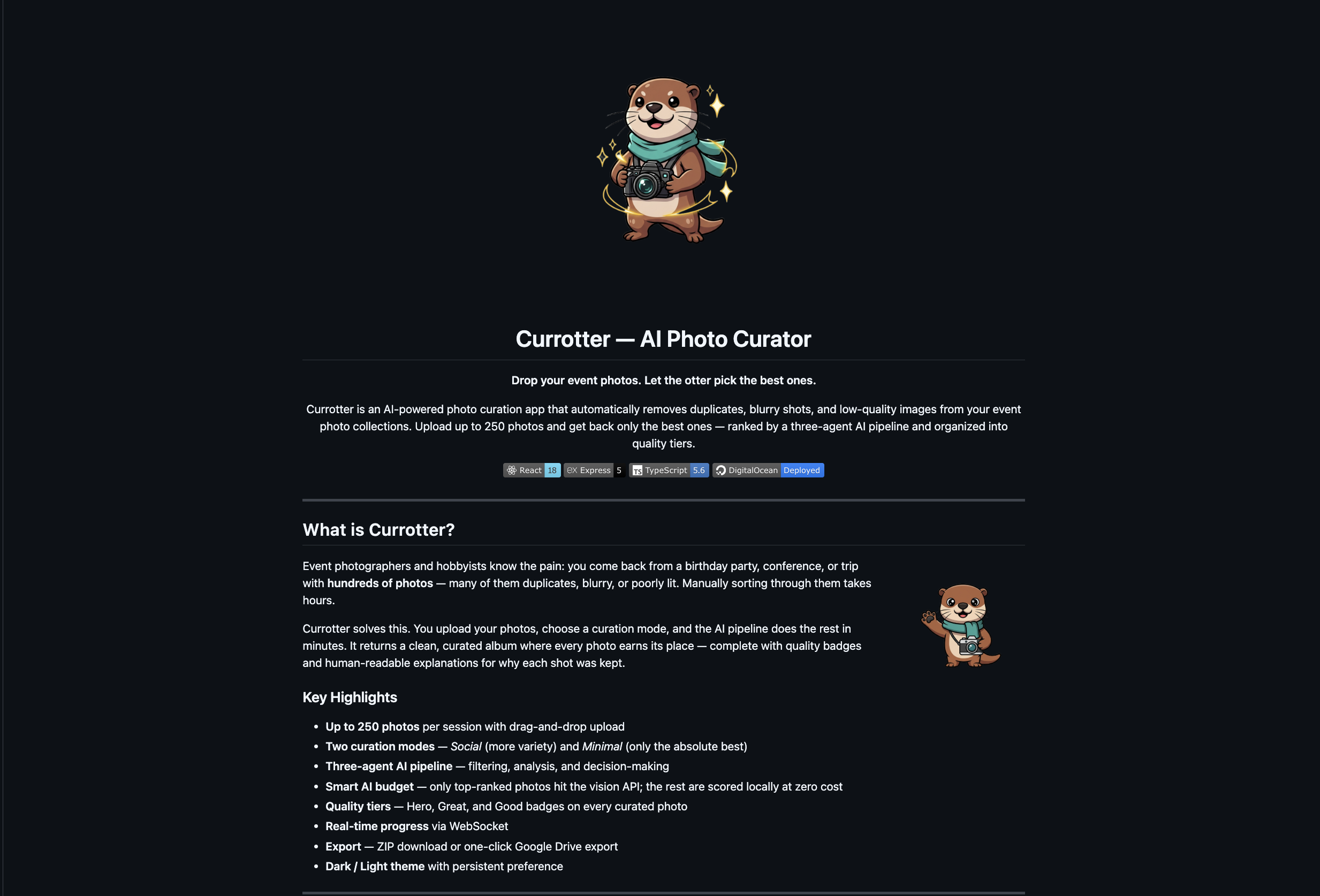
Event photographers and hobbyists face a common frustration: returning from a birthday party, conference, or trip with hundreds of photos — many of them duplicates, blurry, or poorly lit. Manually sorting through them takes hours of tedious work. We wanted to solve this pain point by creating an intelligent system that could automatically curate photo collections, saving time while ensuring only the best shots make it to the final album.
The inspiration came from the realization that modern AI vision models could do more than just recognize objects — they could evaluate aesthetic quality, detect technical flaws, and understand scene composition. We envisioned an "AI curator" that works like a professional photo editor, but operates in minutes instead of hours.
What it does
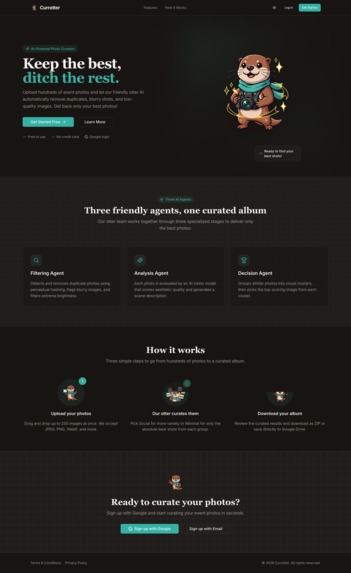
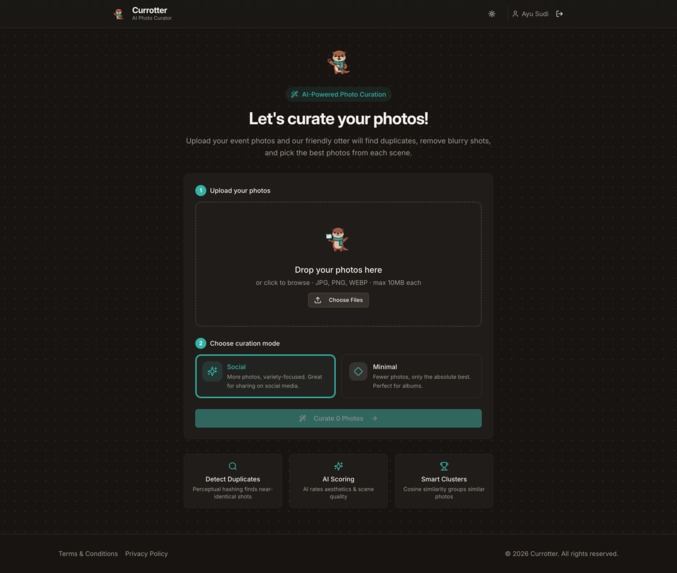
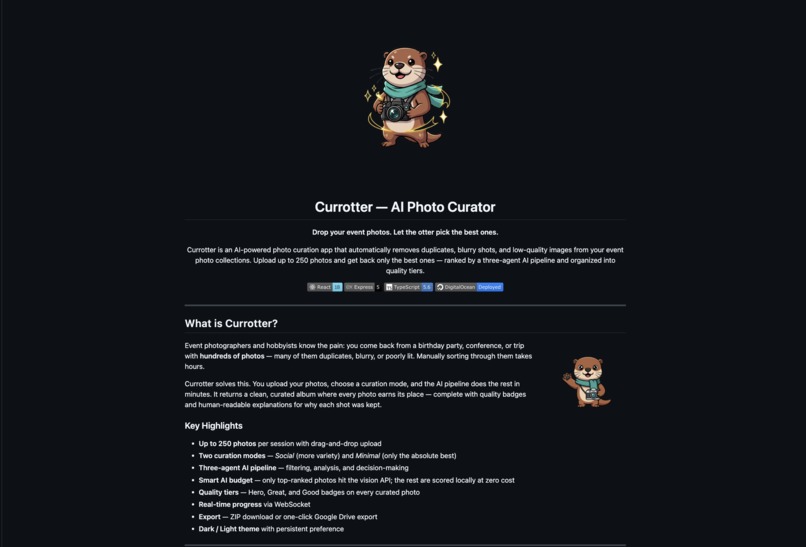
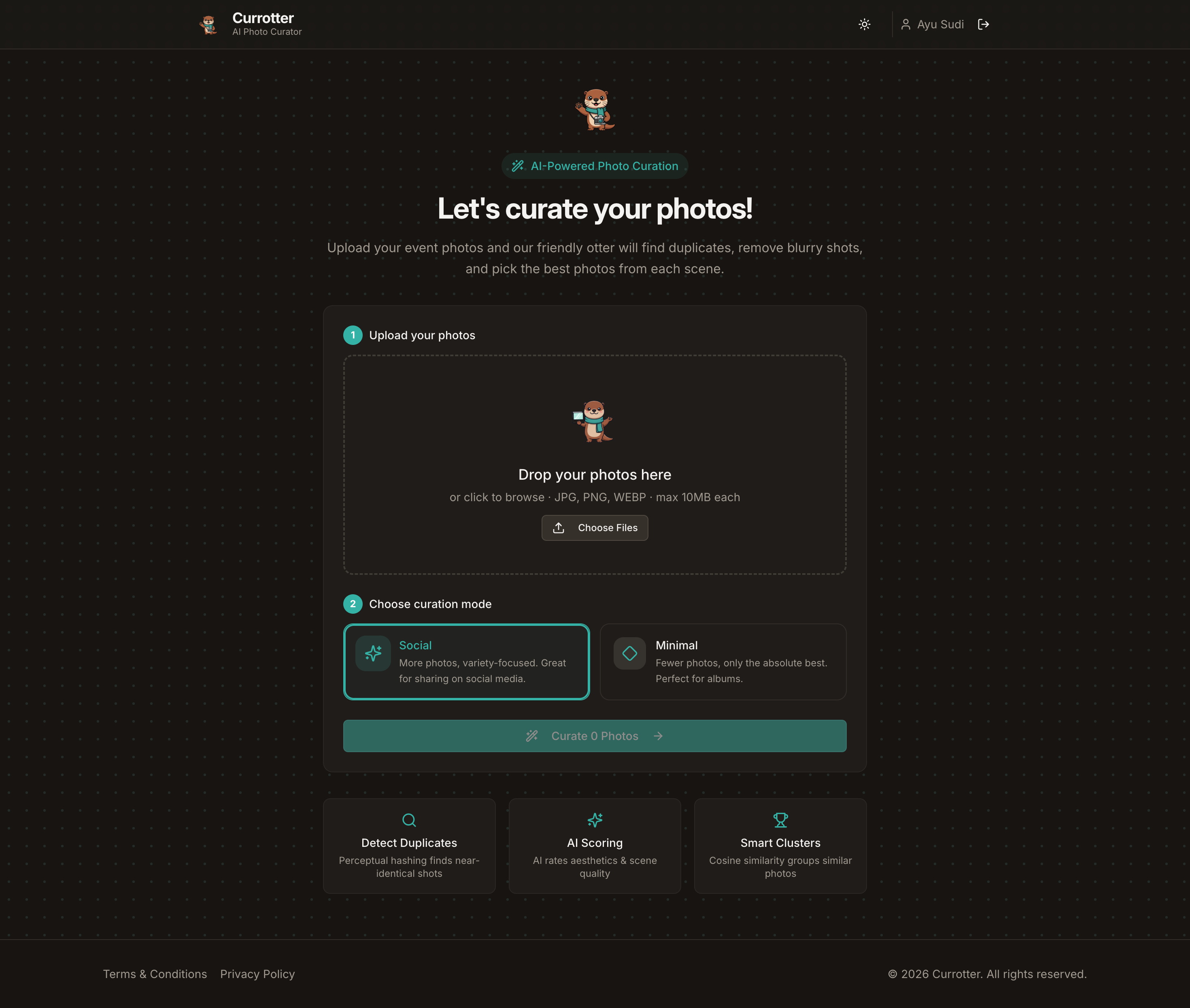
Currotter is an AI-powered photo curation app that automatically removes duplicates, blurry shots, and low-quality images from your event photo collections. Users can upload up to 250 photos and receive back only the best ones — ranked by a three-agent AI pipeline and organized into quality tiers.
Key Features:
- Two curation modes — Social (more variety, keeps up to 2 photos per scene) and Minimal (only the absolute best, 1 per scene)
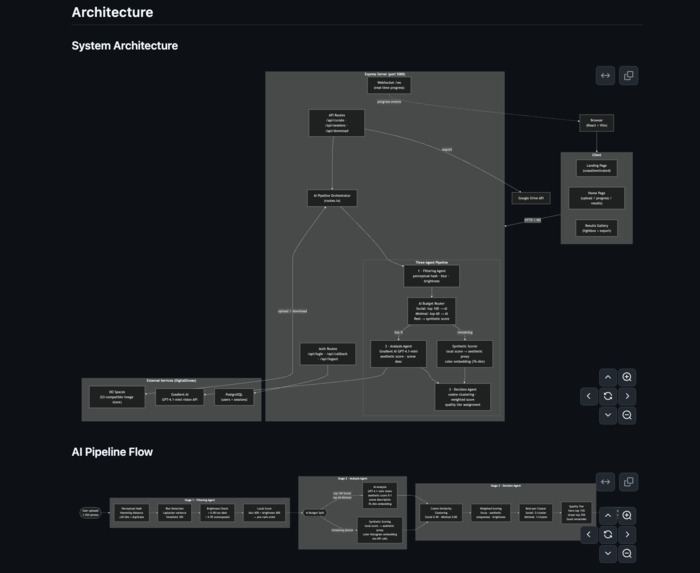
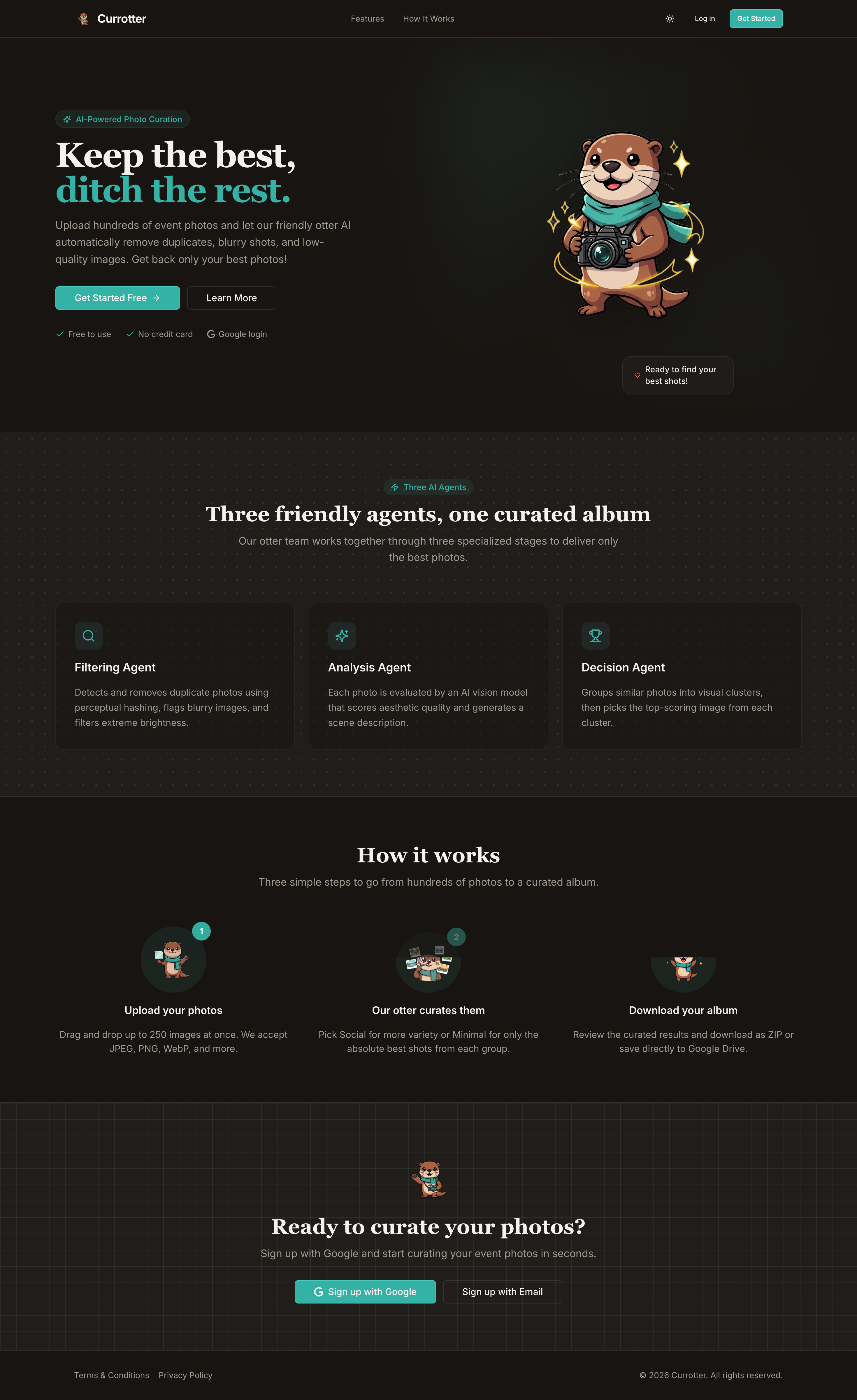
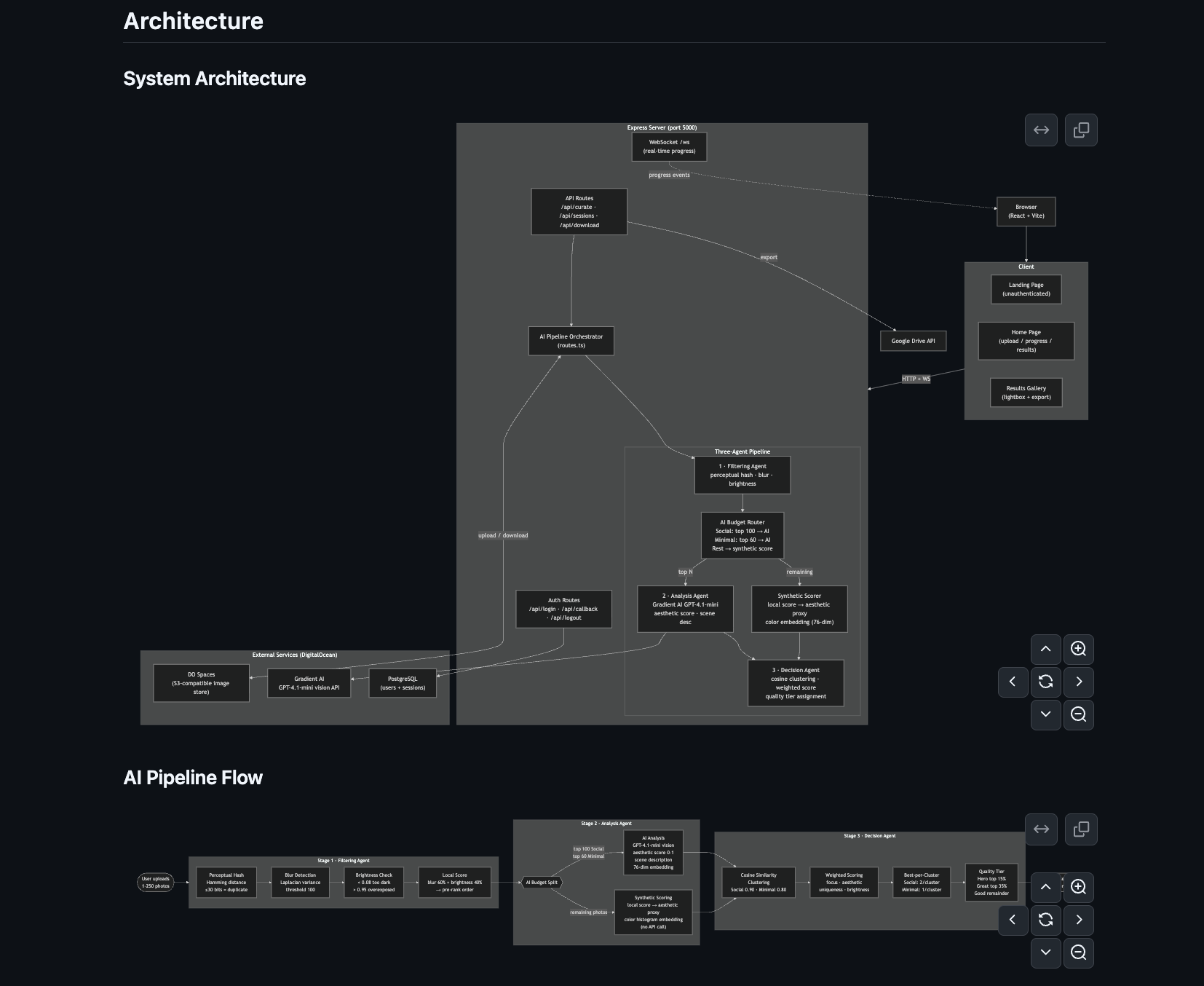
- Three-agent AI pipeline — filtering, analysis, and decision-making agents working in sequence
- Smart AI budget — only top-ranked photos hit the vision API; the rest are scored locally at zero cost
- Quality tiers — Every curated photo gets a badge: Hero (top 15%), Great (next 35%), or Good (remainder)
- Real-time progress via WebSocket — watch the pipeline work in real-time
- Export options — ZIP download or one-click Google Drive export
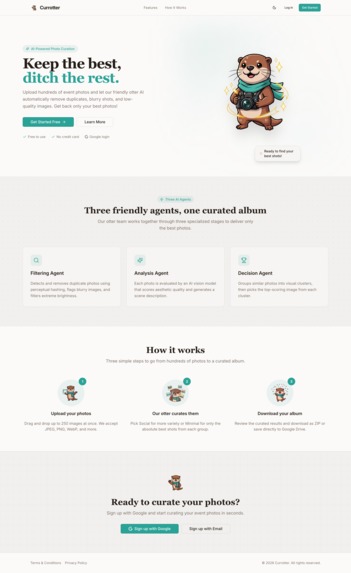
- Beautiful UI — Dark/light theme with modern design using React, Tailwind CSS, and shadcn/ui
The Three-Agent Pipeline
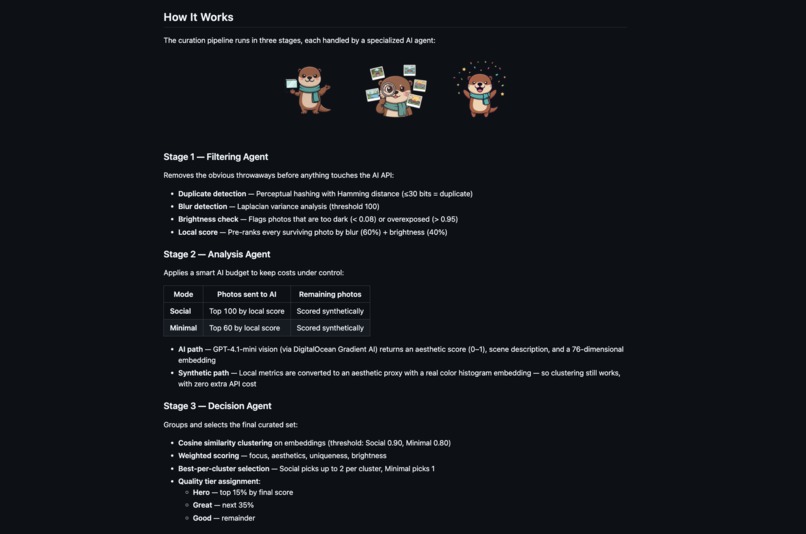
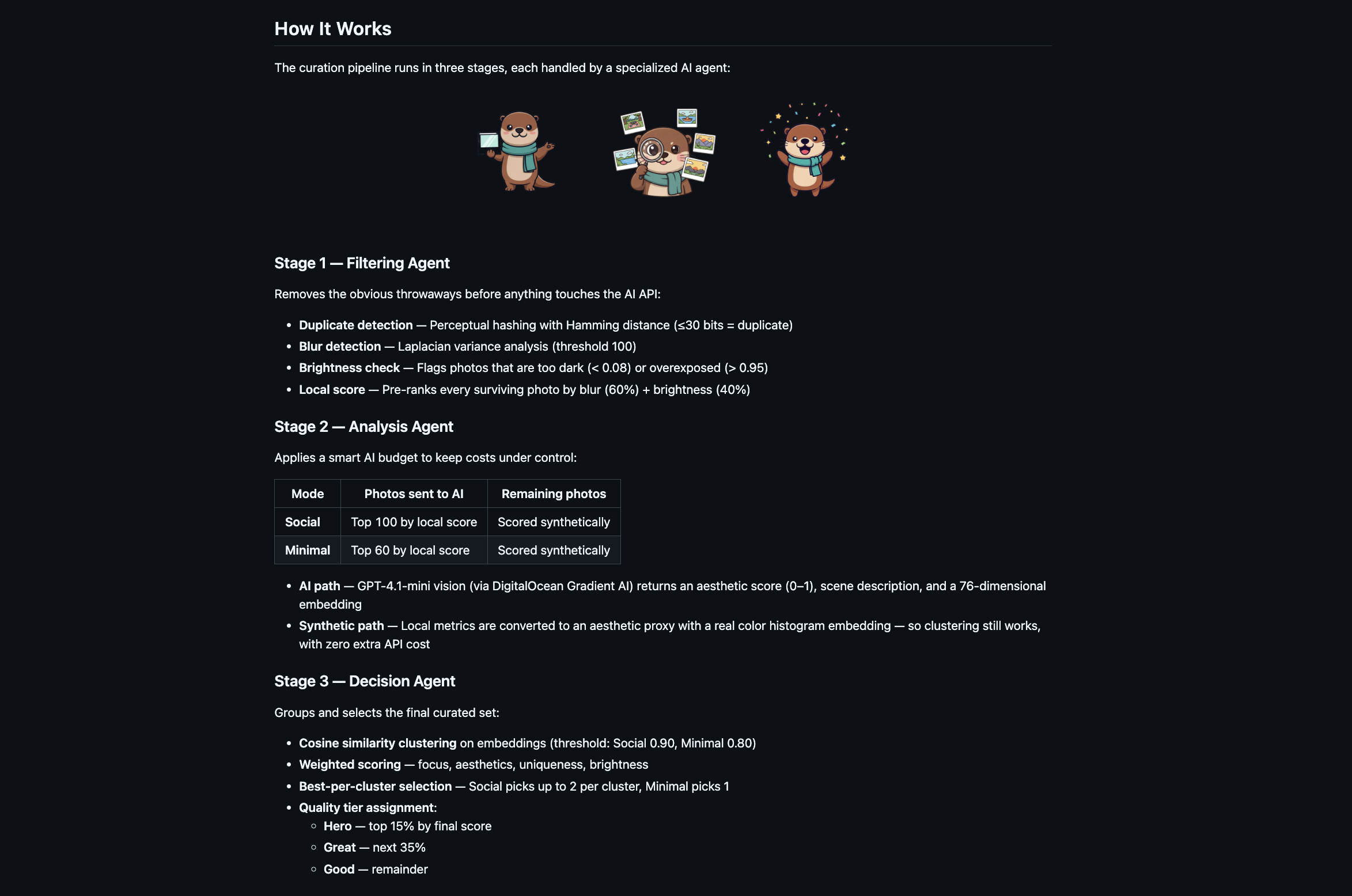
Stage 1 — Filtering Agent:
- Removes duplicates using perceptual hashing with Hamming distance
- Detects blurry photos using Laplacian variance analysis
- Checks brightness levels to flag underexposed or overexposed shots
- Pre-ranks surviving photos with a local quality score
Stage 2 — Analysis Agent:
- Applies a smart AI budget to control costs:
- Social mode: Top 100 photos → AI analysis
- Minimal mode: Top 60 photos → AI analysis
- Remaining photos → Synthetic scoring (zero API cost)
- AI-analyzed photos get aesthetic scores, scene descriptions, and 76-dimensional embeddings from GPT-4.1-mini vision
- Synthetically scored photos use local metrics converted to aesthetic proxies with color histogram embeddings
Stage 3 — Decision Agent:
- Groups photos using cosine similarity clustering on embeddings
- Applies weighted scoring (focus, aesthetics, uniqueness, brightness)
- Selects best photos per cluster based on mode
- Assigns quality tier badges to final curated set
How I built it
Tech Stack:
- Frontend: React 18, TypeScript, Vite 7, Tailwind CSS, shadcn/ui, Framer Motion
- Backend: Express 5, TypeScript
- AI: DigitalOcean Gradient AI (GPT-4.1-mini vision model)
- Storage: DigitalOcean Spaces (S3-compatible)
- Database: PostgreSQL with Drizzle ORM
- Auth: Passport.js (local strategy)
- Real-Time: WebSocket (ws library)
- Image Processing: Sharp, image-hash
- Export: JSZip, Google Drive API
Development Journey:
The project was initially built and iterated on Replit starting February 23, 2026, where I developed the entire application from the ground up — frontend, backend, AI pipeline, and database. Replit's live environment made it easy to prototype quickly and test the multi-agent pipeline.
After completing the core functionality, I took a break from the project. On March 18, 2026, I returned with a focus on deployment and production readiness. The migration to DigitalOcean took only about 2 hours thanks to the clean separation between client, server, and external services. The app was deployed on a DigitalOcean Droplet with:
- Managed PostgreSQL database
- Spaces for image storage
- Gradient AI for the vision API
All services within the same ecosystem made the transition smooth and fast.
Key Implementation Details:
- Built a modular three-agent architecture with clear separation of concerns
- Implemented perceptual hashing for duplicate detection using Hamming distance
- Created a smart AI budget system to minimize API costs while maintaining quality
- Developed synthetic scoring for photos that don't need AI analysis
- Used cosine similarity clustering on embeddings to group similar scenes
- Integrated WebSocket for real-time progress updates during processing
- Designed a responsive UI with drag-and-drop upload supporting up to 250 files
- Added quality tier badges and human-readable explanations for each curated photo
Challenges I ran into
AI Cost Optimization: Running vision AI on every photo would be prohibitively expensive. I solved this by creating a hybrid approach — only the top-ranked photos (by local metrics) get AI analysis, while the rest receive synthetic scores. This reduced API costs by 60-75% while maintaining curation quality.
Perceptual Hashing Accuracy: Finding the right Hamming distance threshold for duplicate detection was tricky. Too low and we'd miss duplicates; too high and we'd flag similar but distinct photos. After testing, I settled on ≤30 bits as the sweet spot.
Embedding Generation for Synthetic Photos: Photos that skip AI analysis don't get natural embeddings. I created a 76-dimensional color histogram embedding system that allows these photos to participate in clustering alongside AI-analyzed ones.
Real-time Progress Updates: Coordinating WebSocket updates across three pipeline stages while maintaining accurate progress percentages required careful state management and event timing.
Deployment Migration: Moving from Replit to DigitalOcean required adapting environment configurations, setting up Docker, and configuring the production database. The clean architecture made this surprisingly smooth — only 2 hours total.
File Upload Limits: Handling up to 250 photos (potentially 500MB+) required implementing chunked uploads, progress tracking, and proper memory management to avoid server crashes.
Accomplishments that I'm proud of
Smart AI Budget System: The hybrid AI/synthetic scoring approach is elegant and cost-effective. It maintains high curation quality while reducing API costs by 60-75%.
Three-Agent Architecture: The modular pipeline design makes the system maintainable, testable, and easy to understand. Each agent has a clear responsibility.
Fast Deployment: Migrating from Replit to production DigitalOcean infrastructure in just 2 hours demonstrates the quality of the codebase architecture.
Real-time User Experience: The WebSocket integration provides a satisfying, transparent user experience where users can watch their photos being processed in real-time.
Quality Tier System: The Hero/Great/Good badge system with explanations helps users understand why each photo was selected, making the AI's decisions transparent and trustworthy.
Complete Feature Set: From drag-and-drop upload to Google Drive export, the app feels polished and production-ready with all the features users would expect.
Beautiful UI: The modern, responsive interface with dark/light themes and smooth animations creates a delightful user experience.
What I learned
AI Cost Management: Building production AI applications requires careful budget planning. Not every task needs the most powerful model — sometimes local heuristics are sufficient.
Perceptual Hashing: Learned how to implement and tune perceptual hashing algorithms for duplicate detection, understanding the trade-offs between sensitivity and specificity.
Embedding Spaces: Gained deep understanding of how to work with high-dimensional embeddings, cosine similarity, and clustering algorithms for grouping similar content.
WebSocket Architecture: Mastered real-time communication patterns for long-running processes, including progress tracking and error handling.
DigitalOcean Ecosystem: Learned how to leverage DigitalOcean's integrated services (Droplets, Spaces, Gradient AI, Managed Databases) for rapid deployment.
Image Processing: Deepened knowledge of image analysis techniques including blur detection (Laplacian variance), brightness analysis, and color histogram generation.
Full-Stack TypeScript: Improved skills in building type-safe applications across the entire stack, from React components to Express routes to database schemas.
Production Deployment: Gained practical experience in containerization (Docker), environment configuration, and production database management.
What's next for Currotter AI
Advanced Curation Modes: Add specialized modes for different use cases (portraits, landscapes, action shots, food photography)
Batch Processing: Support multiple albums/sessions with queue management for power users
Face Recognition: Detect and prioritize photos with specific people (great for family events)
Custom AI Training: Allow users to train the model on their preferences over time
Mobile App: Native iOS/Android apps for on-the-go curation
Collaboration Features: Share albums with others for collaborative curation decisions
Integration with Photo Services: Direct import from Google Photos, iCloud, Dropbox
Video Support: Extend curation capabilities to video clips, extracting best frames
Advanced Export Options: Support for more cloud storage providers and direct social media posting
Performance Optimization: Further reduce processing time through parallel processing and caching
Analytics Dashboard: Show users statistics about their photo collections and curation patterns
Architecture

Built With
- auth0
- bucket
- digitalocean
- digitalocean-gradient-ai
- drizzle
- express.js
- framer-motion
- google-drive-api
- gpt-4.1
- jszip
- passport
- postgresql
- react
- sharp
- supabase
- swagger
- tailwind
- typescript
- vite
- websockets



Log in or sign up for Devpost to join the conversation.