-
CuroTask
-
CuroTask
Title : Task Curator (Advanced Pro)
Inspiration
The inspiration for Task Curator stems from the overwhelming complexity of modern task management. Many applications are bloated with features, require constant subscriptions, sync data to the cloud by default, and can often feel more like a chore to manage than a tool to enhance productivity. We were inspired by the philosophy of digital minimalism—the idea that software should be simple, fast, and focused. We wanted to build a powerful task manager that respects user privacy (by storing everything locally in the browser), eliminates decision fatigue through a clean interface, and provides advanced features like AI suggestions and analytics without sacrificing the core, joyful experience of checking items off a list.
What it does
Task Curator is a sophisticated, local-first task management web application. It goes beyond a simple to-do list by offering multiple perspectives on your work:
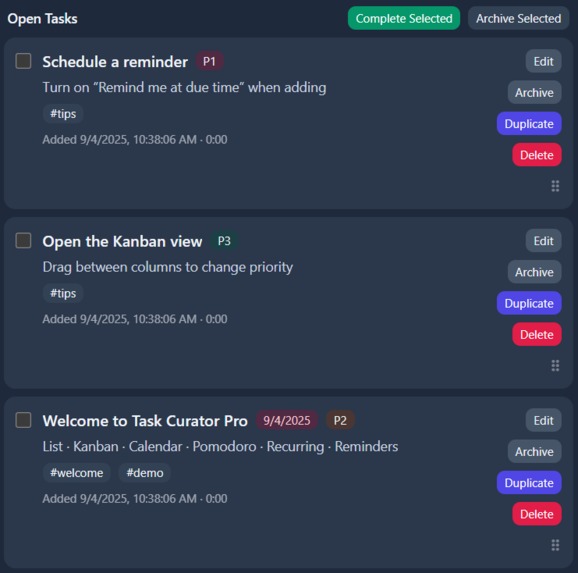
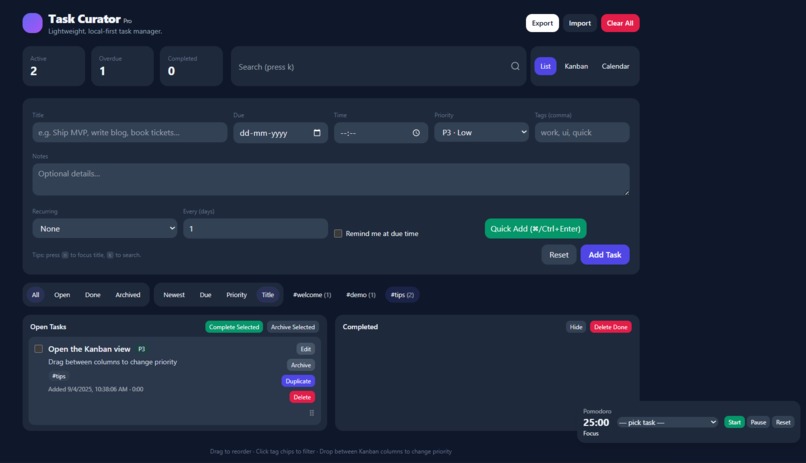
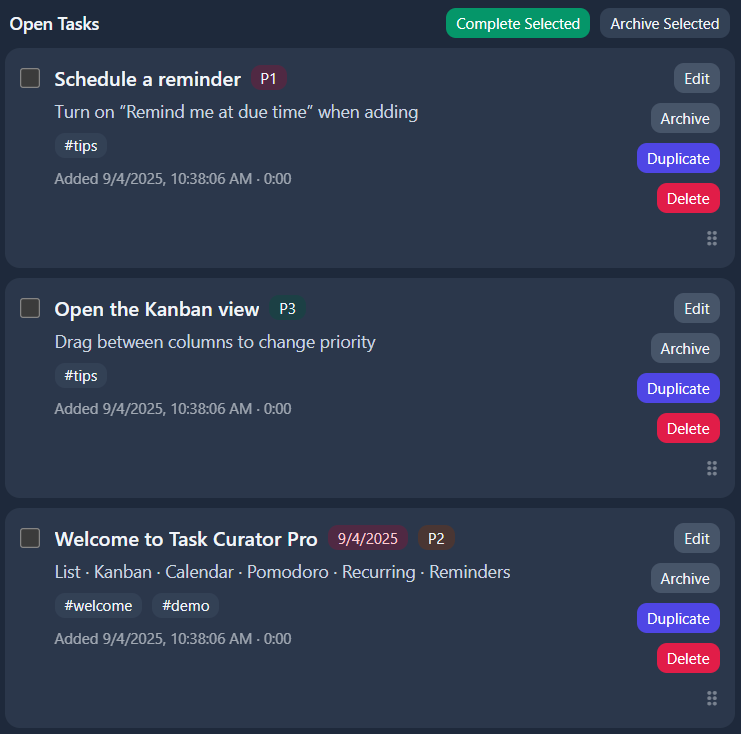
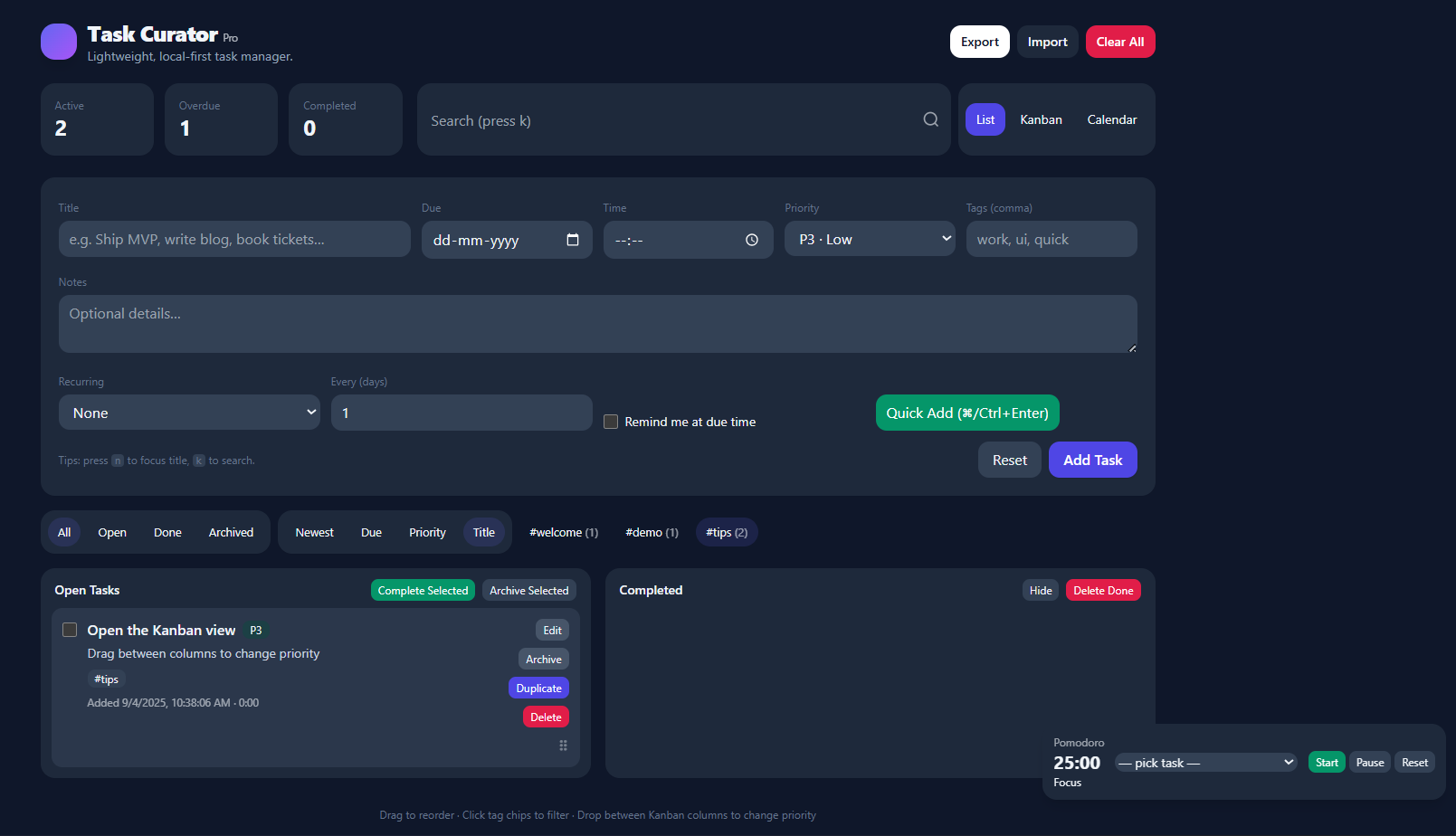
Multi-View Management: Organize tasks in a classic List, a drag-and-drop Kanban board (grouped by priority), a visual Calendar, or dive into Analytics to see your productivity trends.
Rich Tasks: Create tasks with titles, notes, due dates, times, priorities (P1-P3), tags, and subtasks with progress tracking.
Smart Features: Set up recurring tasks, get browser notifications for reminders, and use a built-in Pomodoro timer tied to a specific task to track time spent.
AI-Powered Suggestions: Get intelligent, contextual recommendations based on your task load, such as warnings about overdue items or suggestions to break down large tasks.
Focus Mode: Cut through the noise by highlighting your most important task, helping you concentrate on one thing at a time.
Data Ownership: Everything is stored locally in your browser. You can export your data as a JSON file for backup or import it on another device, ensuring complete control and privacy.
How we built it
Task Curator is built as a single, self-contained HTML file using modern web technologies for a smooth, app-like experience:
Frontend: Pure HTML, CSS, and JavaScript (ES6+). No external frameworks were used to keep it lightweight and fast.
Styling: Tailwind CSS via CDN for rapid, utility-first styling that is both responsive and supports light/dark mode based on system preferences.
Charts: Chart.js for rendering the analytics and productivity graphs in the Analytics view.
State Management: A custom state object managed in JavaScript, persisted to the browser's localStorage.
Drag-and-Drop: Native HTML5 Drag and Drop API for reordering tasks and changing their priority in the Kanban view.
AI Suggestions: A mock AI system that analyzes the user's local task data (e.g., overdue tasks, high-priority items, large time estimates) to generate helpful, context-aware suggestions without any external API calls.
Notifications: The Web Notifications API for due date reminders.
Challenges we ran into
State Persistence & Data Structure: Designing a robust JSON schema for the state object that could handle all the features (tasks, subtasks, UI preferences, pomodoro state, etc.) and ensuring it was backward-compatible during development was a significant challenge.
Native Drag-and-Drop: Implementing a smooth and intuitive drag-and-drop experience for both reordering tasks and moving them between Kanban columns required careful handling of browser events and visual feedback.
All-in-One Architecture: Building the entire application—including complex features like a calendar and analytics—in a single HTML file without a framework required meticulous organization of code to maintain readability and prevent bugs.
Local-First Complexity: Features like recurring tasks and notifications had to be rethought for a local environment, as they couldn't rely on a server-side cron job.
Accomplishments that we're proud of
Performance & Simplicity: The application loads instantly and feels incredibly responsive. We're proud of creating a powerful tool that maintains a minimalist and intuitive interface.
Feature-Rich Yet Private: Successfully packing advanced features like analytics, time tracking, and AI suggestions into an app that runs entirely offline and respects user privacy is our biggest achievement.
Polished UX: Small details like keyboard shortcuts (n for new task, k for search, f for focus mode), smooth animations for new tasks, and a comprehensive empty state with example tasks create a professional and welcoming user experience.
The "Focus Mode": This feature embodies our core philosophy of reducing overwhelm. We're particularly proud of how it visually isolates and highlights the single most important task to work on.
What we learned
The Power of Native APIs: We gained a deep appreciation for the modern web's built-in capabilities, from Drag-and-Drop to Local Storage and Notifications, which are powerful enough to build complex applications without frameworks.
UI/UX Design Principles: The project was a crash course in designing for user focus. We learned how visual hierarchy, thoughtful defaults, and constraining choices (like a limited priority system) can drastically improve usability.
Data Architecture: Structuring application state for a complex, multi-view application was a valuable lesson in data modeling and normalization within a constrained environment.
What's next for CuroTask
While the current version is fully functional, our vision for the future includes:
Progressive Web App (PWA): Adding a service worker and manifest to allow installation on devices and enable offline functionality for all views.
Optional Cloud Sync: Implementing end-to-end encrypted synchronization as an opt-in feature for users who want to access their tasks across multiple devices without compromising our local-first, privacy-centric ethos.
Enhanced Analytics: Deeper insights into personal productivity patterns, weekly reviews, and time allocation reports.
Integration Ecosystem: Exploring read-only integrations with calendars (Google Calendar, Outlook) and tools like Slack to bring task notifications into existing workflows.
Community & Templates: Allowing users to share and import task templates for common projects (e.g., "Weekly Review," "Project Launch Checklist").
Built With
- html5
- javascript
- tailwindcss


Log in or sign up for Devpost to join the conversation.