Inspiration
Inspiration
We wanted to solve a simple problem: how do you make a 5-year-old excited about the Eiffel Tower, a caterpillar, or a fire hydrant? Kids are naturally curious — they point at things and ask "what's that?" — but the answers they get are often too dry or too complex. We imagined an app where the thing itself could answer, in character, with a voice and personality that makes learning feel like talking to a friend.
What We Learned
- Prompt engineering is character design. Getting Gemini to produce consistent, age-appropriate, in-character responses required careful multi-stage prompting — separating identification, research, and character creation into distinct steps with structured JSON outputs.
- Voice is identity. A character doesn't feel real until it sounds real. ElevenLabs' voice design API let us generate custom voices from text descriptions (e.g., "a warm, wise elderly woman with a slight French accent"), which was transformative for immersion.
- Latency matters for kids. Children lose interest fast. We optimized the pipeline to run identification behind a loading animation, warm up audio contexts early, and stream TTS responses.
How We Built It
The app uses a FastAPI backend and a Next.js frontend deployed on Vercel.
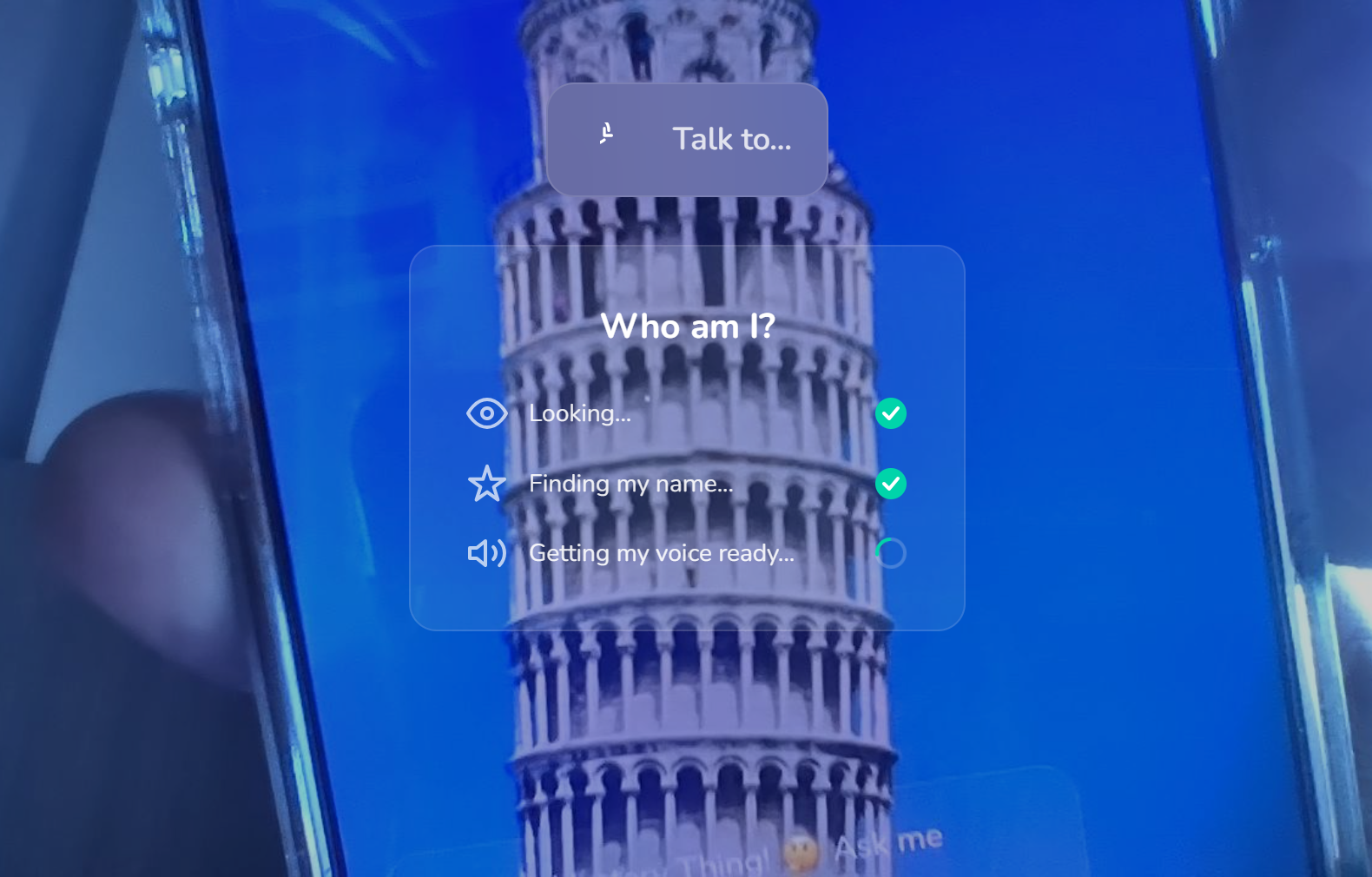
The core identification pipeline runs four stages sequentially:
- Identify — Gemini Vision analyzes the captured photo and returns the entity name
- Research — Gemini with web grounding searches for facts, history, and cultural context
- Character Creation — Gemini generates a full character profile: name, backstory, personality traits, speaking style, voice description, and fun facts
- Voice Design — ElevenLabs creates a custom synthetic voice matching the character's voice description
Once a character is created, kids converse via voice (Deepgram STT → Gemini chat →
ElevenLabs TTS) or text input. The frontend manages a state machine with five states:
CAMERA_READY → CAPTURED_LOADING → TALKING_READY → LISTENING → SPEAKING.
Challenges
- Voice API limits — ElevenLabs has a cap on custom voice creation. We implemented a multi-tier fallback: custom voice → best matching existing voice → browser Web Speech API with accent matching.
- Keeping characters grounded — Without the research stage, characters would hallucinate facts. The web-grounded research step and canonical facts list keep responses accurate.
- Mobile camera handling — Reliably accessing the rear camera across devices, capturing frames at the right resolution, and managing the camera lifecycle required careful work with the MediaDevices API and canvas-based image processing. ## What it does


Log in or sign up for Devpost to join the conversation.