🦉 What is CurioBuddy?
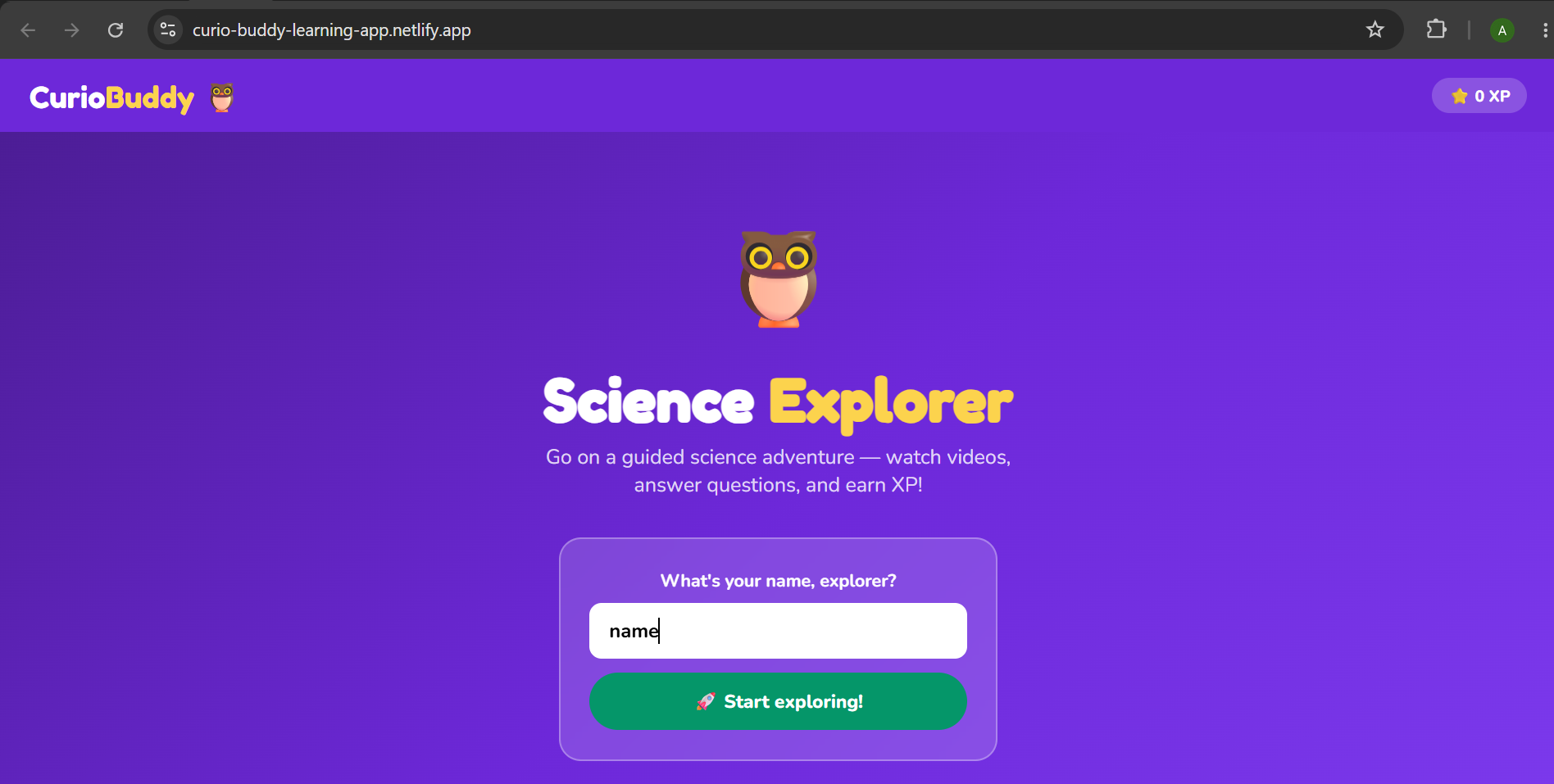
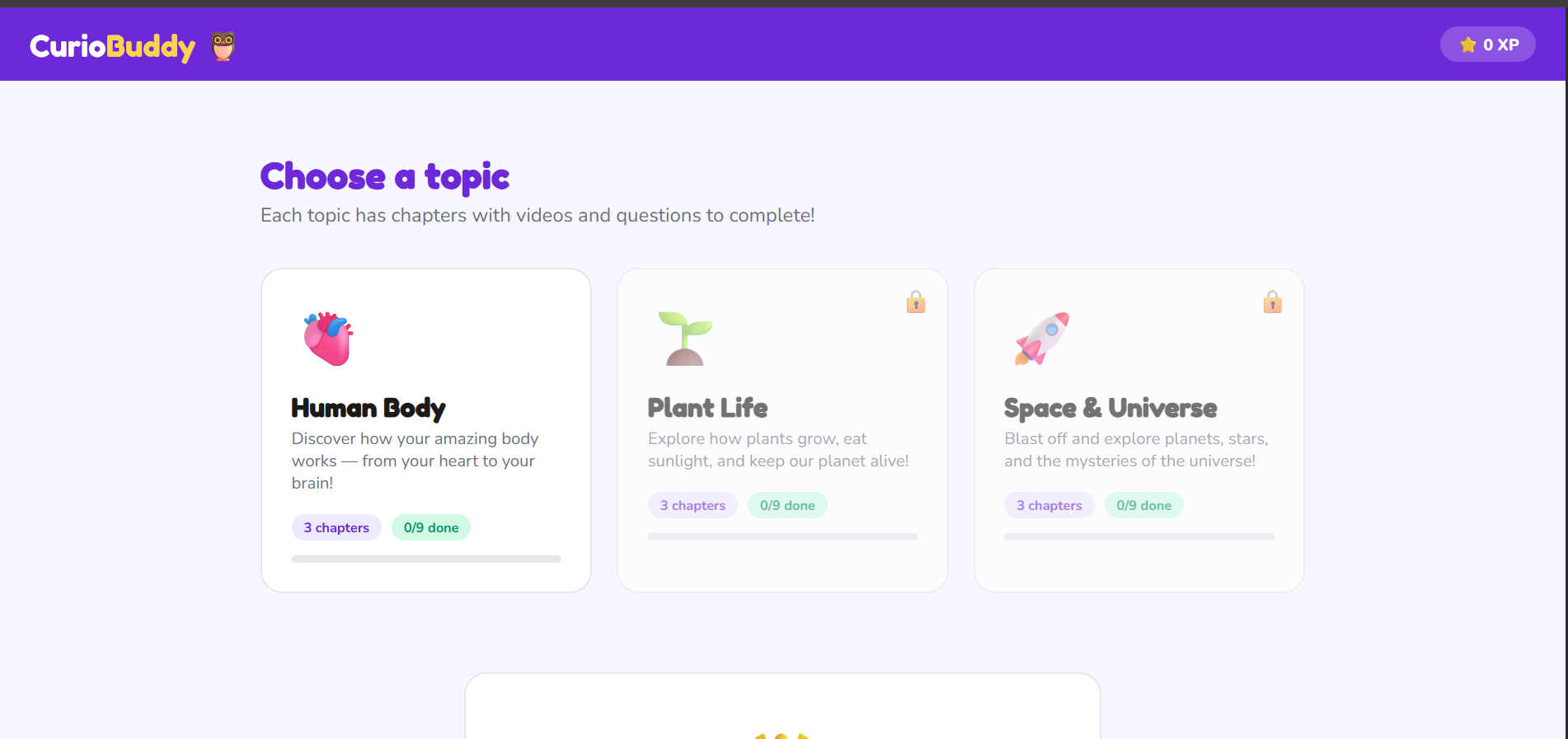
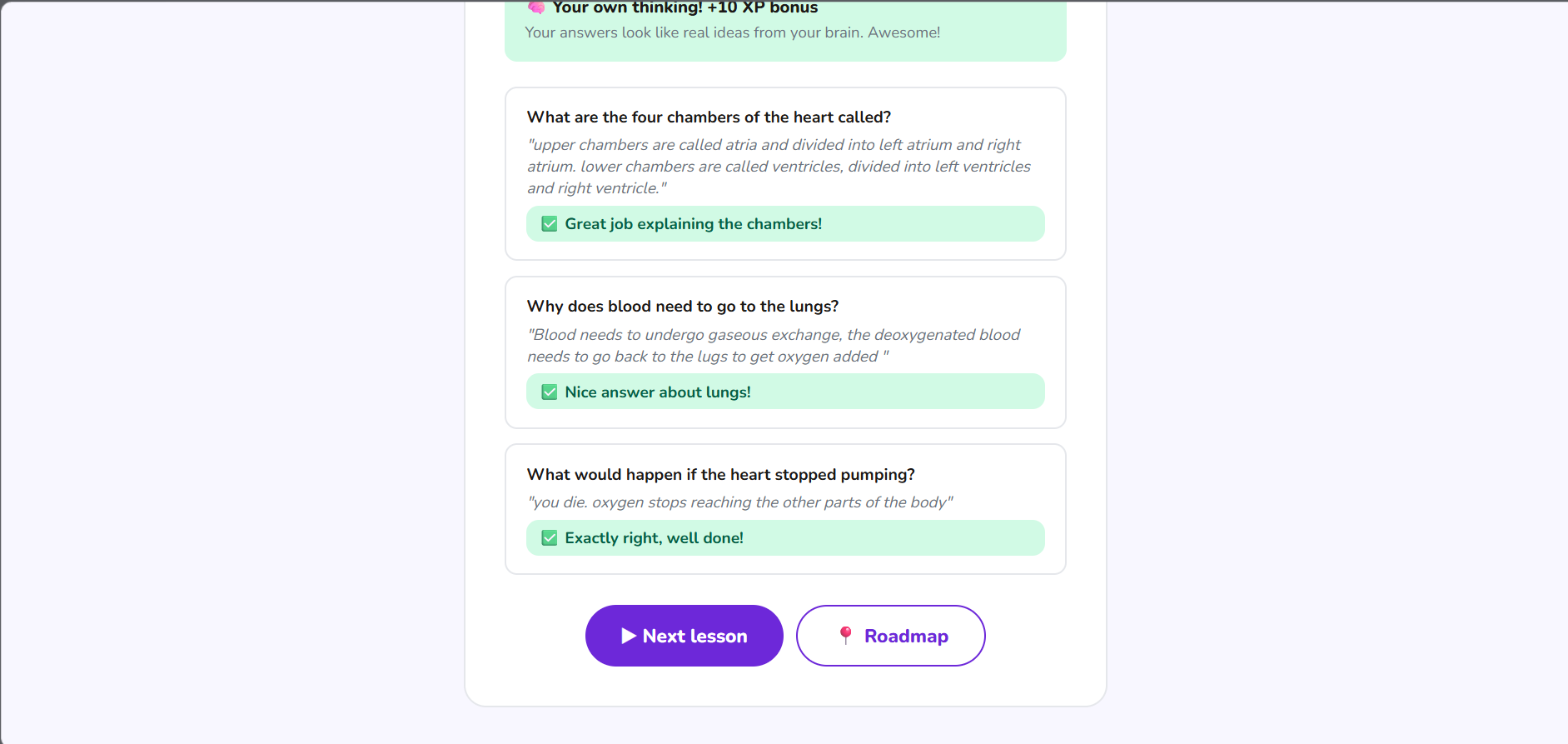
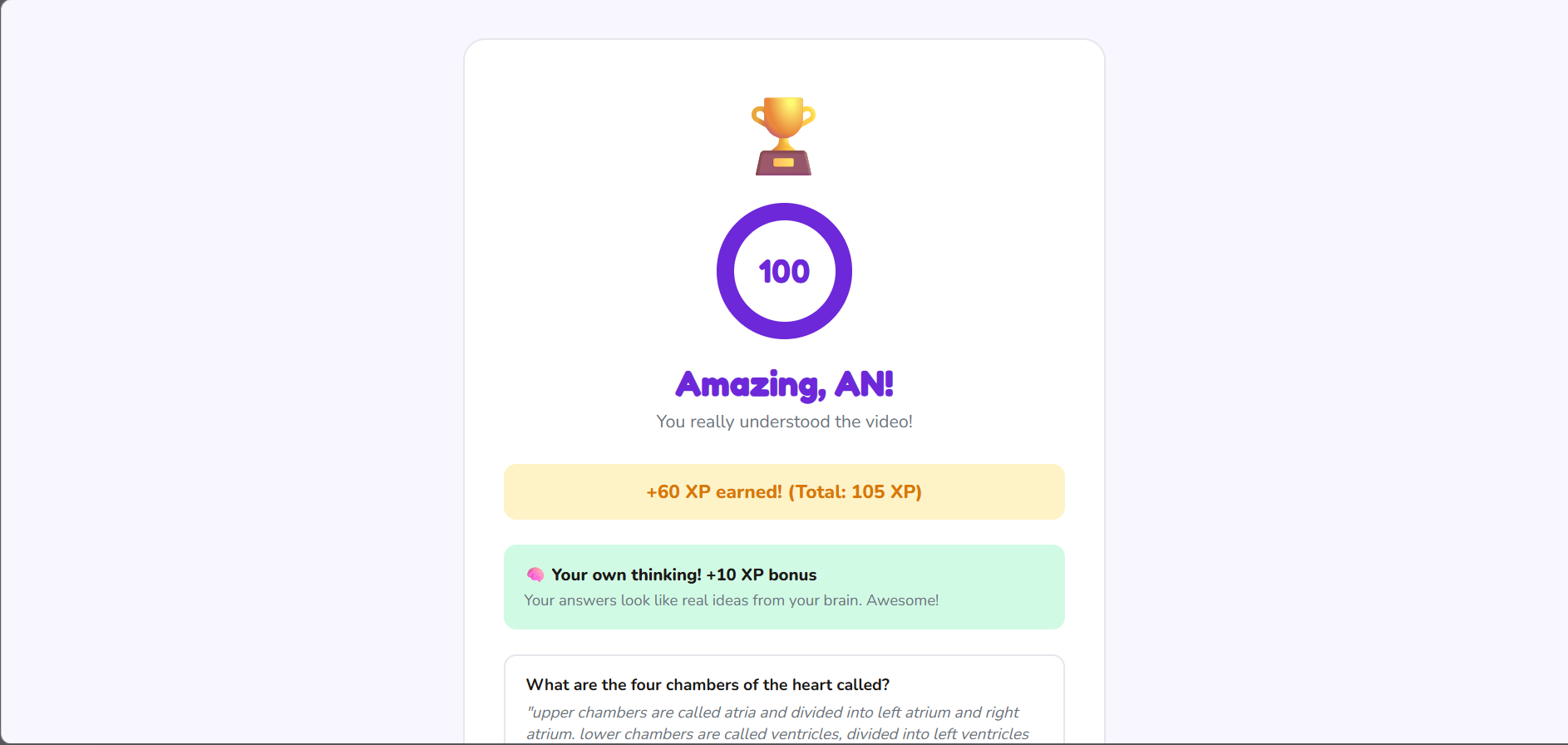
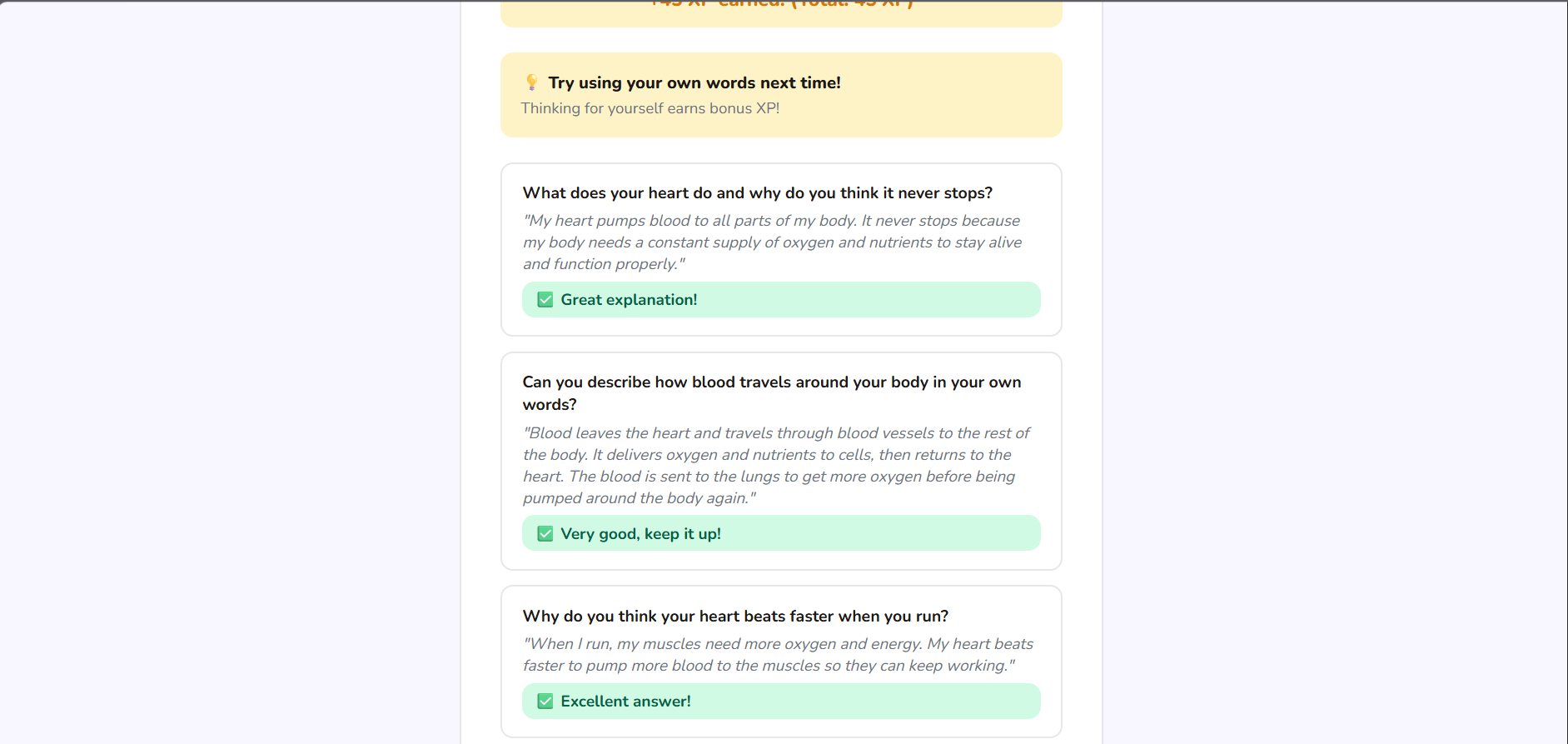
CurioBuddy is a guided science learning web app for kids aged 6–10. Students follow a roadmap through topics like the Human Body, Plant Life, and Space — watching curated YouTube videos and answering AI-graded comprehension questions in real time.
💡 Inspiration
Most kids watch educational videos completely passively. They hit play, zone out, and retain almost nothing. Existing tools like quizzes are either too rigid or too easy to cheat. We wanted to build something that made watching a science video feel like an actual learning journey — with checkpoints, rewards, and a system that genuinely encourages thinking rather than copy-pasting from ChatGPT.
🔨 How We Built It
CurioBuddy is a single HTML file — no backend, no framework, no install required. Anyone can open it in a browser and start learning immediately.
- Video layer — curated YouTube videos from Dr. Binocs (Peekaboo Kidz) embedded per lesson using the YouTube nocookie iframe API
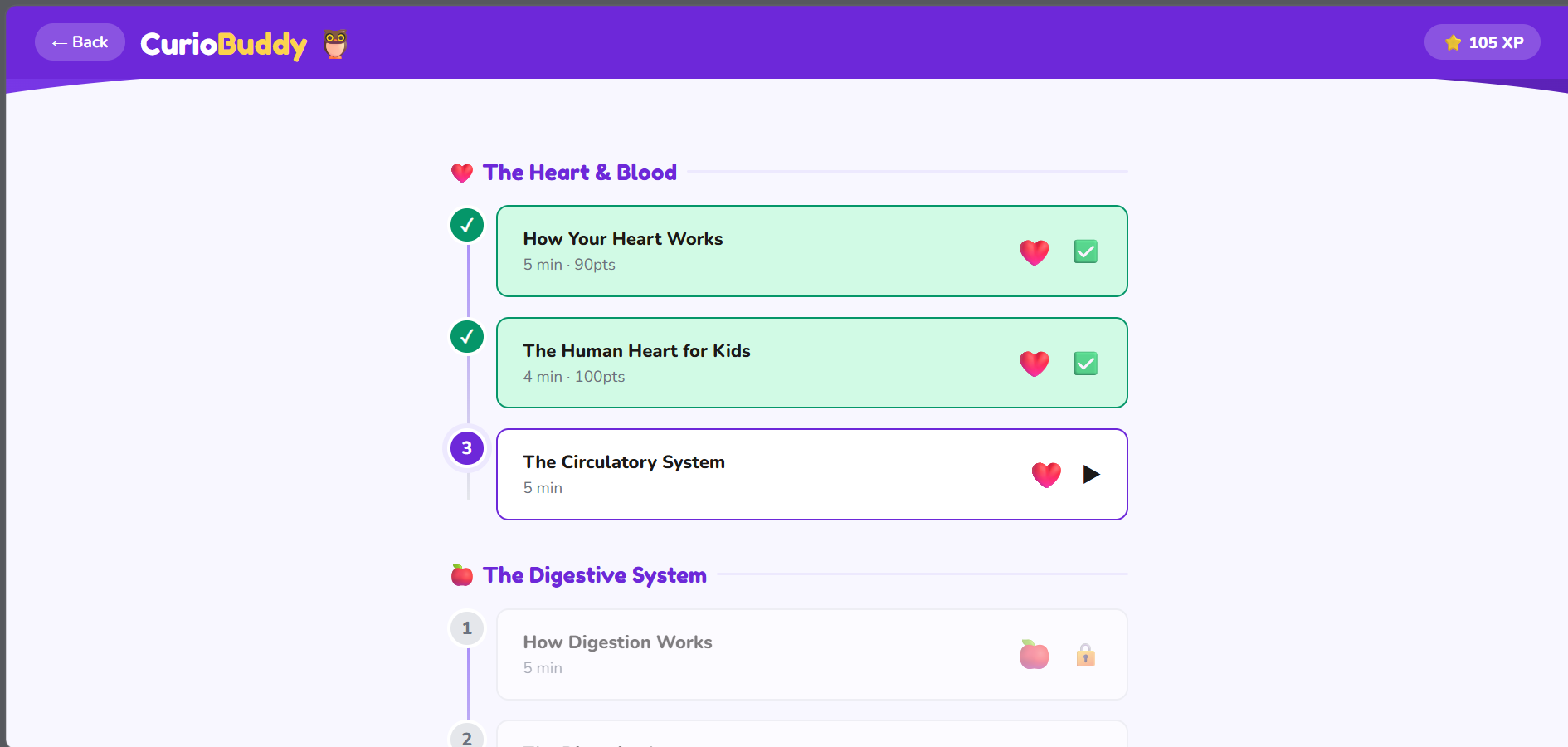
- Roadmap system — 3 topics × 3 chapters × 3 lessons each (27 lessons), unlocking progressively as the learner completes them
- AI grading — answers are sent to
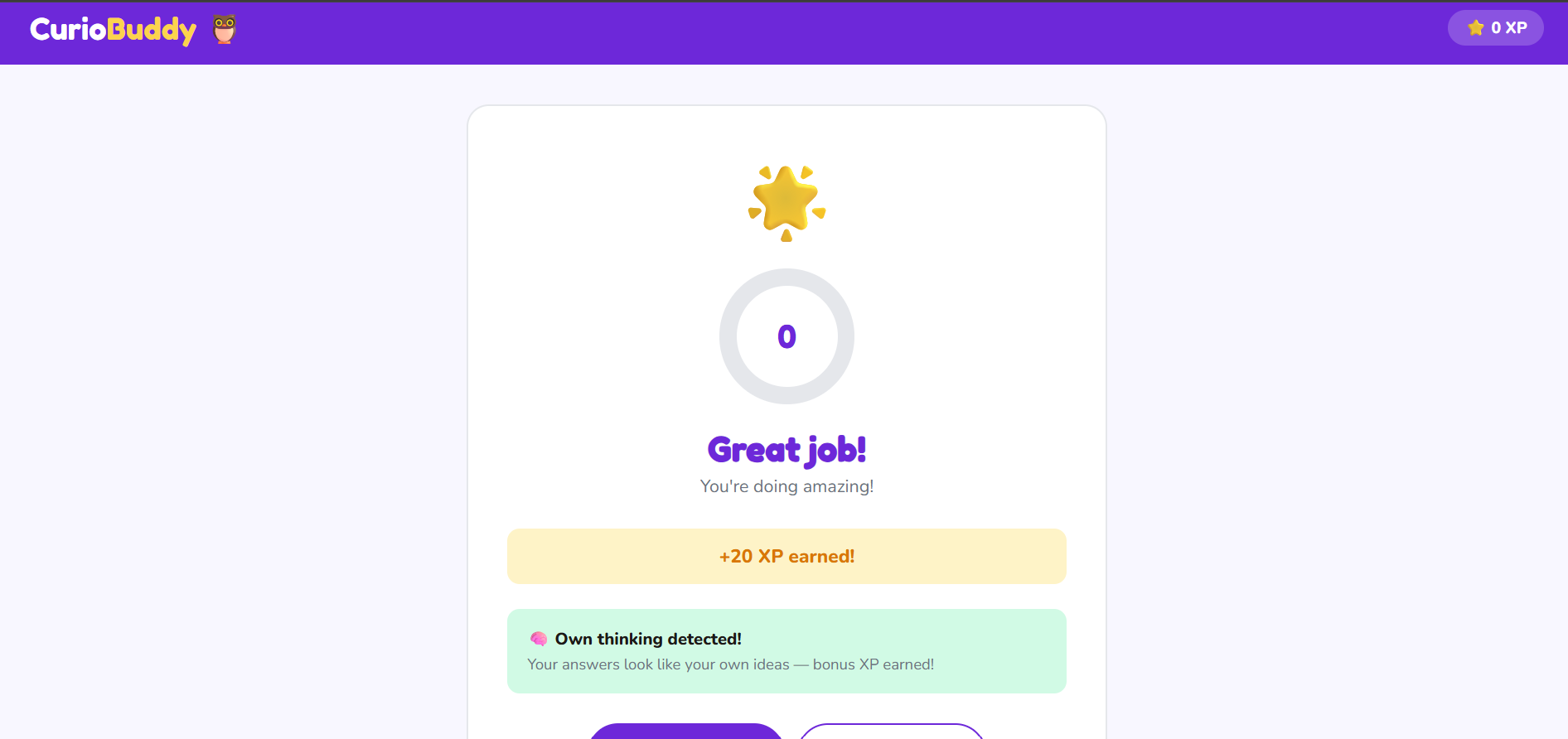
Qwen/Qwen2.5-7B-Instructvia the Featherless.ai API, which grades each response and returns short, age-appropriate feedback - Behavioural AI detection — a pure JavaScript signal collector tracks paste events, backspace rate, WPM, keystroke variance, pause patterns, and chars-per-keystroke silently while the kid types. These signals are combined with Qwen's text-level vocabulary and grammar analysis to produce an Originality Score (0–100)
- XP system — students earn XP per lesson, saved to localStorage across sessions
🤖 The AI Detection System
Rather than claiming to "detect AI" (which no tool does reliably), CurioBuddy uses a multi-signal behavioural scoring system:
| Signal | Method |
|---|---|
| Paste detection | Browser paste event listener |
| WPM calculation | words ÷ time × 60 |
| Backspace rate | key === 'Backspace' count vs total keystrokes |
| Keystroke variance | Standard deviation of gaps between keystrokes |
| Thinking pauses | Gaps >2s between keystrokes |
| Chars per keystroke | Detects silent paste (text appearing without typing) |
| Vocabulary mismatch | Qwen checks if language is age-appropriate |
| Grammar perfection | Qwen flags suspiciously perfect grammar for a child |
All JavaScript signals are sent to Qwen alongside the answer text, so the model can combine what it reads with what we measured for a final originality verdict.
🧗 Challenges
- YouTube Error 153 — YouTube recently tightened its referrer policy for embeds. Fixed by switching to
youtube-nocookie.comand addingreferrerpolicy="strict-origin-when-cross-origin"to the iframe and a meta tag in the document head. - AI detection reliability — True AI detection is unsolved even for large companies. We reframed the problem: instead of detecting AI, we reward genuine effort with bonus XP. The system never blocks or accuses — it incentivises honesty.
- Zero backend — keeping everything in a single HTML file meant careful state management in vanilla JavaScript with localStorage for persistence.
📚 What We Learned
- How to design behavioural signal collection that is invisible to the user but informative for the system
- How to prompt a small open-source LLM to return structured JSON reliably
- How YouTube's embed referrer policy works and why Error 153 happens
- How to build a progressive unlock system entirely in vanilla JS
🔮 What's Next
- Parent/teacher dashboard with class-wide progress
- Text-to-speech for early readers
- Hint system — AI nudges if a student is stuck
- More subjects: Math, Coding, Geography
Built With
- css
- featherless.ai
- html
- javascript
- qwen2.5-7b-instruct
- youtube-iframe-api

Log in or sign up for Devpost to join the conversation.