-
-
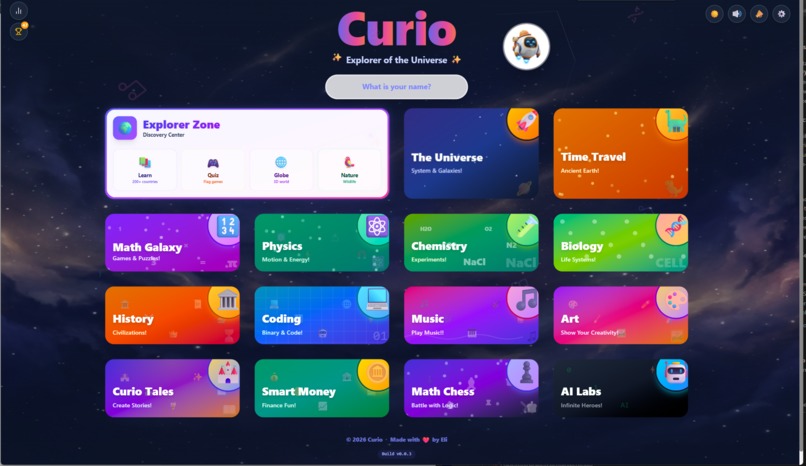
Home Screen
-
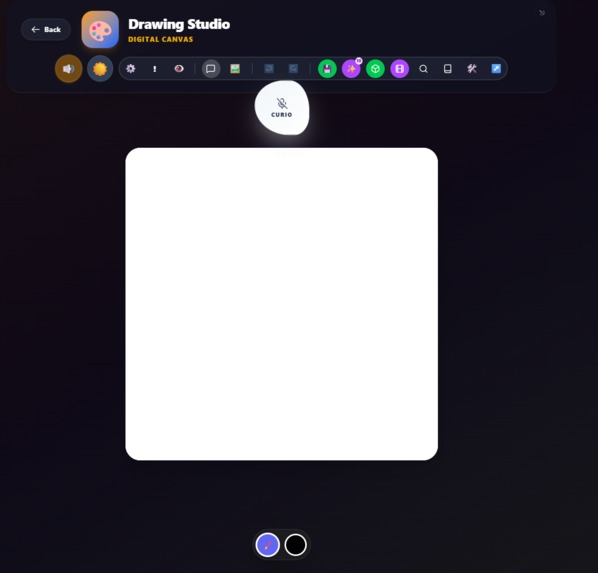
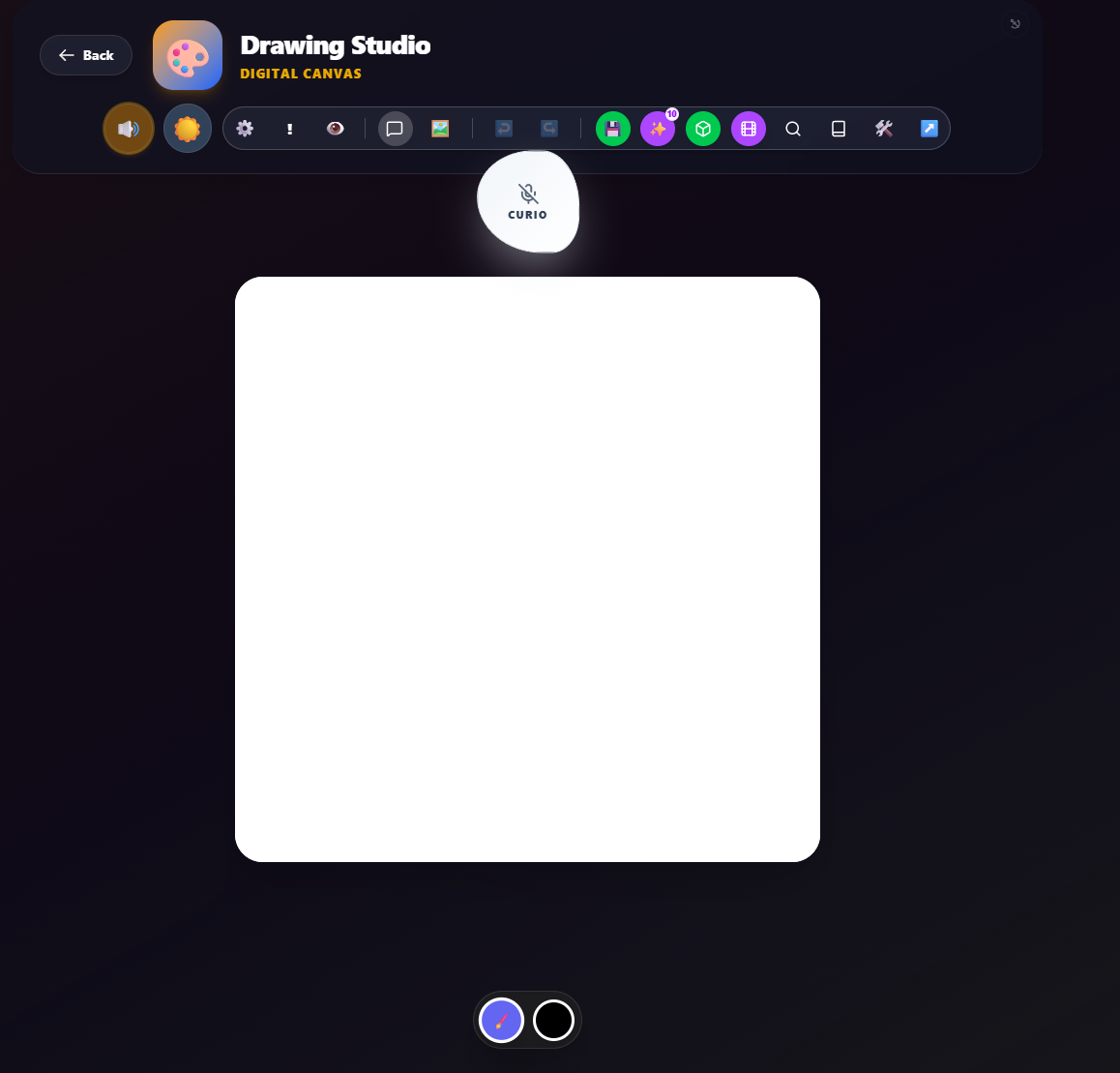
Drawing Studio
-
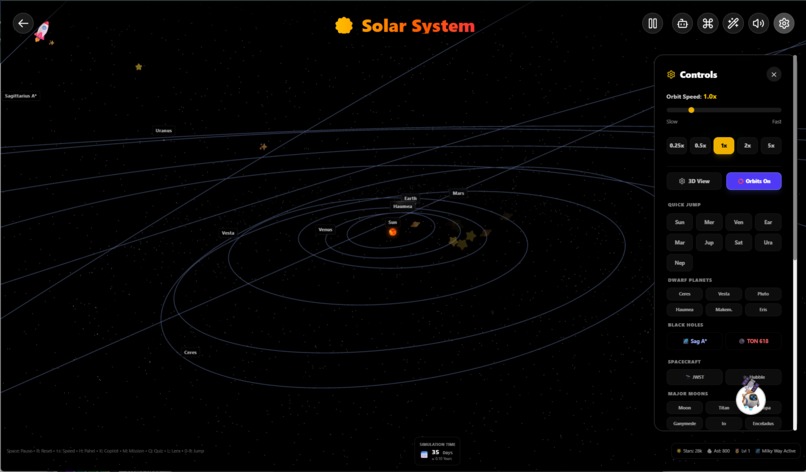
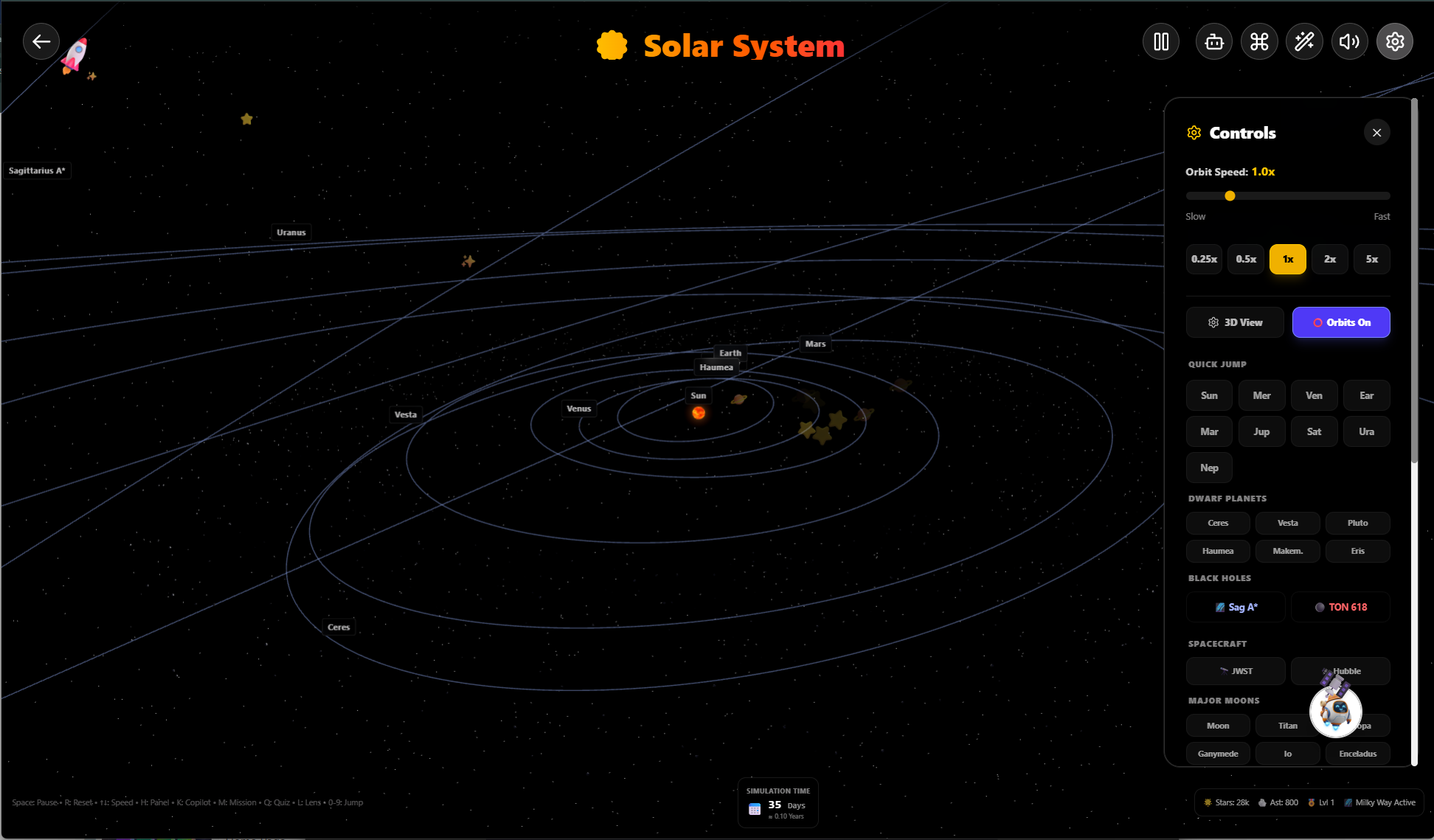
Solar System
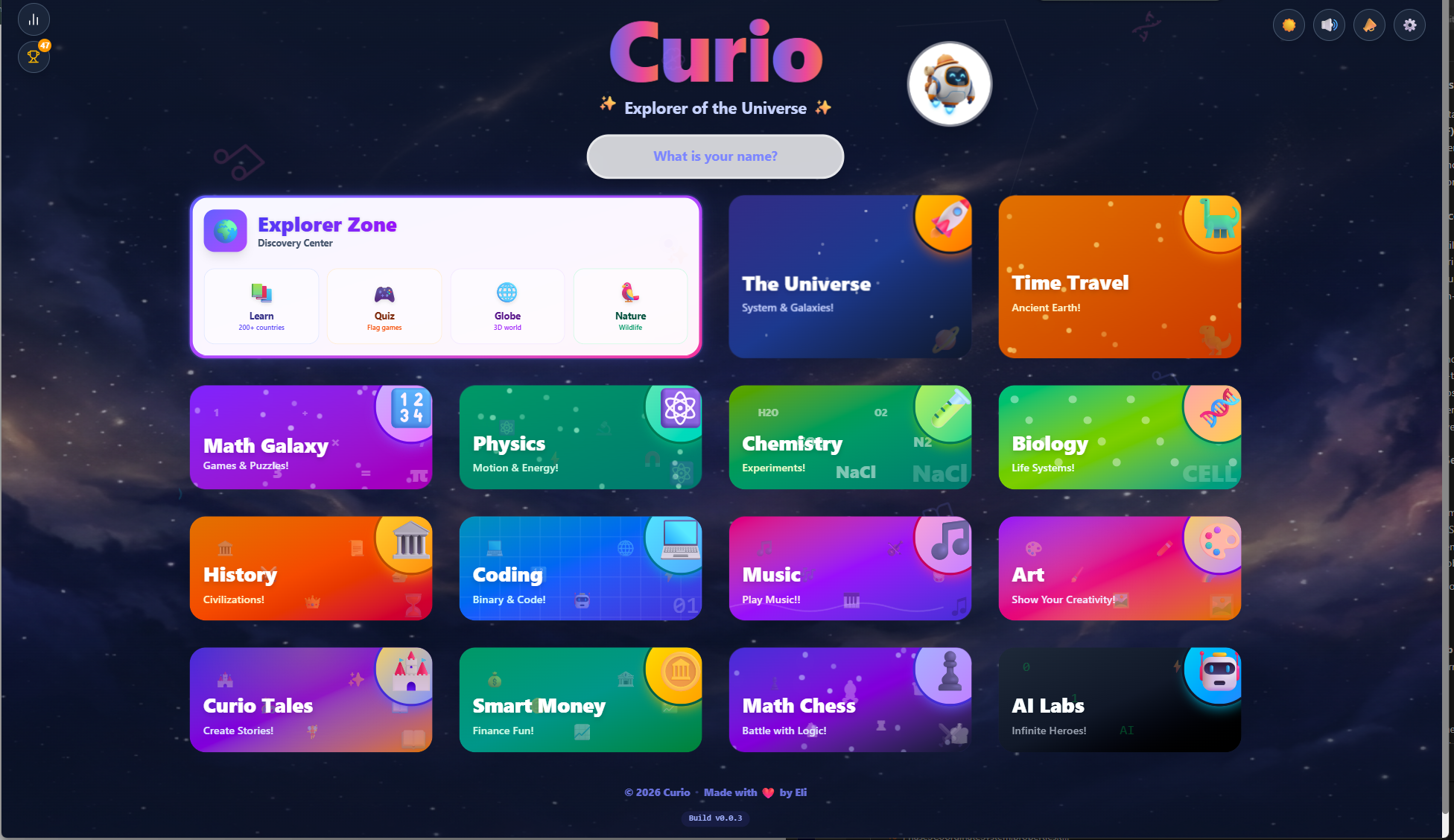
Inspiration
I built this app to my 6 years old in my free time. I started with Flags and then went to add more subjects and AI elements like a live api as a commentator and educator that can take actions by seeing the screen and interact with the user. It can also plays chess and comment on the moves and help the user draws by exposing complicated tools in a drawing studio. It can also use generateImage to generate sketches or use reciepes to draw shapes exactly where the user wants them. The Live API works across the app and sees almost everything the user is doing. This is a private app (friends and family). I used multiple open source projects to inspire me or to use in my app, like the 3D chess pieces and planet models and many other elements. The app was mostly built in Antigravity. I added as many AI providers as I could just to test them out and to challenge myself and learn. Gemini is the most robust provider in this app (text, image, video, live API, TTS) but can be subtituted with other providers including a local offline gemma model. The app is still a WIP and I need to fix too many bugs still but it is at a state where it can demonstrate the use cases of AI to a chile and help them be more creative.
What it does
Curio Explorer is an AI-powered educational APP that transforms deep learning into an interactive world. It covers everything from Physics and Paleontology to Art and Music. Using the Gemini Live API, Curio "hears" and "sees" the user’s progress. It can guide a child through a 3D solar system, coach them as they draw , or play a competitive game of chess—all while providing encouraging, kid-friendly mentorship.
How we built it
Core Strategy: React 19 + TypeScript for a robust frontend. AI Integration: Implemented a dual-client system using @google/genai. A lightweight client handles standard chat, while a custom, heavyweight LiveClient manages real-time audio, video frame capture, and complex tool usage (Function Calling). Graphics: Built immersive 3D views using Three.js, React Three Fiber, and Drei. Styling: Leveraged Tailwind CSS v4 for a premium, responsive UI with custom motion-driven animations. Backend: Integrated Firebase for Auth, Firestore for persistence, and Storage for user creations. Mobile: Used Capacitor to package the experience for iOS and Android.
Challenges we ran into
The biggest hurdle was Multi-modal Synchronization. Managing high-fidelity 3D graphics alongside real-time audio and video frame capture required building a custom adaptive cadence system to prevent CPU throttling on mobile devices. We also had to solve "context flooding"—designing a navigation cooldown and structured DOM context system so the AI stays aware of UI changes without hitting token limits.
Accomplishments that we're proud of
We successfully implemented a Spatial Awareness System that doesn't rely solely on screenshots. By combining adaptive canvas capture with a MutationObserver that feeds structured DOM data to the AI, we created a mentor that truly understands the UI hierarchy. We're also proud of the Moxi Ink Studio, which combines fluid physics with AI guidance to make digital painting feel tactile and educational.
What we learned
Building Curio taught us the power of Agentic UI. We learned that the most effective AI interactions aren't just "chat windows" but are deeply integrated into the state of the application. We also explored the nuances of child-friendly prompt engineering, ensuring that our mentor always encourages critical thinking rather than just giving away the answers.
What's next for Curio Explorer
We're looking to expand Curio with Collaborative Learning, allowing multiple kids to explore the same digital world with a shared AI mentor. We also plan to integrate even more specialized tools, such as a "Chemistry Lab" with real-time molecular simulation and a "Code Studio" where the AI can pair-program with budding developers in real-time.

Log in or sign up for Devpost to join the conversation.