Curie

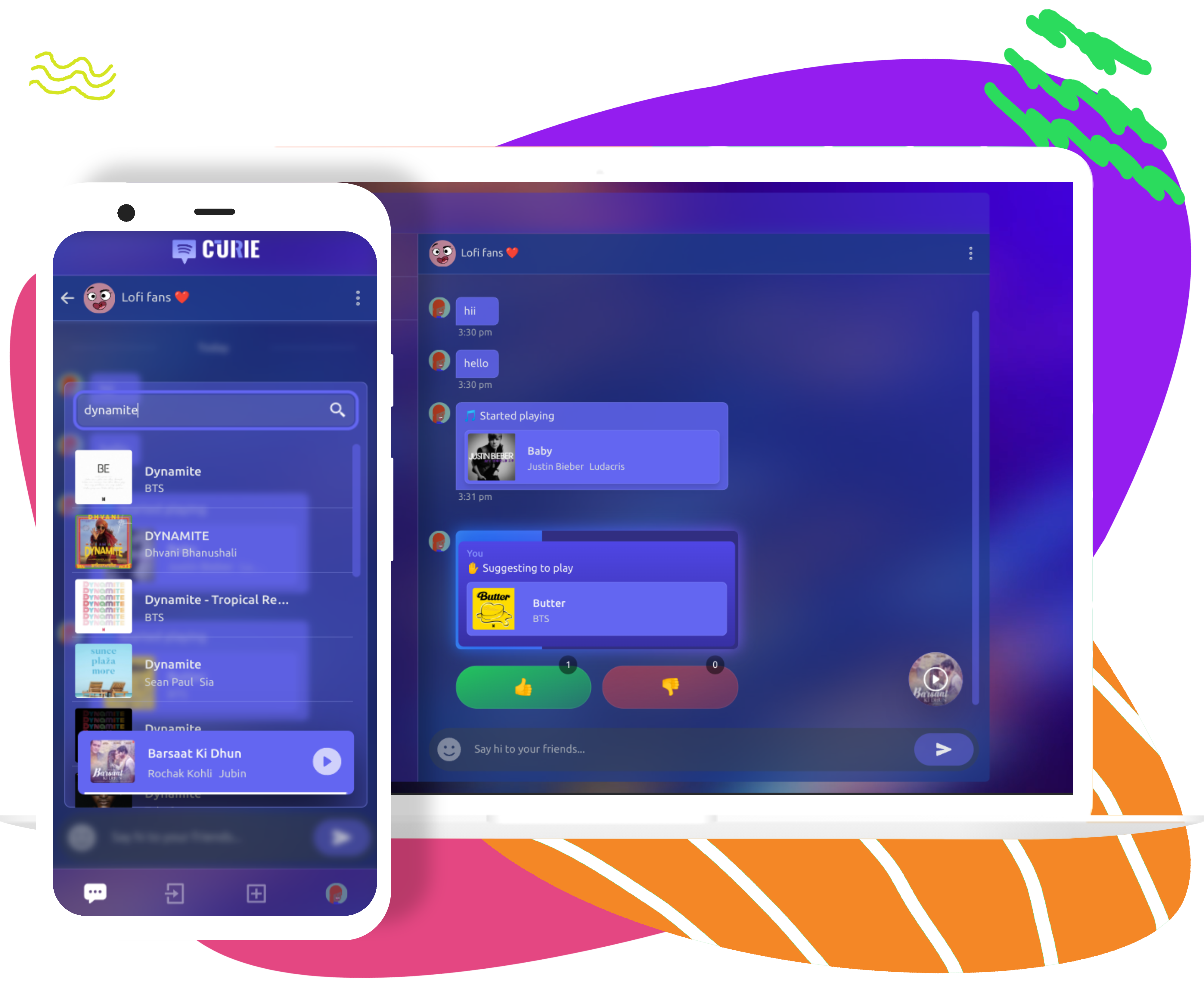
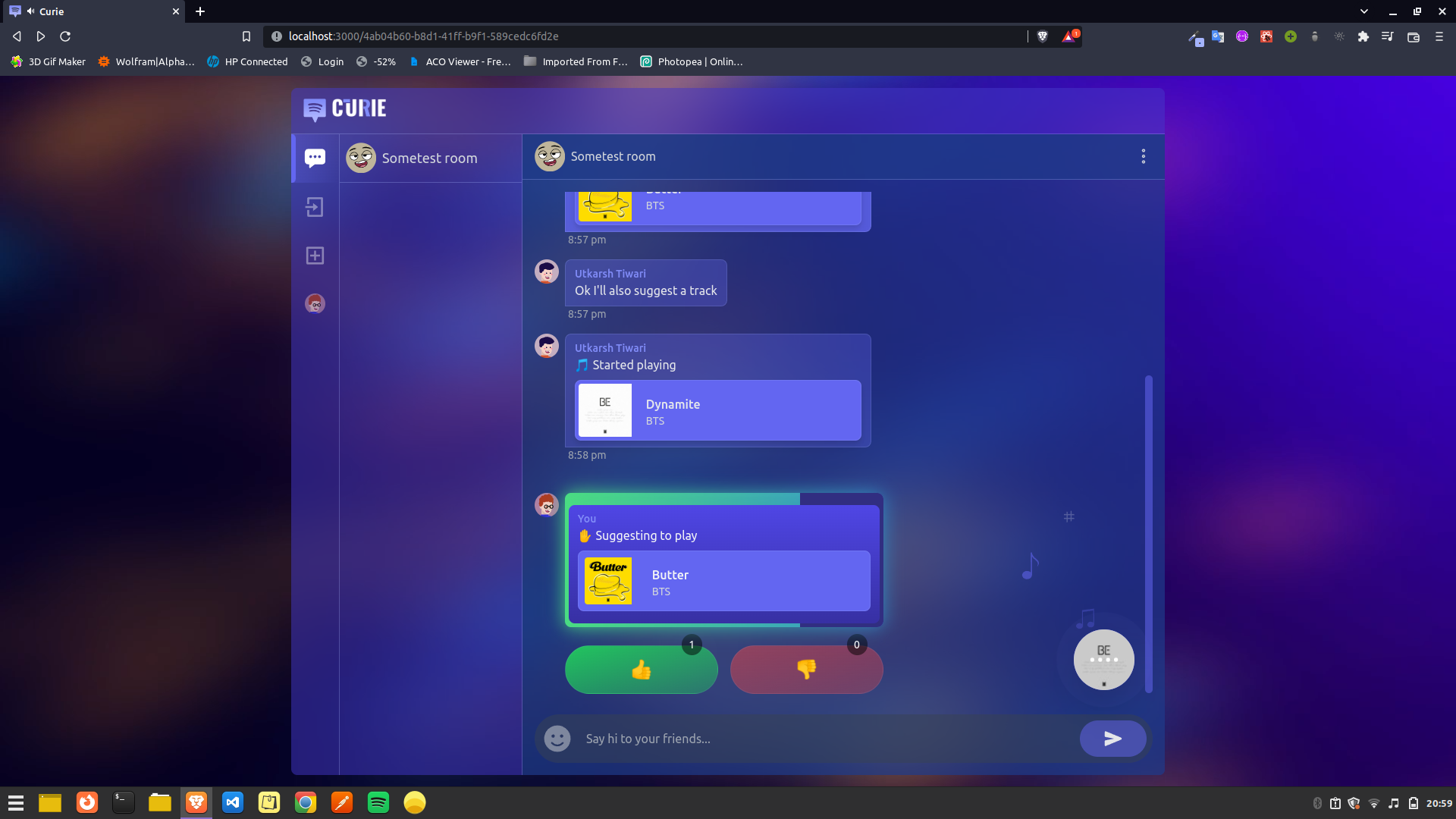
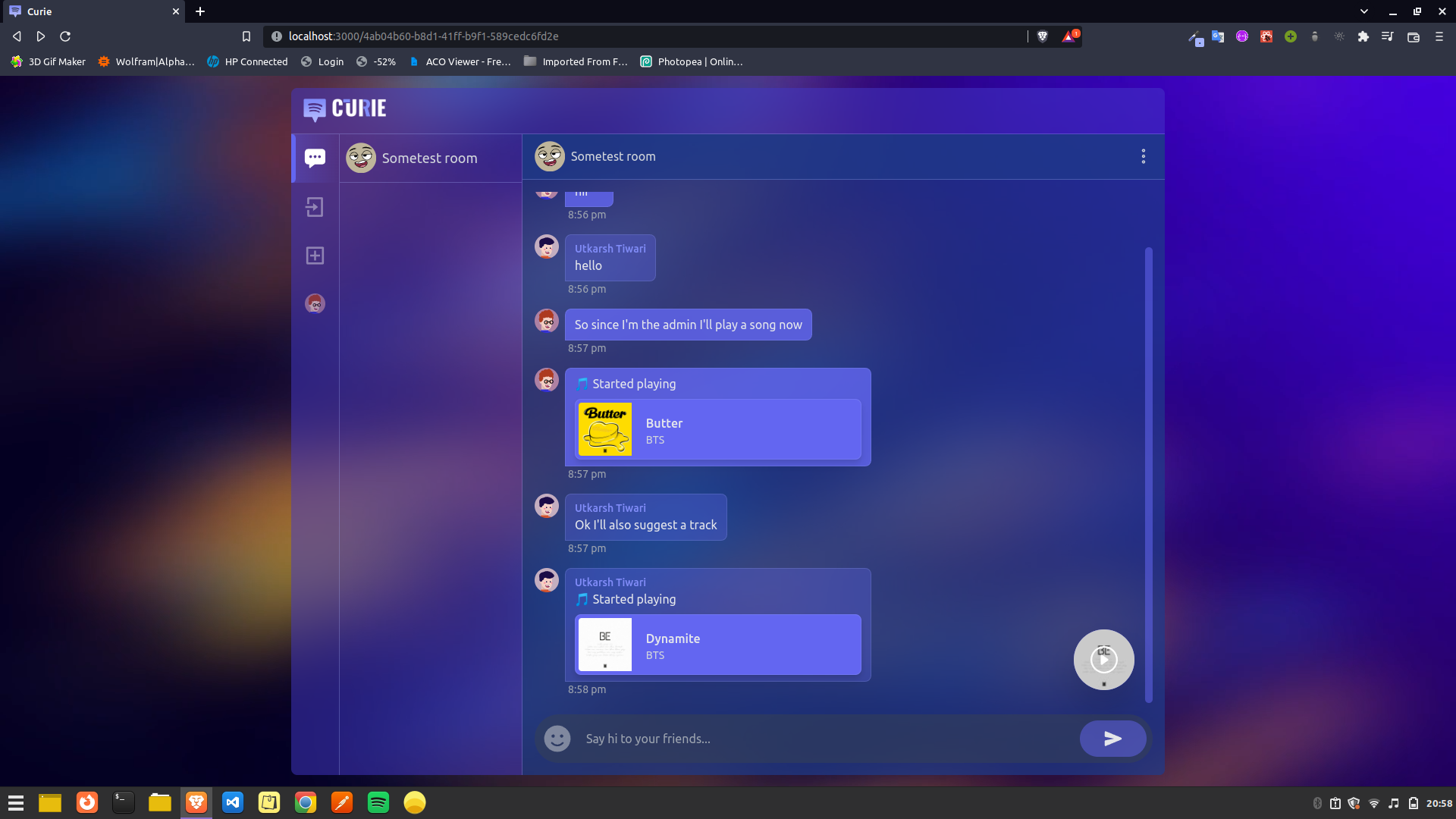
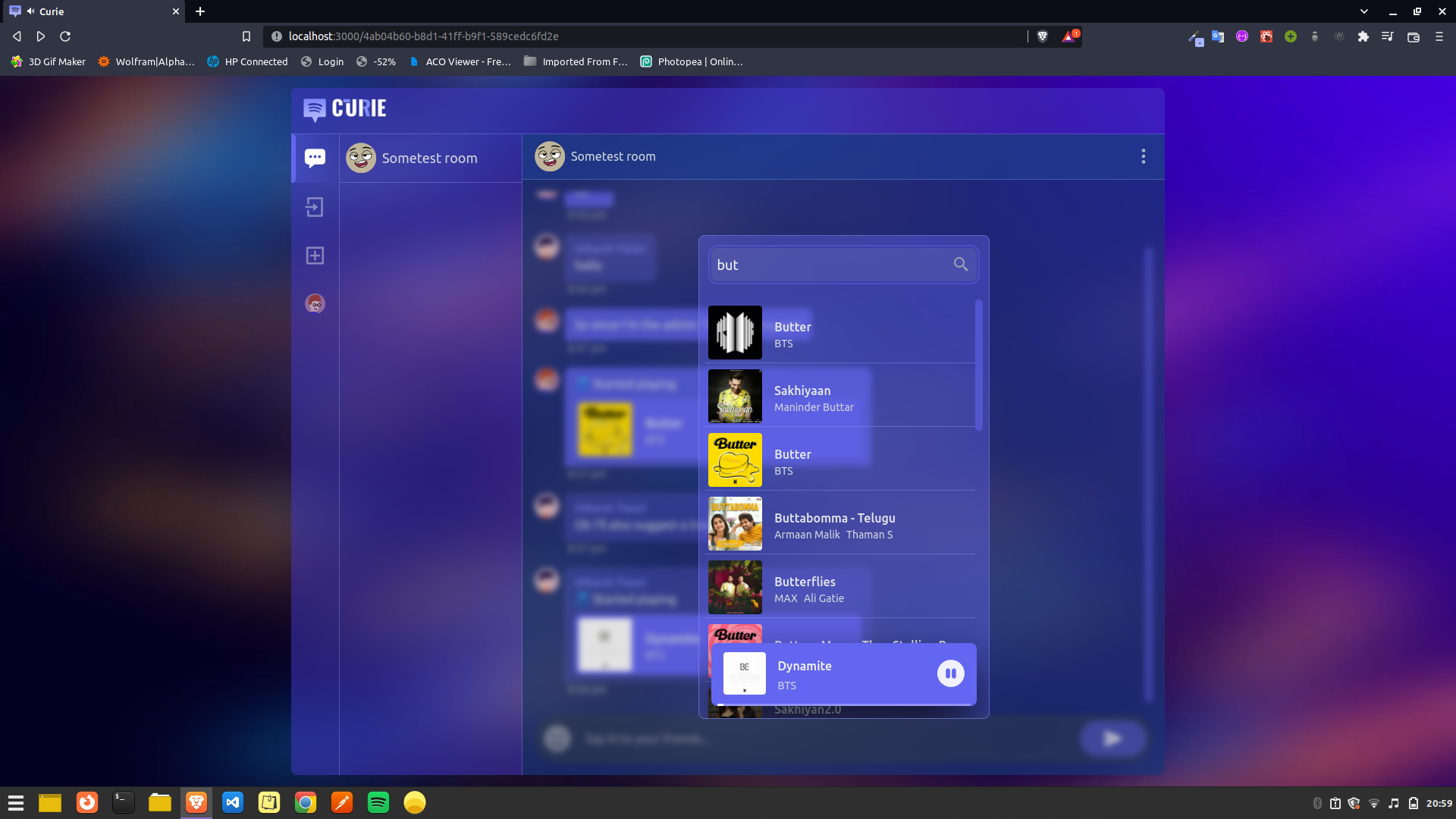
Curie is a chat app where users can chat in rooms and listen to synced music, the playback of the music would be controlled by the room admin, and members of the room can suggest songs, other members can vote 👍️ or 👎️ to a suggestion, if the suggestion gets majority vote it will start playing.
Tech/Library/Framework/Tools
Frontend (client)
- Made with React.js ⚛️
- Written in Typescript
- Styled with TailwindCSS
- Axios as API Request client
- Socket.io-client as Web-socket client
Backend (server)
- Made with Express.js
- Written in Typescript
- NoSQL Database from MongoDB
- Mongoose for handling MongoDB services
- Axios as API Request client
- Socket.io for Web-socket communication
- Spotify Web API to get metadata about tracks from Spotify and playback control.
- Spotify Web Playback SDK to create a player and get playback from Spotify inside my app.
Demo
Screenshots


Configure and run development server
- ### Configure Development Environment
Configuring client
Clone the repository :
git clone https://github.com/curiousyuvi/curie.gitOpen the client directory :
cd curie/client/Create a .env file :
touch .envInside the .env file write :
REACT_APP_API_ENDPOINT=http://localhost:5000
Configuring server
Open the server directory :
cd ../server/Create a config directory and open it :
mkdir config && cd configCreate a dev.env file :
touch dev.envInside the dev.env file write :
SPOTIFY_CLIENT_ID=
SPOTIFY_CLIENT_SECRET=
MONGODB_URL=mongodb://admin:Admin123@mongo:27017/curie_db
Now to get Spotify_client_id and Spotify_client_secret, head to Spotify Developer Dashboard and login with your Spotify Account.
Then click on CREATE AN APP button in Spotify Dashboard and create a spotify app.
Then inside the app, go to EDIT SETTINGS and add
http://localhost:3000/spotify_callback/to Redirect URIs and SAVE the settings.Then inside the app, go to USERS AND ACCESS and add your Spotify Account with email by clicling on
ADD NEW USER.After that, copy your Client ID and Client Secret from the app into your dev.env file
- ### Running Development Server
To run the server, we need to have docker installed in our system, head to Get Docker to install docker according to your system.
Make sure docker is installed correctly, by running:
docker --versionIf its installed correctly, you would get an output like:
Docker version 20.10.17, build 100c701Now inside the root directory, run this command:
sudo make runIf there are no issues and every thing goes well, then React client should be running on
http://localhost:3000/, Node server should be running onhttp://localhost:5000/and Mongo Express should be running onhttp://localhost:8081/To stop the containers type
ctrl+cand run:sudo make stopTo remove the containers and their networks and volumes, run:
sudo make removeTo remove the containers, their networks and volumes, also the client and server images , run:
sudo make hard-remove

Log in or sign up for Devpost to join the conversation.