-
-
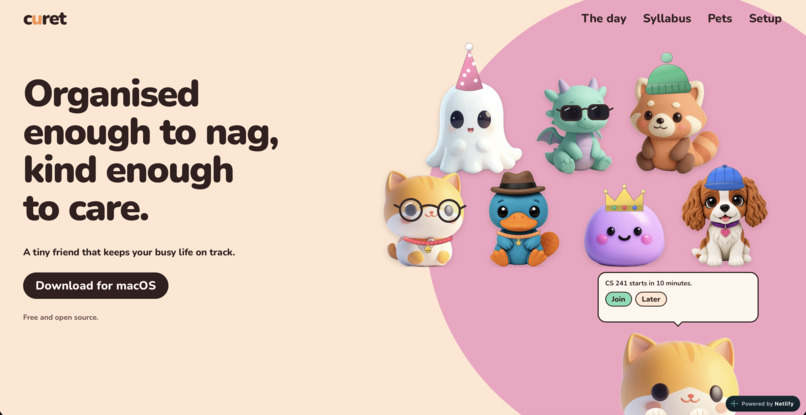
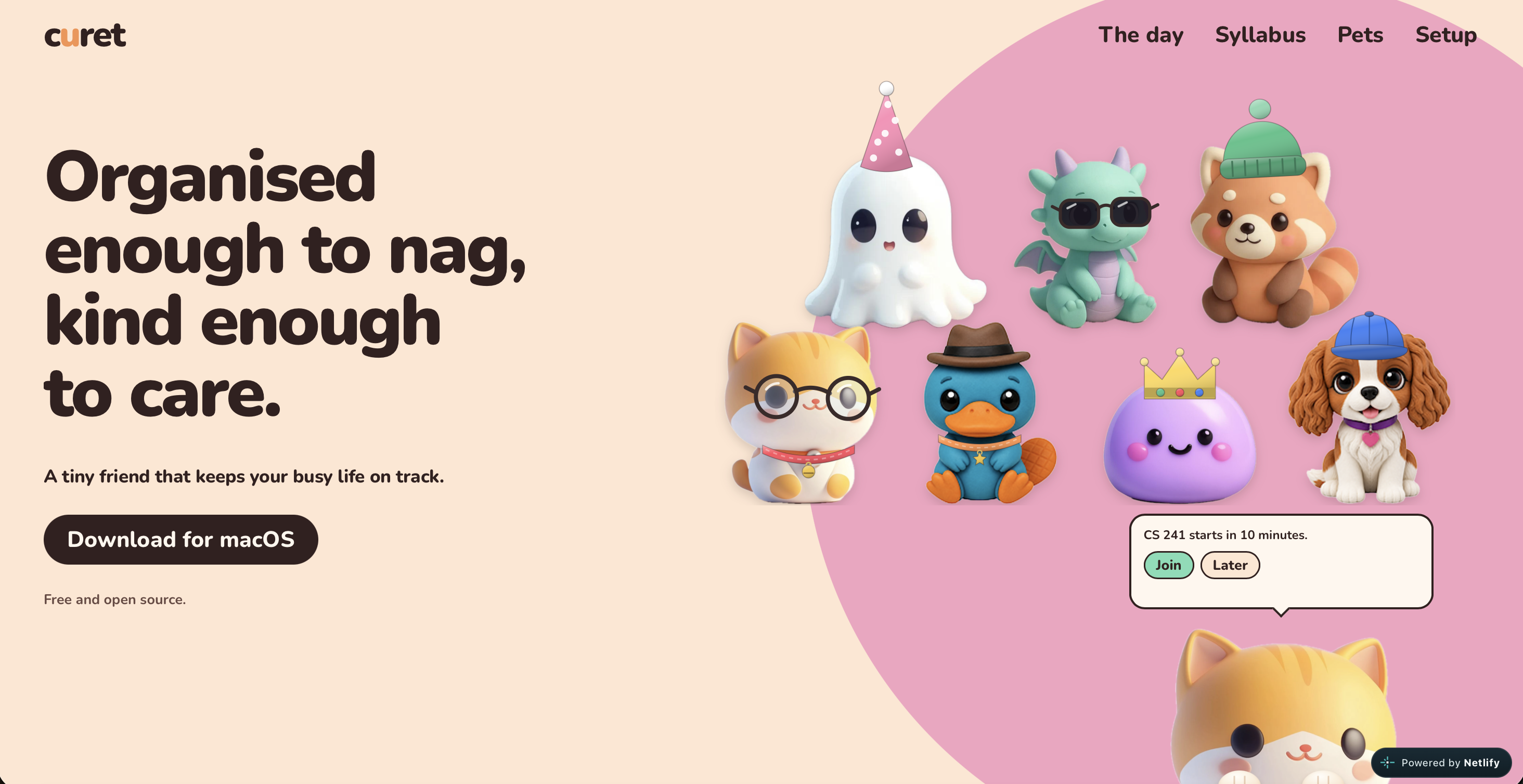
Our website!
-
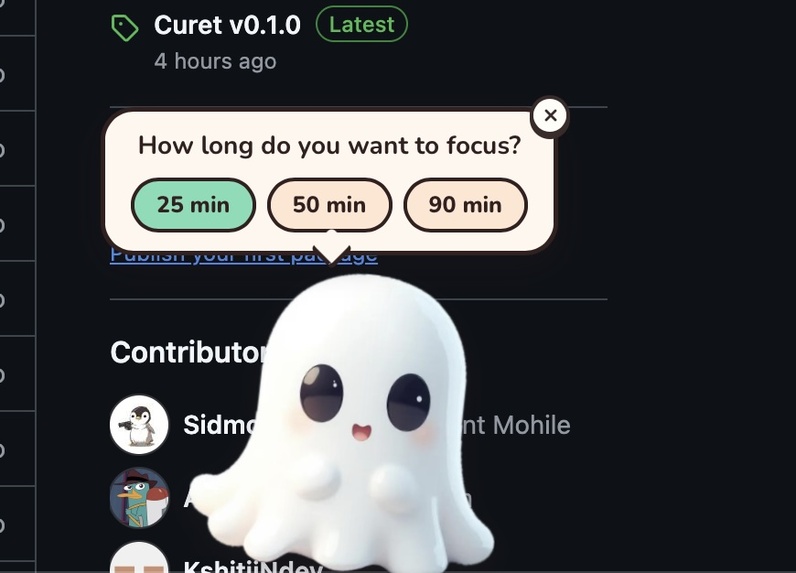
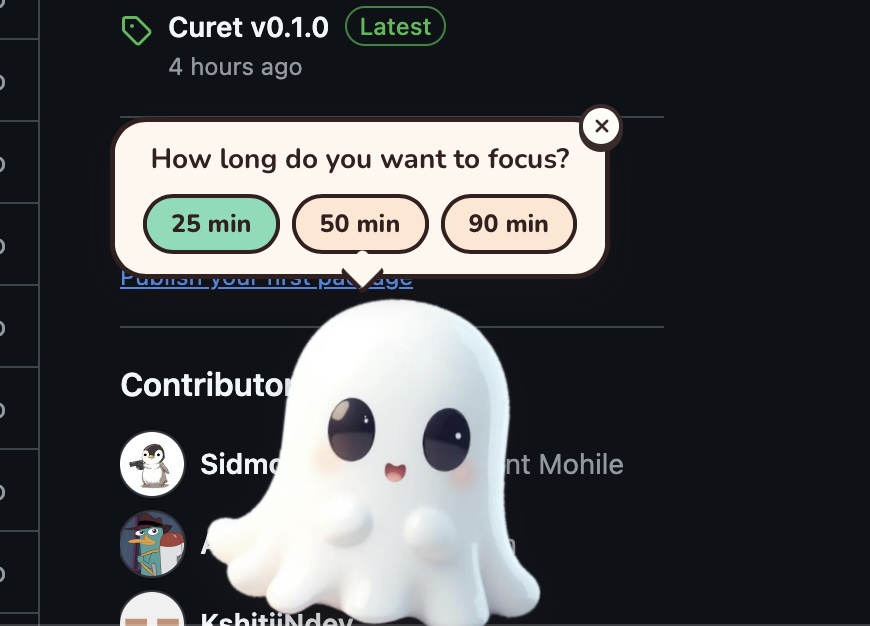
Start a focus session right from your pet: pick 25, 50 or 90 minutes.
-
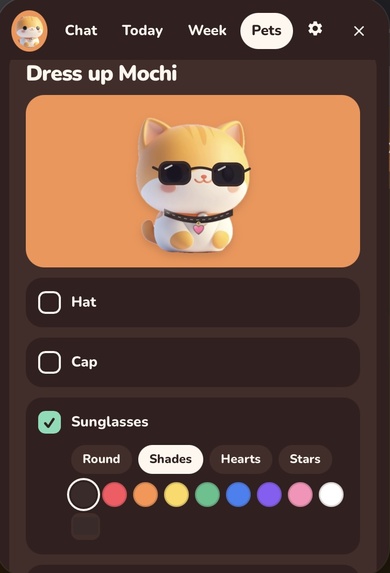
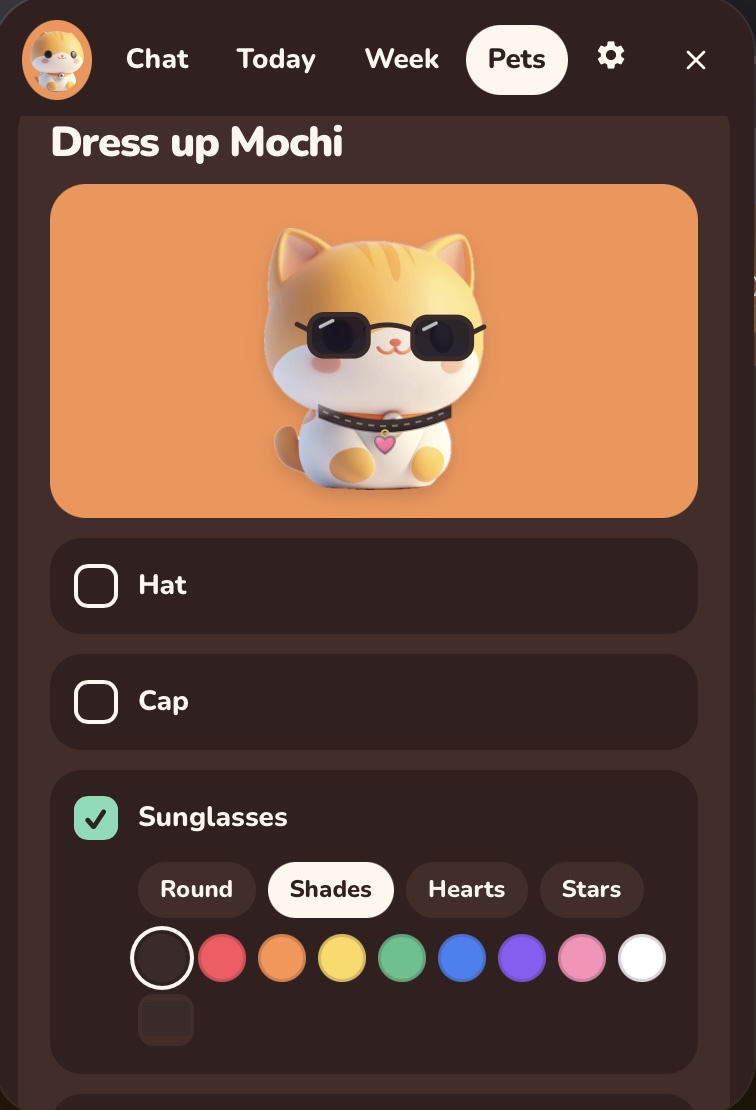
Dress up Mochi with hats, caps and sunglasses in different styles and colors.
-
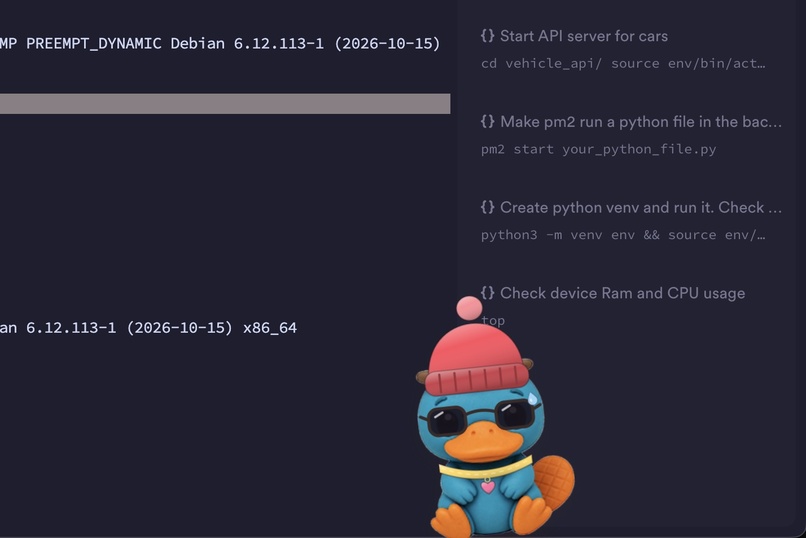
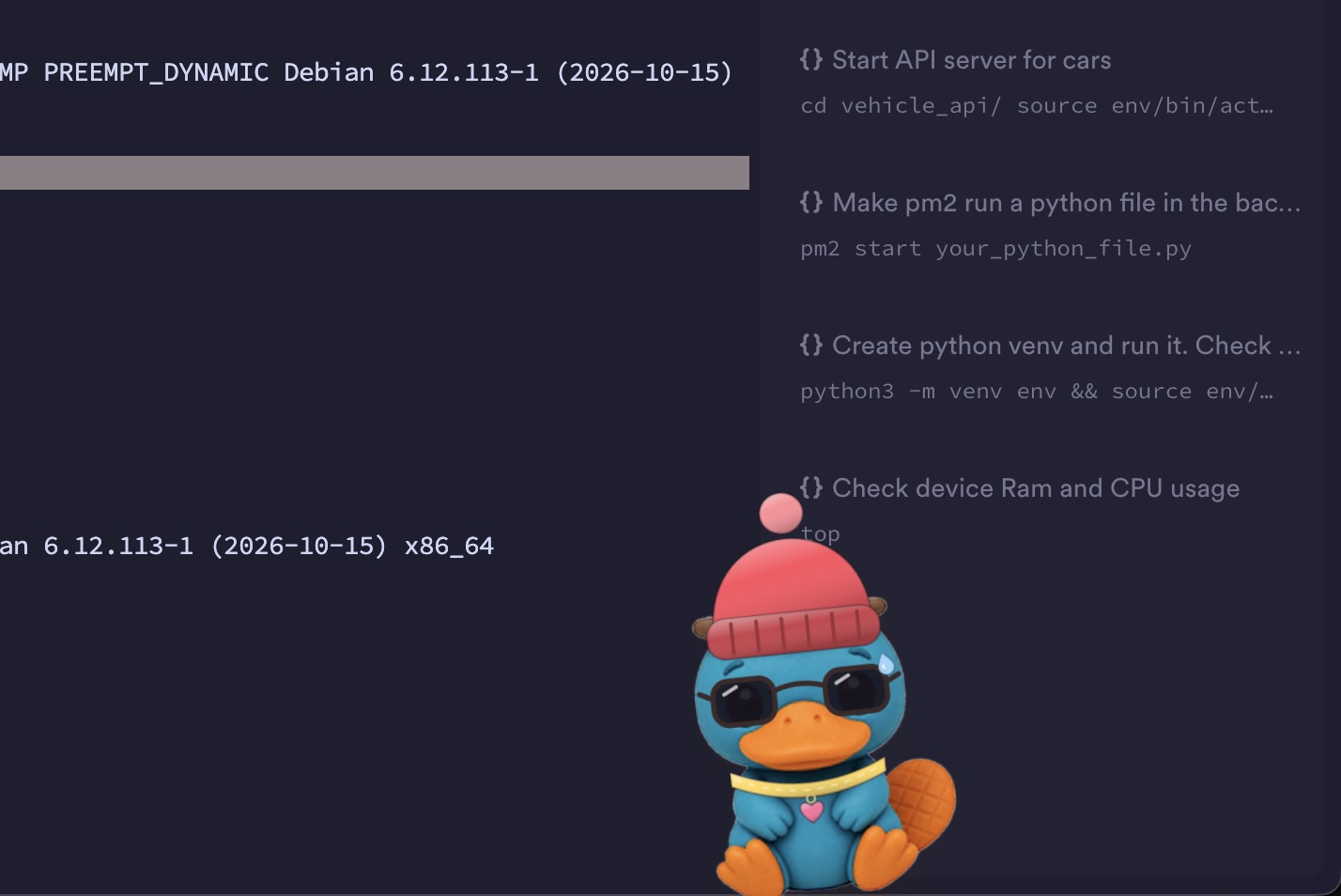
Perry the platypus chilling on top of a terminal window.
-
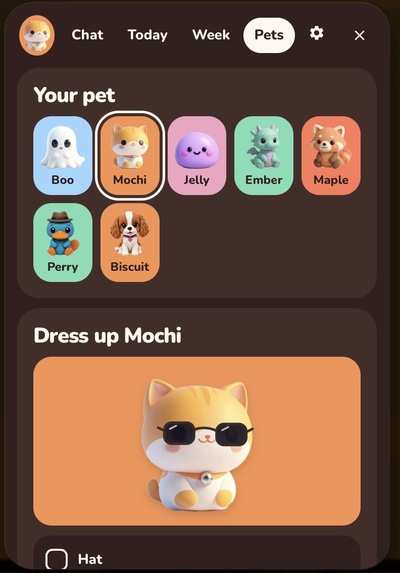
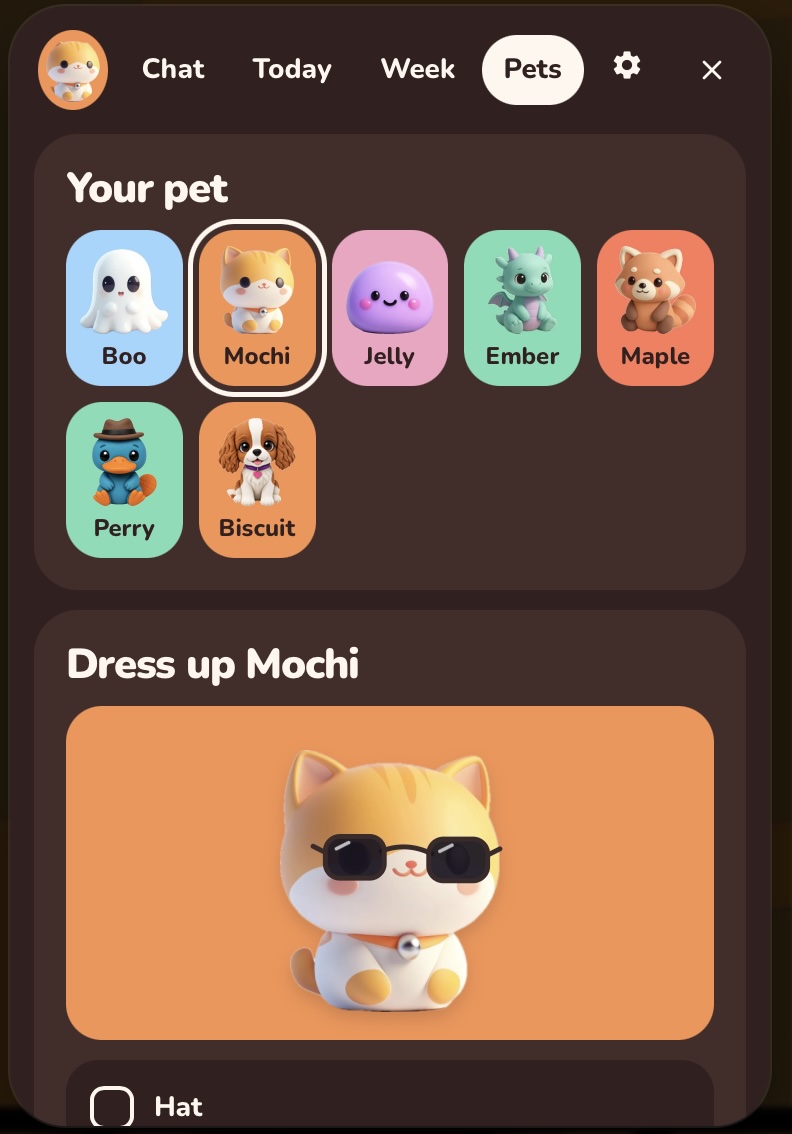
Pick your companion: Boo, Mochi, Jelly, Ember, Maple, Perry or Biscuit.
-
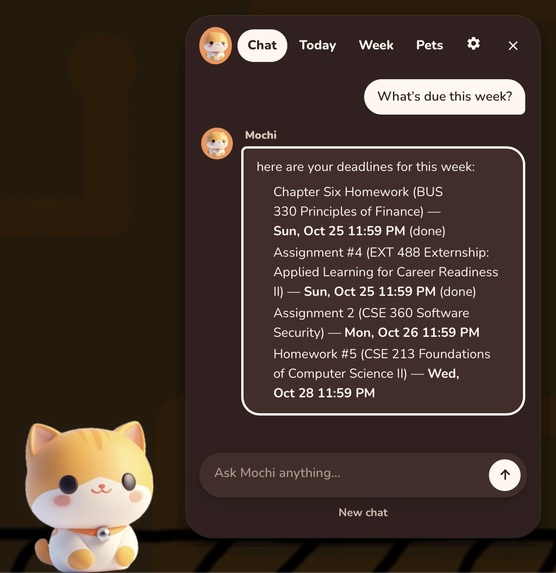
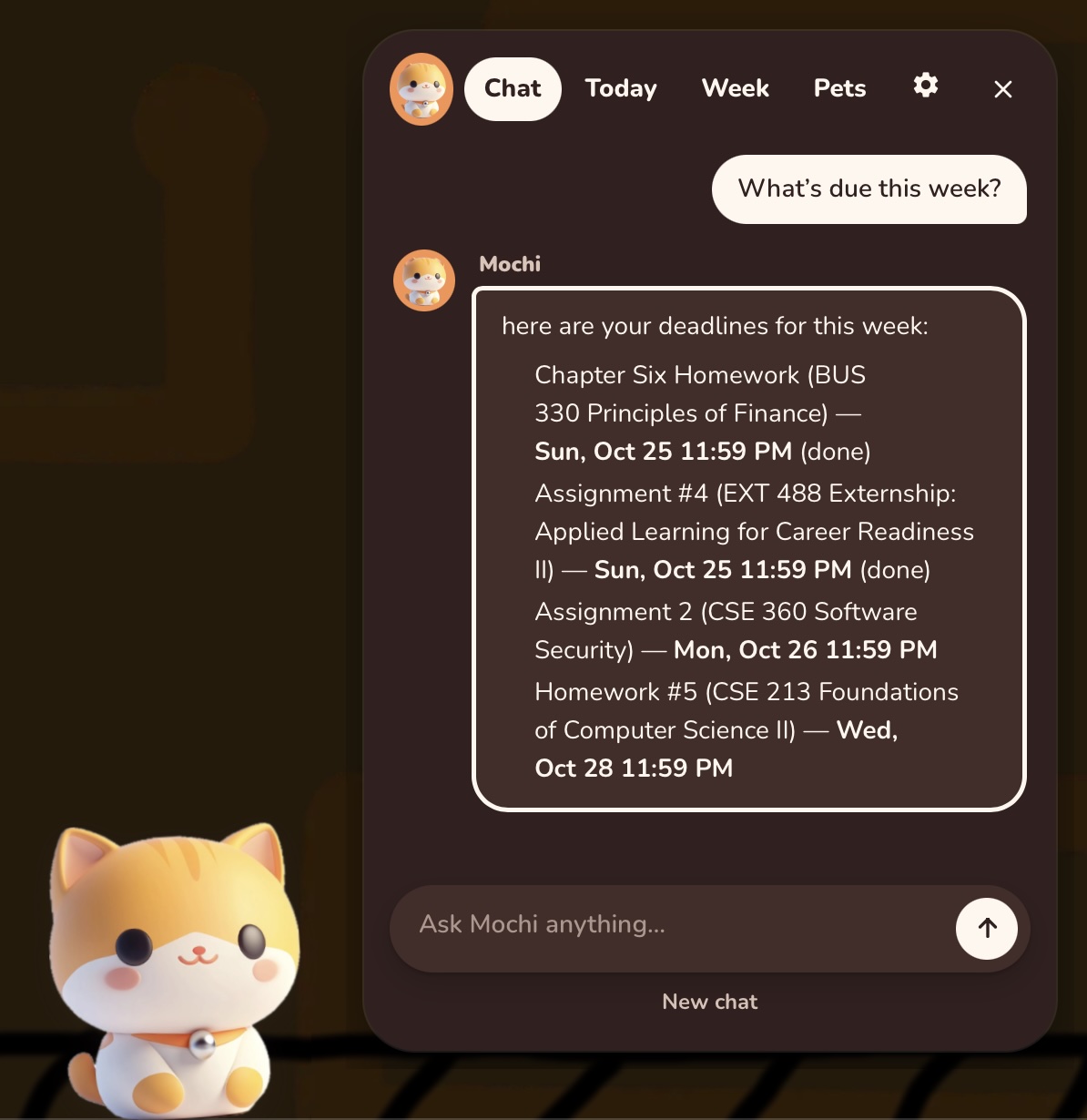
Ask Mochi what's due this week and it pulls your real deadlines straight into the chat.
-
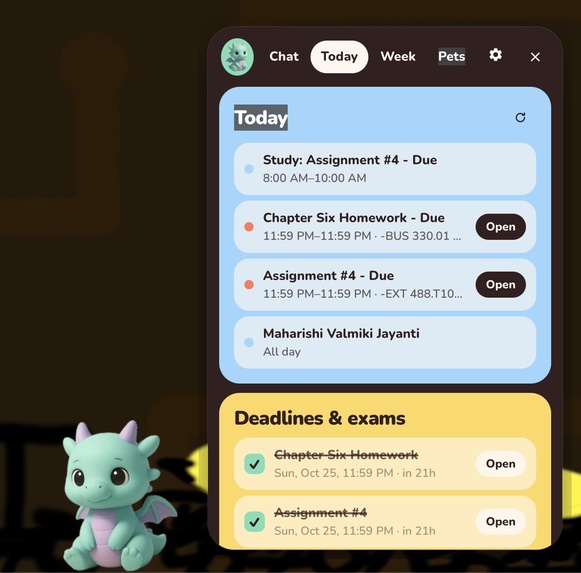
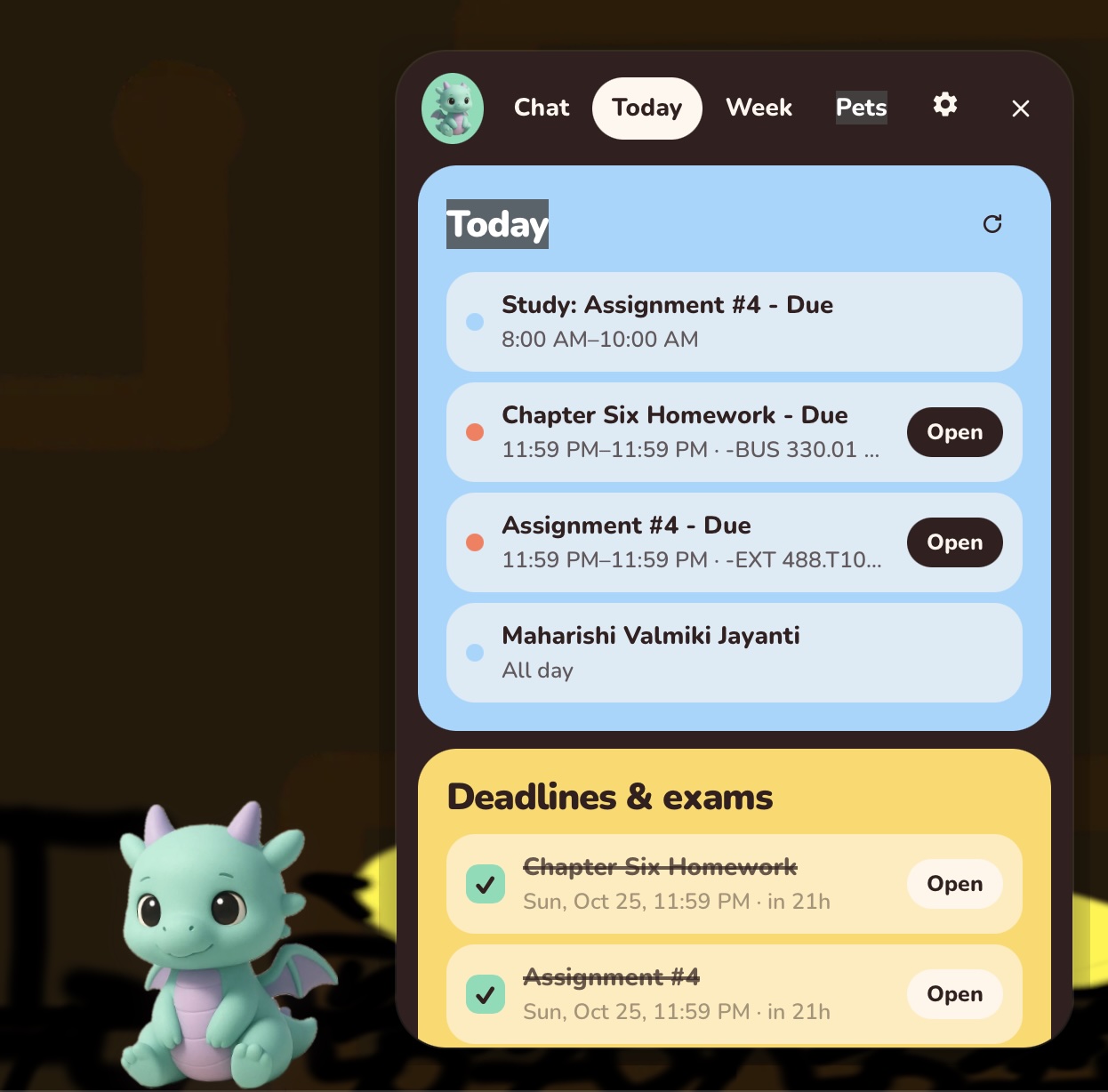
The Today view with Ember: your schedule plus upcoming deadlines and exams, checked off as you finish them.
-
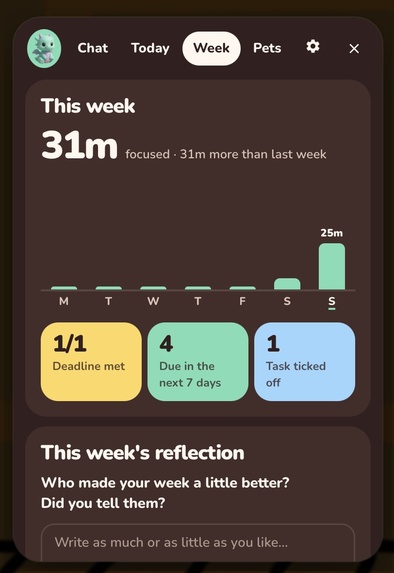
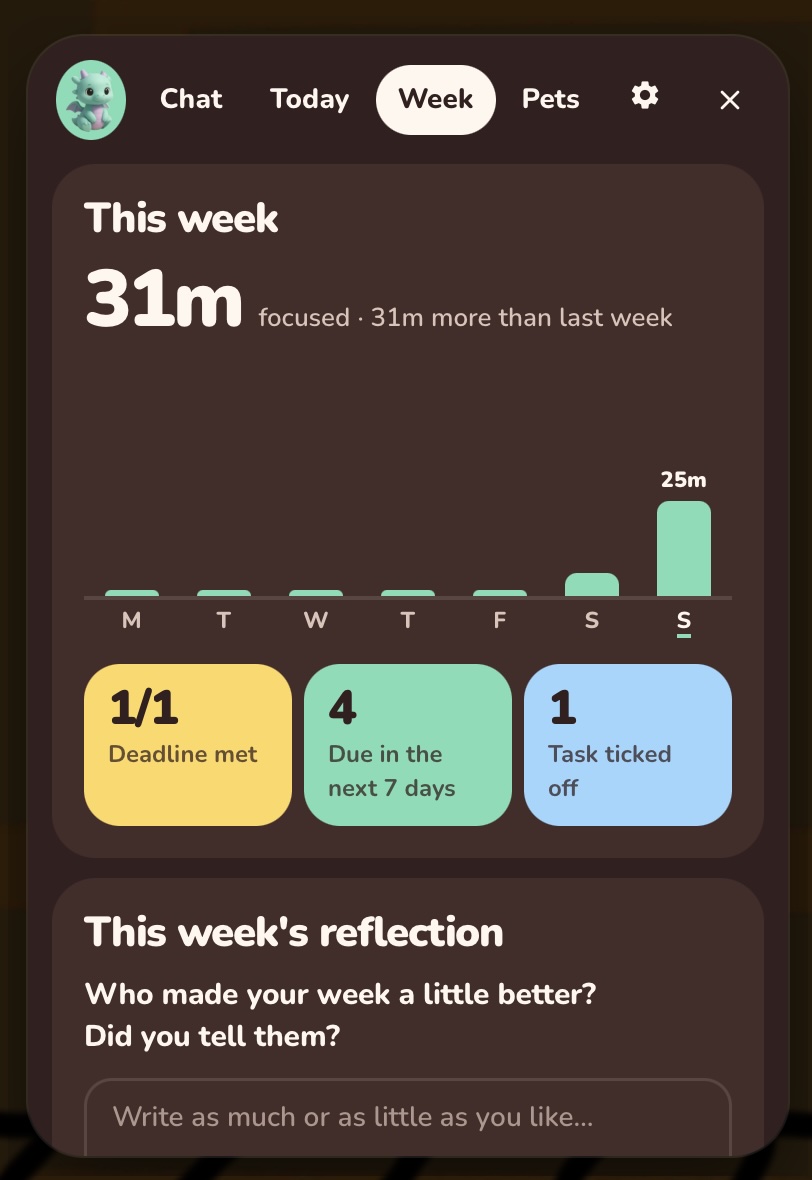
Weekly summary: focus time, deadlines met, tasks ticked off, and a short reflection prompt.
-
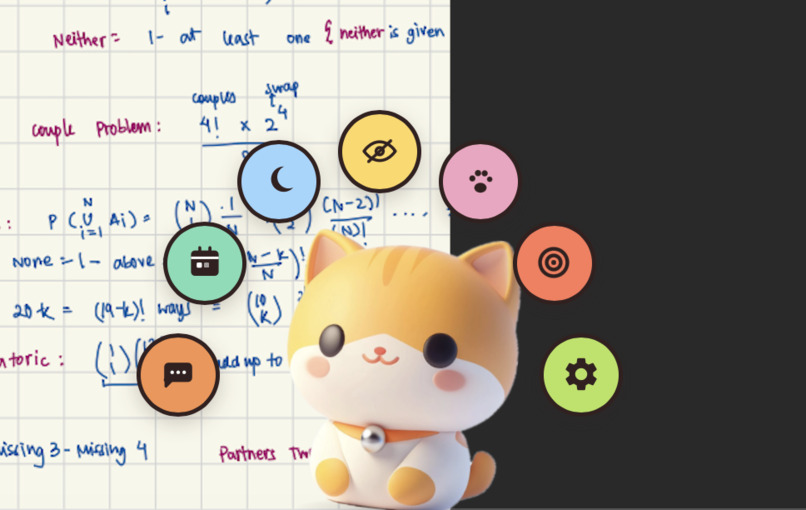
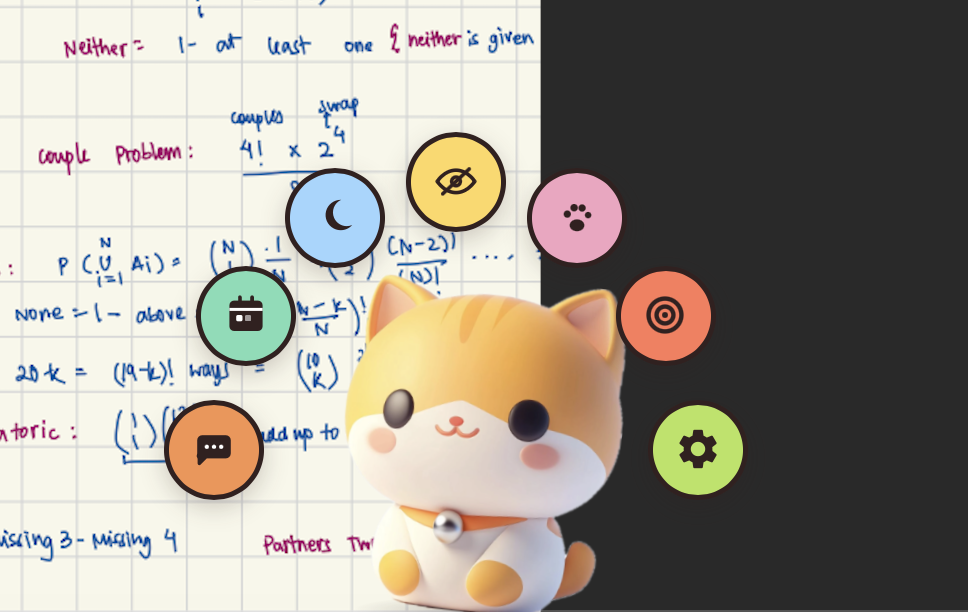
Access features by a simple double click!
-
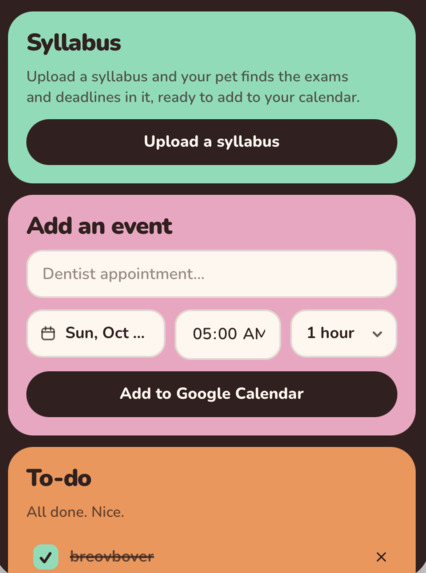
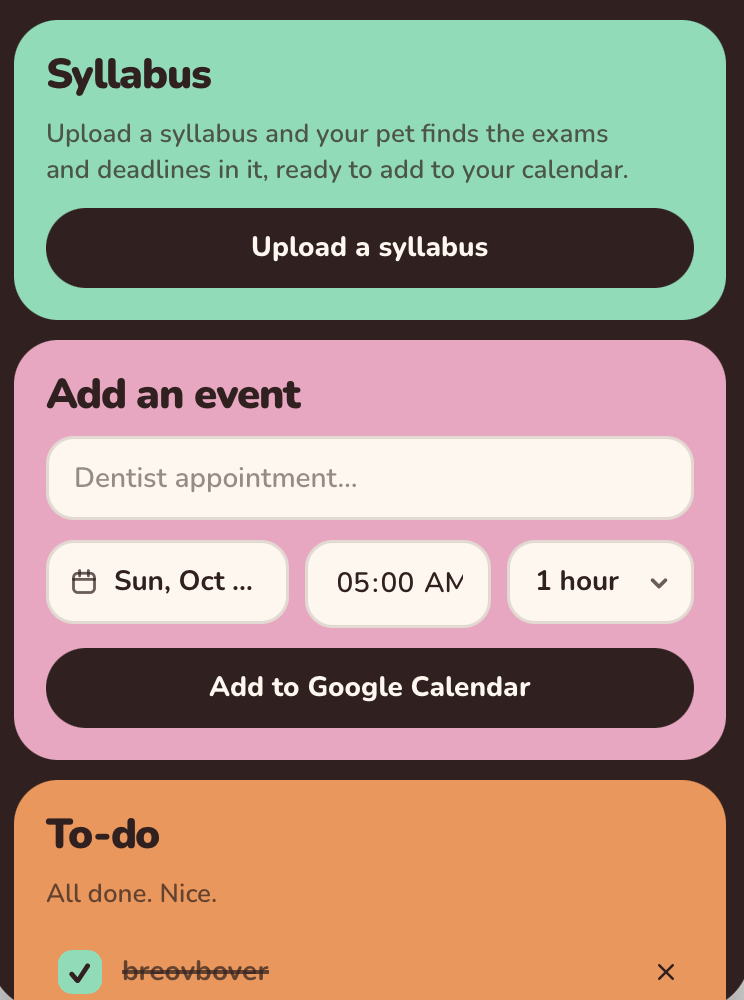
Drop the syllabus, plan your semester in advance.
-
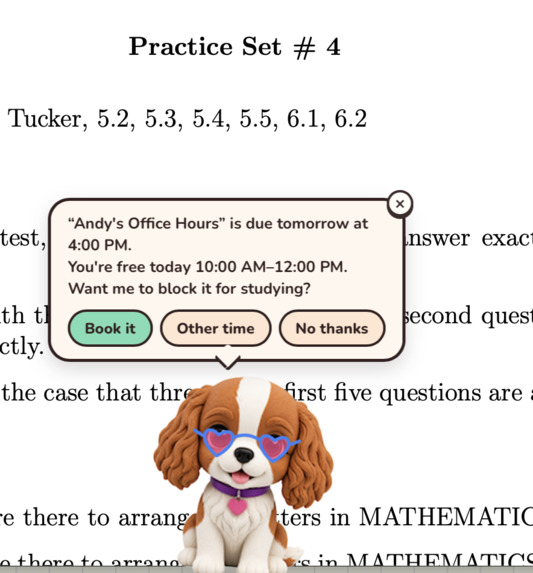
Worries about how to plan deadlines? Curet got you!
Inspiration
Every one of us has found out about an assignment from someone panicking in the group chat. Usually the date was in a syllabus PDF we opened once in week one, or the quiz was sitting in the Brightspace calendar nobody subscribes to. Our actual calendar apps knew about none of it.
Reminder apps didn’t help, since you have to remember to put things in them in the first place. We wanted something that pulled the dates in on its own and sat somewhere we’d see it whether we wanted to or not.
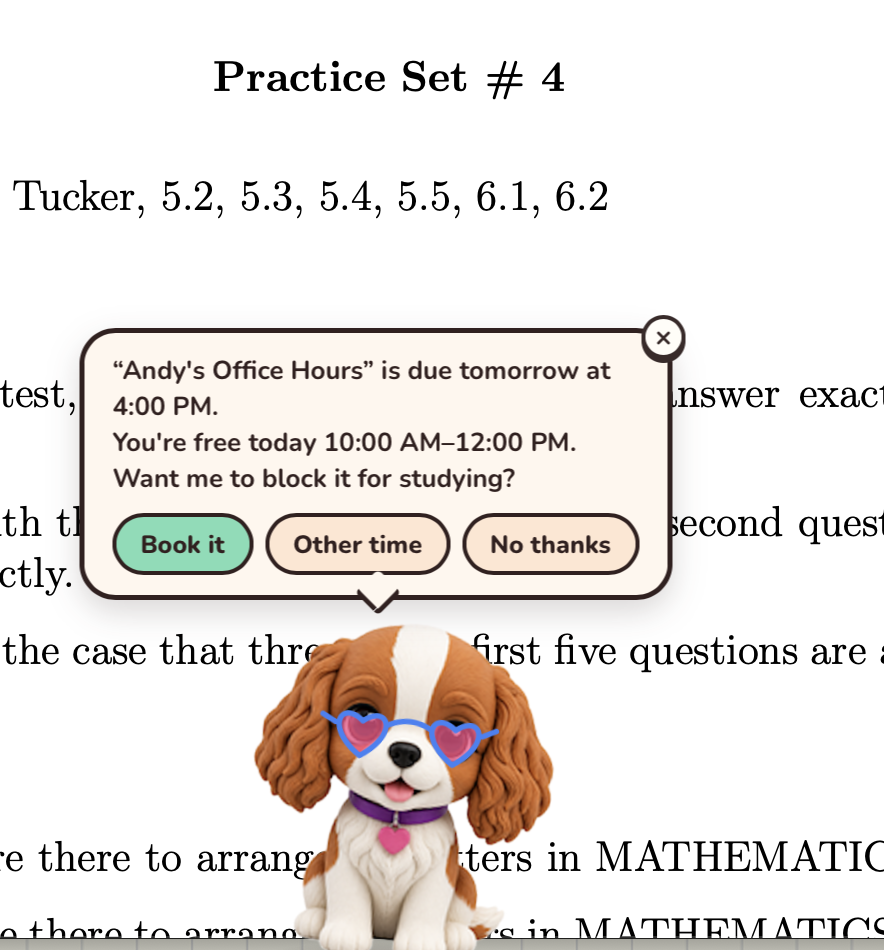
The pet part is doing real work. It’s easy to swipe away a notification. It’s a lot harder to ignore a little creature walking across your screen to tell you a quiz closes in two hours.
What it does
Curet is a pet that lives on your Mac desktop. It floats above your windows on every Space, reads your Brightspace feed and Google Calendar, and warns you 24 hours and 2 hours before a deadline. Ten minutes before a class it shows up again, with a Join button if the event has a Meet, Zoom or Teams link.
Upload a syllabus (a PDF or a photo of one) and Gemini pulls out every dated exam, quiz and assignment. Check the ones you want and they go on your Google Calendar. Hit Plan on any deadline and it finds free time before it and books a study block.
Start a focus session and it curls up and goes to sleep. Reminders get held until you’re done, then it tells you what you missed. If a deadline is three hours out and you’ve been on YouTube, it’ll call that out and offer a 25 minute lock-in. Every 20 minutes it reminds you to rest your eyes, then plays a chime when you can look back so you’re not staring at a timer.
There are seven pets, each with its own ElevenLabs voice and a wardrobe of hats and glasses. Their mood follows how your week is actually going.
How we built it
The app is Tauri 2 with a Rust core and a React + TypeScript frontend. It runs as two always-floating windows (the pet and its panel) plus a menu bar icon that counts down to your next event.
Rust handles everything a webview can’t reach: a hand-written ICS parser with RRULE recurrence and timezone handling, the reminder scheduler, SQLite storage, the Keychain, the menu bar, the global shortcut, and the macOS window tricks. The frontend does the animation, the speech bubbles and everything else the pet does on screen.
Gemini has two jobs. It reads syllabi, and it powers a chat that can see your deadlines, to-dos and focus history and call tools to add a task or start a session. We cut the pet art out of renders with a small Swift script that uses macOS Vision.
Challenges we ran into
Clicks. A transparent window eats every click, and the pet’s window is a big rectangle, so clicks meant for your editor were dying in the empty space around the pet. Tauri can’t forward mouse events. Our fix: the frontend reports which rects should actually be clickable, and a Rust thread polls the global cursor every 25 ms and flips ignore_cursor_events as it crosses in or out.
Full-screen apps. macOS won’t float a normal window over one. Only a non-activating panel is allowed up there, so at startup we go through objc2 and re-class the live NSWindow into our own NSPanel subclass (checking the class instance size first so we don’t write past the allocation). The subclass overrides canBecomeKeyWindow so the chat box still gets keystrokes without a title bar.
Calendar invites as an attack surface. This one ended up reshaping the whole AI layer. Anyone who can send you an invite controls its title, and that title lands in the model’s prompt right next to our own instructions. A title with a newline and a fake heading can pretend to be the app. So feed text gets flattened before the model ever sees it: we strip newlines, markdown leaders, backticks, and zero-width and bidi characters, and cap the length. Sanitising isn’t a guarantee though, so every tool that writes something or reads something private sits behind a confirmation gate that fails closed. The model can suggest an action, but nothing happens until you approve it.
Free Gemini keys don’t get Pro. We care more about reading a syllabus correctly than reading it fast, so the parser asks for the strongest model first and steps down a ladder, only falling through on missing, overloaded or out-of-quota errors.
Secrets in the wrong place. We originally kept keys in the SQLite file at mode 0600, then realised that only keeps out other users. Code running as you can still read it, and the -wal and -shm files SQLite writes next to it don’t reliably inherit the mode, so all of it was ending up in Time Machine backups. Keys and Google tokens live in the macOS Keychain now.
Tone, which honestly took longer than any of the code. An early build talked nonstop and read everything out loud, and it was unbearable to use. Now it checks whether a Focus mode is on or your volume is muted before it says anything. It also holds reminders during focus sessions, has quiet hours, and lets you turn off each nudge individually.
What we learned
A lot of our hardest problems turned out to be OS problems rather than product problems: window levels, Spaces, hit testing, TCC prompts, idle detection. Building for the desktop is just a different job from building for the web.
The AI itself was maybe 10% of the work. Most of the rest was deciding what the model is allowed to touch, what happens when it gets something wrong, and how to ask someone whether it’s okay to send their mood and procrastination history to Google in a way they’ll actually understand. We ask once, in plain language, before the first message leaves the machine. The consent is versioned, so if what we send ever changes, nobody gets opted in silently.
On privacy, the explanation that actually convinced people was the narrowest one. To catch procrastination, Curet only reads the name of the frontmost app and the domain of the current browser tab. It never looks at the page or the screen, and none of it gets stored.
What’s next for Curet
Notion, Gmail and Todoist (the Notion integration is planned out but not built yet). Task breakdown, so a big deadline shows up already split into pieces. Cosmetics you unlock by actually finishing things. Signing and notarising the build so people stop having to right-click Open. Windows support for the parts that are still Mac-only. And Canvas and Moodle feeds, since not every school uses Brightspace.
Built With
- applescript
- css3
- elevenlabs
- github-actions
- google-calender-api
- google-gemini
- gsap
- html5
- icalender
- javascript
- keychain
- macos
- motion-one
- netlify
- oauth
- react
- rust
- sqlite
- swift
- tauri
- three.js
- typescript
- vite


Log in or sign up for Devpost to join the conversation.