-
-
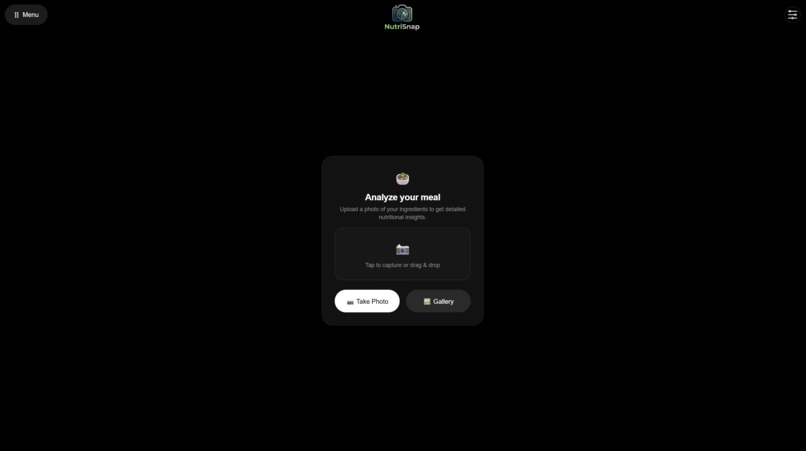
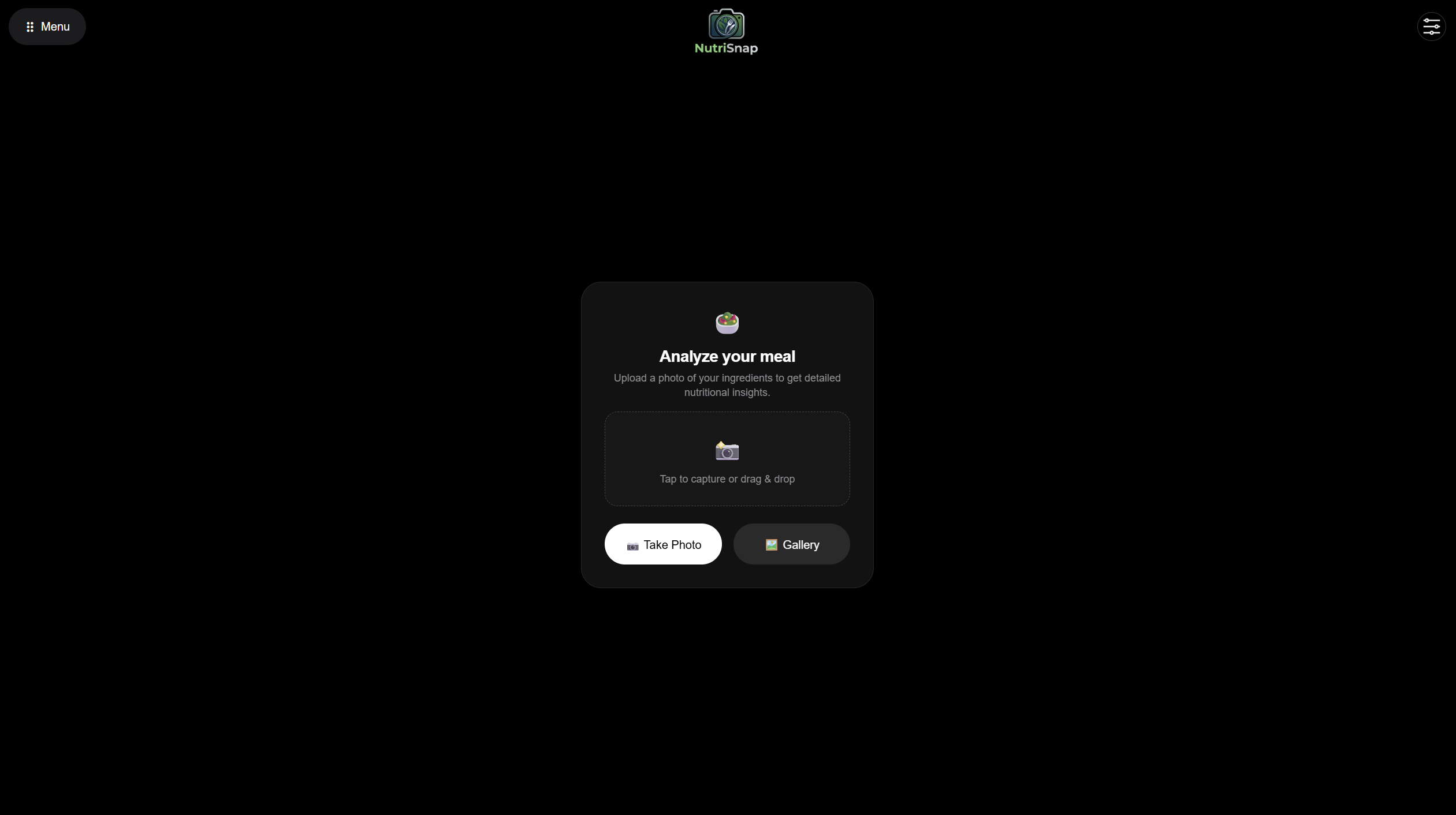
NutriSnap Default Page
Inspiration
We’ve all stared into a fridge full of random ingredients, feeling uninspired and tempted to just order takeout. At the same time, hitting specific health goals, whether it's building muscle, losing weight, or just eating a balanced diet requires planning that most of us don't have time for. We built NutriSnap to bridge the gap between food waste and healthy eating by turning the ingredients you already have into chef-curated, health-optimized meals.
What it does
NutriSnap AI is an advanced multimodal cooking assistant. Users simply snap a photo of the ingredients on their counter. Our app:
Detects the visible food items with high accuracy.
Analyzes the ingredients against the user's personal health goals and dietary restrictions.
Generates 3 to 5 highly optimized recipes that prioritize the available ingredients to reduce waste.
Scores each recipe on a 1–10 Health Scale, explaining the nutritional breakdown and macronutrient balance.
How we built it
We built NutriSnap AI using a modern client-server architecture:
Backend: We used Python and FastAPI to build a lightning-fast, asynchronous API.
AI Engine: We integrated Google Cloud Vertex AI using the newest google-genai SDK. We specifically leveraged the Gemini 2.0 Flash model for its cutting-edge multimodal vision capabilities and strict JSON-formatting adherence.
Frontend: We designed a clean, responsive web interface using HTML, CSS, and Vanilla JavaScript to handle image uploads and dynamically render the AI's recipe data.
Challenges we ran into
Getting our local development environments perfectly synced was our first major hurdle—wrestling with Windows PowerShell execution policies and Python virtual environments took some serious debugging. We also ran into a complex issue with Google Cloud's model routing.
Accomplishments that we're proud of
We are incredibly proud of successfully engineering a prompt that forces a massive LLM to consistently output perfectly structured, deeply nested JSON data. Building a bridge between a local web server and Google's enterprise-grade AI infrastructure in a single weekend feels like a massive win.
What we learned
We learned a ton about API routing, CORS middleware, and the strict security requirements for handling Google Cloud Service Account credentials (.env files saved our lives). We also learned how to use FastAPI's built-in Swagger UI to test our backend endpoints before the frontend was even built.
What's next for Curd Nerds
Grocery Integration: Automatically generating a shopping list for the 1 or 2 missing ingredients needed to complete a perfect recipe.

Log in or sign up for Devpost to join the conversation.