-
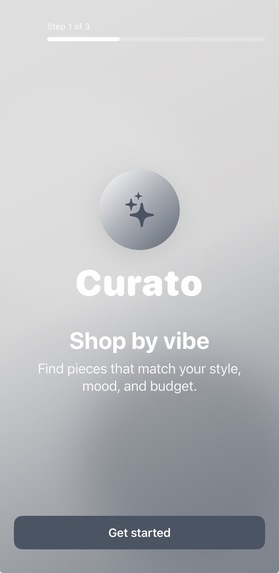
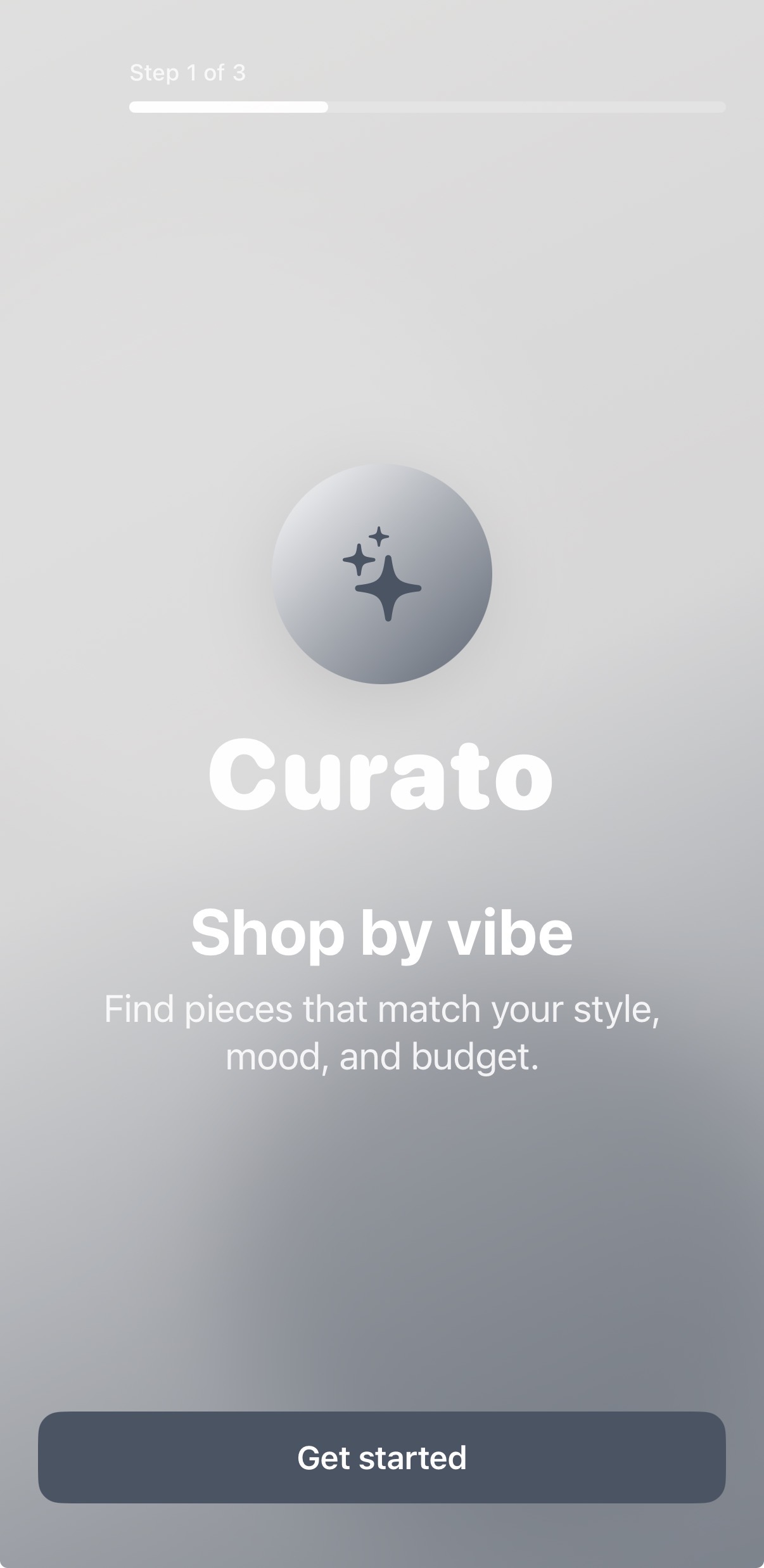
Welcome
-
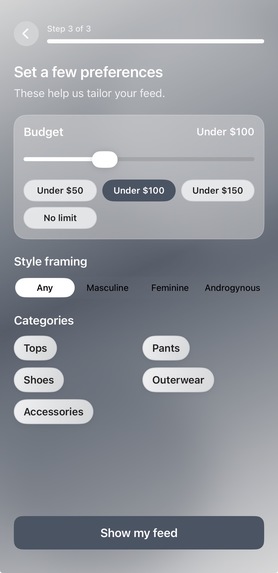
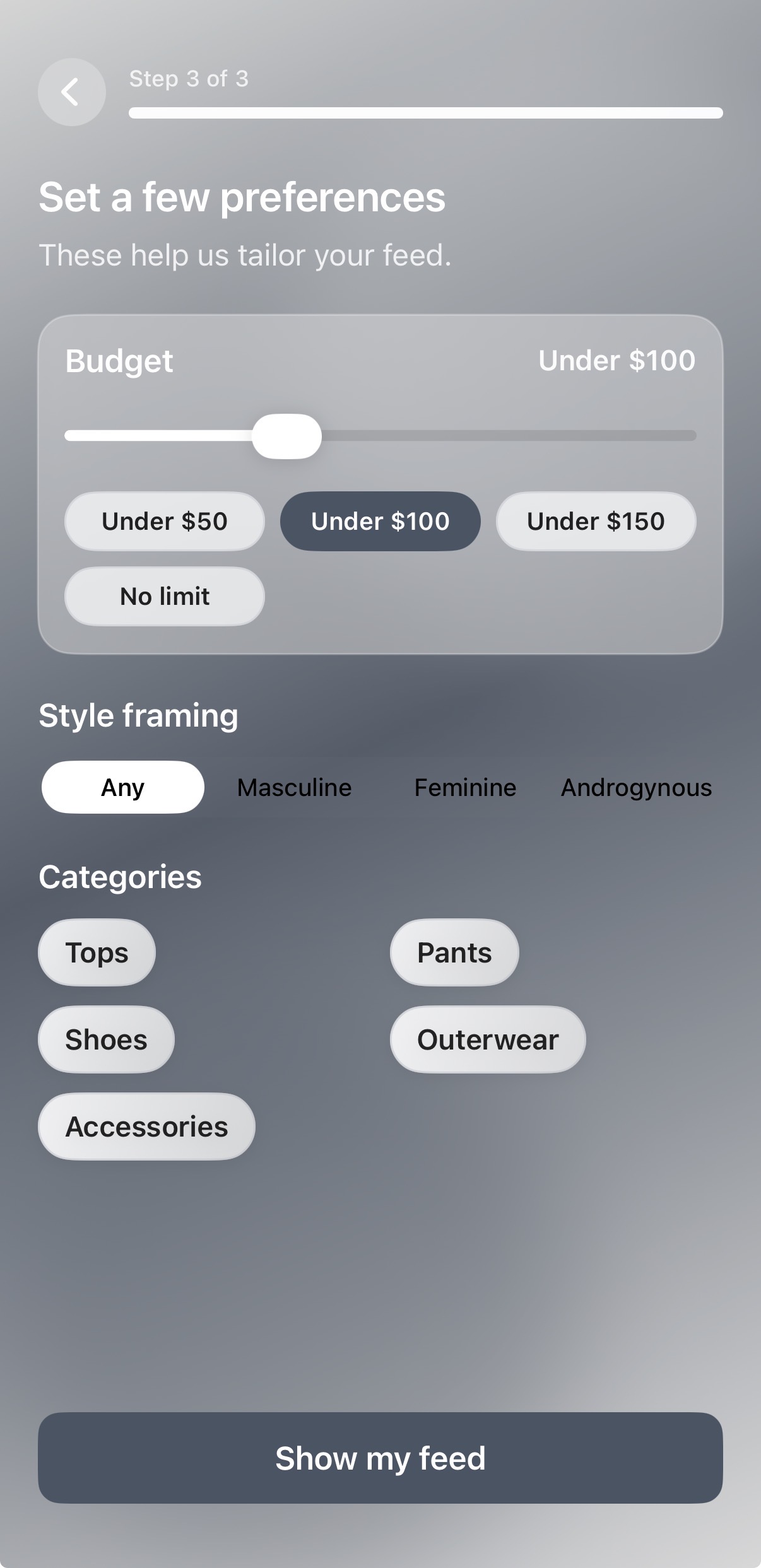
Onboarding
-
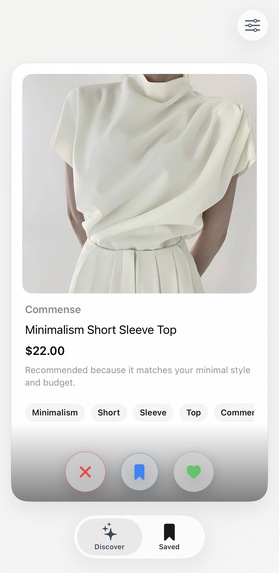
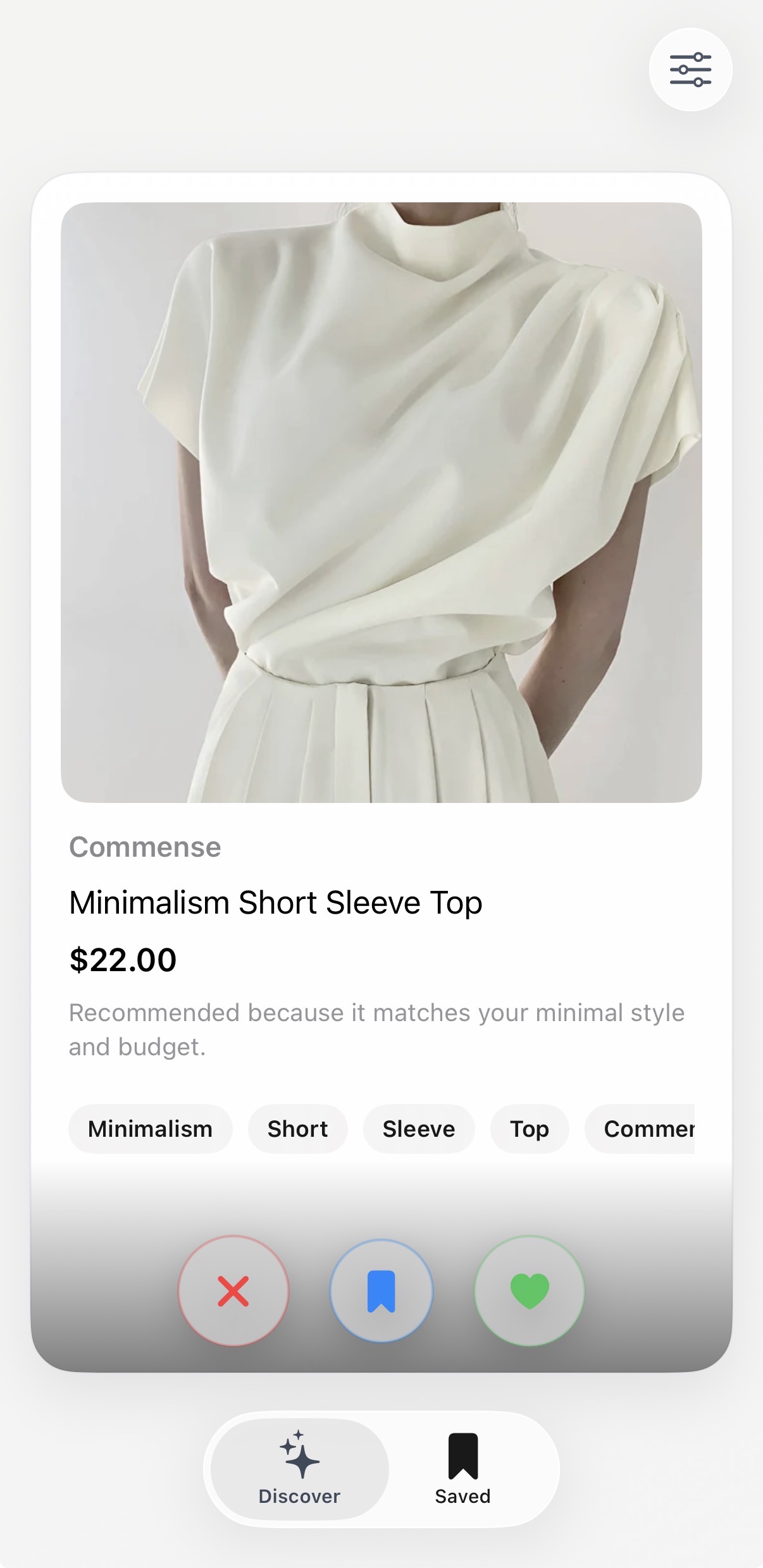
Swipe deck
-
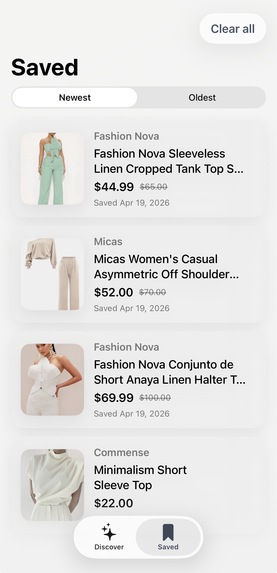
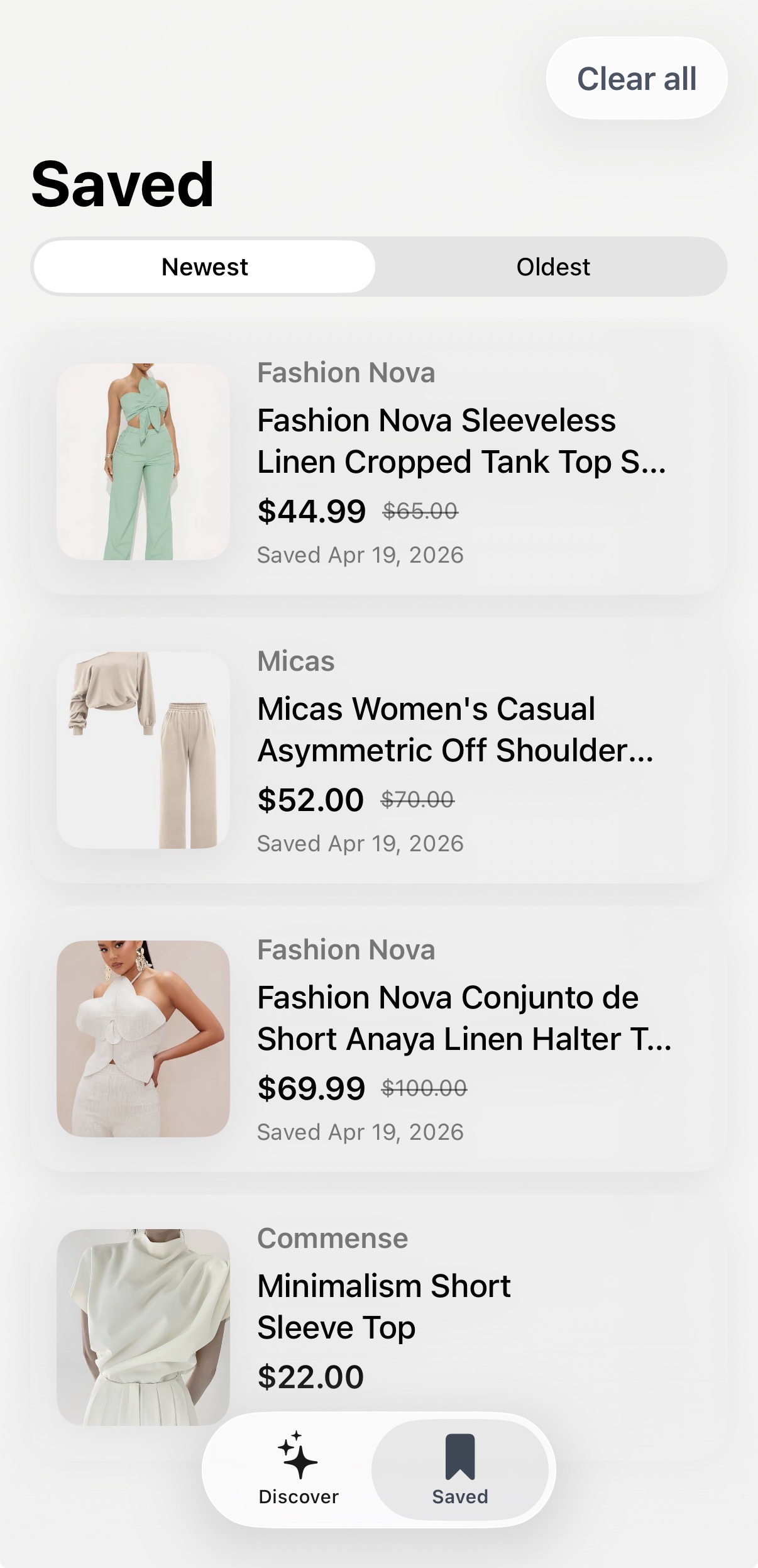
Saved products
-
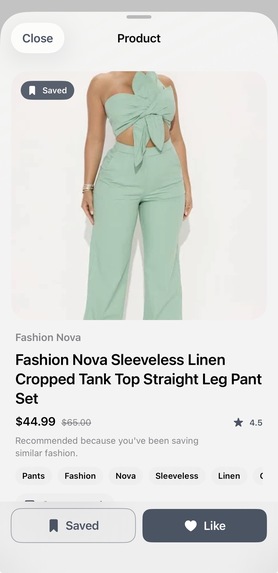
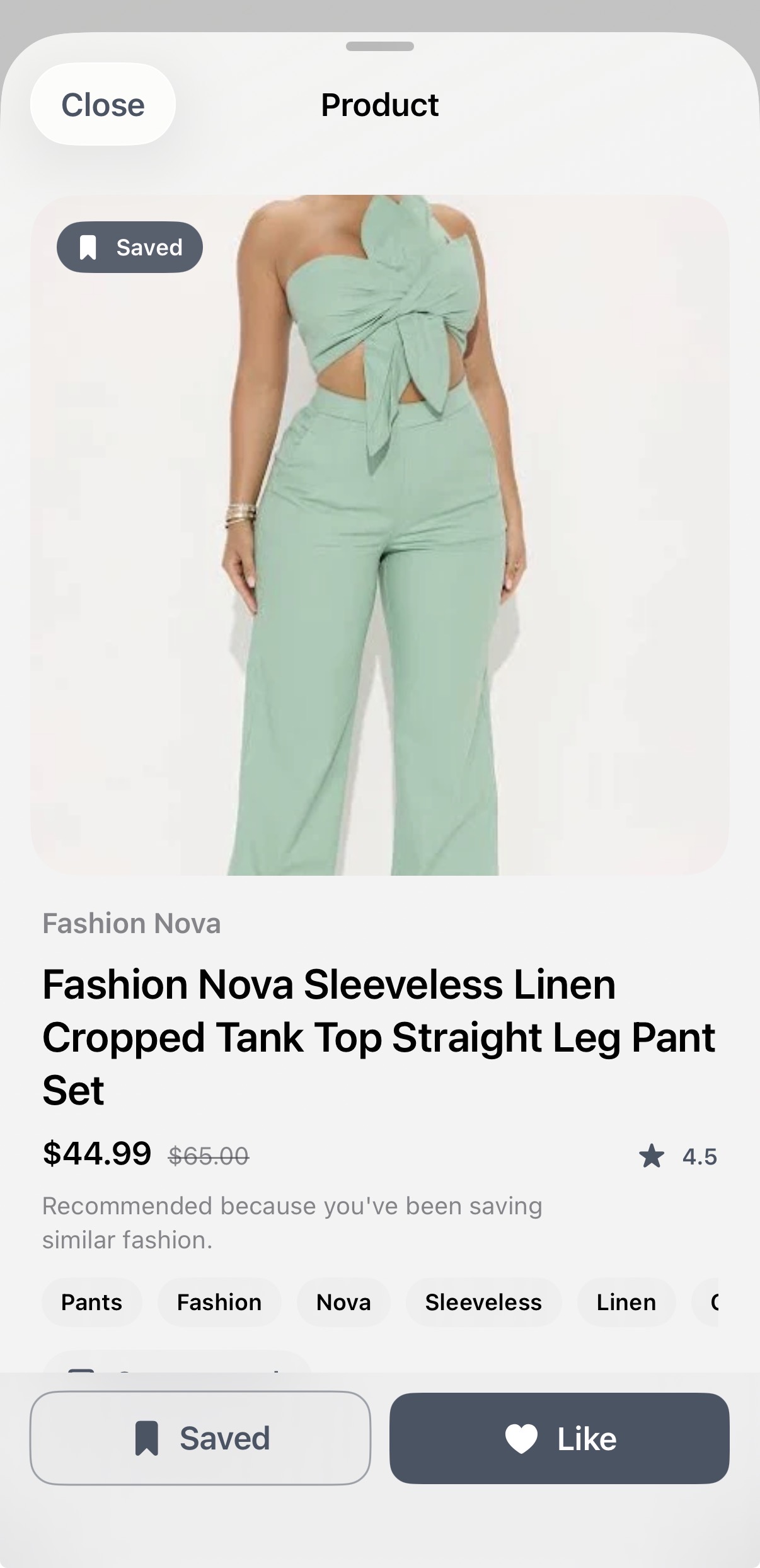
Product detail
About the project
Curato is a swipe-based shopping experience designed to make personalization feel faster, more intuitive, and more engaging. The core idea was to explore what shopping discovery might look like if users could express taste through lightweight interactions rather than relying only on rigid keyword search and slow passive browsing signals.
Inspiration
What inspired me was the gap between how people actually think about shopping and how most shopping interfaces still work. Most users do not start with a perfectly precise search term. They usually have a vibe, a mood, an occasion, or a rough aesthetic in mind. At the same time, recommendation systems often learn too slowly because they depend on weak signals like clicks, page views, and delayed purchases.
I wanted to build something that felt more natural and more responsive. The swipe interaction stood out because it lowers the friction of giving feedback. In a short session, a user can communicate what they like, dislike, and want to save much more explicitly than they can in a typical ecommerce flow. That made the project interesting both as a consumer experience and as a faster preference-capture layer for personalization.
What I built
I built Curato, a native iOS app where users shop by vibe rather than just keywords.
The experience starts with a lightweight onboarding flow where the user enters a shopping intent, such as "minimal spring outfits for NYC under $150", along with preferences like budget and categories. From there, they enter a swipeable discovery deck of live products. Each card includes the product image, merchant, title, price, and a short explanation for why it was recommended.
Users can:
- swipe left to pass
- swipe right to like
- save items for later
- open a product detail view
- refine their feed using filters like vibe, budget, category, and style framing
As the user interacts, the feed reranks in real time based on those signals.
How I built it
I built Curato with:
- SwiftUI for the full interface
- MVVM for app structure and state flow
- SwiftData for local persistence
- URLSession for networking
- SerpApi Google Shopping API for live product retrieval
- Swift Testing for validating core logic
The app has no backend. It calls the Google Shopping API through SerpApi directly from the iOS client, retrieves live results, and normalizes them into an internal Product model.
On top of that, I implemented a lightweight recommendation system locally in Swift. The app:
- parses the user’s vibe input into tags
- infers tags for products from titles, merchants, and snippets
- scores products based on vibe match, category match, budget fit, and user feedback
- reranks products after every like, skip, or save
- generates a short recommendation explanation based on the strongest matching signals
Challenges I faced
I also ran into UI issues with the swipe deck itself. In card-based interfaces, layout instability can cause cards to flicker or resize when the next card becomes active. I solved that by giving the deck a stable shared frame and ensuring each card renders inside that fixed layout, so only transforms like offset, rotation, and opacity change. Also made sure that the next product did not share the same ID as the one currently visible.
Persistence was another important challenge. I wanted the app to remember onboarding state, saved products, and user preference signals across launches. SwiftData helped me persist that local state so the app could reopen in a coherent and personalized way.
What I learned
First and foremost, I learned how to better organize my work flow. With modern tools, development work has changed drastically. Much of my work is spent in strategy, research, and prompt development rather than implementation outright.
This project taught me a lot about building a complete product loop quickly, from concept to implementation. I learned more about how to structure a SwiftUI codebase for speed without letting it become chaotic and how to use SwiftData for lightweight persistence.
I also learned that recommendation systems do not need to be huge black boxes to feel useful. Even a simple, explainable scoring system can create a strong user experience when the feedback loop is tight and the interface makes preference expression easy.
More broadly, I came away thinking that the most interesting part of Curato is not just the swipe mechanic itself. It is the idea that interaction design can become a tool for learning user taste faster and more clearly. That feels relevant not only for shopping, but for personalization problems much more broadly.
What’s next
If I continued building Curato, I would improve the ranking logic. I would also expand filtering, improve saved-item organization, and test how this interaction model compares to more traditional shopping discovery flows in terms of engagement and recommendation quality.


Log in or sign up for Devpost to join the conversation.