-
-
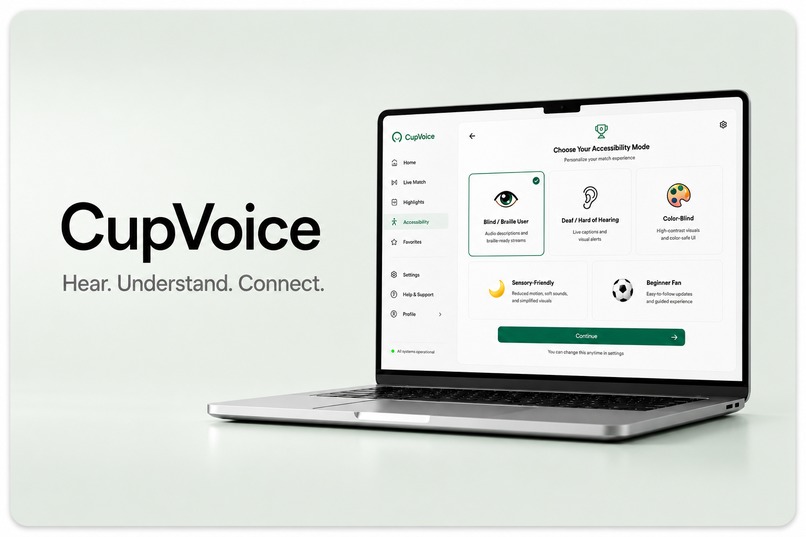
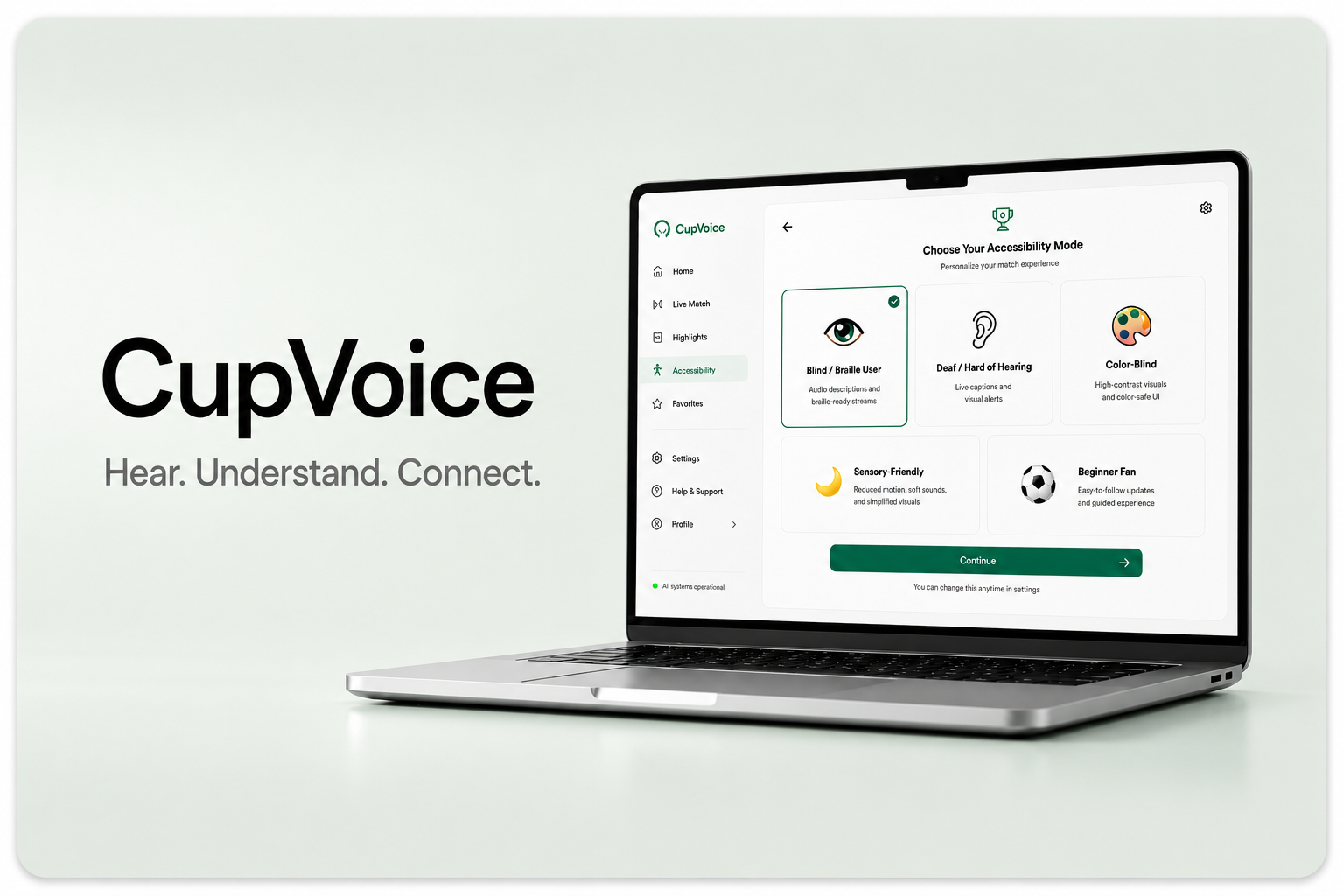
CupVoice
-
-
-
-
-
-
🌍 Inspiration
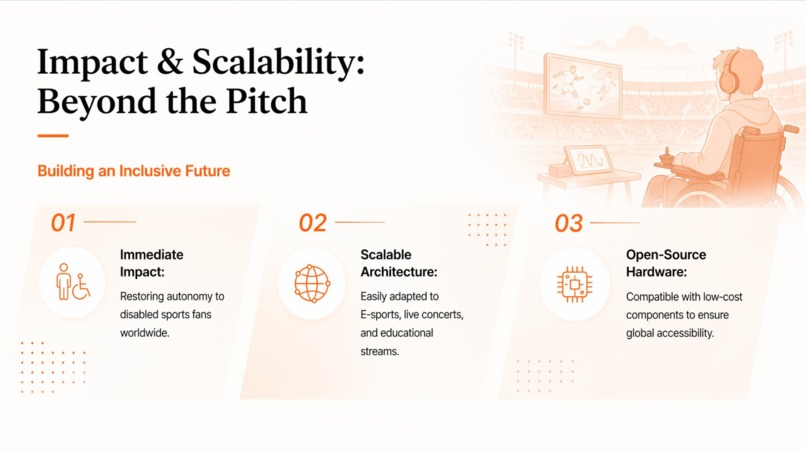
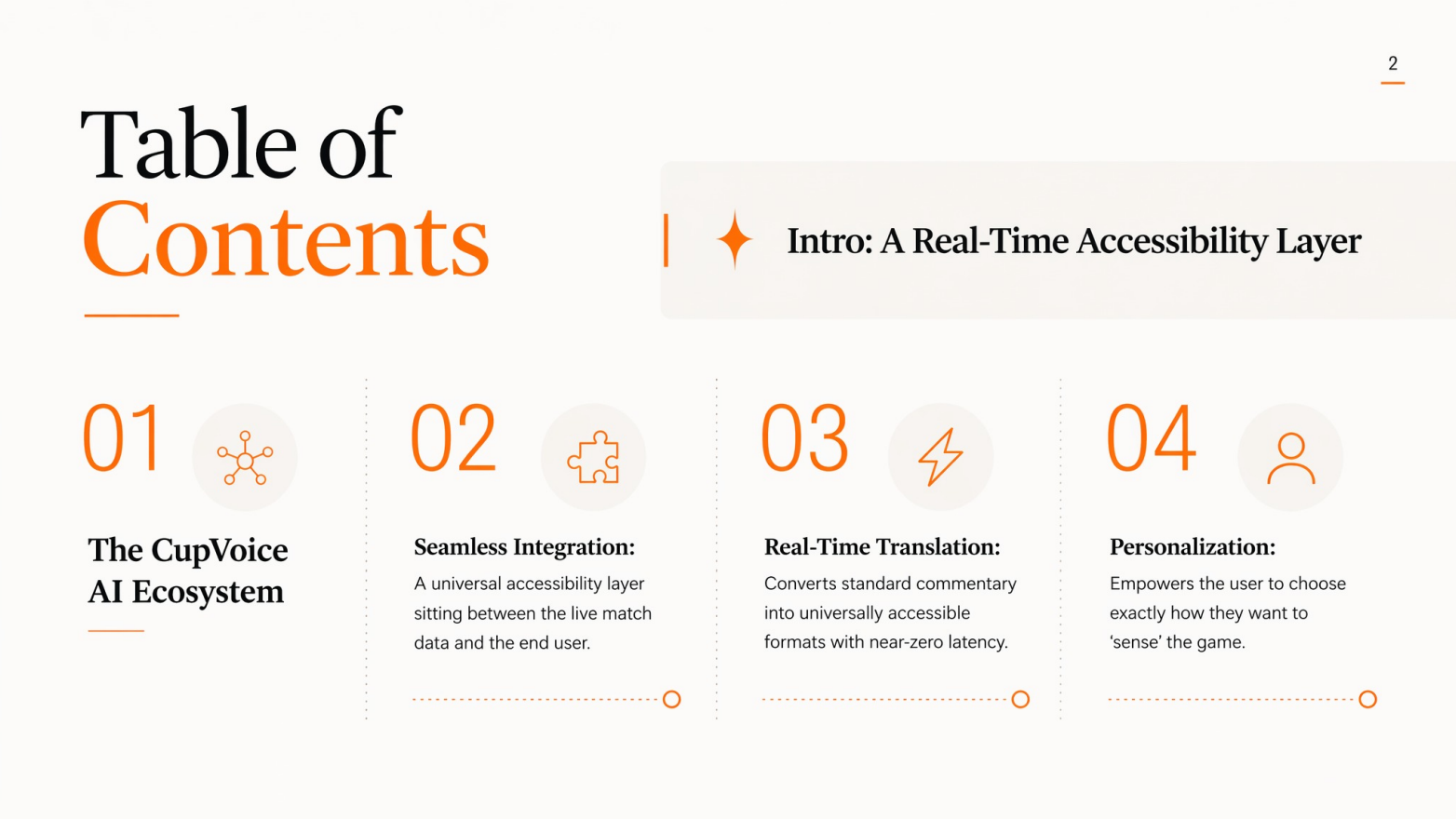
AI is already helping people understand information in new ways. CupVoice brings that idea into live sports.
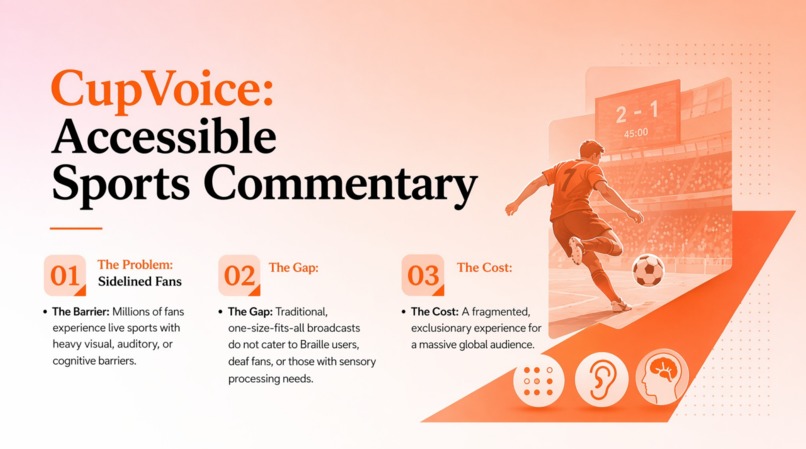
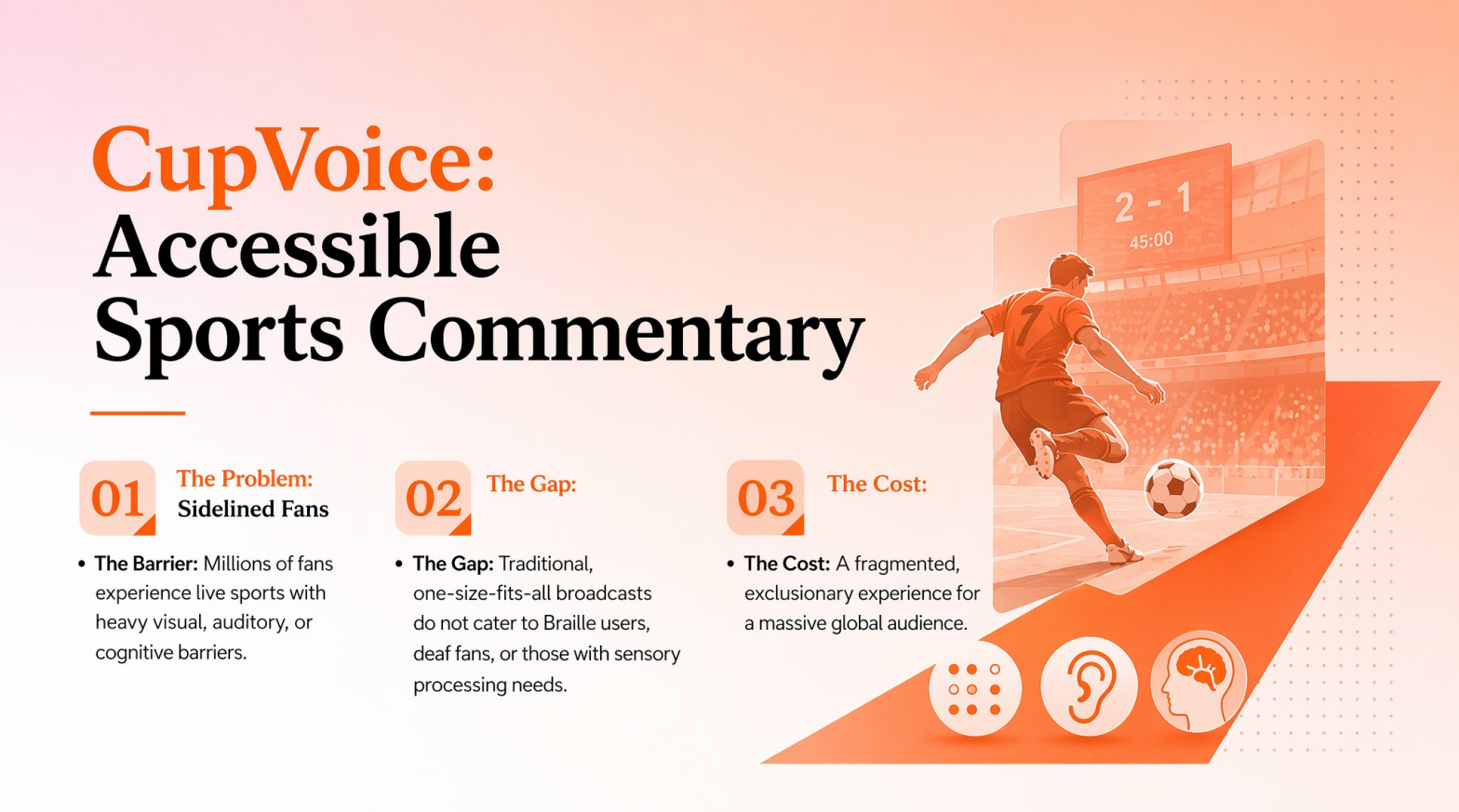
Live sports are exciting, but they can also be hard to follow because everything happens fast: the movement, the sound, the visuals, the crowd, and the commentary.
We built CupVoice around one question:
What if the same match could be translated into the format that works best for each fan?
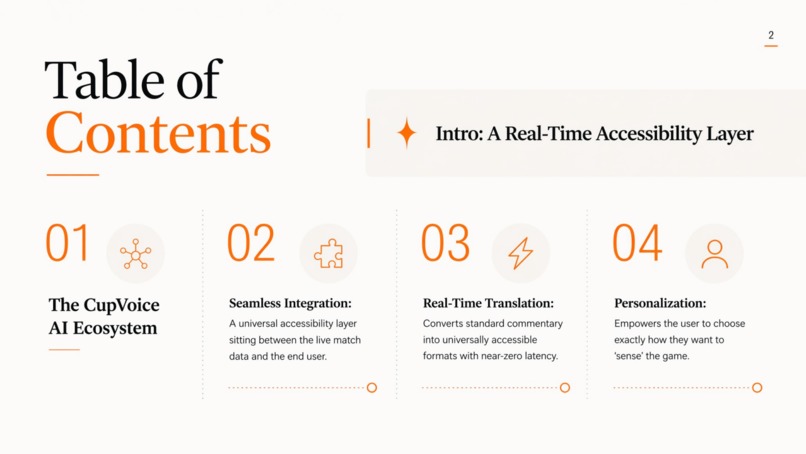
CupVoice turns live-style match events into audio commentary, text cards, high-contrast visual cues, calmer interface modes, and Braille-ready output.
Instead of giving every fan the same broadcast experience, CupVoice helps each fan follow the game in the way that works best for them.
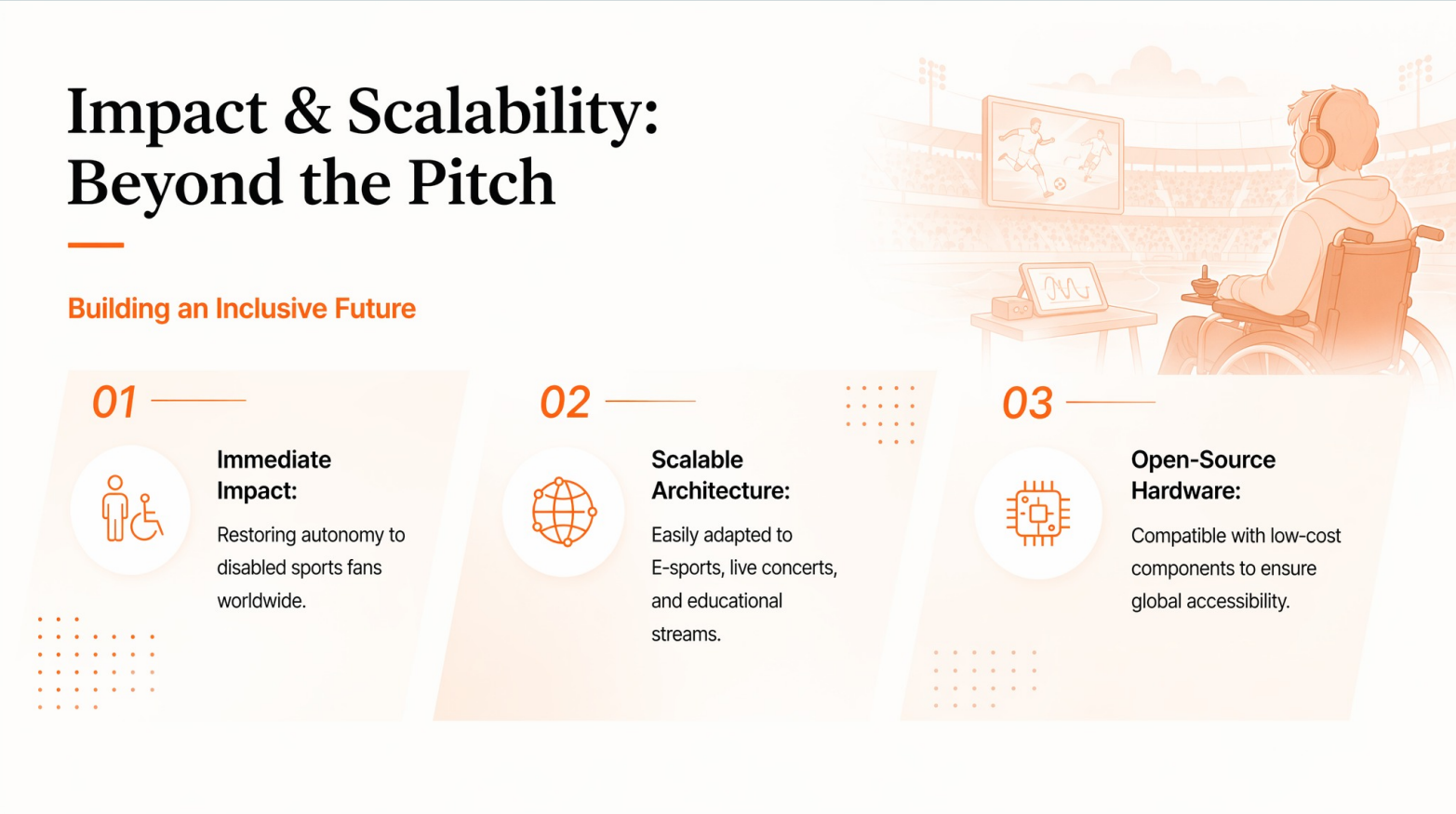
Same match. Different ways to follow it. Every fan included.
🧠 What it does
CupVoice transforms live-style football match events into multiple accessibility-focused outputs.
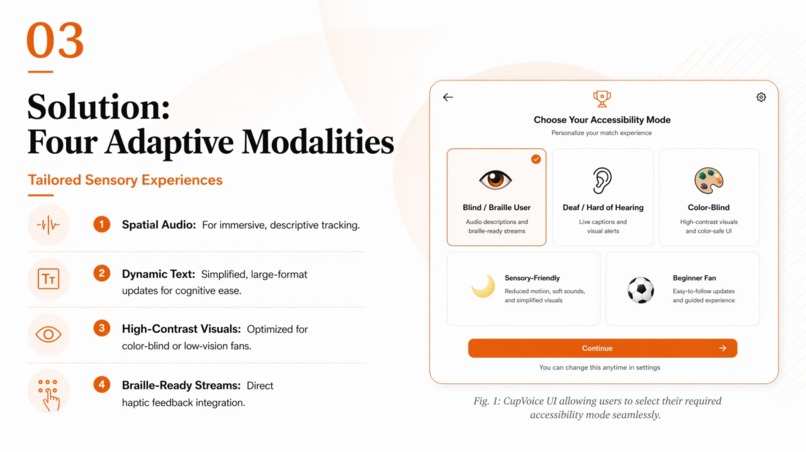
Instead of showing the same fast-paced broadcast to everyone, our prototype adapts each event to different user needs. A single match event can become:
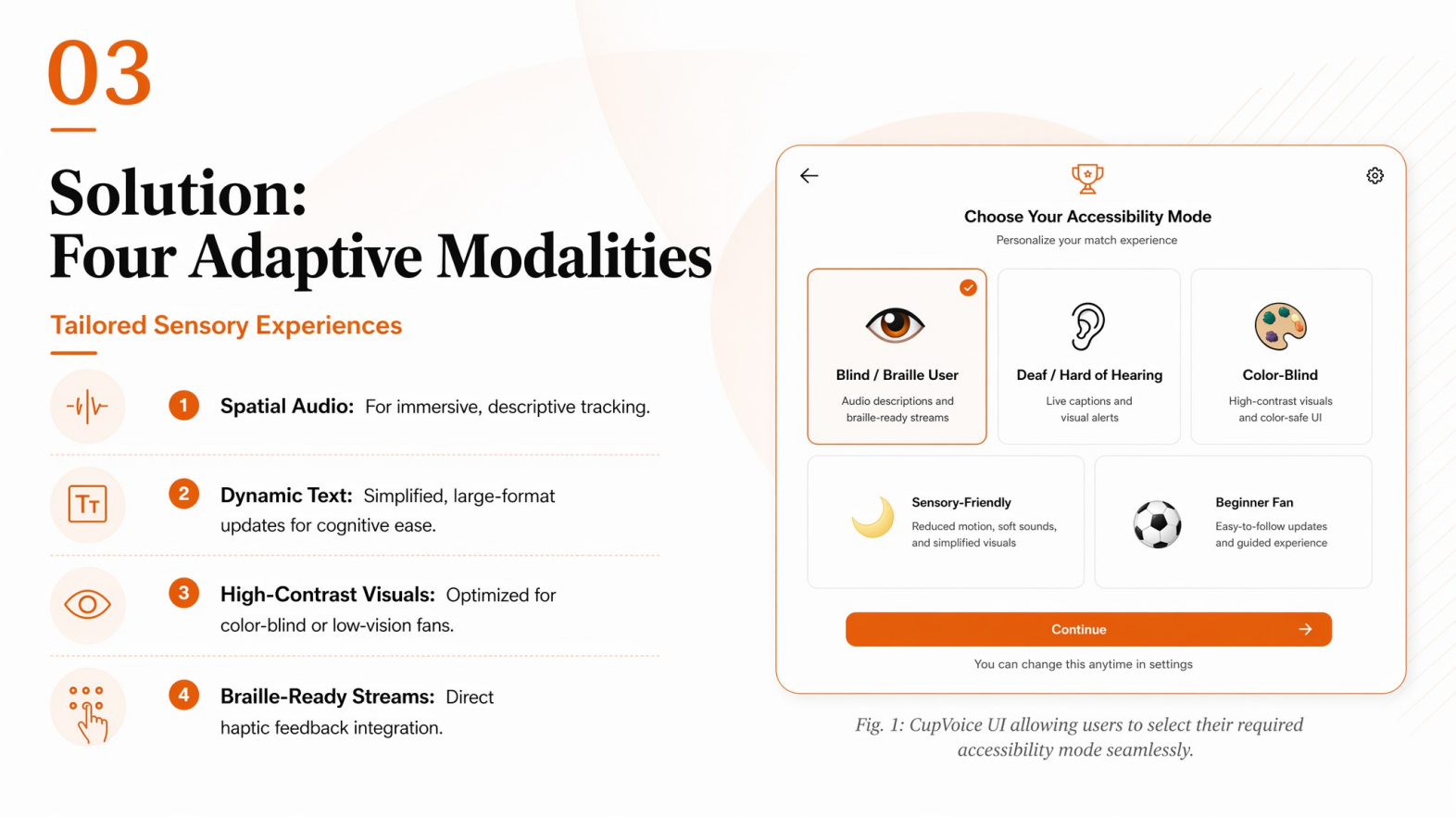
- 🎧 Spatial audio commentary for blind and low-vision fans
- 📝 Dynamic captions and event cards for deaf and hard-of-hearing fans
- 🎨 High-contrast, pattern-first visuals for color-blind users
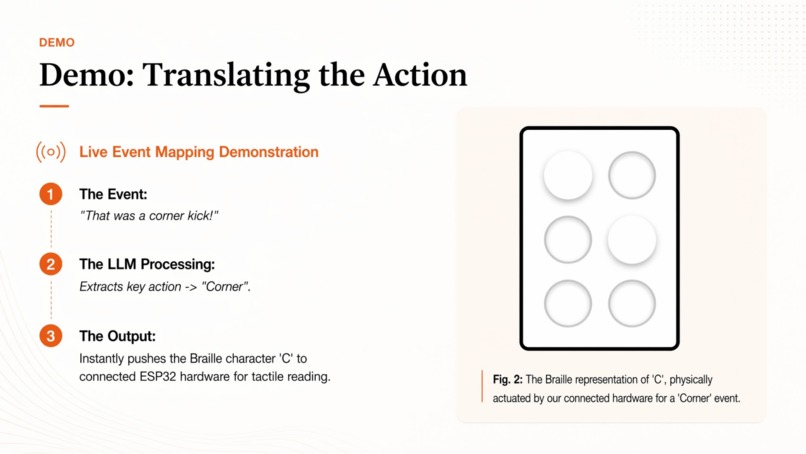
- ⠿ Braille-ready structured text for users who cannot rely on sight or sound
- 🌙 A calmer, lower-stimulation mode for sensory-sensitive fans
For example, a goal is not just shown as a visual highlight. CupVoice can communicate:
- who scored
- where the play happened
- how the ball moved
- what changed in the score
- why the moment matters in the match context
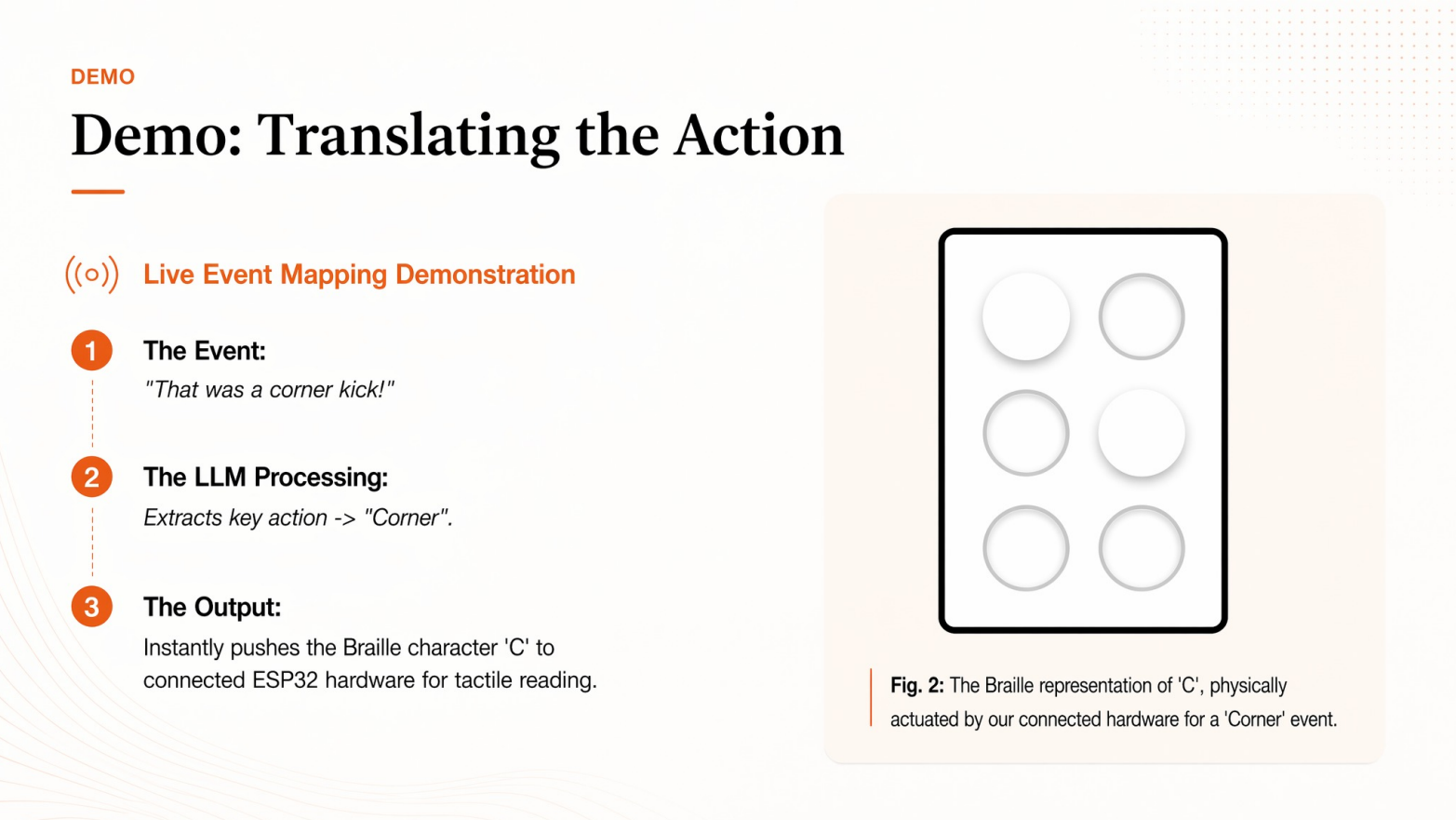
For Braille-ready output, the same event is compressed into a short structured line such as:
26:14 | ARG GOAL | Messi | right box | low shot | ARG 1-0 FRA
This makes the information easier to send to a refreshable Braille display or a Braille simulator.
🏗️ How we built it
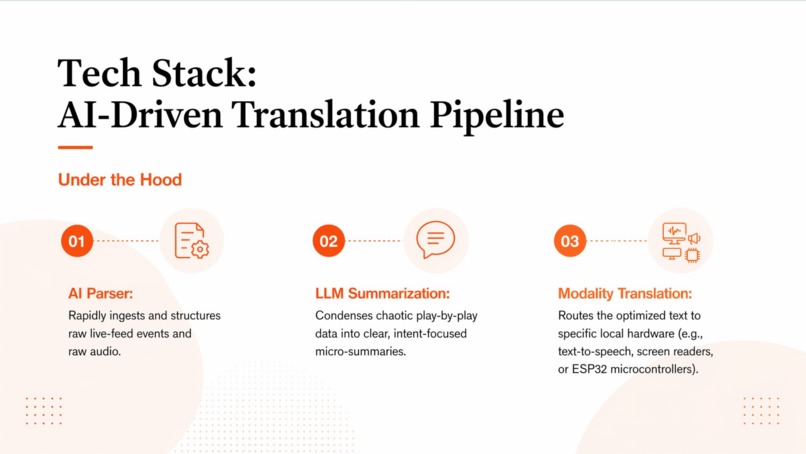
We built CupVoice around a structured live match event pipeline powered by the Claude API and Deepgram API.
Instead of trying to process a full sports broadcast video feed during the hackathon, we focused on a more reliable MVP: simulated live match events. Each event contains structured fields such as:
- time
- team
- player
- event type
- location
- score impact
- match context
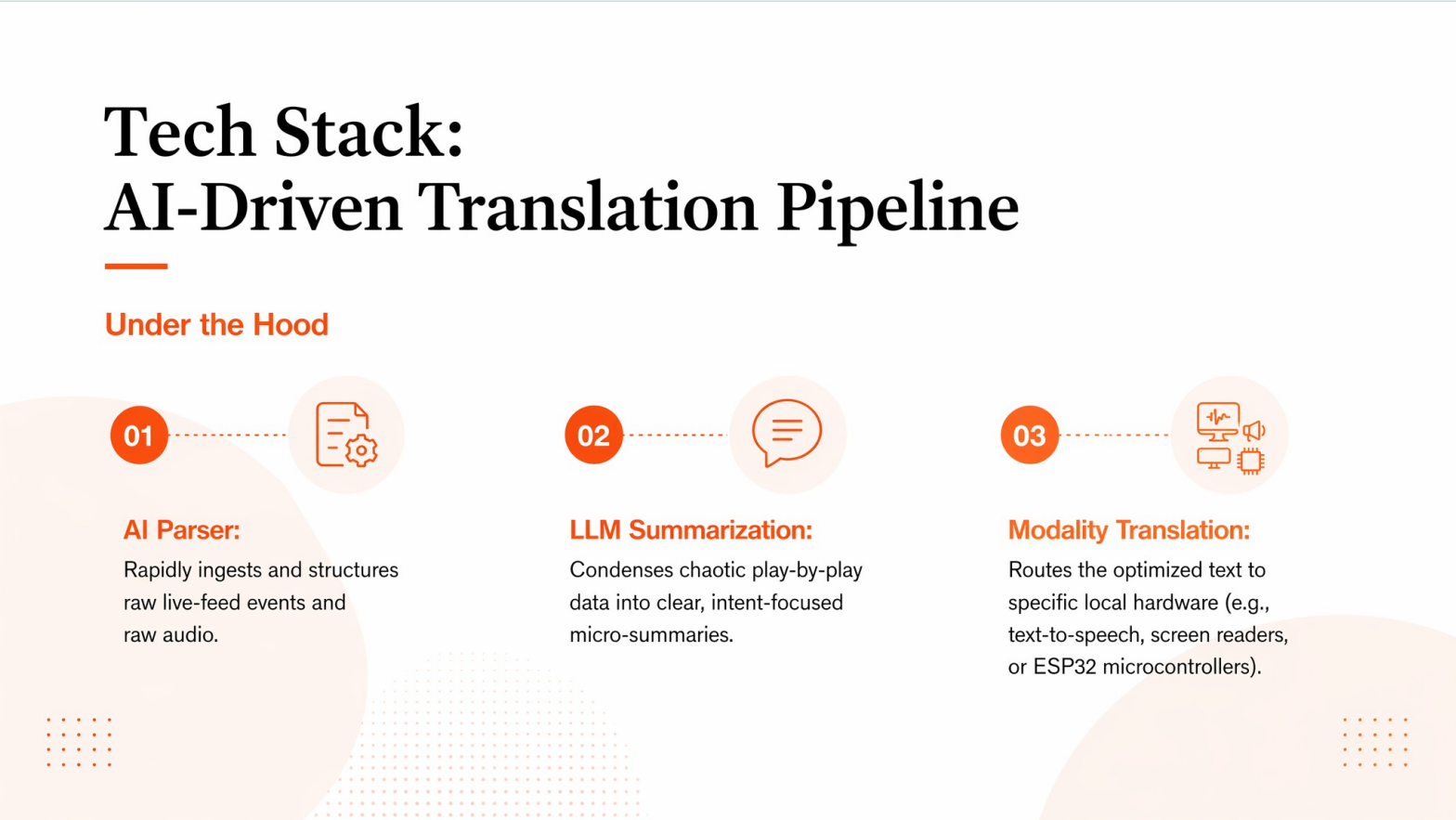
These structured events are sent to the Claude API, which translates the same play into different accessibility-focused outputs, including beginner-friendly explanations, audio commentary text, caption-ready summaries, and Braille-ready structured lines.
For voice output, we use the Deepgram API to convert the generated commentary into natural spoken audio. This allows CupVoice to turn the same match event into a format that can be heard, read, displayed visually, or sent toward Braille-ready hardware.
In short, our pipeline is:
Simulated match event → structured event data → Claude accessibility translation → Deepgram voice output → accessible UI / captions / Braille-ready output
🔁 MVP Architecture
CupVoice Technical Architecture:
User Profile Selection → Simulated Match Event Feed → Structured Event Schema → AI Accessibility Translation Layer → Audio Commentary / Caption Cards / Visual Cues / Braille-Ready Text / ESP32 Hardware Output
⚙️ System Flow
📡 Simulated Match Feed
We input football-style live events such as goals, passes, substitutions, and key momentum shifts.🧩 Structured Event Schema
Each event is represented in a predictable format with time, team, player, location, event type, and score impact.🤖 AI Accessibility Translation Layer
The system translates the same event into modality-specific outputs such as audio commentary, caption cards, visual cues, and Braille-ready text.📱 Accessible Fan Interface
Users interact with the output mode that best fits their accessibility profile.
🛠️ Prototype Components
Our MVP is designed around the following components:
- simulated match event feed
- accessibility profile selection
- accessible event cards
- pattern-first visual design
- Braille-ready text output / simulator
- multi-modal accessibility translation logic
💻 Tech Stack
- Frontend: React
- Backend / AI layer: Node.js + Express with Anthropic Claude API
- Voice layer: Deepgram TTS with browser Web Speech API fallback
- Storage / memory: In-memory simulated event feed for the MVP
- Braille layer: Braille-ready formatted text protocol with ESP32 hardware bridge using Web Serial API
🧗 Challenges we ran into
One of our biggest challenges was scope.
Accessibility is a broad space, and CupVoice could easily have become just a concept deck if we tried to build everything at once. We had to narrow the project into a realistic hackathon MVP while still showing the core idea:
one live match event → multiple accessible outputs.
We also had to design for users with very different needs. A blind fan, a deaf fan, a deafblind fan, a color-blind fan, and a sensory-sensitive fan do not need the same interface, the same pacing, or the same information density.
Another key challenge was balancing speed and clarity. Live sports updates must be fast, but accessibility outputs cannot be vague or overloaded. This was especially important for the Braille-ready stream, where concise, structured information is much more useful than long-form commentary.
Finally, because this was a hackathon, we had to simulate the sports feed and focus on the translation layer itself rather than building a full live broadcast ingestion pipeline.
🏆 Accomplishments that we're proud of
We are proud that we turned a broad social impact idea into a concrete, demo-able prototype.
Instead of only saying that sports should be more inclusive, we built a system that demonstrates how the same match event can become different accessible experiences for different users.
We are especially proud of the Braille-ready pathway. Many accessibility tools stop at captions or audio, but CupVoice also considers users who may not be able to rely on either sight or sound. By creating a structured text protocol, we show how live sports could become more accessible through tactile interfaces as well.
We are also proud of designing CupVoice as an example of universal design. It is not a separate simplified version of the game — it is the same match, translated into the format that works best for each fan.
📚 What we learned
We learned that accessibility is not just one feature — it is a full product design challenge.
Different users need different sensory channels, timing, structure, and levels of detail. A good accessibility system should not force everyone into the same experience. It should adapt.
We also learned that structured data is incredibly powerful for accessible AI systems. Once match events are represented clearly, they can be translated much more reliably across audio, captions, visual cues, and Braille-ready output.
Most importantly, we learned that social impact projects need both empathy and execution. A meaningful idea matters, but the demo needs to clearly show how the user experience changes.
🚀 What's next for CupVoice
🔧 Improve the hardware prototype
Our current hardware setup is still an early prototype. Next, we would improve the stability, portability, and compatibility of the hardware layer so that CupVoice can better support real assistive devices, including refreshable Braille displays and Bluetooth-based accessibility tools.
🌐 Add multilingual commentary
Live sports are global, and accessibility should not be limited to one language. We would expand CupVoice to support multilingual audio commentary, captions, and Braille-ready text so that international fans can follow the match in the language that works best for them.
🧩 Support more sensory profiles and personalization
Different fans have different accessibility needs. Next, we would add more sensory profiles and personalization settings, allowing users to adjust commentary detail, caption density, visual contrast, pacing, audio intensity, and Braille-ready update formats.
Our long-term vision is simple: every fan should be able to experience the same match through the sensory path that works best for them.


Log in or sign up for Devpost to join the conversation.