-
-
Dashboard
-
-
-
-
-
-


Inspiration
Great moments are often buried inside long podcasts, interviews, webinars, and educational videos. Finding those moments, trimming them, correcting captions, and exporting social-ready clips usually means jumping between several tools. We built Cuplikin to make that workflow focused, private, and creator-controlled on the Mac.
What it does
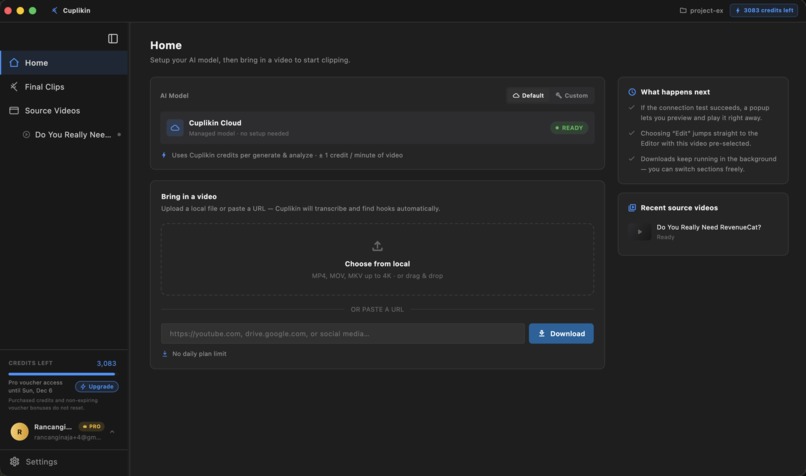
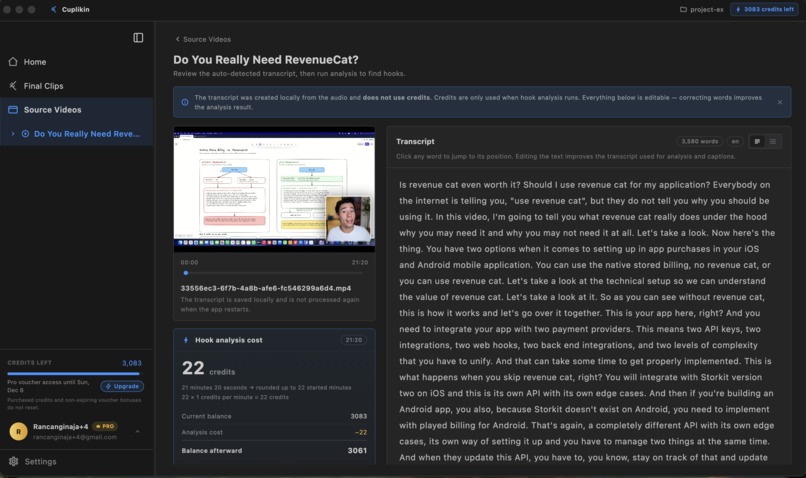
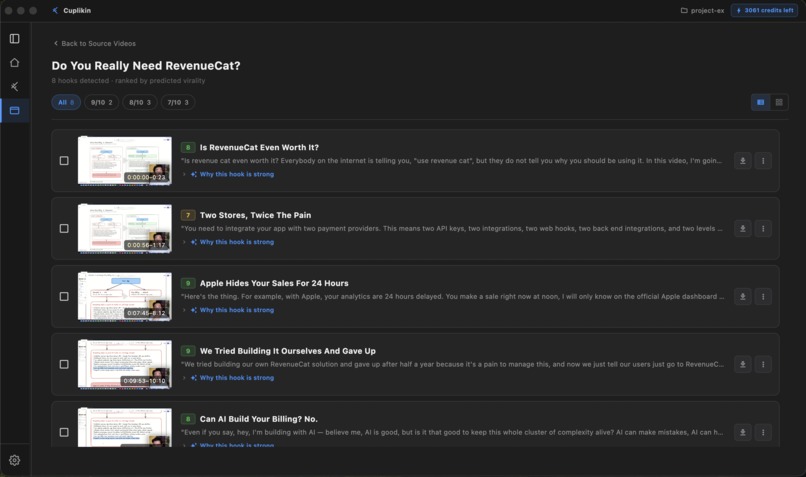
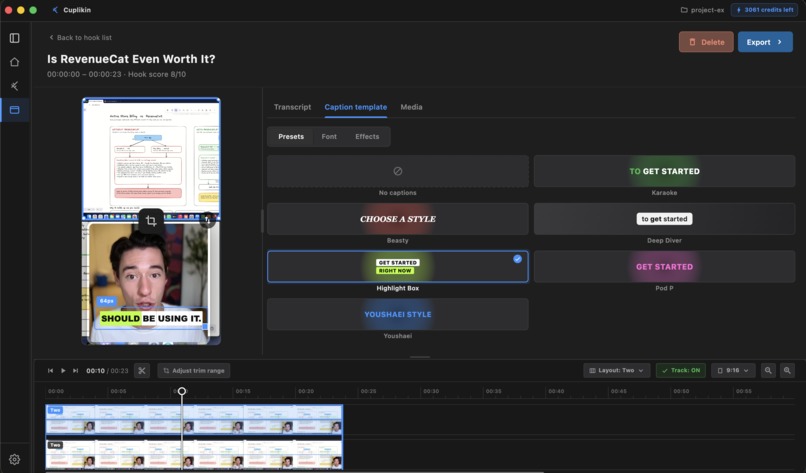
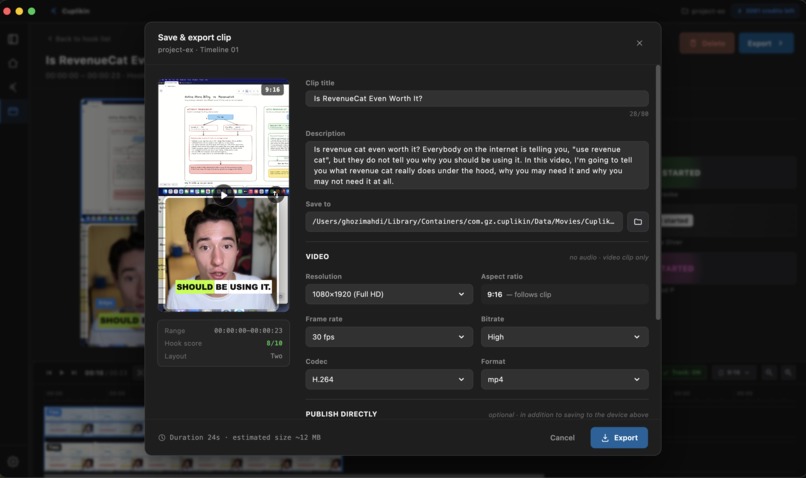
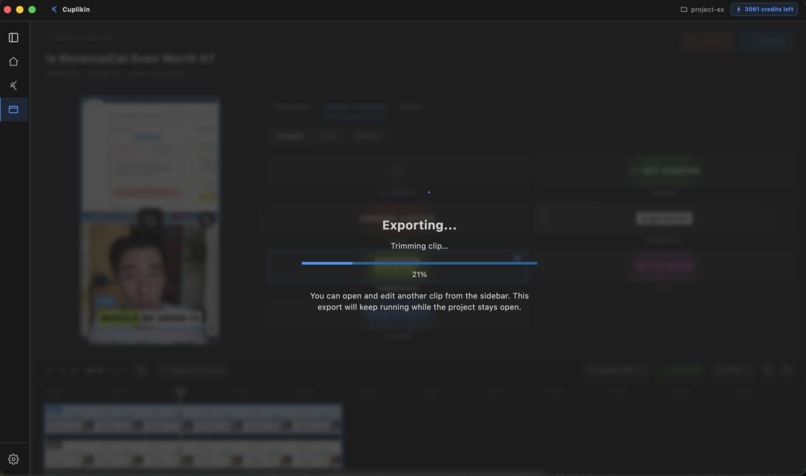
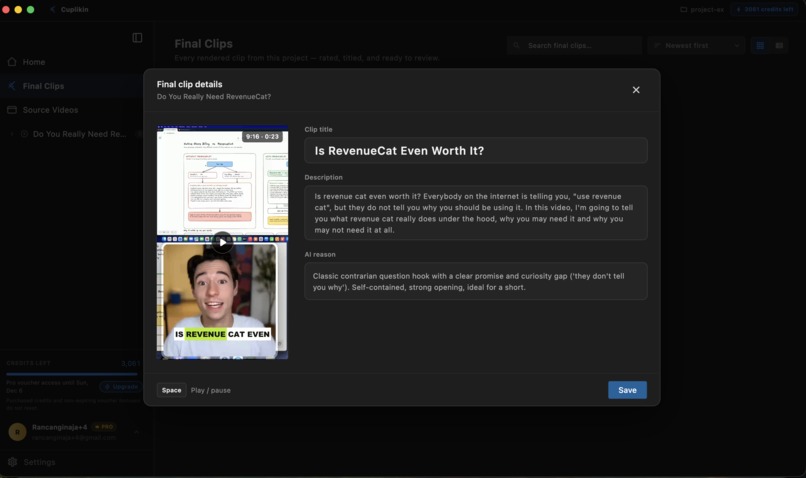
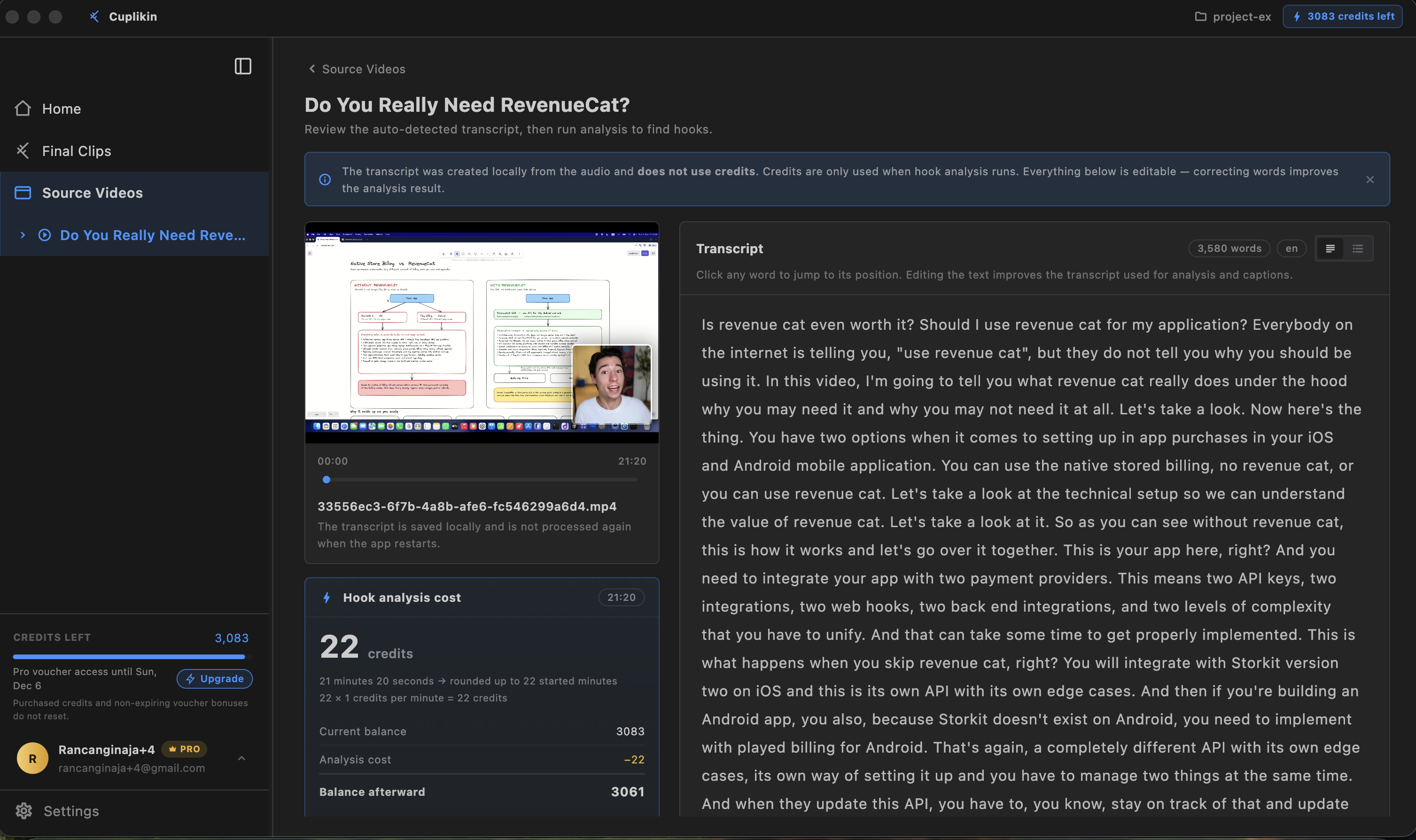
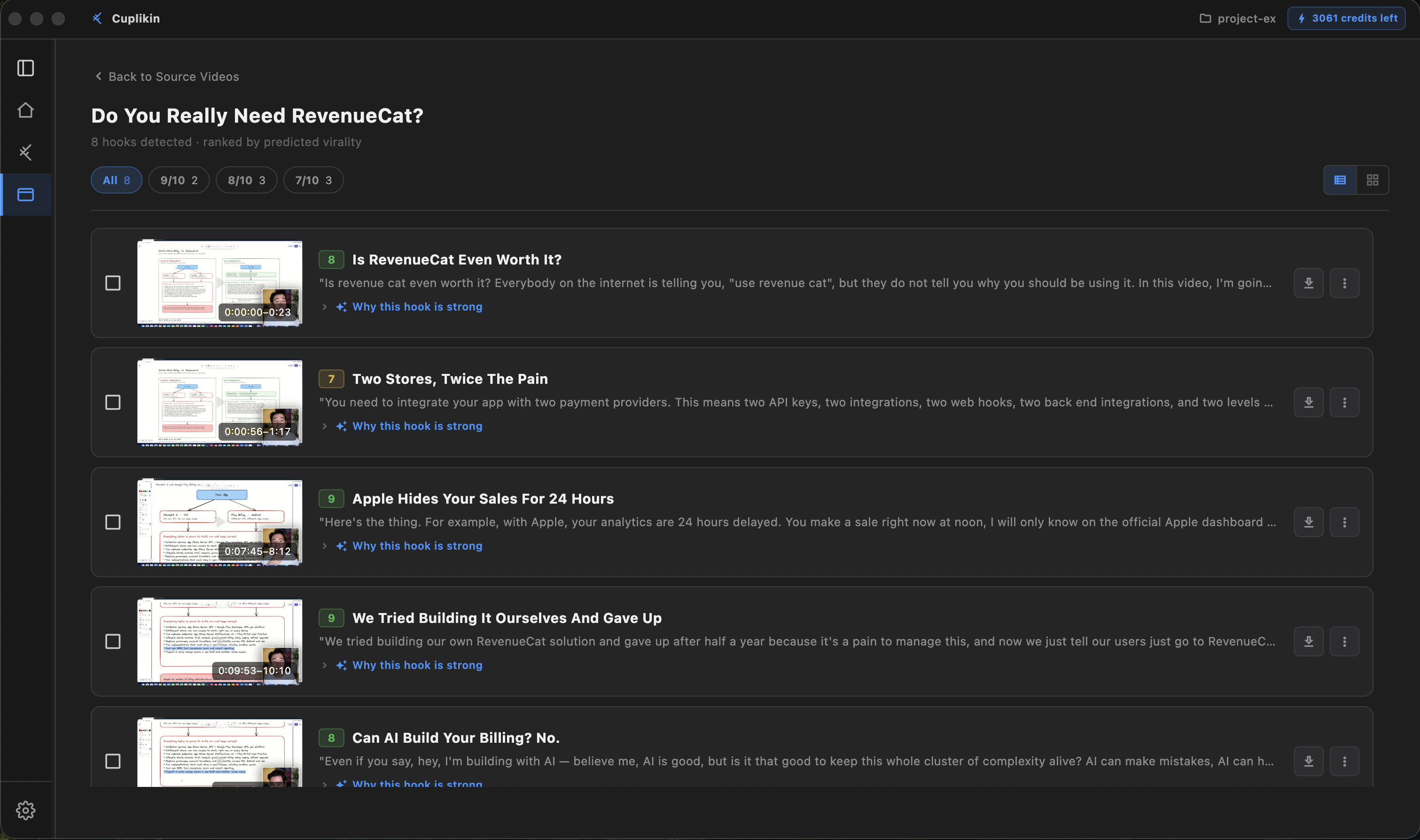
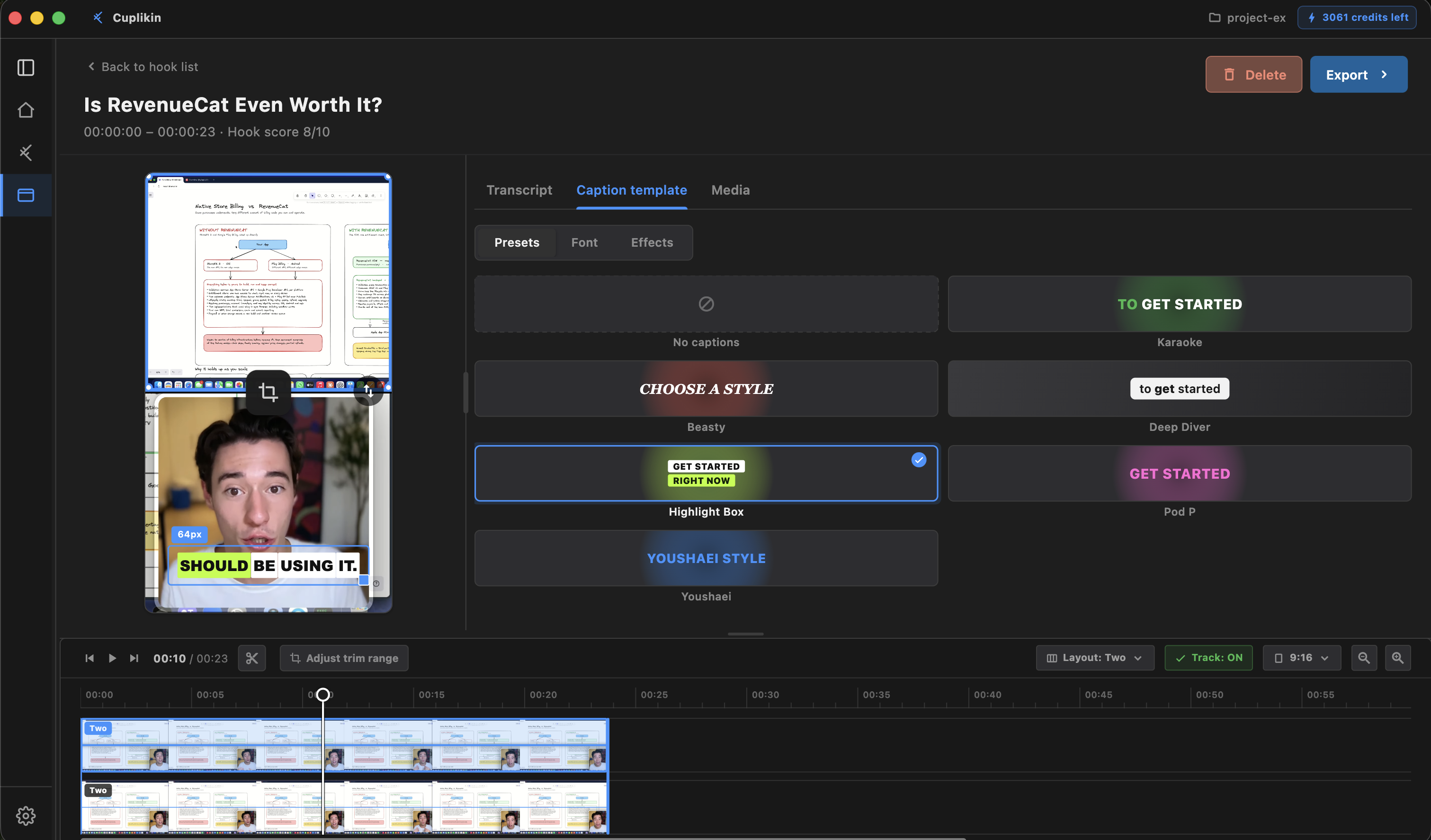
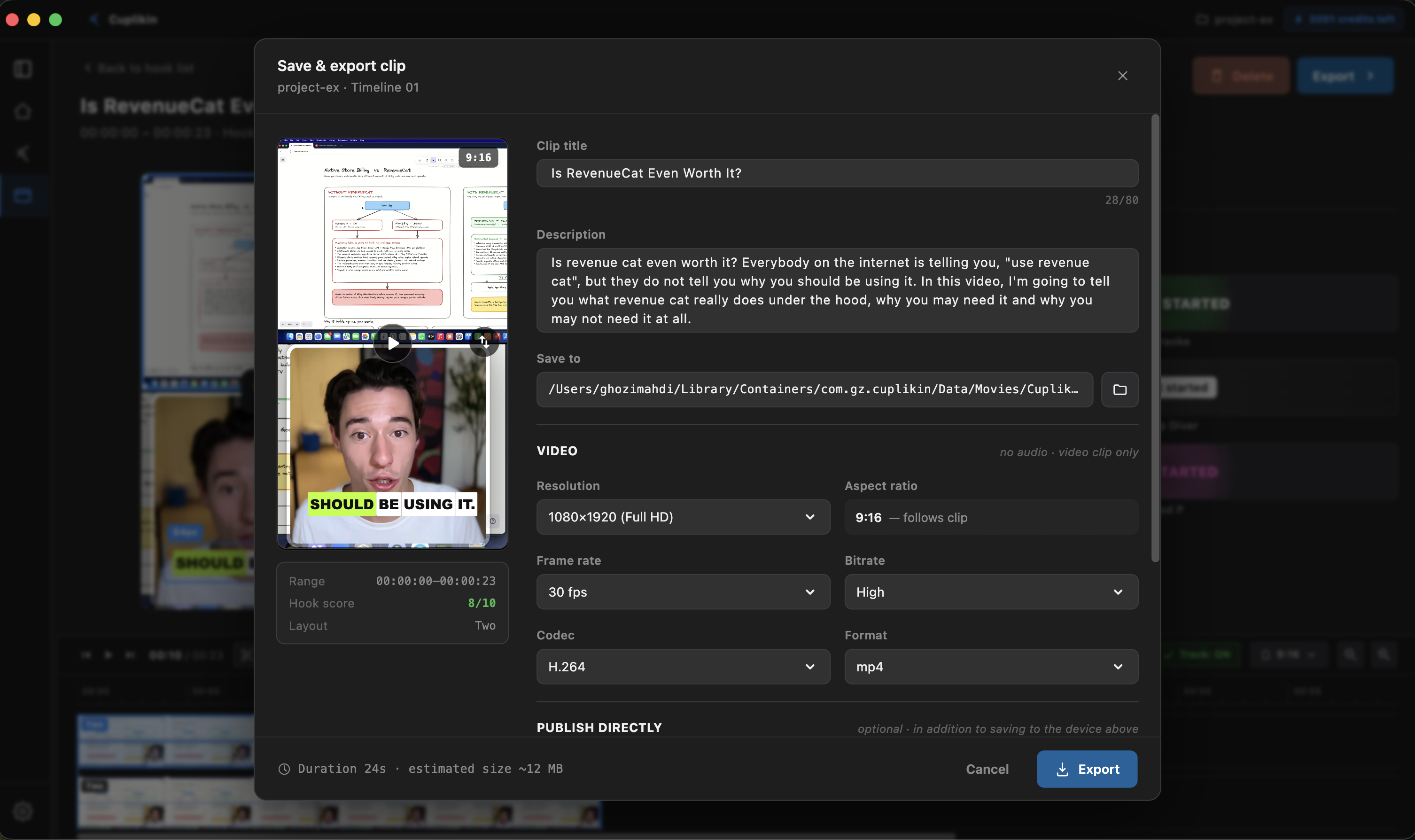
Cuplikin guides creators from import to export: add an MP4, MOV, MKV, or supported URL; transcribe and review timestamped text; use AI to discover promising hooks with a score, reasoning, and title ideas; adjust the in/out points; correct words and style captions; then reframe for 9:16, 1:1, 16:9, or 4:3 and export a shareable clip. Projects, source media, edits, and exports remain on-device. AI suggests, while the creator makes every final decision.
How we built it
The desktop app uses Flutter and Dart in a modular Clean Architecture workspace. Bloc drives UI state; Freezed models events and immutable state; Injectable provides dependency injection; AutoRoute composes feature routes; and Drift/SQLite stores local project metadata. FFmpeg handles media processing and caption burn-in, while Whisper performs transcription locally. A NestJS/Fastify control plane provides authentication, feature policy, billing reconciliation, and short-lived cloud jobs. PostgreSQL stores account and billing metadata, Redis/BullMQ coordinates work, and Docker/Caddy power production. The backend never becomes a permanent cloud media library.
RevenueCat integration
RevenueCat gives this local-first product a clear business model. Cuplikin is free to download, with optional Standard and Pro subscriptions plus credit packs for selected cloud AI operations. RevenueCat entitlements determine effective feature access, while RevenueCat Virtual Currency backs the credit wallet. Cuplikin keeps subscriptions separate from consumable credits, restores purchases, reconciles provider state through the backend, and refreshes the confirmed wallet before starting a paid AI job. Idempotent confirmation prevents retries from charging twice, and the app never treats a stale local flag as proof of access or balance. Creators keep their media local while receiving reliable cross-session purchases, access, and usage-based credits.
Challenges and lessons
The hardest problem was preserving a local-first promise while integrating online billing and AI. We needed a strict boundary between creative data that belongs on-device and authoritative account, entitlement, and credit state. The Mac App Store sandbox also prevents casually launching external tools, so media processing uses app-compatible native integrations, user folders use security-scoped access, and URL resolution is short-lived instead of permanent storage. We learned that local-first is not offline-only, and that trustworthy monetization needs reconciliation, idempotency, and explicit failure states—not just a successful SDK callback.
Accomplishments
We shipped Cuplikin as a real Mac App Store product and completed an end-to-end flow from import and transcription to AI hook discovery, caption editing, reframing, and export. We kept creative files local while making cloud actions explicit; integrated subscriptions, entitlements, credit packs, wallet history, reconciliation, and safe retries with RevenueCat; launched Indonesian, English, and Japanese experiences; and enforced modular package boundaries with extensive automated verification.
What's next
Next we want to expand creator-friendly layouts, improve automatic reframing and speaker-aware editing, add more local AI options, and bring the same local-first workflow to additional platforms. We will also keep improving accessibility, performance, and the transparency of credit usage as Cuplikin grows.


Log in or sign up for Devpost to join the conversation.