💡 Inspiration
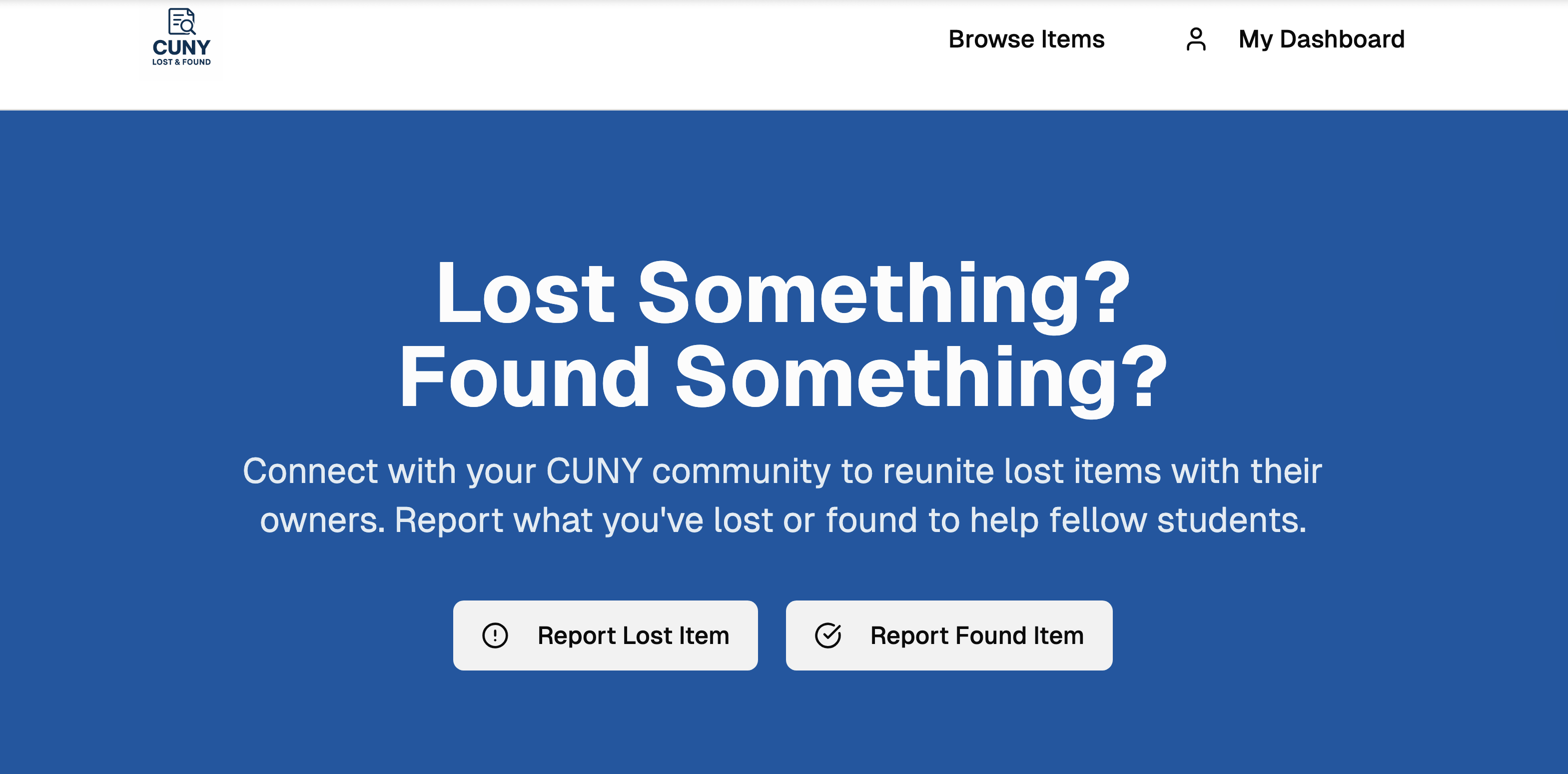
I’ve personally forgotten so many things on campus, like glasses, a mouse, a flash drive, umbrella. When I tried searching online, all I found was random info, not an actual system that helps. That’s when I realized something surprising: across all 26 CUNY colleges, there isn’t a single app dedicated to lost and found! We all know how much it sucks to lose something valuable. So we decided to change that. CUNY Lost & Found is our idea of a central, fast, and easy-to-use app that connects students from every CUNY campus, making it simple to find lost items or return them to their owners.
🎯 What it does
CUNY Lost & Found is a comprehensive web application that streamlines the lost and found process across all CUNY campuses:
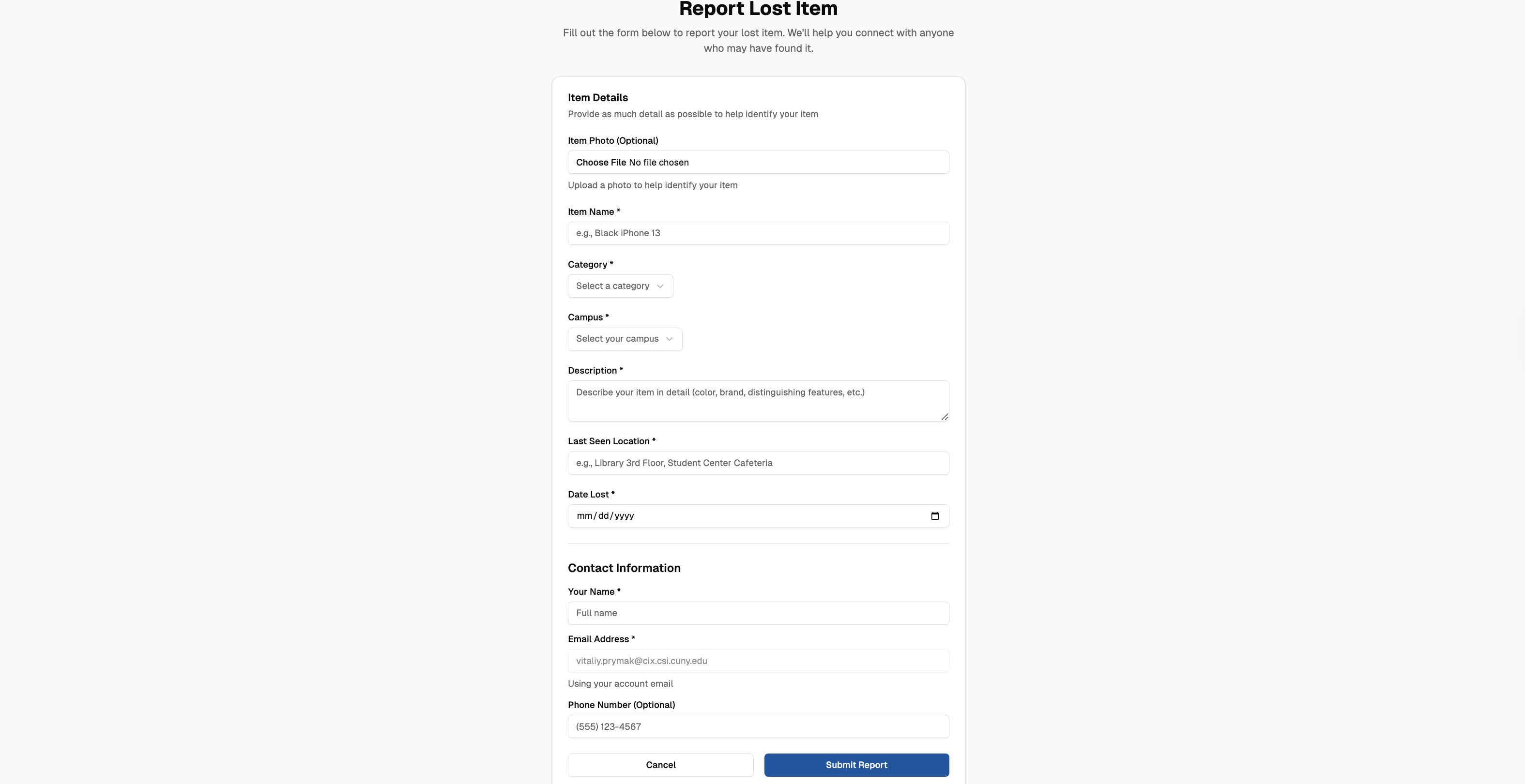
- 📝 Report Lost Items: Students can quickly report lost items with photos, descriptions, campus location, and contact information
- 🔍 Report Found Items: Good Samaritans can post found items, helping reunite belongings with their owners
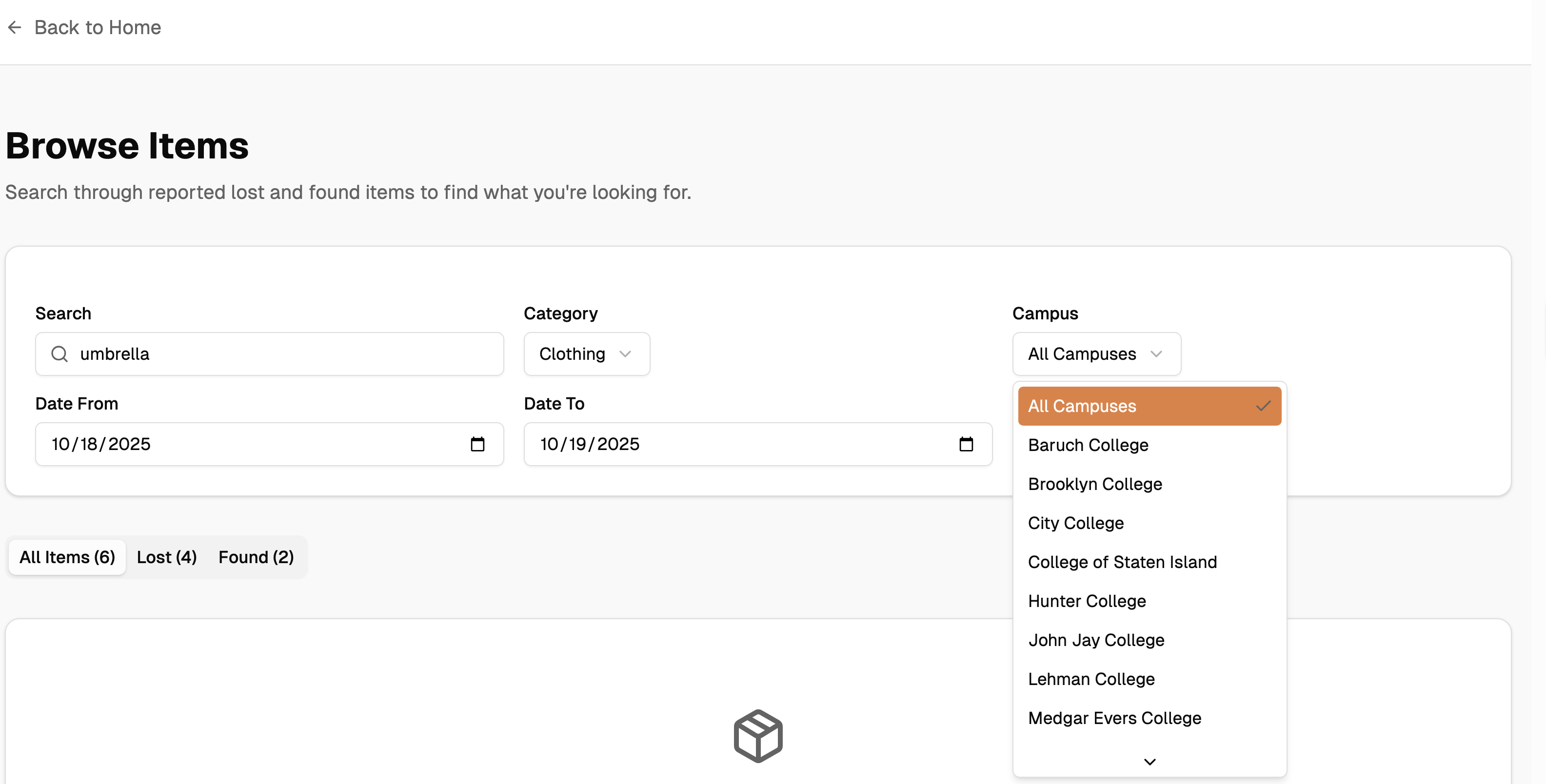
- 🔎 Smart Search & Filter: Browse all items with filters by campus, category, date range, and item type (lost/found)
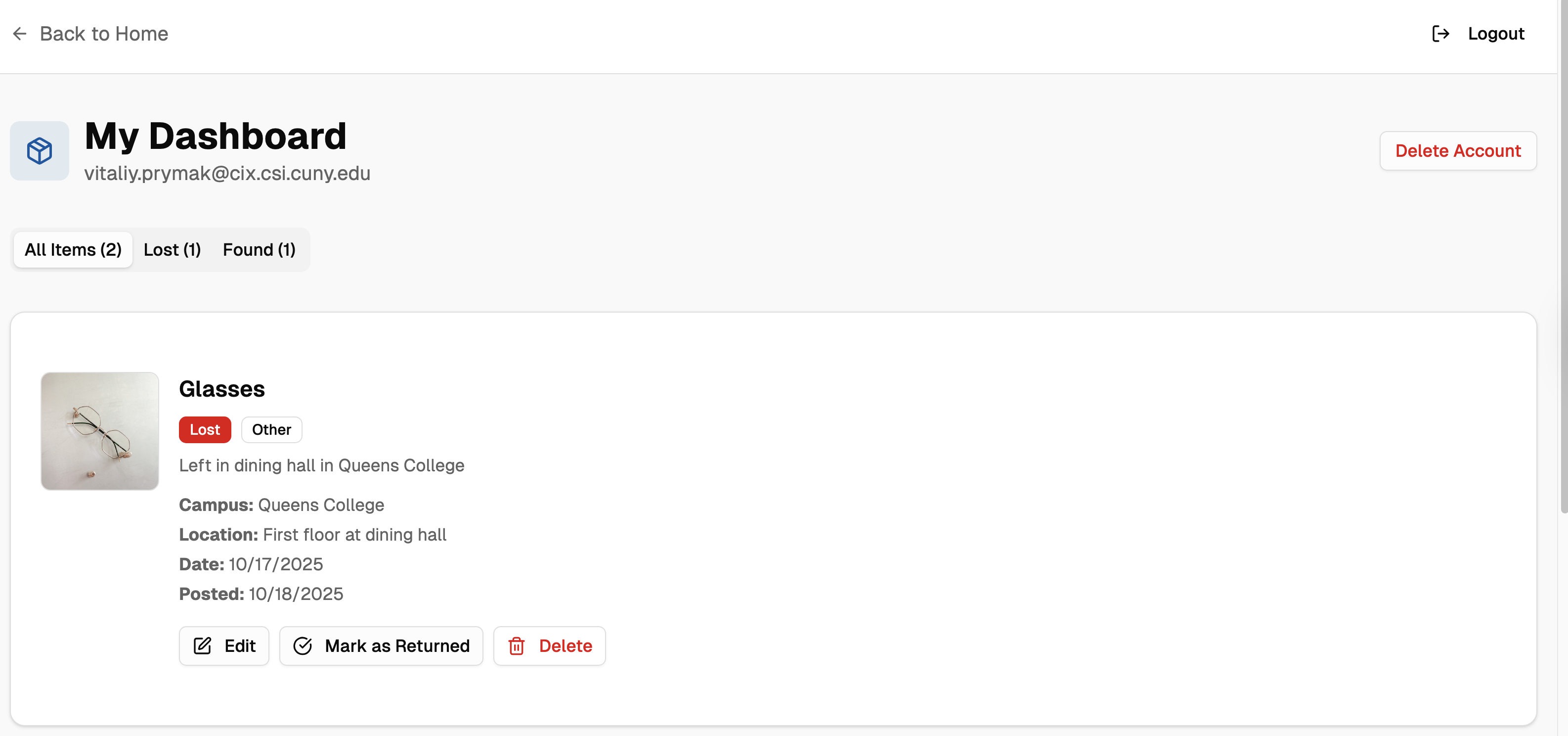
- 👤 Personal Dashboard: Users manage their posted items, edit details, mark items as returned, or delete listings
- 🔐 Secure Authentication: CUNY email verification (*.cuny.edu) ensures only verified students and staff can access the platform
- 📱 Responsive Design: Works seamlessly on desktop, tablet, and mobile devices
🛠️ How we built it
- Frontend: Next.js, React, TypeScript
- Styling: Tailwind CSS
- Backend: Next.js Server Actions
- Database: Supabase (PostgreSQL)
- Authentication: Supabase Auth with email verification
🚧 Challenges we ran into
Email Verification Flow: Implementing Supabase email verification with proper callback handling was tricky. We had to create a custom auth callback route and configure middleware to handle the verification token correctly.
Row Level Security (RLS): Setting up proper RLS policies in Supabase was challenging. We encountered issues where users couldn't update their own items due to overly restrictive policies. We had to iterate multiple times to get the right balance of security and functionality.
State Management: Managing local state updates after database operations (delete, mark as returned) required careful handling to ensure the UI stayed in sync with the database.
🏆 Accomplishments that we're proud of
- ✅ Built a fully functional MVP in a short timeframe with authentication, CRUD operations, and search functionality
- ✅ Implemented secure authentication with CUNY email verification to ensure platform integrity
- ✅ Created an intuitive UX that makes reporting and finding items effortless
- ✅ Designed a scalable architecture that can easily expand to support all 25 CUNY campuses
- ✅ Achieved responsive design that works beautifully on all devices
- ✅ Implemented proper security with Row Level Security policies protecting user data
- ✅ Built a personal dashboard allowing users to manage their items efficiently
📚 What we learned
- Importance of user research and understanding pain points
- Mastered Next.js 15 App Router and Server Components
- Value of MVP approach, focusing on core features first
- Learned Supabase authentication flows and RLS policies
- Value of breaking down complex problems into manageable tasks
🚀 What's next for CUNY Lost & Found
- 💬 In-App Messaging: Secure chat system for users to communicate without exposing personal information
- 🏢 Campus Security Integration: Partner with CUNY security offices to manage official lost & found departments
- 📱 Mobile App: Native iOS and Android apps for better mobile experience
- 🌐 Multi-University Expansion: Expand beyond CUNY to other university systems (SUNY, private colleges)
Built With
- nextjs
- react
- supabase
- tailwind
- typescript



Log in or sign up for Devpost to join the conversation.