Inspiration
Social cues can be tricky for individuals on the autism spectrum, especially kids. A lot of assistive tech is bulky or clinical, and we wanted to make something that felt natural and non-intrusive—something you could just put on and use. That’s where the idea came from: leveraging Snapchat Spectacles and AR to help people better understand and respond to emotions in real time.
What it does
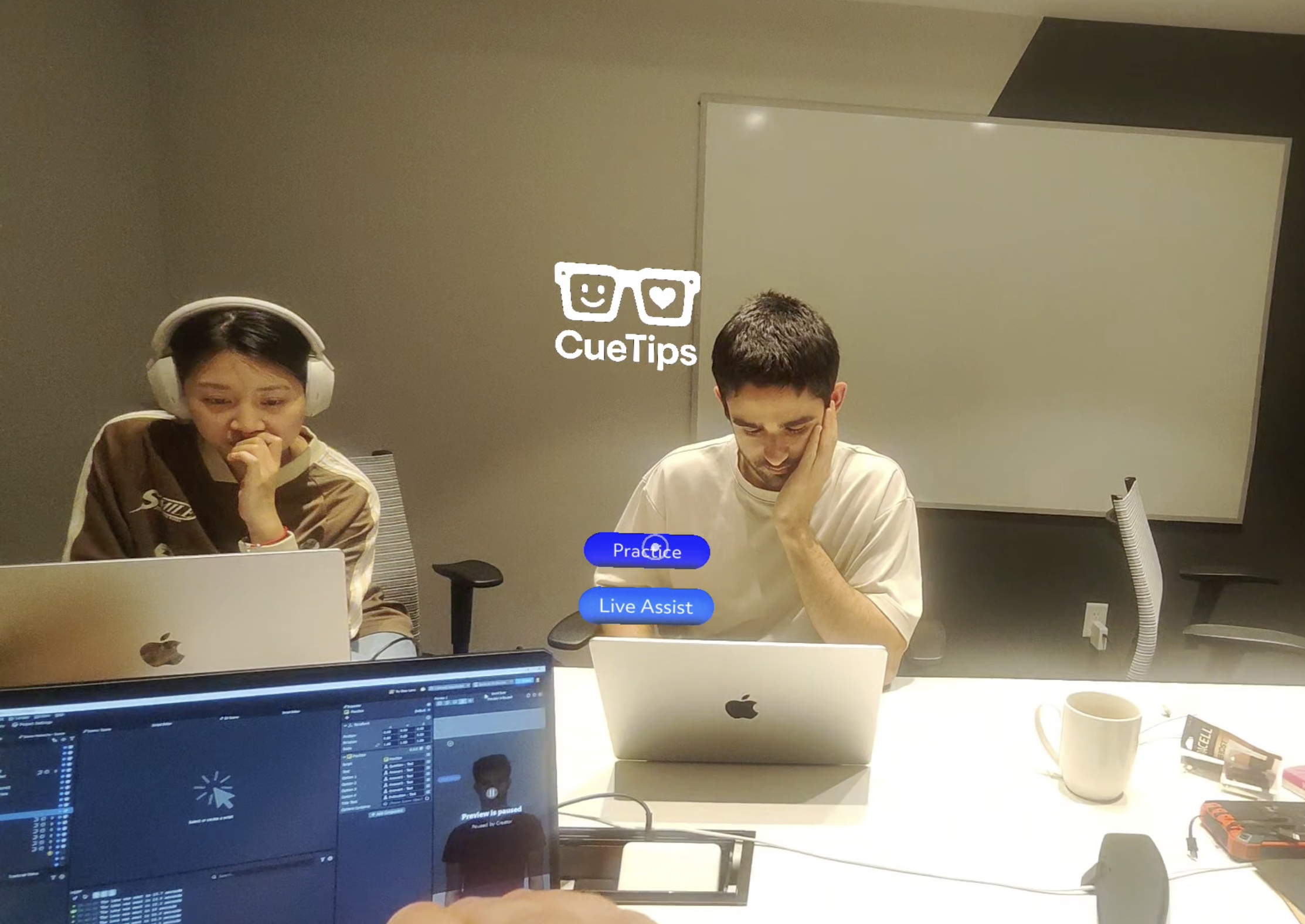
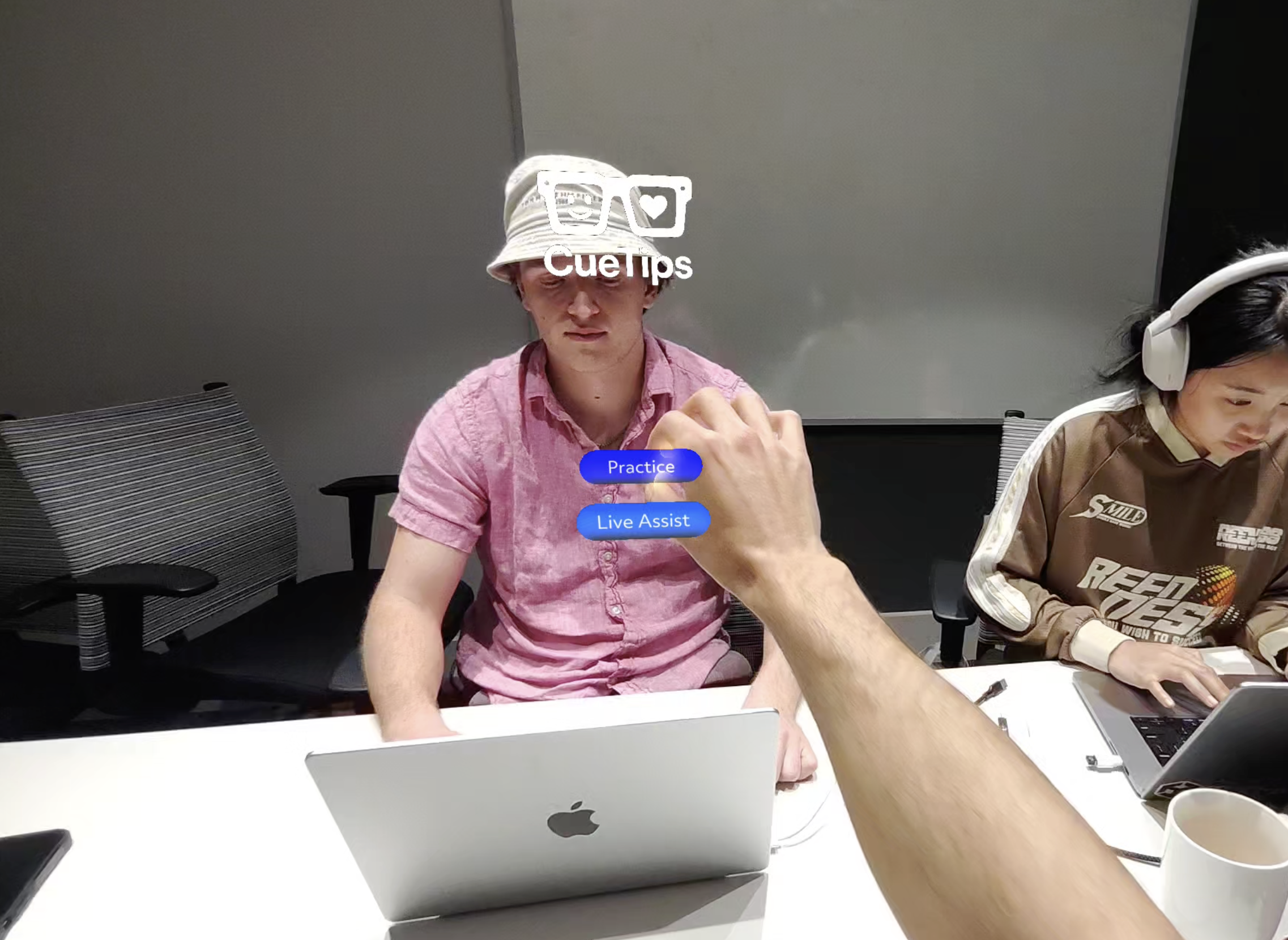
Our app, CueTips, runs on Snapchat Spectacles and has two main modes:
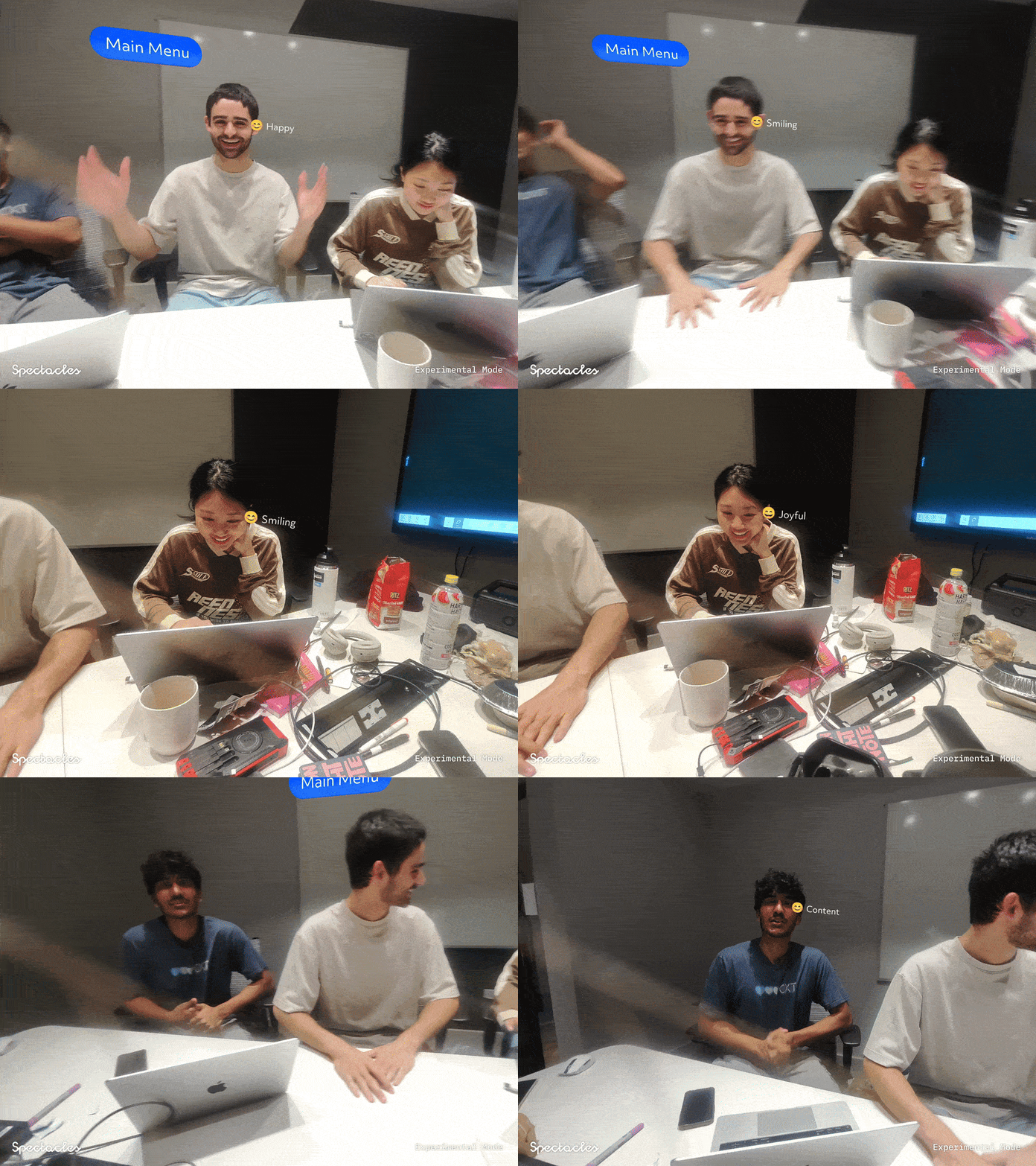
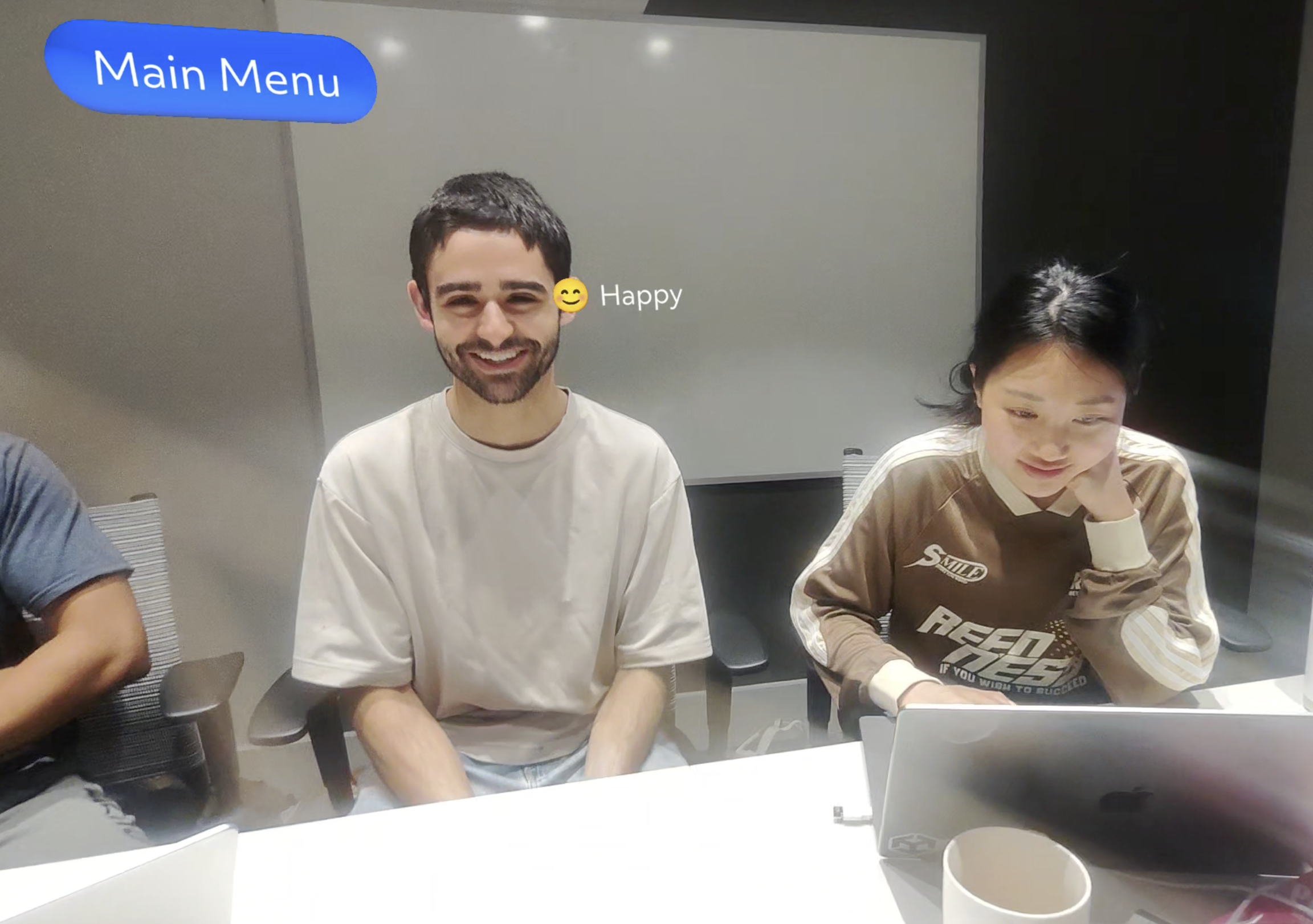
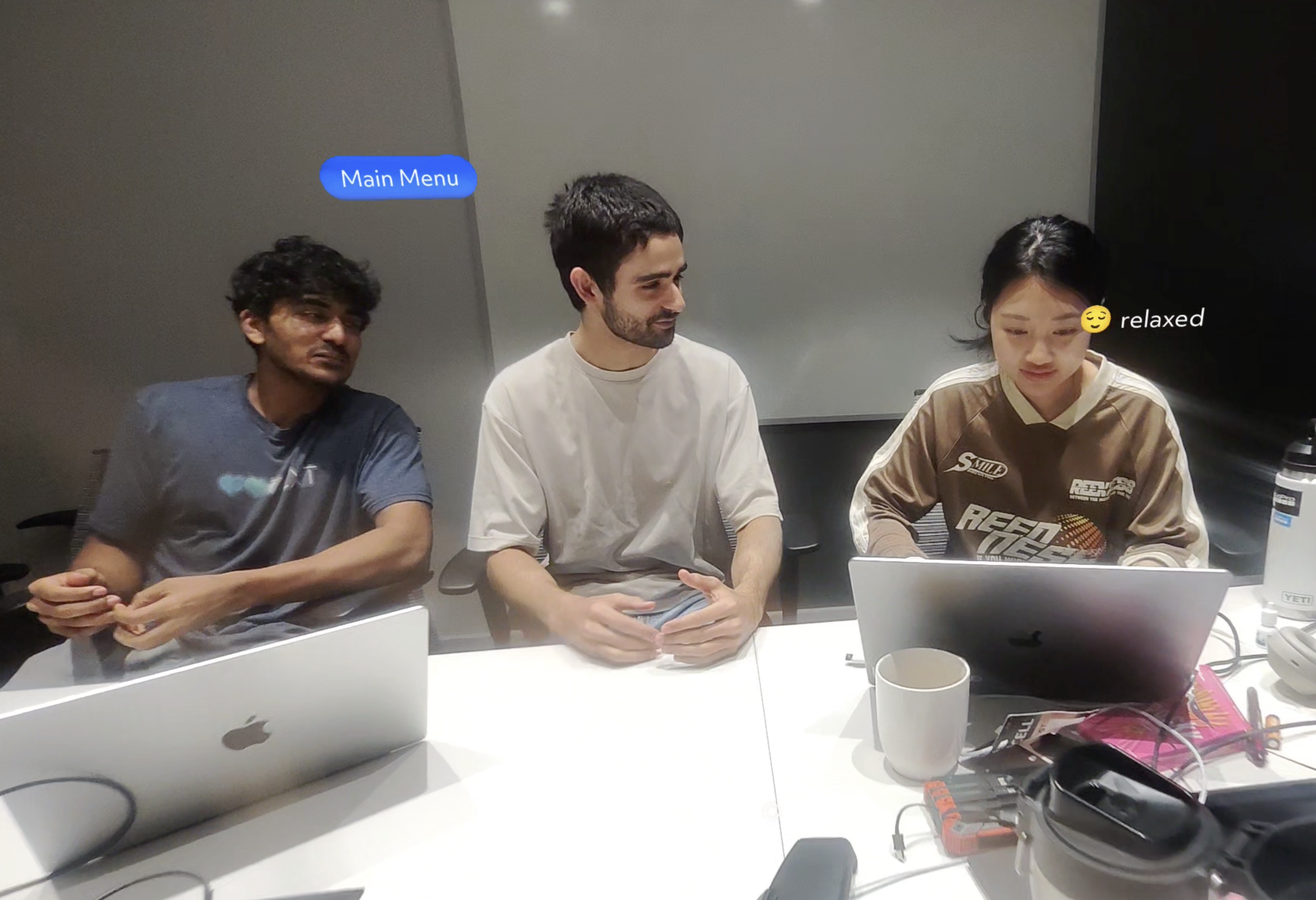
- Live Assist Mode: When someone is in the view of our user, our app detects their facial expression using OpenAI and overlays a predicted emotion—like “😊 happy” or “😕 confused”—near their face in the AR display. This helps the user understand how someone else might be feeling in the moment.
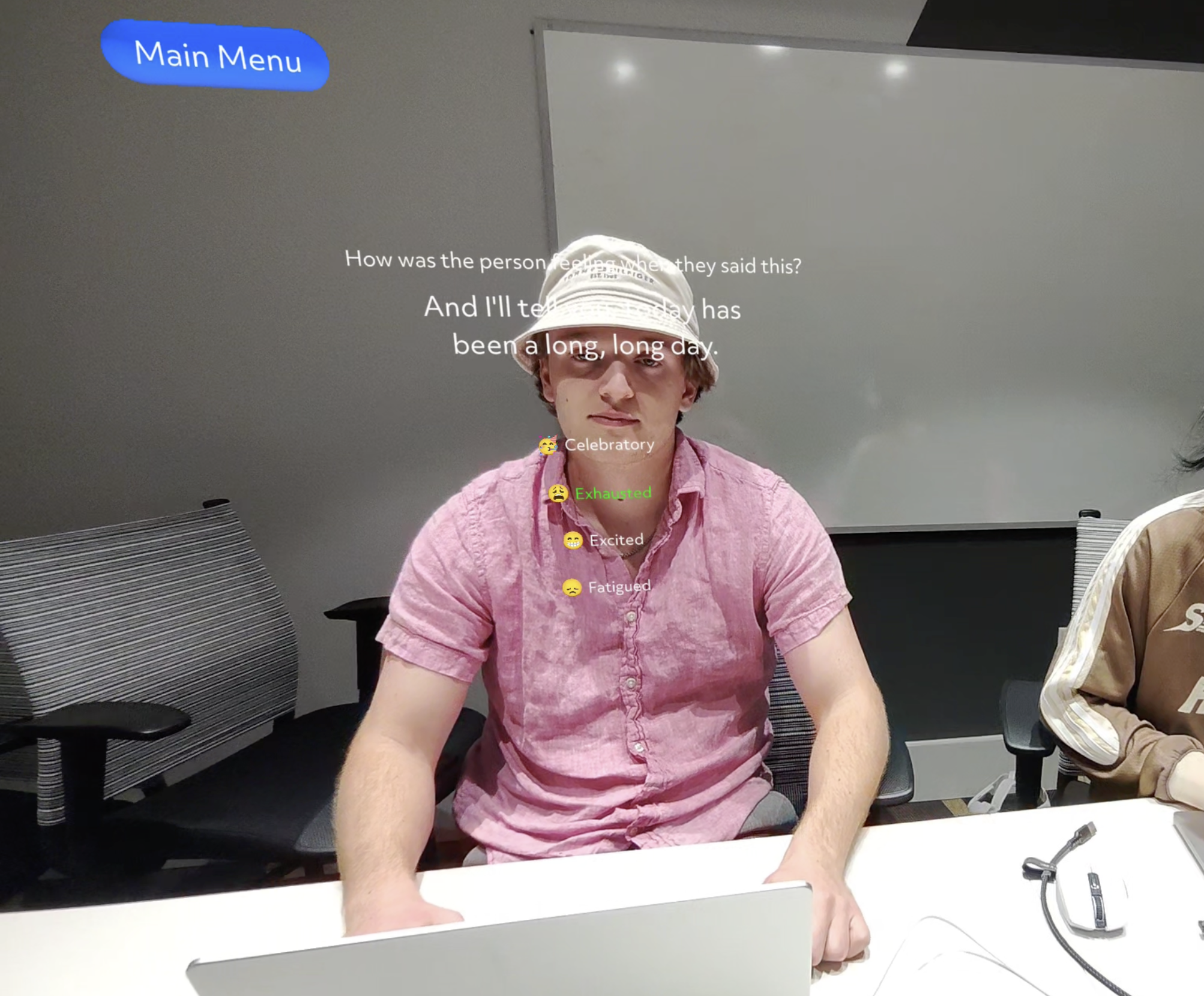
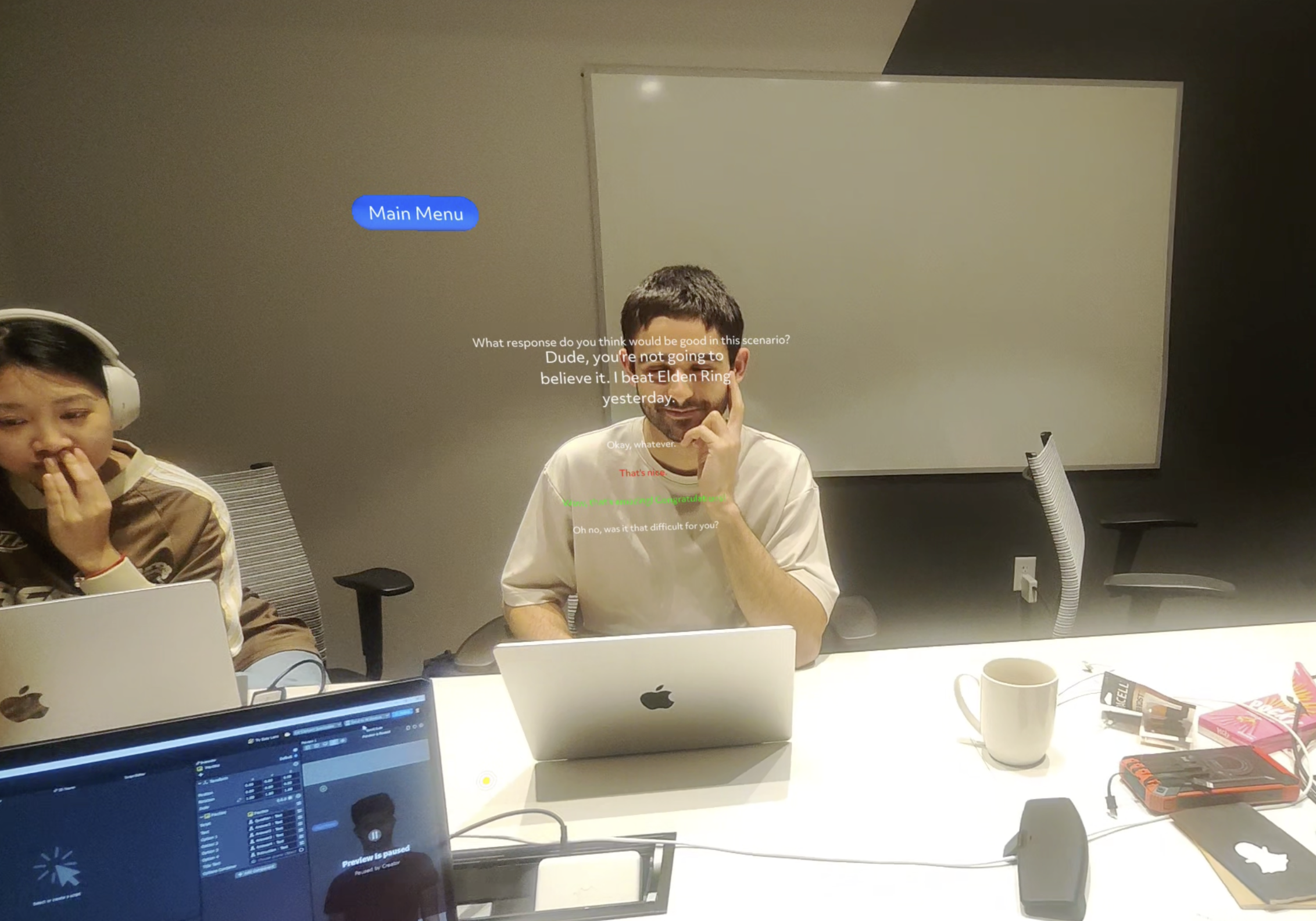
- Practice Mode: This mode helps users get better at social interactions. If someone says something like “How was your weekend?”, the app follows up with prompts like “How can you respond to that?” or “What does their tone suggest?”—again, all visible in AR. There are a series of answers choices and the user is guided to choosing the correct one. Everything is voice-activated to keep it hands-free.
How we built it
We used the Lens Studio SDK to build the AR interface for Spectacles. The backend is a Python Flask server that handles communication with OpenAI’s API. In live assist mode, we use computer vision to retrieve a facial bounding box and pass that data through OpenAI for emotion interpretation. On the spectacles, this information is display beside head using Head Binding as part of Lens Studio AR Tracking.For practice mode, we use voice input which is retrieve using the VoiceML model in Lens Studio and prompt questions & answers using OpenAI.
Challenges we ran into
- One of the main challenges we ran into was retrieving camera data off the Spectacles. The data was in texture format which was trouble for sending through to our Flask backend. We initially tried moving our backend to Javascript to work within Lens Studio, however, this proved to be more difficult. We eventually were able to solve this by finding the Base64 API which allowed us to convert these textures into Base64 images which could be delivered to the backend for parsing.
- Another challenge we had was in terms of designing a UI for our app. We had trouble creating different scenes since most of us come from a Unity background and creating prefab wasn't something we weren't used to. However, after consulting the documentation and Lens Studio Youtube tutorials we were able to solve our problem.
Accomplishments that we're proud of
- Some of the members of our team had either very little or no experience with XR tools, so working with a brand new device like the Spectacles was big challenge. Nonetheless, our team was able to get a fully functional prototype on Spectacles that responds to real-time facial expressions.
- Our commitment in the design process to ensure that our prototype would be as helpful to neurodivergent individuals as possible. We prioritized this in our design approach over flashy icons & menu, as it could be overstimulating. ## What we learned
- Designing for neurodivergent users requires extra empathy and what’s helpful for one person might be overwhelming for another.
- AR interfaces need to be subtle and non-distracting, especially when you’re layering them over social situations.
What's next for CueTips
- Adding live cue tips for audio to allow users to better understand tone which is especially useful for detecting something like sarcasm.
- We want to add more personalization, for example, by allowing users or caregivers to fine-tune the types of cues or interactions they get.
Built With
- flask
- javascript
- lensstudio
- openai
- python
- snapchatspectacles


Log in or sign up for Devpost to join the conversation.