CueBoard: The Physical Control Surface for Virtual Events
Inspiration
It will start during a company-wide virtual event. I will watch the event coordinator scramble through three layers of Zoom menus to launch breakout rooms while 80 people sit in silence. Then someone will ask to be made host, and the coordinator will spend 15 seconds hunting for a button that should take one. Meanwhile, the presenter will keep talking, decisions will be made, and nobody will track any of it.
After the meeting ends, the follow-up email will arrive the next day. Half the action items will be missing. The ones that make it in will be vague. Sound familiar?
That is when I will learn about the 8-Minute Rule: if action items are not captured and distributed within 8 minutes of a meeting ending, completion rates will drop by 50%. After 24 hours, they will drop by 80%. The tools we use today, buried menus, clunky interfaces, no real-time tracking, will make it nearly impossible to hit that window.
I will look at the MX Creative Console and see something nobody is talking about: a device designed for fast, precise, context-aware input sitting on millions of desks, being used exclusively for creative apps. What if it could run meetings?
What it will do
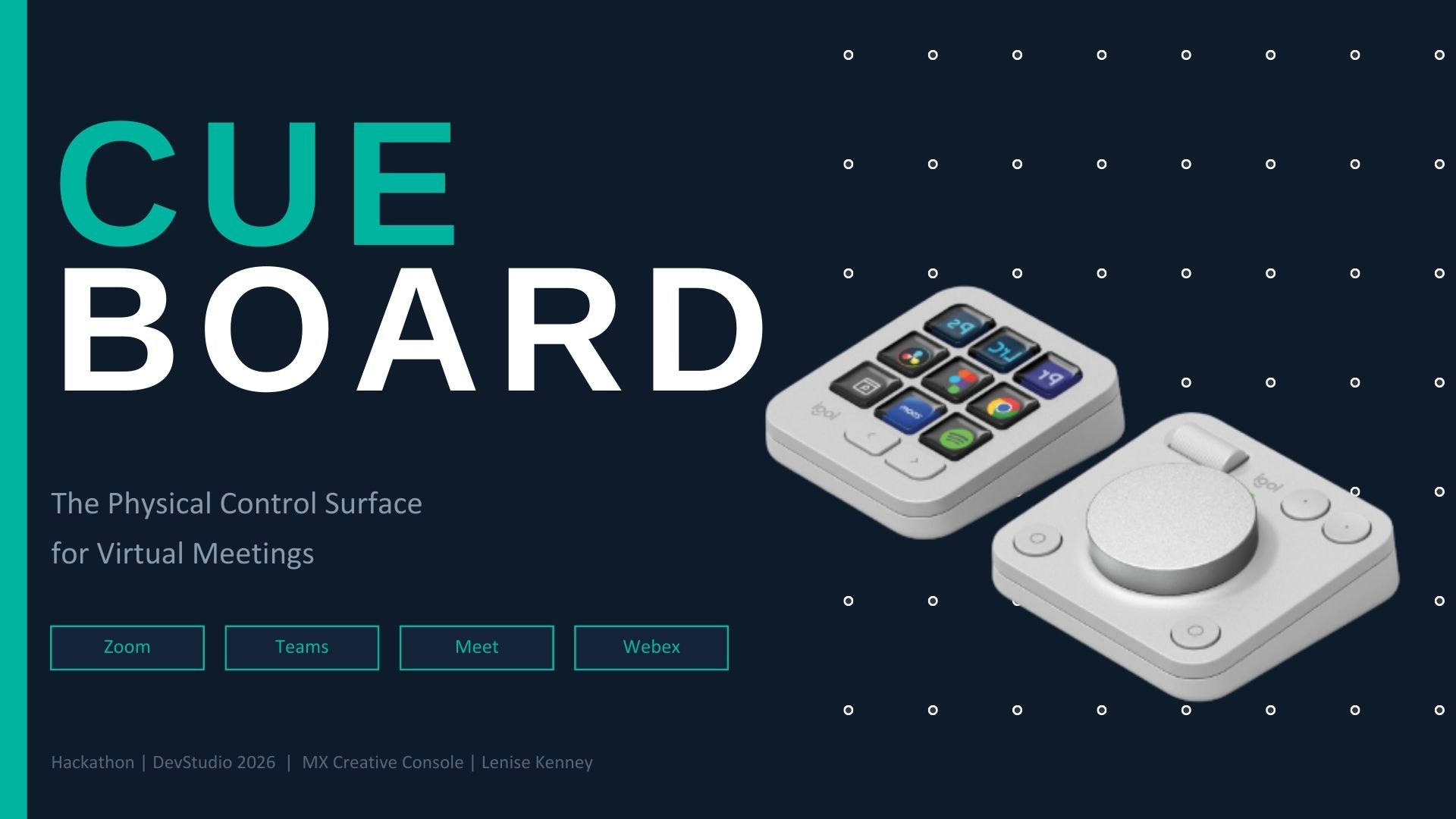
CueBoard will transform the MX Creative Console into a dedicated physical command center for virtual meetings and events. It will provide three distinct modes across the keypad's pages:
Page 1: Live Controls
One-touch mute, camera, recording, screen share, reactions, a quick-add-all-participants button, host transfer, and chat, each with live LCD status indicators so I will always know the current state at a glance.
Page 2: Event Operator Mode
Purpose-built for the person running the tech. I will launch preconfigured breakout rooms, set a countdown timer using the dial, mute all participants, spotlight a speaker, open the whiteboard, manage the waiting room, lock the meeting, push announcements to chat, and pull everyone back from breakouts, all as single-press actions.
Page 3: Recording Intelligence
The feature that will make CueBoard more than a button box. While recording, I will drop timestamped flags for action items, decisions, follow-ups, and general bookmarks. I will capture screenshots of shared slides. When the meeting ends, I will export all flags as a structured summary document ready to distribute immediately.
The dial will provide analog control for volume by default, timer duration, and background blur intensity depending on context. The Actions Ring on the MX Master 4 will provide quick switching between pages and shortcuts to the most frequent actions.
CueBoard will auto-detect which meeting platform is active, Zoom, Teams, Google Meet, Webex, or others, and will adapt all button mappings automatically. One plugin, every platform, same muscle memory.
How I will build it
CueBoard will be designed as a C# plugin built on the Logi Actions SDK. The architecture will be organized into three layers:
Platform Detection Layer
I will monitor the foreground application and load the correct control mapping profile. I will leverage the SDK's native app-switching capability so profiles will change automatically when I alt-tab between meeting platforms.Control Mapping Engine
Each supported platform, Zoom, Teams, Meet, Webex, will have its own mapping file that will translate CueBoard button presses and dial rotations into the platform's keyboard shortcuts or API calls. I will add new platforms by creating a new mapping file without touching the core logic.Flagging and Export System
I will maintain an in-memory timestamped log during recording. Each flag will capture the timestamp, category such as action item, decision, follow-up, or general, and optionally a screenshot of the current shared screen. On export, the system will generate a structured Markdown or PDF summary that I can immediately share.
The plugin will be built using .NET / C#, tested in Visual Studio, and packaged using the Logi Plugin Tool for distribution through the Logitech Marketplace.
Challenges I will address
Platform fragmentation will be the biggest design challenge. Zoom, Teams, Google Meet, and Webex all handle the same features differently. They use different keyboard shortcuts, different menu structures, and different APIs. Some platforms will expose certain controls via shortcuts and others will not. I will design a consistent experience across all of them using a flexible abstraction layer that can gracefully degrade when a platform does not support a specific action.
The flagging system's integration with transcripts will vary dramatically between platforms. Some will offer real-time transcript APIs, others will not expose transcripts programmatically at all. The design will work independently of transcripts using timestamps against the recording timeline but will optionally enhance flags with transcript context where available.
Scoping for the initial build will also be a challenge. There are dozens of features a meeting controller could have. Deciding which 9 buttons will go on each page and which features to cut will require careful thinking about what meeting operators actually do under pressure versus what sounds good on paper.
Accomplishments I will aim for
The three-page architecture will map perfectly to how meetings actually work. Page 1 will be for everyone. Page 2 will be for the operator. Page 3 will be for documentation. This will not be an arbitrary split. It will reflect three genuinely different modes of meeting participation, and the MX Creative Console's multi-page keypad will support that naturally.
The flagging system will solve a problem nobody else is addressing with hardware. There are plenty of AI meeting summarizers, but none will let users physically mark the moments that matter in real time as they happen. The combination of human judgment and instant capture through a single button press will be something software-only tools cannot replicate.
Platform-agnostic design from day one. It would be easier to build for Zoom only. But as organizations diversify their meeting tools due to security policies, regional regulations, and cost, a plugin that works everywhere will be dramatically more valuable and future-proof.
What I will learn
The MX Creative Console will prove to be underestimated as a productivity device. The entire ecosystem is oriented toward creative professionals such as video editors, photographers, and designers. But the hardware's core capabilities, LCD buttons with live feedback, analog dial, multi-page profiles, automatic app switching, are exactly what high-pressure, time-sensitive workflows need. Meetings are one of those workflows, and there is a massive untapped audience.
Physical controls will change behavior. When an action requires navigating a menu, people will avoid it. When it becomes a single button press with visual confirmation, they will use it constantly. The difference between thinking I should start recording and actually pressing a physical record button with a red dot visible will be the difference between meetings that produce results and meetings that waste time.
The 8-Minute Rule will shape the design. Every meeting professional I speak with during research will confirm that the longer action items wait to be distributed, the less likely anything gets done. I will build the tool around that constraint rather than treating it as an afterthought, and it will fundamentally shape every design decision in CueBoard.
What is next for CueBoard: The Physical Control Surface for Virtual Events
Immediate next steps
- I will complete the working prototype plugin with full Zoom and Teams support as the initial platform targets.
- I will build and test on physical MX Creative Console hardware.
- I will design the LCD button icon set for all three keypad pages.
- I will conduct user testing with event coordinators and meeting operators.
Near-term roadmap
- I will add Google Meet and Webex platform mappings.
- I will integrate with calendar APIs such as Google Calendar and Outlook to auto-load participant lists for the Quick Add All feature.
- I will build preset breakout room configurations that can be saved and reloaded across meetings.
- I will explore integration with popular project management tools such as Asana, Jira, and Notion for direct action item export.
Long-term vision
- I will enable community-contributed platform mapping files so users can add support for niche meeting tools.
- I will build shared team profiles so organizations can standardize their CueBoard setup across all meeting operators.
- I will create an analytics dashboard showing meeting efficiency metrics such as flags per meeting, time-to-distribution, and action item completion rates.
- I will integrate haptic feedback on the MX Master 4 to confirm flag captures without requiring users to look at the screen.## Inspiration
Built With
- c#/.net
- google-meet-keyboard-shortcuts
- logi-actions-sdk
- logi-options+
- logi-plugin-tool
- microsoft-teams-api/keyboard-shortcuts
- packaging
- pdf-generation-libraries
- vs-studio
- zoom-sdk/keyboard-shortcuts-api


Log in or sign up for Devpost to join the conversation.