-
-
Thumbnail
-
Demo
-
Architecture
-
Problem Statistics
-
Mobile App
-
Functional Photo
Inspiration
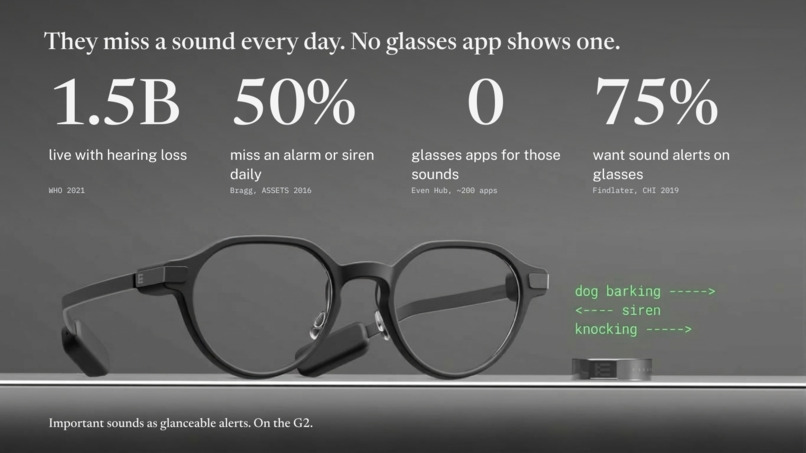
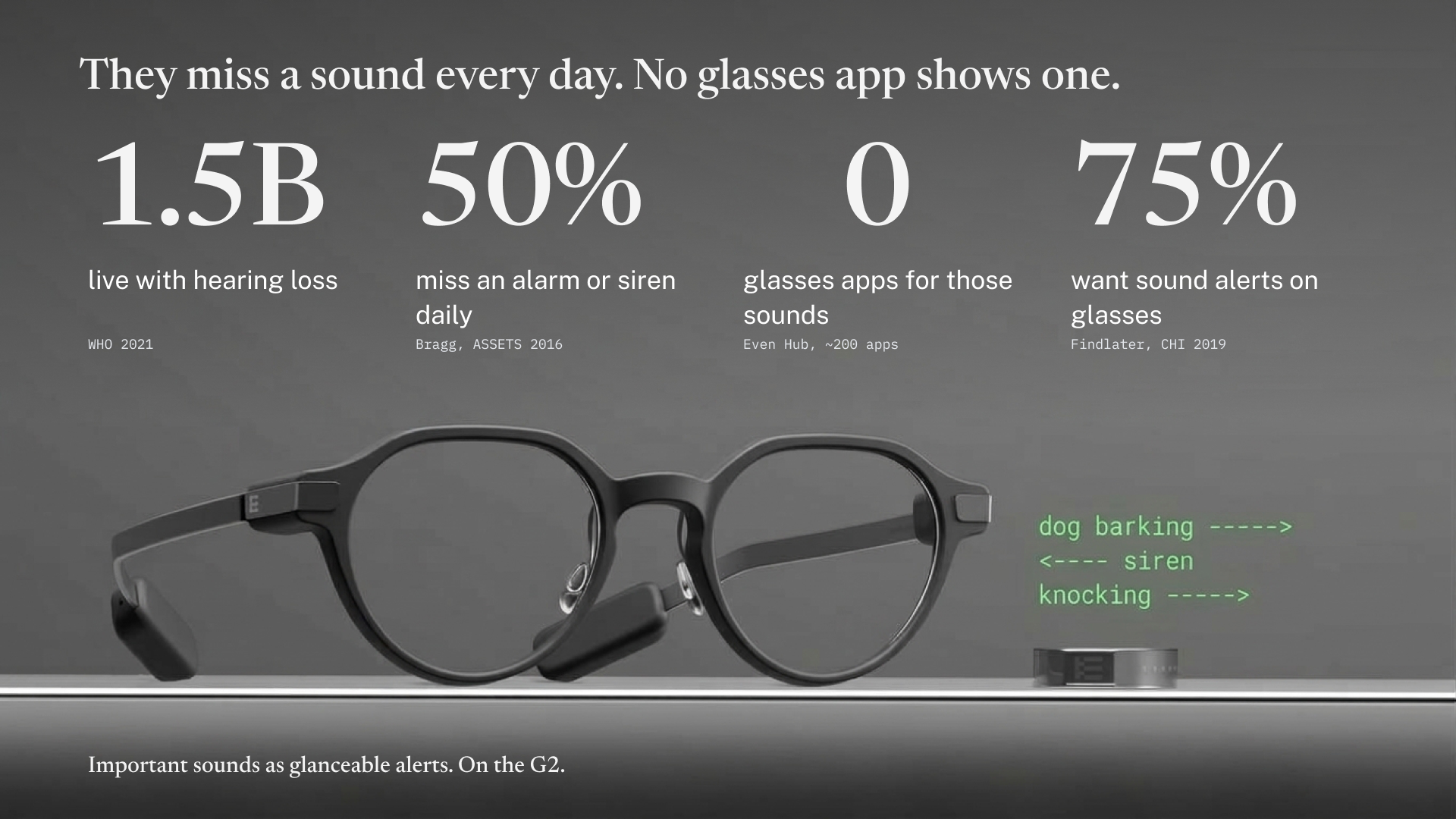
A Deaf or hard-of-hearing person misses the doorbell, the smoke alarm, the siren behind them, and their own name called across a room. Phone apps can detect some of these, but by the time you take the phone out and look, the sound is over. Smart glasses put information in your line of sight the moment it happens, so we wanted the Even G2 to cover every sound that matters, not just speech, and stay quiet the rest of the time.
What it does
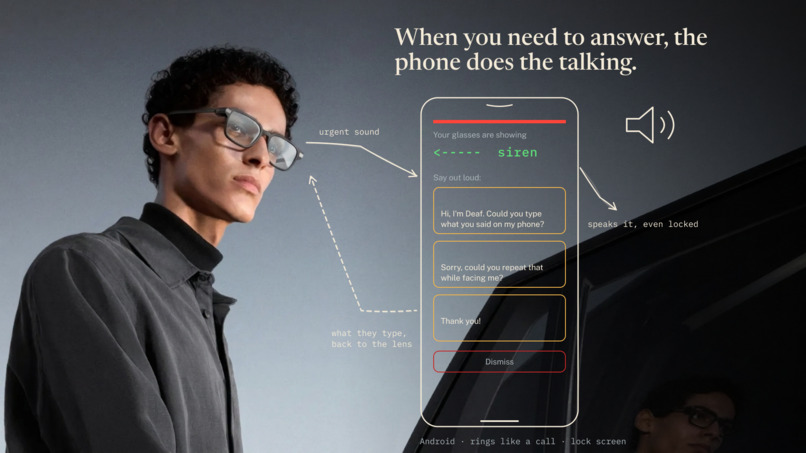
Cue runs on Even Realities G2 glasses and turns the sounds around you into quiet visual cues:
- Speech: detects when someone is talking and shows live captions.
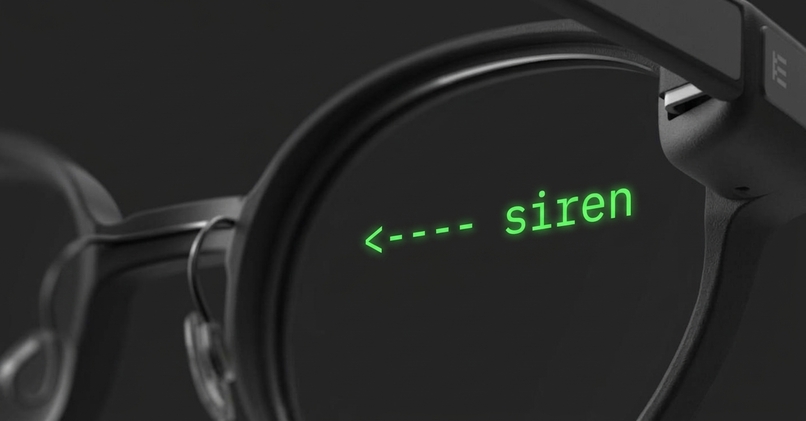
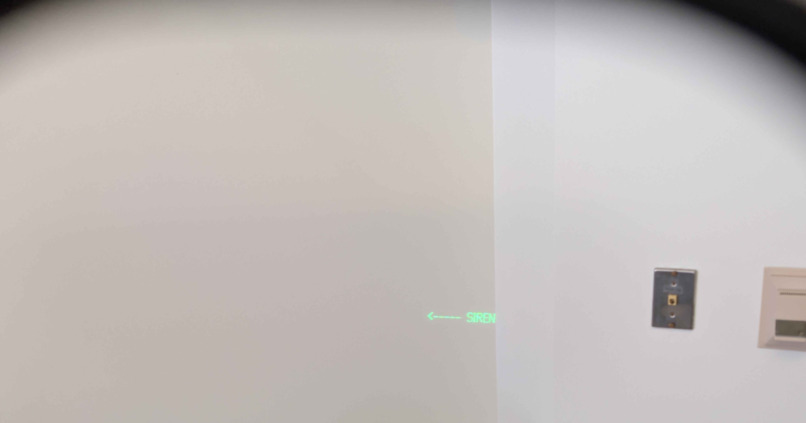
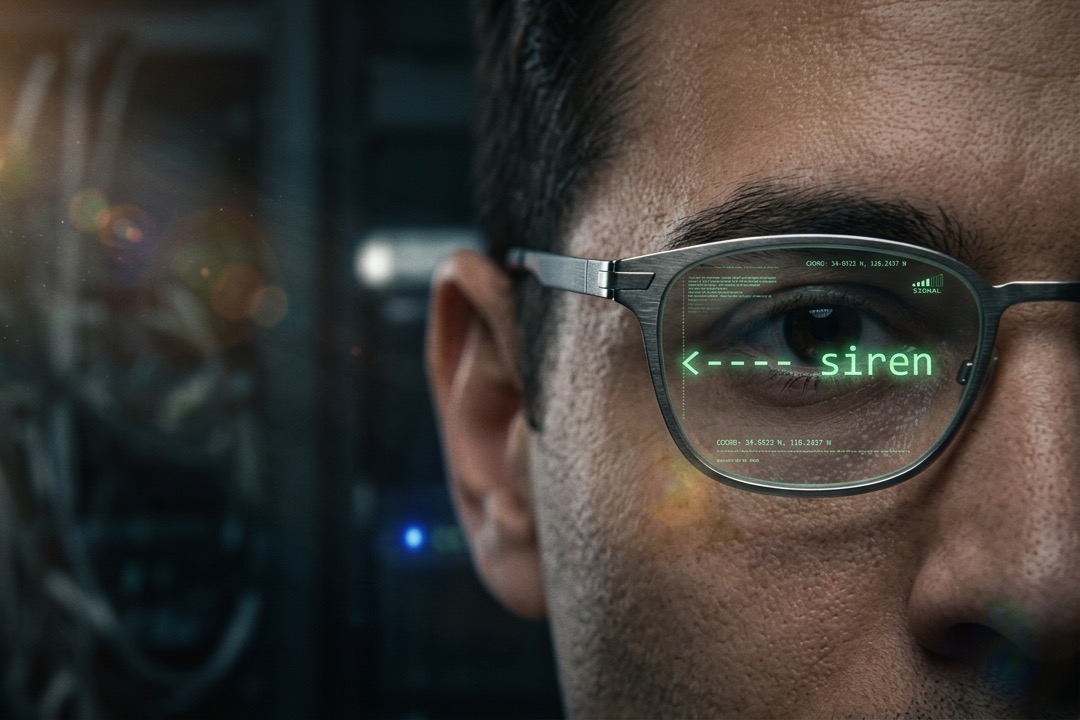
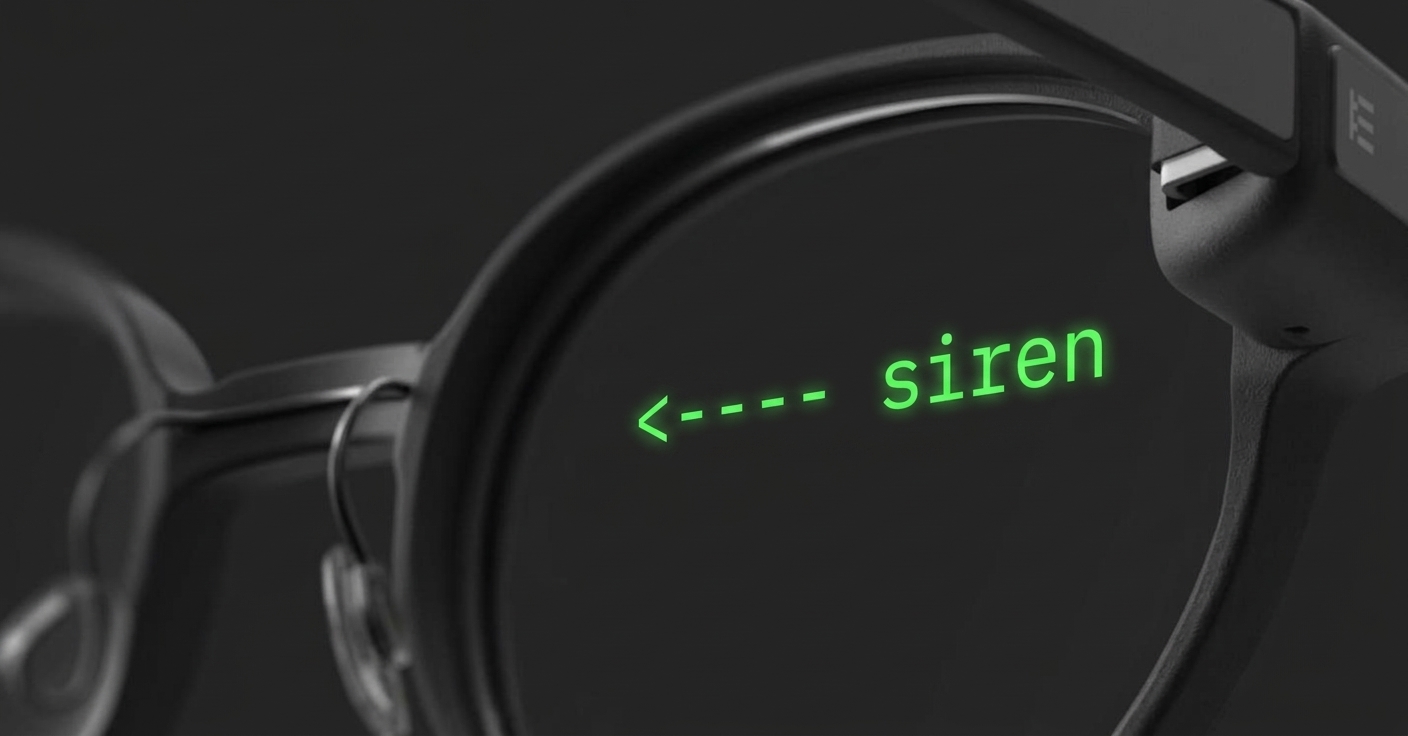
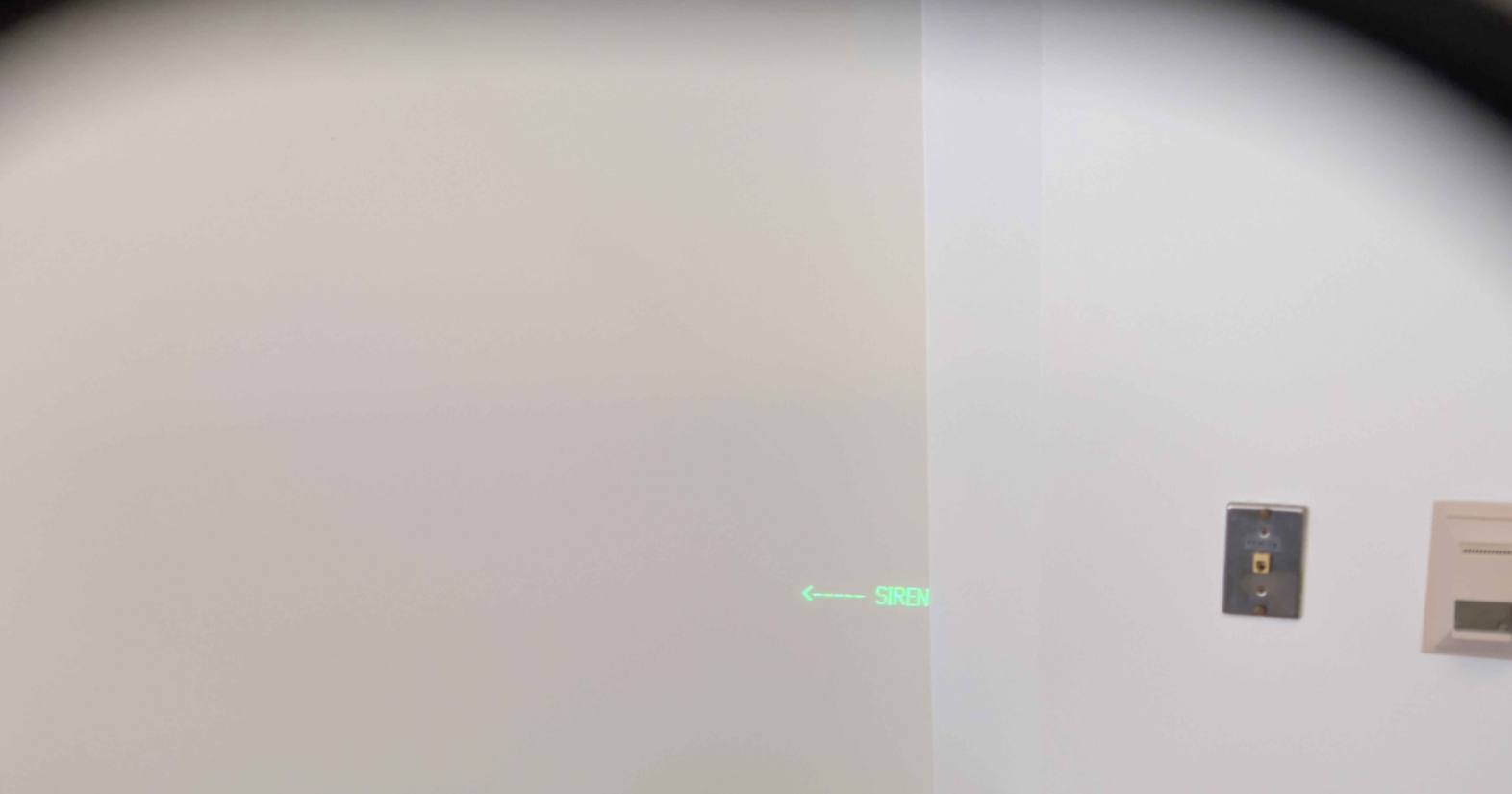
- Sounds: recognizes everyday sounds such as doorbells, knocks, dog barks, car horns, sirens and alarms, and shows a short label the instant they happen.
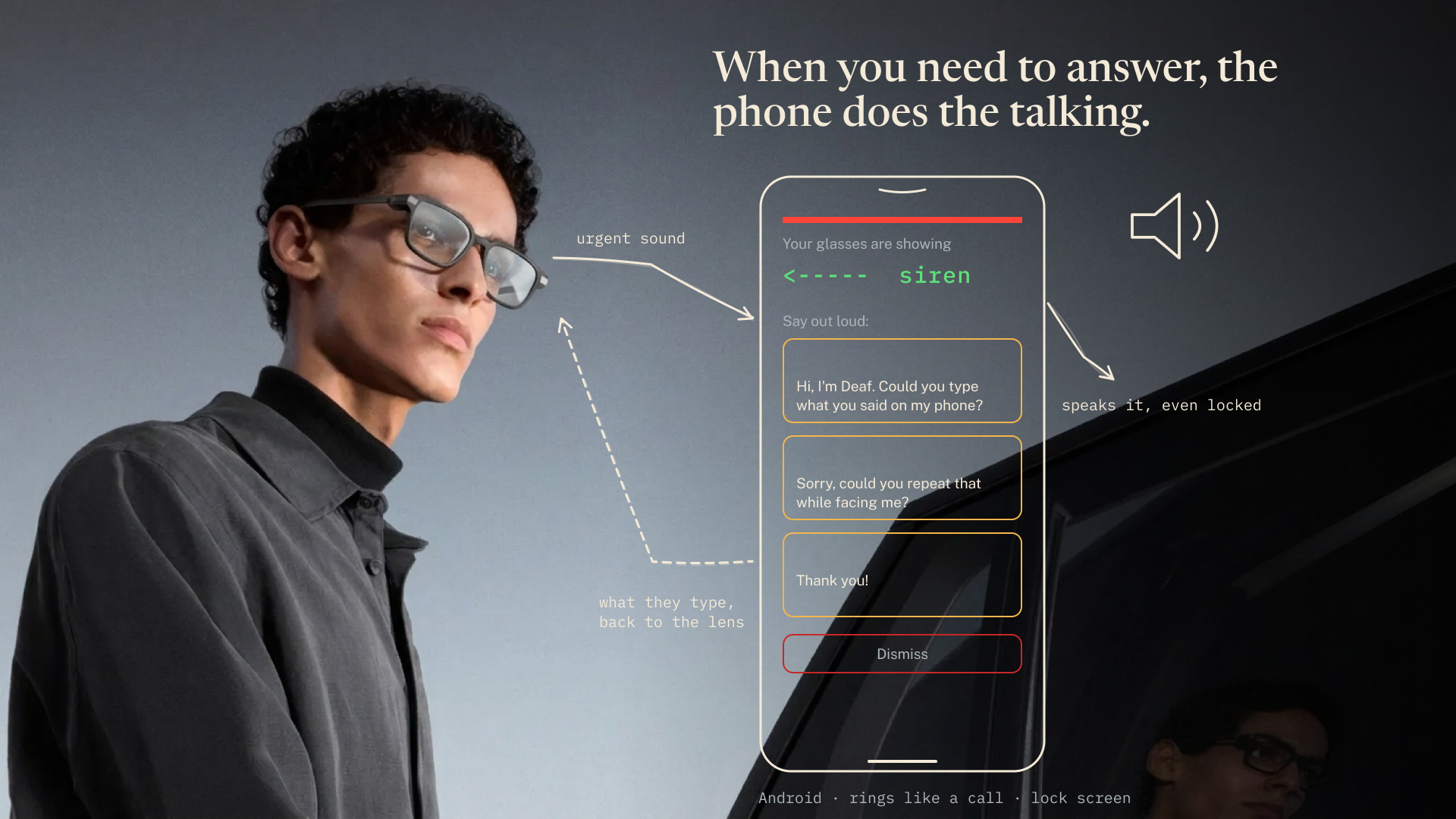
- Your priorities: you set how important each sound is. Urgent ones like sirens and alarms flash across the whole display and take over until they stop; others show a quiet label, or nothing at all.
The display stays blank the rest of the time, so Cue only interrupts when something actually needs your attention.
How we built it
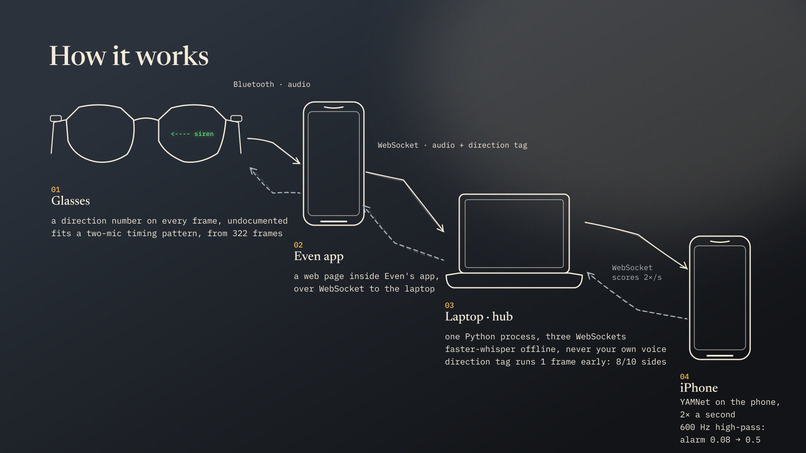
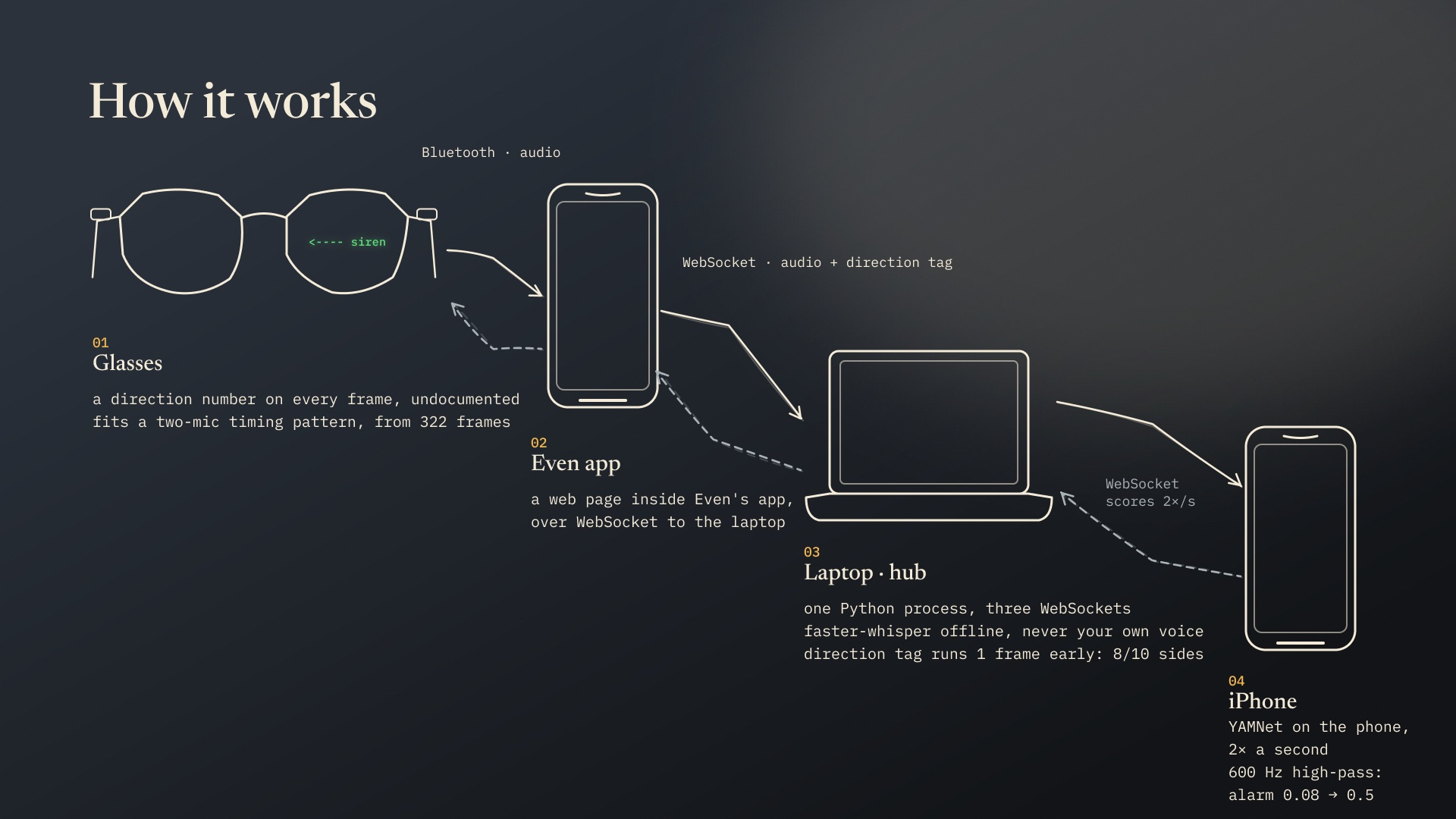
Glasses app: an Even Hub plugin (TypeScript) that receives the G2 microphone stream and draws the cues on the display. Sound recognition: YAMNet, a model trained on Google’s AudioSet that recognizes 521 sound types. We map its labels to the sounds people care about and smooth them over consecutive audio windows to cut false alarms. Server: a Python service that runs the classifier and decides what deserves a cue, connected to the glasses app over WebSockets. Settings: a configuration screen where each sound is set to flash, show quietly, or stay hidden.
Challenges we ran into
Noise vs. speed: a busy venue makes false alerts easy, but waiting longer to confirm a sound makes the cue late. Tuning thresholds and confirmation windows was the core balancing act. Networking: getting glasses, phones and laptop talking to create a seamless user experience meant fighting IPv4/IPv6 quirks and firewalls. Designing for a tiny display: every cue had to be readable in a glance, and an urgent alert had to look unmistakably different from a minor one. Pivots: we started with a robot arm and an EMT assistant before landing on Cue, so most of the build happened in the second half of the hackathon.
Accomplishments that we're proud of
A working end-to-end loop on a physical G2: a real sound happens, and the right cue appears on the glasses. An alert design that stays out of the way: blank by default, with urgent sounds overriding everything else. Grounding the design in research on what Deaf and hard-of-hearing people want from sound awareness: alarms and voices first, visual cues in the line of sight, and the ability to filter sounds out.
What we learned
Off-the-shelf audio models are good enough to be useful; the hard part is deciding what’s worth interrupting someone for. Building for a heads-up display is about restraint. What you leave off the screen matters as much as what you show. Getting several devices to work together reliably takes as much effort as the model itself.
What's next for Cue
Direction: show where a sound came from (left, right, behind) using multiple microphones. Your name: recognize when someone calls you, even in a noisy room. Custom sounds: let users teach Cue their own doorbell, oven timer or pet. Fully on-device: run everything on the phone, with no laptop, for everyday use. Haptics: pair visual cues with vibration so urgent alerts get noticed even when you’re not looking.
Built With
- json
- kotlin
- python
- swift
- tensorflow
- typescript
- websockets
- wisper


Log in or sign up for Devpost to join the conversation.