-
-
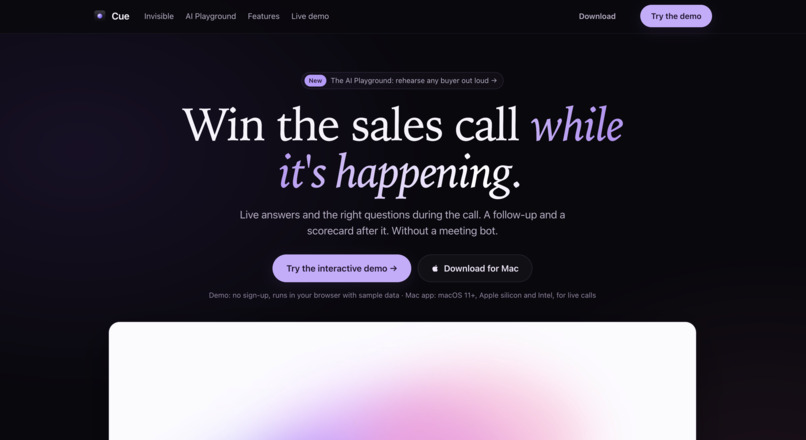
Cue landing page
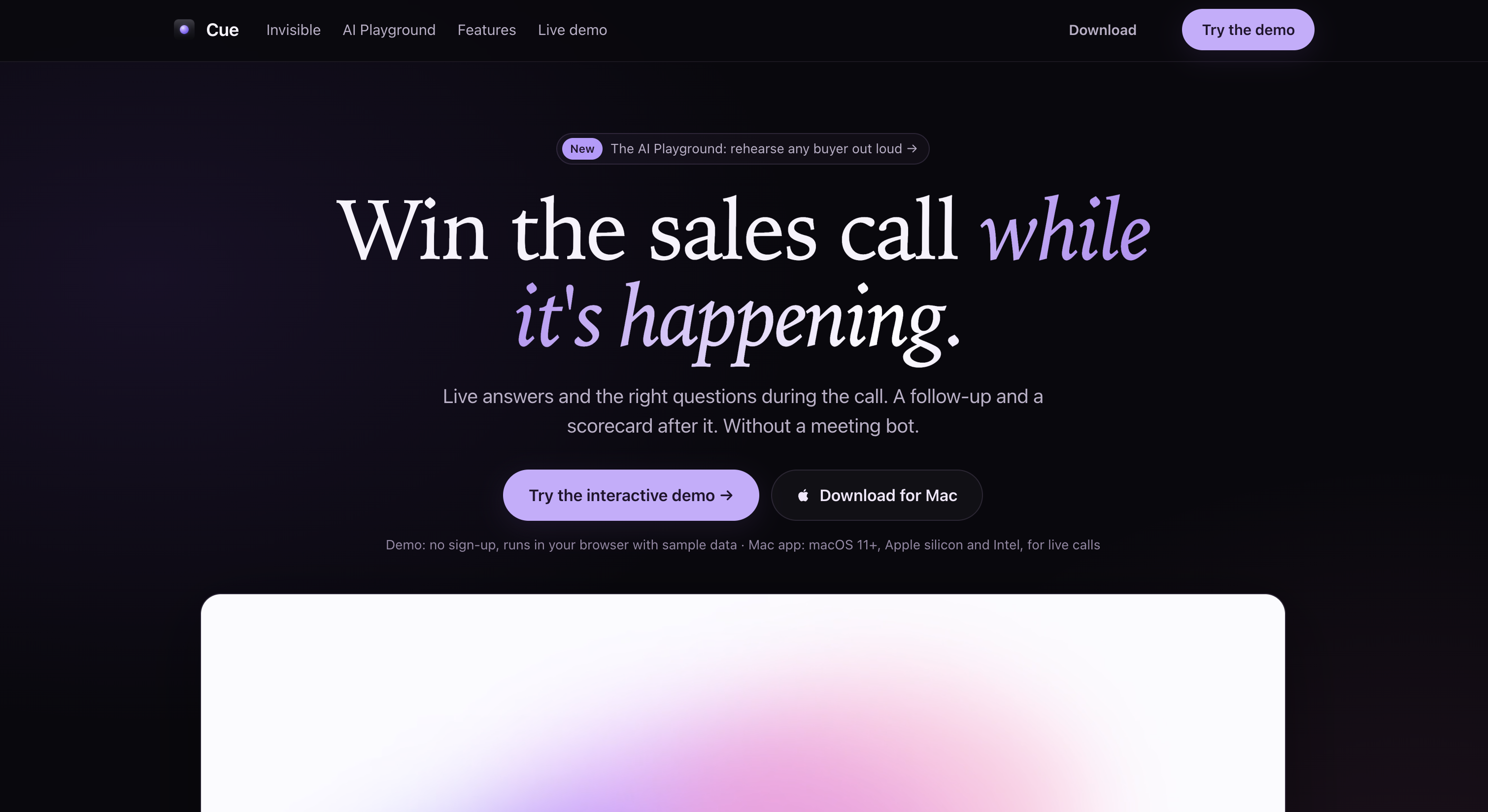
Inspiration
Sales reps lose deals in seconds. A buyer says "we're not looking to replace what we have," the rep fumbles, and the moment is gone. Help comes weeks later, if at all, because managers only get to listen to a small share of calls, and by then the feedback is vague ("do better discovery").
We saw this in a real, anonymised demo call we studied. It scored about 21% against the team's own playbook, yet the deal still moved forward. Since the pipeline moved, nobody went back to look. The rep had answered the main objection wrongly, never found out who signs off, and hung up without booking a next meeting. Each of those could have been fixed with one sentence at the right moment.
Other tools solve half the problem. Call recorders coach after the call, which is too late for the moment. Live "cheat sheet" overlays help during the call, but nothing learns from it afterwards. We wanted one loop: help during the call, score it straight after, then practise the weak spot before the next one.
What it does
Cue is a desktop copilot and coach for B2B sales reps.
During the call: a small pill floats over Google Meet, Zoom or Teams. It listens to both sides and, only when it matters, shows one short card:
- Say: an answer when the buyer asks a question, raises an objection or names a competitor.
- Ask: the important discovery question that's still open, shown at a natural pause.
- Say · Confidence: a nudge when the rep sounds unsure (at most 5 per call).
Hovering over the pill shows how much of the playbook has been covered and who is on the call (name, role, company). The pill doesn't show up on screen share, and no bot joins the meeting.
After the call:
- Wrap-up: attendee names, a follow-up email to open in Mail, and next steps pushed to Apple Reminders. Nothing is sent automatically.
- Scorecard: a score out of 40 against your own playbook, with quotes and timestamps as evidence. It also shows "with Cue you could have scored…", one thing you did well, one thing to fix (with the exact words to say next time), and three skills to practise.
Before the next call:
- Gym: role-play against an AI buyer (with levels, a patience bar, hints and stars) or take a technical quiz. Trainings are generated from your own weak moments.
- Profile & Clientele: score trends, badges, "did training help?", and what Cue has learned about each client across calls.
- Google Calendar Prep: upcoming external meetings get a prep brief, and "Start Cue for this meeting" launches a call already linked to that client.
How we built it
- Desktop app: Electron, built with esbuild and packaged with electron-builder (with Apple notarization). The app captures the mic (the rep) and system audio (the buyer) as two separate channels, so we know who is speaking without extra work.
- Speech-to-text: streaming via Gemini Live, Deepgram (which also tells multiple buyers apart) or OpenAI Realtime. Audio goes straight from the app to the provider using a short-lived, one-use token from our backend, so it never passes through our servers.
- Backend engine: Node 22, TypeScript and Fastify. It runs the live card engine, scoring, wrap-up, Gym, profile and meeting prep. Each new transcript line triggers a check. The model replies in strict JSON (SAY / ASK / NONE, with a confidence score), and display rules decide whether the card is shown.6, headlines of 8 words or fewer, a 30-second cooldown, no repeated topic, and a budget onmodel calls per call.
- Models per job: a fast model for live cards (Gemini 2.5 Flash-Lite or GPT-4.1-mini, with r more careful one for scoring and the Gym (Gemini 2.5 Flash or GPT-4.1). Switching provideris one setting.
- Prompts as files: every prompt (live card, scorecard, wrap-up, objections, Gym buyer, grads a Markdown file in the repo.
- Data: a storage layer over JSON tables, laid out like a real database so Postgres or Firestore can replace it without changing the services.
- Account server: email or Google sign-in, per-account API keys and AI settings, and Google es behind Docker and Caddy. After sign-in, the app starts the engine on the rep's Mac andpasses the keys in memory, never writing them to disk.
- Tests: 93 backend test cases, 18 simulation suites, and a full replay of a 20-minute recorlive engine. None of them need API keys or a network connection.
Challenges we ran into
- Staying quiet. Making Cue talk was easy. Making it not talk was the hard part. One wrong c and their trust in every card after it. We moved the decision of whether to show a card outof the prompt and into code (confidence thresholds, cooldowns, no repeats, a cap on tone cards), so that silence is the default.
- Latency. A card that arrives after the moment is useless. Each live check has to finish wie send only the new line rather than the growing transcript, keep the company knowledge ready on the server, turn model reasoning off on the fast path, and let urgent lines (a direct question, a competitor's name) skip the queue.
- Lines arriving mid-check. People keep talking while the model is thinking. We built a simpnew lines are never lost and the client doesn't need a persistent connection.
- Who said what. On a call with several buyers, rep vs. buyer is easy because they're on separate audio channels, but buyer vs. buyer isn't. We added speaker separation and taught the engine to pick up names, roles and companies from the conversation itself.
- Scoring fairly. Early versions marked reps down too hard. The scorecard prompt now gives partial credit, requires a real quote for every point awarded, and has to agree with the cards Cue would have shown live.
- Long calls. Speech-to-text sessions expire, so the app gets a fresh token and reconnects every 20 minutes without dropping the call.
- Keeping API keys out of the app. We moved every model call from the Electron app into a baat engine start itself after sign-in, including handling Macs where an older Node versioncomes first on the PATH.
Accomplishments that we're proud of
- A full live → score → practise loop that works end to end on a real recorded demo call, not just a mockup.
- Cards that are short enough to read at a glance, cite where they came from, and disappear sked the thing.
- A "with Cue you could have scored" number that ties the live help directly to results.
- A Gym where the AI buyer plays your real prospect and the practice is built from the momen
- No lock-in to one AI provider: LLM, speech-to-text and voice can each be switched with a setting.
- A test suite that replays a whole sales call through the live engine with no keys or netwo
What we learned
- Precision matters more than recall for live help. A wrong card costs more than a missed onabout go into the post-call scorecard instead of onto the screen.
- The format matters as much as the content. A card that starts with a verb and has 8 words or fewer gets used. A paragraph doesn't.
- Rules belong in code, not just in prompts. Models are great at suggesting cards and unreliike "at most once every 30 seconds."
- The loop is the product. A copilot alone becomes a crutch, a scorecard alone is a report card, and a gym alone is homework. Together, each call makes the next one better.
- Small, fast models are good enough for the live path when they get the right context. Saveer the call.
What's next for Cue
- For reps: voice drills with interruptions and pushback, a warm-up drill before each meetincount is most likely to raise, a consent reminder at the start of each call, and morelanguages.
- For managers: a team heatmap (reps × playbook items), assigned drills with the score impro, and deal-risk flags like "no approver identified" or "no next meeting."
- For the company: one-click CRM sync (Salesforce, HubSpot), and an objection library that improves itself: answers that actually won get promoted to the whole team once enablement approves them.
- Platform: a hosted, multi-tenant engine on Postgres or Firestore (the storage layer is alringle sign-on and data-retention controls.
Built With
- deepgram
- electron
- gcp
- gemini
- javascript
- python

Log in or sign up for Devpost to join the conversation.