-
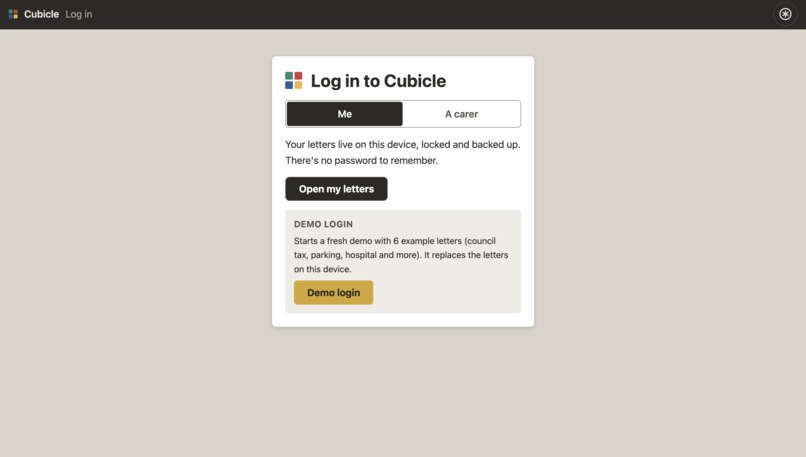
Log in as yourself
-
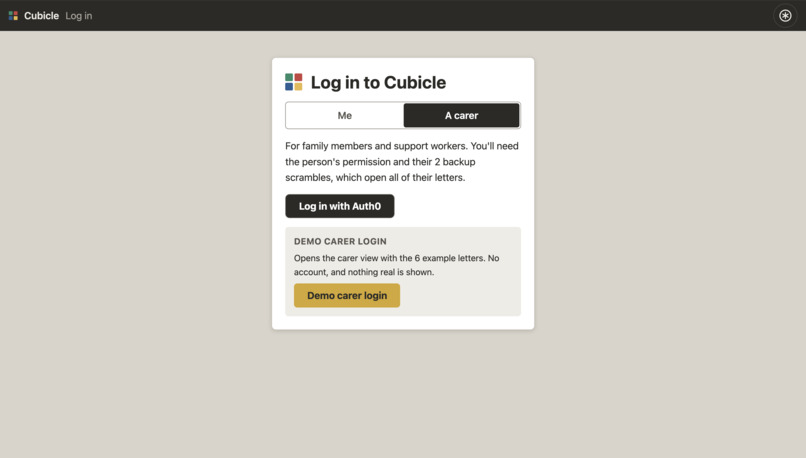
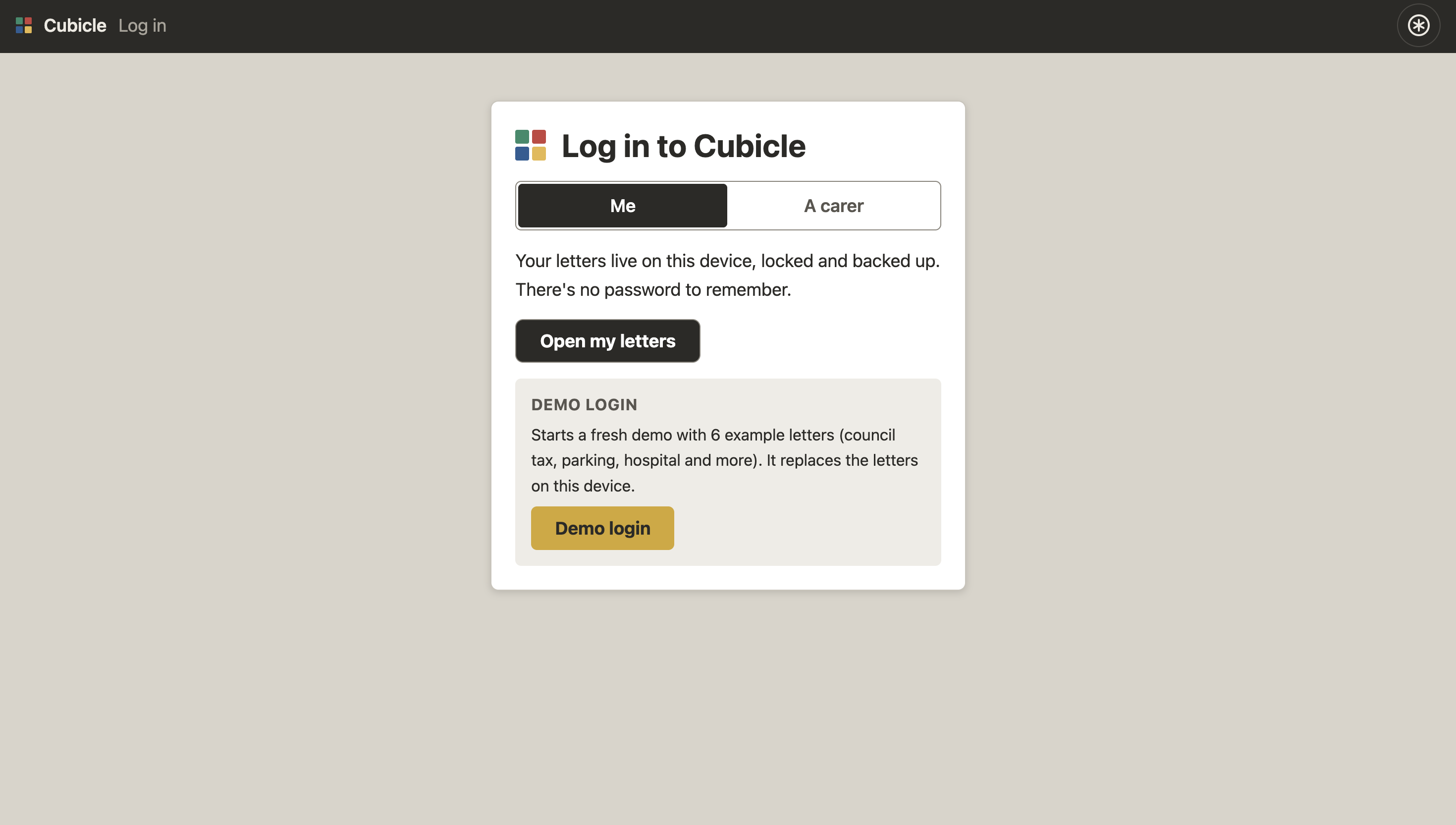
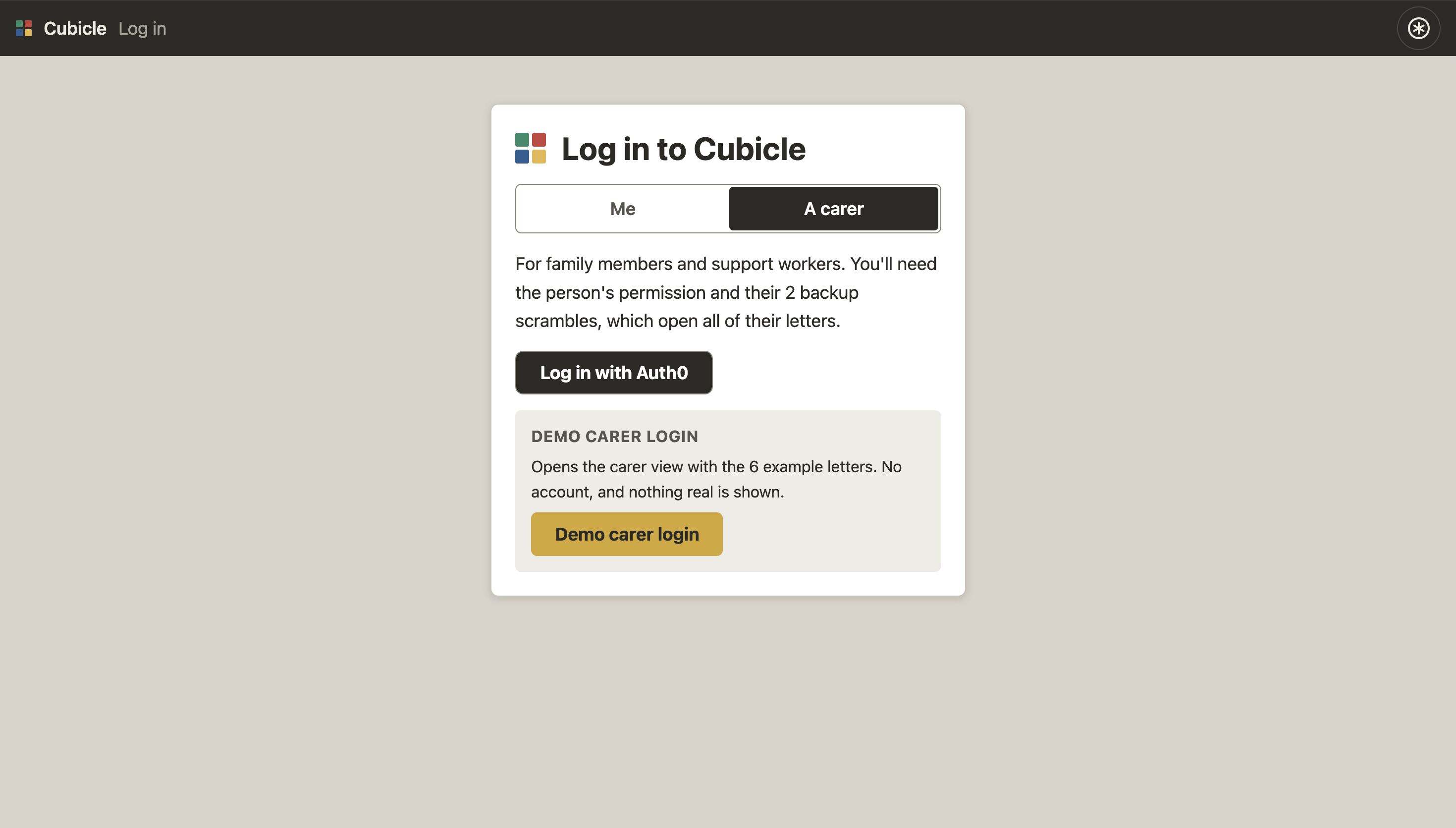
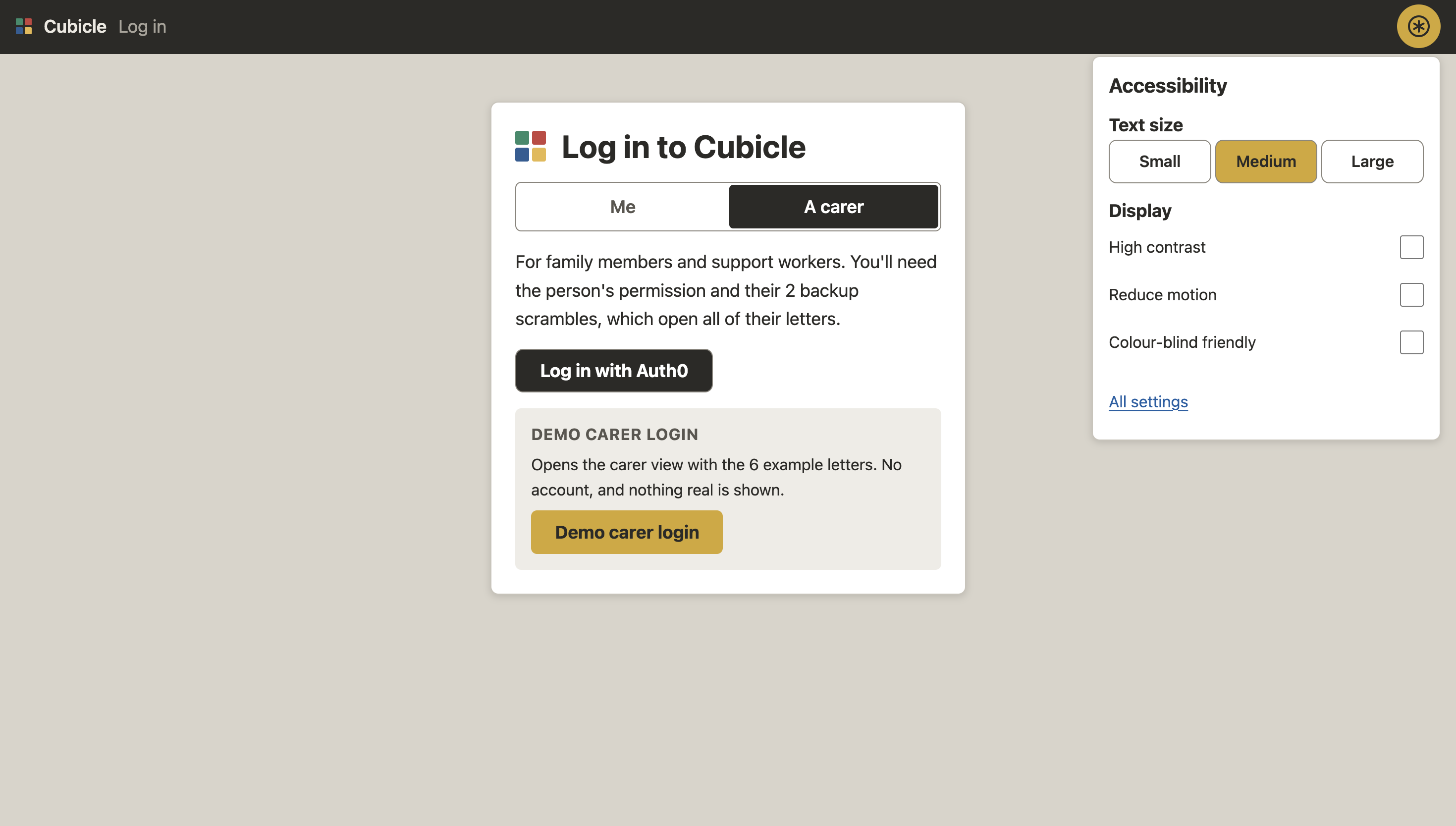
Log in as carer
-
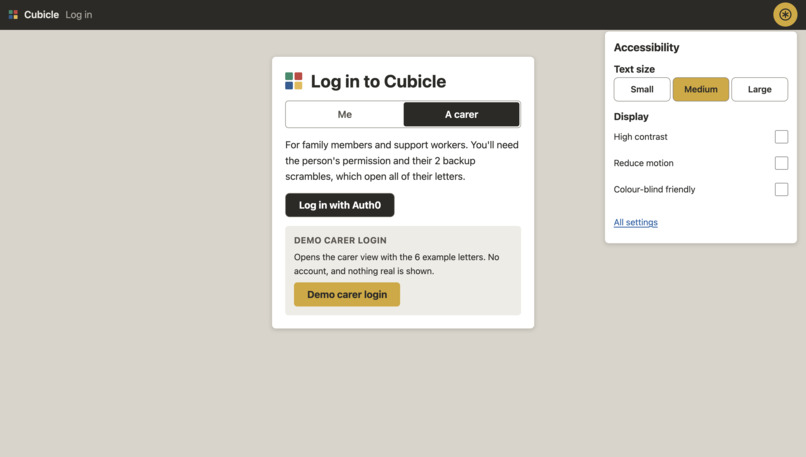
Accessibility
-
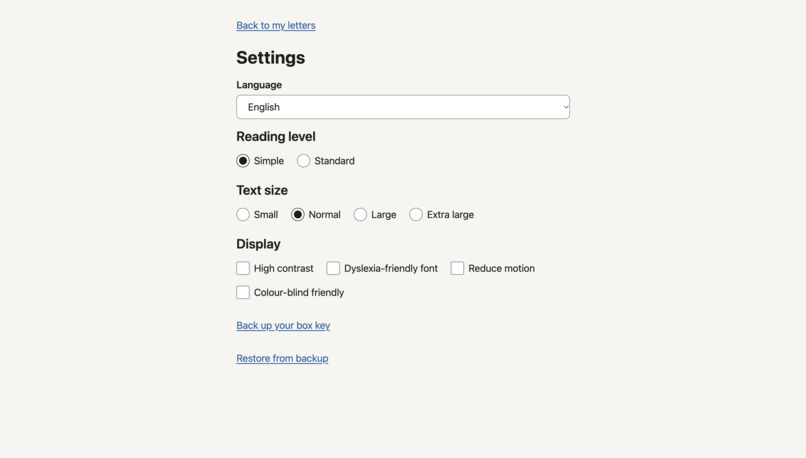
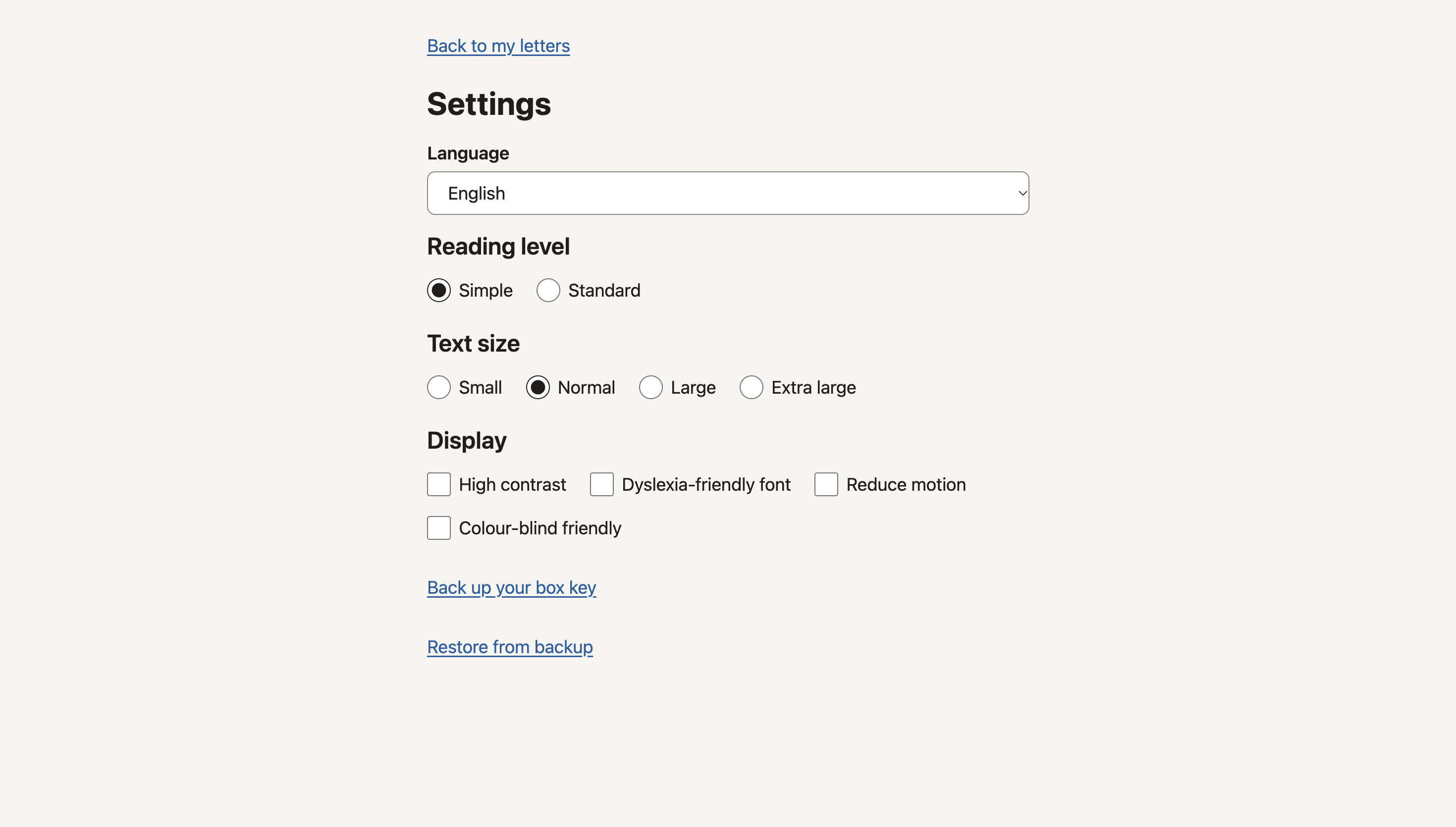
Settings
-
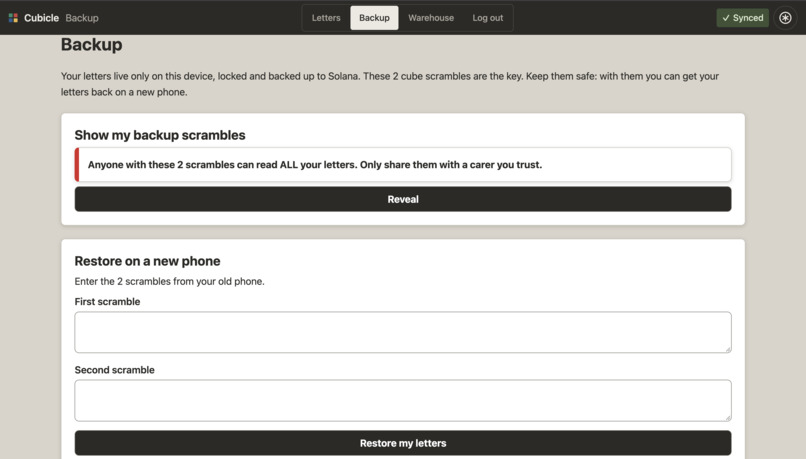
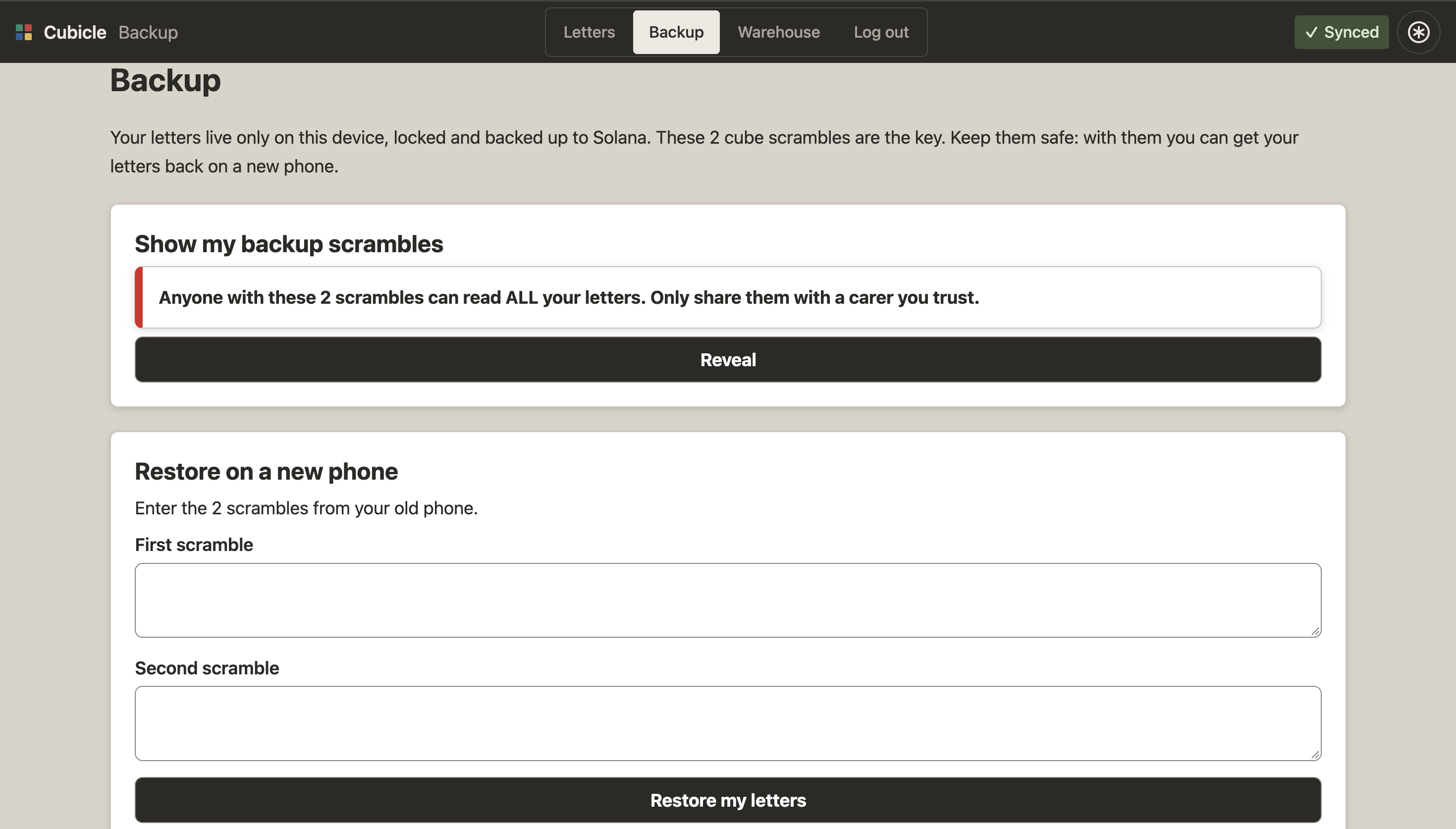
Backup
-
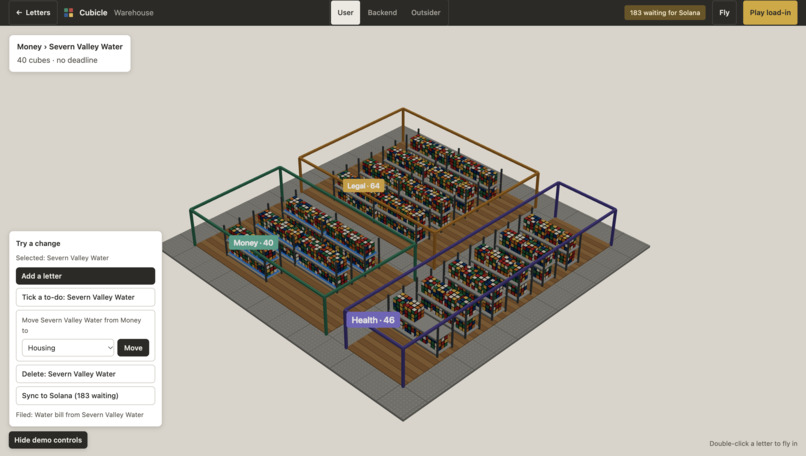
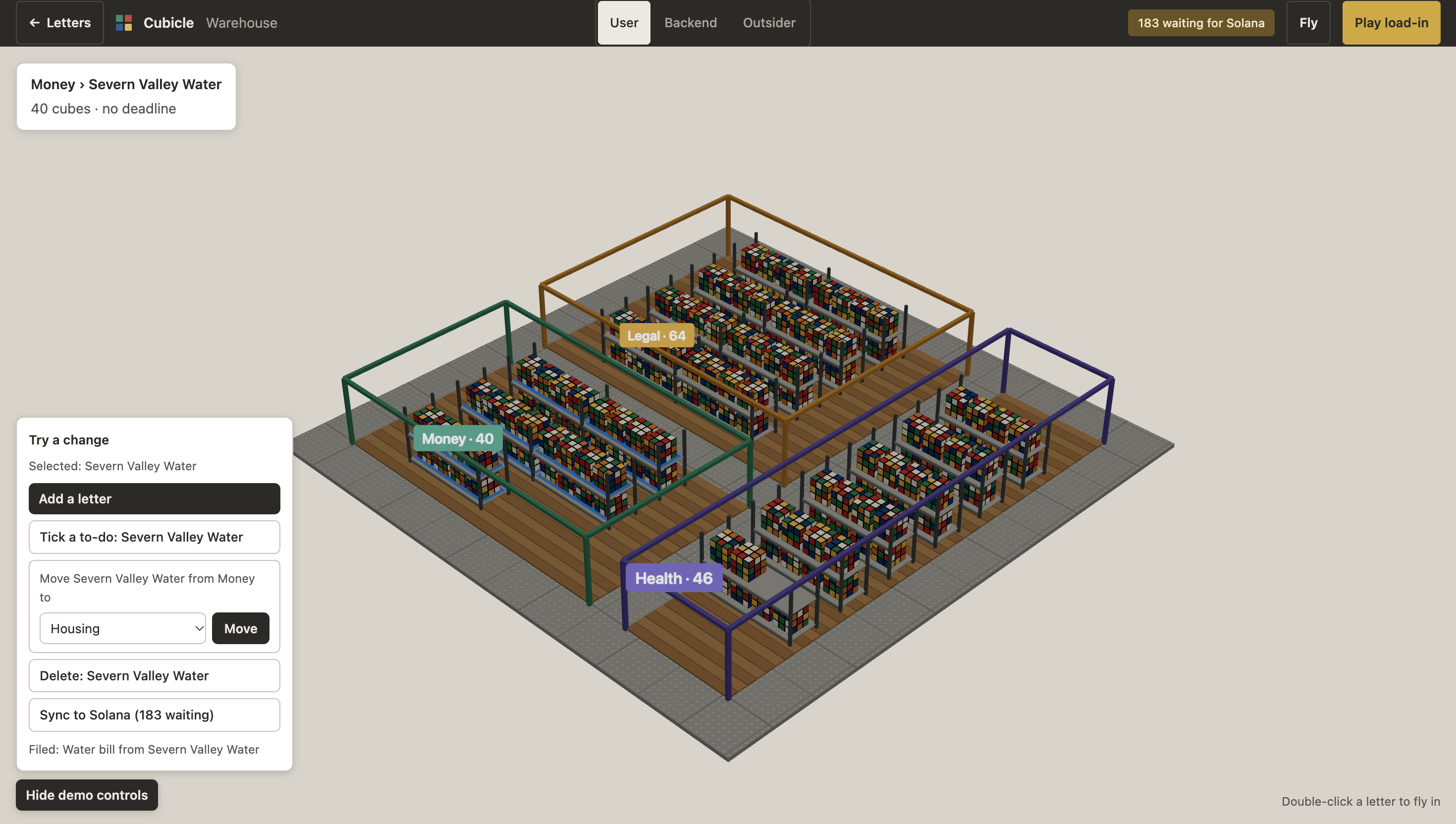
The warehouse
-
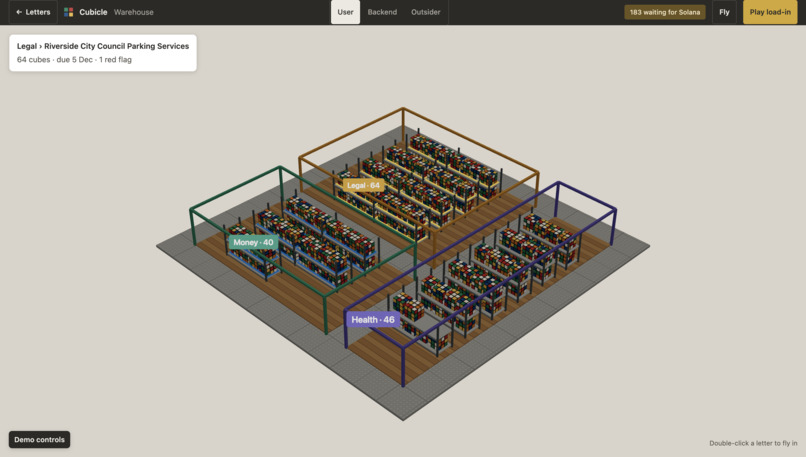
Selection
-
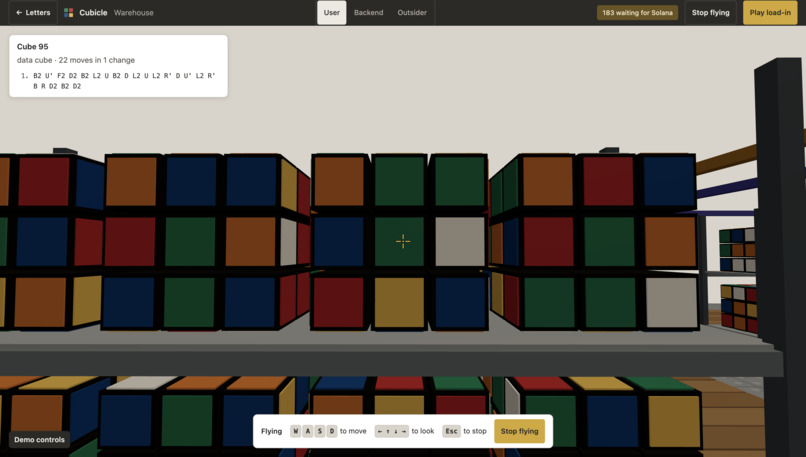
Flight mode
-
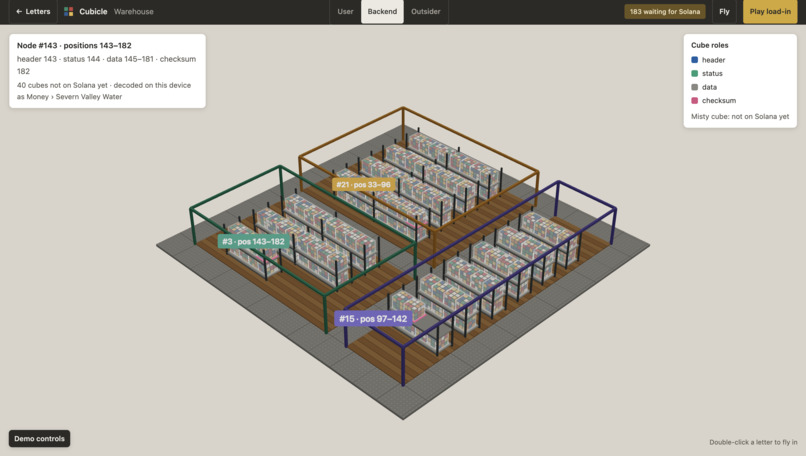
Backend view
-
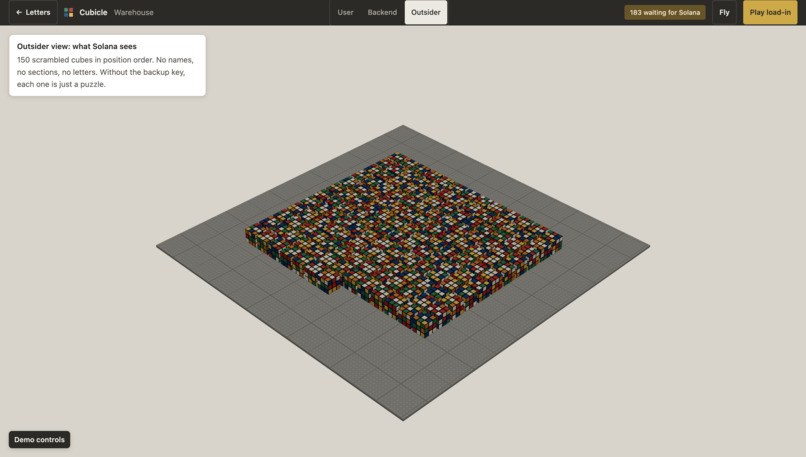
Outsider view
Inspiration
The most important letters in people's lives are often the hardest to read. A parking fine says "contravention" and "representations" instead of "you can challenge this". A council tax reminder hides the one date that matters in the third paragraph. A hospital letter tells you not to drive, in the small print.
For people with dyslexia, low literacy, sight loss or English as a second language, that small print can mean a fine doubling, a missed appointment or a lost right. Many rely on a family member or carer to read their post, which takes away their independence. And the letters pile up with no order, so they can't find them again when they need them.
We wanted one place where a letter goes in as a photo and comes out as something anyone can understand, act on and find again, without handing your private post to someone else's cloud.
What it does
Cubicle turns a photo of a letter into a plain-language explanation you can listen to, act on and find again, and keeps it encrypted on your own device.
- Scan. Take a photo of a letter, or upload a PDF (typed or scanned, several pages). With no signal, the photo waits in a queue and is processed when you're back online.
- Understand. AI reads the letter and writes a short summary in everyday words ("you", short sentences, no jargon). It pulls out:
- to-dos with their due dates, most urgent first
- forms to fill in or sign
- red flags: anything that gets worse if you miss a date, like a fine going up or losing a right
- the deadline and the right drawer (Money, Housing, Health, Legal or Other)
- Check. Every to-do and red flag keeps the exact sentence it came from, so you can see where it was said. A second AI pass removes anything the letter doesn't support, and marks anything uncertain.
- Approve. You review the result and can change the drawer or deadline before it's filed. Nothing is filed without you.
- Listen and search. Any letter can be read aloud. Ask out loud, "where's my parking fine?", and Cubicle finds it, highlights it and answers in one spoken sentence.
- Act. Tick off to-dos as you do them, and move letters between drawers. Deadlines in the next three days show in orange, and urgent or overdue ones in red.
Around that journey:
- Read it your way: text size, high contrast, a dyslexia-friendly font, colour-blind-friendly colours and reduced motion. Explanations can be in your own language, while quotes stay in the letter's original words.
- Your letters stay yours: they're stored as encrypted Rubik's cubes on your device, and backed up to the Solana blockchain where no one can read them without your key.
- Back up with two scrambles: your backup key is two Rubik's cube scrambles you can write down.
- Carers who can help: a carer logs in securely and opens your letters read-only from your two scrambles. They need both their own login and the scrambles you've given them, and nothing is saved on their device.
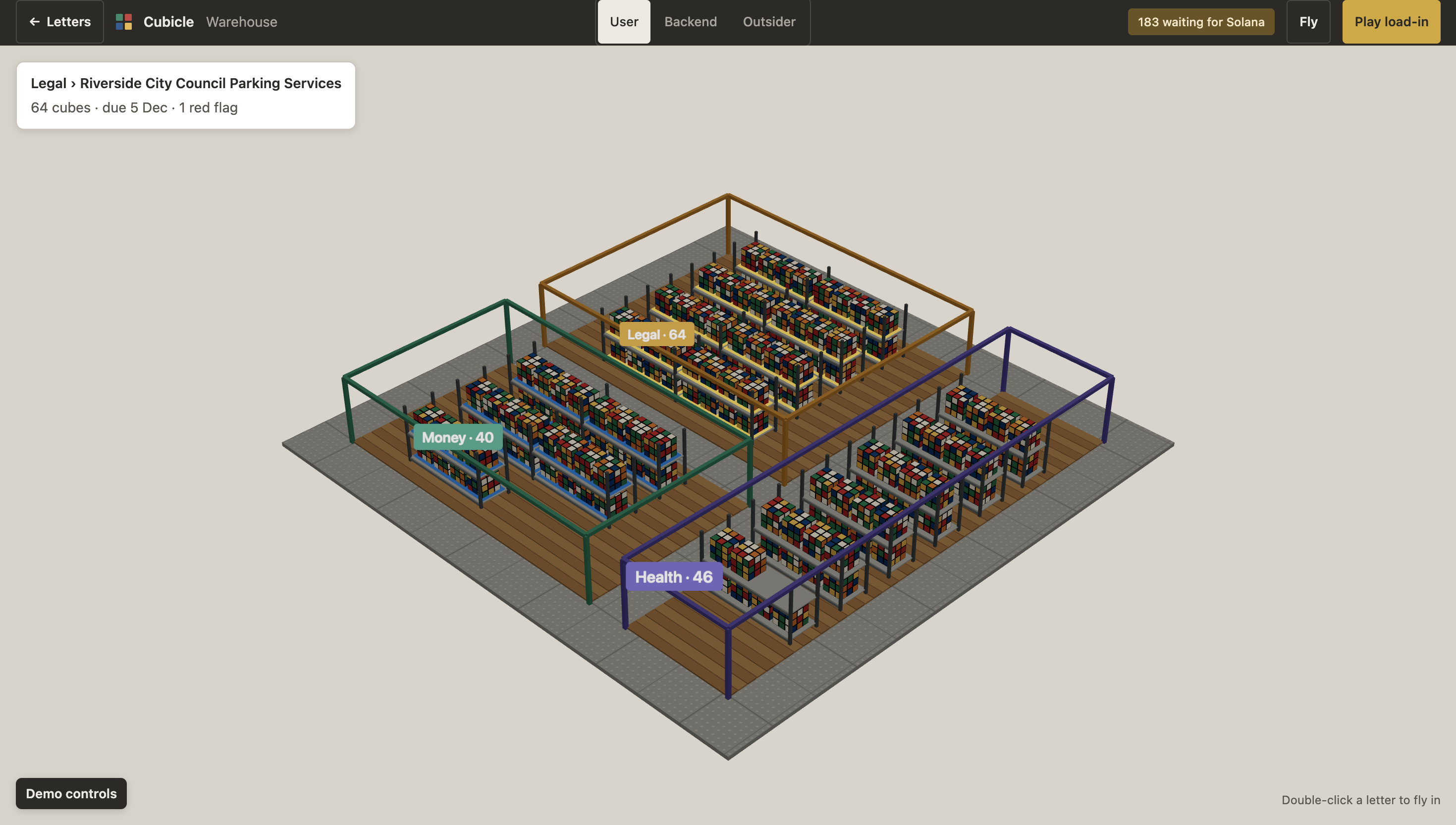
- The warehouse: a 3D view of your letters as cubes on warehouse shelves, with views for you, for the backend and for an outsider. You can even fly through it.
How Cubicle fits each challenge
Off the Grid
Cubicle is local-first: your letters live on your device, work without signal and never sit readable in anyone's cloud.
- Works offline. The app is installable and cached by a service worker (
app/sw.ts). Photos taken with no signal wait in a queue (lib/queue.ts) and are processed once you reconnect. - Your device holds the data. Letters are stored as cubes in the browser's own database (
lib/db.ts). The only key is on your device, never on our server or on Solana. - Backups you control. The Solana backup is append-only and unreadable without your key. Syncing queues up while you're offline and retries when you're back (
lib/cube/sync.ts). - Less of your attention. One photo, and the reading, sorting and reminding are done for you.
OpenAI Student Collective: AI for Everyday Access
Cubicle uses AI to remove an everyday barrier: understanding the official letters that decide fines, benefits, housing and health appointments.
- Plain language for real readers. The explainer is written for dyslexia, low literacy and English as a second language: at most 80 words, "you", short sentences, no jargon (
mastra/agents.ts). - Safe by design. Letters are treated as untrusted (they can't instruct the AI). Every to-do and red flag must quote the letter word for word. A checker agent removes anything unsupported and marks anything uncertain. It never gives legal advice, and a person approves before anything is filed (
mastra/workflow.ts). - Speech in and out. Voice search and read-aloud mean you never have to type or read if you'd rather not.
SWICS Most Inclusive Hack
Cubicle is built for the people official letters shut out, and lets each person read in the way that works for them.
- Accessibility settings: text size, high contrast, a dyslexia-friendly font, colour-blind-friendly colours and reduced motion (
components/home/AccessibilityPanel.tsx). - Readable by design: text colours are chosen to meet WCAG AA contrast, and colour is never the only signal; urgency always comes with words (
components/home/home.css). - Your own language: explanations in the language you choose, with quotes kept in the original so you can show the exact wording to someone.
- No typing or reading needed: ask out loud and hear the answer (ElevenLabs speech-to-text and text-to-speech).
- Independence with support: carers can help read-only, without taking over someone's post.
- The 3D view is accessible too: keyboard focus rings, a screen-reader list of every letter, and reduced motion respected (
components/wall/CubeWall.tsx).
Most Unique Tech Stack
Our database is made of Rubik's cubes, and every cube in the warehouse is the real data.
- Each cube stores 8 bytes. A Rubik's cube has about 43 quintillion arrangements (roughly 2^65), and we read each arrangement as one 64-bit number (
lib/cube/codec.ts). - Writing is twisting. Saving a letter means scrambling cubes into the right arrangements. Edits never overwrite: they add the moves from the old arrangement to the new one, so ticking a to-do twists one status cube.
- Encrypted twice. Every cube is masked with its own key, and letter contents are also locked with AES-GCM (
lib/cube/keys.ts,lib/cube/format.ts). - Backed up as moves on Solana, like
R U2 F', by our own Anchor program (anchor/programs/box_log). - Your backup key is two Rubik's cube scrambles, of at most 22 moves each (
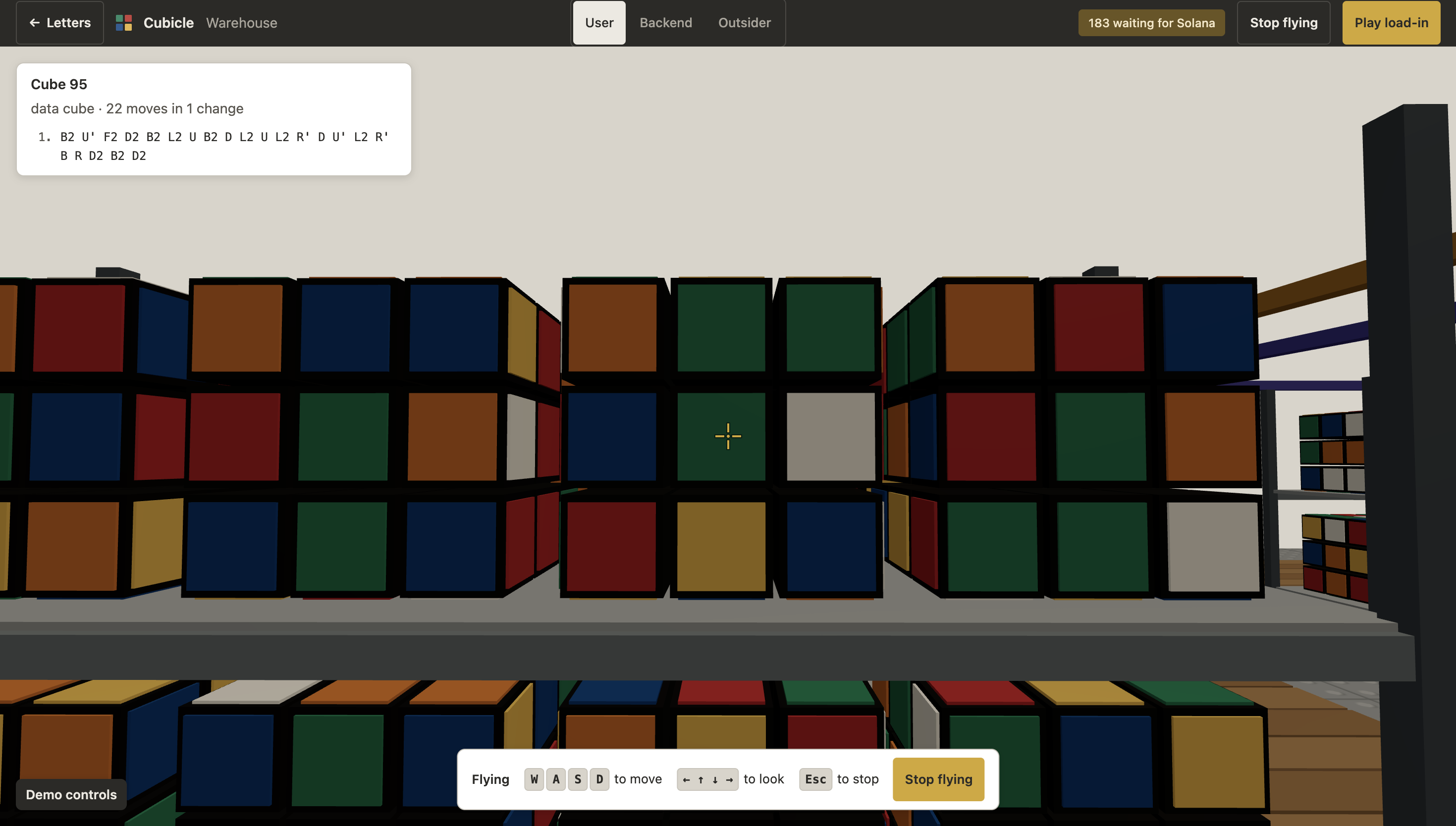
lib/cube/scrambles.ts). - You can see it. The 3D warehouse draws each cube's real arrangement from its moves. In flight mode, aim at any cube to see its position, its role and every set of moves in its history (
components/flight).
MLH tools
Gemini API
Gemini is the brain of the scan: it reads photos and PDFs of letters, including scanned and multi-page ones.
- Our default model is
google/gemini-3.5-flash-lite, set inmastra/generate.ts. - One multimodal step reads the image and extracts every date, amount, action, form, consequence and jargon term, with exact quotes (
mastra/agents.ts, the reader). - Two more Gemini passes turn that extract into plain language, then fact-check it against the extract.
- Only the first step ever sees the image. The later steps work from the extract alone, which keeps them grounded.
Mastra
Mastra runs the whole letter pipeline as a typed workflow with separate agents (mastra/workflow.ts, mastra/agents.ts).
- Steps: read → explain → check → approval → finalise.
- Human in the loop: the approval step waits for the person to confirm or correct the drawer and deadline before anything is filed.
- Separate agents: a reader, an explainer and a checker, each with its own instructions. A separate agent answers voice search questions (
mastra/ask.ts). - Guard rails in every agent: letters are untrusted data and can't instruct the AI, quotes must be word for word, and no legal advice.
- Privacy: the stored run for a letter is deleted once its answer is back.
ElevenLabs
ElevenLabs gives Cubicle a voice in both directions, for people who find reading or typing hard.
- Read aloud: any letter's explanation is spoken with text-to-speech, model
eleven_v4. Audio is cached by text, voice and language so repeats are instant (app/api/speak/route.ts). - Voice search: you ask a question out loud, Scribe (
scribe_v3) turns it into text (app/api/transcribe/route.ts), our ask agent finds the letter, and the answer is read back. - Shared setup lives in
lib/server/elevenlabs.ts. The app still builds and runs without a key, and speech says it isn't set up.
Auth0
Auth0 protects the one part of Cubicle where a second person is involved: the carer view.
- The person's own app stays account-free, because their letters never leave their device unencrypted. Carers log in with Auth0 at
/carer(lib/auth0.ts,proxy.ts,app/carer). - Auth0 only runs on its own login routes and
/carer, so the rest of the app never touches auth cookies. - After logging in, a carer enters the person's two backup scrambles to read their letters with them. The scrambles and letters live only in the page's memory: no local storage, cookies, address bar or logs.
- Logging out uses Auth0's logout, and the full page reload clears the letters from memory.
Vultr
Cubicle is deployed on Vultr so judges can try the live app.
- How it's hosted: [Rumen to fill in: the Vultr product and plan, how the app runs (for example
pnpm buildthenpnpm start), and how the server's secrets are set] - The server is also where the Solana sync runs (
app/api/sync/route.ts), so the wallet that pays for transactions stays on Vultr and never reaches anyone's browser.
Solana
Solana is Cubicle's off-device backup: an append-only, tamper-proof log of every cube's moves, readable only with the person's key.
- Our own program,
box_log, written in Rust with Anchor and deployed on devnet at2fcTBQbRMurzeYLBgB7yLk4YFLLzNSLUsabrpWGoyuzo(anchor/programs/box_log/src/lib.rs). - One account per box, found from a hash of the person's key (
boxHash), which reveals nothing about the key itself. - Each entry is just a cube position and its moves, like
R U2 F'. Each append also logs#<n> cube <position>: <moves>, so the explorer shows readable moves. - What's never on chain: no names, no words of any letter, no key.
- Automatic sync about 2 seconds after any change, with a queue and retries when offline or when Solana is slow (
lib/syncScheduler.ts,lib/cube/sync.ts). - Restore from the chain: with just the two scrambles, a carer or a new phone downloads the entries and rebuilds every letter (
lib/cube/restore.ts).
Entire
We used Entire from the start of the hackathon to keep our AI-assisted coding traceable in git.
- Entire is switched on for the whole repo (
.entire/settings.json, commit "Enable Entire"). Hooks for each coding agent we used live in.claude,.codex,.opencode/plugin,.agentsand.github/hooks. - It saves checkpoints of agent sessions as git refs next to our commits. With four people and several agents working in parallel, that let us see how each change was made.
How we built it
Cubicle is a Next.js 16 web app in TypeScript. The AI runs on the server; the letters, the key and the cube database live in the browser.
The path of one letter:
- The photo or PDF goes to
/api/scan, where the Mastra workflow runs the Gemini reader, explainer and checker. - The person approves the result in the app.
- The letter is compressed, encrypted and written into cubes in the browser's own database.
- The new moves sync through
/api/syncto our Solana program. - The home screen, the warehouse and voice search all read the letters back from the cubes.
The cube database (lib/cube):
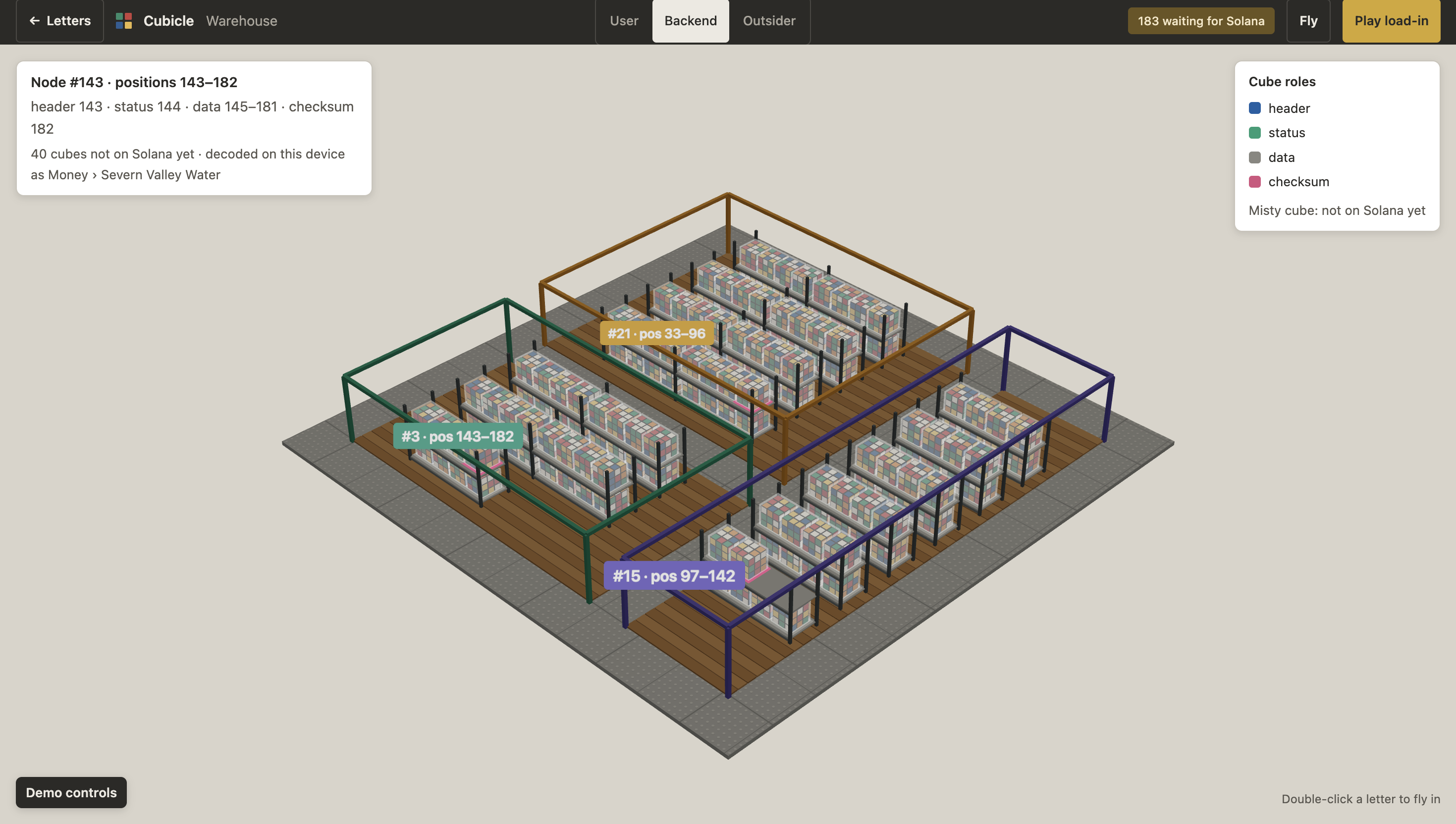
- A box is a list of cube positions. A folder or letter is a run of cubes next to each other: a header (kind, parent folder, size), a status cube for letters (read, archived, and up to 56 to-do ticks), the data cubes, and a checksum cube.
- Each cube holds 8 bytes, set by its arrangement. Positions are 16-bit, so a box holds up to 65,535 cubes, about 512 KB.
- One 16-byte key makes everything else with HMAC-SHA256: the AES-GCM key for letter contents, a different 8-byte mask for every position, a check value for spotting a wrong key, and the box's ID on Solana.
- A cube solver runs in a web worker to turn bytes into move sequences and back (
lib/cube/solver.worker.ts). - A typical letter takes about 35 to 80 cubes. The photo itself is never stored: a 3 MB photo would need around 375,000 cubes.
The 3D warehouse (components/wall, components/flight):
- Built with React Three Fiber. Every cube is a real 3×3 cube of 26 pieces, drawn with instanced meshes so hundreds of cubes stay smooth, and its stickers come from replaying its actual moves.
- Drawers become colour-coded sections, packed like WizTree's treemap (d3-hierarchy) with equal gaps, on modular two-high shelving that grows as letters arrive.
- A 10-second load-in builds the sections, raises the shelves, drops the cubes in solved, then scrambles them: the encryption, made visible.
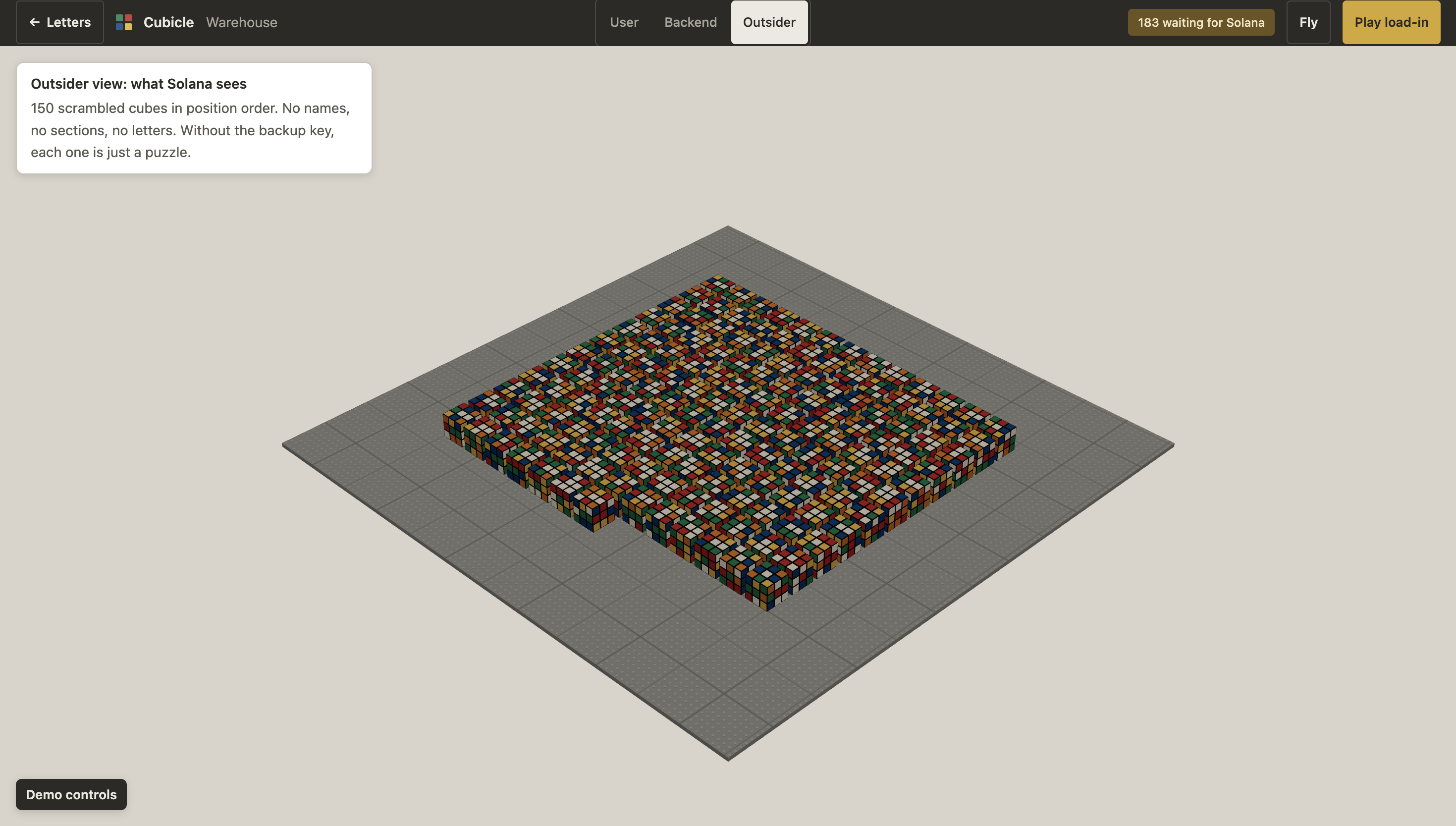
- Three views: User (your drawers and letters), Backend (cube roles and positions) and Outsider (only what Solana sees). Flight mode lets you fly between the shelves and aim at single cubes.
Also in the stack: Dexie for IndexedDB, fflate for compression, the Web Crypto API, Serwist for the offline service worker, cubejs, @solana/web3.js, Auth0's Next.js SDK, the ElevenLabs SDK, and Vitest for tests.
Challenges we ran into
- Our Solana program ran out of memory at about 150 entries. Reading the whole log as an Anchor account copied it onto the program's 32 KB heap, and growing it doubled the copy. We rewrote
appendto work on raw bytes, so boxes can keep growing. - Transactions landed, but the app never heard back. Confirmations over WebSockets kept failing on the venue Wi-Fi, so syncs hung even though the explorer showed them succeeding. We switched to polling for confirmation, and a sync now takes about 15 seconds.
- Every byte costs a cube. Labels, IDs and encryption mean even an empty letter takes 26 cubes. We compress every letter, and tell the AI that output is stored compactly, to keep a typical letter under 80 cubes.
- The AI missed sneaky consequences. "Reduced to £35 if paid within 14 days" means it goes up afterwards, but early versions didn't flag that as a warning. We added an explicit rule to the reader so price rises for late payment always become red flags.
- Hundreds of 3D cubes. Our first warehouse drew a new texture for every cube at every step, and it glitched and went black. We rebuilt each cube from 26 instanced pieces, which made it smooth.
- Four people, one repo, 24 hours. Merge conflicts in the package files, and a site-wide style that squashed the warehouse into a narrow column. We also had a delete that looked like it removed the wrong letter, because the shelves refilled. Now the other cubes stay where they are.
Accomplishments that we're proud of
- The full loop works end to end: photo, plain explanation, approval, encrypted cubes, Solana backup, then a full restore on another device from just two scrambles.
- A database you can see. Every cube in the warehouse is real stored data, drawn from its actual moves, and you can fly up to one and read its history.
- Accessibility as the starting point, not an add-on: plain language, speech in and out, five display settings and a fully keyboard and screen-reader friendly 3D view.
- AI with guard rails: word-for-word quotes, a fact-checking pass, uncertainty flags, no legal advice and a human approving every letter.
- It works off the grid: offline scanning queue, local storage and sync that catches up by itself.
What we learned
- A Rubik's cube is a surprisingly good storage unit: 43 quintillion arrangements fit 64 bits, with room to spare for spotting corruption.
- On-chain programs have tight memory limits, so data structures that grow need raw-byte handling from the start.
- Small details decide whether AI is safe to rely on: making it quote its source changes what it dares to say.
- How to split one product across four people: shared types and fake data first, so everyone could build before the real pieces existed.
What's next for Cubicle
- Shrink every letter by a third. A shared compression dictionary, built into the app, cuts a typical letter by 30 to 42% and an empty letter from 26 cubes to 14. We've measured it, but not yet shipped it.
- Reminders before each deadline, by notification or a phone call read out by ElevenLabs.
- More languages and reading levels, chosen per letter.
- Carer permissions with invites and an access log, so people can see who opened their letters and when.
- Solana mainnet, once the costs per cube are tuned.