Inspiration
I have always liked the idea of making complicated things easier to understand through software. A Rubik’s Cube is a good example. You can find many solutions online, but most of them still require users to understand cube notation or follow a video carefully.
I wanted to build something more interactive. Instead of just telling the user which moves to make, CubeKing 3D shows the cube in 3D and guides the user through the solution.
That became the idea behind CubeKing 3D.
The Project
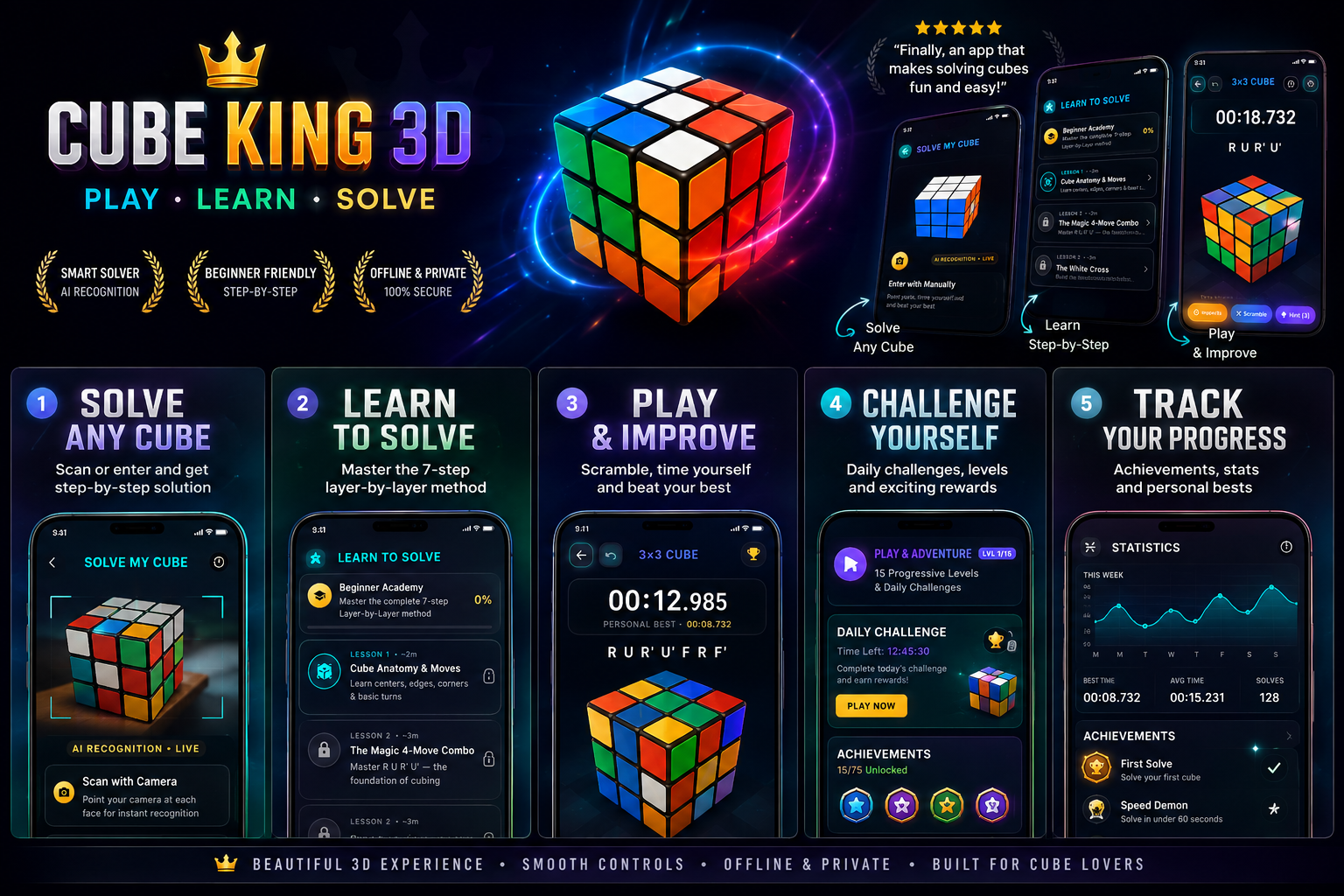
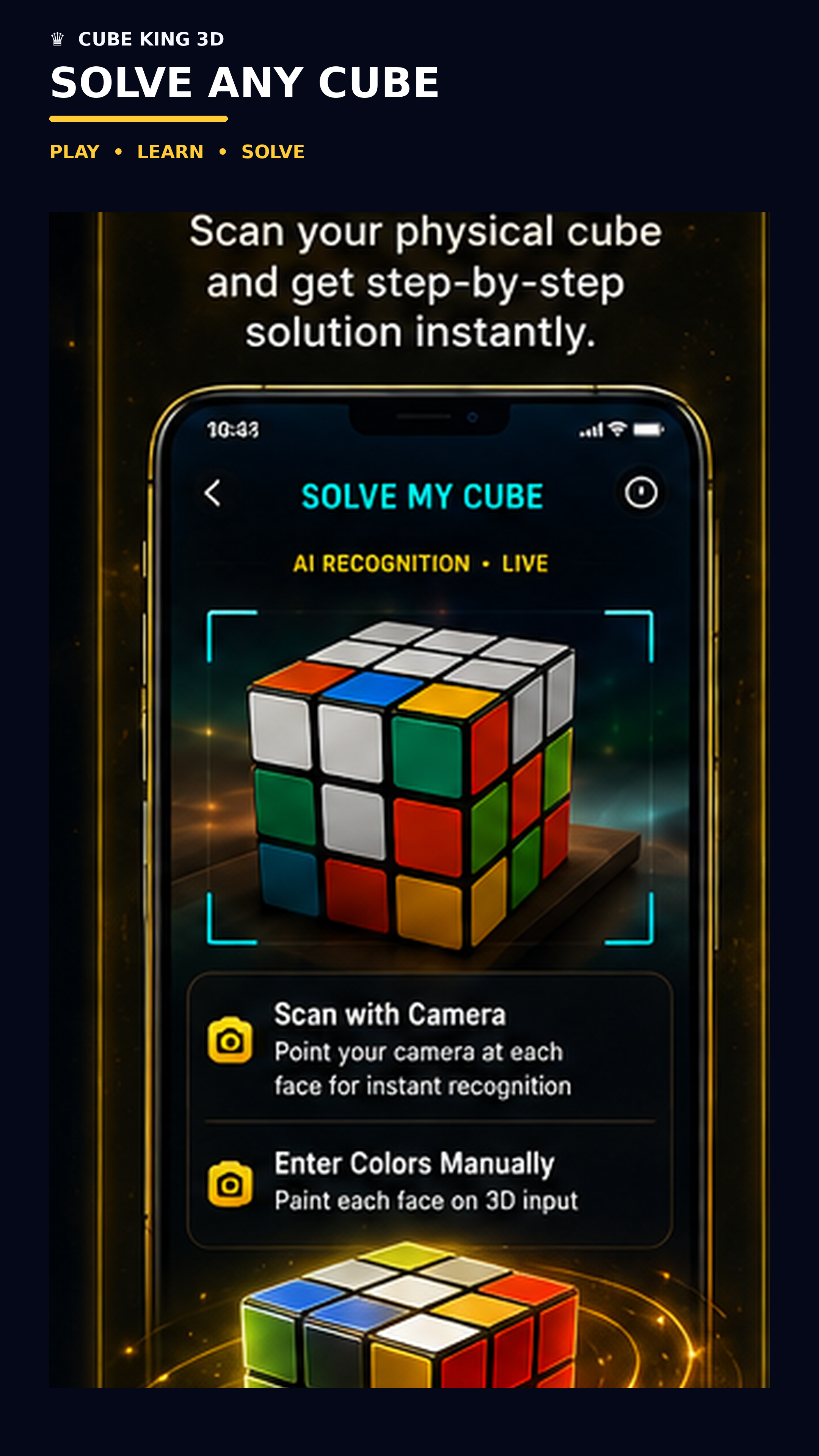
CubeKing 3D is a mobile Rubik’s Cube solver and learning tool. Users can work with an interactive 3D cube, enter or scan their cube, generate a solution, and follow the solution step by step.
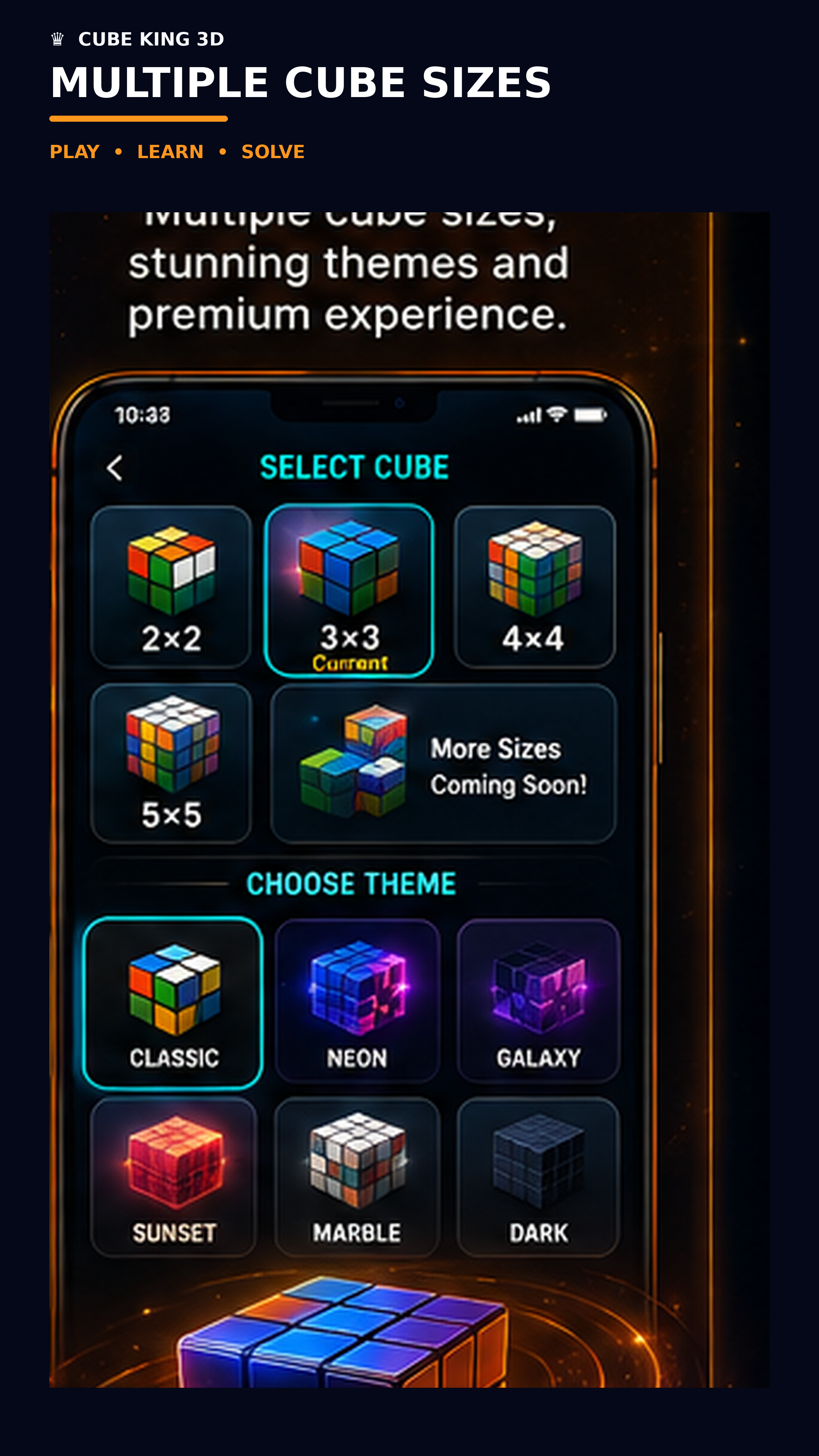
The app currently supports different cube sizes, including 2×2, 3×3, 4×4 and 5×5. It also includes cube customization and other tools that make the app useful for both beginners and people who already know how to solve cubes.
The main focus was to make the experience visual. When the app tells you to make a move, you can see that move happen on the 3D cube instead of having to understand a sequence of letters and symbols.
Building the App
CubeKing 3D was built with Flutter. I worked on the cube logic, 3D interaction, solving flow, animations, camera-related features, and the overall mobile experience.
One of the more interesting parts was keeping the cube's internal state and the 3D representation synchronized. Every move has to update the actual cube state correctly while also being reflected visually on screen.
I also integrated RevenueCat to handle the app's premium features and in-app purchases. This was an important part of the project because I wanted to build something that could work as a real consumer app rather than only as a technical demo.
Challenges
The biggest challenge was the 3D cube.
It is relatively easy to display a cube on screen, but making it behave like a real Rubik's Cube is much more complicated. Rotations, individual pieces, cube state, animations and user interaction all need to stay synchronized.
Supporting different cube sizes also made the solving and rendering logic more challenging.
Another challenge was deciding how to structure the premium features. I wanted the free version to remain useful while giving users a reason to upgrade. RevenueCat made it much easier to manage the purchase and entitlement side of this.
What I Learned
The biggest thing I learned from this project is that solving the technical problem is only one part of building an app.
The solver can produce the correct answer, but if the user cannot understand what to do next, the app is not very useful. The 3D visualization and step-by-step experience became just as important as the solving logic itself.
I also learned more about building a proper mobile product around in-app purchases, including how premium features should fit into the overall user experience.
What's Next
There is still a lot I want to improve in CubeKing 3D. I want to continue improving cube scanning, solving accuracy, animations and the learning experience.
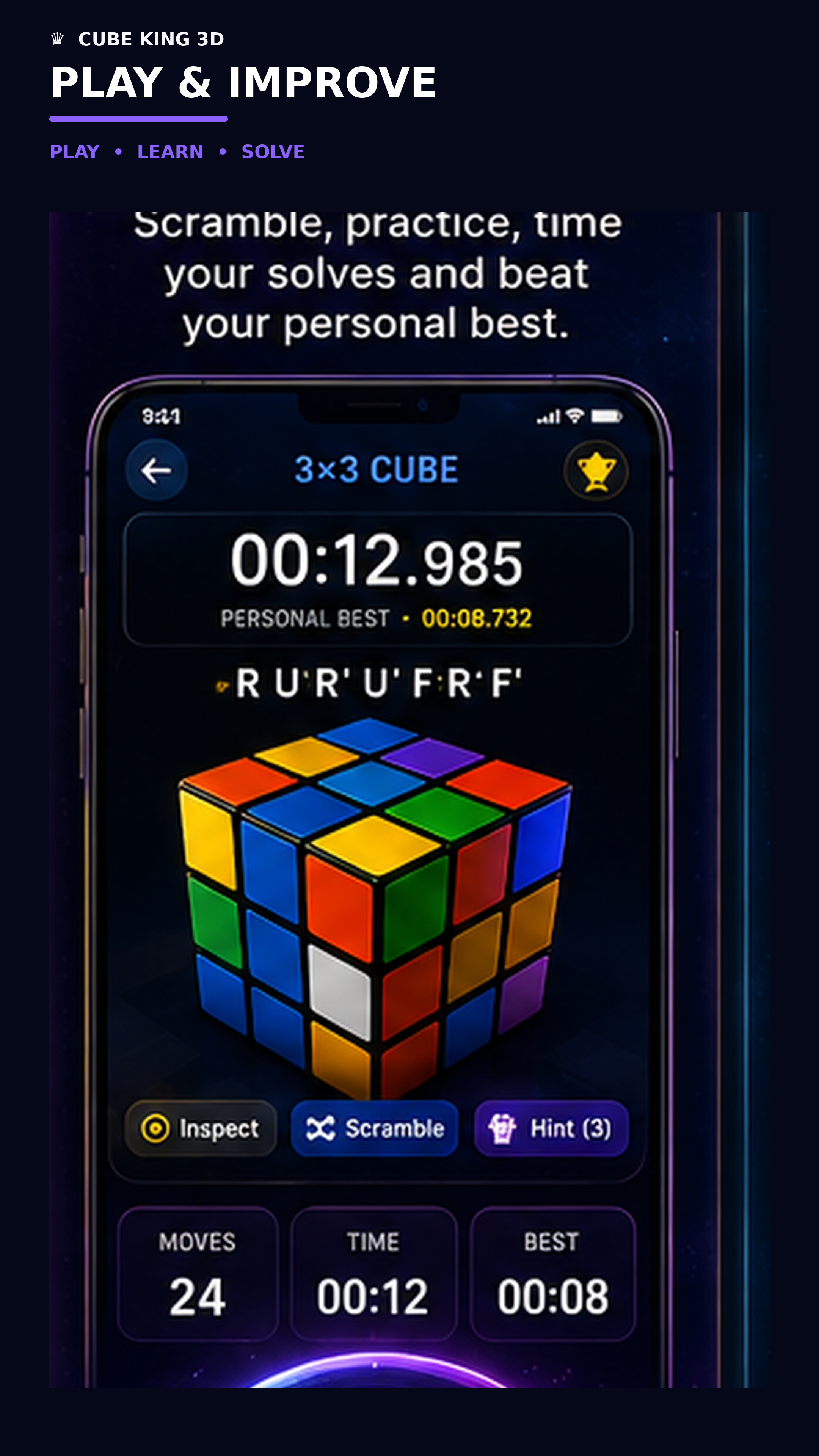
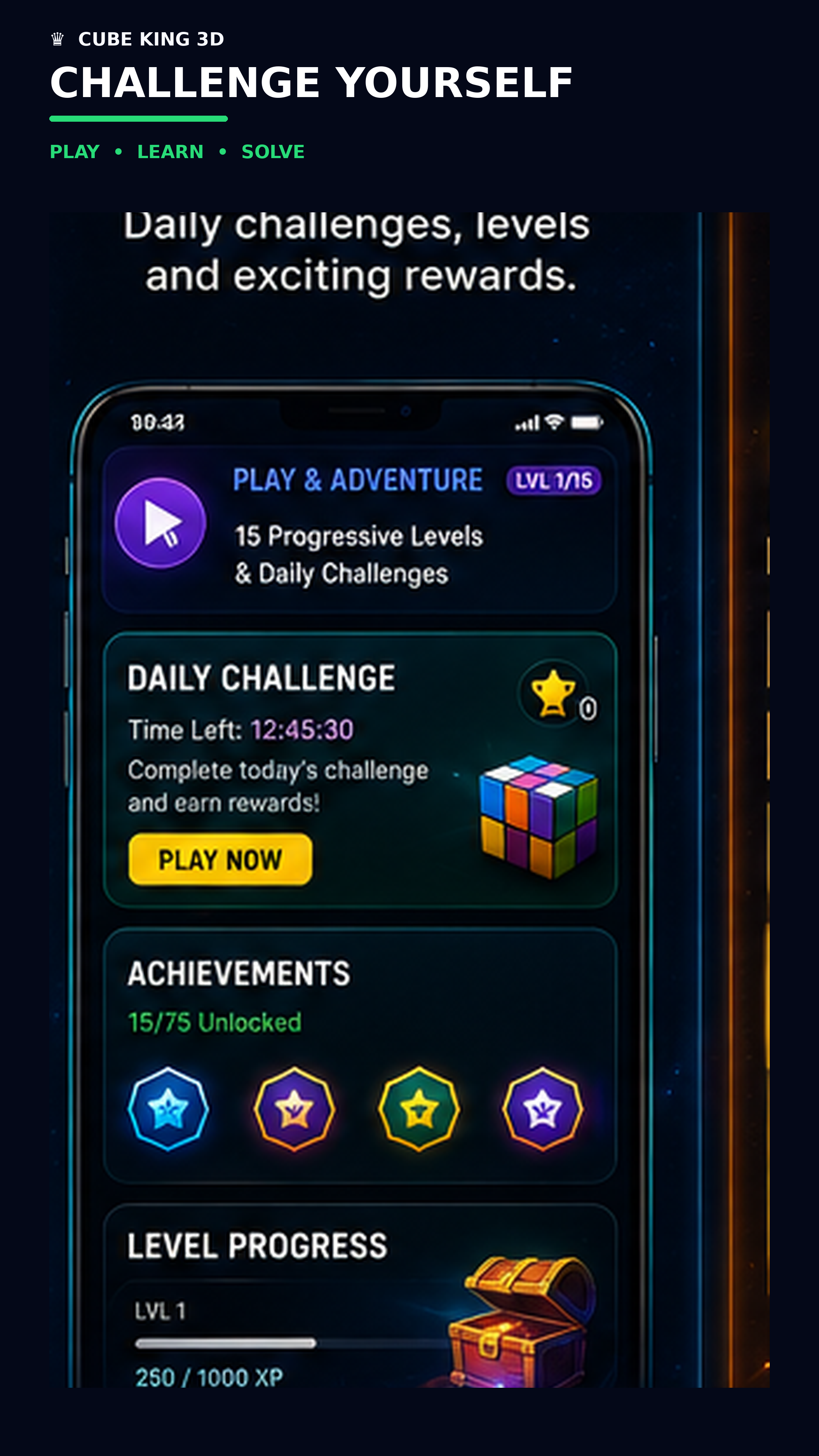
I also want to add more features for people who are interested in speedcubing, such as better timing, statistics, challenges and more advanced learning tools.
The goal is to make CubeKing 3D more than just a solver. I want it to become a simple and useful companion for anyone who wants to learn and get better at solving cubes.

Log in or sign up for Devpost to join the conversation.