-
-
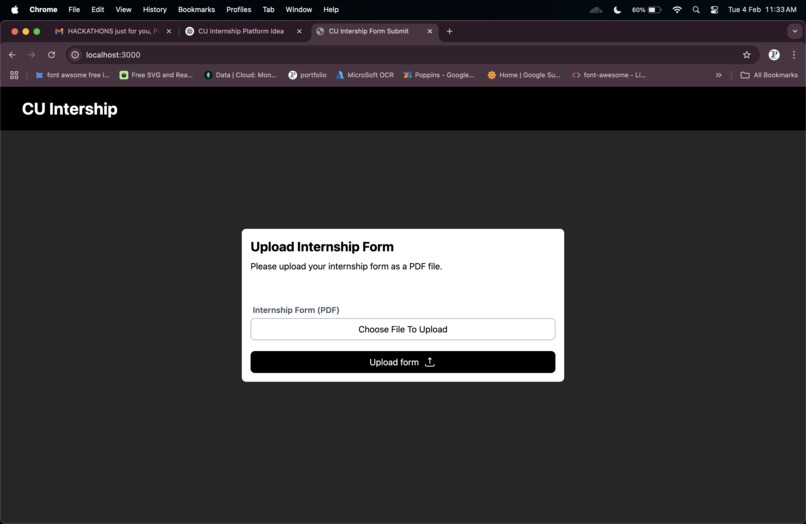
user-friendly frontend for file upload
-
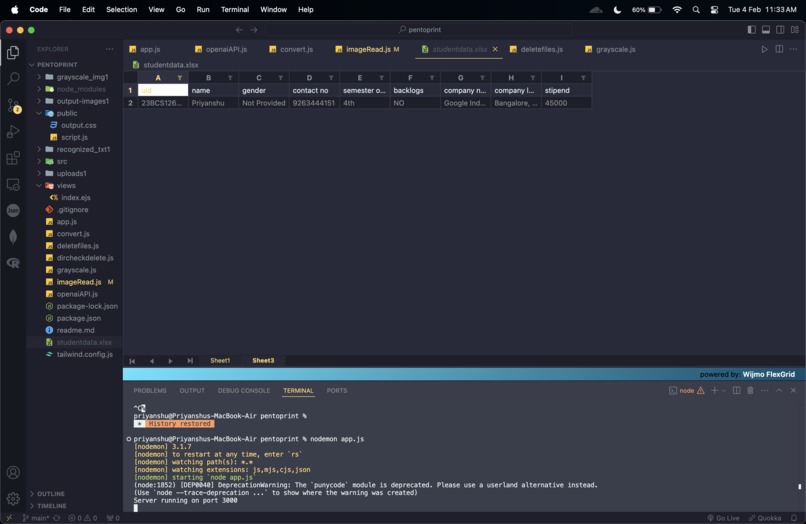
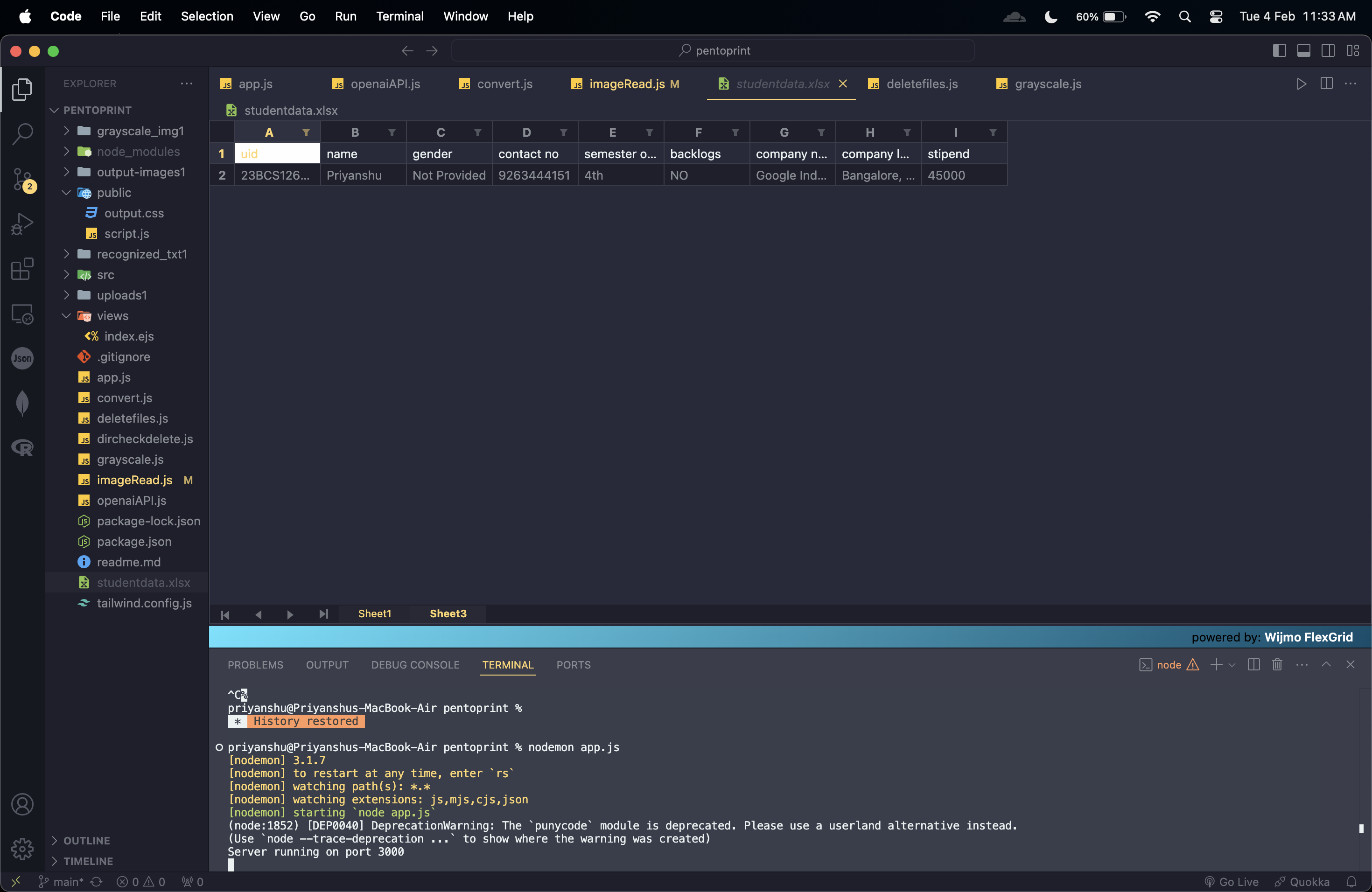
excel extracted data
-
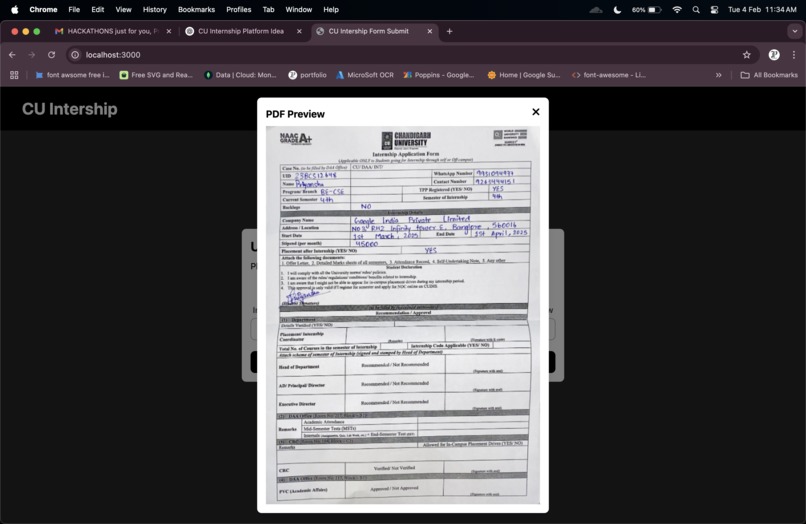
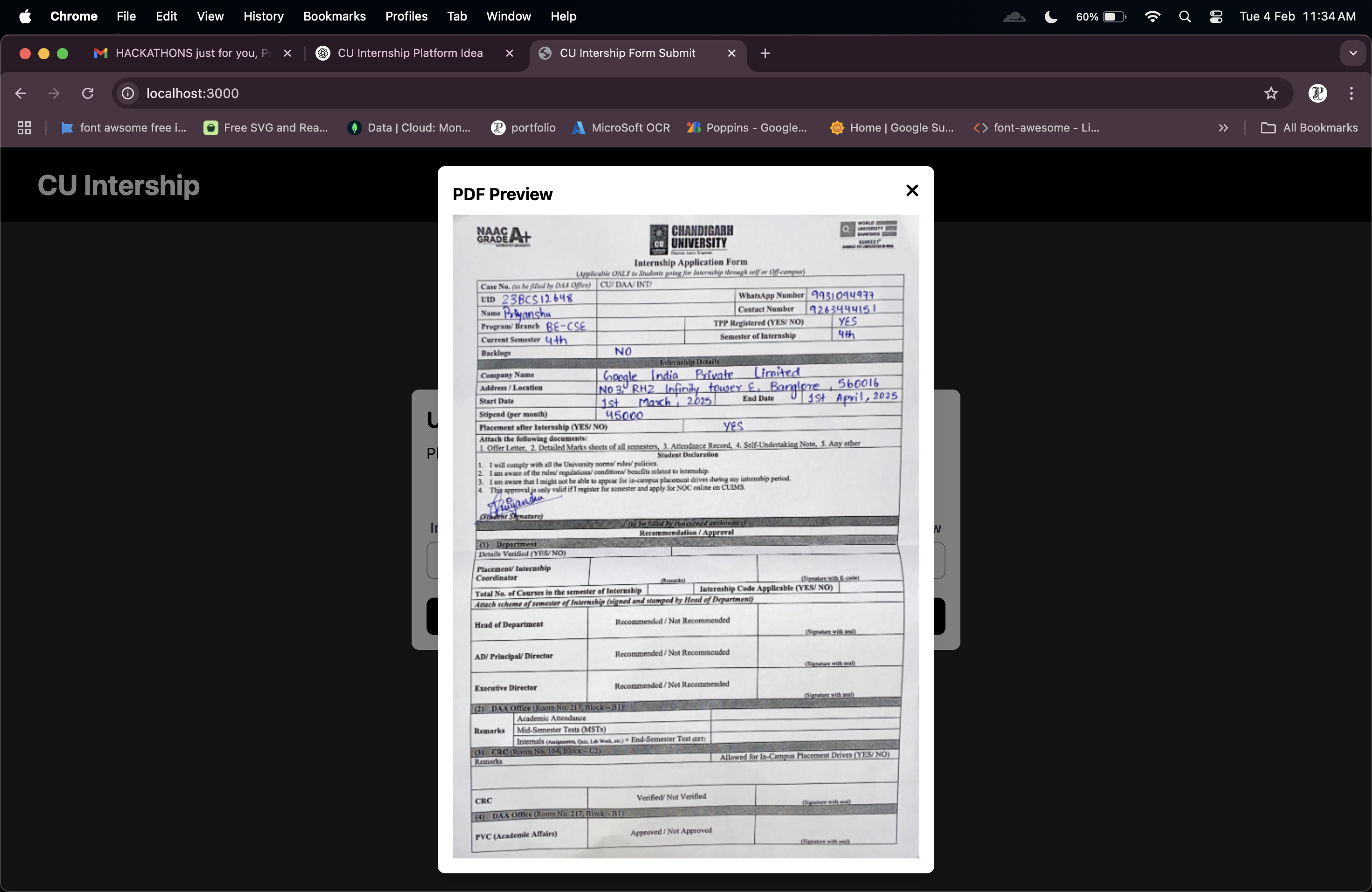
pdf preview after the file has been uploaded
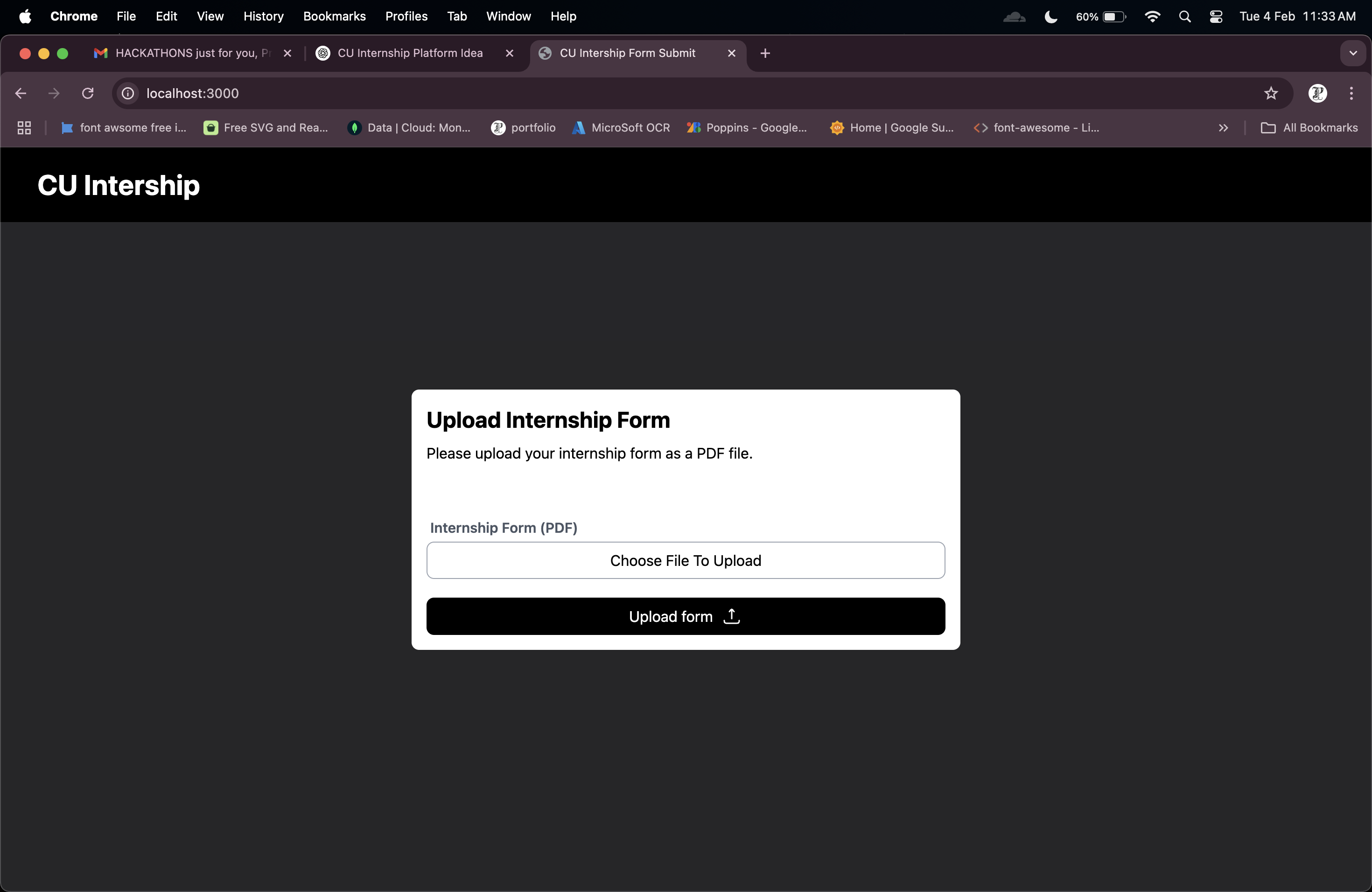
CU Internship PDF Scan using OCR
Inspiration
Managing internship forms manually is time-consuming. Automating data extraction can save effort and reduce errors.
What it does
It allows CU students to upload internship forms, extracts key details using OCR, and saves them in an Excel file.
How I built it
- Used PDF processing to convert documents into images.
- Applied OCR (Optical Character Recognition) for text extraction.
- Processed and mapped extracted data into an Excel file.
Technologies Used
- HTML5 for structuring the frontend.
- Tailwind CSS for styling and responsiveness.
- JavaScript for client-side interactions.
- Node.js & Express.js for backend processing.
- API integration for efficient data handling and communication.
Challenges I ran into
- Handling different PDF formats and layouts.
- Improving OCR accuracy for better text recognition.
- Ensuring correct data mapping to structured fields.
Accomplishments that I'm proud of
- Successfully automated form scanning and data extraction.
- Improved OCR accuracy through image preprocessing techniques.
- Built an efficient and scalable pipeline for document processing.
What I learned
- OCR implementation using Tesseract and other libraries.
- Techniques for PDF to image conversion and grayscale preprocessing.
- Optimizing data extraction and formatting results for structured storage.
What's next for CU Internship PDF Scan using OCR
- Enhancing OCR accuracy with AI-based text recognition.
- Adding a data validation layer to improve reliability.
- Integrating with CU's internship portal for seamless automation.
Built With
- api
- express.js
- html5
- javascript
- node.js
- tailwind

Log in or sign up for Devpost to join the conversation.