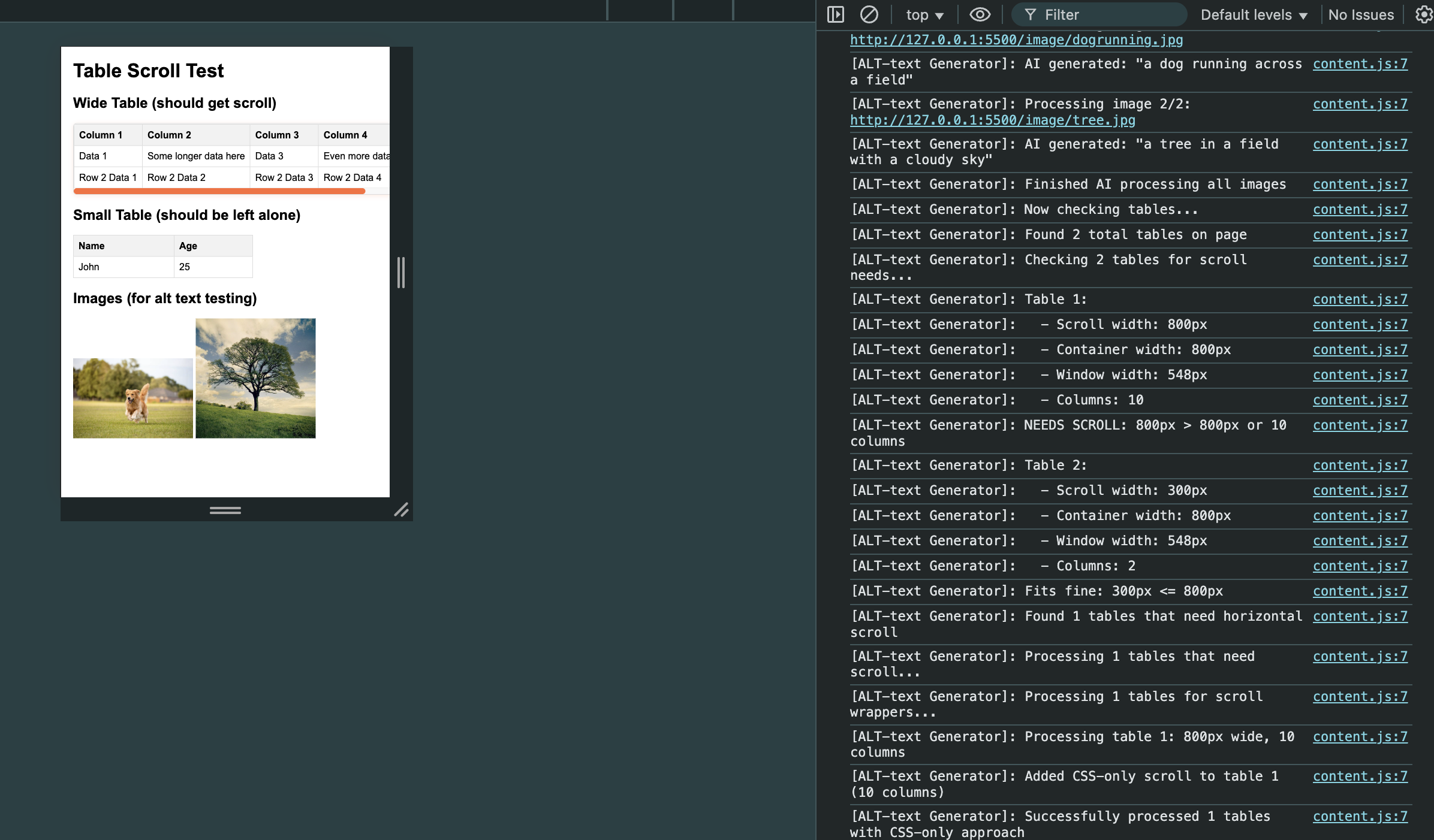
This is a browser extension that when applied to a website finds all images that do not contain alt-text, generates suitable alt-text descriptions using AI and displays them. Alt-text is important so that visually impaired users are able to use screen readers or other such technologies so that they can get an accurate description of any image displayed on websites.
The browser extension is developed in JavaScript, with html and css pages used to create and style the extension’s popup. Alt-text descriptions for the images are sent to a back-end AI server developed in Python.
Ideally the alt-text would be developed also in JavaScript and interact directly with the DOM, but we faced issues with Chrome’s security privacies blocking our scripts so had to adapt and make a Python back-end instead.
Installation Instructions The browser extension is currently configured to be run on chrome locally through its Chrome Developer tool, which allows the user who has the file to add the extension to their chrome. To do this they should download the src files, go to the chrome extensions tab and click ‘load an unpacked extension’, selecting to upload these files. Then the extension should be added to the user’s chrome.
Demo Instructions After the extension has been installed, simply visit any webpage and activate the extension. Our extension will go through the images, highlighting the images it is changing and then display all images in the popup with their new alt text.
Contributors Arad Joliny, Catherine Currie, Amy Easson, Eva Tisch

Log in or sign up for Devpost to join the conversation.