-
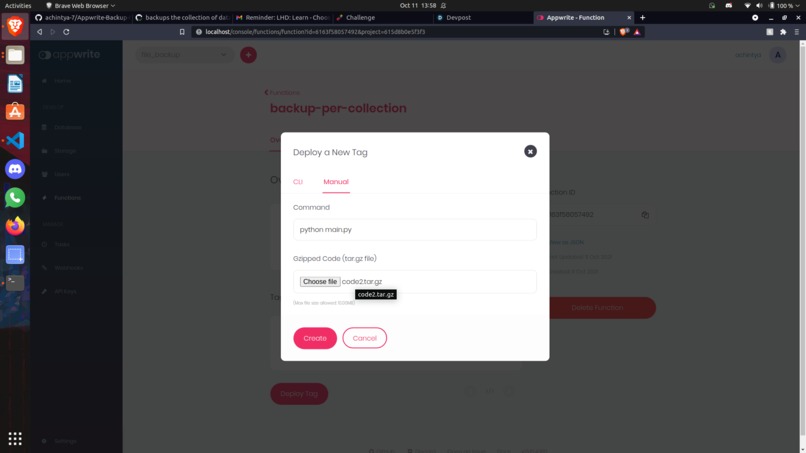
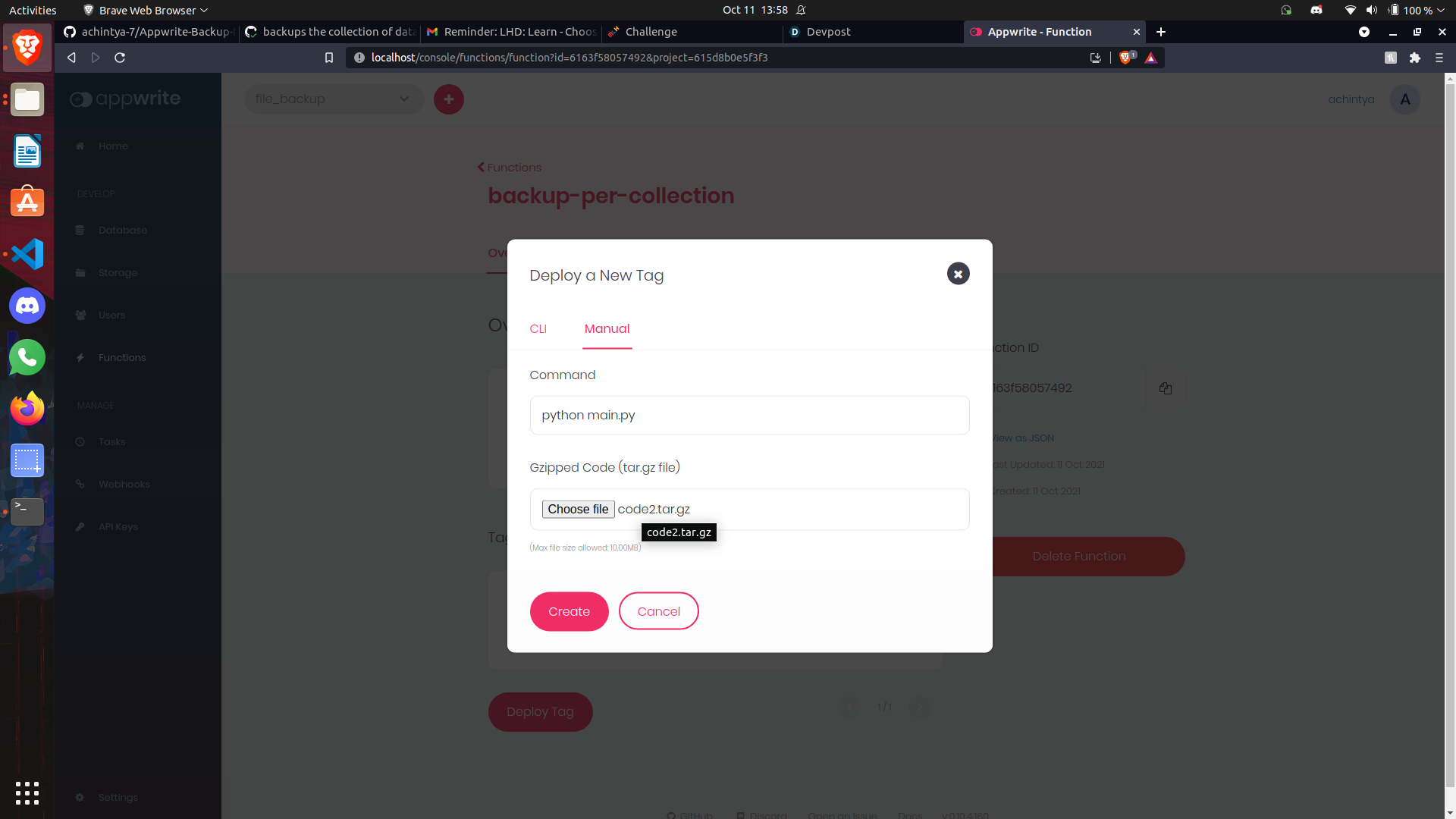
Firstly upload the tarfile and write the execution command as python main.py
-
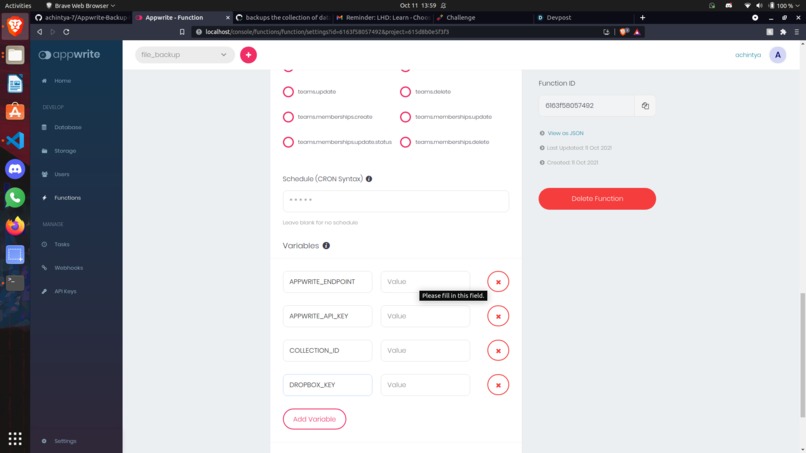
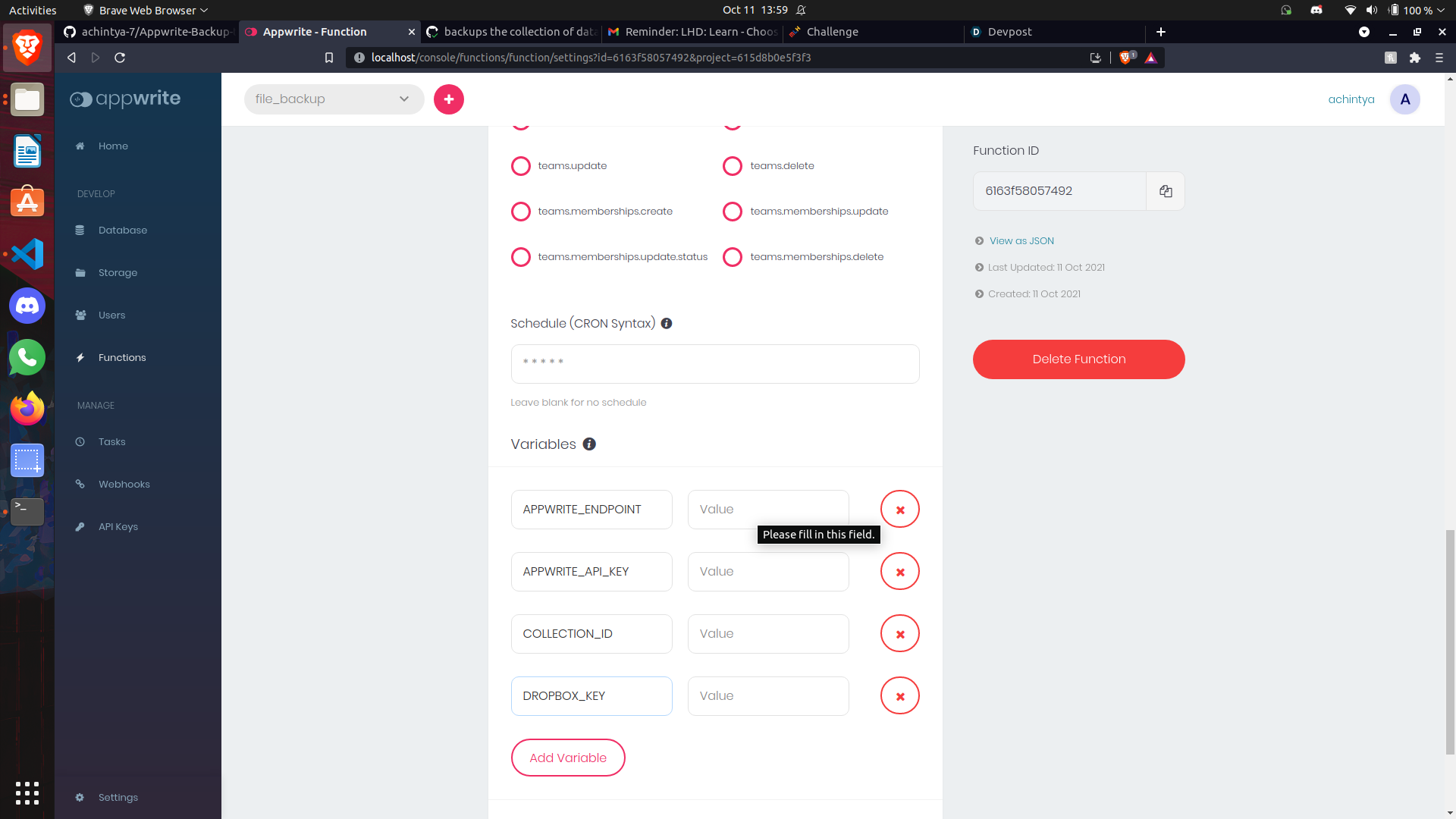
Now make the required Environment Variables and fill the fields. Refer to the Readme file for explanation on the varables
-
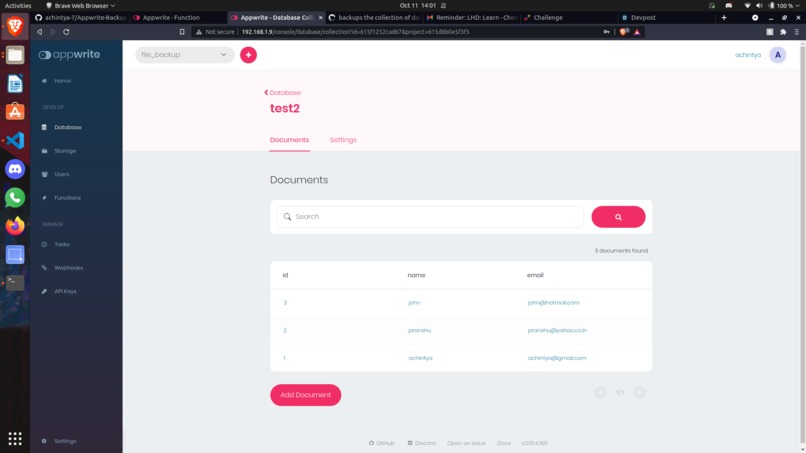
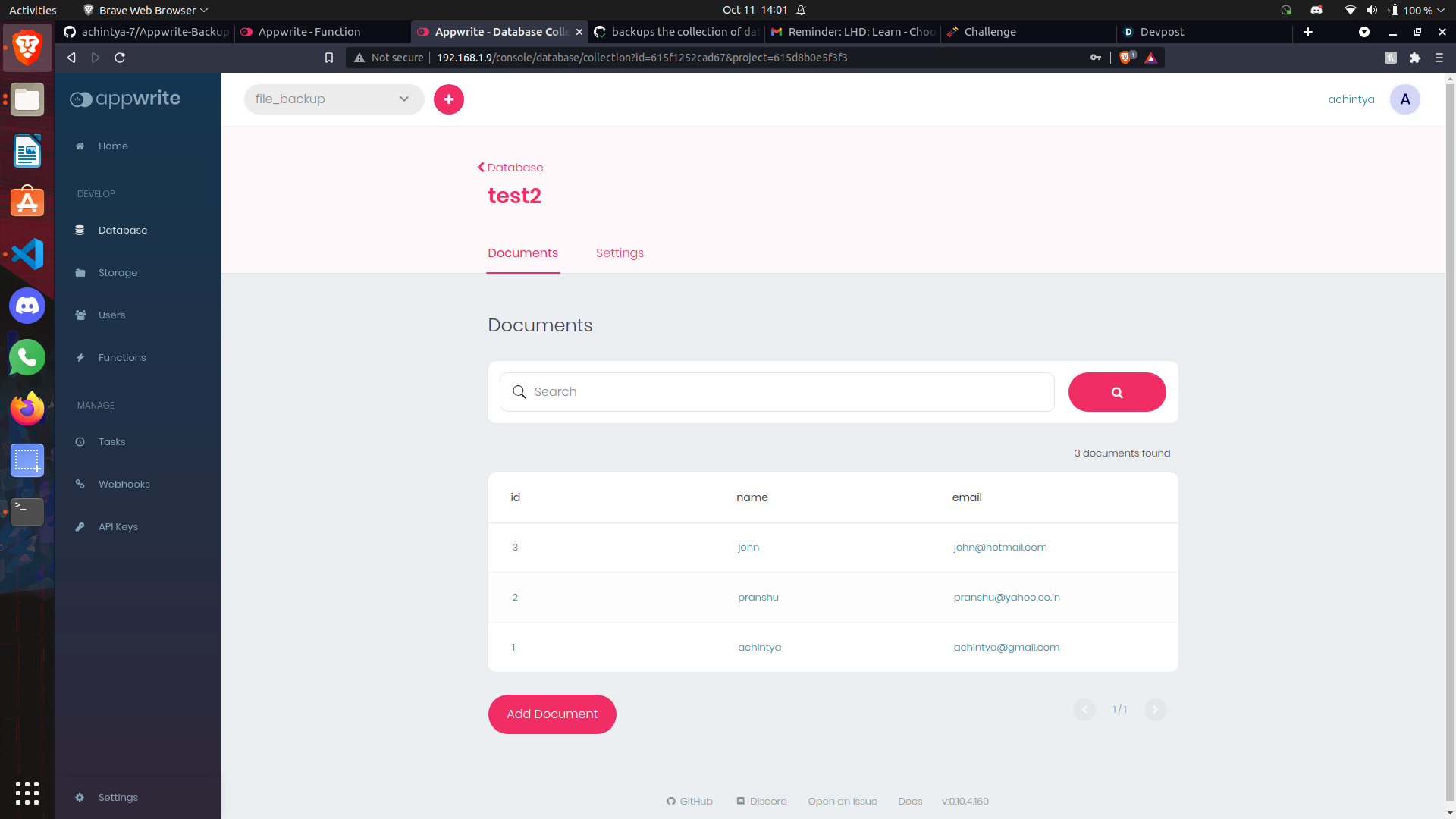
Example of a Sample Database
-
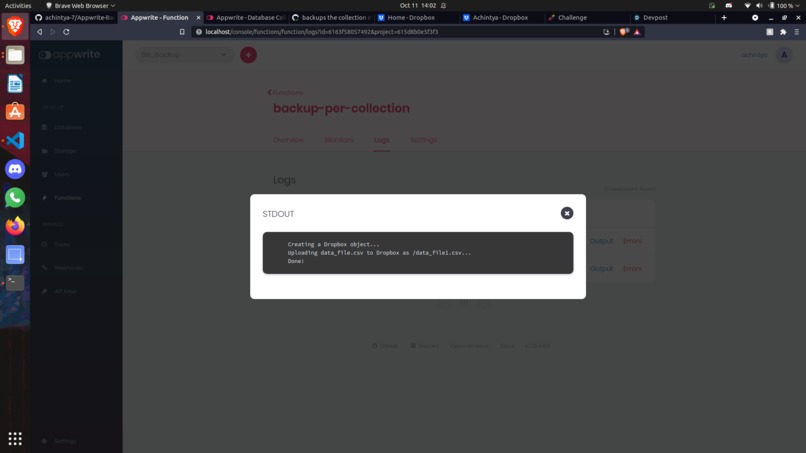
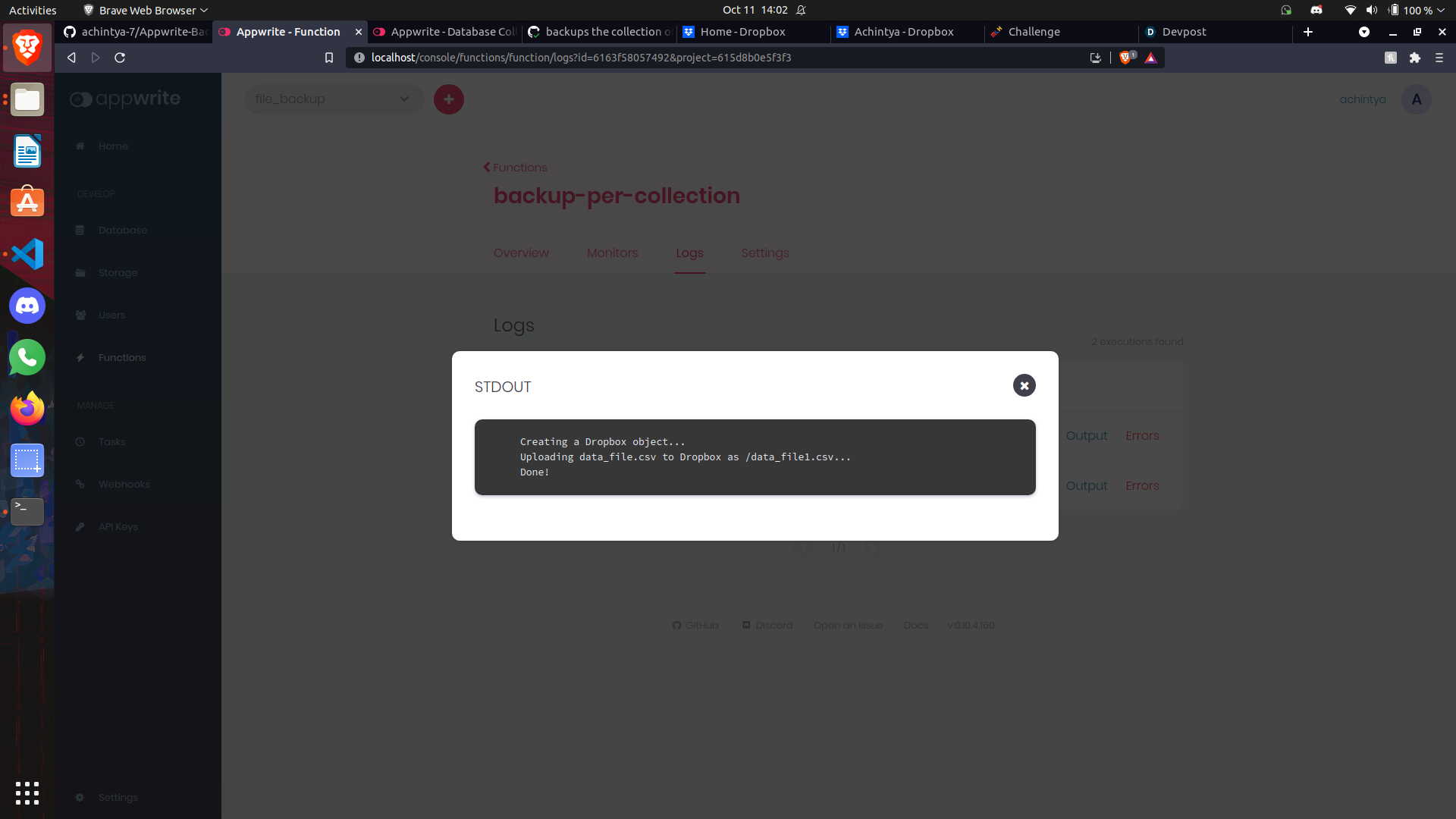
Execute the function and this will be the output on the LOGS section
-
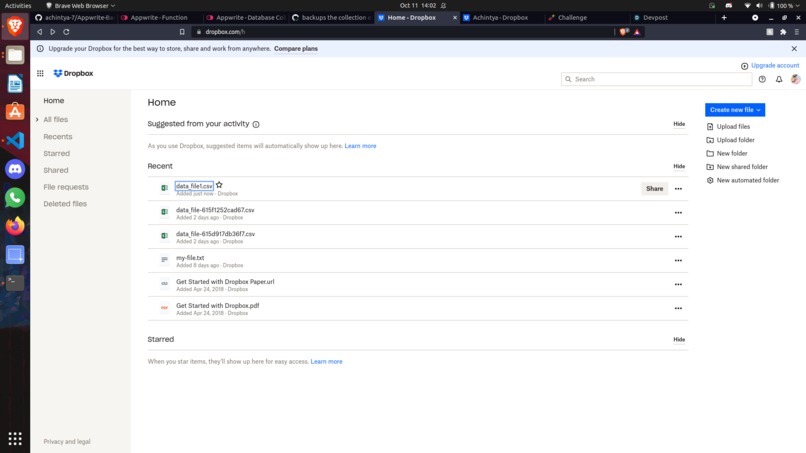
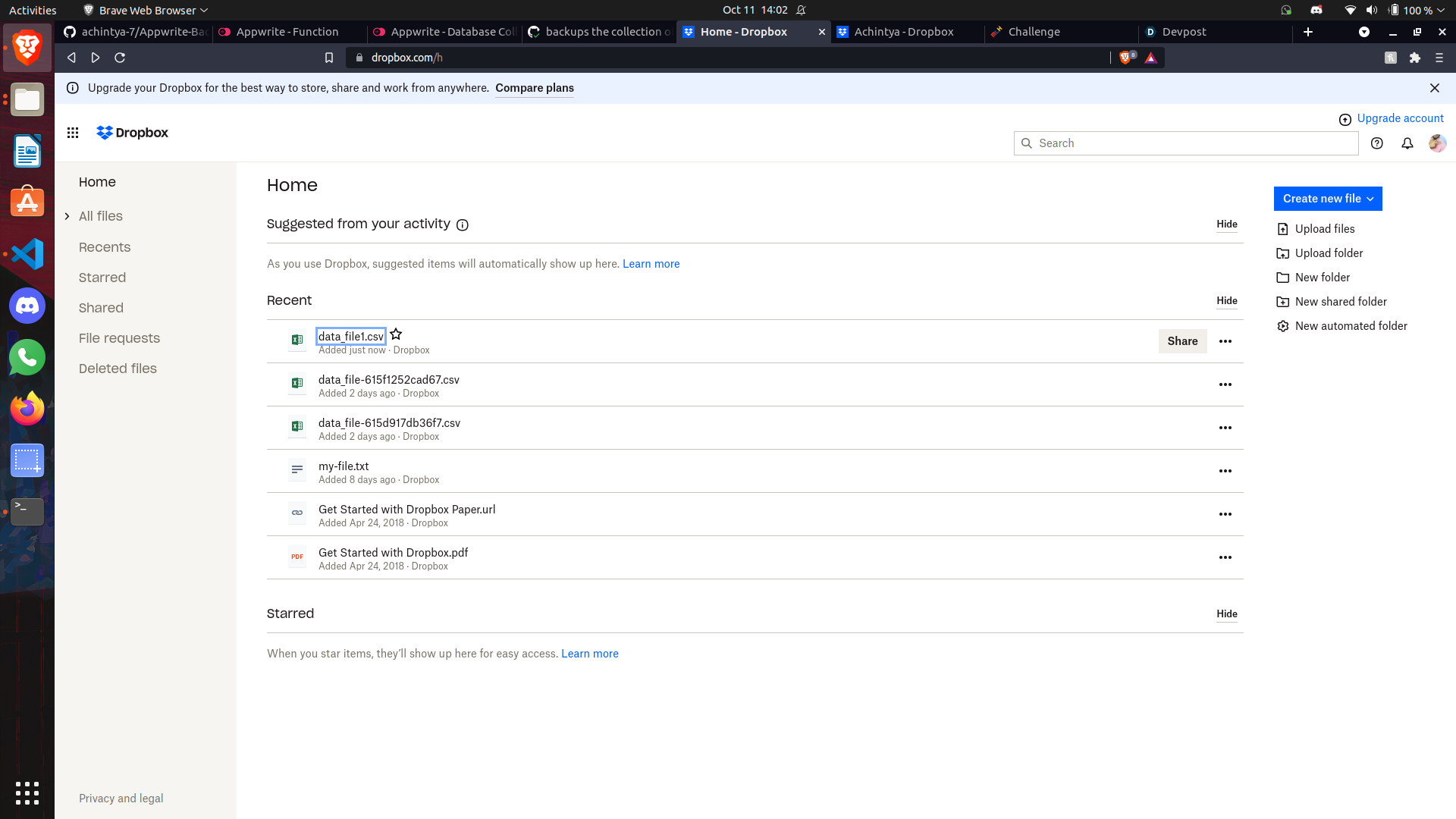
My dropbox. you can see the new file is just uploaded.
-
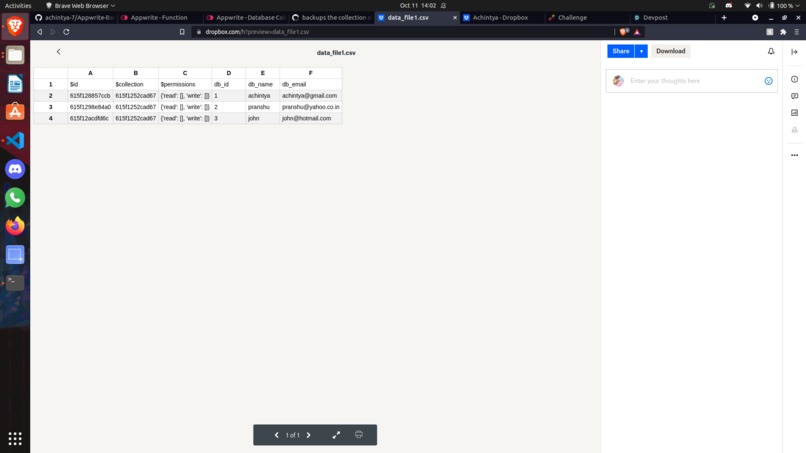
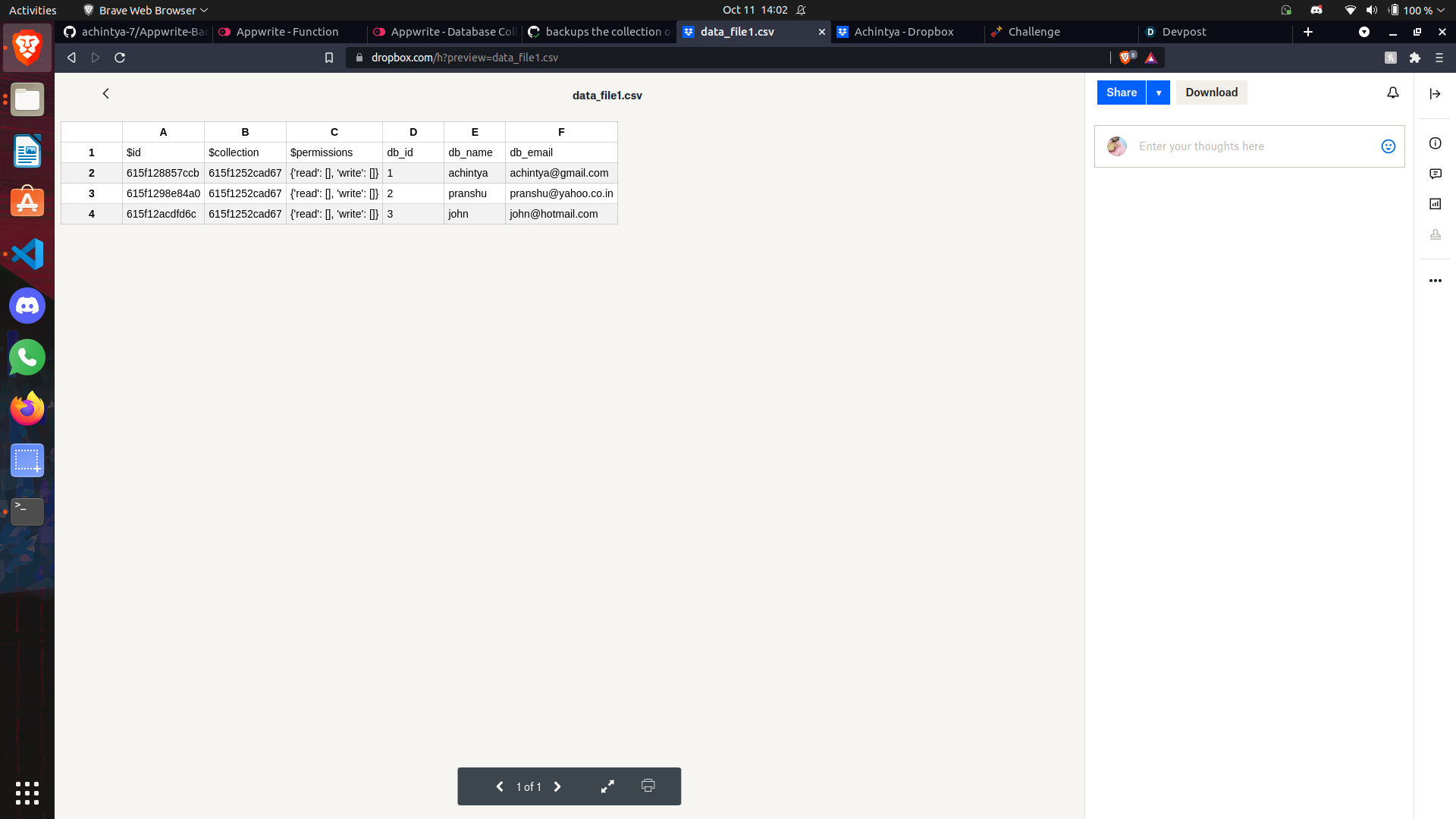
Check out the .csv file made here along with proper headings
Inspiration
I got to know about Appwrite during the 2021 Hacktoberfest. It's an Open Source backend server for developers. I have been contributing to this project for the past 2 weeks and wanted to make a project using this application.
What it does
You can very easily make a cloud database using Appwrite. My project will allow you to make a database on Appwrite and convert it a .csv file which can be easily used for various other tasks like extracting meaning from the database using Machine Learning or can also act as an offline backup of your cloud database which will periodically upload the data to your Dropbox account.
How we built it
I used Python Language for this project and used 2 APIs for it: Appwrite and Dropbox. It basically takes the data from Appwrite using the API which is in JSON format and converts it to CSV. After that it will take the Dropbox API key of the user upload it to their account.
Challenges we ran into
The biggest challenge I faced here was converting the JSON file into an .csv file. When appwrite calls for data from the server, it can call max 100 entries at once. If you have more than 100 records it will call them in batches. It took me some time to join the new data into a single file while also maintaining the same headings. Previously I used pandas for it but it became way to big of a file to be used as a cloud function for Appwrite. You can use it to send your data locally but I wanted it to be more optimised.
Accomplishments that we're proud of
The best feeling I got while making the project that I optimised the code and run it even more quickly and that too with even less dependencies. Also I got to know how to use JSON data while converting it to .csv file.
What we learned
Usage of APIs How to read JSON data Reading and Understanding Documentation
What's next for CSV Database Maker and Backup
One should not be just limited with Dropbox and I will like to add a new functionality where you can select where you want to store the data. Be it locally, Amazoon S3, Goole Cloud or even Appwrite itself I am also thinking of providing some visual representation of the database after downloading it using seaborn library in Python. I would probably like to use an API for it as database can contain various types of values as it data.

Log in or sign up for Devpost to join the conversation.