-
-
3
-
1
-
4
-
2

💡 Inspiration
Picture this: I'm a 3rd-year B.Tech student sitting in my Computer Networks lab. The assignment? Implement Hamming code and verify the parity bits. Sounds straightforward, right? Wrong.
I found myself jumping between five different websites—one explained the concept but had no examples, another had examples but the wrong notation, a third had a calculator but didn't explain the logic, and YouTube tutorials that somehow managed to be both too fast and too slow at the same time. Forty-five minutes gone, and I still wasn't sure if my parity bit calculations were correct.
That's when it hit me: Why are we still learning like it's 1995?
I looked around the lab. Everyone was doing the same thing—hopping from website to website, cross-referencing multiple sources, wasting precious time just trying to understand a single concept. Some students had given up and were just copying code without understanding it.
The lightbulb moment: What if there was a single platform where students didn't have to waste hours searching for solutions? What if you could visualize Hamming code, step through it, see exactly where each parity bit goes, and actually understand it—all in one place?
That Computer Networks lab session didn't just give me a headache. It gave me CsLaB.
🎯 What it does
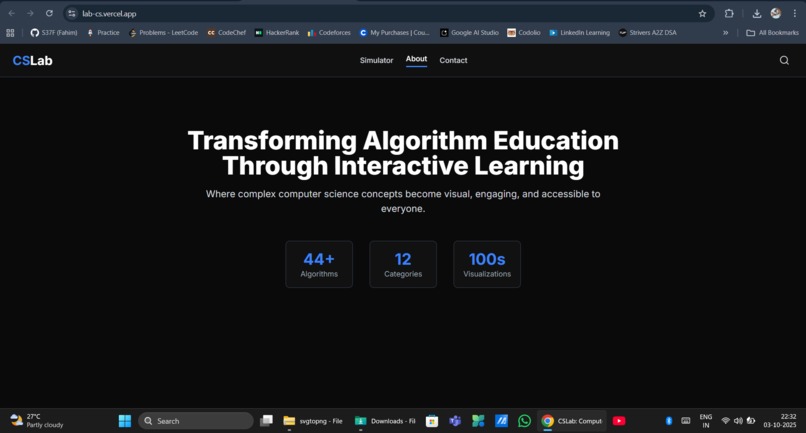
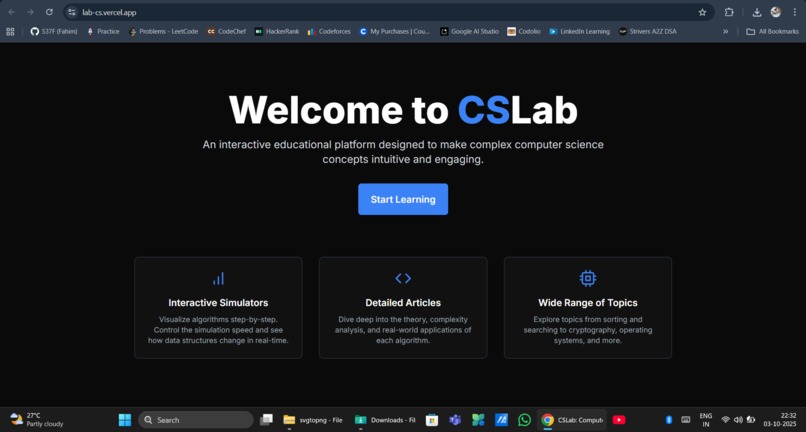
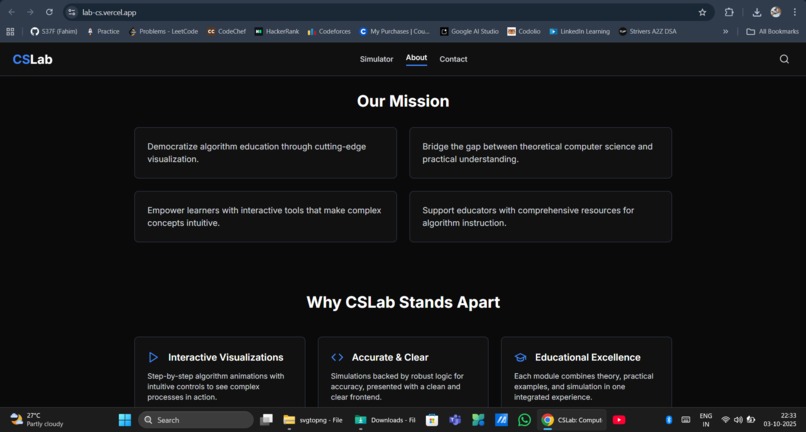
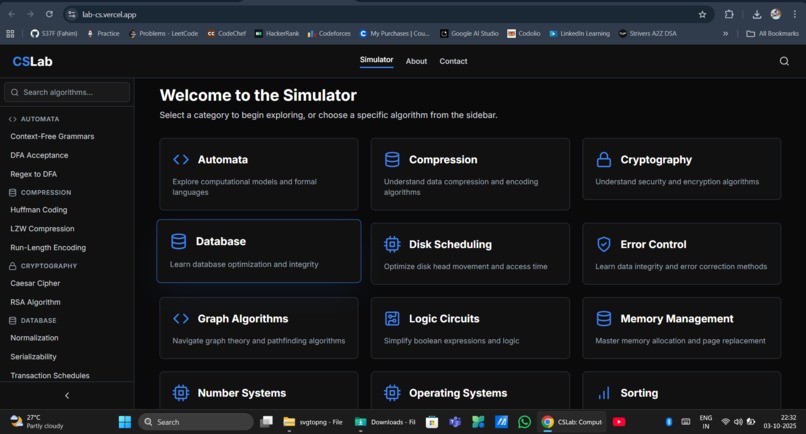
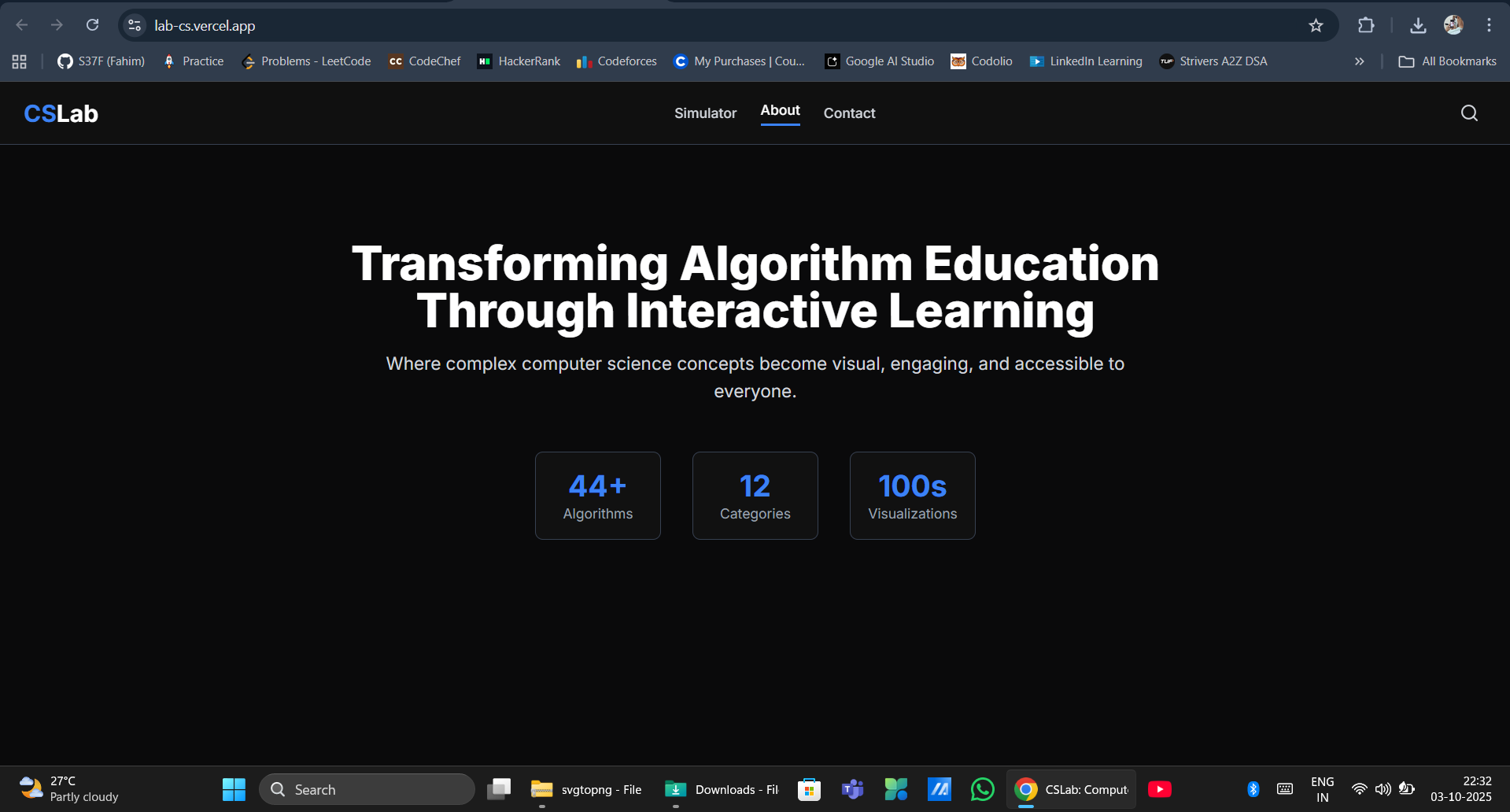
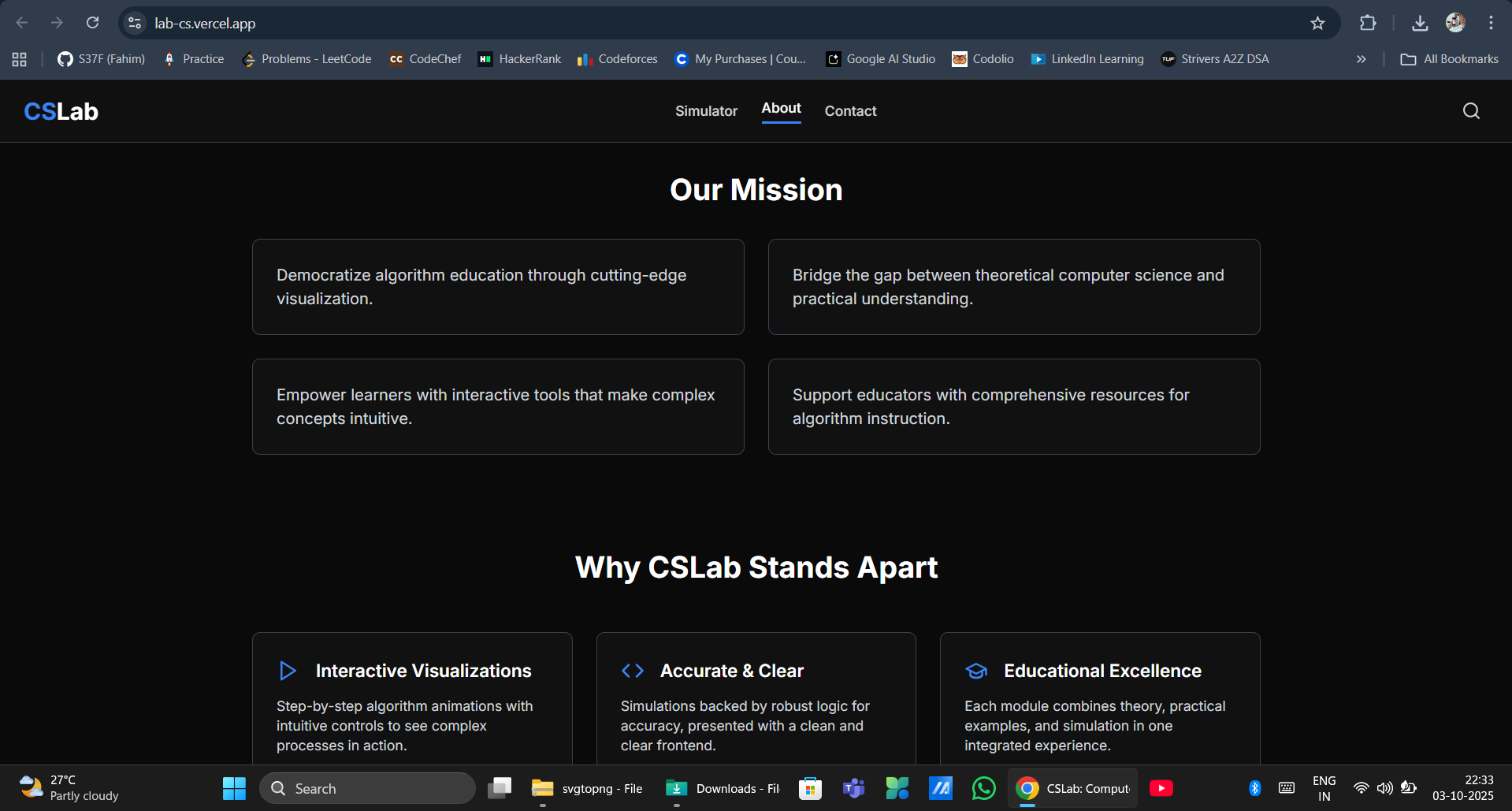
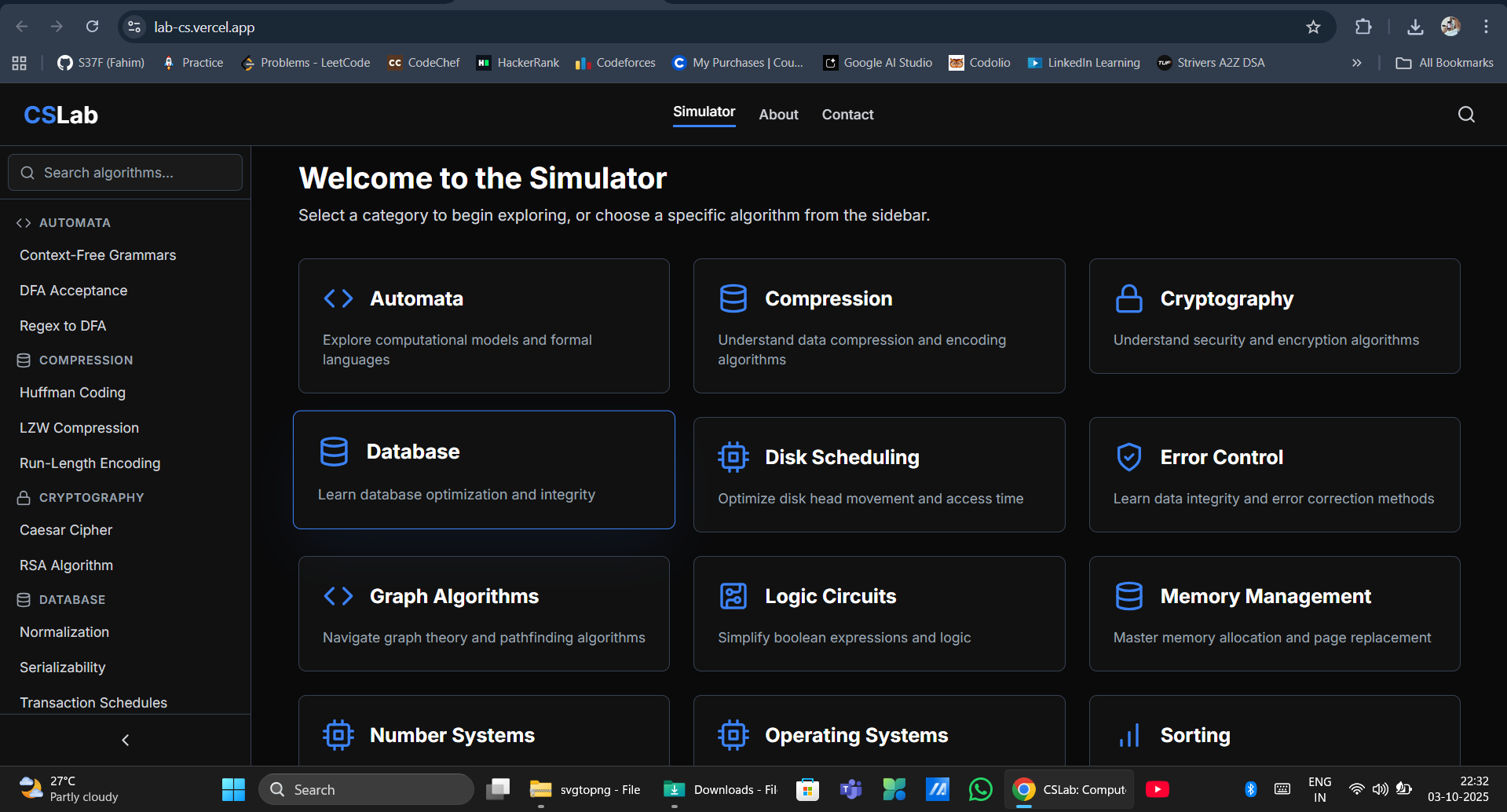
CsLaB brings together 60+ interactive CS simulators in one place. No more tab overload, no more hunting through Stack Overflow at midnight.
Here's what you get:
- Interactive simulators for everything from sorting algorithms to RSA encryption to page replacement policies
- Speed controls because sometimes you need to watch merge sort in slow motion to really get it
- Real-time metrics showing comparisons, swaps, page faults—whatever matters for that algorithm
- Built-in explanations for each simulator so you're not constantly switching between the tool and documentation
- Runs entirely in your browser—no installation, no backend setup, just open and learn
Want to see Quick Sort vs Merge Sort race? Done. Need to understand FIFO vs LRU page replacement? I've got you. Curious how CPU scheduling actually works? Fire up the simulator and see it happen.
It's basically the CS lab assistant I wish I had.
🛠️ How I built it
Tech Stack:
- React + TypeScript (type safety saved me countless debugging hours)
- Tailwind CSS (dark mode included because my eyes can't handle bright screens anymore)
- Framer Motion (for smooth animations)
- Everything runs client-side—no server costs, no database headaches
The One-Week Sprint:
I had seven days to build this. Here's how it went down:
Days 1-2: Built the core simulator engine and UI framework. Lots of coffee, lots of refactoring.
Days 3-4: Content creation marathon. Built 60+ simulators and wrote explanations. Yes, I barely slept.
Days 5-6: Added controls, metrics, animations. Fixed the bugs that mysteriously appeared. Made everything actually look decent.
Day 7: Testing, last-minute fixes, deployment. Then I crashed.
The architecture is modular—I built a framework that handles common simulator needs so I wasn't reinventing the wheel 60 times. Each simulator plugs into the same engine for controls, speed adjustment, and metrics tracking.
🔥 Challenges I ran into
Animation Hell: My first attempt at visualizing sorting looked terrible. Learned Framer Motion the hard way and rebuilt everything. Worth it though.
Performance Issues: Turns out running multiple complex algorithms at 60 FPS is hard. Added memoization, optimized rendering, and learned to compromise on perfection.
Explaining Without Oversimplifying: How do you make the Banker's Algorithm understandable without lying about how it works? Lots of iteration on the explanations and visual metaphors.
Building 60 Things in 2 Days: This was brutal. The modular framework saved me, but I still wrote more code in 48 hours than I thought possible.
Browser Quirks: Chrome worked great. Then I tested in other browsers and... yeah. Fixed most issues but learned that perfect cross-browser compatibility is a myth.
🏆 What I'm proud of
I built 60+ working simulators in one week. Not mockups, not prototypes—fully functional, educational tools covering sorting, searching, graphs, cryptography, OS concepts, and more.
Everything runs client-side. No servers to crash during demo, no database to maintain, no monthly AWS bills.
The design doesn't look like a CS project. I actually spent time on UX because students deserve better than ugly educational tools.
It's open source from day one. Education should be accessible, and I want others to build on this.
Some cool features I managed to squeeze in:
- IEEE-754 floating-point converter with step-by-step breakdown
- Huffman coding with animated tree construction
- DFA simulator that's actually usable
- RSA encryption visualizer with prime generation
📚 What I learned
Technical stuff:
React performance optimization is crucial when you're animating thousands of elements. useMemo and useCallback became my best friends.
TypeScript's strictness was annoying until it caught bugs before I deployed. Now I can't imagine going back.
Good architecture early saves hours later. My modular framework meant building simulator #60 was way easier than simulator #1.
Non-technical stuff:
Scope creep is real. "Just one more simulator" turned into three more simulators way too often.
Shipping an imperfect product beats perfecting something forever. I had to cut features and make compromises to finish in a week.
Explaining complex topics simply is harder than implementing them. Writing clear explanations took longer than I expected.
🚀 What's next
Short term:
- Add ML visualizers (neural networks, k-means, decision trees)
- Build comparison mode so you can race algorithms side-by-side
- Let users input custom test cases
Medium term:
- Shareable sessions (save your algorithm state and send it to classmates)
- Structured learning paths with progress tracking
- Quiz integration to test understanding
Long term:
- Open it up for community-contributed simulators
- Multi-language support
- Native mobile app
The goal? Make CsLaB the platform students actually use instead of bouncing between random websites. I want to save other students from that Hamming code lab experience I had.
Final thoughts
I didn't build this to revolutionize education (that sounds pretentious). I built it because I was frustrated in a CN lab and thought "there has to be a better way."
Turns out, that frustration was shared by pretty much every CS student I know. So CsLaB became bigger than just fixing my own problem—it's for everyone who's ever struggled to understand an algorithm because the resources were scattered, incomplete, or just badly designed.
Is it perfect? No. Is it done? Definitely not. But it works, it's useful, and it's already better than the alternative of jumping between 20 websites.
If you're stuck on Dijkstra's algorithm at 2 AM or trying to figure out parity bits in your CN lab, give CsLaB a shot. That's literally why I built it.
Now if you'll excuse me, I have "just one more simulator" to add.


Log in or sign up for Devpost to join the conversation.