-
-
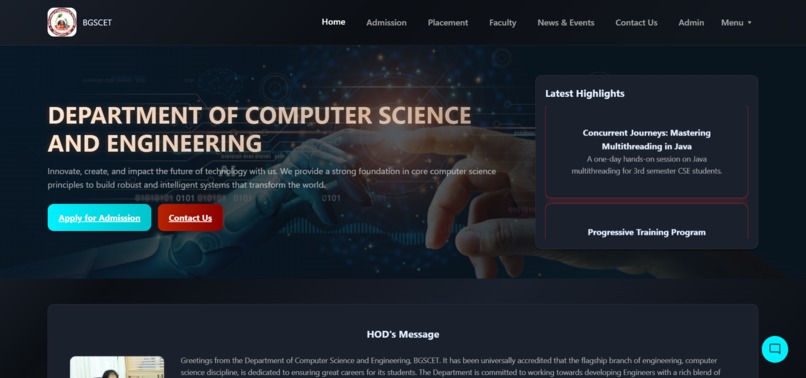
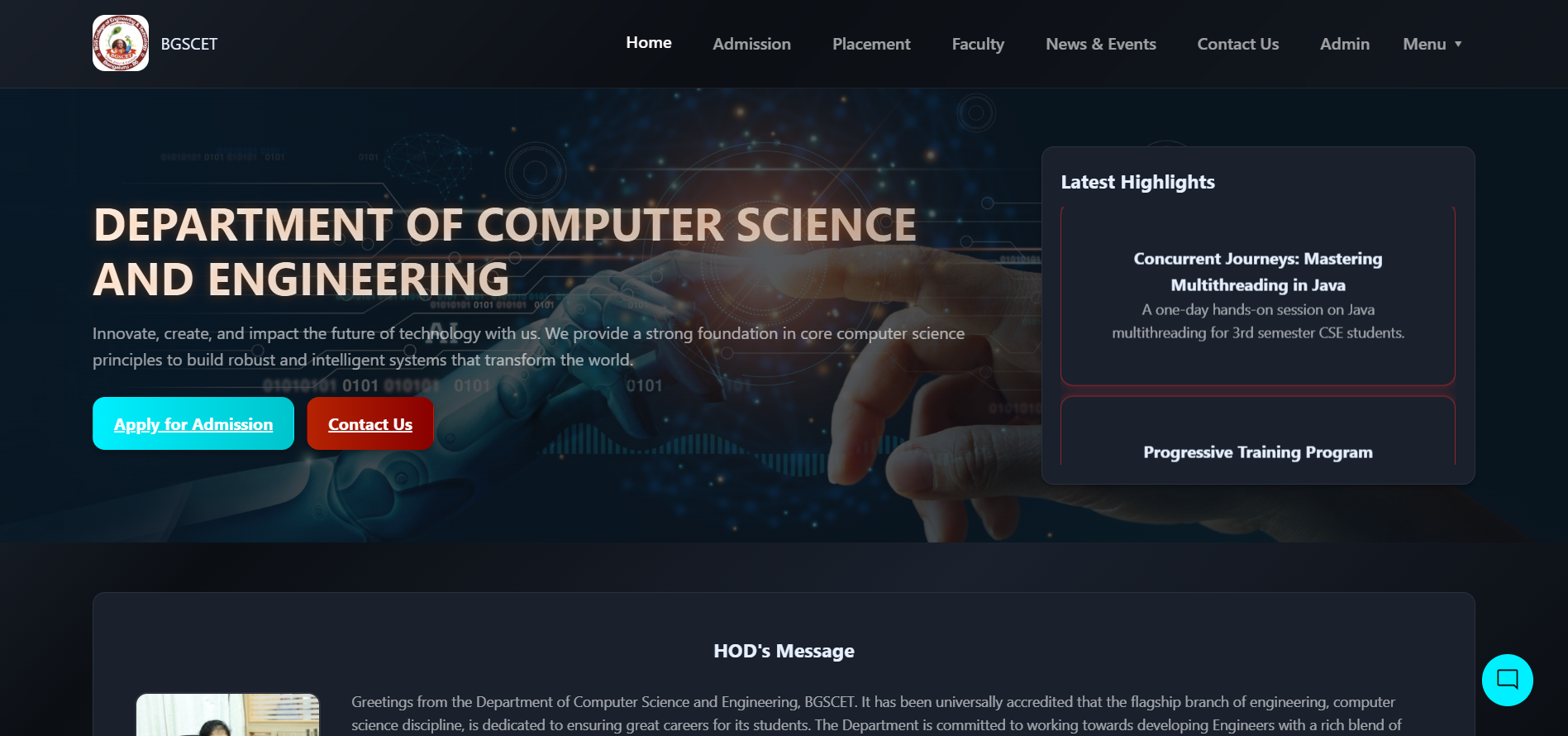
Home Page
-
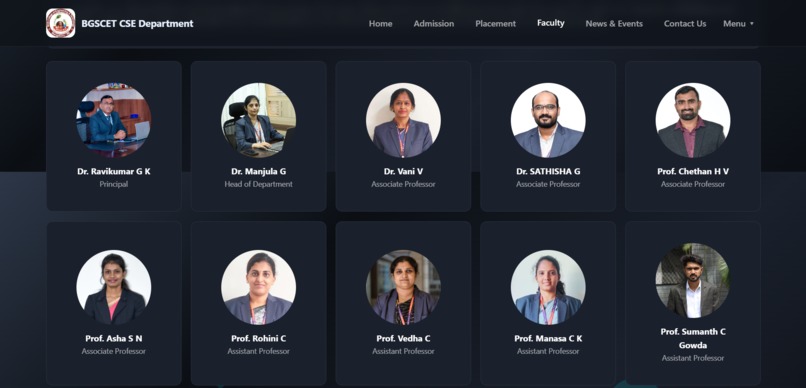
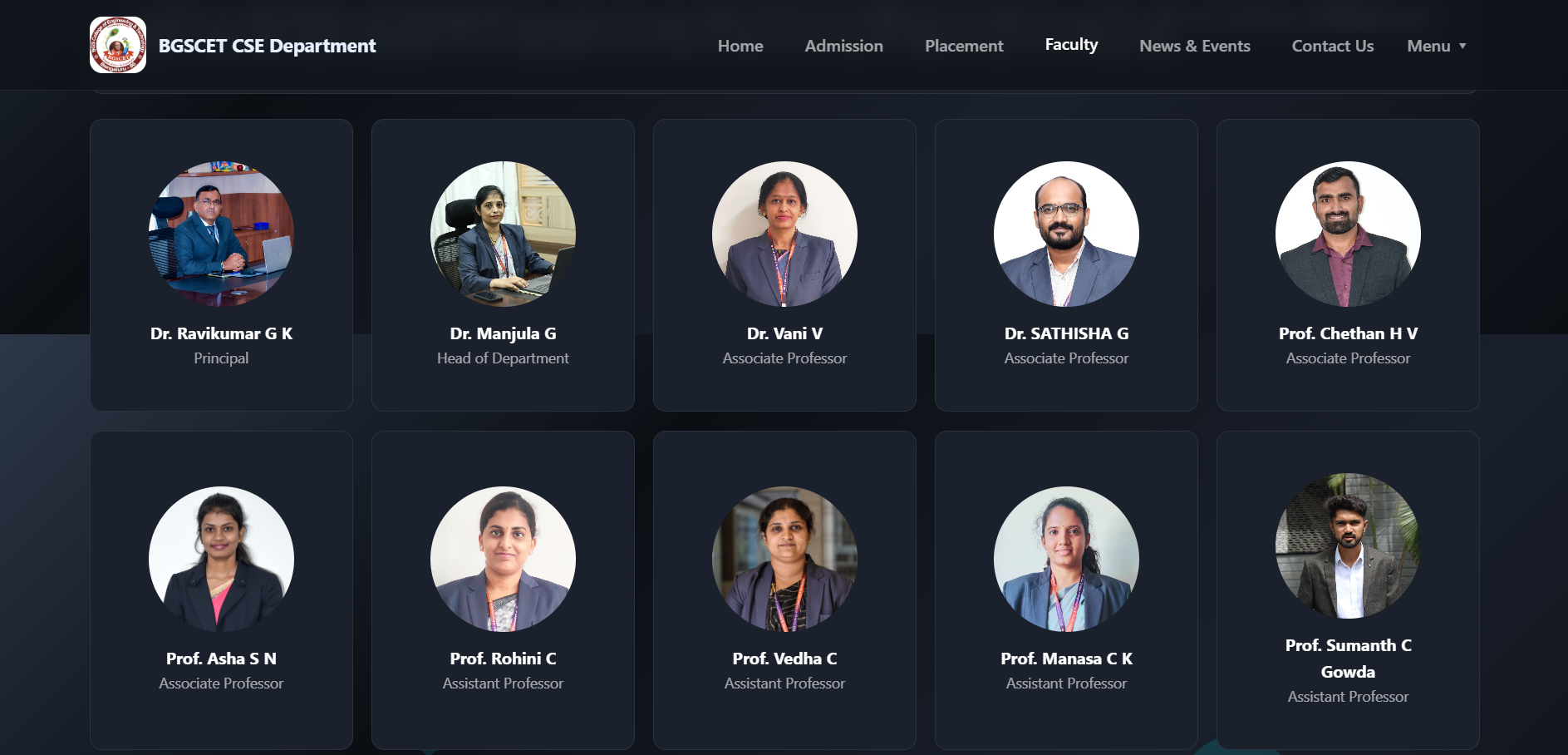
Faculty Page
-
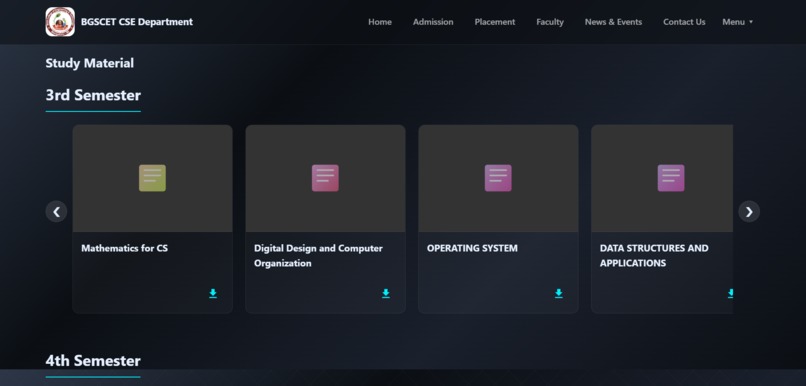
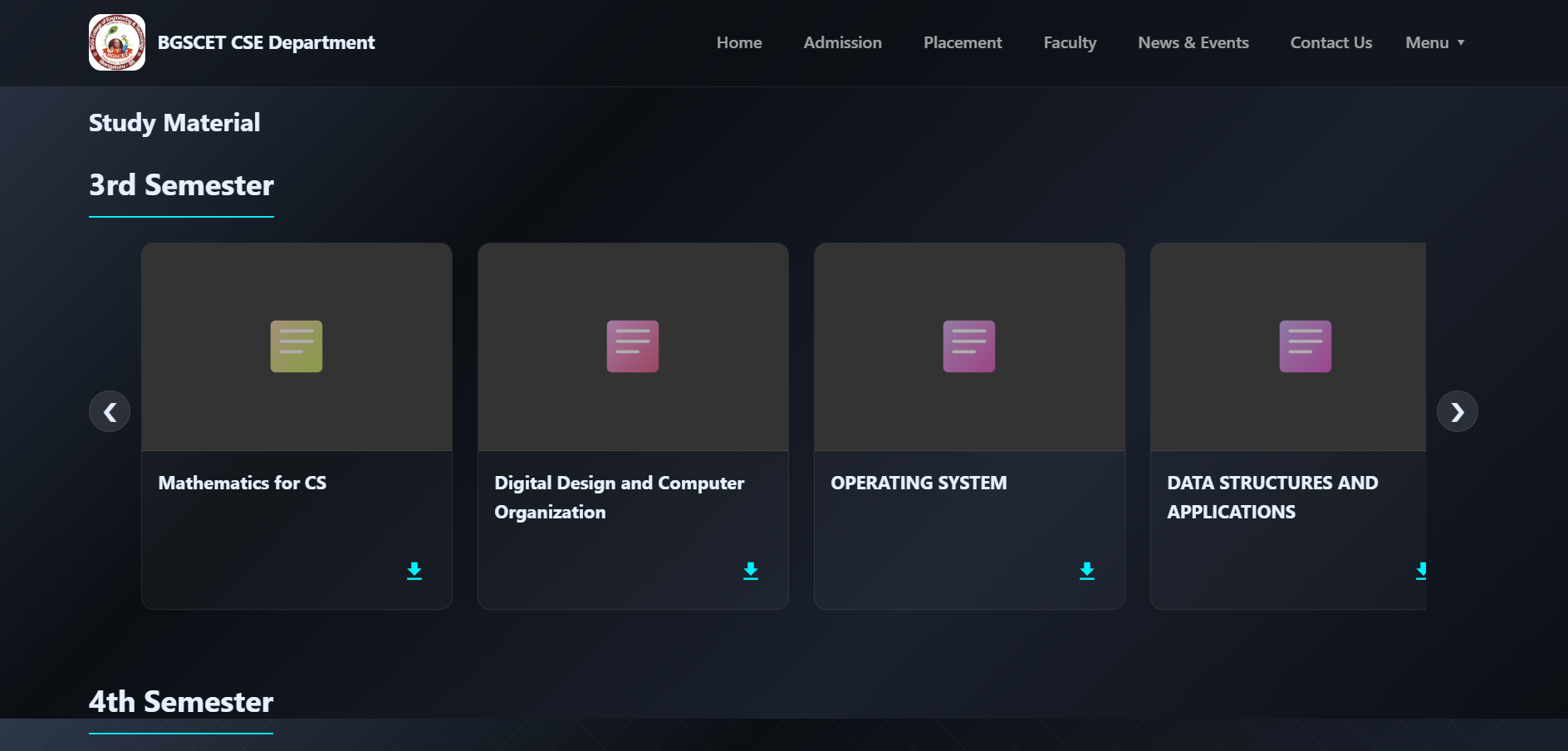
Study Material Page
Inspiration
The inspiration behind the BGSCET CSE Department Website was to create a centralized, modern, and interactive digital hub for the Computer Science and Engineering department. We noticed that students and faculty often struggled to find scattered resources—syllabus copies, exam timetables, placement statistics, and event updates. We wanted to bridge this gap by building a platform that not only provides information but also reflects the technological spirit of the CSE stream through a futuristic "Glass morphism" design and interactive elements.
What it does
This project is a comprehensive Content Management System (CMS) and informational portal designed for an educational institution. Key features include:
Dynamic Admin Panel: A fully functional frontend-based admin dashboard (admin.html) that allows authorized users to manage faculty profiles, news, placements, and study materials. It uses local Storage to simulate a database, allowing changes to persist across sessions without a backend. Student Corner & Academics: Dedicated sections for study materials, previous year question papers (PYQ), and timetables. We integrated PDF.js to render documents directly within the browser without needing external downloads. Placement Intelligence: A data-rich placement page featuring interactive charts (built with Chart.js) to visualize placement statistics, highest packages, and recruiter data. Interactive UI: The site features a custom chatbot interface, floating background animations using Particles.js, and scroll animations via AOS (Animate On Scroll). Alumni & Faculty Networks: Organized directories to showcase the department's strength and alumni success stories.
How we built it
The project was built using a robust frontend stack, focusing on performance and user experience without the overhead of complex frameworks.
Core Stack: HTML5, CSS3 (utilizing CSS Variables for theming), and Vanilla JavaScript. Styling: We adopted a Glass morphism design language, using translucent backgrounds with blur effects (backdrop-filter) to create depth. Data Management: To make the project standalone yet dynamic, we implemented a custom data handler in JavaScript that reads and writes JSON data to the browser's local Storage. This powers the Admin Panel's CRUD operations. Libraries: Chart.js: For rendering placement statistics graphs. PDF.js: For embedding and previewing syllabus and newsletters. AOS (Animate On Scroll): For smooth entry animations. Particles.js: For the interactive background on the placement page.
Challenges we ran into
Simulating a Backend: Creating a realistic Admin Panel without a server was tricky. We had to write logic to handle data schemas, form generation, and CRUD operations entirely in the browser using local Storage. PDF Rendering: Integrating PDF.js to render previews of study materials dynamically inside modals required handling asynchronous file loading and canvas rendering efficiently. Responsive Design: Ensuring complex tables (like the Alumni list) and the Admin dashboard sidebar worked seamlessly on mobile devices required careful CSS Grid and Flexbox implementation.
Accomplishments that we're proud of
Built a "Backend-less" Admin Dashboard: We successfully created a fully functional Content Management System (CMS) using only HTML5, CSS3, and Vanilla JavaScript. By utilizing local Storage to persist data, we simulated a database environment, allowing the department to manage Faculty profiles, News, and Placement records dynamically without the complexity or cost of a server-side backend. Smart Chatbot Implementation: We developed a custom chatbot (chatbot.js) that doesn't rely on external AI APIs. It uses the Levenshtein distance algorithm for fuzzy logic, enabling it to understand user intent and handle typos effectively when answering questions about admissions, HOD details, and college facilities. Interactive Data Visualization: We integrated Chart.js on the Placement page to transform raw numbers into interactive bar and pie charts, providing a clear and engaging visual representation of the department's success statistics. Seamless PDF Experience: Instead of simple download links, we utilized PDF.js to render dynamic previews of newsletters and question papers directly in the browser, significantly enhancing the user experience for students accessing study materials. Modern Glass morphism UI: We achieved a consistent and visually striking Glass morphism design across all pages. Using CSS backdrop-filter, floating animations, and particles.js, we created a modern aesthetic that stands out from traditional academic websites while maintaining responsiveness across devices.
What we learned
Building this project reinforced our understanding of DOM manipulation and the power of modern CSS. We learned how to structure a large static site to be maintainable and how to effectively integrate third-party libraries like Chart.js and PDF.js into a vanilla JavaScript environment. It also taught us the importance of User Interface (UI) consistency, ensuring that the glass morphism theme remained accessible and visually appealing across all pages.
What's next for CSE Department Website
While the current version of the CSE Department Website is a feature-rich, standalone application, there are several exciting paths for future development to transform it into a production-grade, dynamic portal.
Full Backend Integration with a Database The most critical next step is to replace the localStorage-based CMS with a true backend. The current system is a brilliant simulation, but a real backend would allow for data to be persisted centrally and securely.
Option A (Node.js): Build upon the existing contact.html form's backend logic (server.js) to create a full REST API with Express.js. You could connect this to a NoSQL database like MongoDB to store faculty, news, and placement data in a JSON-friendly format. Option B (BaaS): For faster development, integrate a Backend-as-a-Service like Firebase. Firebase's Firestore database and Authentication services would be a perfect fit, allowing for real-time data updates and secure user logins with minimal backend code. AI-Powered Chatbot Enhancement The current chatbot in chatbot.js uses a clever Levenshtein distance algorithm for matching. The next evolution would be to integrate a true Natural Language Processing (NLP) service.
Integration: Connect the chatbot interface to a service like Google's Dialogflow or Microsoft Bot Framework. Benefits: This would enable the chatbot to understand user intent, manage conversational context (e.g., follow-up questions), and handle a much wider range of queries with greater accuracy, moving from a Q&A system to a genuine conversational assistant. Implementing User Roles and Authentication The current admin login is hardcoded. A robust authentication system is essential for a multi-user environment.
Faculty Logins: Allow faculty members to log in and manage their own profiles, update their research publications, and upload study materials for their specific subjects. Role-Based Access Control (RBAC): Create different permission levels. For example, an HOD or a super-admin could manage all content, while a faculty member could only edit their own sections. Creating a Personalized Student Portal Increase student engagement by creating a logged-in experience for them.
Student Dashboard: After logging in, a student could see a personalized dashboard showing their specific class timetable, relevant news, and direct links to their semester's study materials. Interactive Features: Add features like a student forum, a Q&A section for subjects, or a platform to showcase their own projects. Performance Optimization and PWA Conversion To ensure a fast and reliable experience for all users, especially on mobile devices with slow networks:
Code Bundling: Use a tool like Webpack or Parcel to bundle and minify the JavaScript and CSS files, reducing the number of HTTP requests. Image Optimization: Automate image compression and use modern formats like WebP. Progressive Web App (PWA): Convert the website into a PWA. This would allow key information like timetables, syllabi, and contact details to be accessed offline and would enable features like push notifications for important announcements.
Built With
- a-custom-chatbot
- css
- html
- interactive-cse-department-portal-featuring-a-backend-less-cms
- javascript
- json
- node.js

Log in or sign up for Devpost to join the conversation.