-
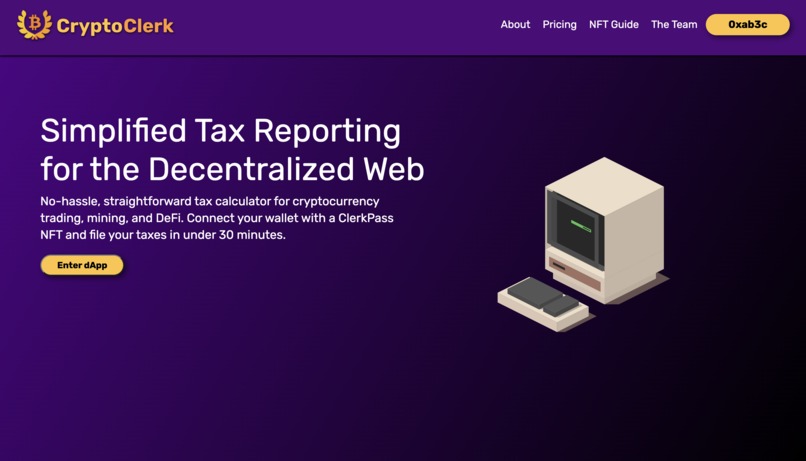
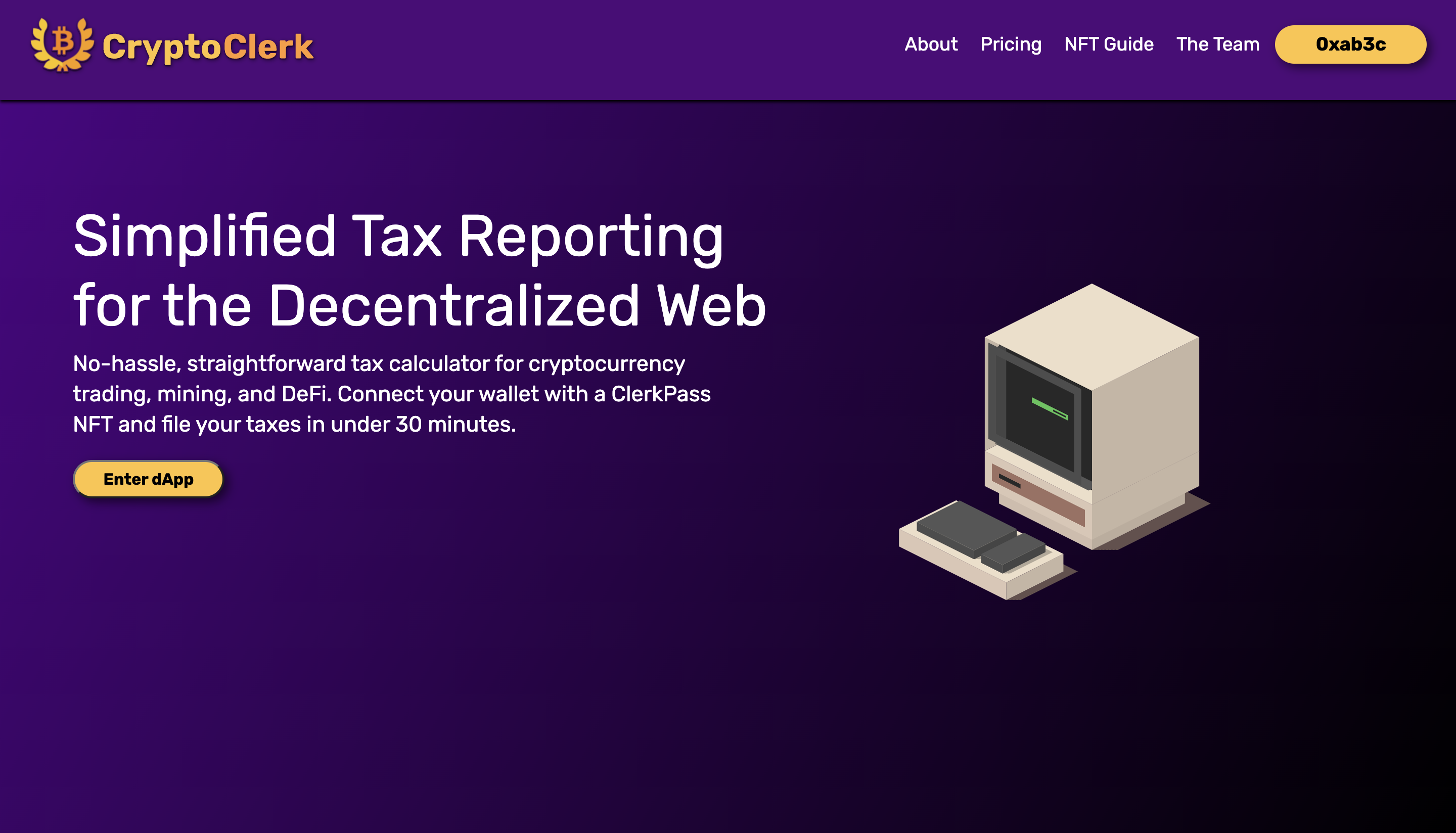
Landing Page
-
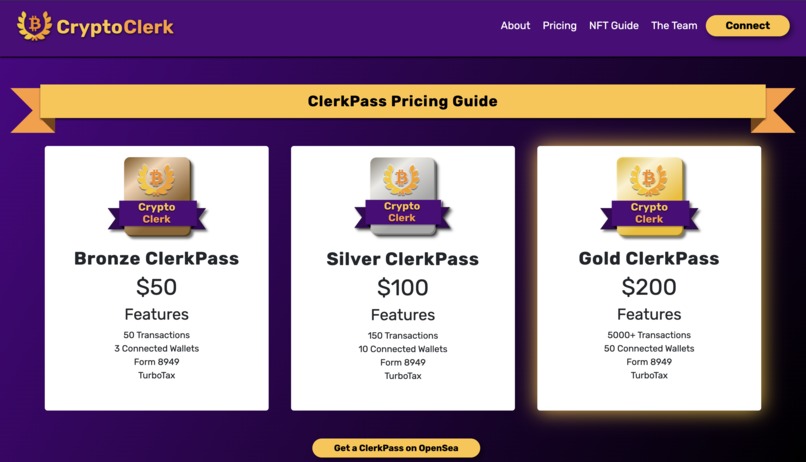
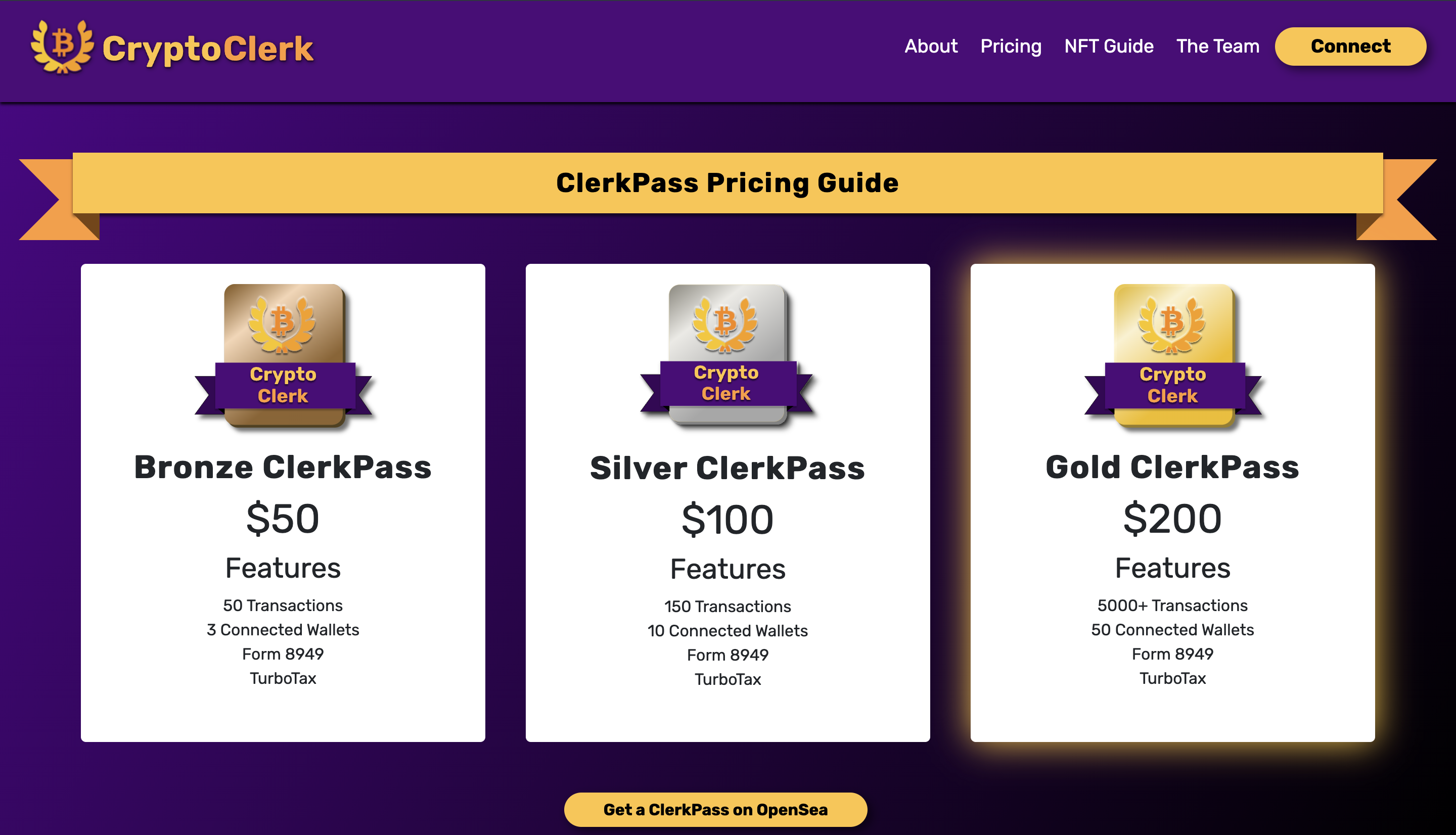
ClerkPass NFTs
-
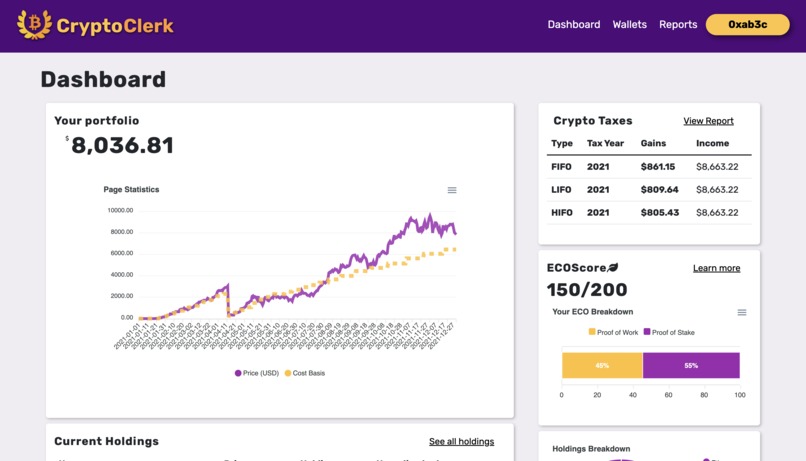
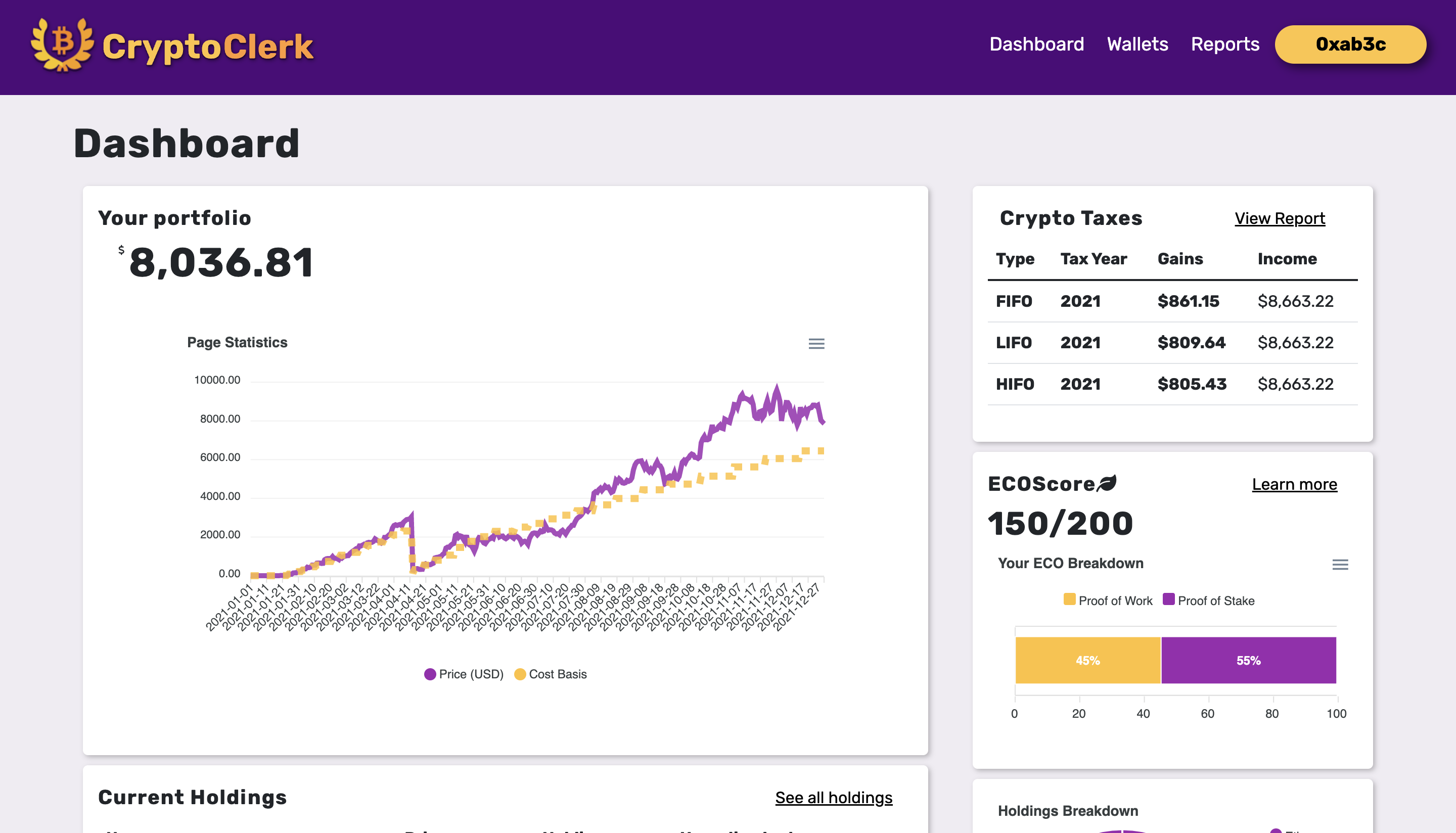
Dashboard View
-
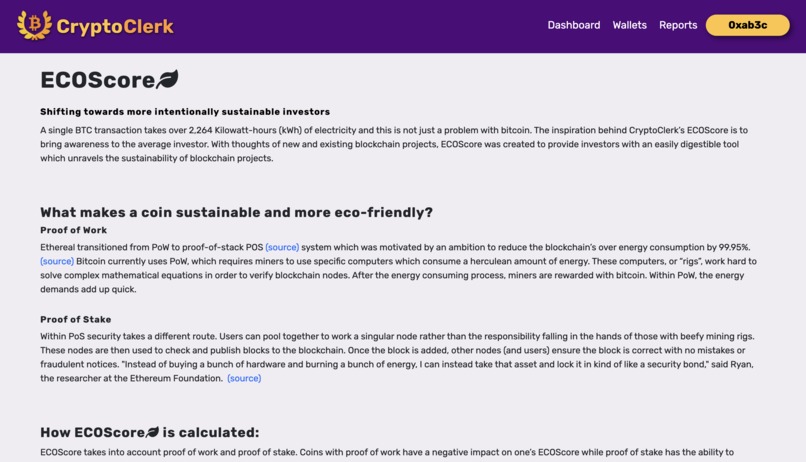
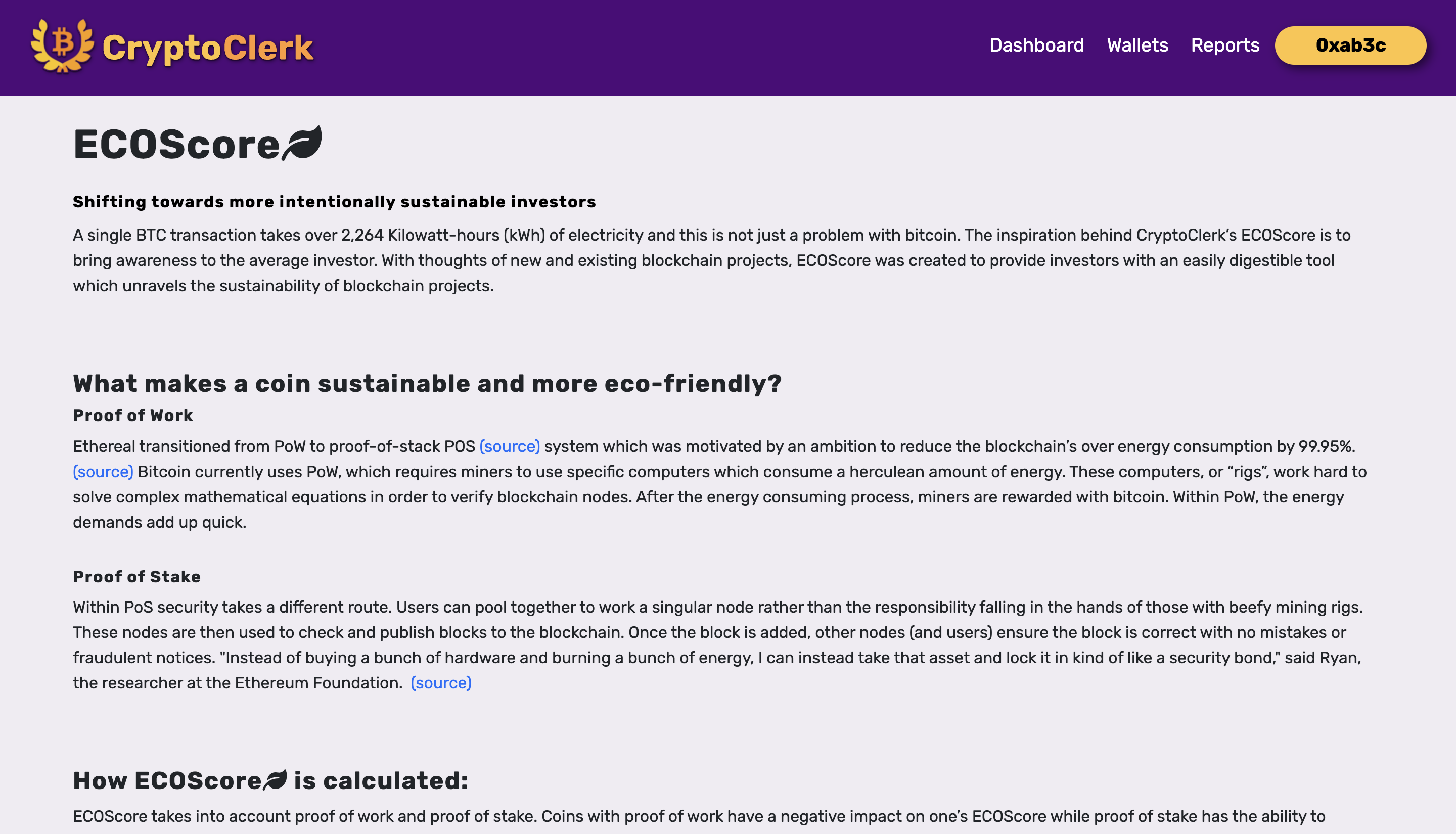
EcoScore Page
-
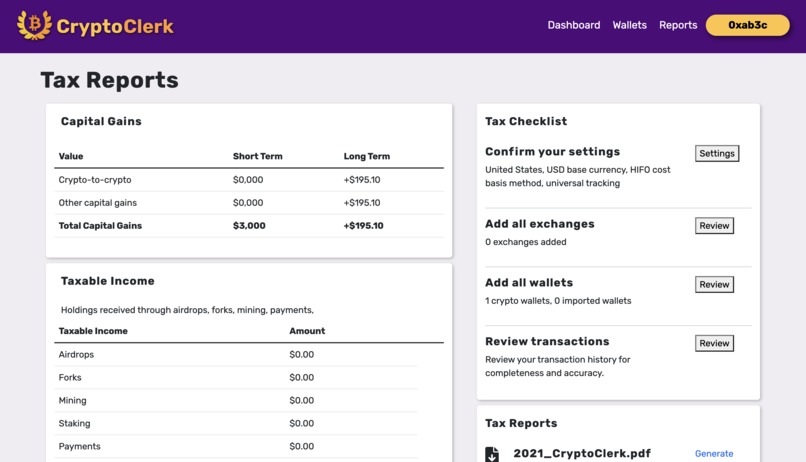
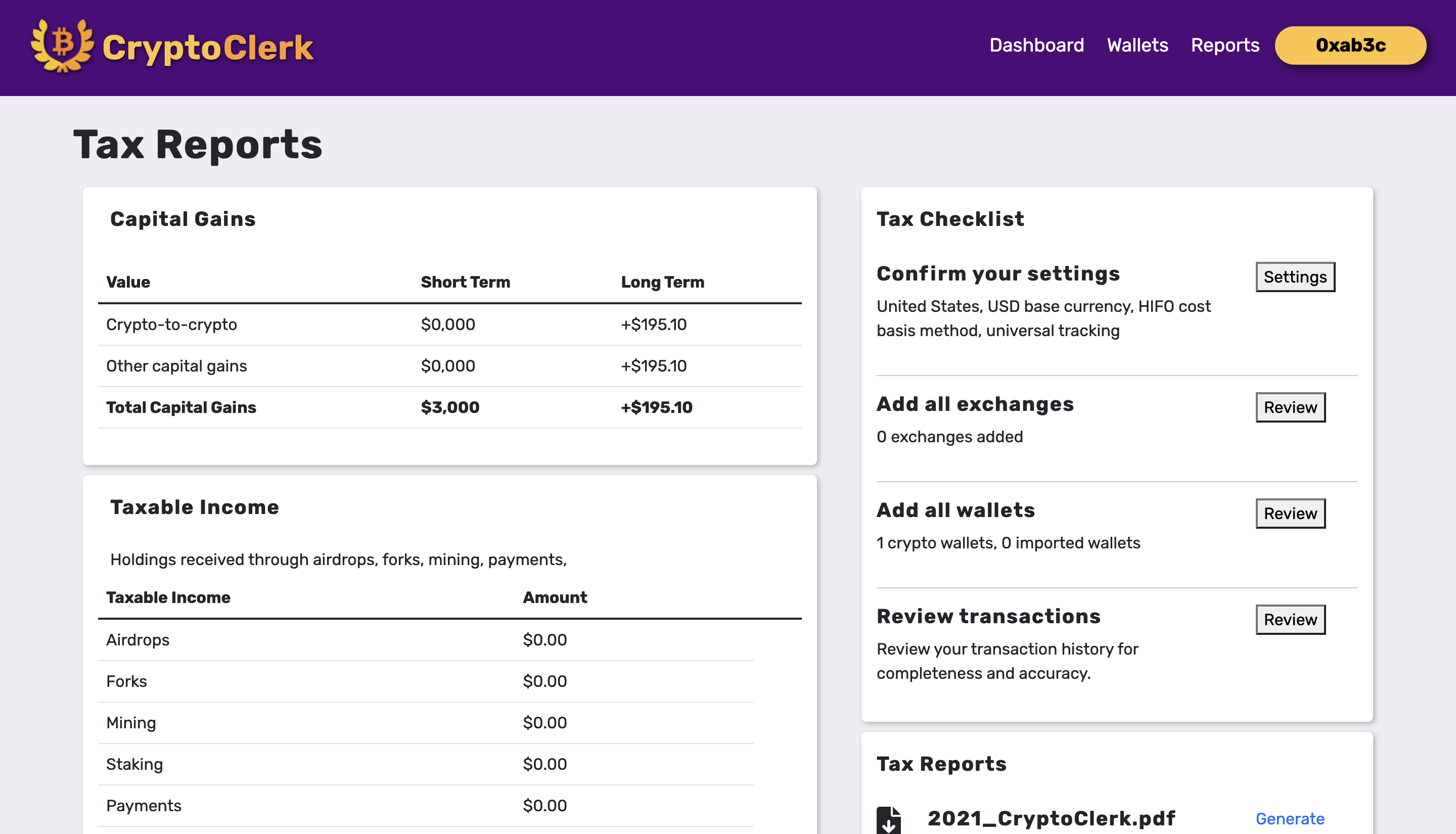
Tax Reports
-
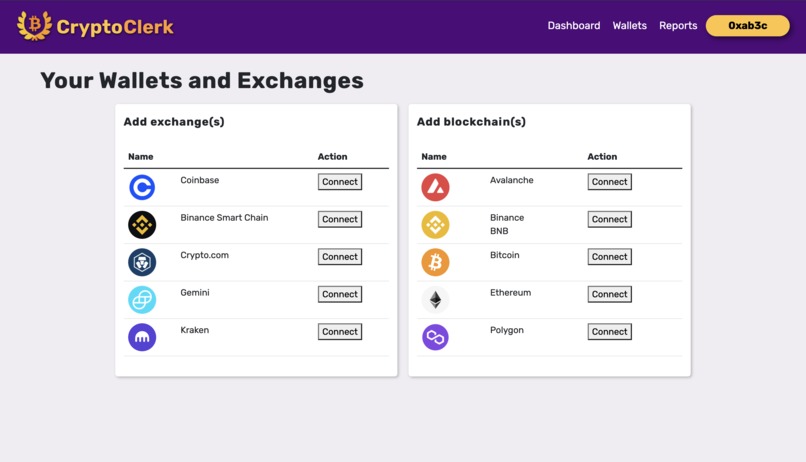
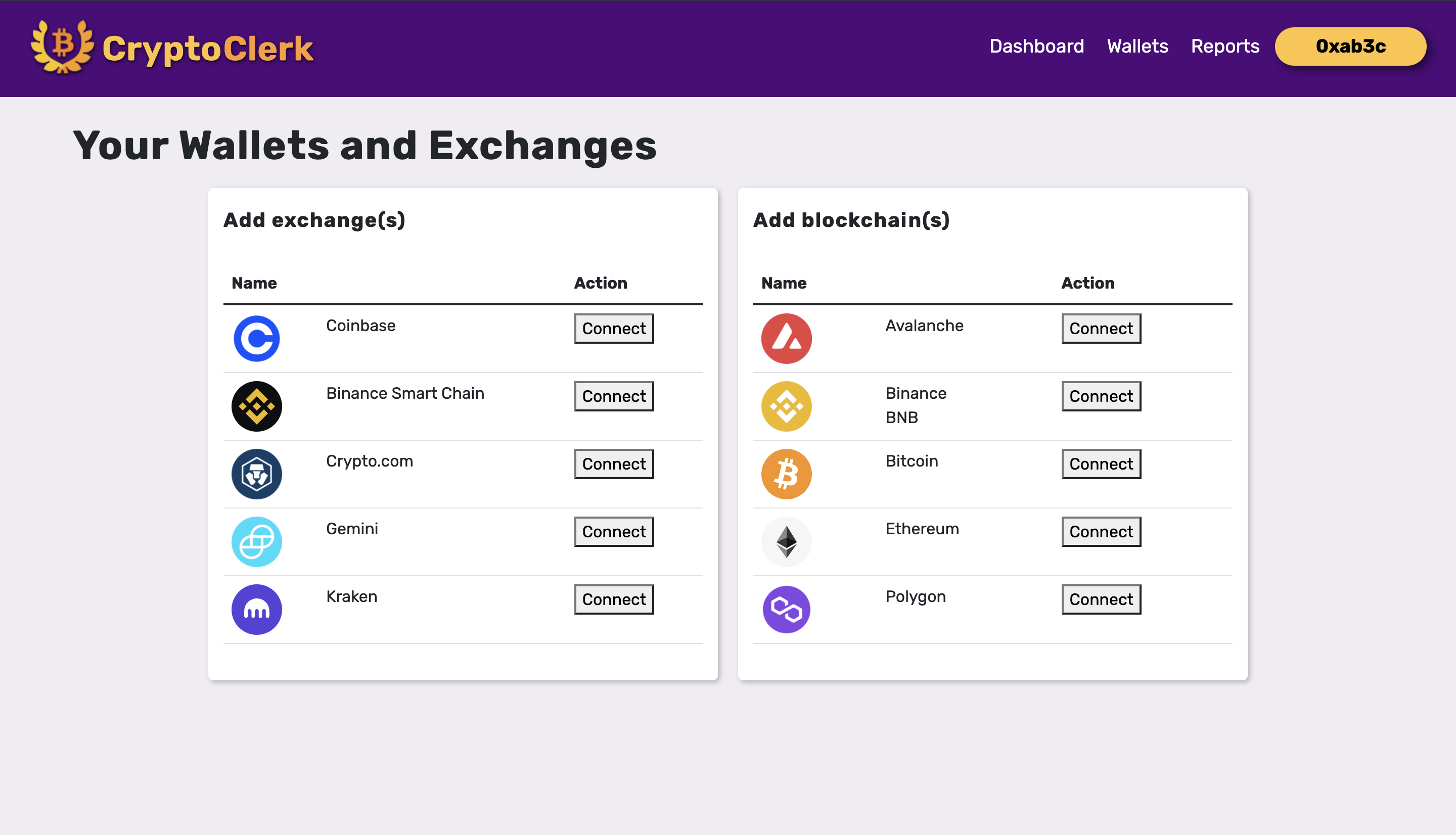
Link Wallets
-
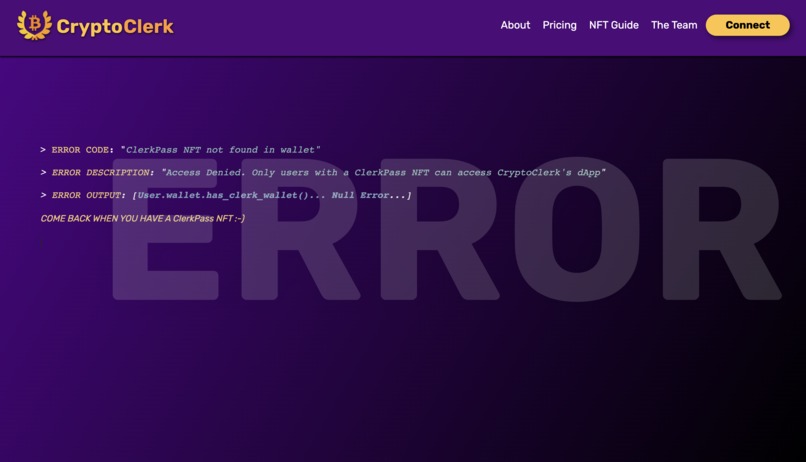
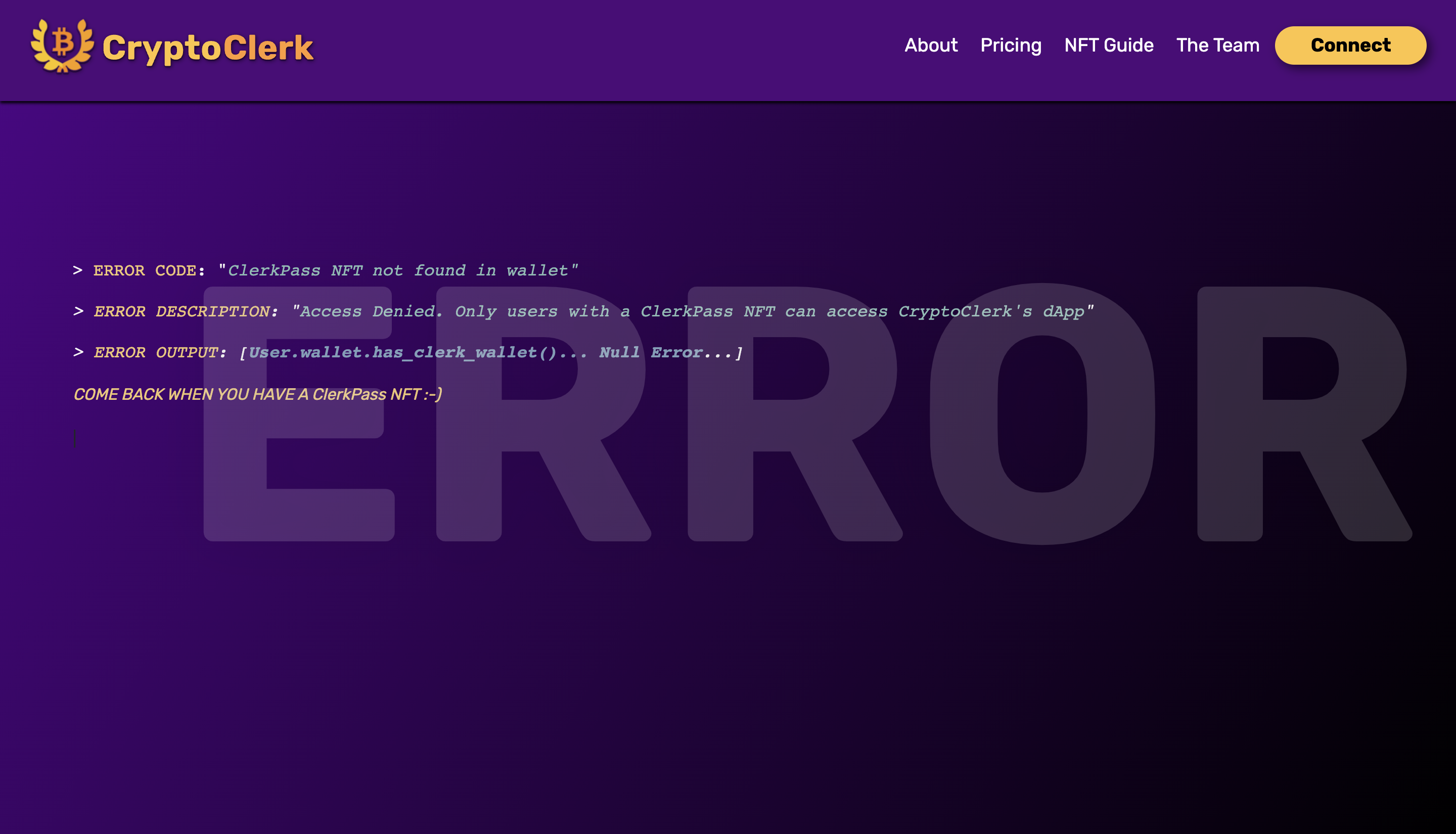
NFT Authentication
Inspiration
With the rise of cryptocurrencies and DeFi making its mark on the world, the number of people interacting with blockchain technology is ever rising; however, there is widespread confusion about how that interacts with the complex world of taxes. CryptoClerk is a clean, easy-to-use tax tool that simplifies tax reporting on Web3.
What it does
CryptoClerk aims to put any cryptocurrency user at ease when it comes time to file their yearly taxes.
The application utilizes NFT Authentication to rethink the way you own software licenses.
Once you hold a ClerkPass NFT, you can connect your wallet to the website using the MetaMask extension and gain access to the CryptoClerk tool.
In the dashboard, you can import your public wallet addresses from multiple blockchains and link centralized crypto exchanges in order to build an extensive transaction history for the year.
CryptoClerk lets you calculate your taxes using different cost-basis methods (FIFO, HIFO, LIFO, etc.) in order to find what works best for you.
Once you're ready to file, CryptoClerk makes the process seamless by generating your documents for you using the data provided. You can download PDFs of the documents or choose to directly link the forms with your TurboTax account.
CryptoClerk’s ECOScore gives users the chance to evaluate the environmental impact of the assets they hold and aims to educate investors about green alternatives.
How we built it
CryptoClerk runs on the flask framework made for python development. It uses the Moralis SDK along with MongoDB to inject Web3 and authenticate users through the NFTs in their wallet. The NFTs were minted and placed for sale on OpenSea.
We used Figma to design our user experience and mock-up functionality of the application. On the backend, we’re using the Etherscan and Gemini API to fetch real-time transaction details and further parse the responses in Python to calculate taxes. Everything relating to the UI of the project was built with HTML, CSS, Bootstrap, and graphs with the help of ApexCharts.js and CodePen snippets.
Challenges we ran into
Researching the different methods to calculate earned income and capital gains/losses in relation to cryptocurrency took us some time to understand and translating that into code that could make those calculations for us proved equally as hard.
Accomplishments that we're proud of
CryptoClerk is a functional web app. We are really proud of getting our ideas to work and making a valuable tool for both new and veteran crypto investors to calculate their taxes effortlessly. Creating such an incredibly clean project with seamless NFT authentication, crypto wallet linking and efficient user interface in under 30 hrs puts a big smile on all our faces and leaves us proud of our capabilities!
What we learned
Creating a full-stack web app with flask, hosting it on Heroku were some major takeaways. Creating HTML pages with pure CSS and Bootstrap was a skill that was honed in and sharpened. Last but not least, trying hands-on development and interacting with blockchain exchanges and Moralis would be something we would not forget for a long time. We learned a lot about the blockchain; from how smart contracts work and transactions/swaps to the types of blockchains like proof of work and proof of stake.
What's next for Crypto Clerk
We hope to polish CryptoClerk in the near future to make it usable for the general public. We also would like to add an educational side to CryptoClerk which aims to help educate users about cryptocurrency tax concepts and encourage safe practices when interacting with Web3.
How Can I Try It Out?
Because you need an official ClerkPass NFT to access the platform, you won't be able to use dApp without holding one in your crypto wallet. If you want your very own ClerkPass NFT, message me in slack with your wallet address and I'll send one your way! :)


Log in or sign up for Devpost to join the conversation.