-
-
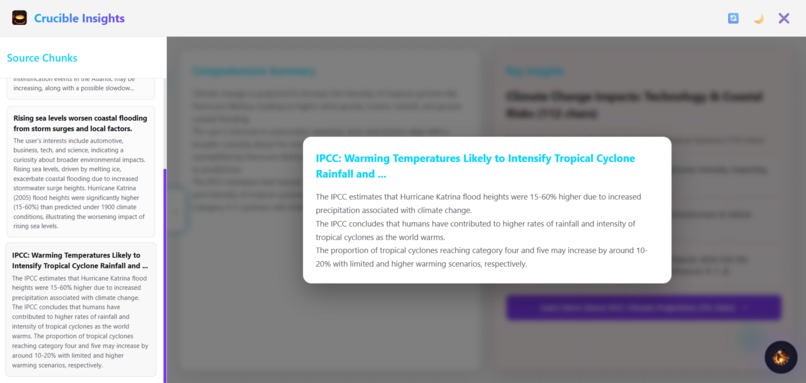
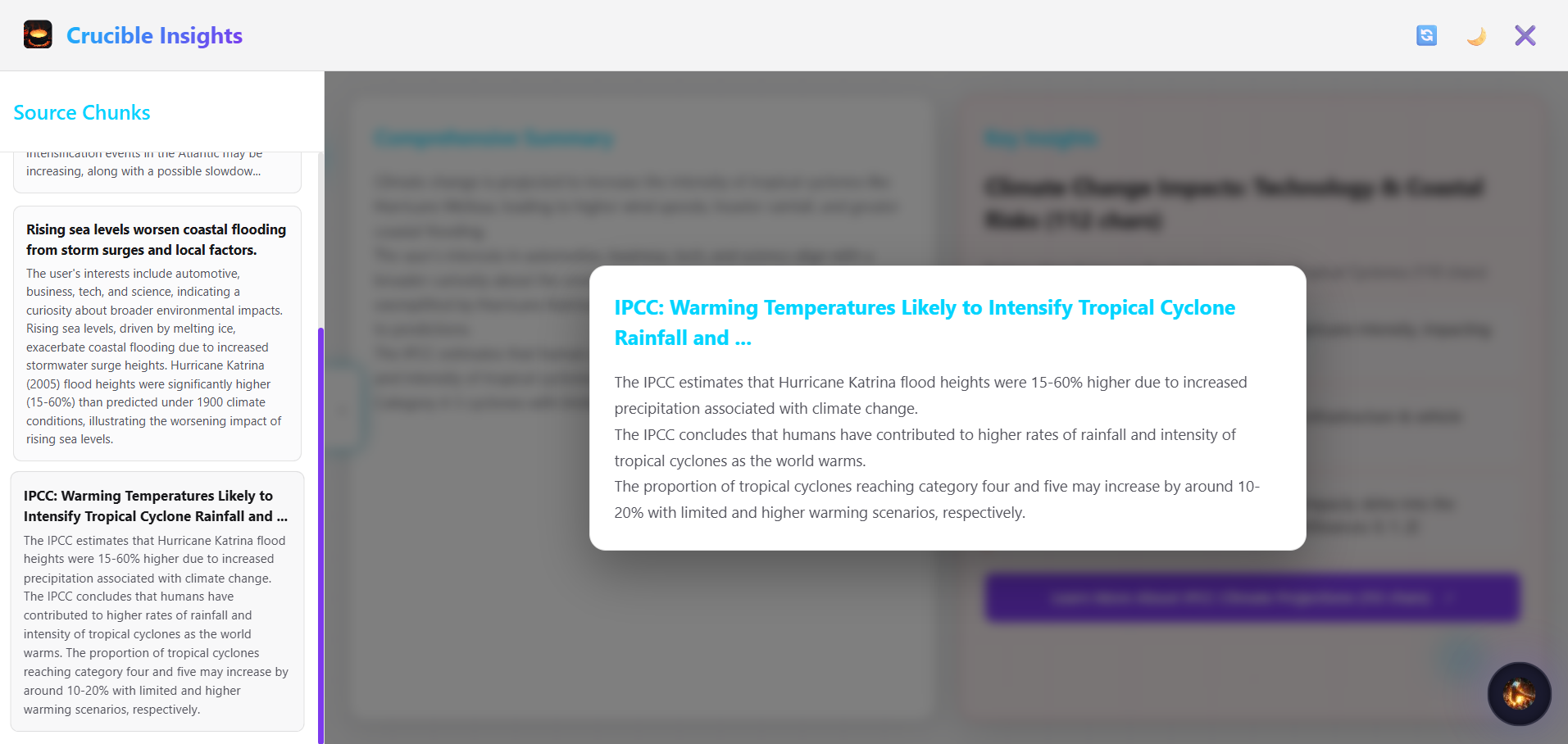
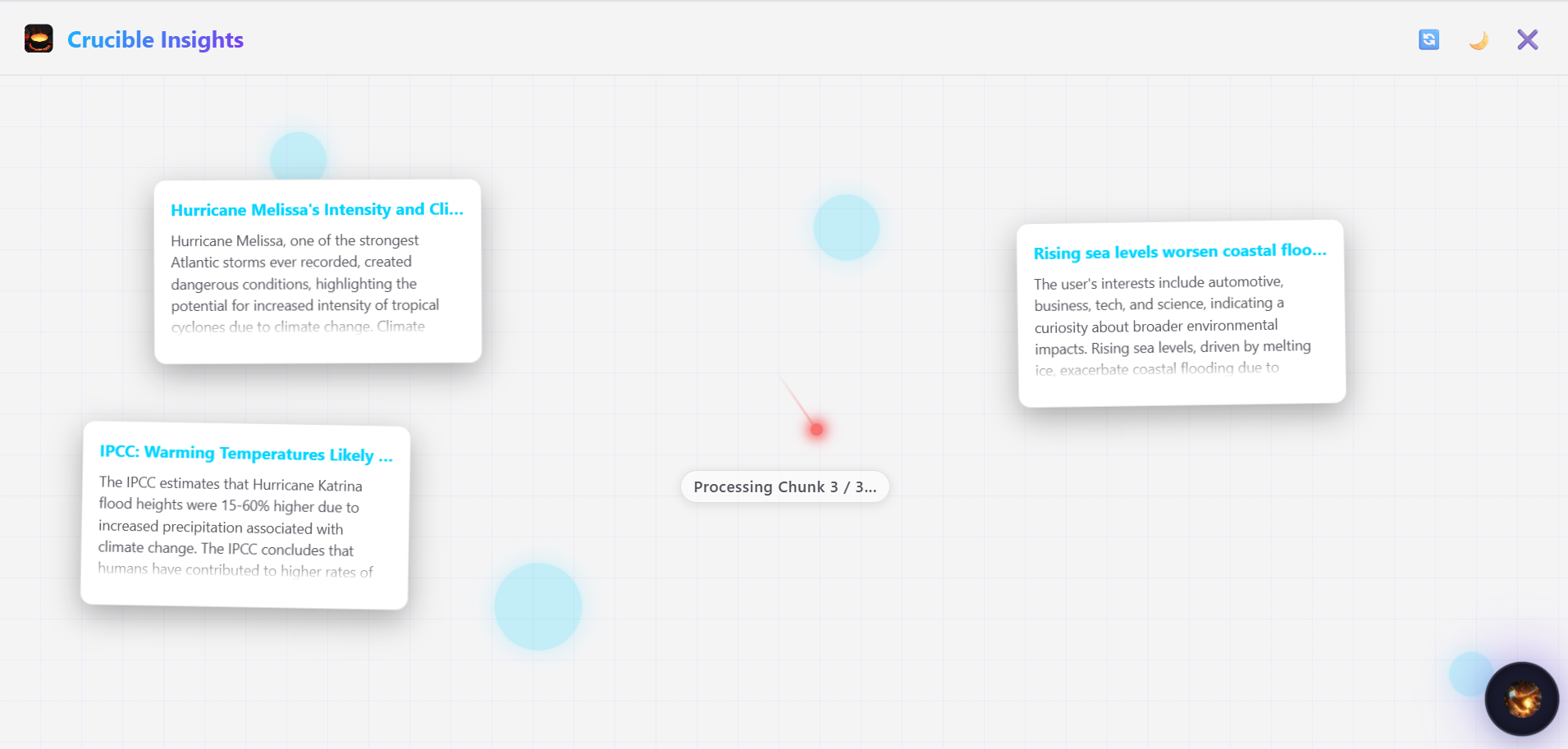
extracted chunk card
-
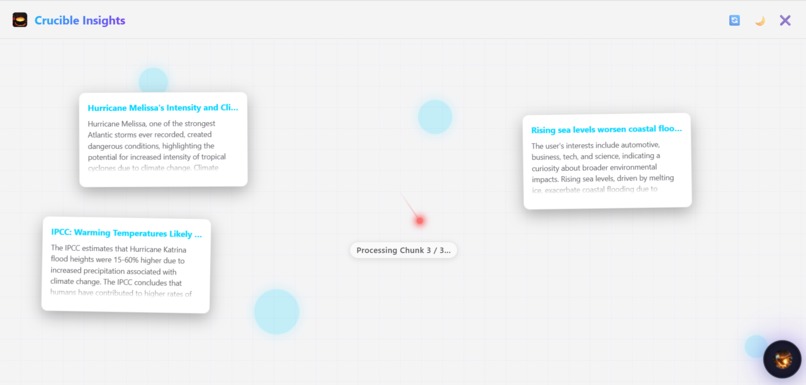
data chunks processing
-
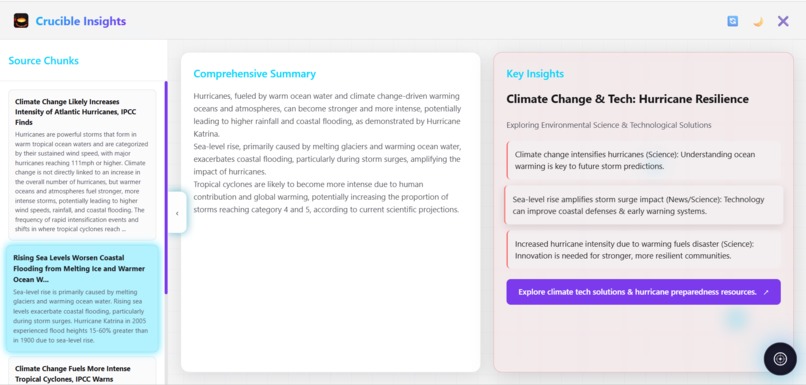
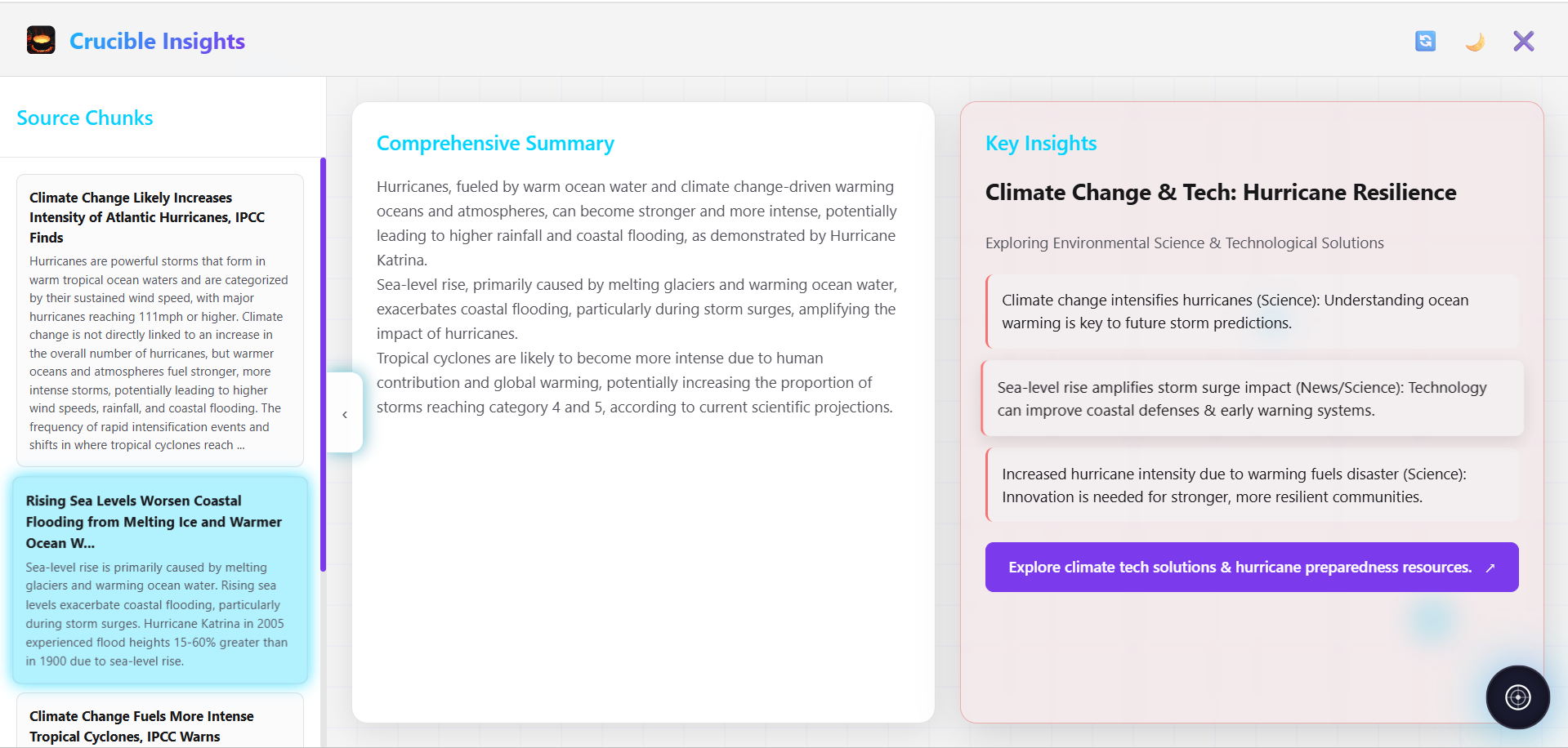
chunk summary-> summary of summary-> key insight
-
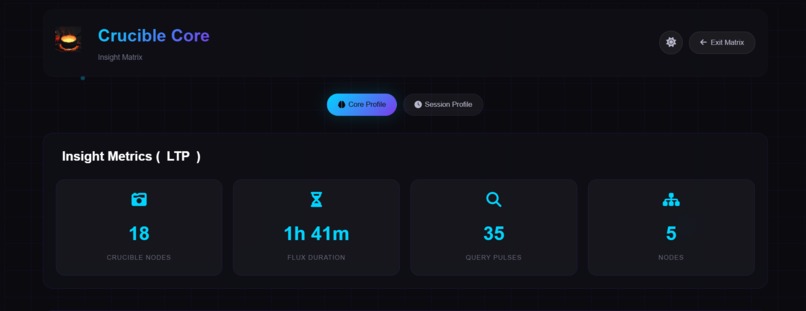
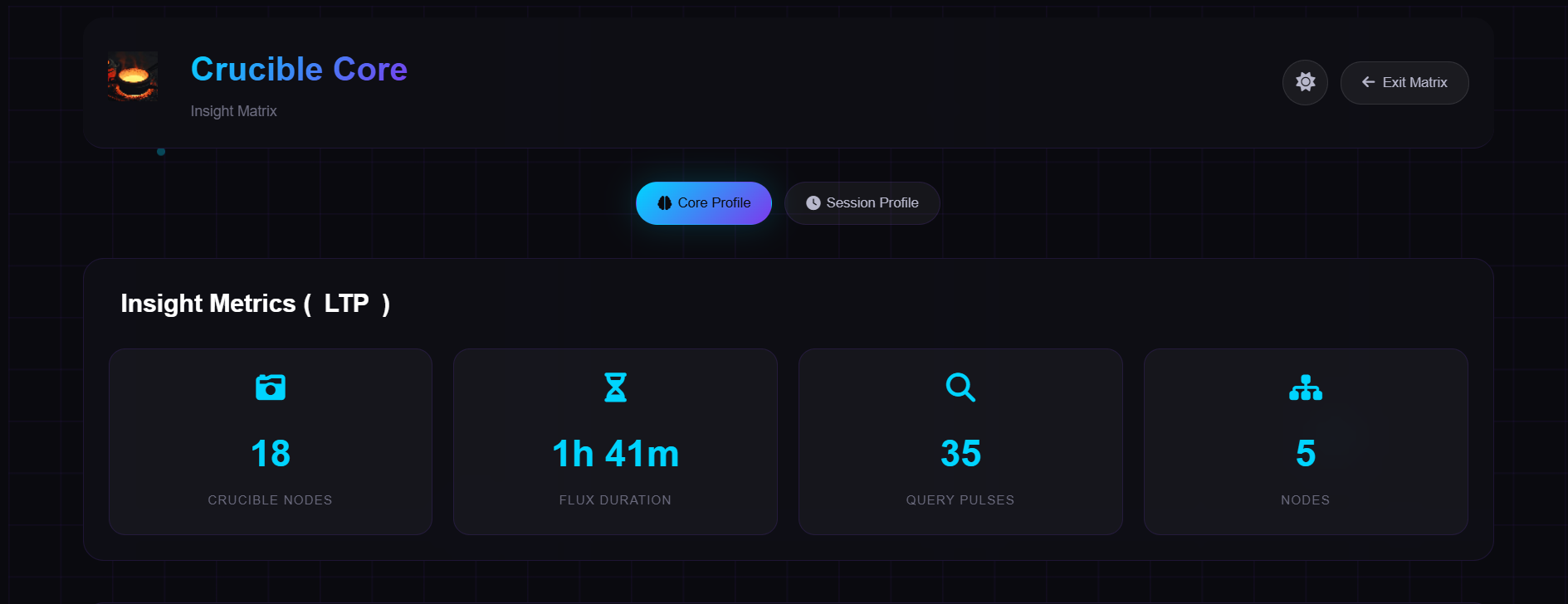
dashboard
-
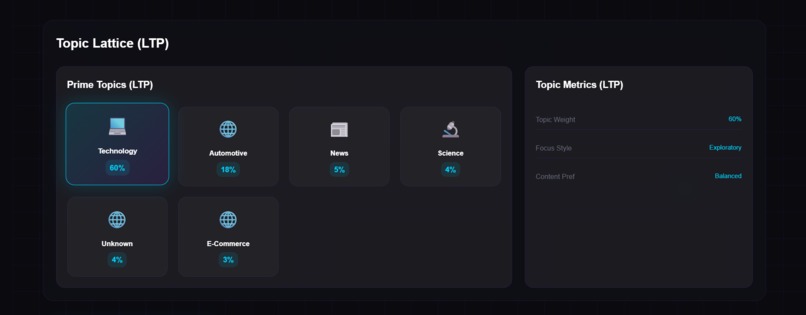
dashboard metrics
-
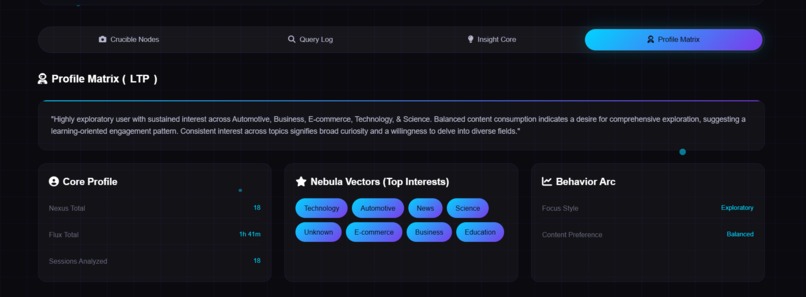
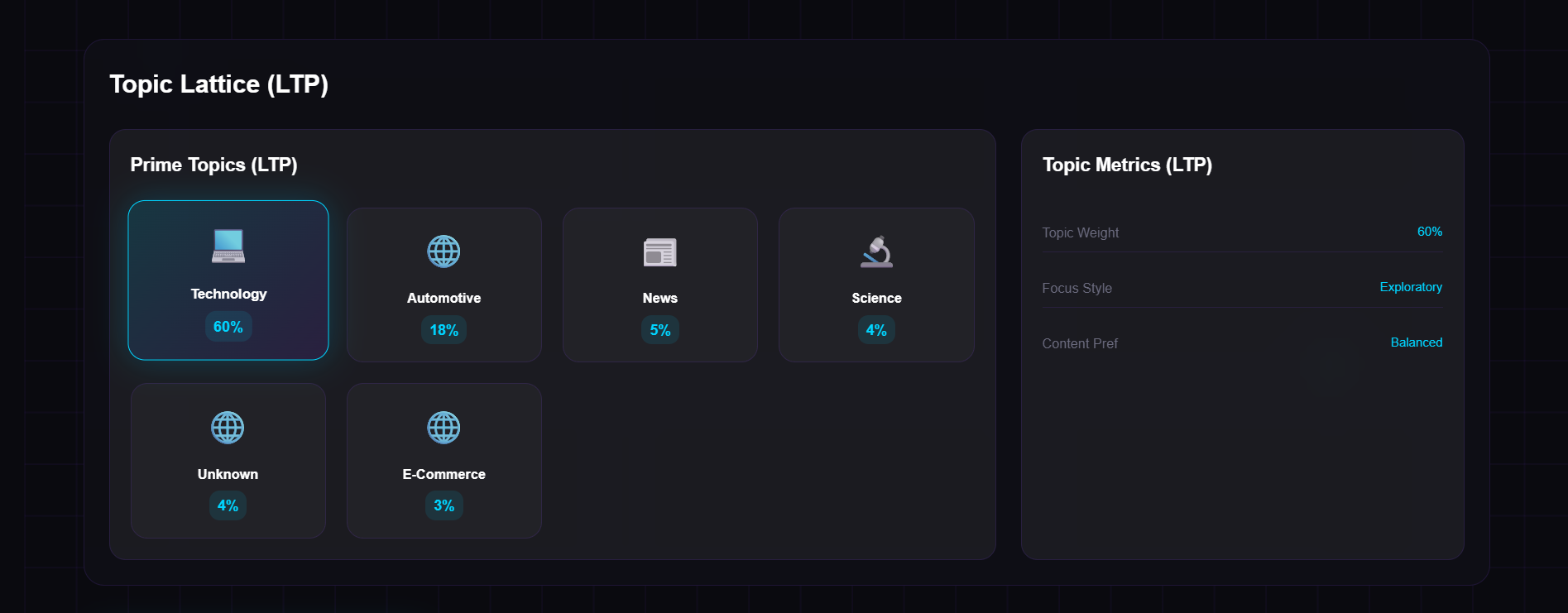
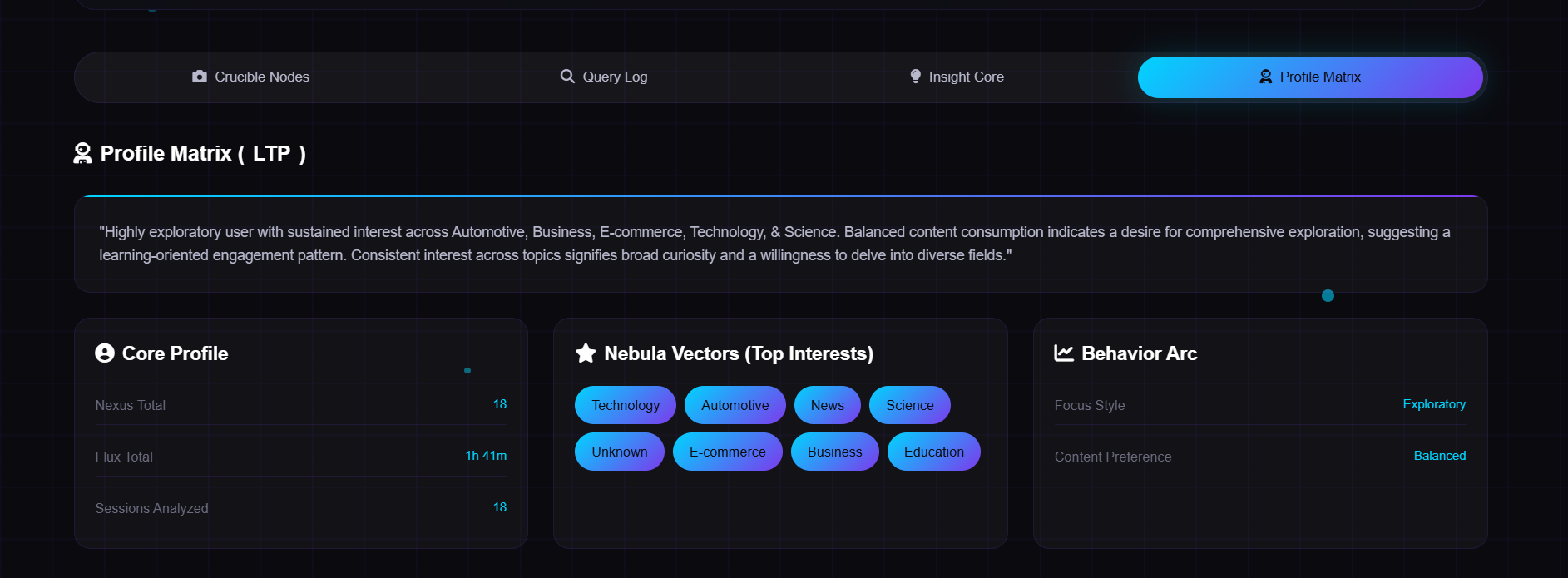
profile
-
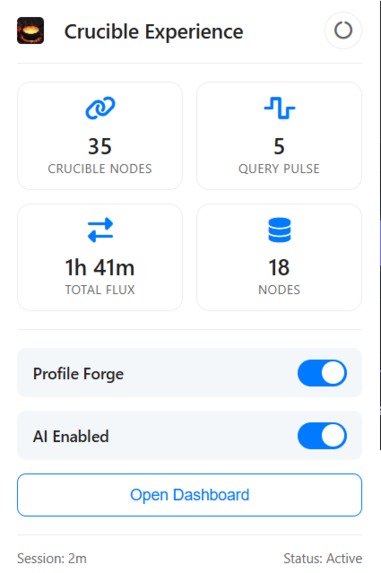
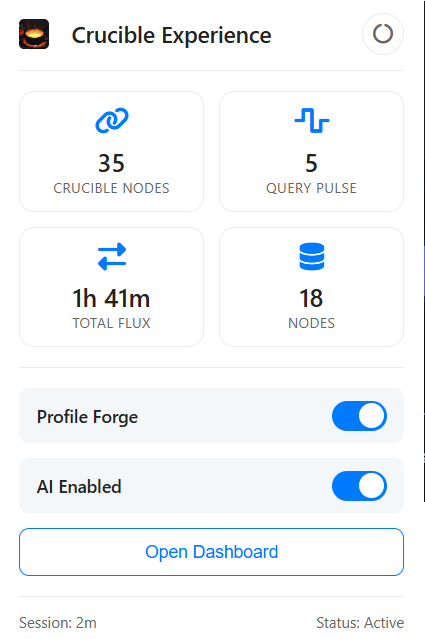
popup file
💡 Inspiration
While browsing the web every day, I noticed how much meaningful knowledge slips away — hidden between search results, news feeds, and articles. The web is vast, but our attention isn’t. I wanted to create something that could think alongside me — a quiet intelligence that learns what I seek and surfaces the right insights when I need them.
That idea became Crucible — named after the vessel where raw matter is transformed into something refined. It represents the same transformation, but for knowledge: from scattered browsing behavior into distilled personal understanding.
The inspiration also came from Chrome’s Gemini Nano — seeing AI work privately and locally inside the browser sparked the thought:
“What if Chrome itself could understand me?”
Crucible is built around that — a browser that doesn’t just show information, but refines it into insight.
⚙️ What It Does
Crucible is a personalized summary and insight generator for Chrome, powered by Gemini Nano’s Summarizer and Prompt APIs. It learns from your browsing patterns — searches, reading time, scroll depth, and engagement — to build two evolving profiles:
🧠 Short-Term Profile (STP): Captures your most recent session behavior.
🪶 Long-Term Profile (LTP): A refined, decayed history of your past sessions.
When you activate Crucible on any webpage, it:
Extracts and chunks the page content.
Scores each chunk against your profile’s domain interests.
Summarizes top segments through Gemini Summarizer API.
Synthesizes a summary of summaries and generates key insights with Gemini Prompt API.
The result: a page summary that feels written for you, not for everyone.
🧩 How It Works
Crucible runs entirely inside Chrome using its new built-in AI stack:
Data Collection Layer: Tracks anonymous browsing behavior metrics (scroll depth, time on page, click rate, etc.).
Profile Engine: Combines session data into Short-Term and Long-Term profiles using weighted decay.
Insight Engine: Uses Gemini Nano’s Summarizer & Prompt APIs to generate contextual insights.
UI Layer:
Overlay interface → Summaries and insights directly on top of web pages.
Popup window → Session overview, summaries, and control center.
Dashboard → Long-term metrics and topic graphs (STP/LTP view, profile lattice, flux nodes).
Everything is modular — Crucible doesn’t just summarize, it learns and evolves with your browsing.
🚧 Challenges We Ran Into
Integrating Gemini Nano locally within Chrome’s extension sandbox was complex — keeping performance stable while summarizing dynamic pages required reworking content extraction pipelines.
Balancing privacy and personalization — storing user data locally and maintaining insight accuracy without any server-side storage.
Designing the UI experience — creating a dark, futuristic Nexus-inspired interface that felt like part of Chrome rather than something bolted on.
Aligning tone and branding — finding a name and visual identity that captured human values and philosophical depth without feeling overly technical.
📚 What We Learned
How to harness Chrome’s built-in AI stack (Gemini Nano, Summarizer API, and Prompt API) directly from extension environments.
The power of micro-interactions — small feedback patterns make AI feel human and intuitive.
Branding and emotional design matter just as much as technical innovation; Crucible as a name gave the project depth, identity, and story.
That meaningful personalization can happen without sending user data anywhere — privacy and intelligence can coexist beautifully.
🚀 What’s Next
Expand Crucible into a knowledge companion that connects insights across browsing sessions.
Add memory timelines and semantic search across past insights.
Integrate Chrome’s Voice and Speech API for conversational browsing (“Why is this topic important for me?”).
Explore a Gemini Nano-only mode — no external requests, purely local processing.
Crucible isn’t just about reading smarter — it’s about refining how we think, one page at a time.
Built With
- canary
- css
- html
- javascript
- promptapi
- summarizerapi

Log in or sign up for Devpost to join the conversation.