-
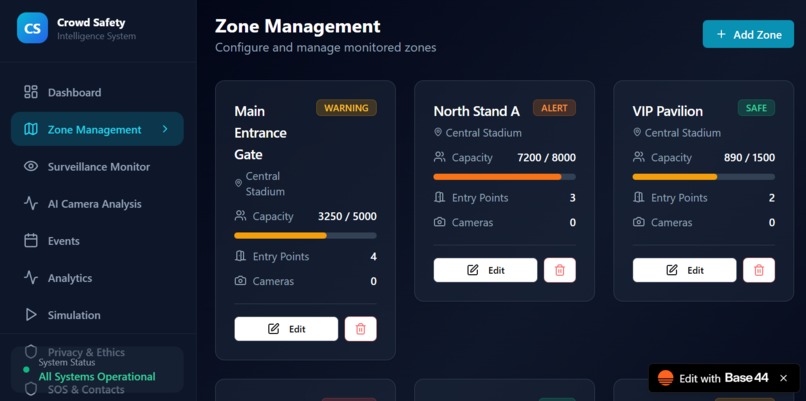
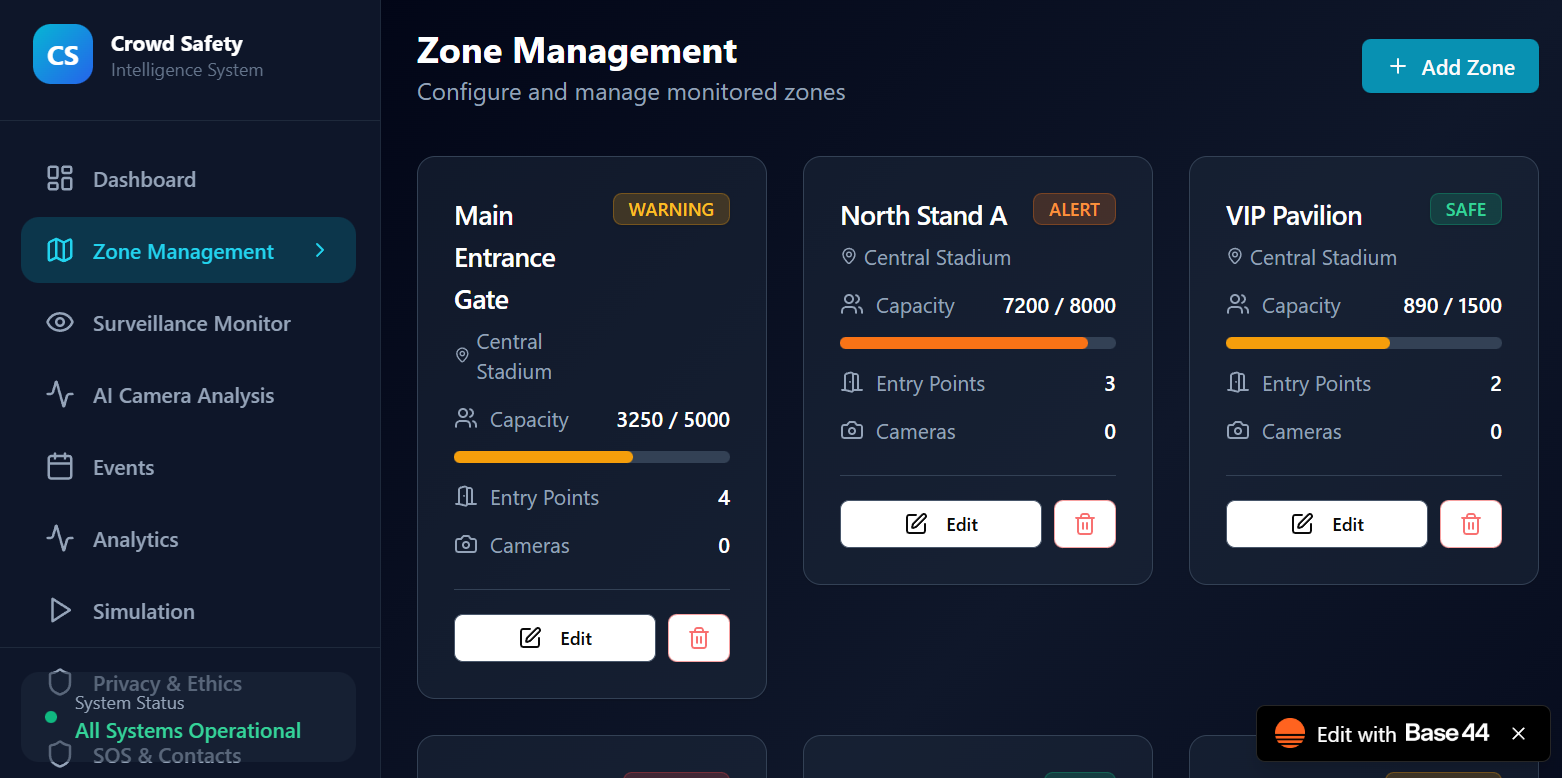
zone management
-
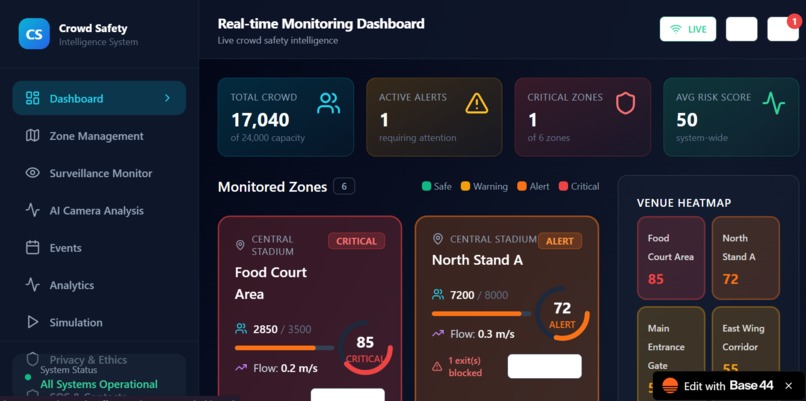
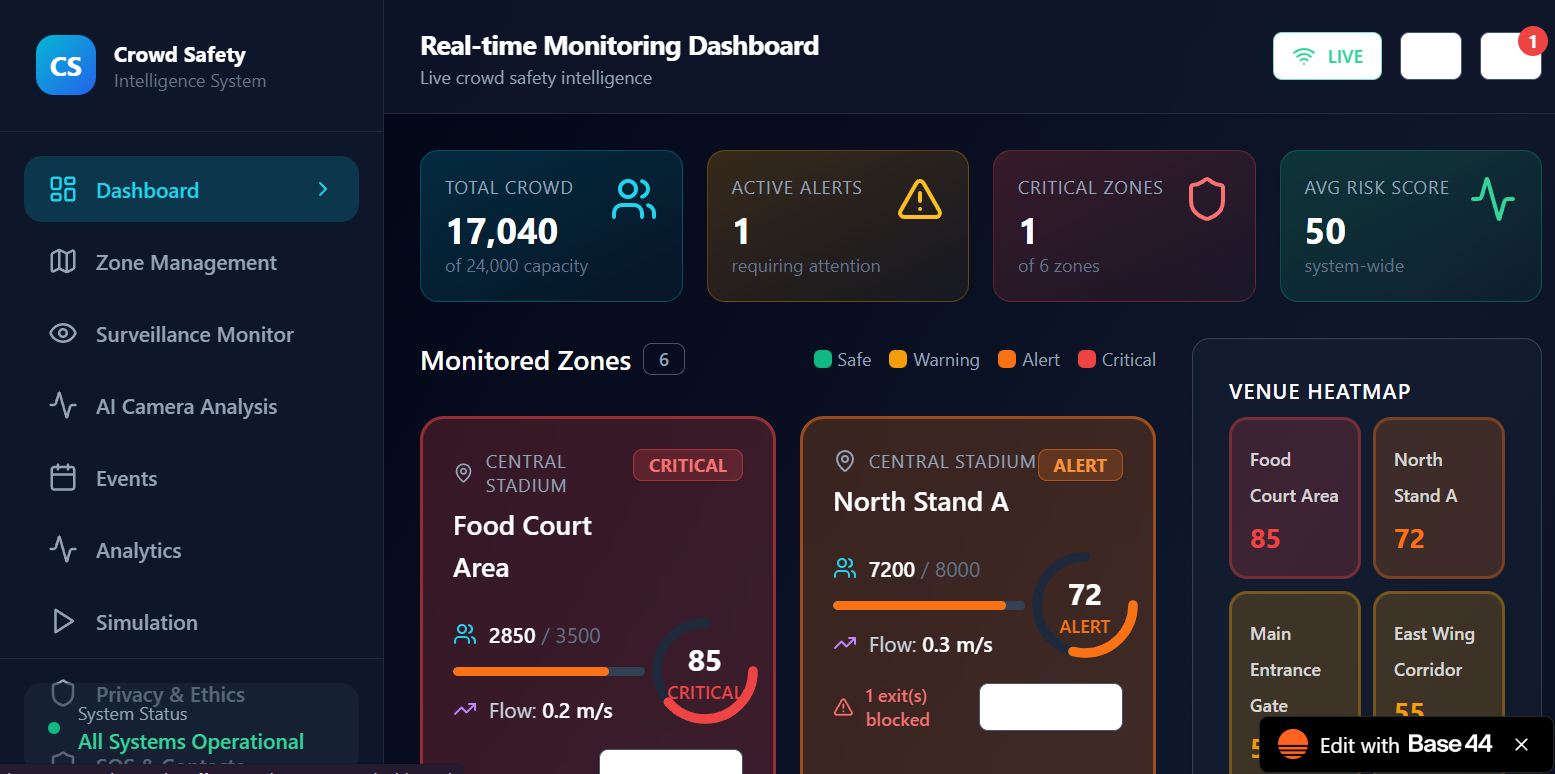
dashboard
-
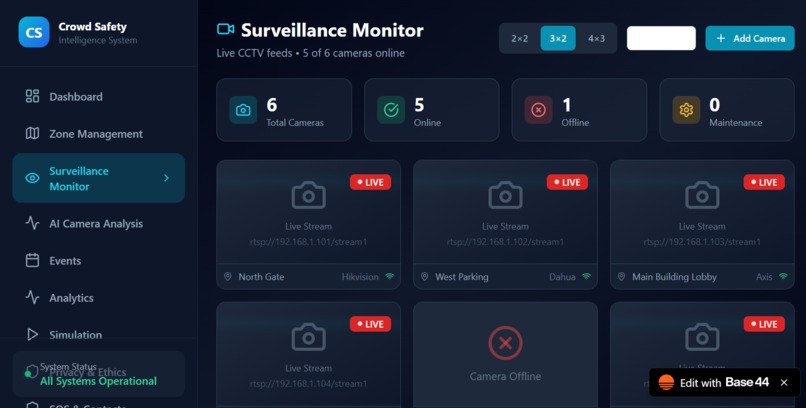
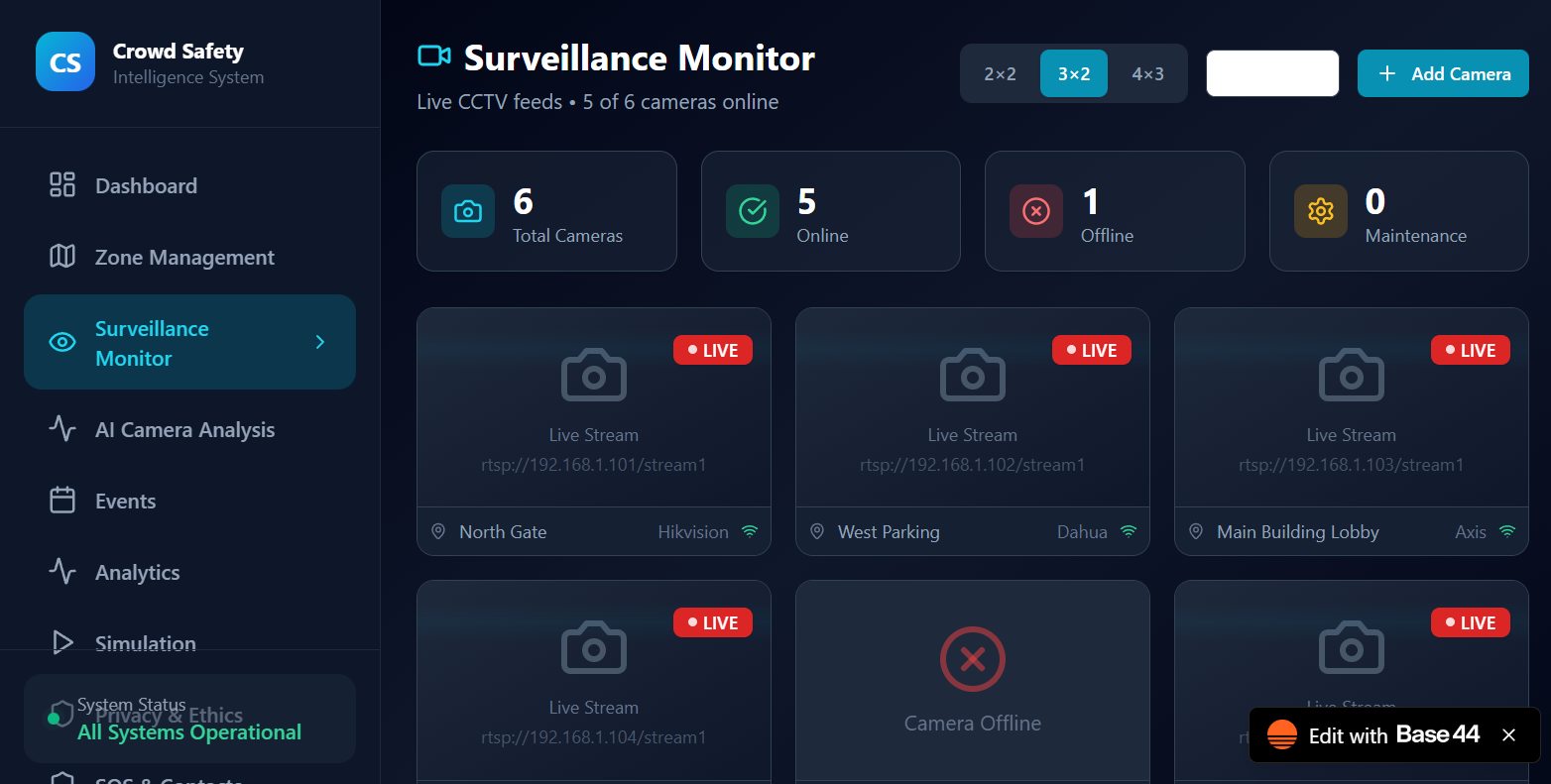
survillance monitor
-
ai camera analysis
-
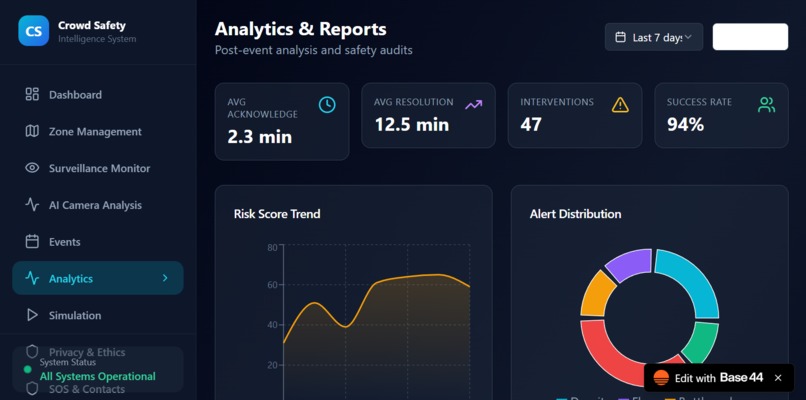
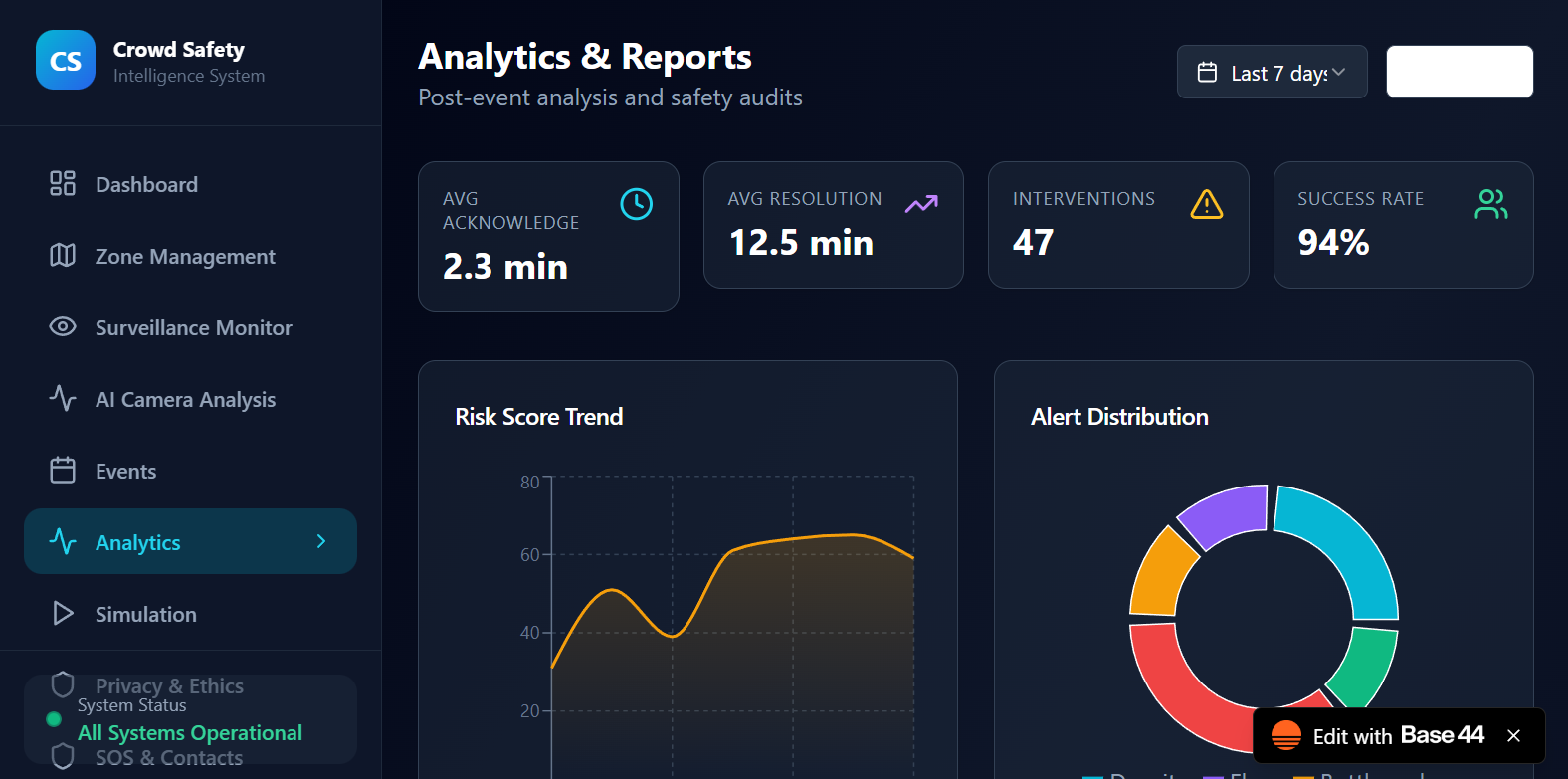
Analytics
-
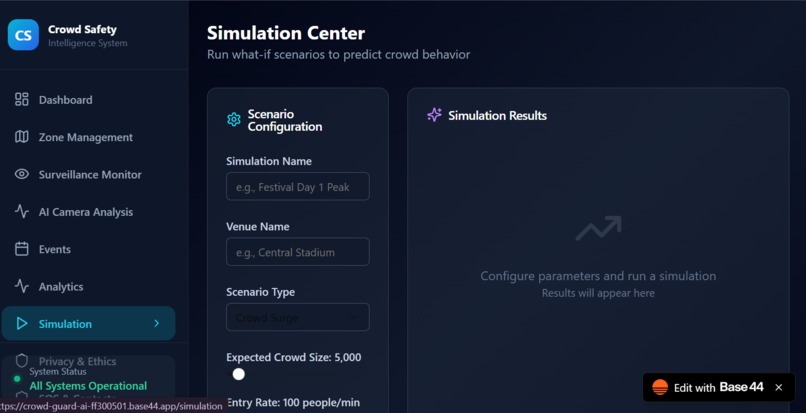
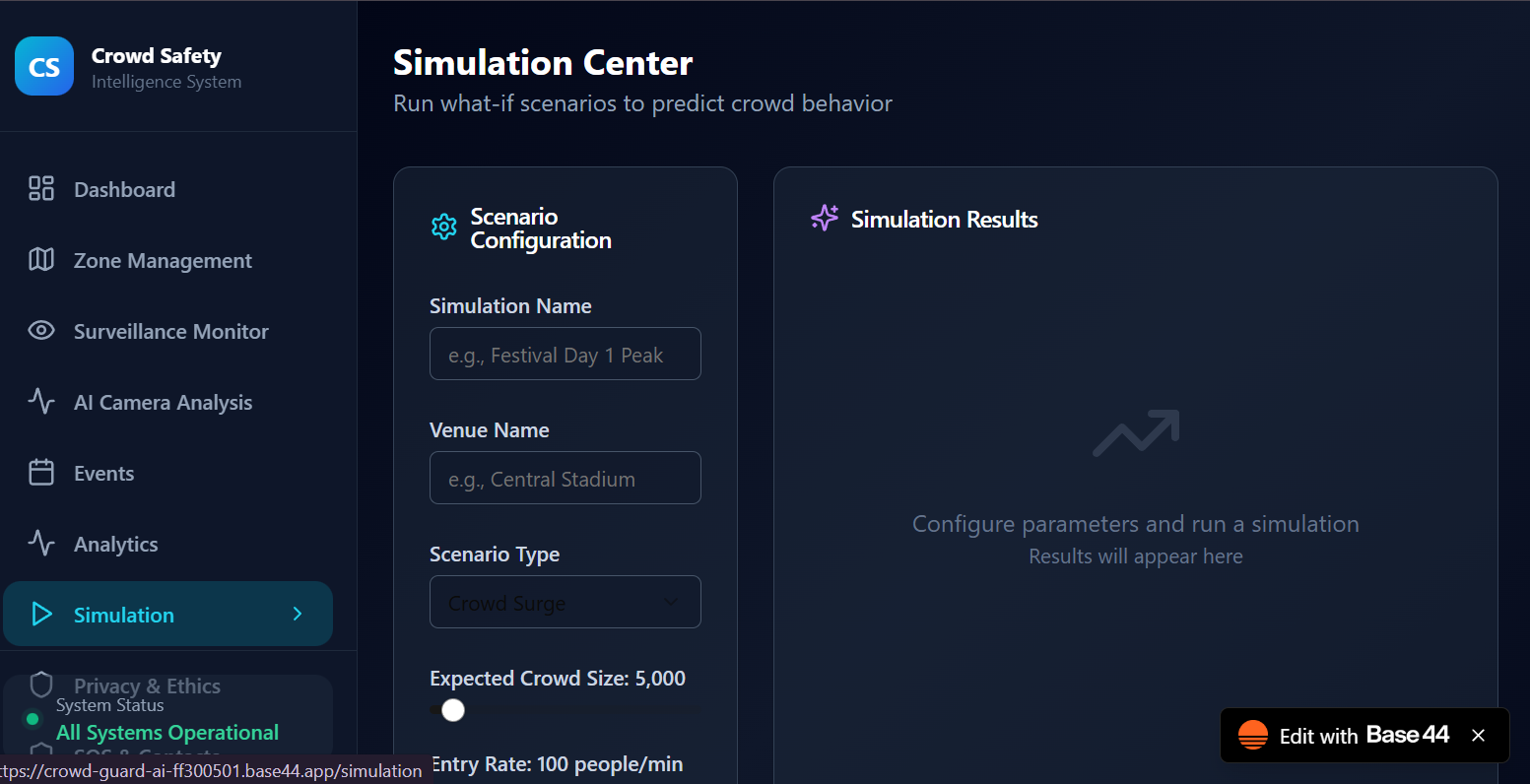
simulation
-
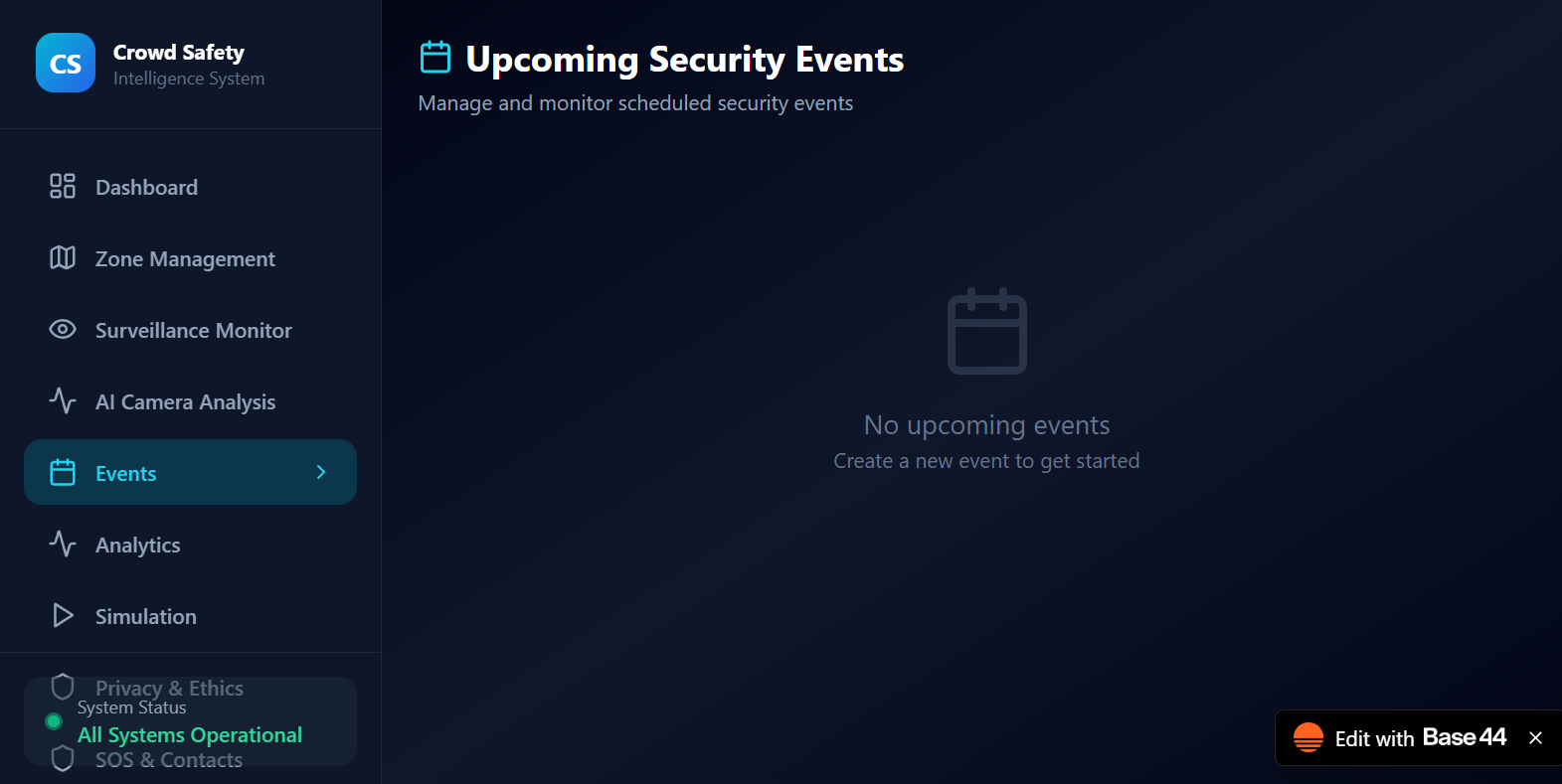
events
-
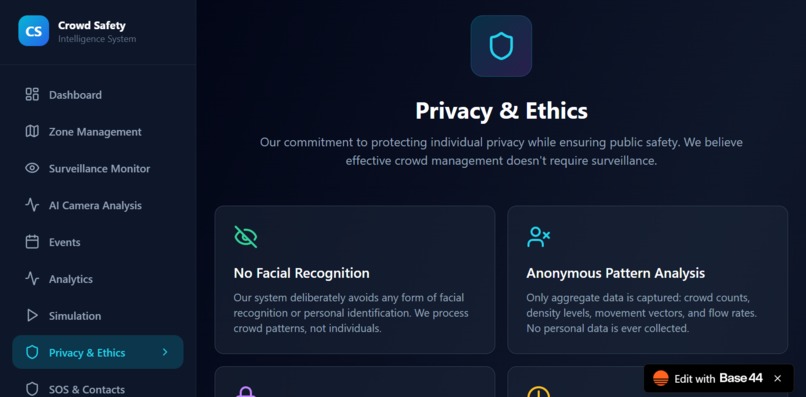
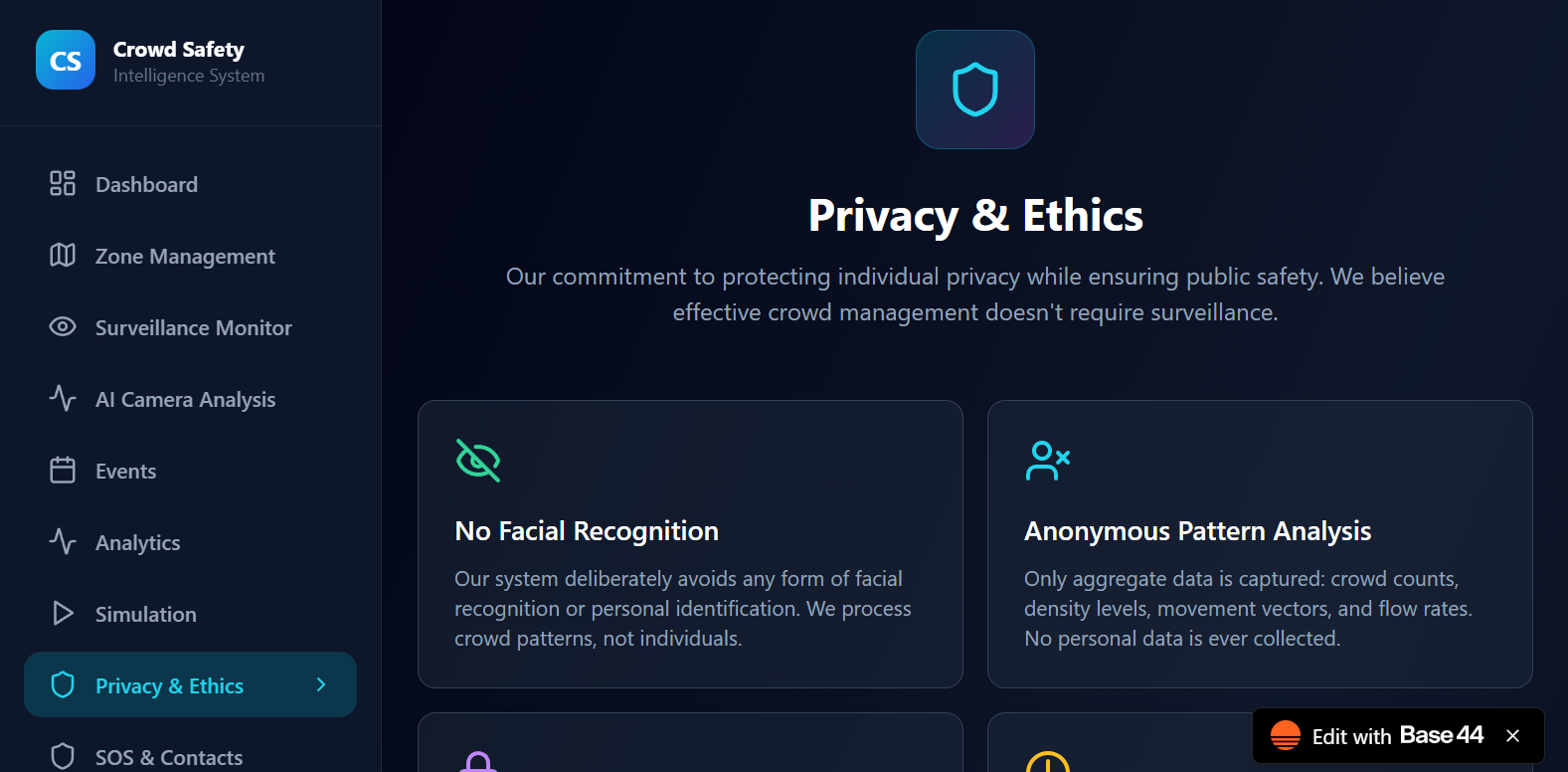
privacy & ethics
-
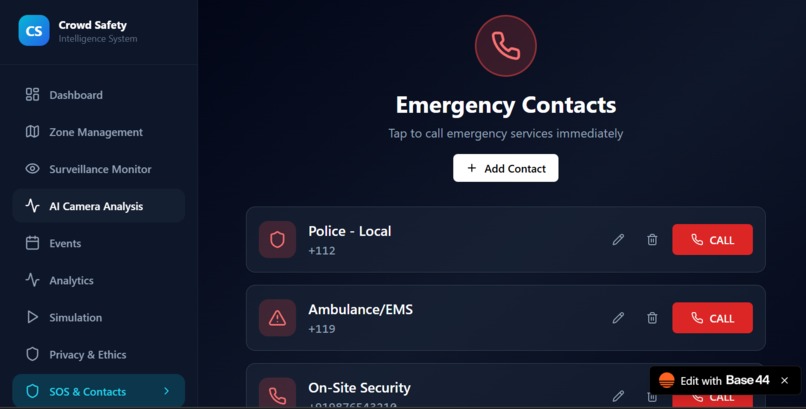
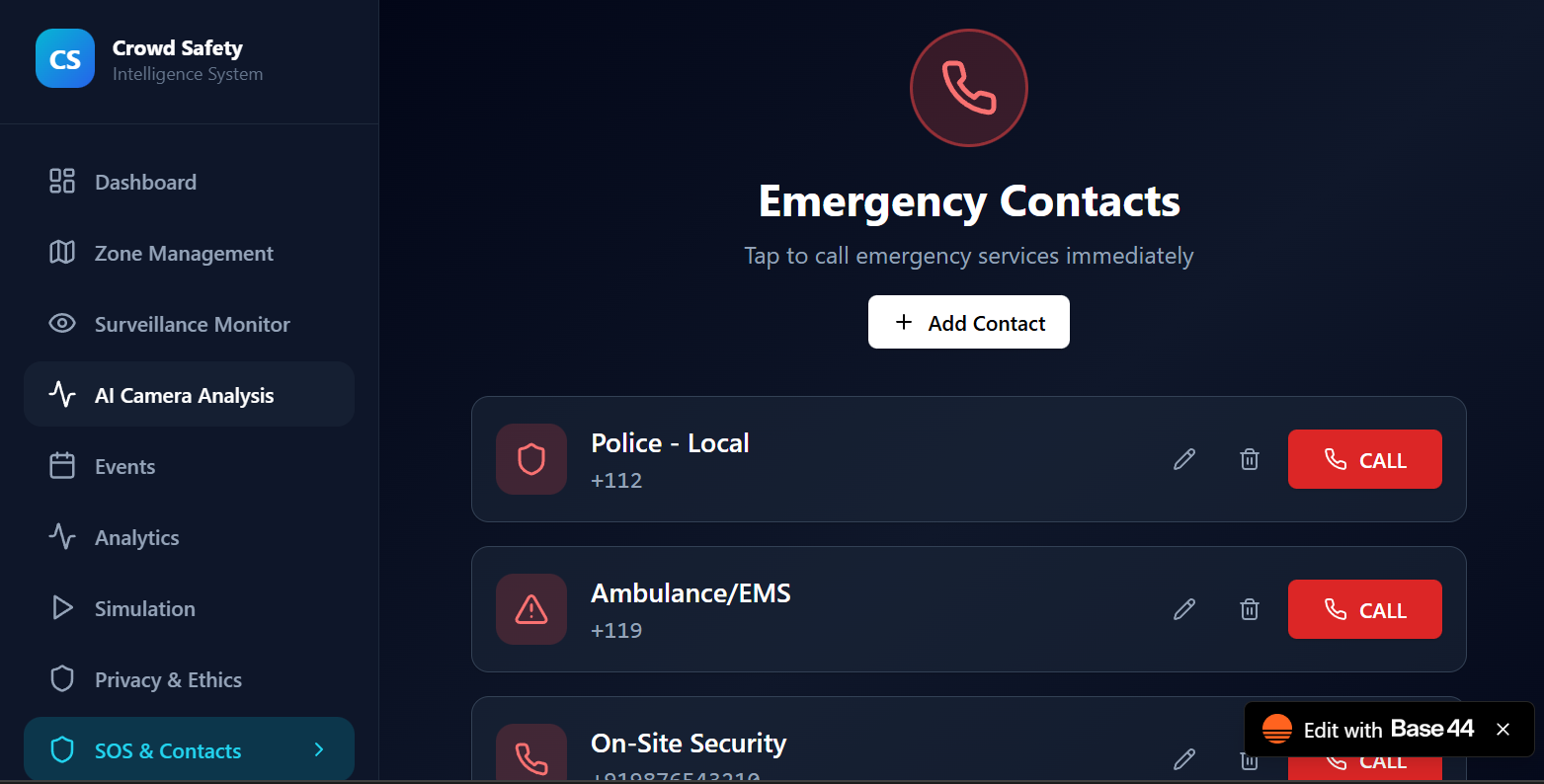
sos & contacts
Inspiration
Large gatherings—concerts, festivals, sports events, rallies—are exciting but can quickly become unsafe when crowd density rises or movement becomes chaotic. Tragic incidents around the world have shown how quickly overcrowding can escalate into crushes or stampedes. We wanted to create a tool that could predict danger before it happens and give organizers a simple, real-time way to monitor crowd safety using the cameras they already have.
What it does
CrowdGuard AI uses real-time video analysis to detect people in a scene, estimate crowd density, monitor movement patterns, and assign a risk level (low/medium/high). When the app detects potential overcrowding or irregular flow, it generates alerts so security teams or event organizers can act early. Detects humans in live video feeds
Tracks movement and identifies clusters
Estimates density and flow
Highlights high-risk zones
Generates visual overlays for clear understanding
Sends early warnings to prevent crowd disasters
How we built it
How we built it
We built CrowdGuard AI using an AI-driven computer-vision pipeline:
Object Detection – A deep learning model (e.g., YOLO) identifies people in each frame.
Tracking – A multi-object tracker (e.g., ByteTrack) follows people across frames to understand movement.
Perspective Transform – Converts the camera view into a top-down “bird’s-eye view” for accurate spacing/density calculations.
Clustering & Density Analysis – Algorithms like DBSCAN group individuals and estimate crowd intensity.
Risk Scoring System – Combines density, clustering, and motion to calculate a color-coded risk level.
Frontend Dashboard – A browser-based interface (your app) displays the processed video along with live metrics.
We used Python, OpenCV, and deep-learning inference on the backend and created an intuitive web UI for monitoring.
Challenges we ran into
Making detection accurate in low-light or crowded scenes
Handling occlusion when people overlap heavily
Calibrating the perspective transform for different camera angles
Optimizing performance so the system runs in real time without lag
Designing a user interface that gives clear insight without overwhelming the user
Accomplishments that we're proud of
Successfully building a real-time crowd-monitoring system from scratch
Achieving stable human detection and tracking even in busy areas
Creating a clean UI highlighting risk levels and crowd metrics
Reducing computational load enough to run smoothly on typical hardware
Turning a safety-focused idea into a functional, deployable app
What we learned
How to combine computer vision, tracking, and clustering into one pipeline
The importance of perspective correction for reliable spatial analysis
How challenging real-time video processing can be
How small variations in camera placement dramatically affect detection quality
How to design a safety tool that balances accuracy with speed
What's next for CrowdGuard AI
Multi-camera fusion for tracking crowds across larger areas
Mobile app alerts for security personnel
Heatmap visualizations of crowd flow
Integration with drones or PTZ cameras
Predictive modeling to forecast dangerous density before it forms
Privacy-focused features like auto-blurring faces or anonymization
A full analytics dashboard for event organizers


Log in or sign up for Devpost to join the conversation.