DISCORD TAG
Rasputin#0015
Inspiration
The game involves a park like setting(with barrels and trees) where there are various people are moving around.A majority of them is pedestrians and the others are our Main Player and AI enemies. The goal of our Main Player and the competing AI is to get as many followers as possible.But beware! If someone with more followers comes in contact with you,its GAME OVER for you. AR VERSION of the following game:https://www.youtube.com/watch?v=FL7UQiGJvdQ&ab_channel=KuGo
Platform
It is a mobile game which supports AR. The Mobile Platform allows mobility and the ability to move the AR camera around which is a very important part of the game.The AR allows us to interact with environment and the virtual objects
Main Game
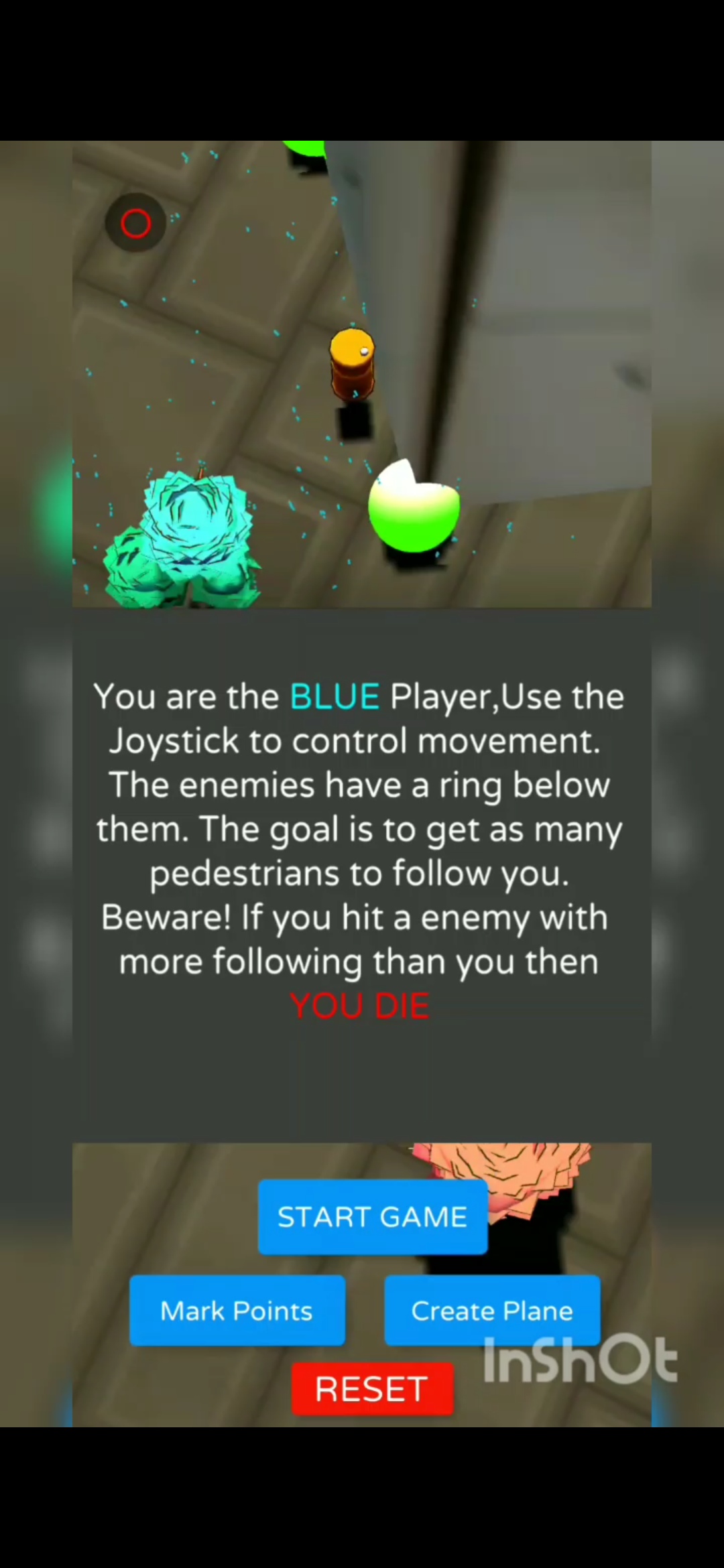
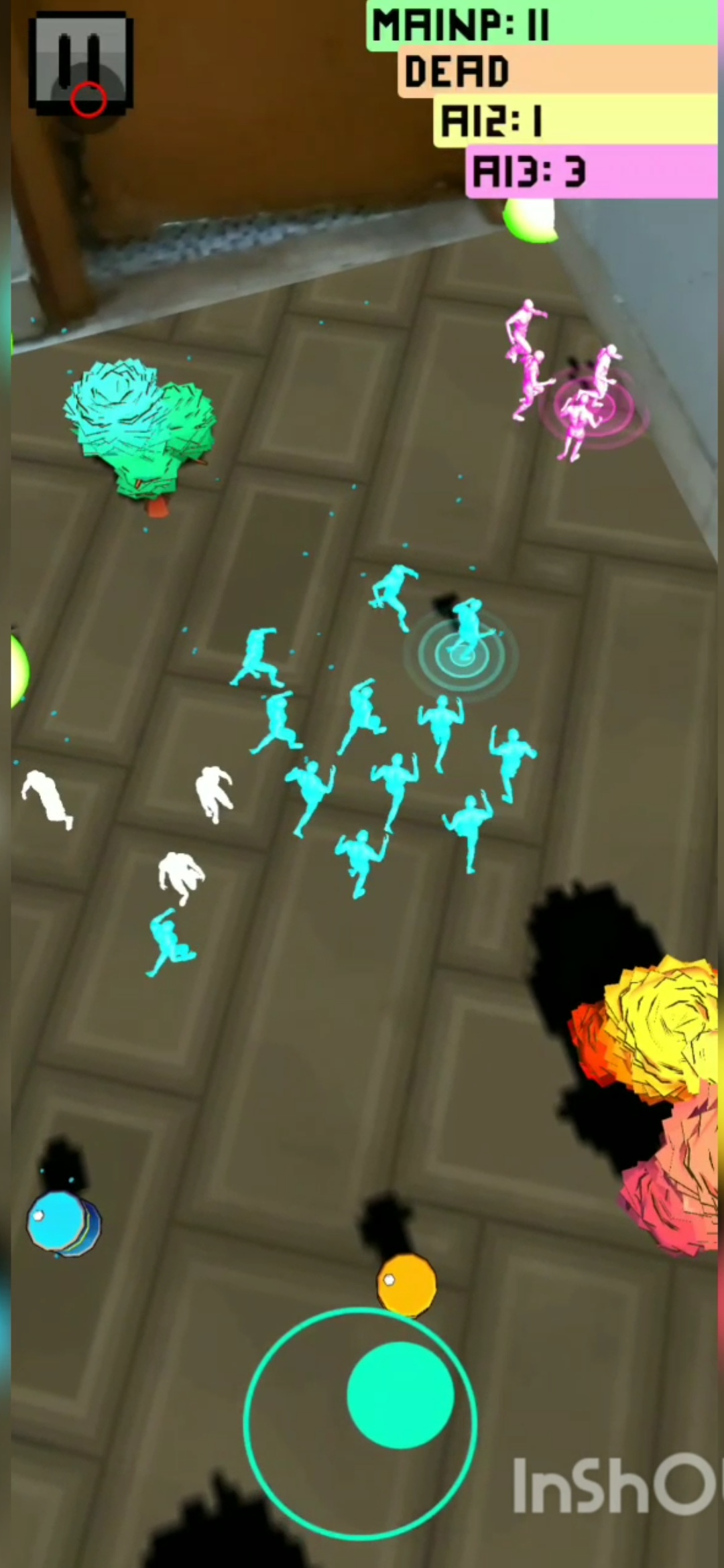
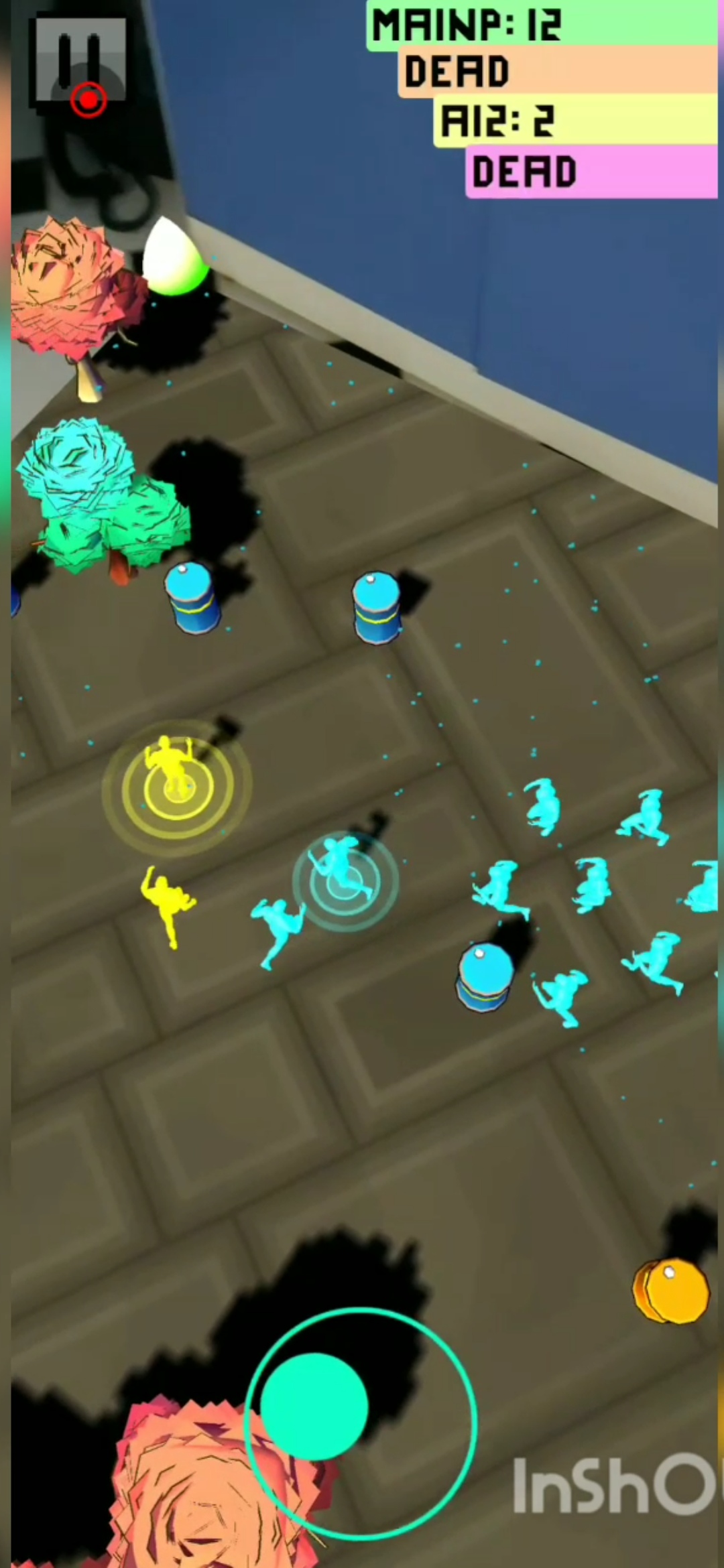
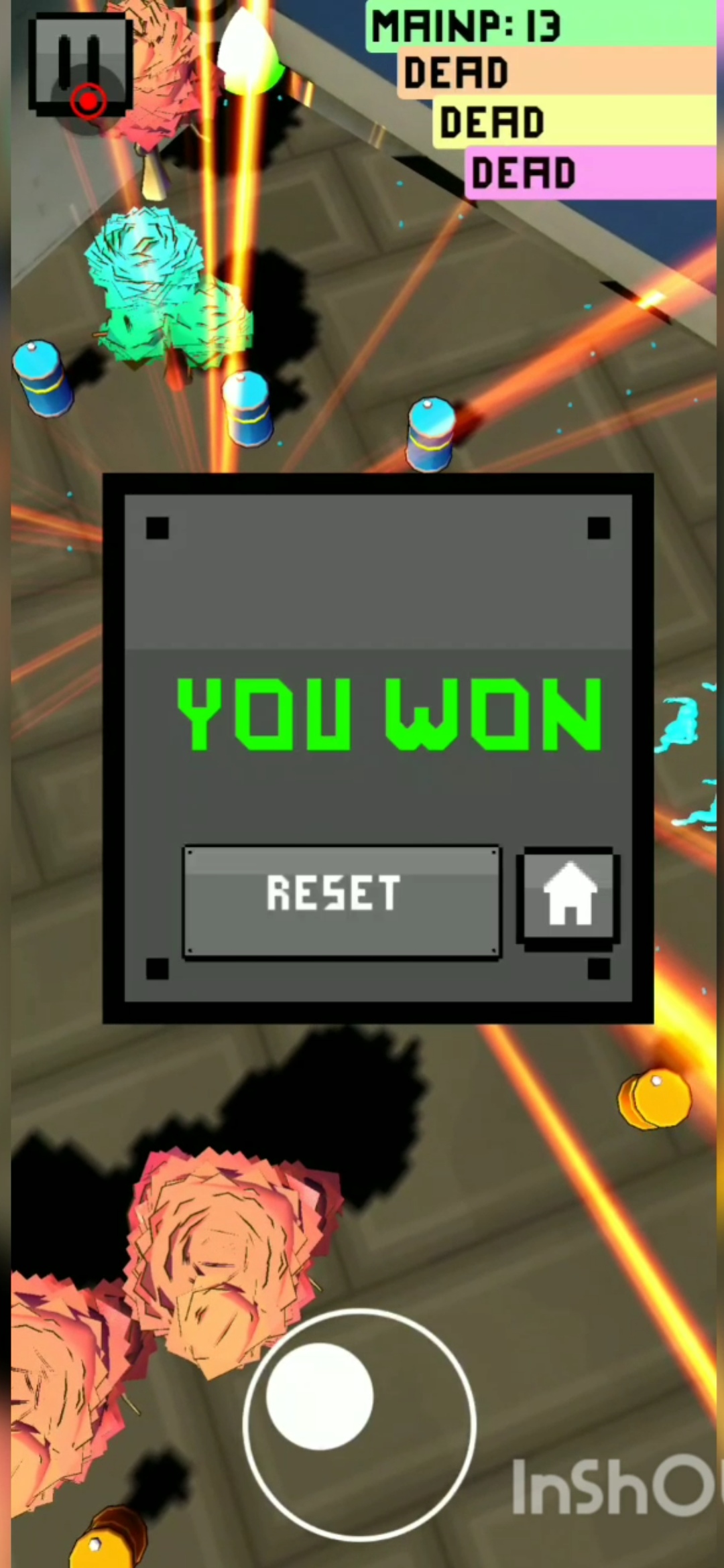
The game will begin at a title screen where players can see the Play,Exit and the How To Play button. Players will be able to see how to play the game by clicking the how to play button. They can launch into the AR game by pressing this button.The exit button helps to exit the application. On Launching the AR game,there are a lot of UI elements and buttons.The following are the steps expected by the user to fully play the game properly. 1)The initial AR screen is a prompt that tells the user to point their camera at the floor until blue dots appear.This is to activate the plane detection feature,and the presence of blue dots confirm the detection.The prompt also suggests to mark the points. 2)After clicking the Tap to Mark button,the user can mark points on the detected plane. The prompt suggests that the user marks adjacent points as to create the plane correctly.The points are collected in the Mesh Creation script and those points are used to create a Mesh. 3)There is a create button which takes all the points,make a custom mesh using those points.Assigns a texture to it (a grass/floor texture) and also invisible walls to it(Depth Mask shader).The Depth Mask shader is the alternative to the Depth API by ARcore except it has to mark the points manually. There are some objects like trees and barrels which are distributed randomly on the mesh.This leads to creation of the level where the action will happen.This is the “Park” part of Crown Park. 4)There is a reset option if the setting wasn't done properly. The Start button launches the gameplay.The blue character is the protagonist and the other characters with rings below them are Enemy AI. The characters in white are pedestrians. 5)The player has to move around and collect followers. The enemy AI has the same goal. Each of these have a follow count.When the Player interacts with enemy AI,on basis of the follow count,Elimination is done using a particle effect and sound.There is also a scoreboard keeping track of follow count. 6)If Player eliminates all Enemy Ais by having a superior follow count,the Player wins and a YOU WIN title card shows up.Whereas a YOU LOSE card shows up on.The Player can restart to play again.
MENU
There is a pause button available at all times, the pause button stops the games and triggers another UI section.This UI section has Graphics ON/OFF capability and Sound ON/OFF capability. The Reset button is also available here.
Audio
There is audio for background music. There is audio for interactions during the gameplay too.Whenever a pedestrian follows the Enemy or Player,it triggers a pop sound. When an Enemy or Player interact, it triggers a whoop sound to indicate death
Artificial Intelligence
The custom mesh is created using the user input points.The custom mesh is then used to bake a Navmesh surface.A method is present to obtain random points on the custom mesh. This is used to spawn both pedestrians and Enemy AI. Each of these have a navmesh agent which works with navmesh surface to produce the AI part of the gaming experience. Navmesh surface sketches out a path in which the enemy AI can travel.The Enemy AI and pedestrian are fed random points across the mesh to create crowd behaviour
Physics
Colliders are used to figure out interactions between the characters.Each character has a collider and a rigidbody attached to it.The isTrigger property of collider is used to trigger collision actions like a pedestrian bumping into player or player bumping into Enemy.The Walls also have physics components which are useful to create environment and virtual world interactions. Game Objects and Logic
Main Player
The Main Player has a joystick controller attached to it. It has an animation component too which triggers on various places. It triggers the falling animation when interacts with the invisible wall of the custom mesh
Enemy AI
These have a navmesh ai agent which allows them to move around randomly around the mesh and collect pedestrians.
Pedestrians
The Pedestrians have two states:Chilling Around and Following. They also have a navmesh ai agent on them.When they come in contact with either Player or Enemy AI,they follow the Following state.Otherwise its the Chilling around state.
What it does
Allows us to control a player who has to get pedestrians to follow them .
How we built it
Arcore,Unity3d and C#
Challenges we ran into
Real time mesh creation
Accomplishments that we're proud of
Depth Masking achieved
What we learned
A lot about real time mesh creation
What's next for Crowd Park AR
Multiplayer


Log in or sign up for Devpost to join the conversation.