-
-
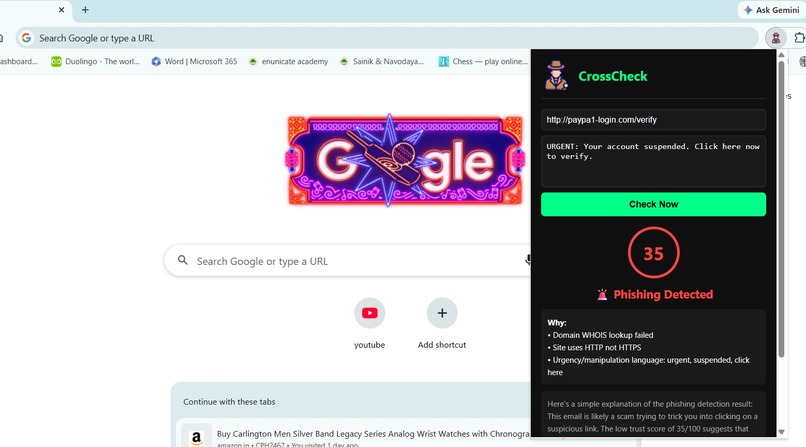
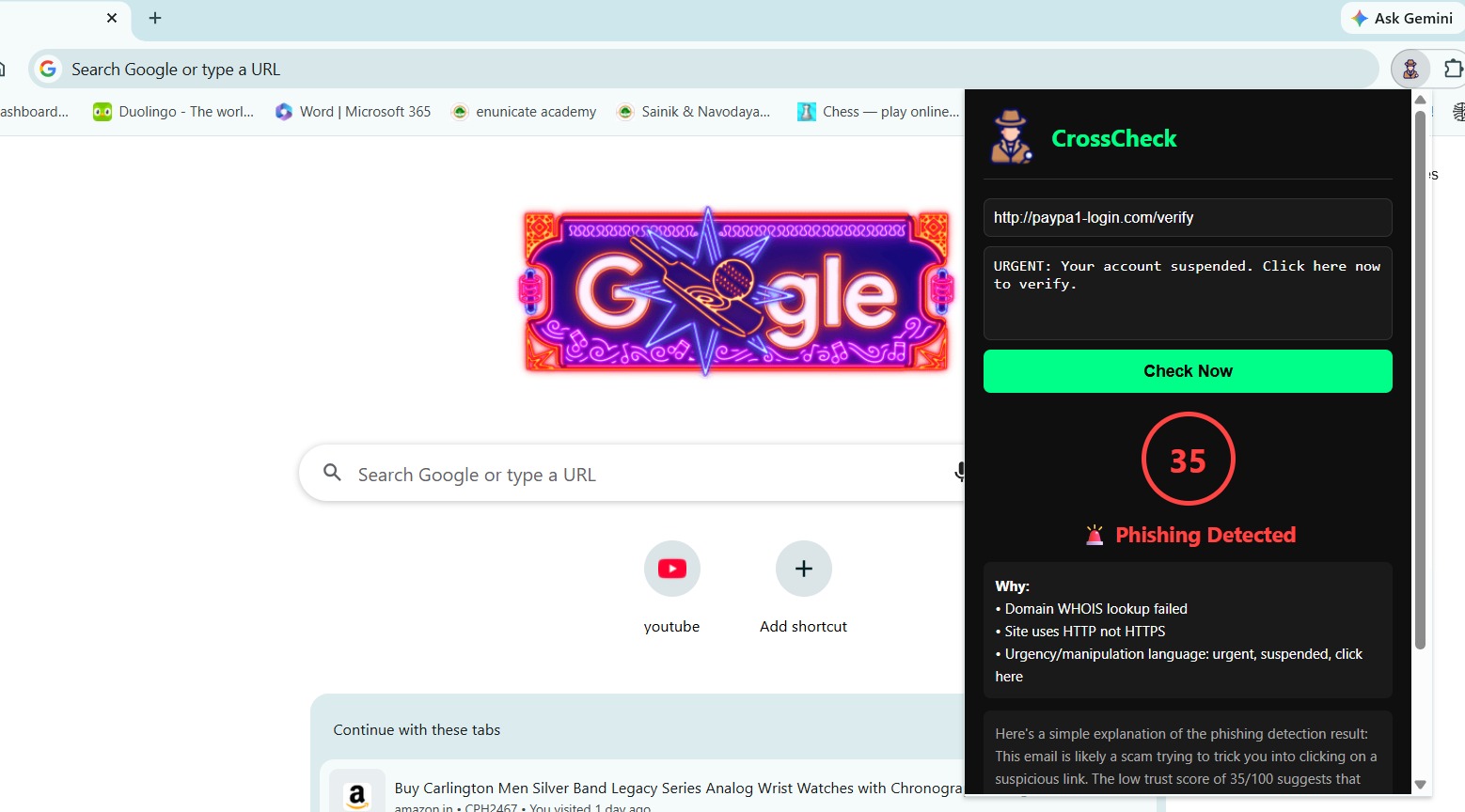
for a made up phishing site with typosquatting
Inspiration
Phishing attacks are the #1 entry point for cybercrime. Most tools just say "dangerous" without explaining why — leaving regular users just as vulnerable. As CSE students studying cybersecurity, we wanted to build something that doesn't just detect threats but teaches users to recognize them.
What it does
CrossCheck is a Chrome extension that analyzes URLs, emails, and suspicious text in real-time and tells you exactly why something is dangerous — not just that it is.
It checks:
- Domain age via WHOIS (new domains = suspicious)
- 70+ security engines via VirusTotal
- Typosquatting (paypa1.com vs paypal.com)
- HTTPS verification
- Urgency/manipulation language patterns
- AI explanation via Groq LLM in plain English
How we built it
- Backend: Python FastAPI
- Extension: Chrome Manifest V3 JavaScript
- APIs: VirusTotal, Groq LLM (llama-3.1-8b-instant)
- Libraries: python-whois, python-dotenv
Challenges
- Chrome Manifest V3 service worker limitations
- WHOIS rate limiting on major domains
- Making AI explanations simple for non-technical users
What we learned
- Chrome Extension Manifest V3 architecture
- VirusTotal and WHOIS API integration
- Building explainable AI security tools
- Real-world phishing attack patterns
What's next
- Gmail deep integration
- WhatsApp Web message scanning
- ML model trained on PhishTank dataset
- Firefox support
Built With
- chrome
- fastapi
- groq-ai
- javascript
- llm
- python
- python-whois
- virustotal-api

Log in or sign up for Devpost to join the conversation.