-
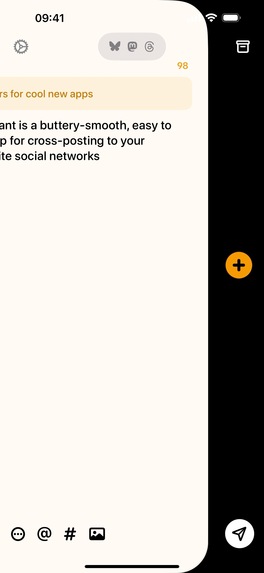
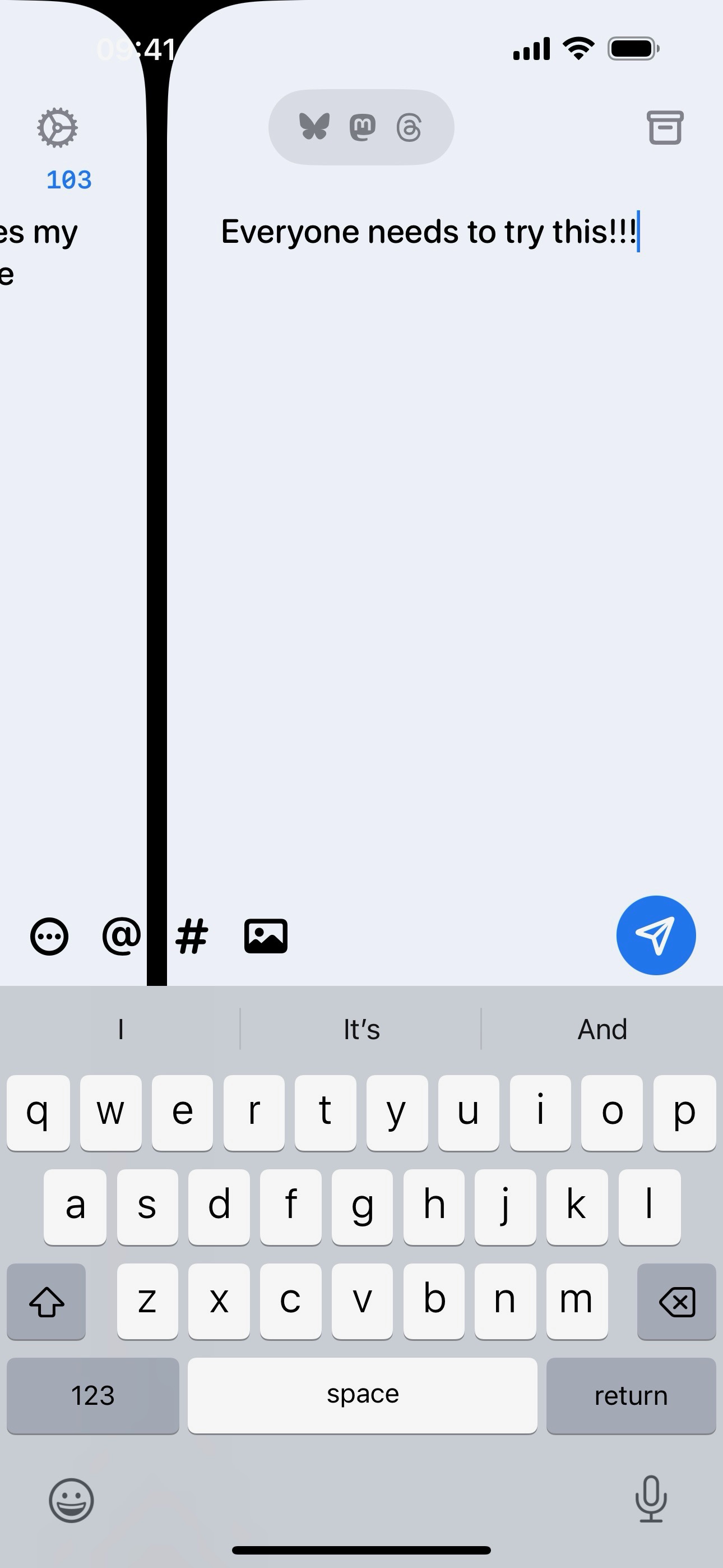
Adding a post to a thread in Croissant
-
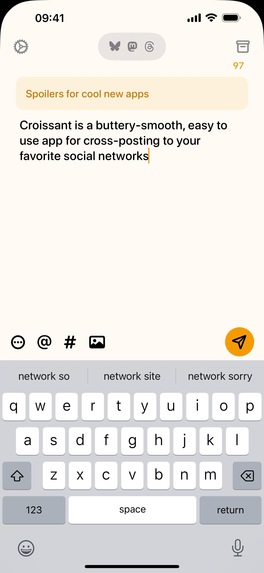
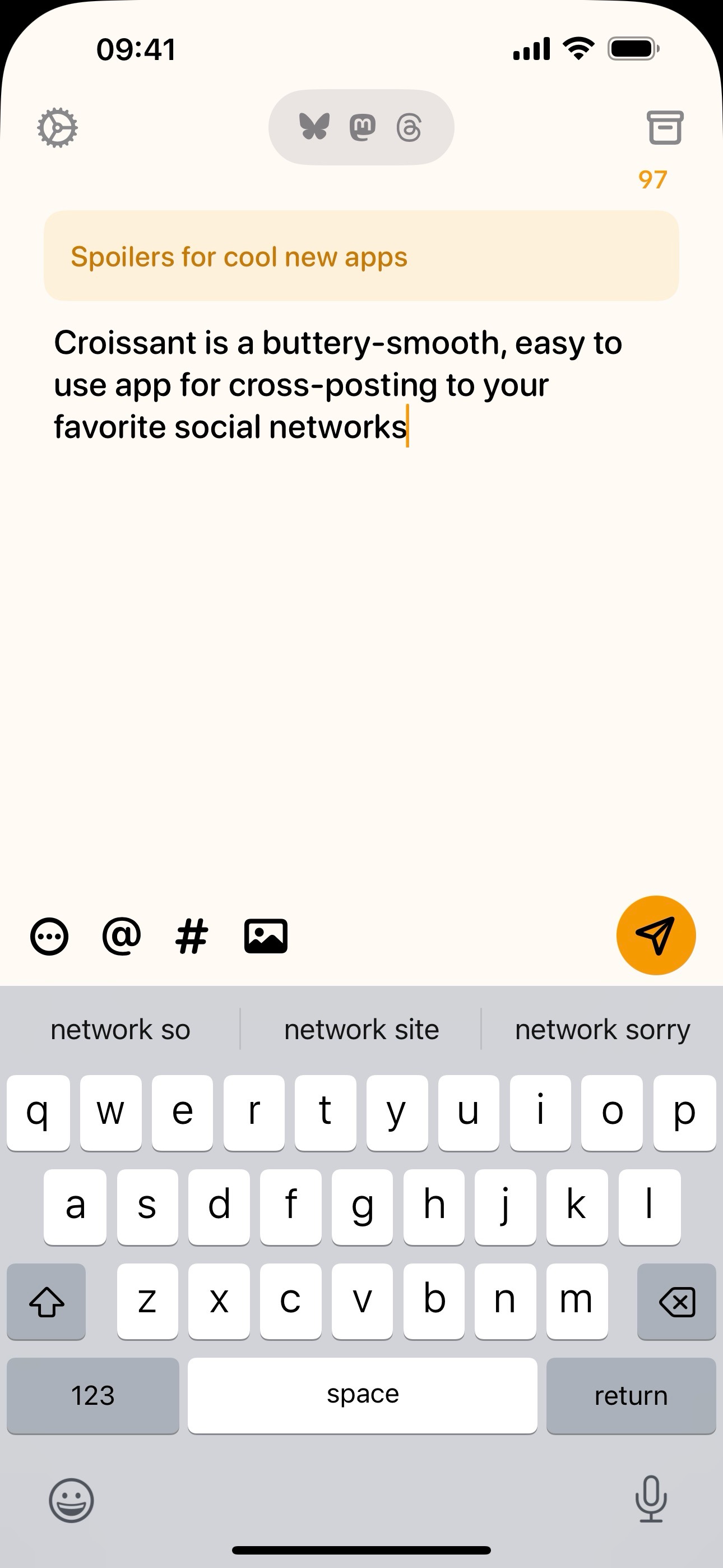
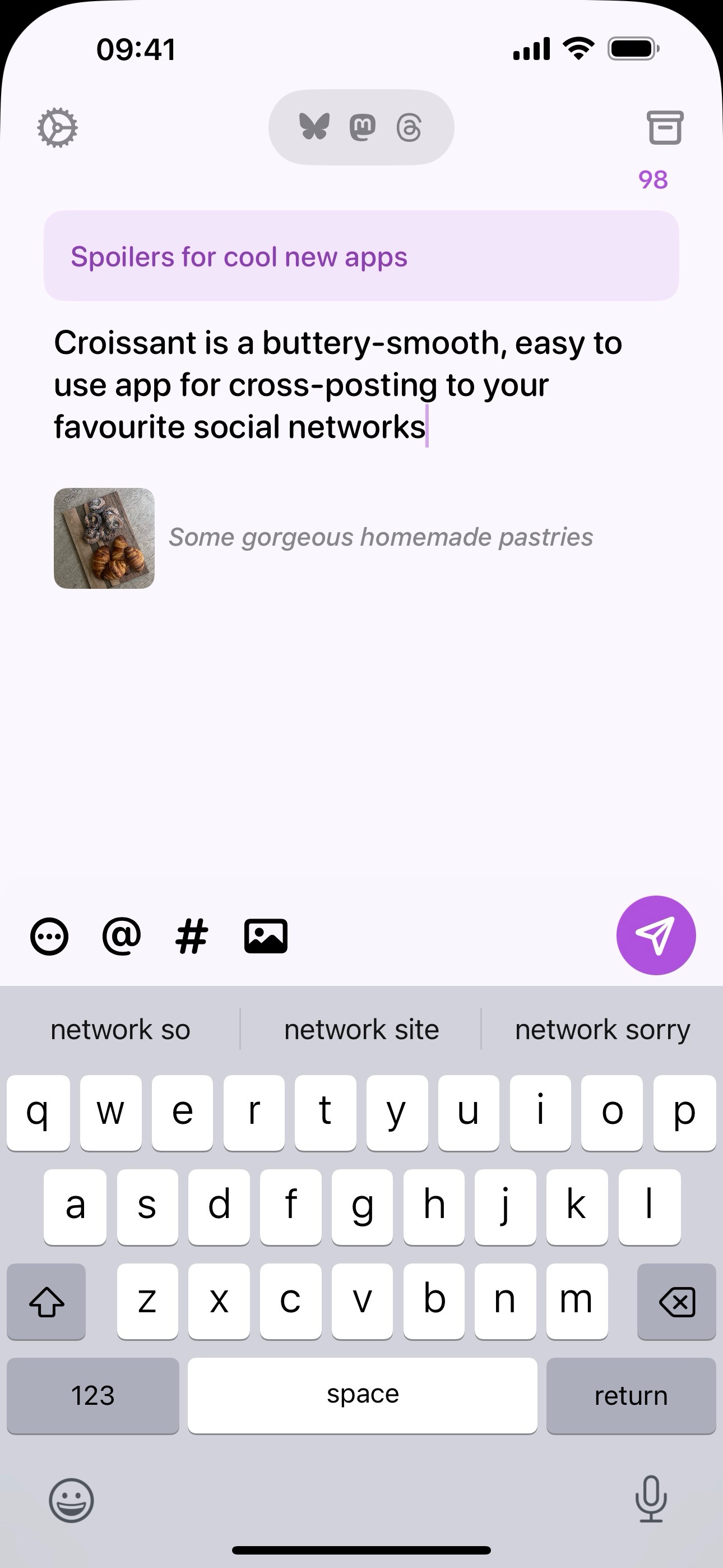
Croissant's composer view
-
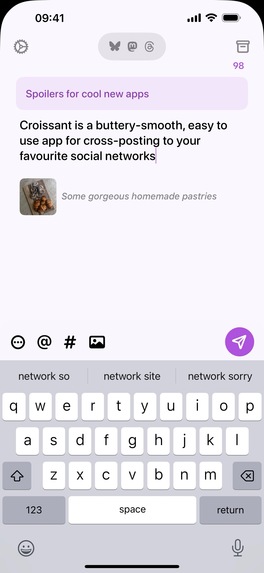
Adding alt text to attached images
-
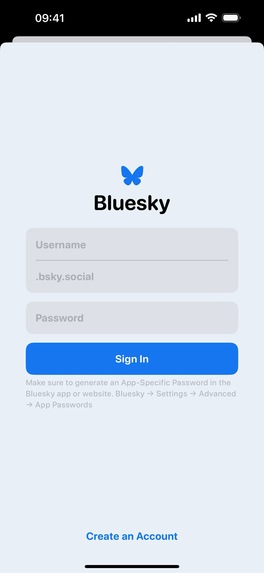
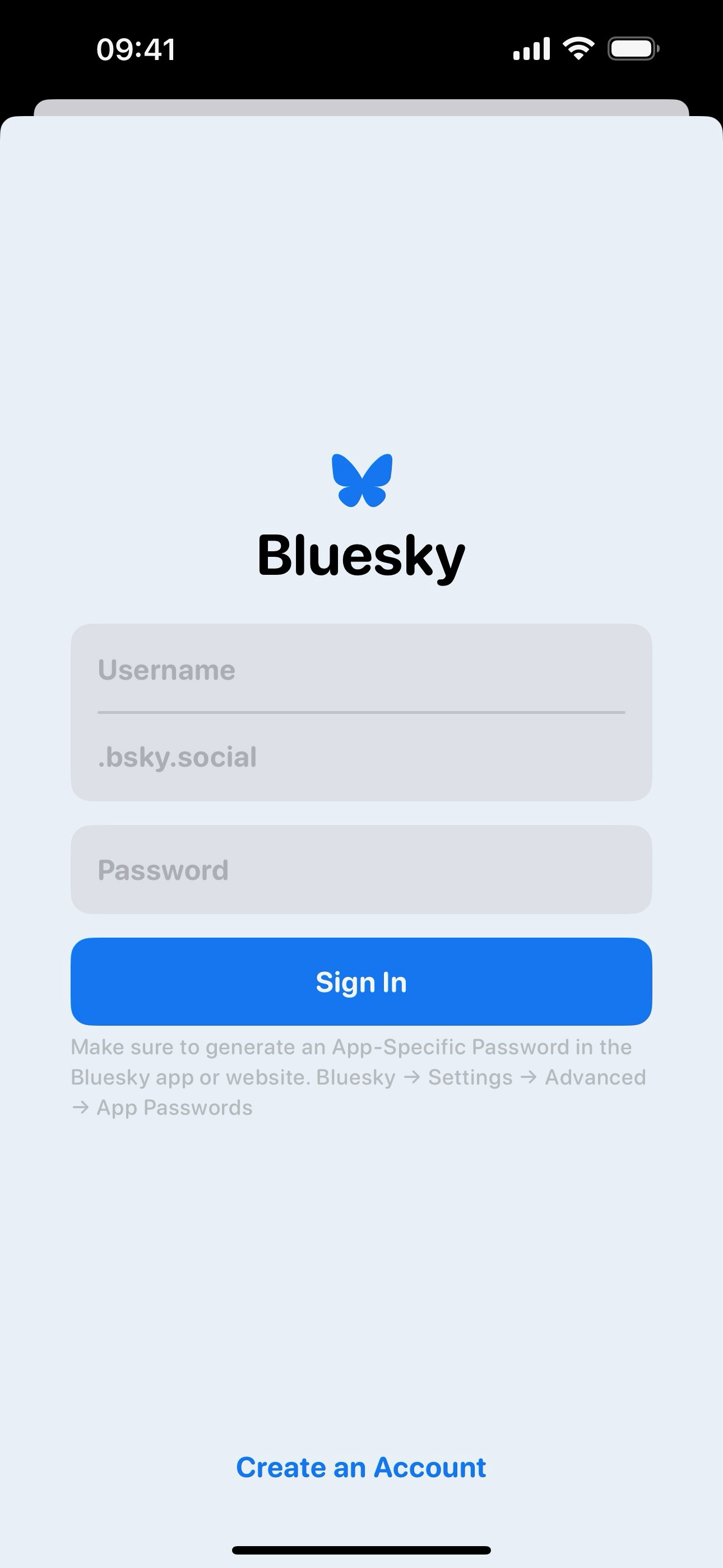
The Bluesky login screen
-
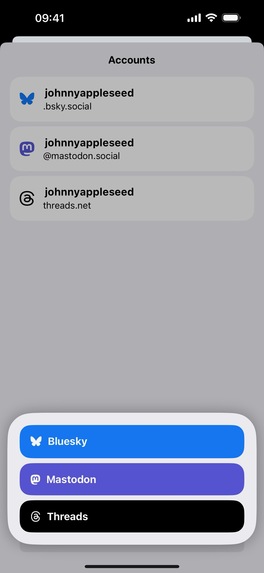
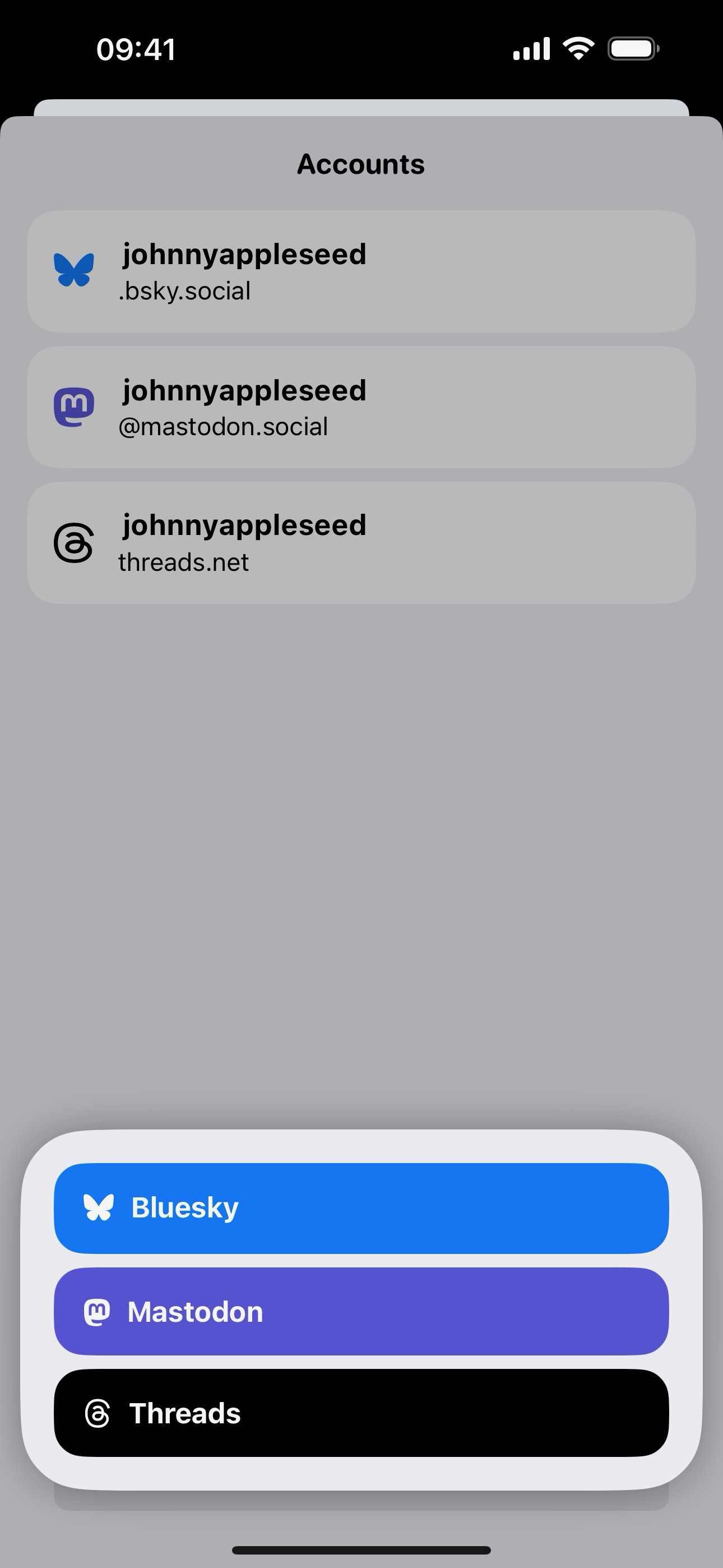
Selecting a social network to add an account to
-
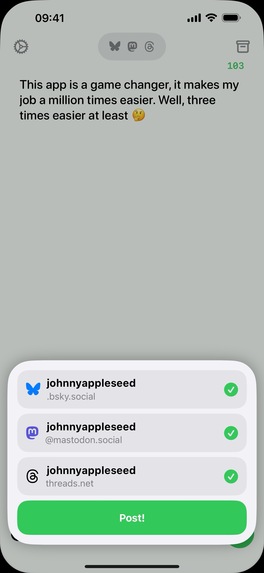
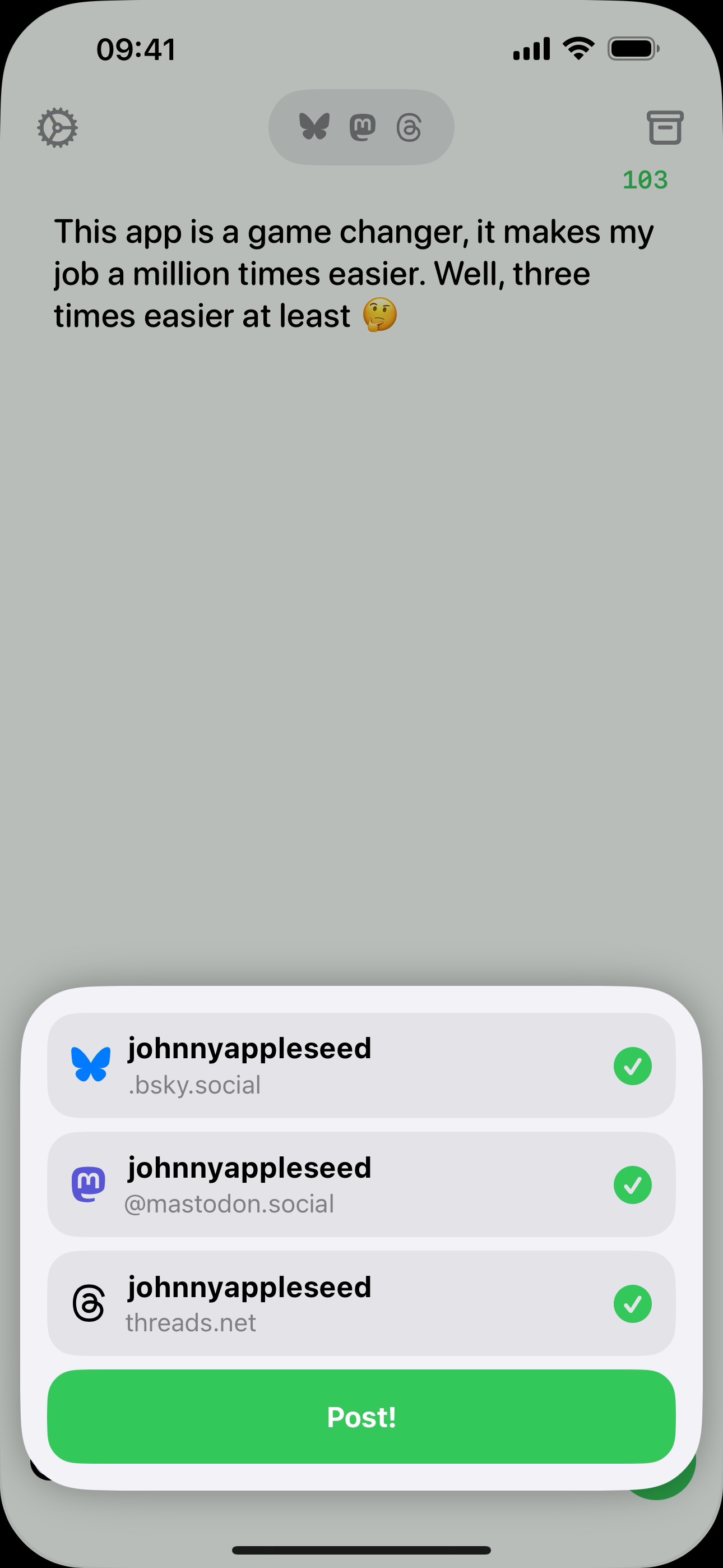
Posting to all your social networks
-
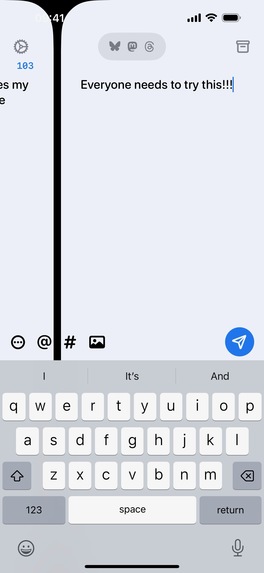
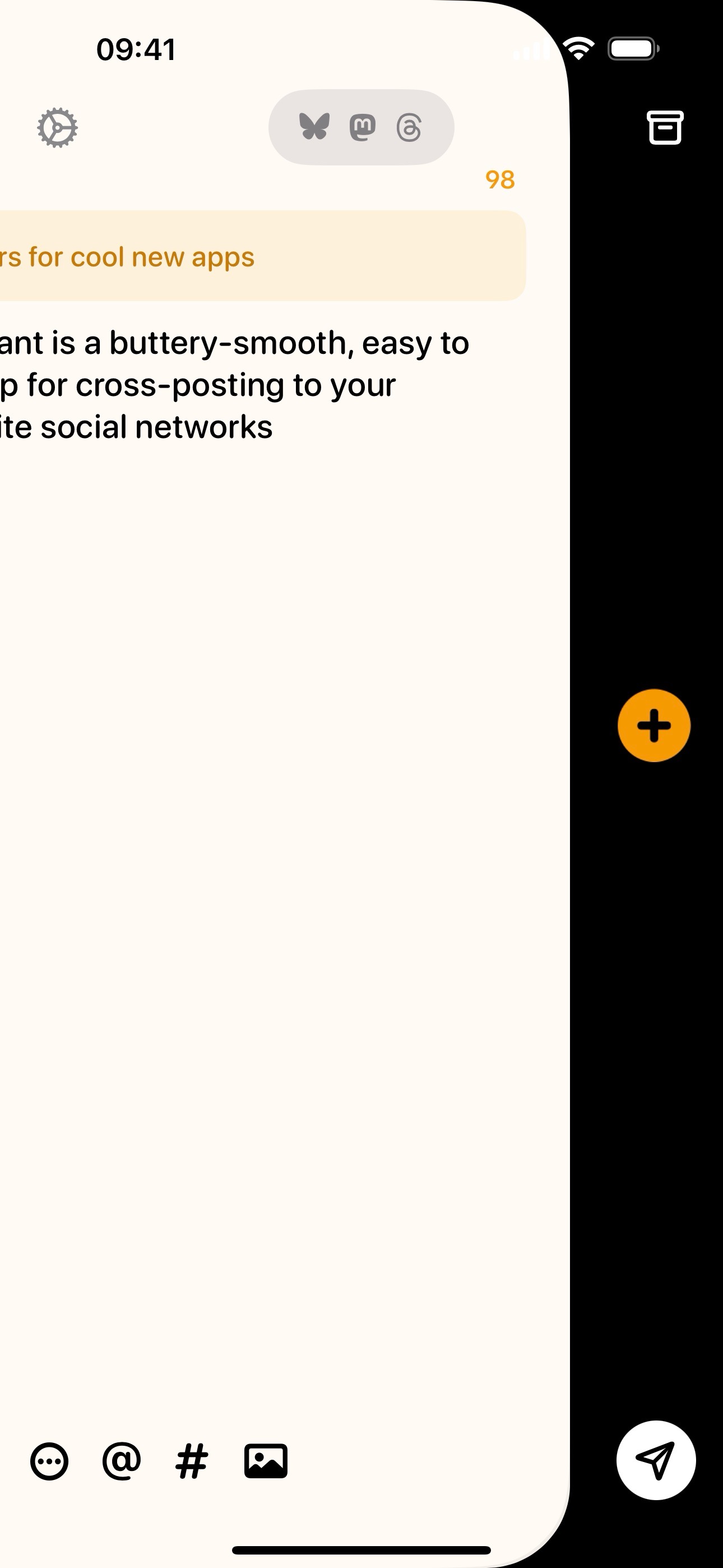
Navigating between posts in a thread
-
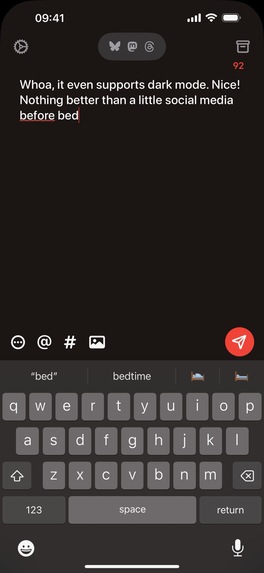
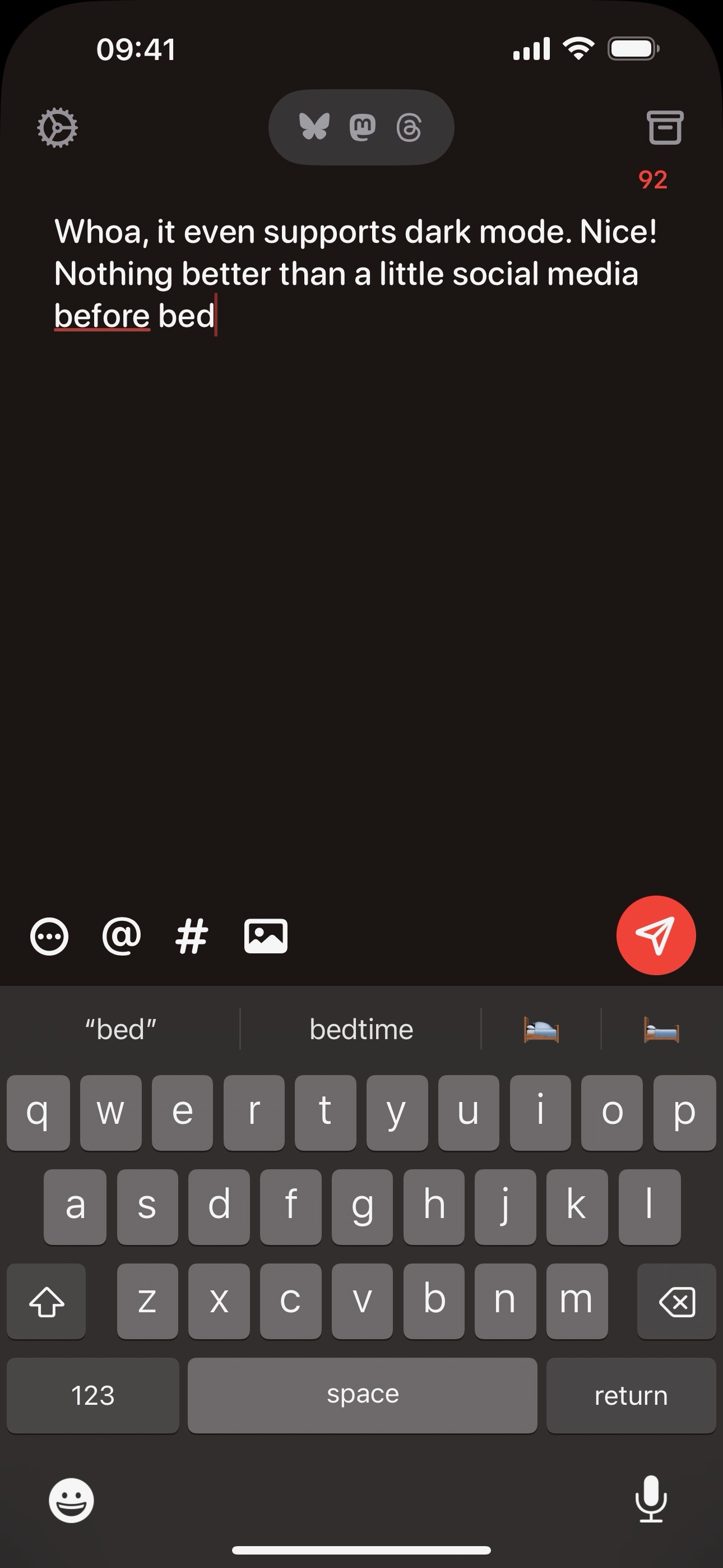
Creating a post in dark mode
-
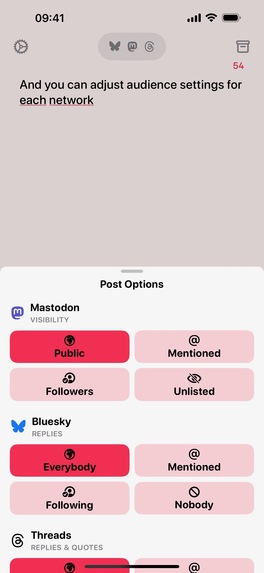
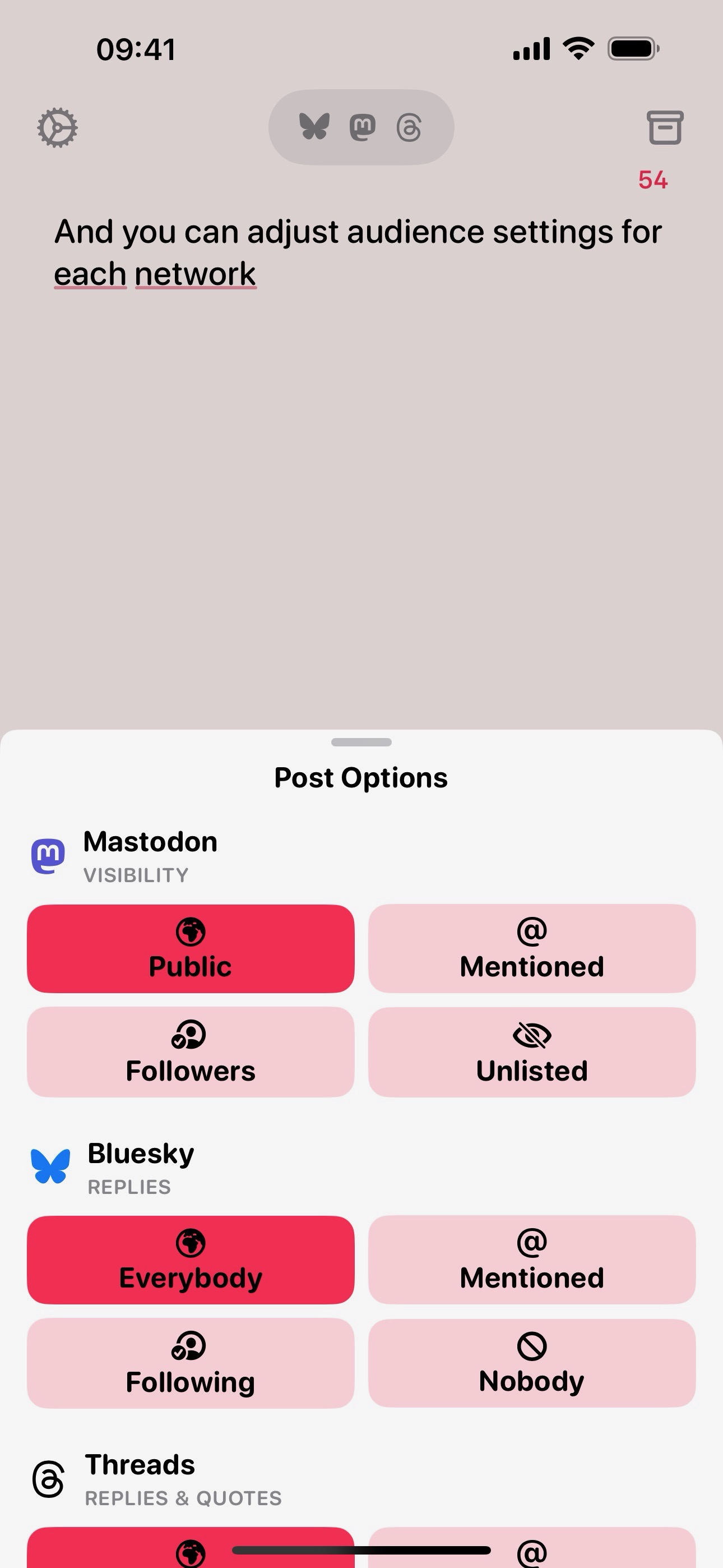
Managing reply and post visibility
-
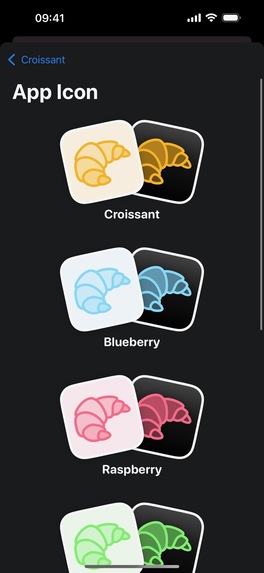
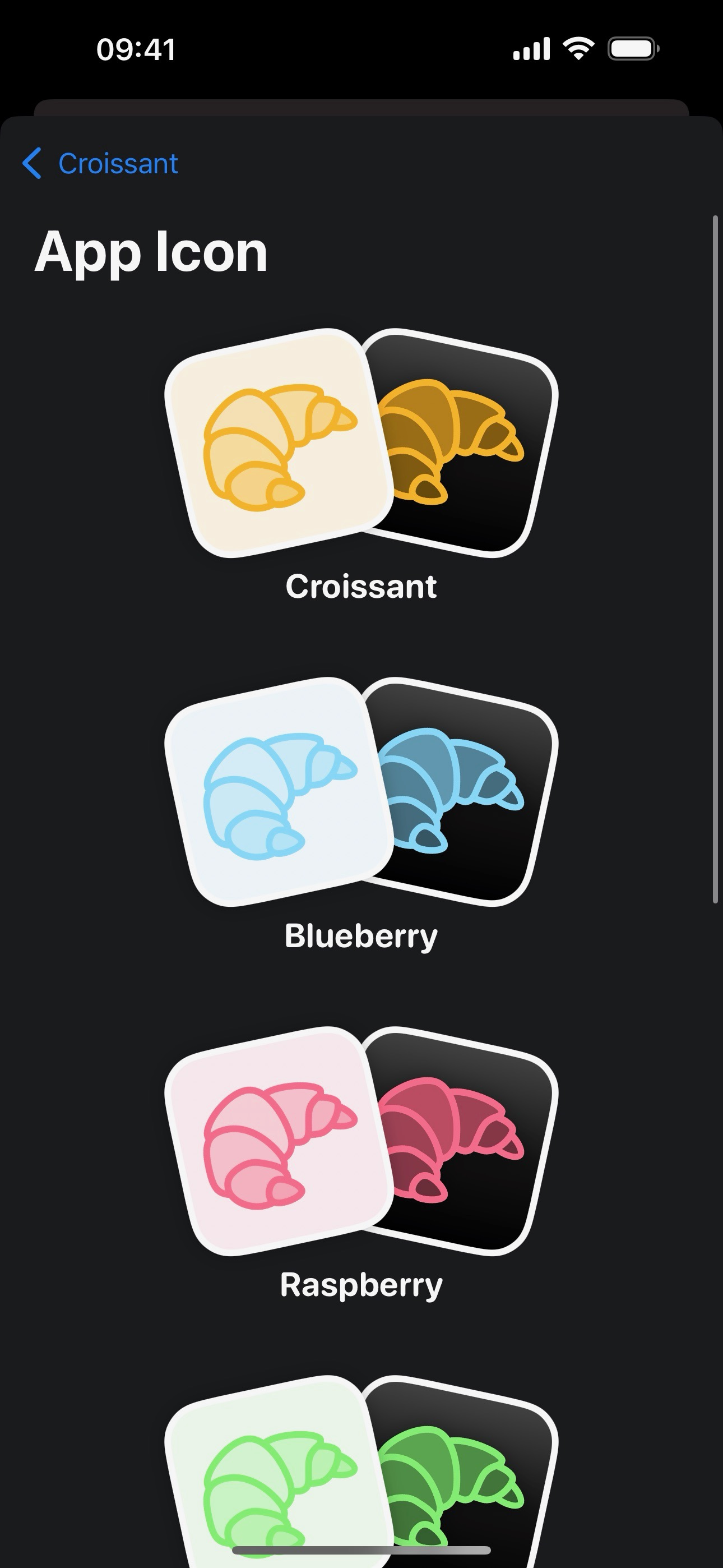
Selecting a custom app icon
Inspiration
Croissant was inspired by the need to stay current with our former friends on Twitter. In the past year, as that platform disappeared, our friends scattered to other social networks: Threads, Mastodon, Bluesky. Making posts on each network individually is a real pain: Croissant makes that one step.
What it does
Connect your accounts on each social network to Croissant. Then, make your posts, including images, hash tags and links. You can include alt text for your images and content warnings. You can put multiple posts together into a thread, too! You can also save posts as drafts for future sending. Then you can fire your posts to any or all of your connected networks.
How we built it
I worked with Ben McCarthy, creator of the beautiful Obscura camera app for iOS. With their design and development prowess, we passed the repository back and forth between time zones — I'm in Whitby, Ontario, Ben in Dublin, Ireland. The app is built as a pure SwiftUI app. Because of the time constraints, we are supporting just iPhone on launch, but if it becomes popular, we plan to support iPad and Mac too.
Challenges we ran into
We had to think hard about interaction. The app is simple on its face, but making careful decisions about how to keep it simple while offering all the expected capabilities of a social media client was a particular challenge. Ben spent many hours on the threading interface, for example: by "pulling" the screen leftward, you can add another post to the thread.
Accomplishments that we're proud of
Grace notes that are difficult to achieve in user interface design: individual posts are on a view that can be pushed or pulled, appearing above a black background. The button controls change their colour to contrast as the view moves over them. That was a really great touch that almost nobody will notice. :-)
What we learned
For my part, I learned about the power of partnership. Having a terrific, capable, tasteful developer/designer to work with and rely upon has really opened the eyes of this long-time lone-wolf developer. I'm better with someone who complements my abilities, as Ben does.
What's next for Croissant
Post launch, we plan to continue supporting more features for social media clients, including links and video, scheduled posts and more. Then we plan to expand to other Apple platforms as we're able.
Built With
- atprotokit
- swift
- swiftu


Log in or sign up for Devpost to join the conversation.