-
-
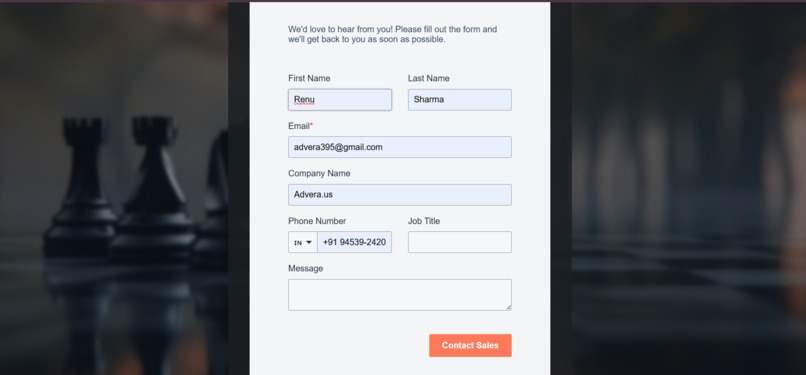
The image demonstrates the form-filling process for a prospective customer who is on the verge of becoming a qualified lead.
-
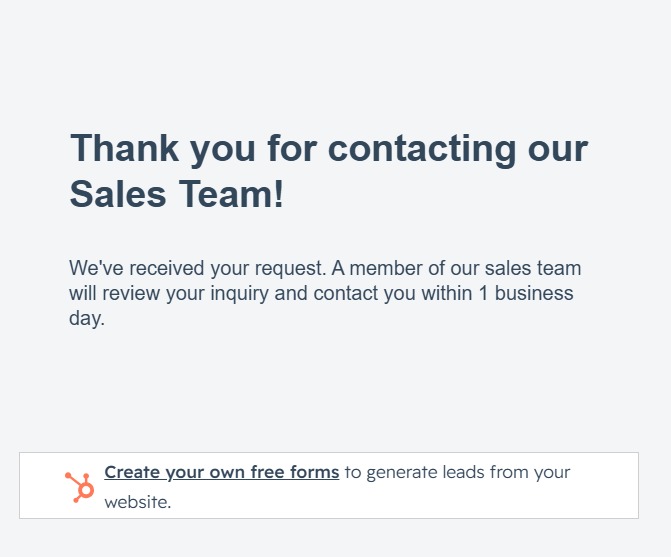
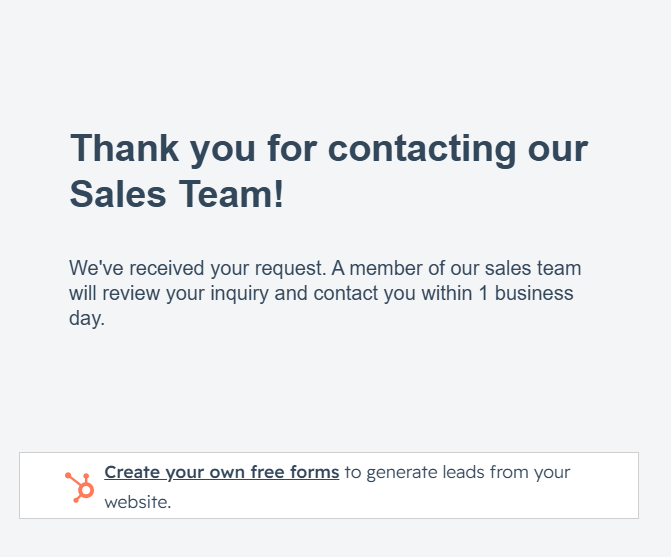
The image shows data collection after form submission, followed by a simple “Thank You” message.
-

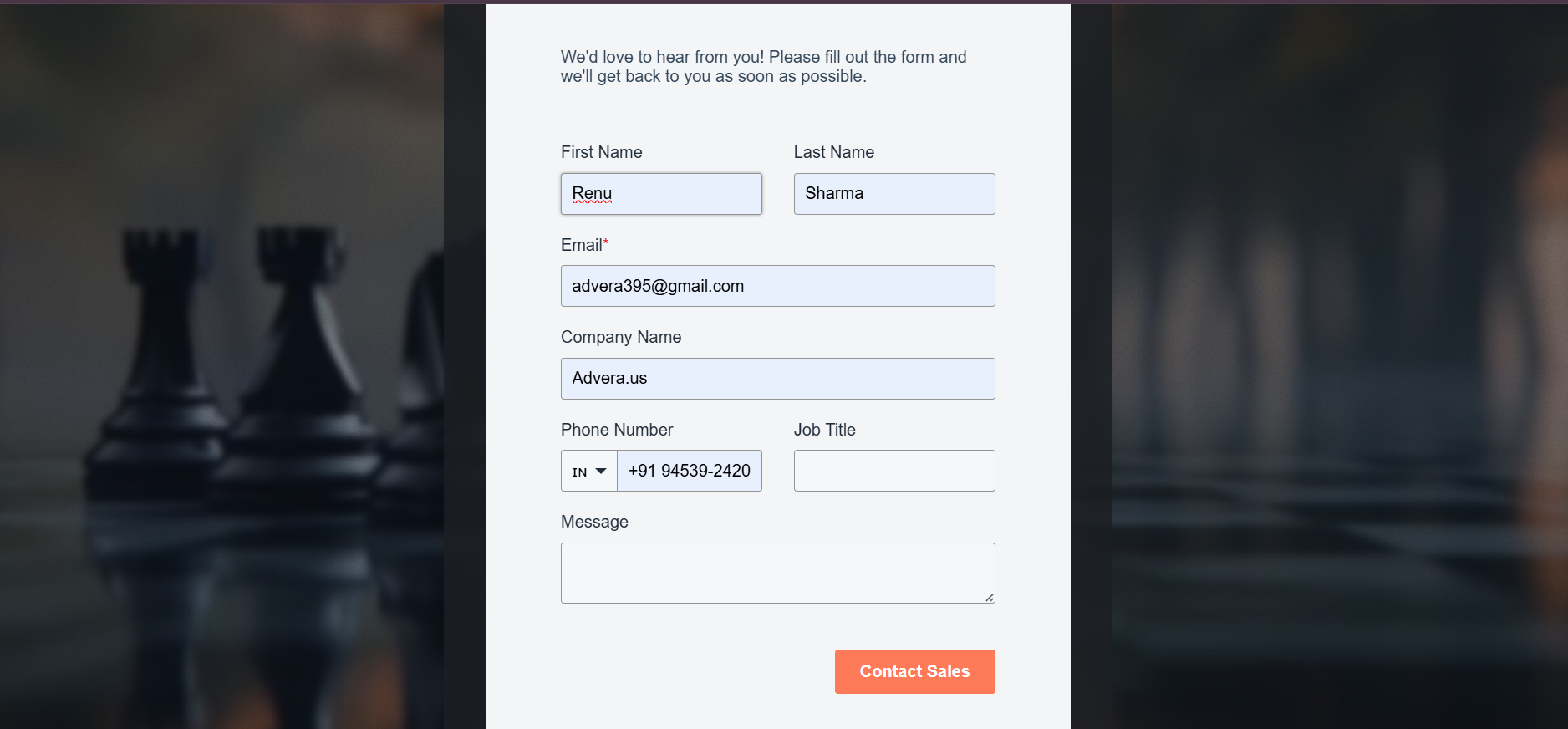
The image shows different forms designed to collect information and clarify requirements.
-
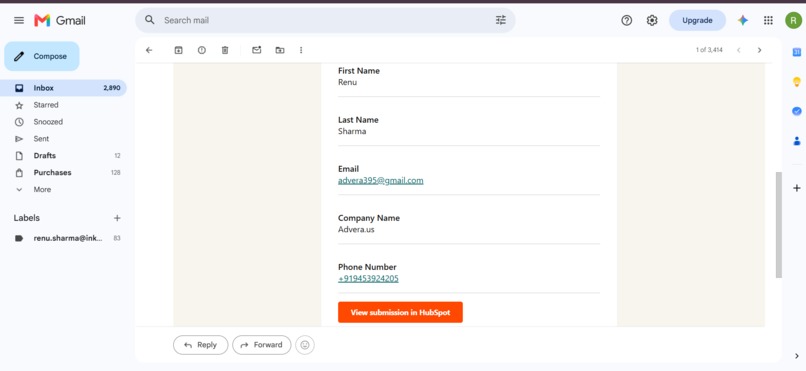
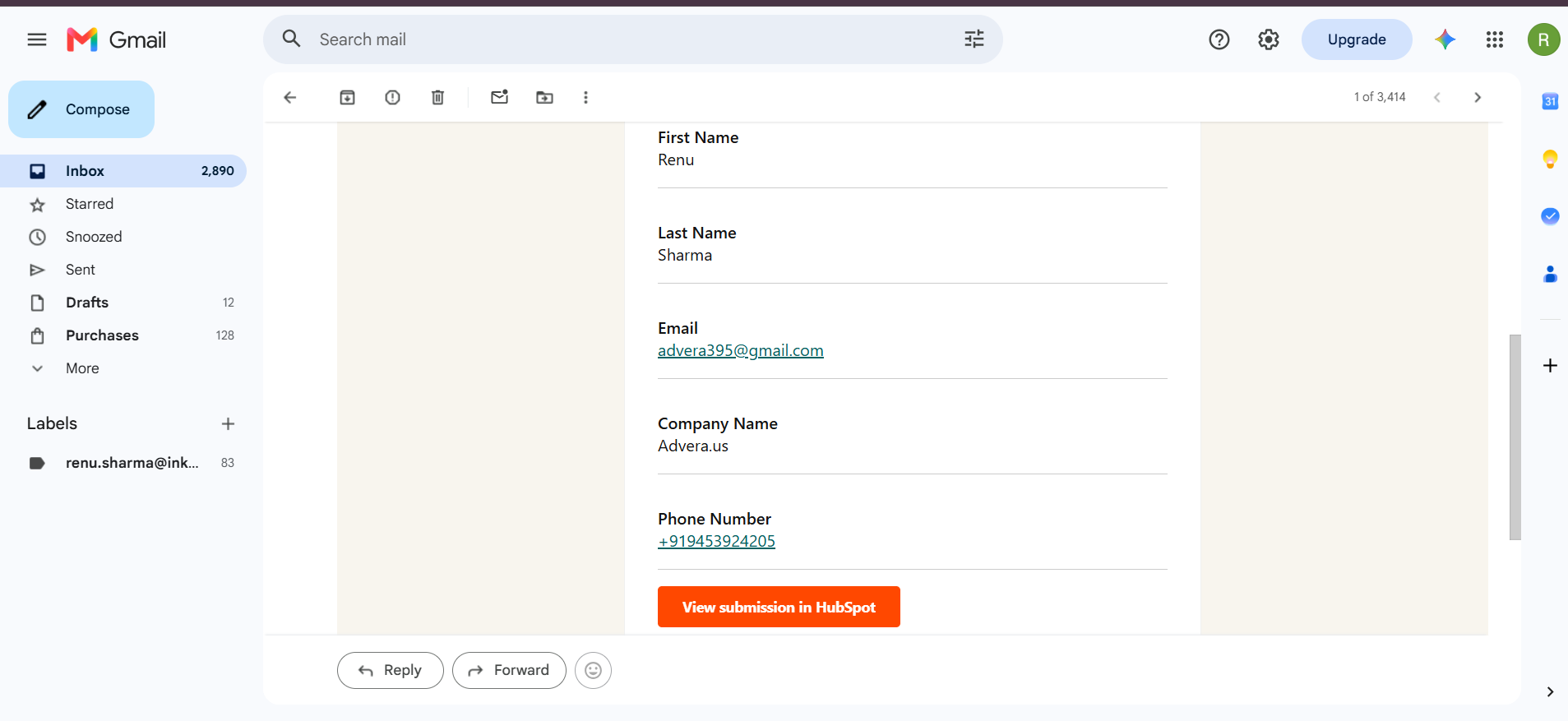
The image represents the next step: the person receives an email, while the owner receives the lead details.
-

The image represents how the owner captures and manages the lead.


Inspiration
CRMFlow.in was inspired by a common problem faced by small businesses: managing leads and customers across spreadsheets, WhatsApp, forms, and multiple disconnected tools. We wanted to create a simple CRM that brings these activities together and reduces missed leads and follow-ups.
How We Built It
We identified the core needs of small businesses and designed a workflow from lead capture to customer management and follow-up. We built and tested the MVP in a working HubSpot environment, implementing contact management, form-based lead capture, customer segmentation, automated workflows, and internal notifications.
Challenges
Our main challenge was keeping the CRM simple while still providing useful automation. We also had to understand how different CRM components connect and ensure workflows triggered correctly. Testing helped us refine the overall system.
What We Learned
We learned practical lessons about CRM workflows, automation, product validation, and solving real user problems. Most importantly, we learned that effective products should prioritize simplicity and usability.
Built With
- apis
- automation
- crm
- css
- forms
- html
- hubspot
- javascript
- workflows

Log in or sign up for Devpost to join the conversation.