Inspiration
As a team of graduate graphic design students at Boston University, critiques are a big part of our everyday creative practice. We regularly present our work, exchange ideas, and receive feedback from professors and classmates. But we've all experienced the same problem: How do you remember everything someone says during a critique for a project?
It's difficult to actively participate in a conversation while simultaneously trying to write down every suggestion, feedback, observation, and idea. Often, we leave critiques with quick scattered notes, forgotten comments, or feedback that we wish we could revisit later.
We wanted to create a tool that would allow us to focus on the conversation itself without worrying about losing valuable feedback. That's how we came up with the idea for Critroom.
What it does
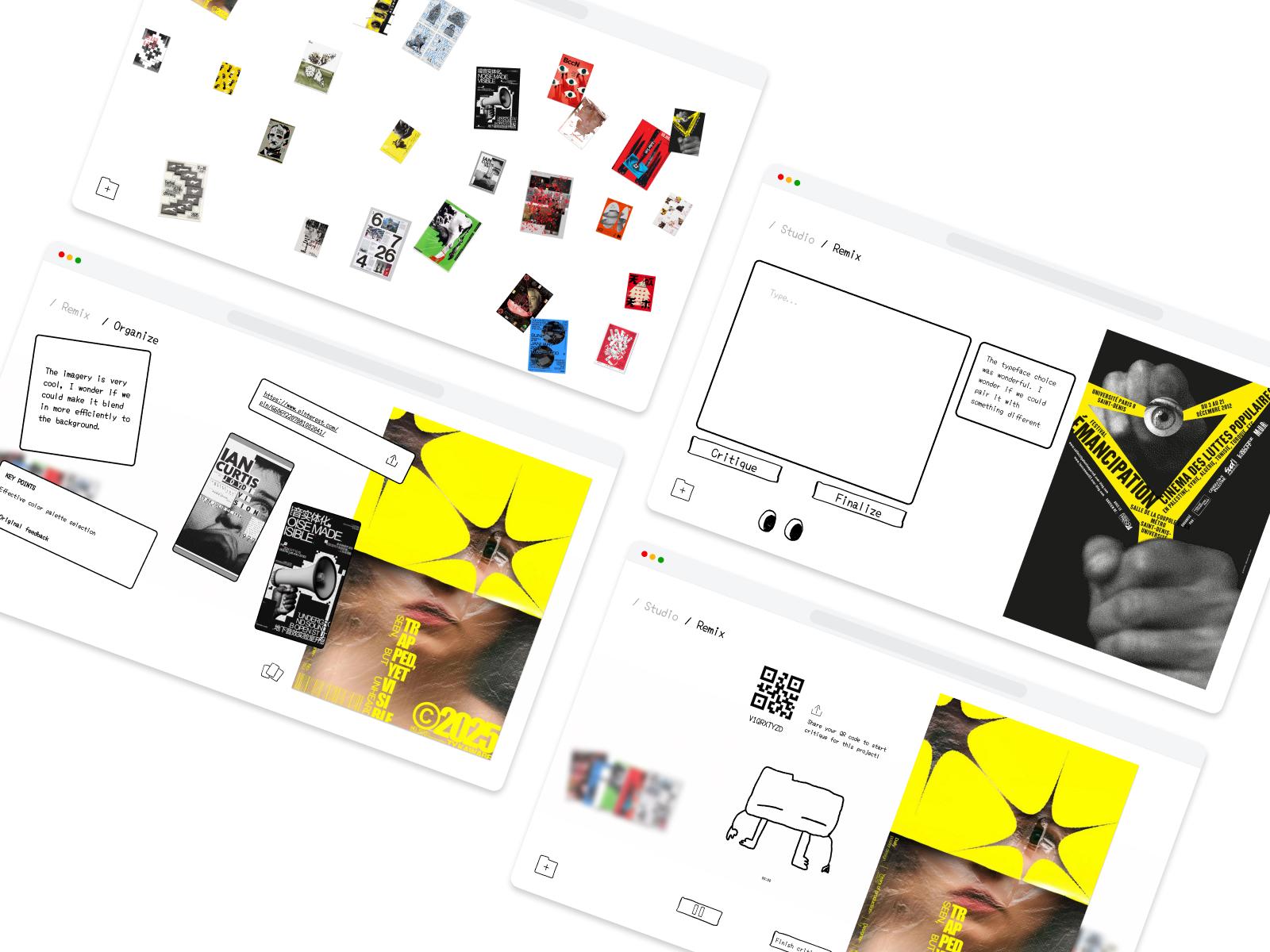
Critroom is a mobile and browser app that captures, organizes, and archives creative critiques and feedback.
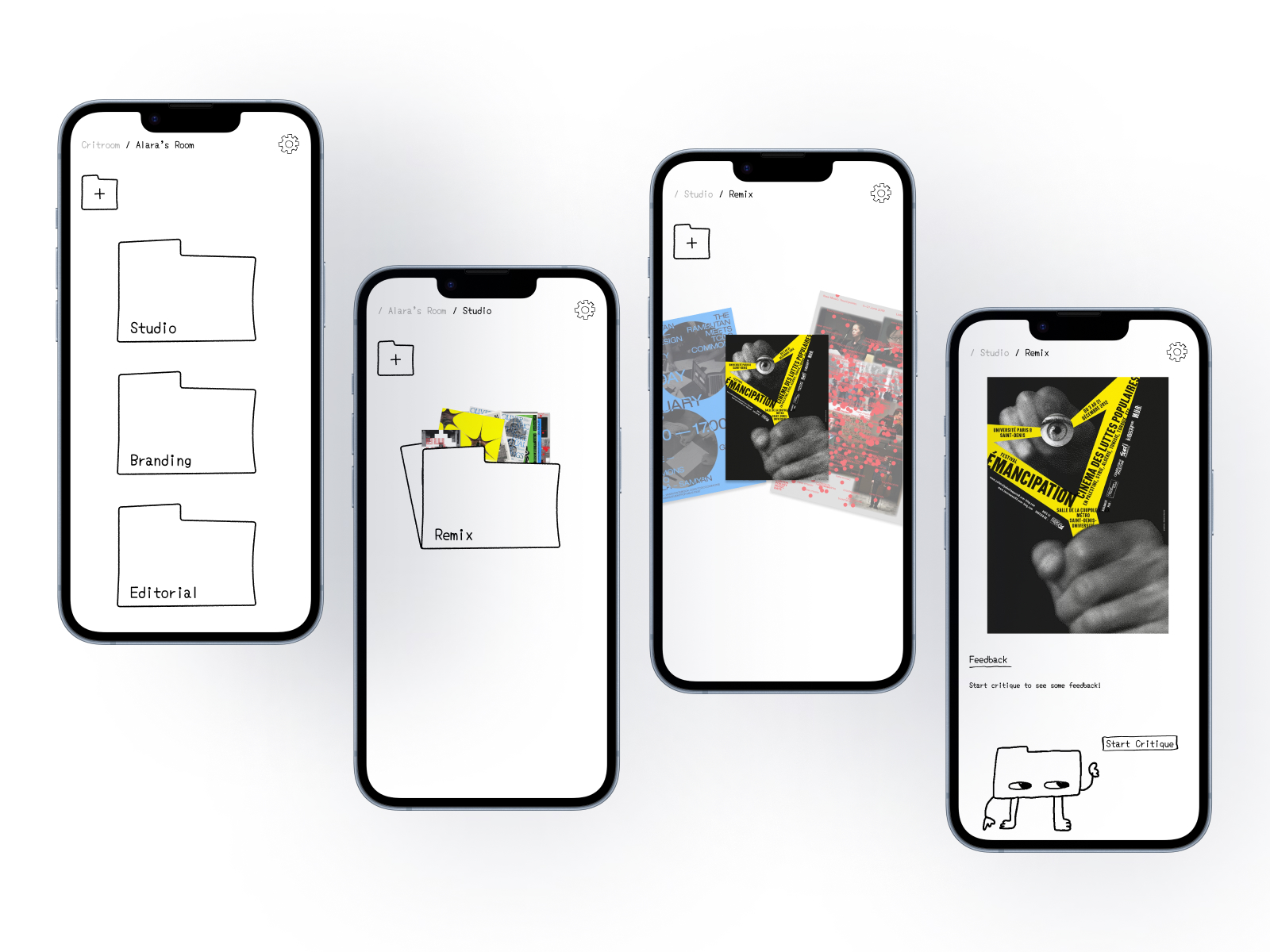
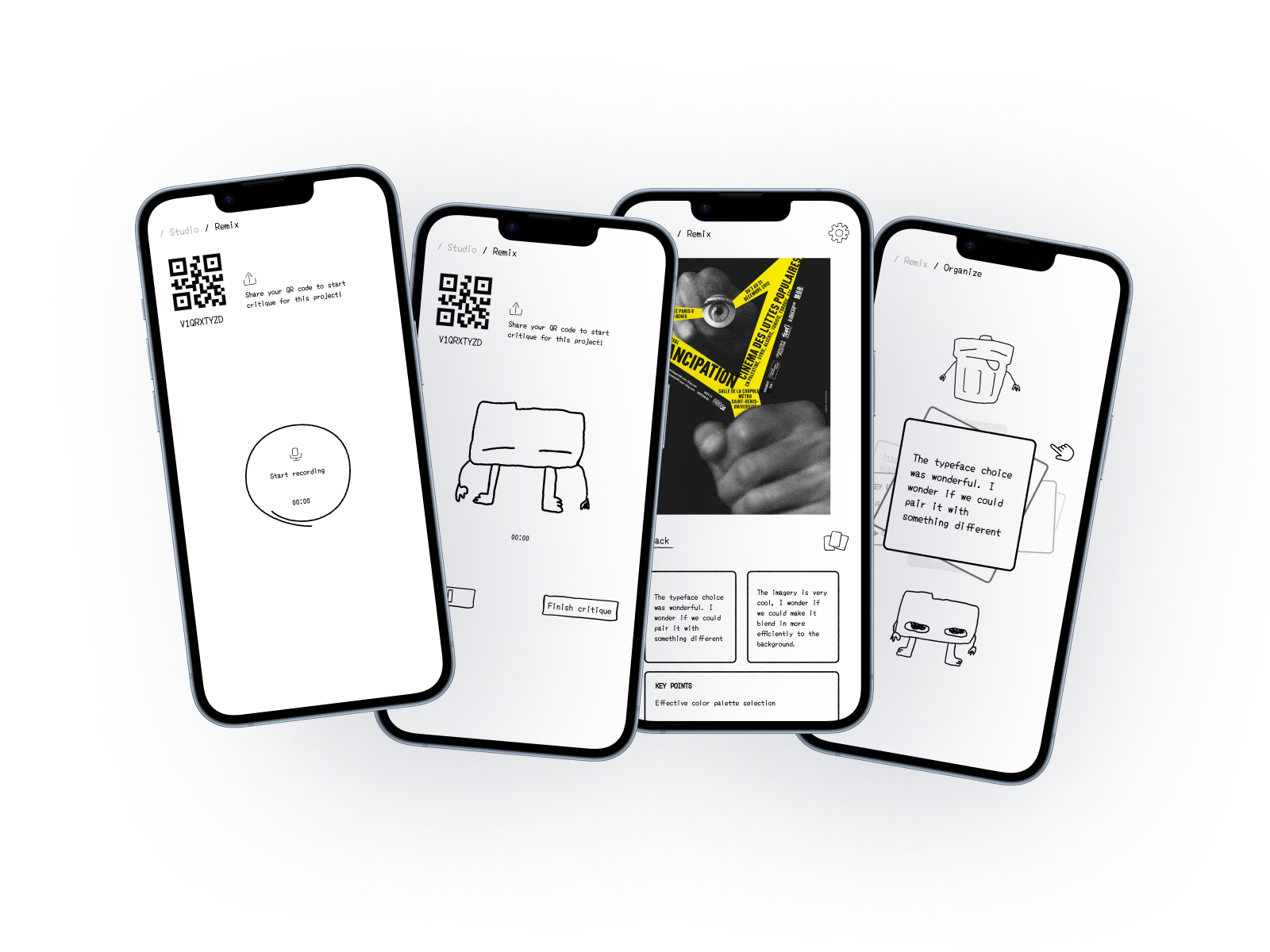
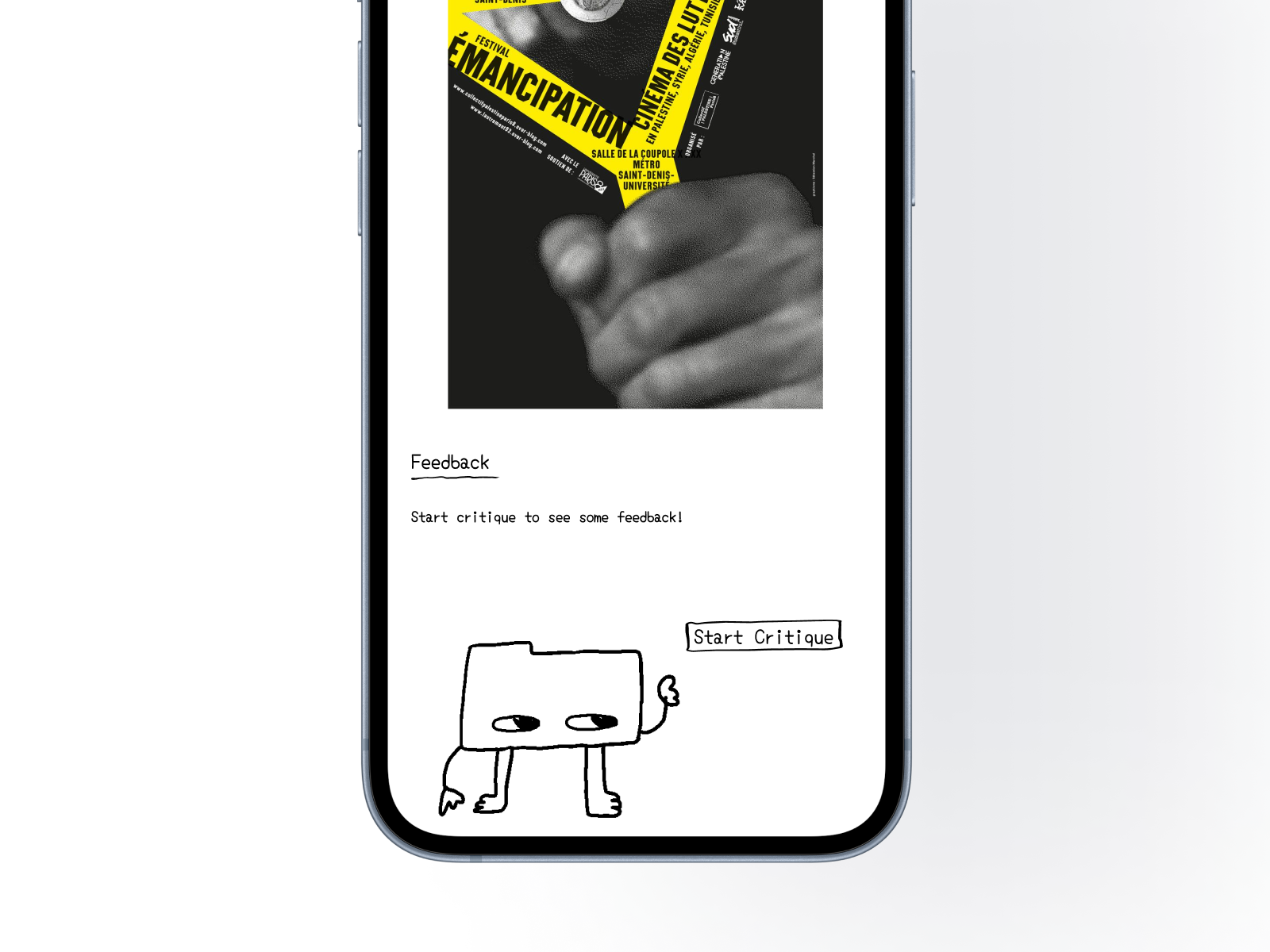
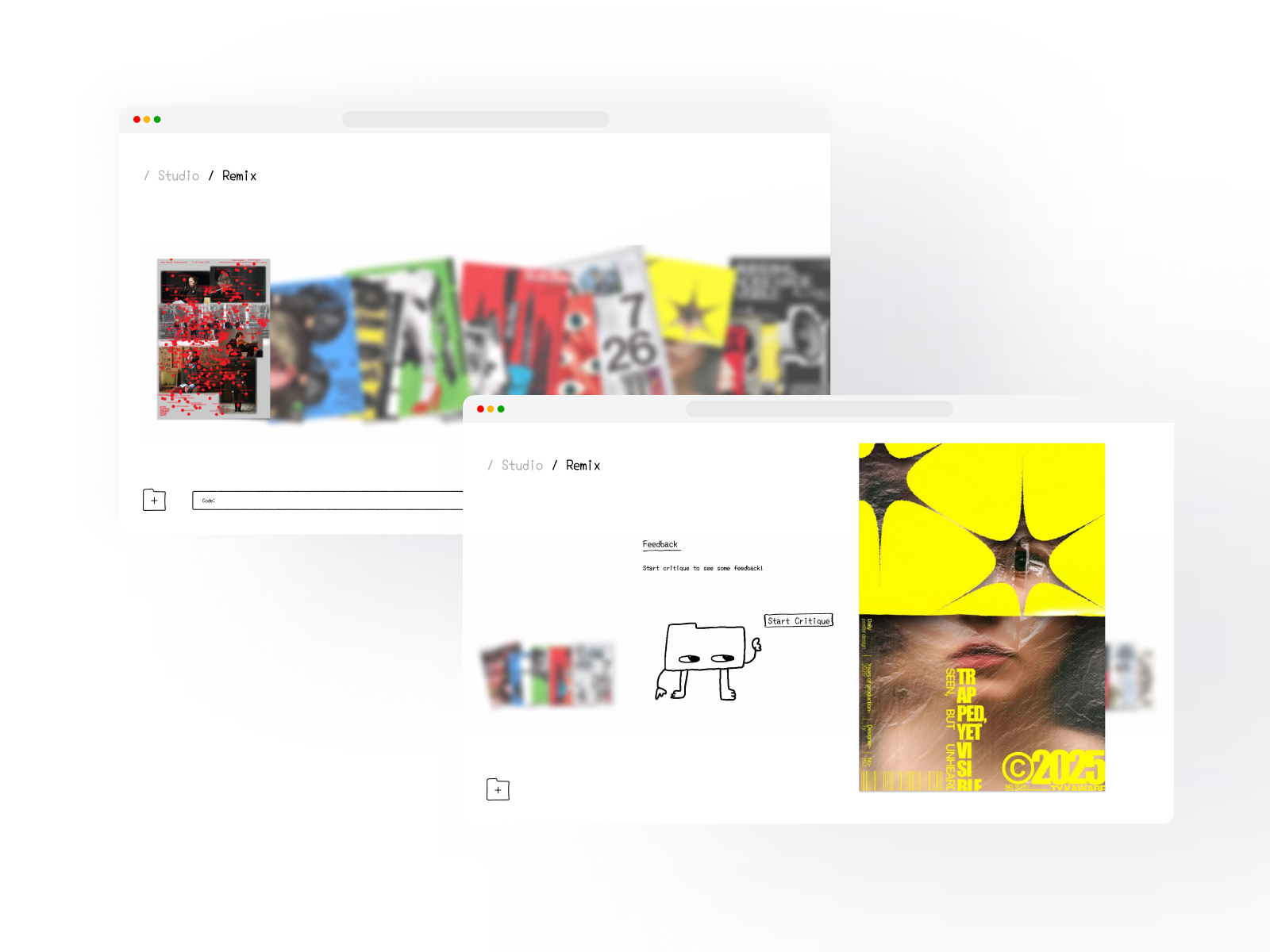
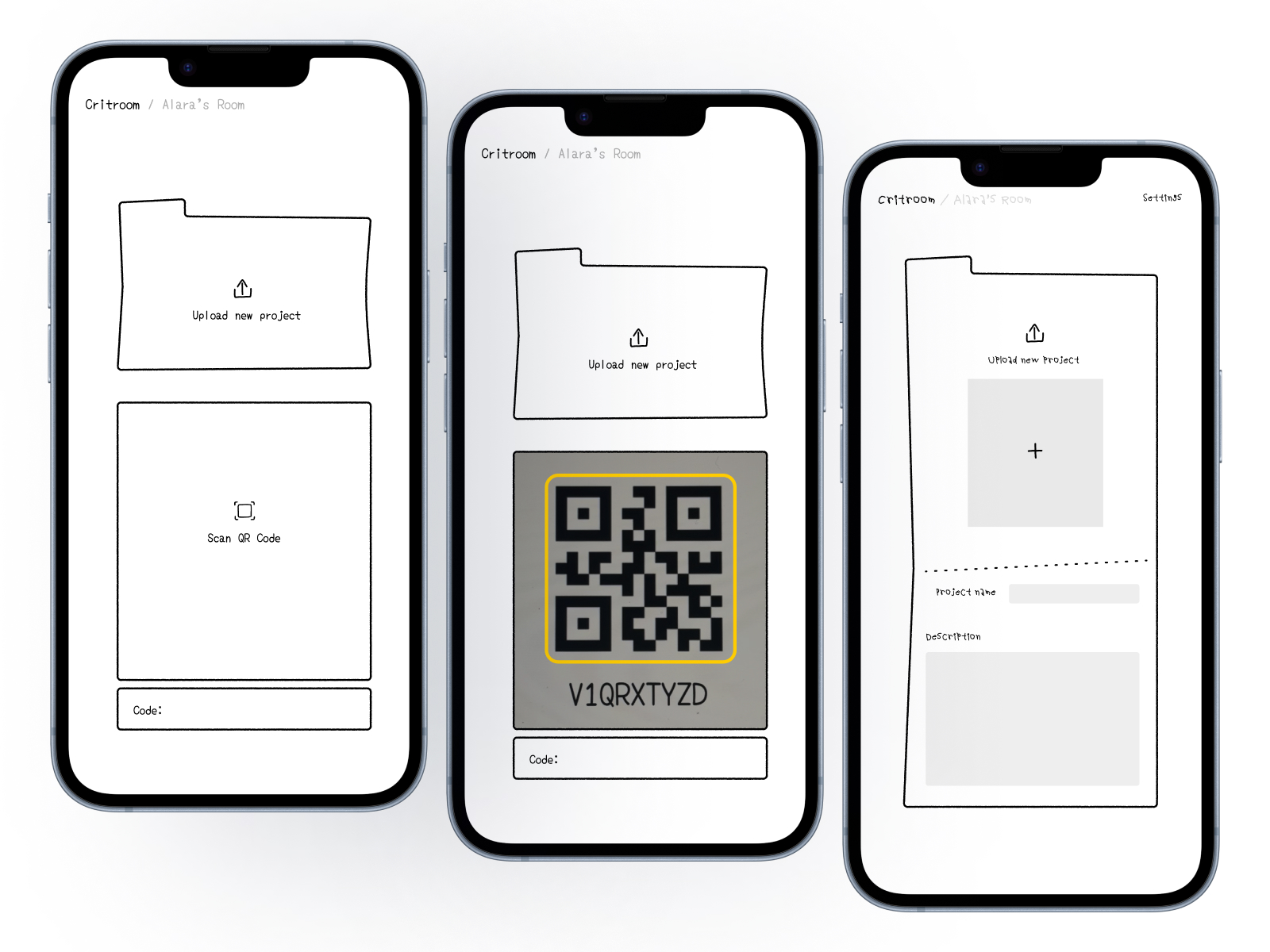
Students can create folders for their classes or projects, organize their projects, and keep all their feedback in one place. During a critique, users can record the conversation and share a QR code for others to contribute feedback. Participants in the critique who joined via QR code can also leave written comments or visual references.
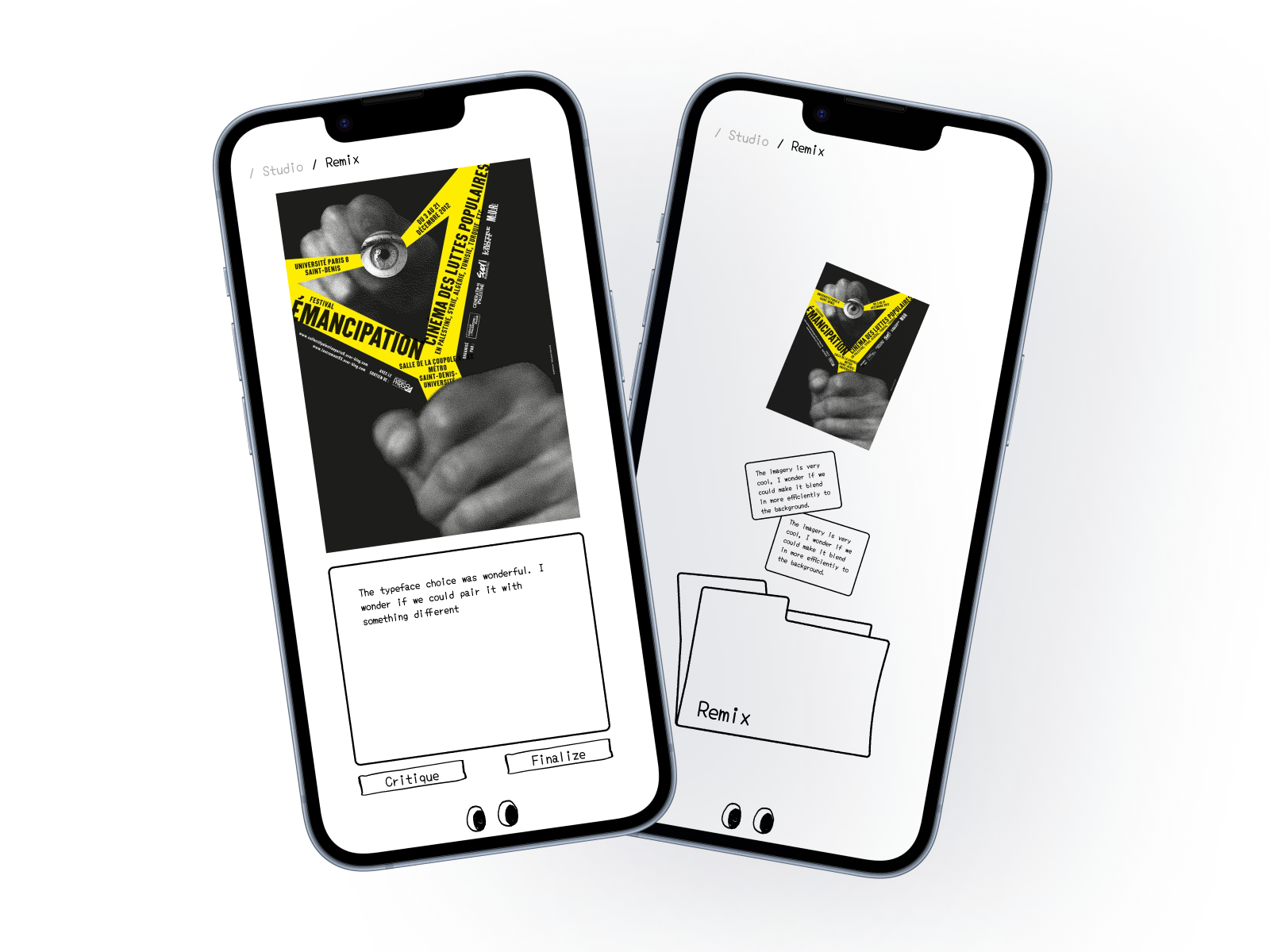
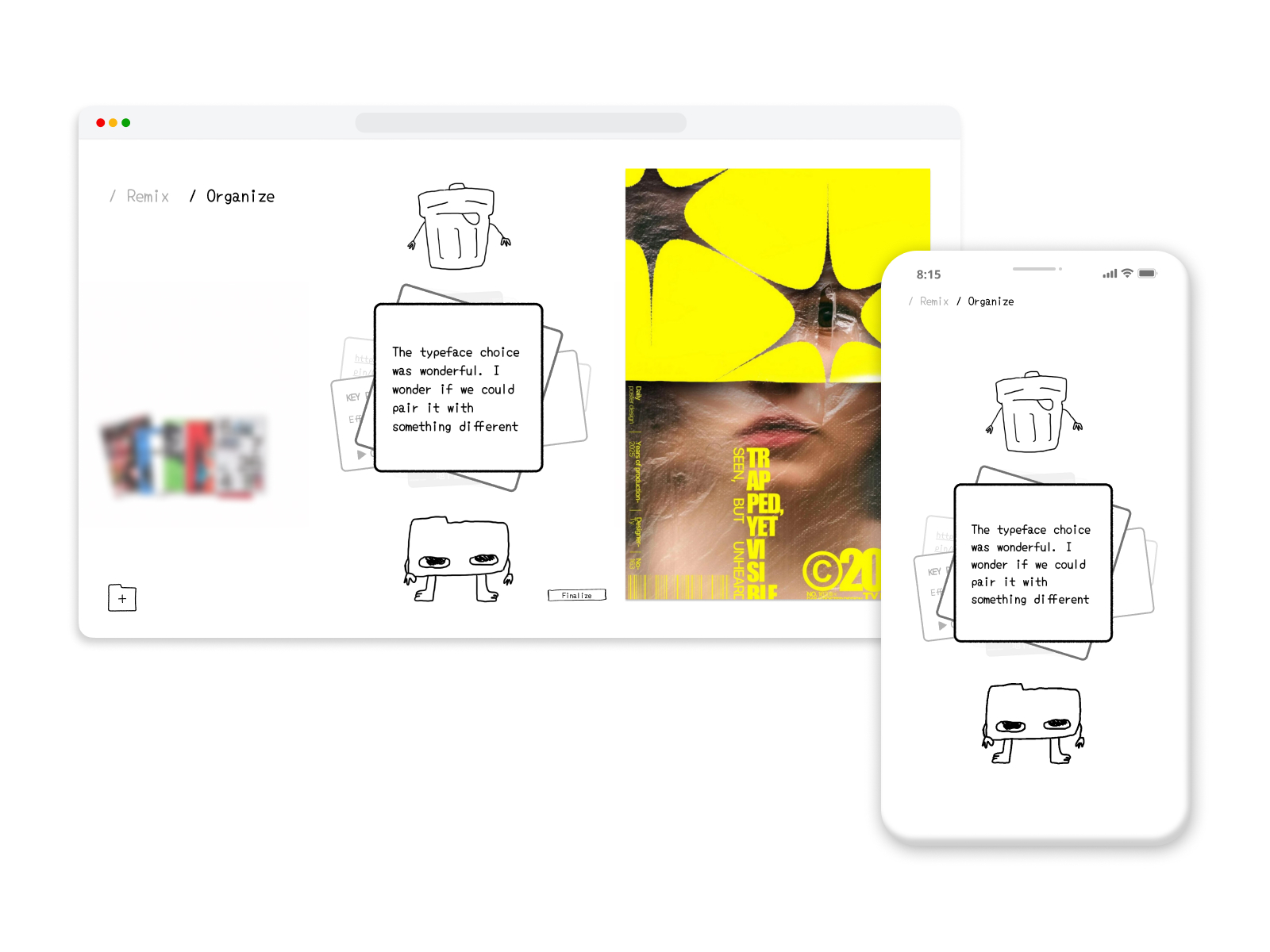
Critroom uses AI to transform recorded conversations into summarized feedback and key points, making it easier to identify important suggestions and revisit them later. Rather than searching through lengthy recordings or scattered notes, students can return to organized insights connected directly to their projects. Students can also organize the key point cards they receive by choosing to keep or discard them.
Our goal is simple: Capture the conversation. Keep the insight.
How we built it
We began by mapping out the user flows of receiving feedback, from organizing projects and recording critiques to reviewing comments afterward. Using Figma, we designed the mobile and desktop interfaces and developed a detailed interactive prototype.
Alongside the interface design, we used Codex to develop a coded demonstration of how AI could analyze live critique feedback, and Vercel to deploy the demo.
At the center of the experience is the transformation of voice recording and written comments into structured feedback. We explored how AI analysis could transform data into summarized key points and help students prioritize feedback.
Challenges we ran into
Deciding which features to prioritize within the limited time of the hackathon was one of the challenges we ran into.
Accomplishments that we're proud of
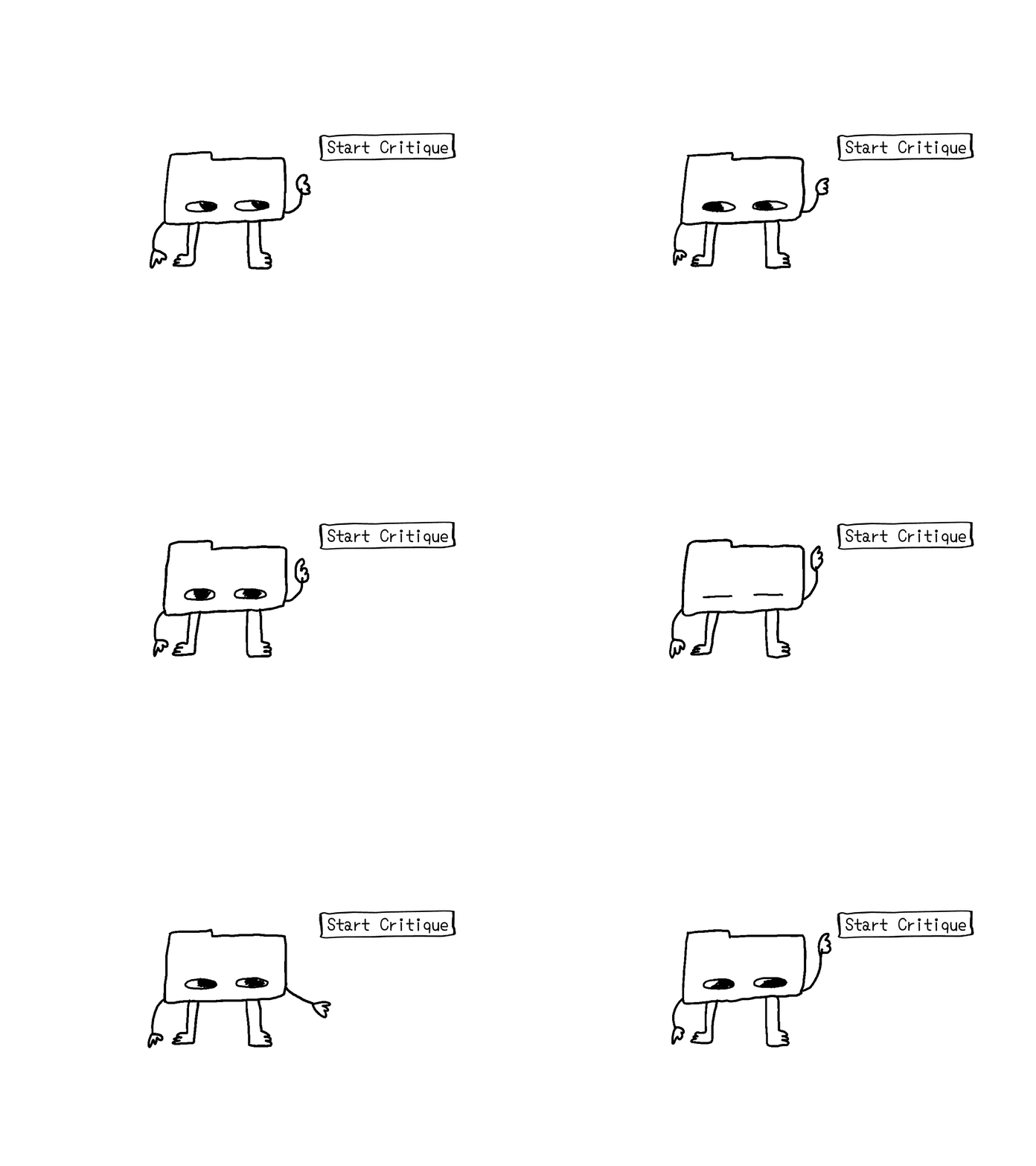
One of the things we're most proud of is the visual identity we created for Critroom. We wanted to design something that felt playful, approachable, and familiar to creatives. Through simple hand-drawn illustrations, a cohesive visual language, and our mascot, Roomie, we developed an identity that brings personality to the experience. We're especially happy with how these elements come together across our mobile and desktop interfaces.
We're also especially proud of the mobile and desktop prototypes we created in Figma. We put a lot of thought into the user experience, from organizing projects and navigating folders to recording critiques and reviewing feedback. We were able to bring these ideas together into detailed, interactive prototypes that demonstrate how Critroom could work in practice.
What we learned
Working on Critroom encouraged us to think about critiques not just as conversations, but as valuable sources of information and data that can be organized, interpreted, and revisited.
By making comments easier to navigate and recognize, we can help students better understand their work and make more informed creative decisions.
We also explored how design and technology can work together to support, rather than interrupt, the creative process.
What's next for Critroom
Our next step is to develop Critroom into a fully functional application, building on the mobile and desktop prototypes we created during the hackathon.
We'd like to introduce the ability to categorize feedback into different themes, such as typography, composition, color, or usability, helping students identify patterns and better understand which aspects of their work need attention.
Another feature we're interested in exploring is monthly progress summaries, where users could look back at the feedback they've received, identify recurring suggestions, and reflect on how their projects and creative practice have evolved.


Log in or sign up for Devpost to join the conversation.