-
-
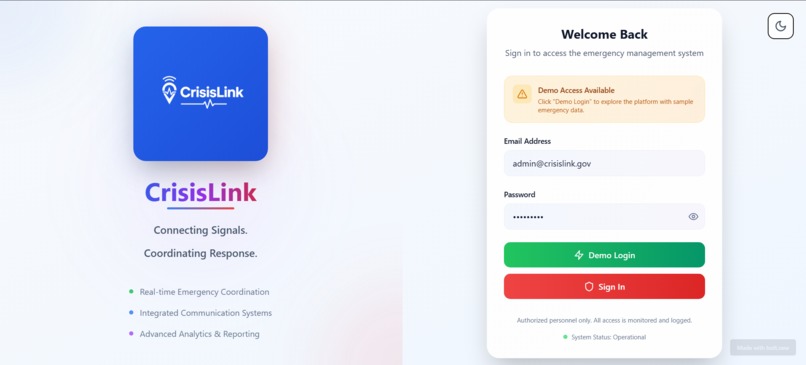
Light Theme Login Page
-
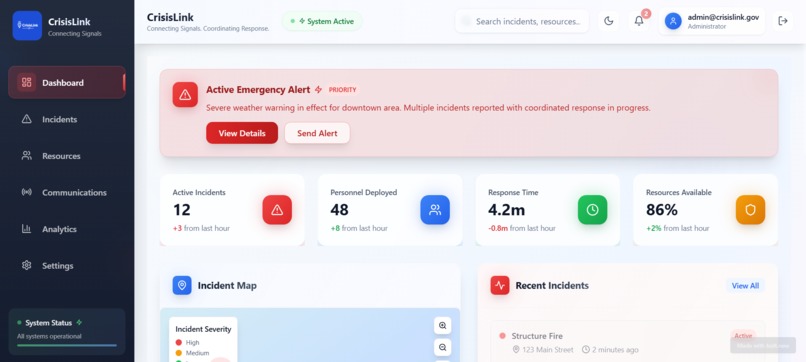
Light Theme Dashboard
-
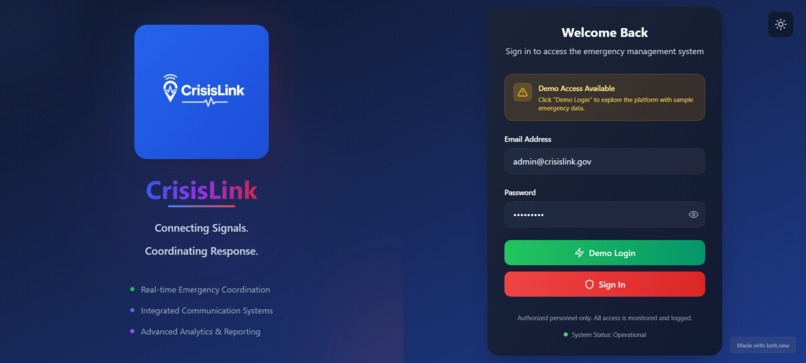
Dark Theme Login Page
-
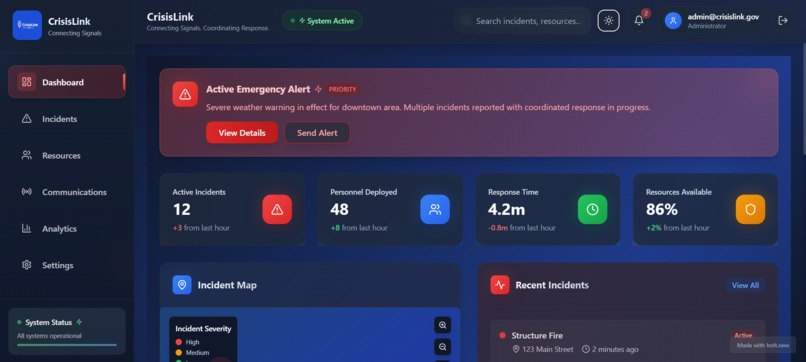
Dark Theme Dashboard
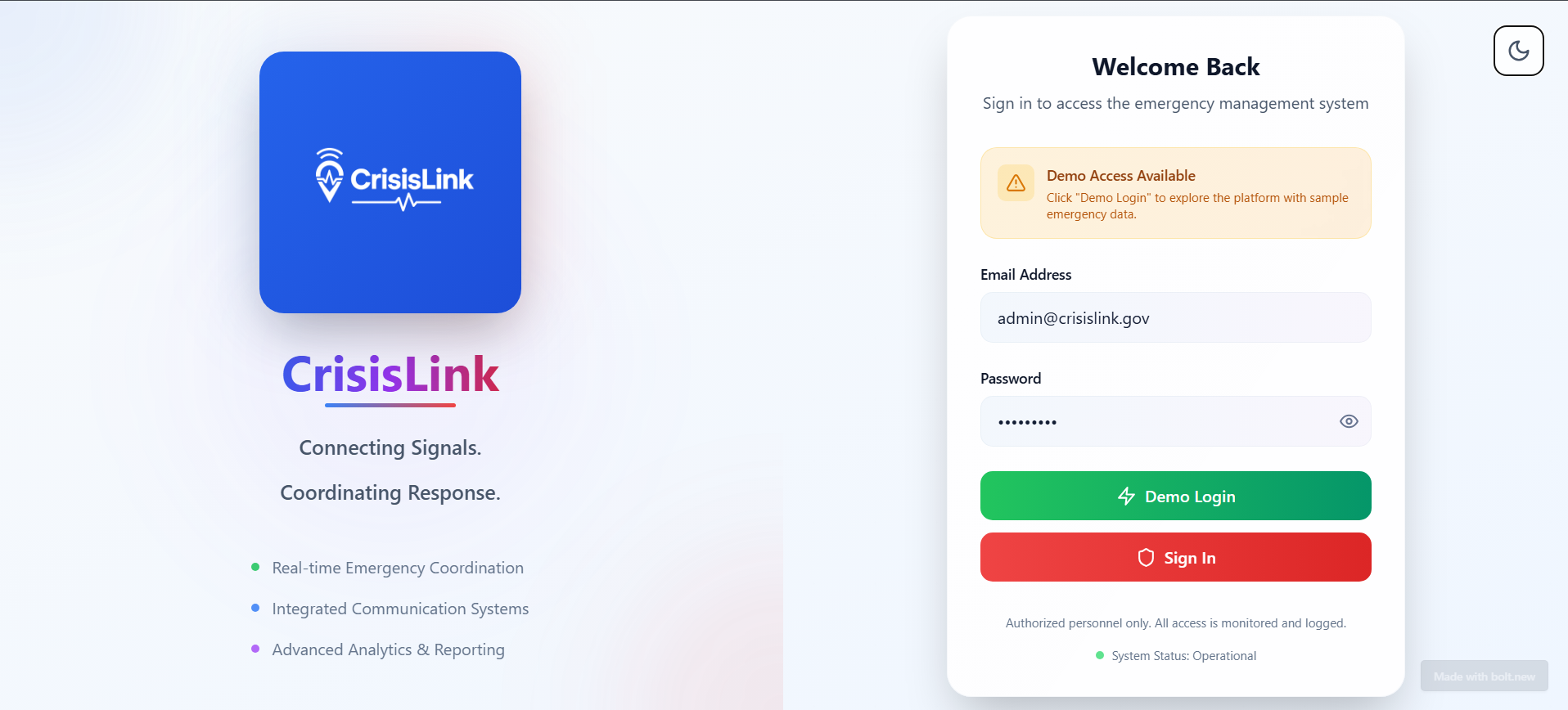
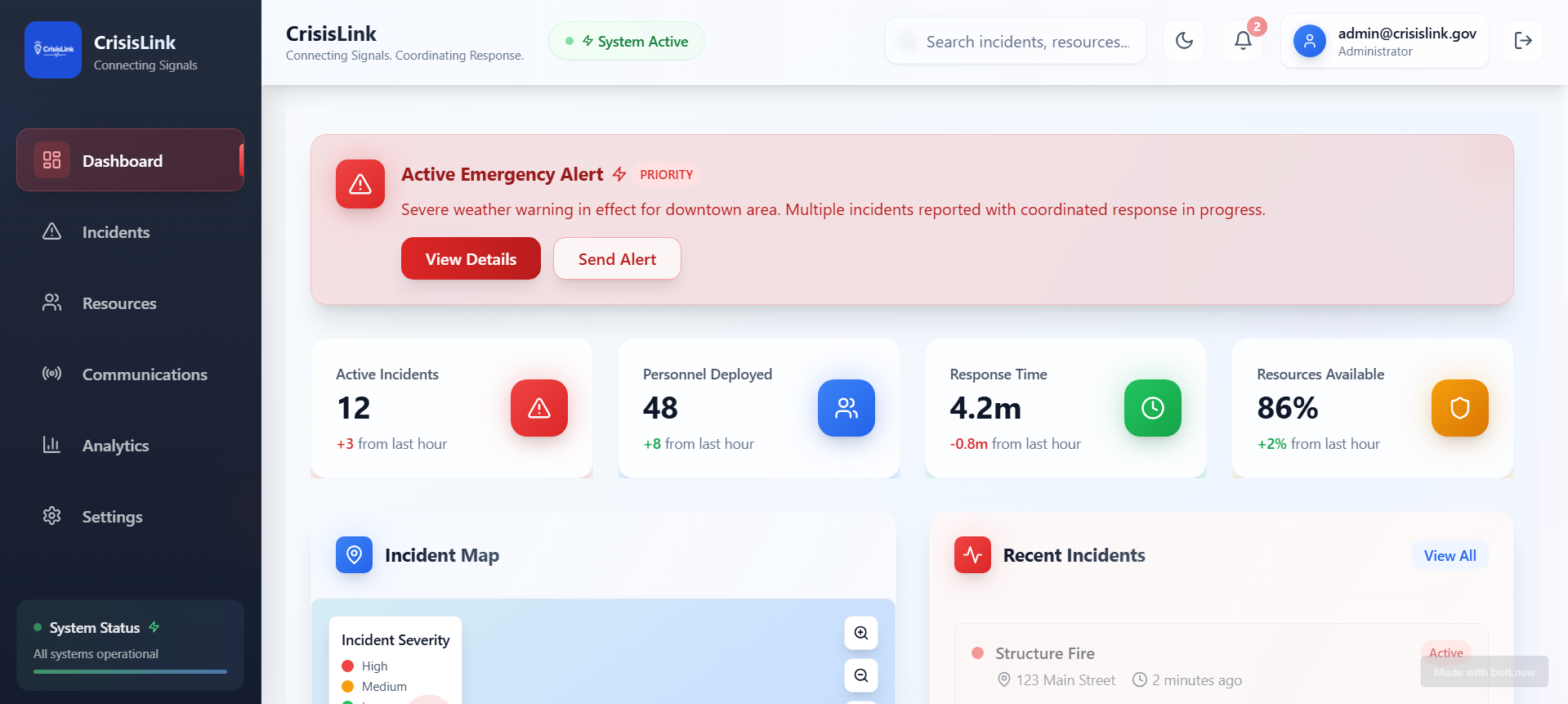
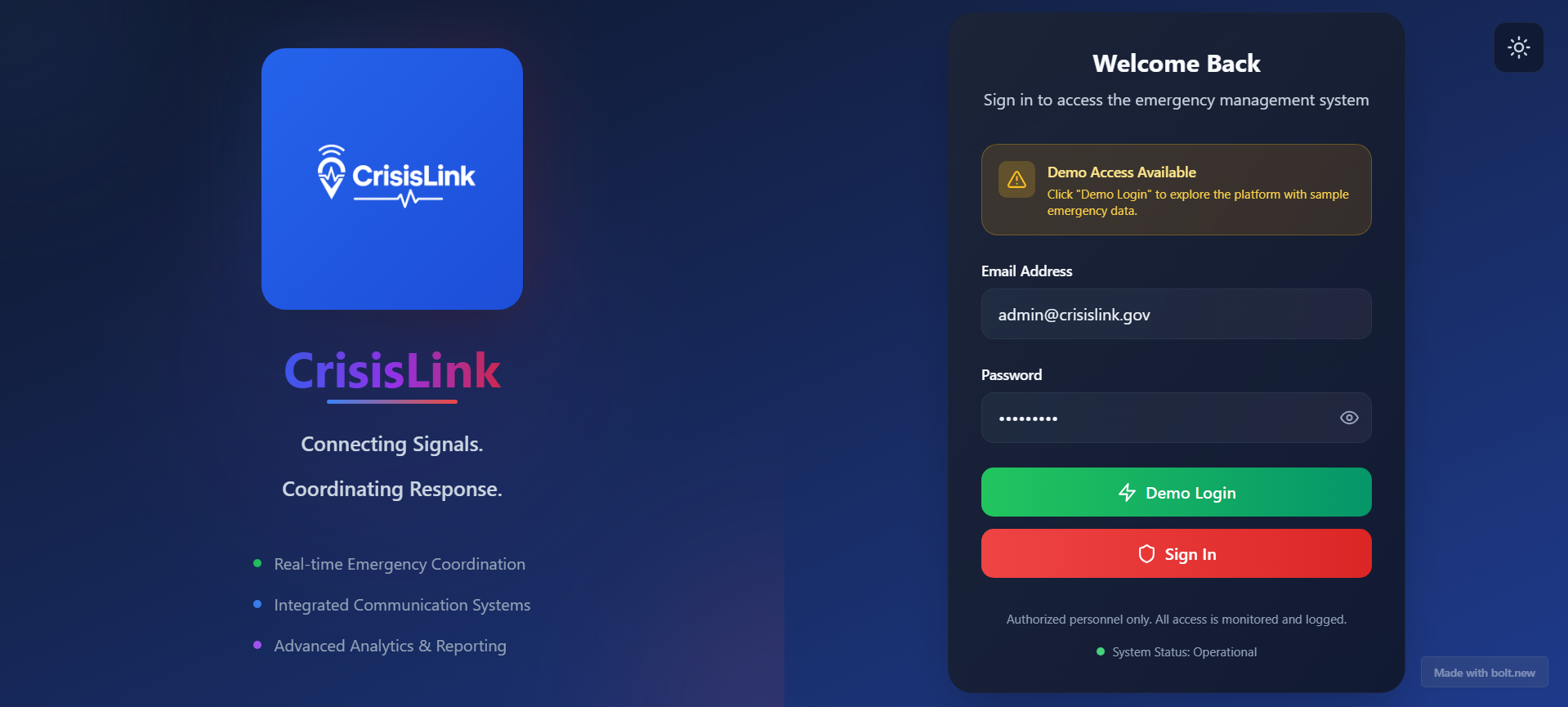
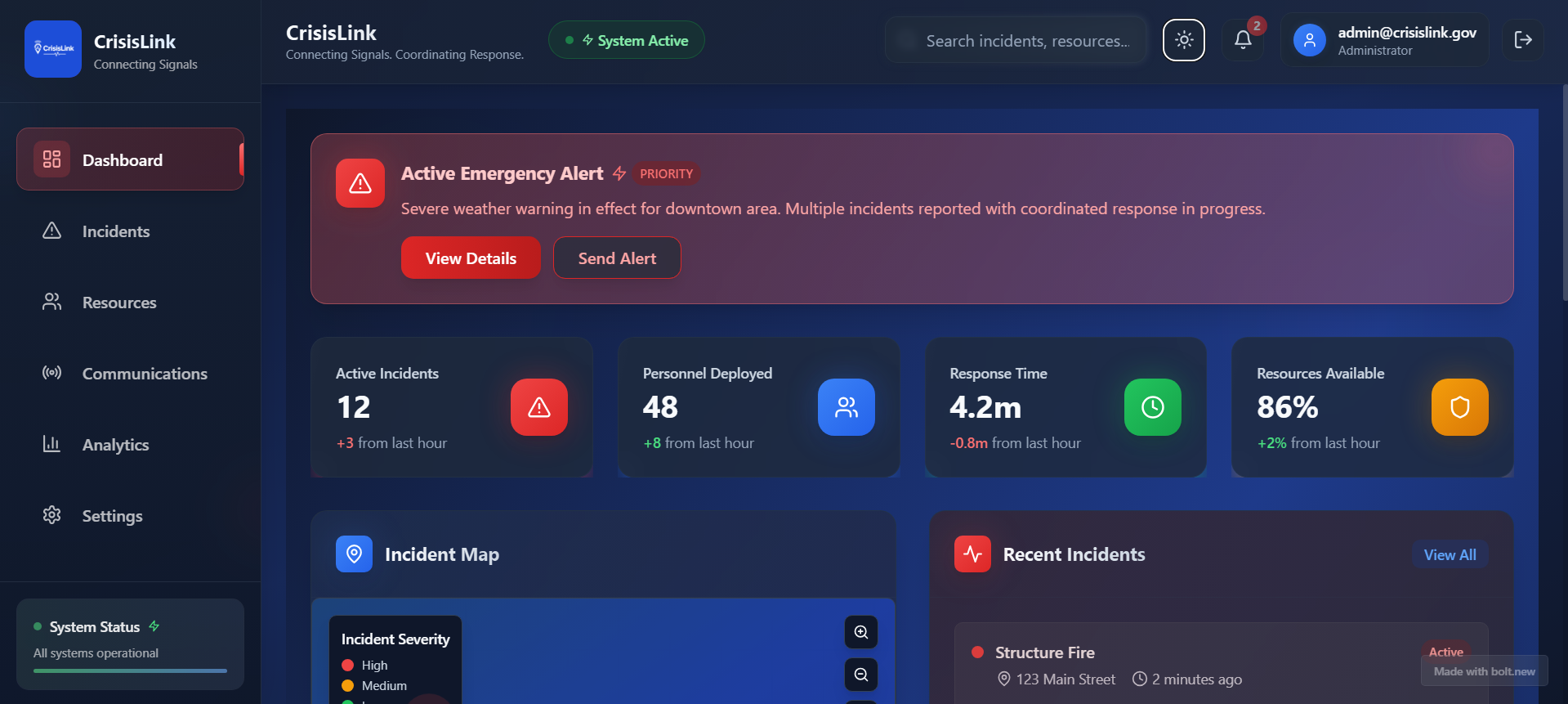
Inspiration
Our team noticed that first‑responders and coordinators often juggle multiple tools (chat apps, spreadsheets, radios) and lose sight of the big picture. We wanted a single, web‑based dashboard where incident reports, resource availability, live location data, and team communications all appear in one place—so decisions can be made faster when every second counts.
What it does
- Live Incident Map: Displays geo‑tagged events in real time, with clustering for high‑density areas.
- Resource Tracker: Shows status and location of available personnel, vehicles, and equipment.
- Team Chat & Alerts: Built‑in messaging and SMS broadcasts (via Twilio) to keep everyone on the same page.
- Role‑Based Access: Administrators, dispatchers, and field responders see tailored views and actions.
- Dark/Light Mode: Switchable theme for 24/7 operations—minimizing eye strain in low‑light command centers.
How we built it
Frontend
- React + Vite for fast dev iteration
- Tailwind CSS + Bolt.new components for a consistent, accessible UI
- Leaflet.js with custom SVG markers for geospatial visualization
- Redux Toolkit + socket.io-client to manage app state and live updates
- React + Vite for fast dev iteration
Backend
- Node.js + Express serving REST endpoints and WebSocket channels
- MongoDB Atlas with geo‑indexes for efficient spatial queries
- JWT‑based auth for secure role management
- Twilio integration for critical SMS alerting
- Node.js + Express serving REST endpoints and WebSocket channels
Deployment
- Frontend auto‑deployed on Netlify from our
mainbranch - Backend hosted on Heroku with automated pipeline and env vars
- Frontend auto‑deployed on Netlify from our
Challenges we ran into
- Map Performance: Rendering dozens of live markers caused lag on low‑end devices. We implemented clustering and throttled viewport updates to smooth out interactions.
- Remote Team Coordination: With teammates across three time zones, we standardized on GitHub Projects, clear PR templates, and brief daily syncs on Discord.
- Offline Resilience: Field responders can lose connectivity—so we added a service‑worker cache and local “outbox” queue that syncs when the network returns.
- Color Accessibility: Ensuring our red/amber/green severity scale met WCAG contrast guidelines required iterative palette tweaks and simulator testing.
Accomplishments that we’re proud of
- Working MVP in 48 Hours: A fully functional, end‑to‑end disaster‑response dashboard delivered within the hackathon window.
- CI/CD Pipeline: Automated build, test, and deploy for both frontend (Netlify) and backend (Heroku).
- Cross‑Team Collaboration: Established clear conventions (linting, branches, issue templates) that kept our codebase clean under tight deadlines.
- User‑Centered Design: Conducted quick feedback sessions with volunteer responders to refine color schemes, button sizes, and alert workflows.
What we learned
- Event‑Driven Architecture: Balancing REST and WebSockets taught us how to design for both on‑demand requests and push‑based updates.
- Geospatial UX: Leaflet.js and Mapbox integration revealed best practices for clustering, custom markers, and performance tuning.
- Remote Hackathon Dynamics: Writing crystal‑clear GitHub issues, maintaining daily stand‑ups over video, and enforcing pre‑commit hooks were essential to stay aligned.
- Accessibility Under Pressure: Designing for color‑blind users and low‑light environments reinforced that small UI decisions can make or break usability in emergencies.
What’s next for CrisisLink
- Progressive Web App – full offline support, installable on mobile and low‑end devices.
- AI‑Assisted Triage – use lightweight NLP models to auto‑classify incoming text reports by severity.
- Resource Matching Engine – algorithmically recommend best responders based on location, skillset, and availability.
- Mobile‑First UI – redesign for portrait orientation and thumb‑friendly controls.
- Integrations – add support for additional alert channels (email, push notifications) and external data sources (weather, traffic).
Built With
- bolt.new
- react
- supabase
- tailwindcss
- vite

Log in or sign up for Devpost to join the conversation.